Many nurses struggle with missed medication doses, expired health forms buried in filing cabinets, and parents who have no idea what happened during their child's clinic visit. Add FERPA and HIPAA compliance risk on top of that, and it's a lot to carry with a clipboard and a spreadsheet.
NASN's 2025 position statement notes that one-third of students lack access to a full-time school nurse every day, which means the nurses who are there are stretched even thinner (NASN, 2025). This guide covers what care planning software actually is, the five components every student care plan needs, the features worth prioritizing, and how to choose a platform that fits your district.
Key Takeaways
- Care planning software centralizes student health records, medication schedules, and visit documentation in one secure system
- Assessment, diagnosis, goals, interventions, and evaluation map directly from clinical care plans to student health plans
- School-specific platforms differ from generic EMRs built for home care or senior living
- Parent visibility and mobile access are baseline expectations, not add-ons
- Choose software by checking workflow design, compliance credentials, and parent engagement tools
What Is Care Planning Software for School Nurses?
Care planning software for school nurses is a digital system that replaces paper charts, spreadsheets, and fax-based workflows for documenting clinic visits, medications, and chronic health conditions. Instead of a folder in a filing cabinet, a nurse pulls up a student's full health record, allergy list, and current medications in seconds.
This is not the same as generic care management software built for home care or senior living. Those platforms center on resident assessments and long-term-care rules. School health software is built for a different set of workflows:
- Immunization tracking and compliance
- Vision, hearing, and scoliosis screenings
- Emergency action plans (asthma, seizure, anaphylaxis)
- Parent-school communication around medication and visits
In school health, a care plan usually covers chronic conditions such as asthma, diabetes, and allergies, along with medication administration plans and individualized accommodations that keep a student safe during the day.
Why the Administrative Burden Is Growing
NASN's historical staffing guidance recommended one nurse per 750 general-population students, dropping to 1:225 for students needing daily nursing services, and 1:125 for students with complex health needs (NASN caseload position).
NASN cautions against treating any single ratio as a national average. Even so, the guidance shows how much variability and complexity one nurse can carry.
The Compliance Layer
Is student health data covered by FERPA or HIPAA? According to HHS, when a school-employed provider maintains a student's health record, it is typically an education record under FERPA, not HIPAA, because of HIPAA's education-record exclusion (HHS FAQ, 2009).
That distinction shapes what a vendor must support: role-based access, consent tracking, and audit trails—not only a HIPAA badge.
The 5 Main Components of a Student Care Plan
The nursing process translates cleanly into school health, even though most nurses aren't thinking about it in clinical-theory terms while a student is having an asthma flare-up in the hallway.
- Assessment — Document the student's health history, current symptoms, allergies, and chronic conditions during intake or a clinic visit.
- Diagnosis/Problem Identification — Flag specific concerns, such as asthma, diabetes, or ADHD-related needs, that require ongoing monitoring.
- Goals and Outcomes — Set measurable targets: reducing missed medication doses, stabilizing a chronic condition, or improving screening follow-through.
- Interventions — The action layer: medication schedules, recheck visits, and emergency protocols.
- Evaluation and Review — Ongoing checks that flag expirations, prompt rechecks, and confirm whether interventions are actually working.
That fifth component is where a lot of paper-based systems fail. Nobody remembers to check every EpiPen's expiration date manually across 900 students.
Structured, predefined visit types close that gap. When every nurse in a district documents illness, injury, medication, and screening visits the same way, evaluation stays consistent and comparing data across schools becomes possible. MyCabinet's Nurse Portal builds visit documentation around this structure, with audit trails that keep the record consistent whether nurse one or nurse twelve enters the data.

Key Features to Look for in School Health Care Planning Software
Not all school health platforms are built the same. Some are documentation repositories with a school logo slapped on; others are designed around what a nurse actually does hour to hour.
Task Management and Medication Tracking
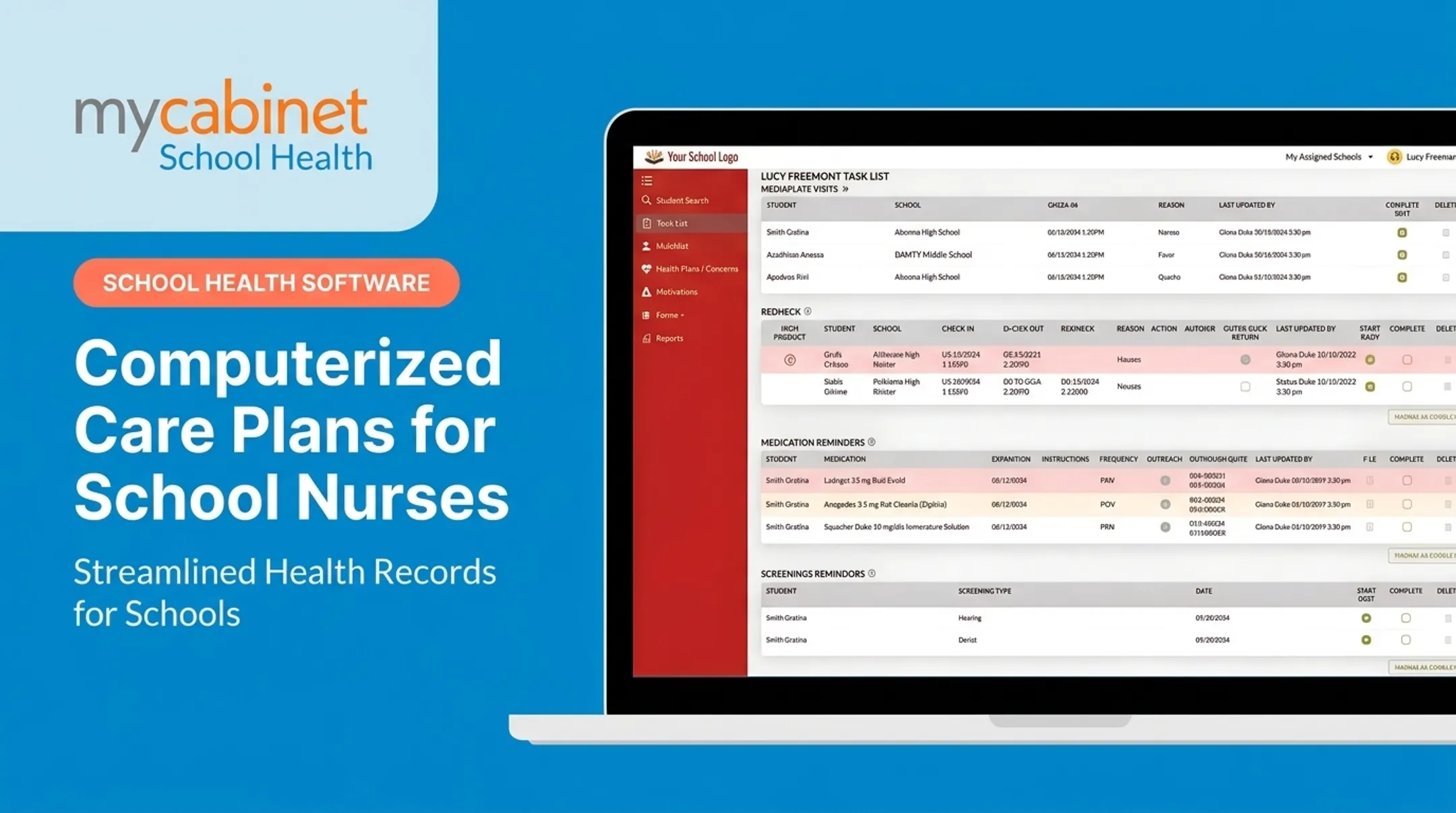
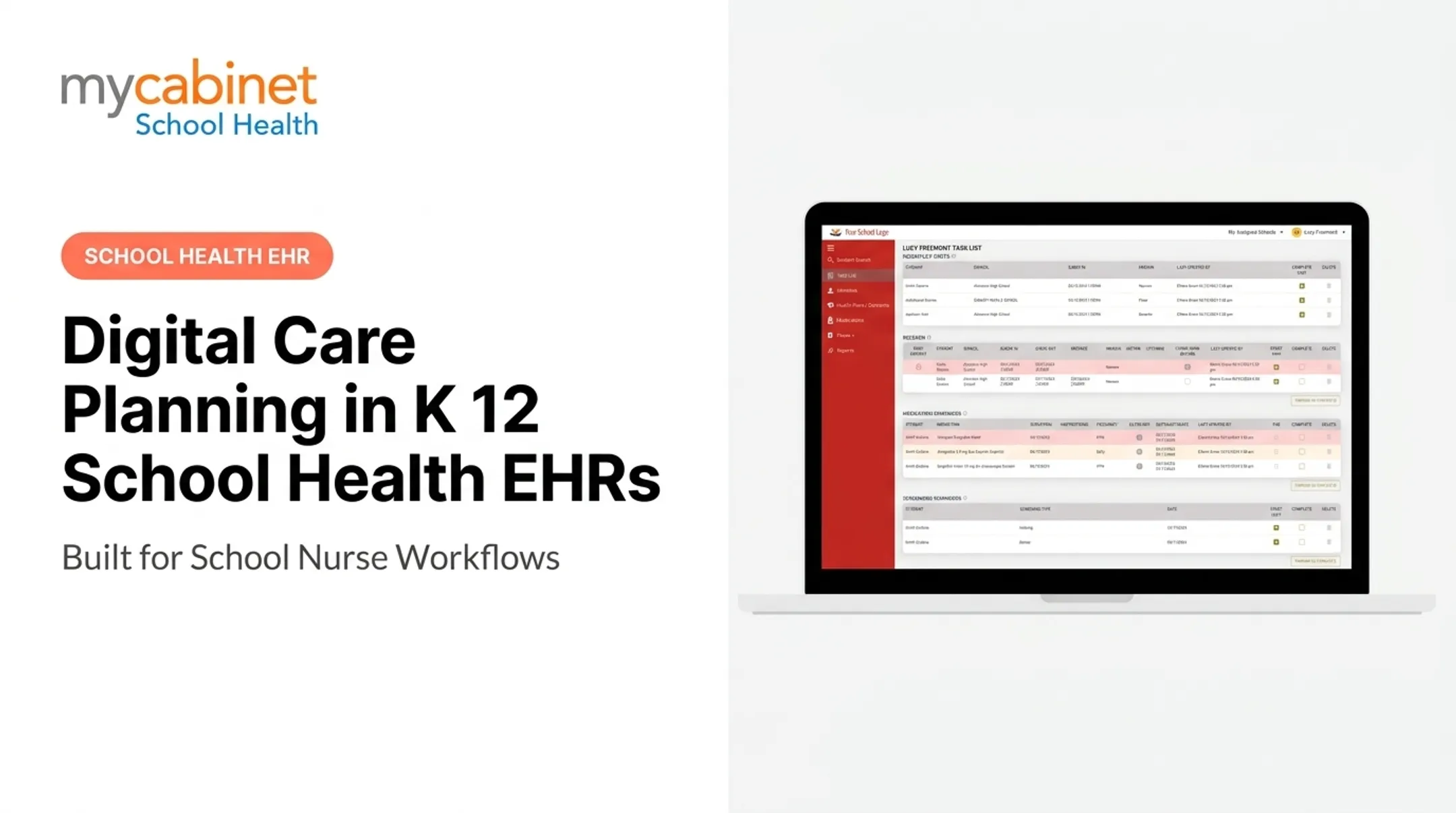
Look for intelligent task lists that surface incomplete visits, medication reminders, screening deadlines, and recheck visits automatically. That beats relying on memory or a sticky note. Visual cues and color-coding help staff triage what needs attention first.
Medication management should include:
- Dosage and frequency visibility tied to the student profile
- Expiration tracking and alerts, both for staff and parents
- Outreach logging when a nurse contacts a parent about a medication issue
- Documentation connected directly to the student's health record
A 2007 audit of school medication administration found serious timing failures. Of 1,481 scheduled administration times across 154 medications, 536 were recorded as not given on time, along with transcription and storage discrepancies (Canham et al., 2007). Automated tracking closes that gap.

Digital Forms and Access Controls
Parents should upload immunization records and physician orders directly into the system. Nurses review and approve them there, instead of chasing paper.
Role-based access matters just as much for FERPA-aligned student records:
- Parents see only their own child's records
- Nurses access only what is relevant to student care
Reporting Across a District
District health coordinators need visibility beyond a single school. Reporting tools should surface:
- Compliance trends across multiple campuses
- Immunization and screening completion rates
- Audit trails and activity logs for accountability
Those views help coordinators spot gaps early and prepare for audits without pulling data from every building by hand.
Why Parent Communication and Visibility Matter
Fragmented communication, a phone call here and a paper note home there, creates real gaps, especially for families managing a child's asthma or diabetes at school. Parents often learn about a clinic visit days later, if at all.
Controlled, one-way notifications solve this without overwhelming nurses. Instead of an open chat thread, parents get a notice when their child is seen in the clinic or when stored medication is nearing expiration. That level of visibility builds trust without turning a nurse's day into a customer-service queue.
A dedicated parent mobile app and web portal do this better than a generic EHR add-on. From their phone, families can check:
- Clinic visit activity
- Medication status and upcoming expirations
- Form approvals and outstanding paperwork
MyCabinet School Health is built around this connected model: a Nurse Portal paired with a Parent App and Parent Web Portal, so families see clinic visits, medication expirations, and form status without a single phone call.

In a 2025 Cobb County School Board meeting, Superintendent Chris Ragsdale described the platform as something that "digitized and makes documentation easier," noting parents can submit paperwork electronically and see when their child was seen and given medication. He called it "a win for the parents and a win for the district."
How to Choose the Right Care Planning Software for Your School or District
Picking a platform isn't just about feature lists. Here's what actually separates a good fit from a bad one:
- Workflow-first, not documentation-first. Is the software built around what a nurse does during a visit, or is it a generic record repository retrofitted for schools?
- Confirm real certifications. Look for SOC 2 Type II (independently audited, not self-declared), HIPAA compliance, and FERPA alignment. SOC 2 is an assurance report on security controls, so ask for the actual report and scope, not just a badge (AICPA).
- Ask for real district evidence. Request a reference or case study from a district similar in size to yours, not a generic testimonial.
- Compare pricing, timelines, and SIS integration. Understand implementation time and whether the platform supports single sign-on or data sync with your student information system.
- Push vendors on measurable time savings. Ask them to show, not just claim, how intelligent task lists or automated expiration tracking cut documentation time.
On the compliance side, FERPA deserves a closer look. Vendor fit comes down to a specific test: does the company act as a "school official," stay under the district's control, and limit data use to the agreed purpose (Student Privacy FAQ)? That's a contract question as much as a technical one, so raise it directly with any vendor you're evaluating.

Frequently Asked Questions
What is the best care management software?
It depends on the setting. Generic care management tools are built for home care and senior living. Schools need purpose-built platforms, like MyCabinet, designed around nurse workflows and parent engagement rather than adapted from another industry.
What are the 5 main components of a care plan?
Assessment, diagnosis or problem identification, goals and outcomes, interventions, and evaluation. These map directly onto student health plans, from tracking allergies to monitoring chronic conditions throughout the school year.
What EMR systems do nursing homes use?
Nursing home systems are built around CMS long-term-care requirements, including comprehensive care plans within 7 days of admission under 42 CFR 483.21. Those regulatory needs are entirely different from K-12 school health, so districts shouldn't repurpose senior-care software.
How is student health data kept private and secure in school health software?
Software should align with FERPA (and HIPAA where applicable), use role-based access so staff and parents only see relevant records, and maintain audit trails for every data interaction.
Can parents see their child's health records through school health software?
Yes, through controlled, one-way notifications and portal or app access. Parents can view clinic visits and medication status without an open messaging channel that adds to a nurse's workload.
How does care planning software reduce a school nurse's administrative workload?
Intelligent task lists organize incomplete visits, medication reminders, and screening deadlines automatically. Digital form collection and expiration tracking cut down on the manual paperwork and phone calls that eat up a nurse's day.