Too many districts still run on paper files, spreadsheets, faxed forms, and email chains. That patchwork makes it harder to find allergy information during an emergency or confirm which student has an outdated EpiPen.
A school health EHR isn't just digital storage. It's a secure, structured record that supports visits, medications, forms, screenings, care plans, and follow-up in one connected workflow.
This article covers what a strong K–12 EHR should include, how to protect student data, and how to plan an implementation that actually sticks.
Key Takeaways
- Prioritize workflow-first EHRs that organize documentation, medication oversight, and task follow-up around nurse routines.
- Evaluate FERPA, HIPAA, role-based access, audit trails, and incident-response procedures as one package.
- Standardize structured records so care continues when students change schools, grades, or districts.
- Involve nurses, IT, administrators, families, and legal advisers before you select a system.
What Should a K–12 School Health EHR Include?
The National Association of School Nurses defines a school-nursing EHR as software built specifically around the nursing process. It uses standardized language and data points, with FERPA and HIPAA safeguards built in, not a generic records system adapted for schools (NASN, 2024).
That means covering these records in one place:
- Student demographics, health history, allergies, and diagnoses
- Immunizations, screenings, and emergency care plans
- Medications, visit notes, forms, and follow-up tasks
Visit Documentation That Actually Holds Up
Visit records need predefined visit types, timestamps, reason for visit, actions taken, and disposition, with room left for narrative context when a nurse needs it.
NASN specifically calls out documentation for screening, immunizations, episodic care, and chronic-condition management including asthma, severe allergies, seizure disorders, and Type 1 diabetes (NASN, 2024).
MyCabinet School Health's student dashboard reflects this structure: nurses see health plans, health concerns, documents, visit history, medications, and notes in a single view, rather than toggling between binders and spreadsheets.
Medication Management Can't Be an Afterthought
Medication tracking needs dedicated controls, not a side feature. A 2024 study of all 115 North Carolina public-school districts found computer-based nursing documentation rose from 44% in 2012 to 72% in 2018 (North Carolina districts study, 2024).
Districts with more frequent medication audits also trended toward fewer errors, though the relationship was not statistically significant.
A solid medication module tracks:
- Medication name, dosage, frequency, and authorization details
- Administration records and expiration dates
- Parent or provider documentation
- Automated reminders for renewals and follow-up
Forms, Parent Access, and Reporting
Digital form workflows let families submit information securely while nurses review, approve, and attach verified documents to the right student profile. Parent-facing access through an app or portal should offer controlled notifications and clear boundaries on what parents can view or send, rather than open-ended messaging.
Districts should also evaluate reporting capabilities:
- Student-level history and unresolved tasks
- Screening completion and medication activity
- Form status and export options that preserve data integrity
Best Practices for School Health Workflows and Data Quality
Before configuring any system, map the current workflow: intake, triage, visit documentation, medication administration, parent contact, referrals, rechecks, screenings, end-of-day reconciliation, and record transfer.

North Carolina's school health manual is blunt about priorities: threat to life comes first, followed by legal requirements, practice standards, and school policy (NC DHHS, 2022). Your EHR configuration should mirror that hierarchy, not fight against it.
Standardize Without Slowing Things Down
Use predefined visit types, required fields for safety-critical data, and validation rules. This reduces incomplete documentation without turning a routine headache visit into a ten-minute data-entry exercise.
Task lists work best when they surface action items, not just archived records:
- Incomplete visits awaiting follow-up
- Rechecks scheduled for later in the day
- Medication expirations approaching
- Pending parent forms
- Screening reminders
Govern the Data, Not Just the Workflow
Districts need clear rules for duplicate profiles, corrections, document versioning, retention schedules, school transfers, and record requests. Original documentation and later amendments should always be distinguishable. That separation supports clinical accuracy and legal defensibility.
Critical information like allergies, emergency plans, and active medications should be visible at a glance, without burying nurses in alerts or extra clicks.
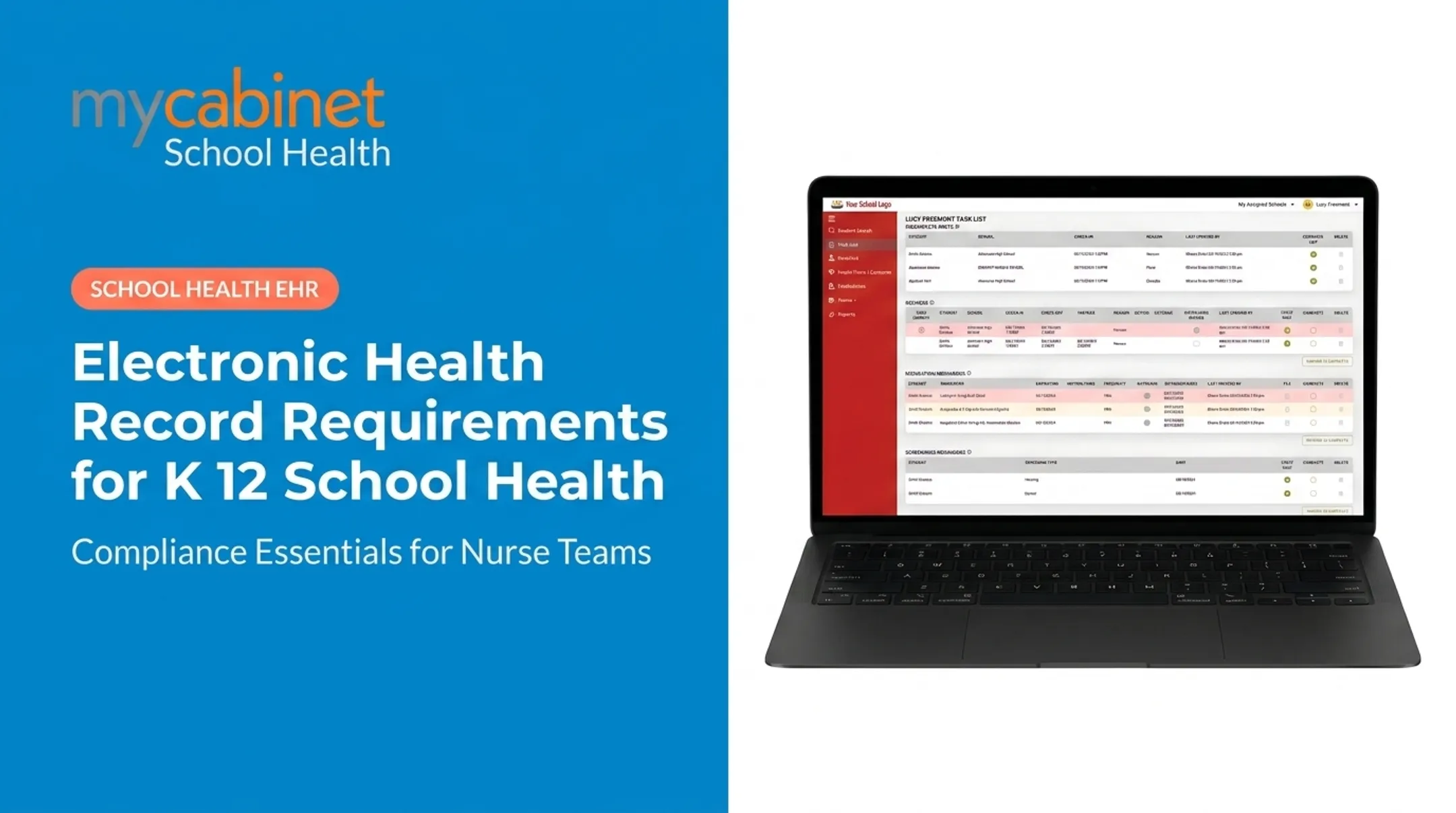
MyCabinet School Health applies the same model. Its task lists automatically surface incomplete visits, recheck visits, medication expirations, and pending screenings. Structured visit flows keep documentation consistent with clean audit trails, without extra pop-ups or redundant steps.
Protect Student Health Information: Privacy, Security, and Compliance
FERPA and HIPAA don't apply the same way to every school health record. The U.S. Department of Education's 2023 guidance clarifies that school nurse health records maintained by a school (or its agent) can qualify as FERPA education records (ED, 2023).
Once those records meet the education-record definition, K–12 health records used to treat students under 18 generally aren't FERPA "treatment records."
HIPAA enters the picture differently. Joint HHS/ED guidance explains that records held by a provider not acting on the school's behalf typically fall outside FERPA — and HIPAA only applies when that provider transmits protected health information through a standard electronic transaction (HHS/ED, 2019).
Bottom line: applicability depends on the specific record and relationship. Districts should confirm their obligations with qualified privacy or legal advisers rather than assuming one framework covers everything.

Technical Safeguards That Matter
Regardless of which framework applies, districts should expect:
- Role-based, least-privilege access for nurses, substitutes, administrators, counselors, teachers, and parents
- Encryption in transit and at rest, with multifactor authentication
- Audit trails that log who viewed, added, changed, or exported information
- Secure backups and tested disaster-recovery procedures
- Written incident-response plans for lost devices, suspected breaches, and downtime
Audit trails matter beyond compliance checkboxes — they let districts flag unusual access patterns before they become real problems.
Those same controls are drawing closer federal scrutiny. In December 2024, the HHS Office for Civil Rights proposed HIPAA Security Rule updates that would require (HHS OCR, 2024):
- Written risk assessments
- Annual compliance audits
- Network segmentation
- 24-hour notification of access changes
The proposal isn't final, but it signals where scrutiny is heading.
MyCabinet School Health supports this layer with SOC 2 Type II certification, role-based permissions, and audit trails. Vendor certifications still don't replace a district's own duties around training, consent procedures, and staff separation protocols.
How to Plan and Implement a School Health EHR
Start with a needs assessment, not a vendor demo. Document pain points, inventory existing records and integrations, and gather requirements directly from nurses and families . They'll spot workflow gaps a spec sheet won't show you.
Evaluate Vendors Against a Real Checklist
Look past feature lists and test for actual workflow fit:
| Category | What to Check |
|---|---|
| Clinical workflow | Visit documentation, medication tracking, care plans, chronic condition support |
| Security & compliance | SOC 2 certification, encryption, audit logs, incident response |
| Parent engagement | Mobile app, portal, notifications, digital forms |
| Technology | SIS integration, single sign-on, data portability, cloud hosting |
| Support | Training, migration assistance, response time, contract terms |
Roll Out in Phases
- Clean your data before migration ; duplicate records don't get better once digitized
- Configure roles based on actual job responsibilities, not generic templates
- Pilot with a small group of nurses before district-wide launch
- Train hands-on, not just via webinar, and offer office hours after go-live
- Collect feedback and prioritize fixes based on real usage patterns
Phased rollouts pay off in practice. A 2012 ONC case study on Waltham Public Schools (roughly 5,000 pre-K–12 students across 10 schools) found conversion took about two months, with early-adopter nurses helping hesitant colleagues get comfortable (ONC, 2012). Vision-screening referral completion jumped from 63% to 92%, and immunization checks that once took hours became instant lookups.

Define success measures before you launch so you can judge the system on real outcomes:
- Documentation completeness
- Task completion rates
- Medication-record accuracy
- Form turnaround time
- Family engagement
When you review vendor claims, verify them independently. MyCabinet School Health states HIPAA compliance, FERPA compliance, and AICPA SOC 2 certification. Districts should still request current documentation, review contracts directly, and confirm implementation practices match what is advertised.
Frequently Asked Questions
What are the key components of an electronic health record (EHR)?
A K–12 school health EHR typically covers demographics, health history, allergies, medications, and visit documentation. It also includes forms, care plans, communications, authorizations, task tracking, audit trails, and reporting tools built for school workflows.
What features should a school health EHR have?
Look for nurse workflow support, structured visit notes, medication oversight, and digital forms. Strong options also include screening tracking, follow-up task lists, secure parent access, role-based permissions, and clear reporting.
Is a school health record protected by FERPA or HIPAA?
It depends on the specific record and care relationship. Not every school health record falls under the same framework, so confirm your district's obligations with qualified privacy or legal advisors.
How can school nurses protect student health information in an EHR?
Use least-privilege access, strong authentication, and secure devices. Review audit logs regularly, train staff on incident reporting, and maintain clear downtime procedures.
What should a district consider when choosing an EHR for school health?
Evaluate workflow fit, usability, and security and compliance evidence first. Then weigh parent communication tools, medication and form management, interoperability, implementation support, and total cost.
How can districts measure whether a school health EHR is working?
Track documentation completeness, unresolved task volume, medication-record accuracy, and form-processing turnaround. After go-live, also watch user adoption rates and family engagement levels.