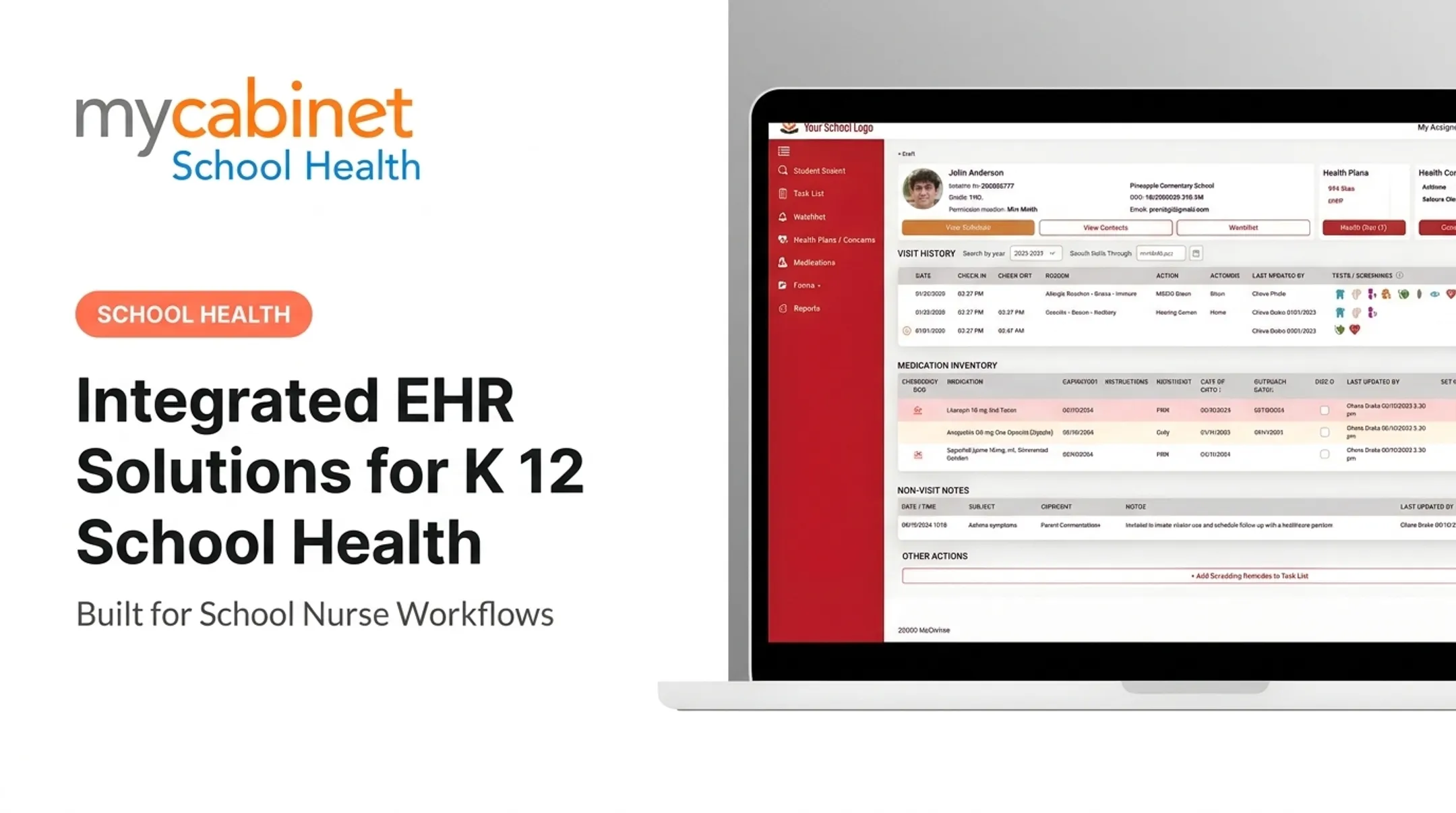
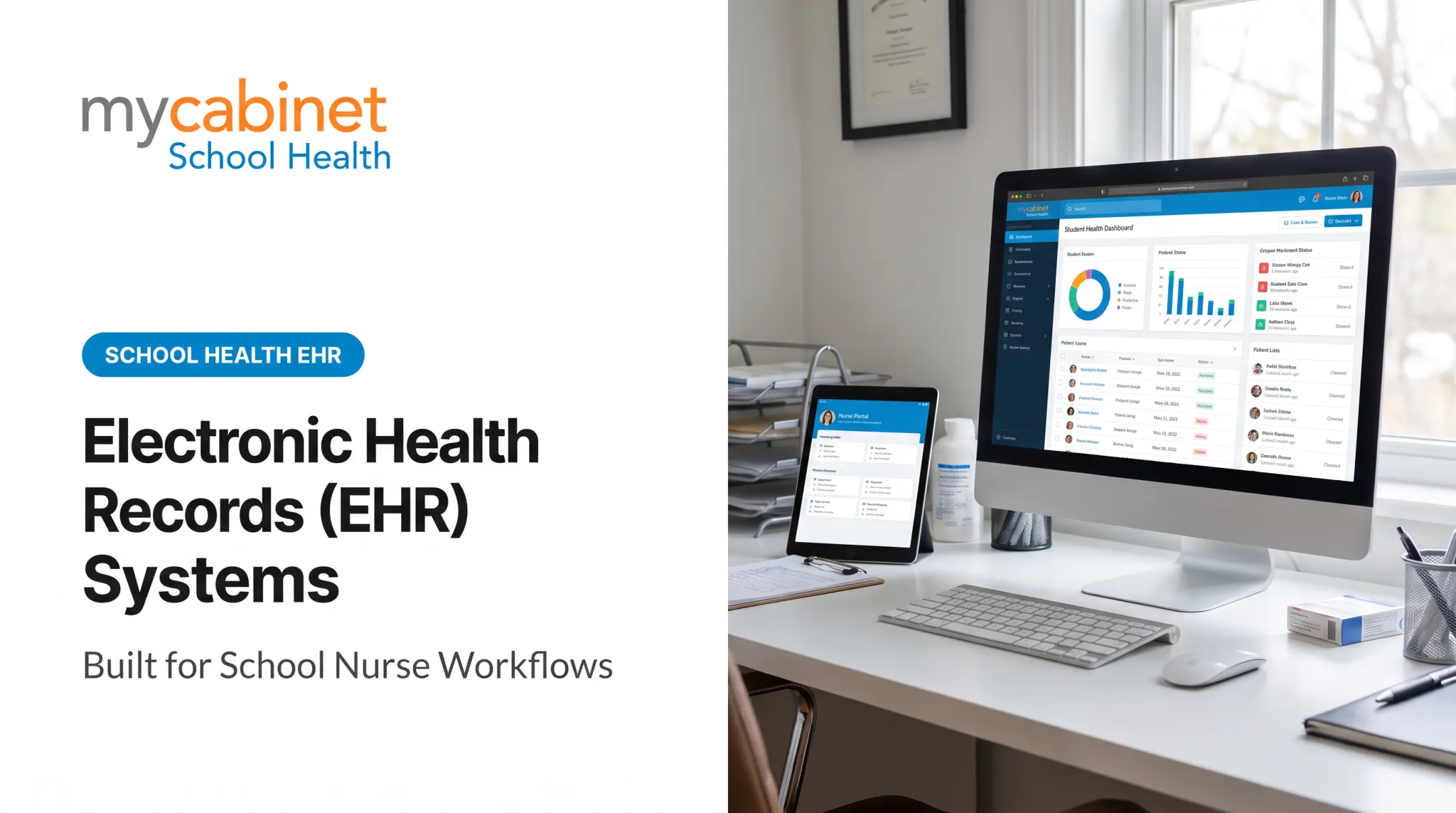
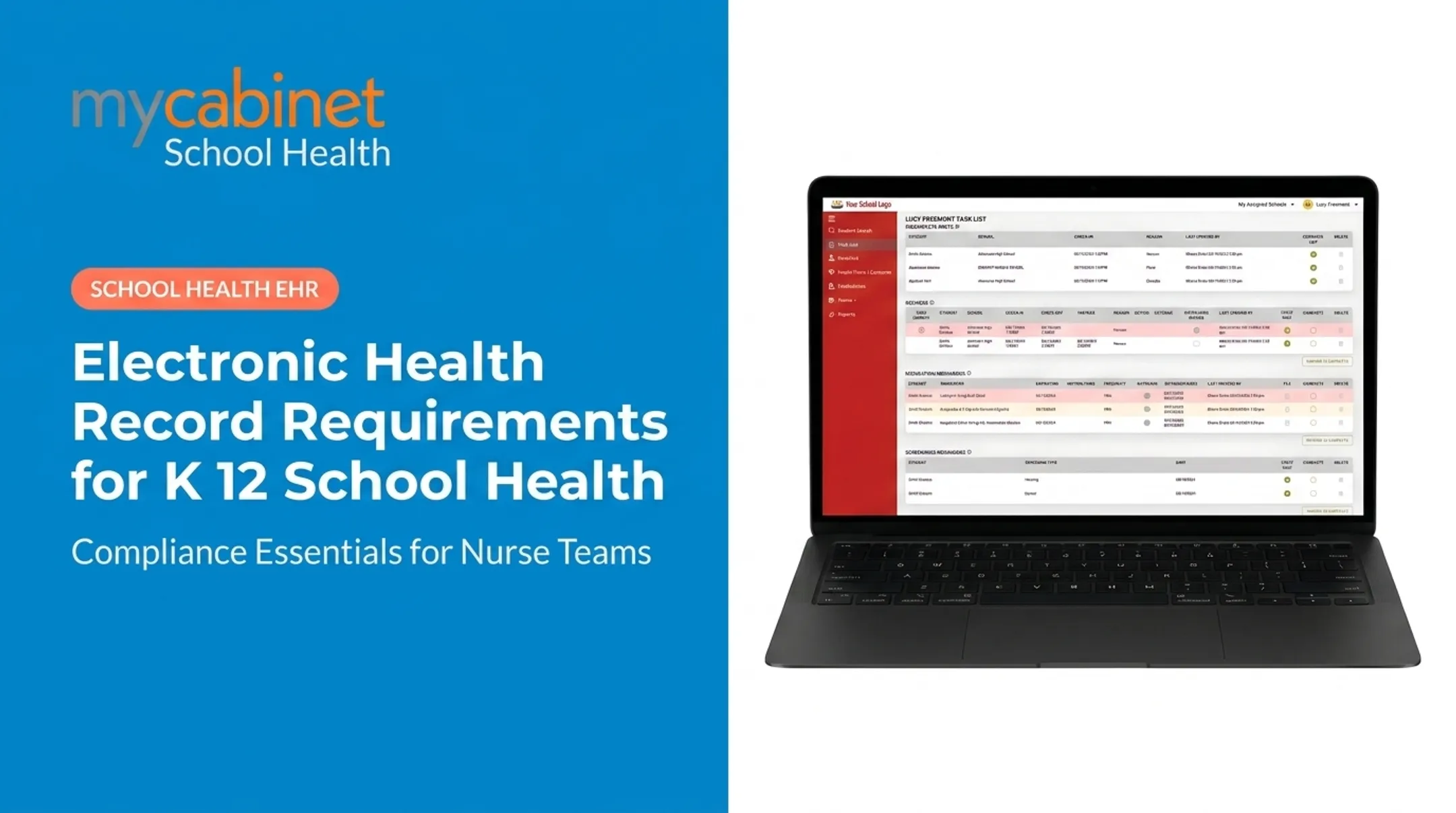
The stakes of getting this wrong are real. A North Carolina study found 15.3% of school nurses reported a medication error during a school year, with missed doses topping the list. Pick the wrong EHR — one built for hospitals instead of hallways — and you risk FERPA violations, compliance gaps, and nurses drowning in documentation instead of caring for kids.
This guide breaks down what a school health EHR actually is and exactly what administrators should evaluate before signing a contract.
Key Takeaways
- A school health EHR must be built for K-12 workflows, not repurposed clinical software
- FERPA (and HIPAA where applicable), state immunization mandates, and audit-ready records are non-negotiable
- Prioritize nurse-centered design, medication safety controls, and parent communication tools
- Vendor support, SOC 2 certification, and district-wide scalability matter as much as features
- MyCabinet School Health connects a Nurse Portal, Parent App, and Parent Web Portal into one purpose-built system
What is a School Health EHR?
A school health EHR is software built to manage student health records, clinic visits, medications, immunizations, and screenings inside K–12 workflows. Unlike a hospital EHR, it is designed around school nurse processes—not hospital clinical care.
The National Association of School Nurses' 2024 EHR position statement defines it as software built around the nursing process, standardized data points, and FERPA/HIPAA confidentiality standards together. A school EHR serves nurses, administrators, and parents at once, and must meet education privacy law alongside health privacy law.
Core Components of a School Health EHR
Every modern system should include these functional pieces:
- Student health records and visit documentation: structured visit types, audit trails, and real-time health history
- Medication management: dosage and frequency tracking, expiration alerts, and administration logs
- Immunization and screening tracking: state-mandated vaccination records, vision/hearing screenings, and compliance deadlines
- Digital health forms and parent communication: online submission, nurse review/approval, and controlled parent notifications

Benefits of a Purpose-Built School Health EHR
Districts that switch to purpose-built systems typically see:
- Lower administrative burden on nursing staff through structured documentation
- Stronger medication safety with automated expiration and dosing alerts
- Cleaner nurse-to-nurse handoffs across multiple school buildings
- Clearer compliance posture during state and health audits
- Higher parent trust through controlled visibility into student care
Those gains matter most when you evaluate vendors on workflow fit, privacy controls, and cross-building continuity—not feature count alone.
What to Consider When Choosing the Best School Health EHR
School health has operational and regulatory demands that generic "top EHR" lists simply don't address. Here's what actually connects technical capability to compliance outcomes.
FERPA (and HIPAA-Aligned) Data Privacy Compliance
Student health records maintained by school staff are FERPA education records, not HIPAA records, even when a school nurse provides the care. This requires role-based access and controlled sharing with parents or guardians, per joint Department of Education/HHS guidance.
KPI impact: This directly affects audit readiness and reduces the risk of privacy violations during state reviews. FERPA specifically requires documented records of who accessed data and why.
State Immunization and Screening Mandate Support
Every state runs its own immunization schedule, screening list, and reporting deadline. New York requires annual submissions through NYSIIS; Minnesota mandates an Annual Immunization Status Report due December 1 each year. Your EHR needs to handle this variation, not assume a one-size-fits-all workflow.
KPI impact: Faster compliance reporting and fewer missed deadlines during district health audits.
Nurse-Centered Workflow Design
Systems built around storage rather than action create bottlenecks. Look for intelligent task lists that surface incomplete visits, rechecks, and expiring medications automatically, instead of forcing nurses to hunt for them.
KPI impact: Time saved per clinic visit and less end-of-day charting backlog.
Medication Management and Safety Controls
Dosage tracking, expiration alerts, and outreach logging reduce administration errors, a major liability concern given the error rates documented above.
KPI impact: Fewer missed doses and medication errors, plus better parent-nurse communication when medications need renewal.

Parent Communication and Engagement Tools
Districts increasingly expect mobile-first access for parents to view visits, upload forms, and receive controlled notifications.
KPI impact: Reduced phone and email follow-up volume, higher form completion rates.
Data Security, Scalability, and Vendor Support
Districts need SOC 2-certified, HIPAA-compliant infrastructure that scales across multiple schools and thousands of records. AICPA's SOC 2 framework covers security, availability, processing integrity, confidentiality, and privacy. As CoSN notes, certifications alone don't eliminate breach risk, so vendor responsiveness matters too.
KPI impact: Uptime, support responsiveness during flu season, and ease of onboarding new schools.
How MyCabinet School Health Can Help
MyCabinet School Health is a purpose-built EHR designed for school health workflows, not adapted from hospital or clinic software. It connects a Nurse Portal, Parent App, and Parent Web Portal into one system.
Districts get compliance, nurse efficiency, and parent visibility without stitching together separate tools.
What sets it apart from generic EHR vendors:
- FERPA-aligned role-based access with controlled, one-way parent notifications (no open chat streams)
- Intelligent task lists organizing incomplete visits, rechecks, medication tasks, expirations, and screenings
- Medication expiration tracking with dosage/frequency visibility and outreach logging
- Digital health-form collection with in-system parent uploads and nurse approval
- SOC 2 Type II infrastructure with HIPAA and FERPA compliant controls

Cobb County School District, one of the nation's largest, runs on MyCabinet School Health. Superintendent Chris Ragsdale noted that parents could finally see when their child was seen in the clinic and given medication, replacing fragmented paperwork with real-time visibility.
Conclusion
Choose a school health EHR for FERPA compliance, nurse workflows, and parent visibility—not brand recognition. Those needs differ from clinical practice.
Immunization tracking, medication safety, and parent communication in schools do not map to hospital billing or diagnosis workflows. As state mandates shift and districts grow, revisit your EHR choice periodically rather than treating it as a one-time decision.
Score shortlisted platforms against the criteria in this guide, and favor systems purpose-built for school nurses, students, and families over retrofitted clinical EHRs.
Frequently Asked Questions
What factors should I consider when choosing an EHR system?
Prioritize FERPA/HIPAA compliance, nurse workflow fit, medication safety controls, SIS interoperability, and responsive vendor support. For school health, also require immunization tracking and parent communication tools.
What regulations apply to school health EHRs?
FERPA governs student education and health records maintained by schools. HIPAA may also apply when services or provider relationships trigger it. Choose vendors with SOC 2 certification plus these compliance credentials.
Is a school health EHR different from a standard medical EHR?
Yes. School EHRs are built for FERPA compliance, immunization tracking, and parent communication rather than clinical billing or diagnosis workflows found in hospital systems.
How does an EHR help with medication management in schools?
It tracks dosage, frequency, and expiration dates while logging every administration. Automated alerts catch expiring medications before they become a safety issue.
Can parents access their child's health records through a school EHR?
Yes, through controlled, one-way notifications and app or web portal access. Parents see clinic visits and medication updates without exposing sensitive internal nurse notes.
How long does it take to implement a school health EHR district-wide?
Implementation timelines vary by district size. Phased rollouts with nurse training typically span a few weeks for a single school to a full semester for large, multi-school districts.