Searching for a specific document can become a district-wide scavenger hunt, wasting administrative time and creating compliance risks. When data is siloed in different systems and formats, you can’t trust that you have the full picture.
This article will explain what a modern student records management system is and why basic file storage fails at the district level. We’ll outline the essential capabilities large districts should look for and provide a framework for evaluating a solution that supports your academic, administrative, and school health workflows.
Key Takeaways
- A student records management system provides centralized, searchable, and permission-controlled access to information, complete with reliable audit trails.
- Large districts must evaluate solutions on workflow automation, integrations, reporting, accessibility, and security—not just document storage.
- Student health records require specialized, nurse-centered workflows for managing medications, clinic visits, parent communication, and sensitive data access.
What Is Student Records Management Software?
Student records management software is a centralized system for collecting, organizing, updating, retrieving, and securely sharing student information throughout the K-12 journey. It acts as a single source of truth so authorized staff—from registrars to counselors to principals—work from the same up-to-date information.
Large districts usually run it alongside several related platforms:
- Student Information System (SIS): System of record for enrollment, demographics, attendance, grading, and transcripts
- Learning Management System (LMS): Delivers course content, manages assignments, and tracks academic progress
- Document Management System (DMS): General file storage that often lacks student-centric K-12 workflows and integrations
- School Health EHR: Purpose-built for clinical documentation, medication administration, and student health data, often with stricter privacy controls
Most large districts use these tools as a connected ecosystem. The student records management platform is the hub for official records such as:
- Enrollment forms and transcripts
- Individualized Education Programs (IEPs) and disciplinary actions
- Parent permissions and health documentation
Centralizing those files replaces paper folders, email attachments, and isolated spreadsheets with one consistent, auditable process.
Why Large K–12 Districts Need More Than Basic File Storage
As a district scales, records problems multiply fast: inconsistent naming, duplicate files, and different procedures at each school. A reliable system becomes hard to maintain.
When a student transfers, handing off their file is still a manual, error-prone ordeal. A simple shared drive can’t handle that complexity.
The cost of a fragmented system can be severe. After a cyberattack permanently took down Baltimore County Public Schools’ primary SIS, a 2022 internal audit found critical student data scattered across BCPS servers and vendor-hosted systems.
Without one central, authoritative source, recovery was harder—and the risk of a disconnected data environment was clear.
Secure, Role-Based Access Is Non-Negotiable
Not everyone needs to see everything. A true records system lets you set granular, role-based permissions.
District administrators, principals, teachers, registrars, nurses, and counselors should only reach the data their jobs require. That "least-privilege" model is a basic rule of data security and a FERPA requirement for sensitive student information.
Search and Auditability Are Everyday Essentials
Staff need the right file fast—whether they’re pulling a current IEP or answering a formal parent records request. Strong search is non-negotiable: full-text and filtered queries both matter.
The system should also keep a complete, unalterable history of who viewed or changed a record and when. That audit trail supports compliance and accountability.

Workflow Automation Reduces Administrative Burden
Large districts run on processes. From routing new enrollment forms for review to flagging incomplete records for follow-up, manual tracking is a recipe for delays and errors. Workflow automation allows you to:
- Route forms for review and approval automatically
- Flag incomplete records and assign follow-up tasks
- Track approval status in real time
- Send automated reminders so staff stop manual chasing
Establish Clear District Governance
Before you even look at software, your district must document its governance requirements. A vendor can’t create your policies for you. Key areas to define include:
- Data ownership: Who owns the data during and after the contract?
- Retention schedules: How long each record type must be kept
- Records-request procedures: Official steps for handling requests
- User provisioning: How accounts are created, changed, and deactivated
- Transfer rules: How records move between schools
Essential Features to Look for in Student Records Management Software
When evaluating software, focus on the district outcomes each feature supports. A simple feature list won’t tell you if a platform can handle the realities of a large K-12 environment.
Centralized Records and Structured Data
Look for a system that goes beyond just storing files. You need structured data you can search, report on, and validate.
- What to look for: Configurable student profiles, standardized fields, document categories with metadata, duplicate prevention tools, and a complete history of all updates.
- Why it matters: Structured information is much easier to manage and transfer than a folder of unindexed PDFs. It keeps records consistent and makes district-wide reporting possible.
Secure Access, Permissions, and Auditability
Student data protection is non-negotiable. Ask vendors to show exactly how access is controlled, logged, and reviewed.
- What to look for: Role-based permissions, least-privilege access controls, authentication options such as single sign-on, data encryption, and detailed access logs and change histories.
- Why it matters: The Family Educational Rights and Privacy Act (FERPA) requires schools to use "reasonable methods" to ensure officials access only records in which they have legitimate educational interests. Your system must provide the tools to enforce this.
Search, Reporting, and Records Lifecycle Management
You need to manage records from creation to final disposition.
- What to look for: Full-text and filtered search, saved reporting views, version history, archival workflows, and configurable retention schedules.
- Why it matters: Retention periods are not one-size-fits-all. They vary by state and record type. For example, Washington state requires K-12 transcripts to be retained for 100 years, while nurse-room logs are kept for eight. Your system must be flexible enough to enforce your district’s specific policies.

Integrations and Interoperability
Records management has to connect cleanly with your other core platforms.
- What to look for: Proven integrations with your district’s SIS, identity provider (IdP), and other key systems. Ask vendors about their support for open standards, APIs, and how they handle data synchronization and error resolution.
- Why it matters: Strong integrations cut duplicate data entry and keep information consistent across systems, so staff enter data once and every connected platform stays current.
Usability, Accessibility, and Family Communication
If a system is hard to use, staff won't use it correctly.
- What to look for: An intuitive interface that works on any browser or mobile device, options for multilingual support, and simple workflows for non-technical staff. The platform must also be accessible to users with disabilities.
- Why it matters: A new rule under the Americans with Disabilities Act (ADA) requires that web content and mobile apps provided by state and local governments, including public schools, meet WCAG 2.1 Level AA accessibility standards. This applies to vendor-provided tools, so you must verify a product’s compliance.
How to Evaluate and Implement a District-Wide System
Choosing and implementing a new system is a major undertaking. A clear evaluation and rollout plan keeps large districts from stalling mid-project.
Start with a Comprehensive Requirements Process: Assemble a team that includes district administration, registrars, IT, school leaders, teachers, counselors, nurses, and records staff. Document current workflows—the good and the bad—before you evaluate any software.
Build a Vendor Scorecard: Don’t get distracted by flashy demos. Score every vendor against the same criteria: security, FERPA controls, usability, integrations, implementation support, and pricing.
Require Realistic Demonstrations: Ask vendors to show how their system handles your district’s real scenarios, such as:
- Enrolling a new student with incomplete forms
- Transferring a complete student record between schools
- Handling a formal records request
- Correcting a record error and reviewing the audit trail
- Reporting on all students with a specific accommodation
Plan Data Migration Carefully: Moving decades of records is a complex project. Your plan should cover:
- Inventory of all paper and digital sources
- Data cleaning and quality checks
- Decisions on what to migrate versus archive
- A written vendor migration plan with responsibilities, testing, and post-launch support
Use a Phased Rollout: A full-district cutover on day one is risky. Pilot with one school or department, gather feedback from daily users, then refine workflows, permissions, and training before launch.
Define and Measure Success: Set metrics before go-live—reduced retrieval time, fewer incomplete records, or faster request responses. Health outcomes can count too: a Colorado study linked better nurse access to student medical records with a 34% reduction in student emergency department visits.

Where School Health Records Fit in a District Records Strategy
Student health records require specialized treatment. They contain sensitive, protected health information (PHI) and run on clinical workflows that differ sharply from academic or administrative processes.
School nurses handle daily clinic visits, complex medication schedules, health screenings, and urgent parent communication. Stuffing that data into a general-purpose records system or SIS module not designed for healthcare is inefficient and risky.
A dedicated school health platform should support:
- Structured documentation for clinic visits
- Clear visibility into medication dosages, frequencies, and administration logs
- Tracking for immunizations, screenings, and form expiration dates
- Nurse-centric task lists and follow-up reminders
- Secure, auditable digital health form collection
- Controlled notifications to parents and guardians
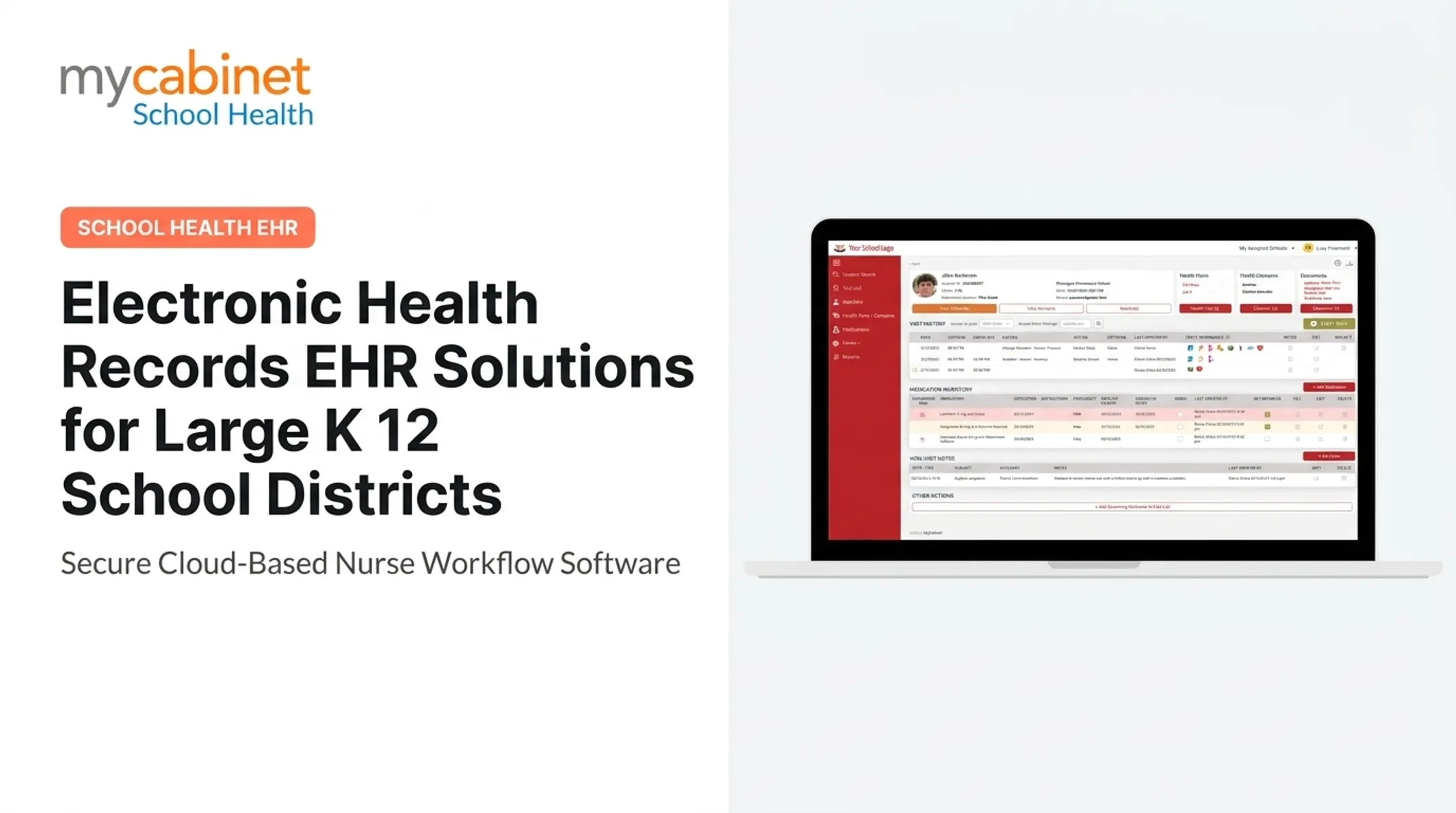
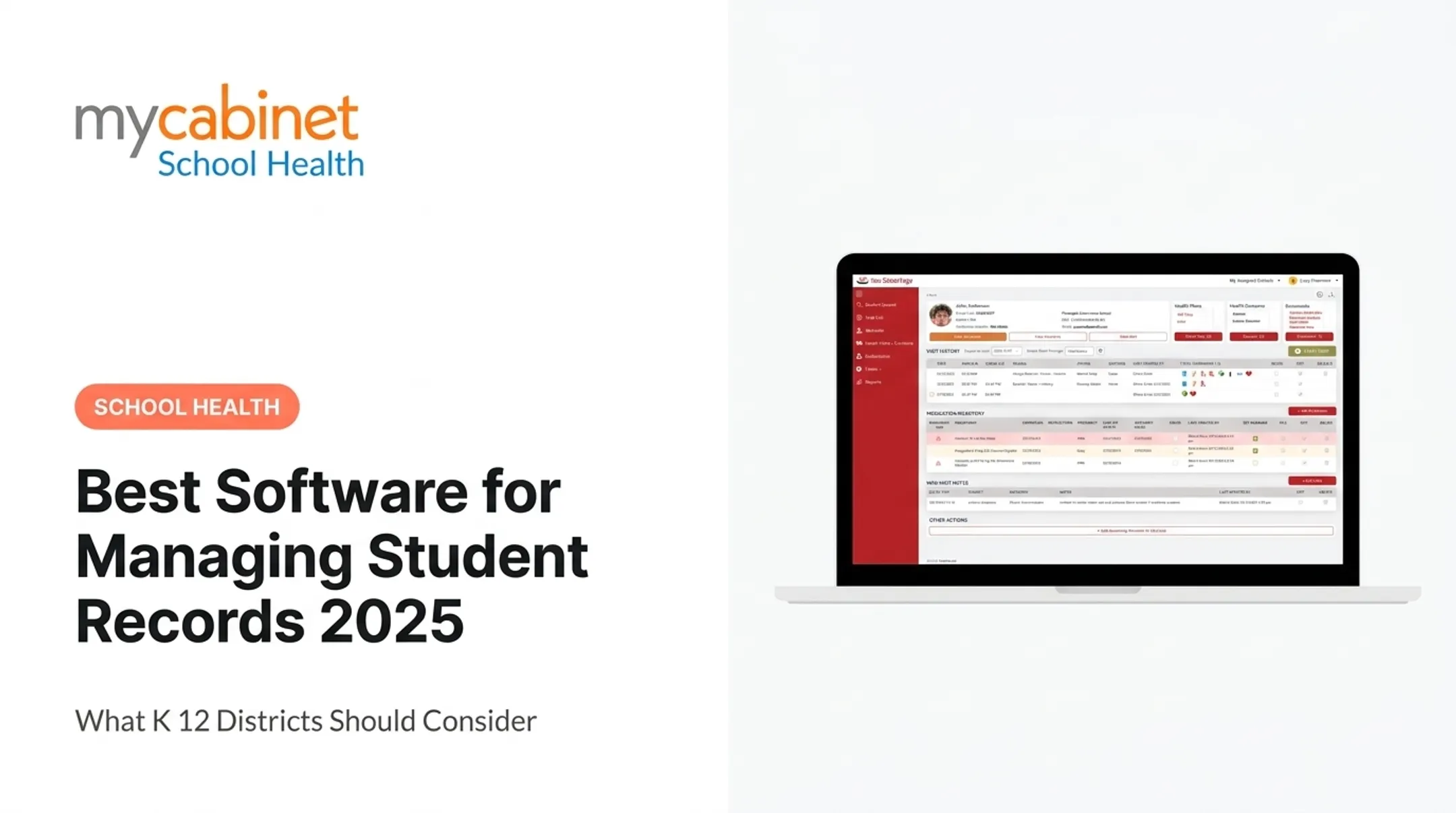
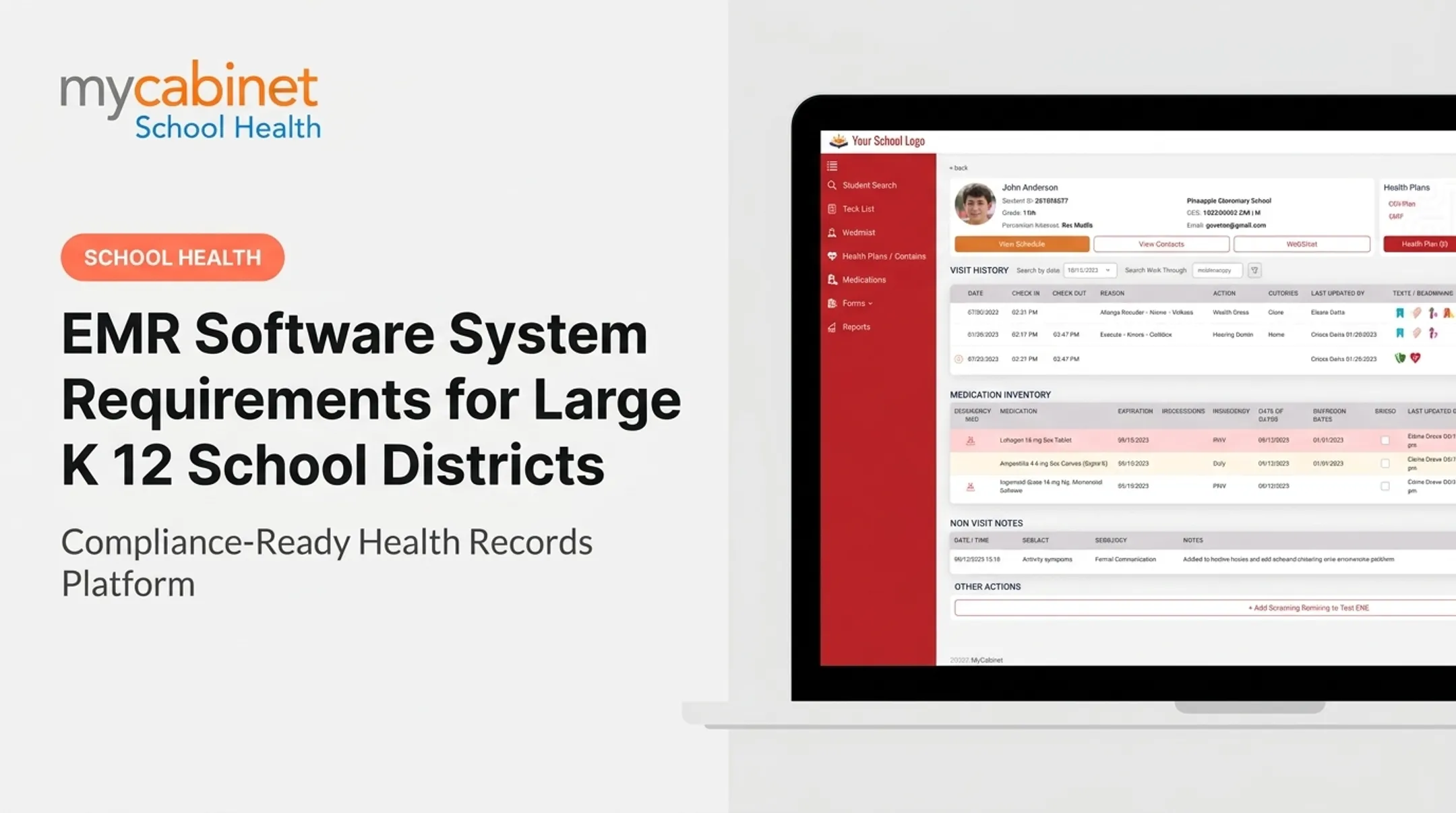
A purpose-built, nurse-centered school health EHR like MyCabinet School Health is built for that work. Designed around school health workflows, it connects nurses, students, and parents through a Nurse Portal for clinical tasks plus a Parent App and Parent Web Portal for secure communication and form submission.
Instead of paper, spreadsheets, or systems not built for healthcare, MyCabinet provides intelligent task lists, structured visit records, and detailed medication tracking. The platform is FERPA and HIPAA compliant and AICPA SOC 2 certified.

It can integrate with a district’s SIS while still giving student health data a dedicated, secure environment. Districts should complete their own privacy, security, and procurement reviews.
Frequently Asked Questions
How long does a school keep student records?
Retention periods vary by record type and by federal, state, and district rules. Follow your district’s approved records-retention schedule, and consult legal or records-management counsel when requirements are unclear.
How do I get transcripts from over 20 years ago?
Contact the last school you attended or the district’s records office. Older files may sit in a central archive or fall under a different retention policy, so the process can vary.
What does FERPA not protect?
FERPA protects “education records” maintained by a school. It does not cover sole-possession notes (such as a teacher’s private notes), law-enforcement unit records made for that purpose, or certain employment records.
What is a student record management system?
A student record management system is software that centralizes, secures, and organizes student records and related workflows. It gives districts one searchable source of truth across a student’s educational career.
What is a student's academic record?
An academic record documents a student’s educational journey. It typically includes enrollment history, courses, grades, credits, attendance, and official transcripts. Exact contents can vary by institution.
What are the four types of record management?
A common lifecycle model uses four stages: creation or capture, storage and maintenance, access and use, and final disposition through archiving or destruction. Districts apply this model to both paper and digital student records.