This approach creates real risk: lost forms, delayed medication administration, and parents left guessing about what happened at the clinic visit. Compliance gaps show up right when a school can least afford them, during an audit or a legal dispute.
This post breaks down what digital student health records actually are, how they differ from a simple scanned PDF, and what to look for when your school moves documentation online.
Key Takeaways
- Digital student health records replace paper nurse charts with searchable, centralized, secure systems
- "Digital" (scanned files) and "electronic" (workflow-driven EHR) are not the same thing
- A true school health EHR organizes nurse tasks, medication tracking, and parent communication—not just storage
- FERPA and HIPAA compliance should shape every platform decision for K-12 schools
What Are Digital Student Health Records?
Digital student health records are the electronic versions of what used to live in a paper nurse office chart: immunizations, medication lists, allergies, visit logs, and health forms. But not all "digital" is created equal.
The real split is between a digital record and a true electronic health record:
- A digital record is often just a scanned PDF or converted document—static, and still requires manual searching
- An electronic health record is dynamic, searchable, and built around workflows, alerts, and task automation
The Office of the National Coordinator for Health Information Technology defines a real EHR as a comprehensive, longitudinal record that's securely accessible in real time to authorized users, with the ability to share across organizations. That's a much higher bar than "we uploaded our forms to the cloud."
In school health offices, those records typically show up as:
- E-immunization records
- Digital medication administration logs
- Electronically submitted health forms
- Online visit documentation
Scanning paper charts into PDFs does not clear that bar—nurses still hunt through files, and nothing in the system nudges the next task.
Examples of Digital vs. Electronic Records in a School Setting
The contrast becomes clear with a side-by-side:
- Digital: A scanned immunization card sitting as a static image in a shared drive
- Electronic: A searchable allergy database that triggers real-time nurse alerts when a student with a peanut allergy checks into the clinic
- Digital: A PDF medication form filed by student name
- Electronic: A live med administration log that tracks dose, time, and upcoming expirations
Static files store history. An EHR turns that history into alerts, tasks, and safer clinic decisions.

Why Schools Are Moving Health Documentation Online
School nurses are stretched thin. National workforce data shows roughly 630 students per FTE nurse in schools that have at least one nurse on staff, according to NCES data from the 2015-16 school year.
A 2024 national workforce study counted 78,869 school-nurse FTEs nationwide, including over 65,000 RNs. That's a lot of student charts for one person to manage by hand.
Paper systems compound the problem in a few specific ways:
- Administrative burden. Manually logging hundreds or thousands of student records eats hours that could go toward direct student care.
- Compliance risk. Fragmented paper trails create gaps during audits, inspections, or legal disputes—there's no single source of truth to point to.
- Limited parent visibility. Parents have no real-time window into their child's clinic visits or medication status when everything lives on paper.
A North Carolina study covering 115 school districts found that as computer-based documentation adoption rose from 44% to 72% of districts between 2012 and 2018, reported medication errors requiring intervention still fluctuated year to year, averaging 78 errors annually across the state.
Digitizing records does not automatically improve safety. It creates auditability and workflow gains only when the system is built for nursing work, not just storage.

Core Features of a Modern School Health EHR
A purpose-built school health EHR organizes daily nurse work—not just stored files. These features mark the difference in practice.
Intelligent Task Lists
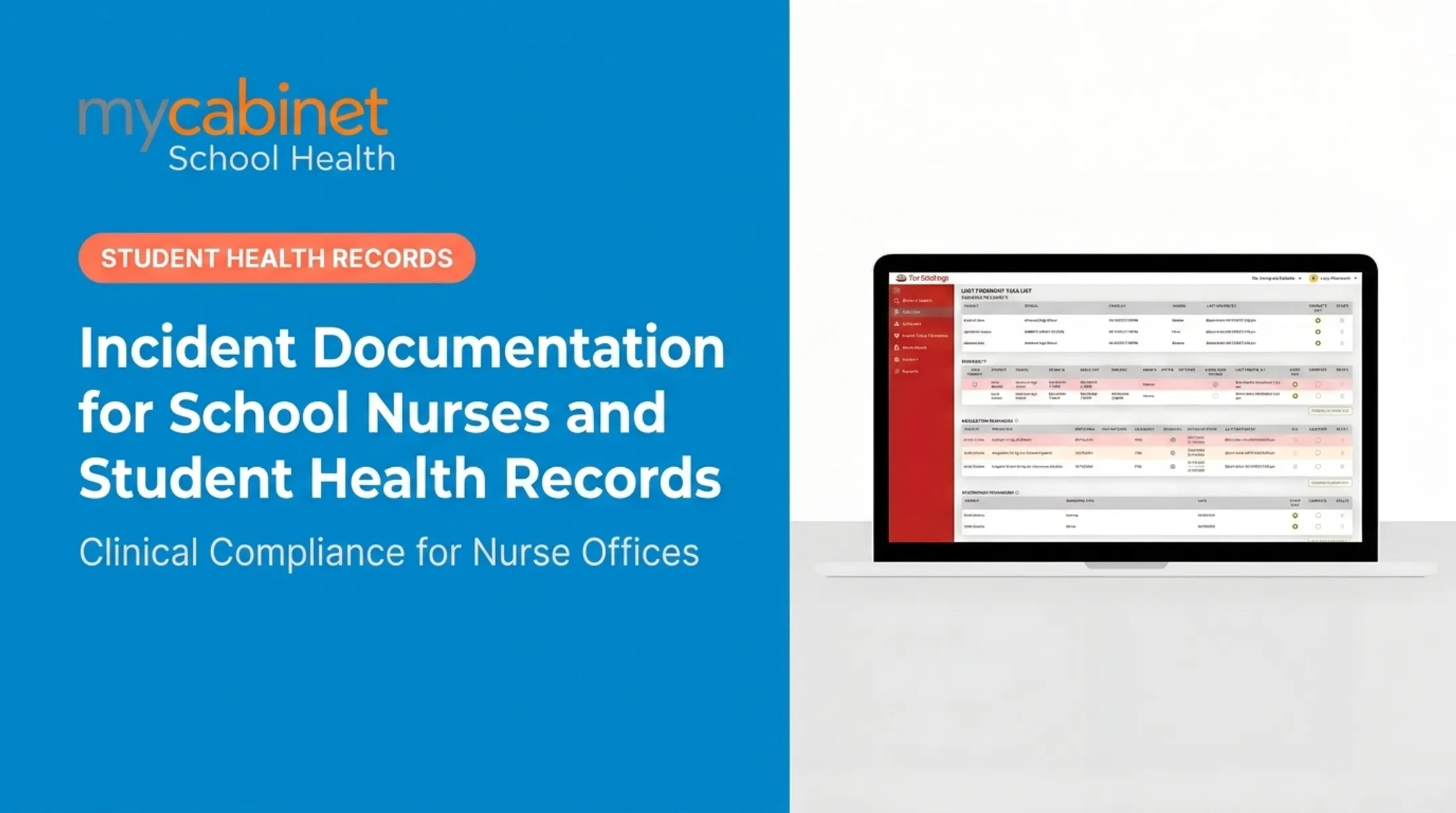
Instead of relying on memory or sticky notes, nurses get a dashboard that surfaces:
- Incomplete visits needing documentation
- Recheck visits for follow-up care
- Medication reminders and expiration alerts
- Screening reminders for pending student health checks
MyCabinet School Health, for example, uses color-coded task lists with one-click actions, so nurses can triage a full caseload without digging through folders.
Structured Visit Documentation
Predefined visit types and built-in audit trails mean every clinic visit is documented consistently. That record holds up in a compliance review or a parent dispute over what happened during a visit.
Digital Health-Form Collection
Parents upload forms directly into the system instead of faxing or emailing scans. In MyCabinet's workflow, this looks like:
- An automated email campaign requests the required forms
- Parents upload through the Parent App or Parent Web Portal
- The form enters the nurse's task queue
- A nurse reviews and approves it
- The approved document attaches directly to the student's record
No faxing. No scattered inboxes. No chasing down a form that got lost in transit.

Medication Management
Real medication oversight requires more than a spreadsheet. Look for:
- Dosage and frequency visibility on the student's record
- Expiration alerts that notify families before school-stored medication runs out
- Outreach logging that captures contact date, method, and notes from parent follow-up
Role-Based Access Controls
Not everyone needs to see everything. A well-built system limits access on a need-to-know basis:
- Parents see only their own child's information
- Nurses and approved staff see what's needed for care
- Technical support staff access data only when required for maintenance
This structure supports FERPA-aligned confidentiality instead of leaving sensitive health data exposed to anyone with a login.
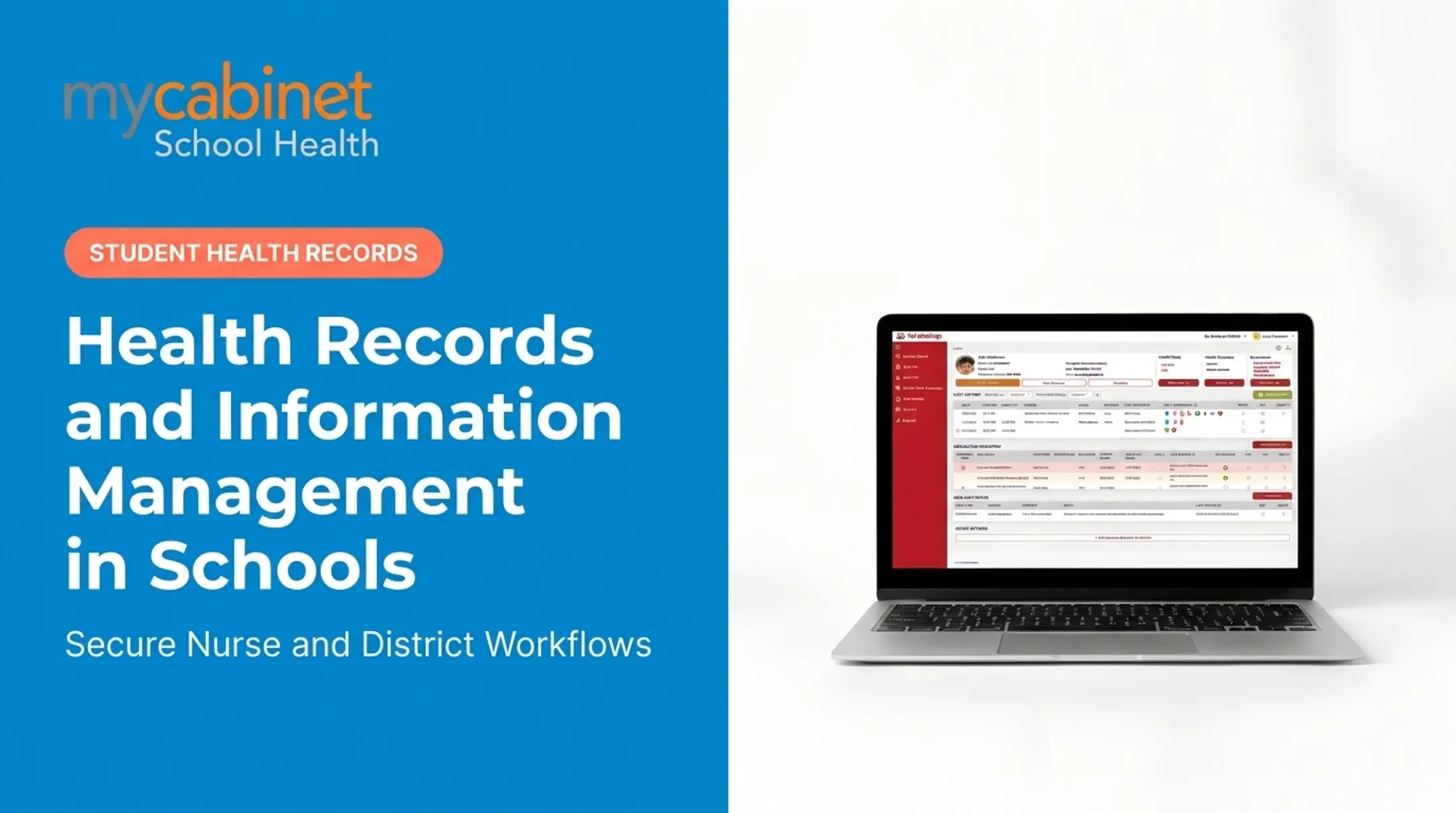
MyCabinet School Health ties these workflows together through a Nurse Portal for staff and a Parent App and Web Portal for real-time family visibility, with controlled notifications rather than open messaging.
Other Areas Districts Evaluate
Districts also expect these areas to be covered:
- Chronic condition management. Condition-specific tools for diabetes, asthma, seizures, and anaphylaxis, with a record of which staff are trained on each student's plan.
- Medicaid documentation. Billable services with the appropriate codes, parental consent for billing, and claims-ready exports where a state school-based Medicaid program applies.
- Administrative processes. Role management, district and school hierarchy, substitute and float nurse coverage, record retention, year-end rollover, and audit logs.
Compliance Considerations: FERPA, HIPAA, and Data Security
Student health records typically fall under FERPA, since they're maintained by the school as part of the education record. HIPAA enters the picture only in specific circumstances, such as when a covered healthcare provider maintains a separate record outside the school's control.
Per the 2019 joint guidance from the Department of Education and HHS, FERPA-protected records are excluded from HIPAA's definition of protected health information, even when the school itself is a HIPAA covered entity.
That distinction matters when evaluating a vendor. Before signing anything, schools should require:
- SOC 2 certification — an independent audit of security, availability, and confidentiality controls
- Encrypted data storage for records at rest and in transit
- Controlled, one-way parent notifications rather than open messaging that creates compliance exposure
- Audit trails documenting who accessed what, and when

A general-purpose cloud storage tool or an ad hoc spreadsheet doesn't offer any of this.
Choosing a platform built specifically for school health, with FERPA-aligned access controls built in, reduces legal exposure compared to cobbling together generic tools.
How Schools Can Transition from Paper to Digital
Moving off paper doesn't have to happen overnight. A practical sequence looks like this:
- Audit current paper processes: identify which forms, logs, and charts exist, and where the biggest bottlenecks sit
- Prioritize high-risk records first: medication authorizations and allergy alerts carry the most safety risk, so digitize those early
- Involve nurses in platform selection: they know which workflows actually slow them down day to day
- Onboard parents deliberately: families need clear instructions for the mobile app or web portal, or adoption stalls
- Roll out in phases: a full-district switch on day one invites chaos; a phased approach limits disruption
Cobb County School District's experience illustrates the payoff. Superintendent Chris Ragsdale said MyCabinet let parents submit paperwork electronically and see when their child was seen and given medication. He called it "a win for the parents and a win for the district."
Frequently Asked Questions
What are digital records?
Digital records are digitized or digitally created documents, such as scanned forms or PDFs, that represent information originally captured on paper. They're a file format, not a workflow system.
What are some examples of digital records?
In a school setting, examples include scanned immunization cards, digital health forms, and PDF medical authorizations. These are static files rather than searchable, connected data.
What is the difference between an electronic record and a digital record?
Digital records are often static digitized copies. Electronic records, like a school health EHR, are dynamic, searchable, and support active workflows such as task lists and alerts.
How do digital student health records improve safety for medication management?
Expiration tracking, dosage visibility, and audit trails give nurses a clearer picture of what's due and what's overdue. This reduces the chance of a missed dose or an expired medication going unnoticed.
Are digital student health records secure and compliant with student privacy laws?
They can be, provided the platform meets FERPA and, where applicable, HIPAA requirements. Look for SOC 2 certification, encrypted storage, and role-based access controls before choosing a vendor.
Can parents access their child's digital health records?
Yes, typically through a mobile app or web portal with controlled, one-way notifications. Parents can view clinic visits and medication alerts, but direct messaging with the nurse usually isn't part of the design.