The stakes go beyond convenience. Medication errors, delayed documentation, and unclear parent communication all trace back to how well the underlying system supports daily workflows. Add district oversight, implementation cost, and continuity of care across school transfers, and the decision gets complicated fast.
One-third of students still don't have full-time access to a school nurse every day, all day, according to NASN's 2025 position statement on school nurse workload. That makes the software those nurses rely on even more important. This guide walks through HIPAA and FERPA alignment, security controls, school-specific functionality, vendor accountability, usability, and long-term fit, so districts can evaluate options with a clear framework instead of a vendor's slide deck.
Key Takeaways
- HIPAA-compliant school health EMRs need real safeguards—not a marketing label
- Weigh HIPAA, FERPA, state privacy laws, and district policies together
- Require role-based access, audit trails, encryption, backups, and breach response
- School workflows like med tracking and digital forms matter as much as security
- Pilot with real nurse workflows before any districtwide rollout
What Is HIPAA-Compliant EMR Software for K-12 School Health?
A school health EMR is software that stores, manages, and shares student health information, from immunization records to medication logs to visit notes. It's meant to replace paper files, spreadsheets, and fax machines in the nurse's office.
Here's where it gets less simple: there's no such thing as an official government HIPAA certification. The Department of Health and Human Services has stated plainly that it does not endorse or certify any software as "HIPAA compliant." A vendor's compliance claim is a starting point for due diligence, not proof that your district is automatically covered.
HIPAA vs. FERPA: Why the Distinction Matters
This is the part districts get wrong most often. According to the 2019 joint HHS/Department of Education guidance, student health records maintained by an elementary or secondary school nurse are generally FERPA education records, not HIPAA-protected health information.
In most cases, the school itself isn't a HIPAA covered entity, and FERPA-protected records are specifically excluded from HIPAA's PHI definition.
That said, HIPAA can still apply in specific situations, including when a healthcare provider transmits PHI electronically for a covered transaction, such as a health insurance claim. This is a record-by-record, entity-by-entity analysis.
It's not a blanket rule. Districts should confirm their specific obligations with qualified legal or privacy counsel before assuming either law applies (or doesn't).
Core Components of School Health EMR Software
These aren't isolated technical checkboxes. They're the features that determine whether the system actually protects students day to day:
- Role-based access and authentication — Unique accounts, least-privilege permissions, multi-factor authentication, and session timeouts. Nurses see full clinical history; front-office staff may only see critical alerts like severe allergies.
- Encryption, backups, and availability — Data protected in transit and at rest, secure backups, and disaster recovery so a system outage doesn't cut off access during a medical emergency.
- Audit trails and record integrity — Tamper-resistant logs showing who viewed, added, changed, or exported information, with searchable history that can support an investigation if something goes wrong.
- Secure, consent-aware communication — Controlled parent notifications and portal access instead of personal email, text messages, or consumer file-sharing tools for sensitive health details.
- School health workflow functionality — Structured visit documentation, medication schedules with expiration tracking, screenings, digital health forms, and task lists that surface what still needs attention.
Benefits of HIPAA-Compliant, FERPA-Aware EMR Software
When these pieces work together, the payoff shows up in daily operations, not just compliance audits:
- Less paper and fewer manual follow-ups chasing missing forms
- More consistent, structured documentation across visits and nurses
- Faster access to medication history and health plans when a student walks in
- Clearer accountability through audit trails that show exactly what happened and when
- Family communication that's limited to appropriate recipients, not open email threads
Medication safety is a real concern, not a hypothetical one. A 2021 peer-reviewed study on medication administration practices found that 31% of respondents reported a medication error occurring at their school in the prior year. That's a survey finding, not a guarantee that any specific software prevents errors, but it underscores why expiration tracking and dosage visibility matter.
One caveat: software supports compliance, but it can't replace district policy, staff training, risk assessments, access reviews, or an incident response plan. A secure platform configured poorly is still a liability.
What to Consider When Choosing the Best EMR Software for K-12 School Health
The best platform balances privacy safeguards, nurse usability, family engagement, district governance, and total cost of ownership. Before sitting through a single vendor demo, build a requirements document based on actual workflows at the school, district, and family level. Vague requirements produce vague answers.
Security, Privacy, and Compliance Evidence
Ask vendors to walk through their HIPAA and FERPA approach specifically for your district's structure, not a generic pitch. Push for documentation, not assurances:
| Document to Request | What It Tells You |
|---|---|
| Business Associate Agreement (where applicable) | Defines the vendor's legal obligations for handling PHI |
| SOC 2 report (Type 2 preferred) | Independent evidence that controls operated effectively over time |
| Security risk assessment process | Shows how the vendor identifies and addresses vulnerabilities |
| Disaster recovery procedures | Confirms data availability during outages or emergencies |
| Data processing and retention terms | Clarifies ownership, retention periods, and deletion practices |
A Type 2 SOC 2 report matters more than a Type 1. Type 1 only confirms controls exist at a point in time; Type 2 confirms they actually worked over a defined period. Neither replaces your own review of the vendor's configuration options and contract terms.
During the demo, require live demonstrations, not slides, of encryption, role-based permissions, MFA, automatic logoff, audit logs, and export capabilities. Ask how quickly access gets revoked when a staff member leaves, and how complete the audit trail actually is.
School Nurse Workflow Fit and Usability
Security means nothing if nurses can't use the system fast enough to keep up with a full clinic line. Evaluate:
- How quickly a nurse can document a common visit type without duplicate data entry
- Whether medication workflows show dosage, frequency, authorization status, and expiration alerts clearly
- Whether digital health forms flow smoothly from parent submission through nurse review and approval
- How the system handles rechecks, screenings, and follow-up tasks without manual tracking
Test this with nurses at different experience levels and different school environments, not just your most tech-savvy staff member. Measure task completion time and training needs realistically. Don't promise clinical outcomes based on features alone; usability data should come from your own pilot, not a vendor's marketing claim.

Student, Parent, and Staff Access Controls
Appropriate visibility isn't the same as open access. Confirm:
- How parent identity verification and consent management work, including for separated or restricted guardianship situations
- Whether permissions for substitute nurses, district admins, and vendor support staff can be created, changed, and revoked quickly
- How the system handles shared devices, school-issued tablets, and lost-device scenarios
- Whether support staff who need temporary access leave an audit trail when they use it
Interoperability, Reporting, and Data Governance
Ask which integrations, like your student information system, identity provider, or rostering tools, are native versus dependent on a third party. Then look at the data itself:
- Import and validation — How does data move in without creating duplicates or mapping errors?
- Export and portability — Can you retrieve full records if you switch vendors later?
- Reporting — Does it cover medication status, missing forms, and expiring authorizations without exposing more than necessary?
- Transitions — What happens to records when a student transfers, or the contract ends?
FERPA generally permits schools to share education records with a new school when a student enrolls elsewhere, but your contract should spell out retention, archival, and deletion timelines regardless.
Vendor Accountability, Support, and Implementation
Look past the product to the company behind it:
- Track record — Ask for references from comparable districts, not just logos on a website
- Pricing transparency — Confirm implementation, migration, training, and renewal costs upfront, not just the subscription fee
- Support access — Who can view production data for support, and how are those sessions logged?
- Pilot approach — Run a pilot using fictional or de-identified records first, and gather feedback from nurses, IT, and privacy leaders before live data goes in
Questions to Ask During Vendor Demonstrations
Bring this list, and insist on seeing answers demonstrated in the product itself:
- Can you provide the applicable Business Associate Agreement?
- How do you distinguish HIPAA responsibilities from FERPA responsibilities for our records?
- What exactly does the audit log capture, and can I see a sample?
- How are user permissions reviewed and updated over time?
- How are medication expirations and incomplete tasks surfaced to nurses?
- How can parents securely submit and receive information?
- How quickly can access be revoked for a departing employee?
- How are records exported if we leave the platform?
Red flags to watch for:
- Refusal to provide contractual security terms
- Vague answers about subcontractors
- No usable audit history
- Unrestricted administrator access
- No export capability
- Reliance on personal email or text messaging for sensitive information
How MyCabinet School Health Can Help
MyCabinet School Health was built as a nurse-centered EHR specifically for K-12 districts, connecting school nurses, students, and parents through a secure, modern workflow rather than adapting a generic medical record system for schools.
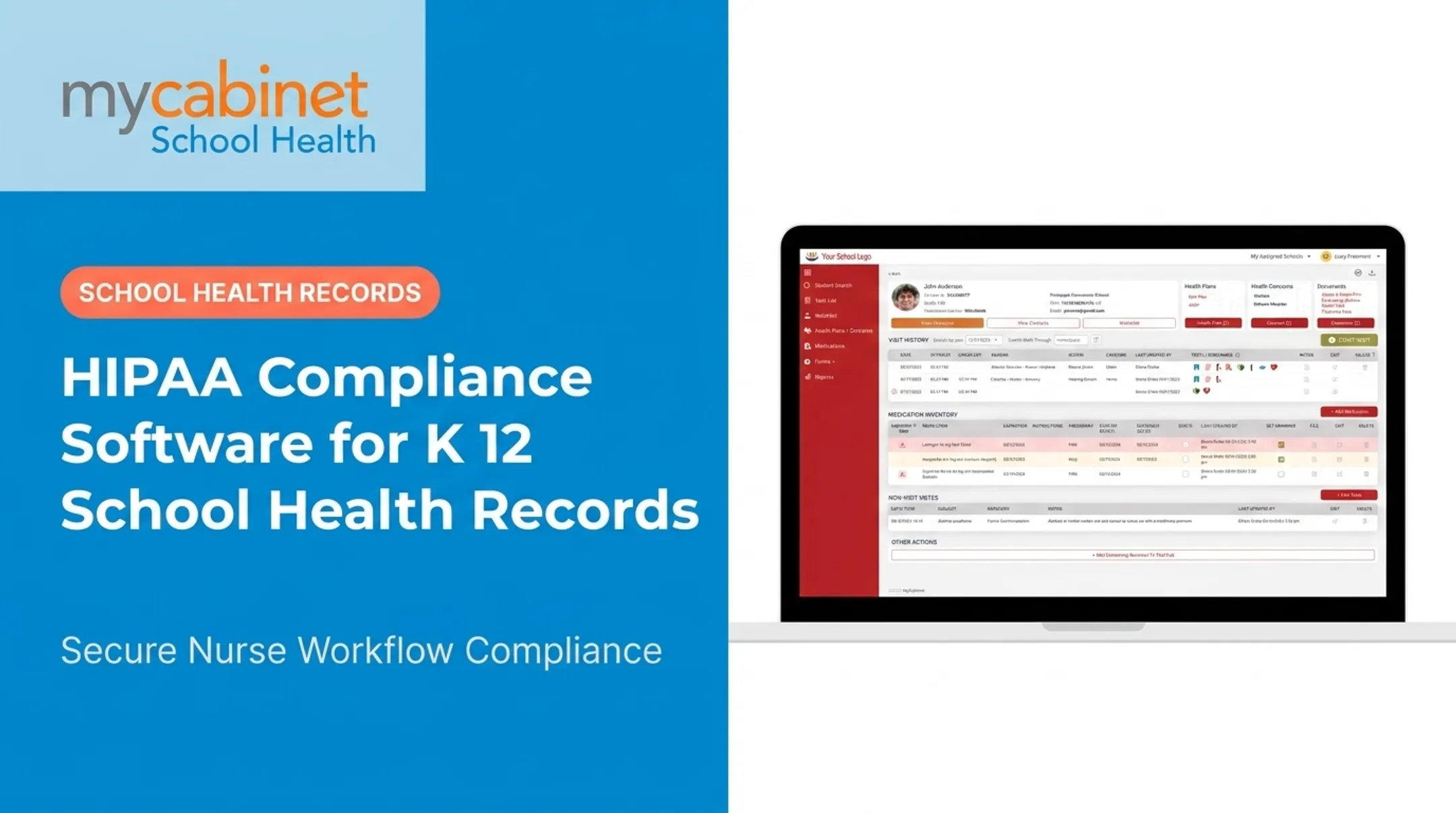
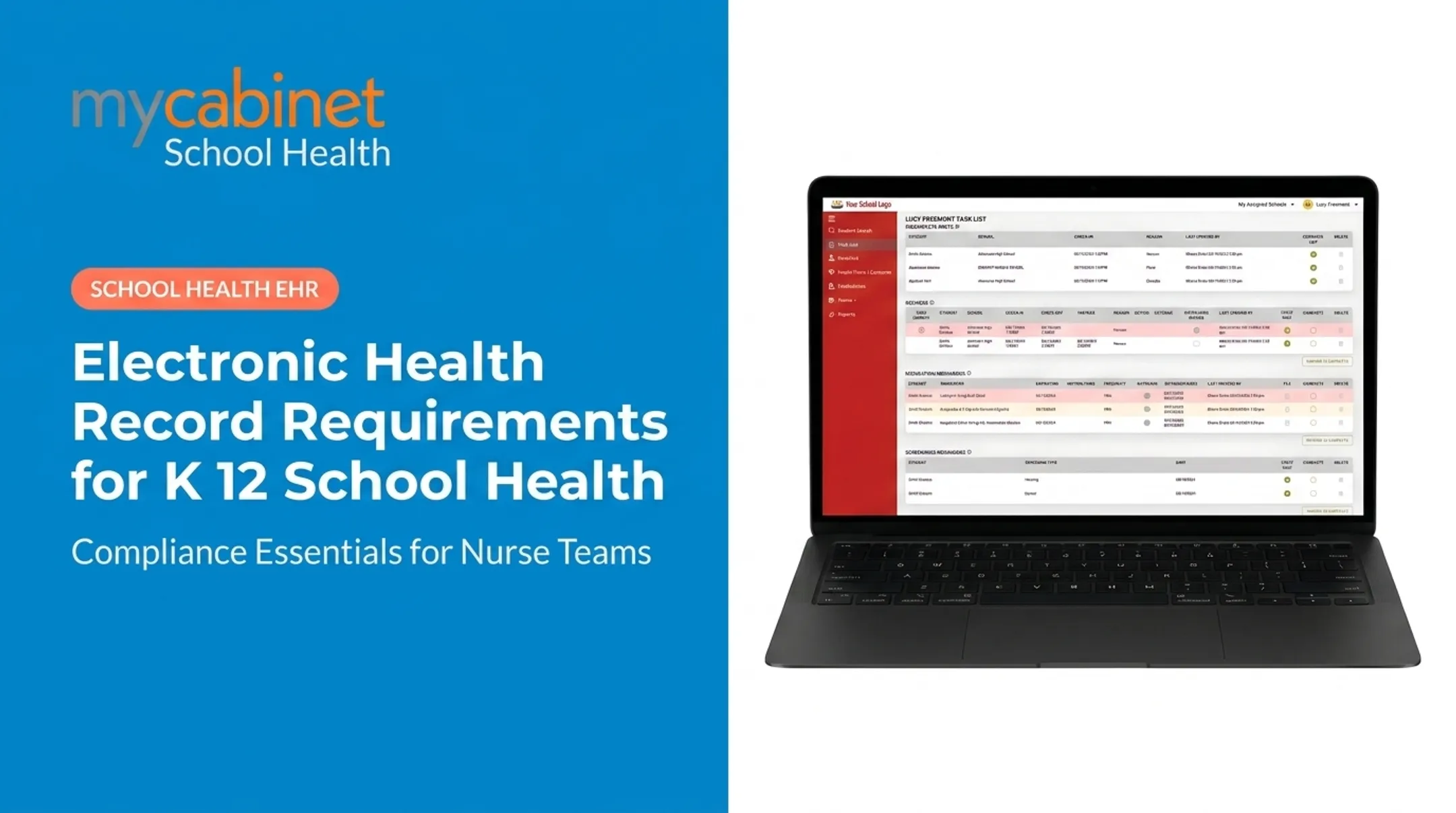
The platform runs as three connected pieces: a Nurse Portal, a Parent App, and a Parent Web Portal. Nurses manage visits, medications, screenings, and follow-ups through workflow-driven task lists that organize incomplete work automatically.

Parents submit required health forms digitally. Nurses review and approve them in the system, and approved documents attach directly to the student record.
Relevant capabilities include:
- Structured visit documentation with predefined visit types
- Medication expiration tracking, dosage and frequency visibility, and outreach logging
- Digital health-form collection from parent submission through nurse approval
- Role-based access, audit trails, and controlled one-way notifications for clinic visits and medication updates
- Isolation of sensitive health data from broader student information system ecosystems
MyCabinet is AICPA SOC 2 Type II certified, HIPAA compliant, and FERPA compliant. No vendor's certifications remove your district's own responsibility for configuration, staff training, risk management, and confirming contractual and regulatory fit for your situation.
At a 2025 school board meeting, Cobb County School District superintendent Chris Ragsdale cited digitized documentation and parent visibility into clinic visits and medication as the practical difference the platform made.
If you're evaluating options for your district, request a demonstration or reach the MyCabinet School Health team directly to walk through your specific workflows.
Conclusion
The right K-12 school health EMR protects student information, keeps up with a nurse's actual workday, supports appropriate family communication, and fits your district's governance requirements. A long feature list alone does not guarantee any of that.
Before signing anything, confirm:
- HIPAA and FERPA applicability for your specific records
- Security evidence, access controls, and auditability
- Workflow fit for your nursing staff
- Integrations, vendor accountability, and data portability
Regulations change. Staffing changes. Integrations get added or dropped. Treat this evaluation as a starting point, not a one-time decision, and revisit it periodically as your district's needs evolve.
Frequently Asked Questions
Is school health EMR software required to be HIPAA compliant?
It depends on the records, the provider arrangement, and the school's specific context. Most K-12 nurse records fall under FERPA rather than HIPAA, so confirm your district's obligations with qualified privacy or legal counsel.
What is the difference between HIPAA and FERPA for K-12 school health records?
HIPAA governs protected health information in covered healthcare contexts, while FERPA generally governs education records maintained by schools. Which one applies depends on the specific record and how it's created and used.
Does a "HIPAA-compliant" label prove that an EMR is compliant?
No. There's no universal government HIPAA certification. Districts should review the vendor's contract terms, safeguards, independent assurance reports, and their own configuration and operational responsibilities.
What security features should a school health EMR include?
Look for role-based access, unique user accounts, multi-factor authentication, encryption, and audit logs. Also require secure backups, automatic logoff, reliable data export, and matching administrative and physical safeguards.
Do school health EMR vendors need to sign a Business Associate Agreement?
A BAA may be required when the vendor qualifies as a HIPAA business associate handling protected health information for a covered entity. Review this arrangement with qualified counsel for your district's specific setup.
Should parents access student health information through an EMR portal?
A secure parent portal or app is usually safer and more auditable than informal email or text. Manage identity verification, consent, guardianship permissions, and district policies carefully.