That old-school approach carries real risk. In a widely cited survey of school nurses, 48.5% reported medication administration errors, with missed doses accounting for nearly 80% of those errors. A North Carolina study spanning six school years across 115 districts found an average of 78 medication errors requiring medical intervention per year, and researchers suspect underreporting.
This guide breaks down what electronic medication systems actually do, why districts are moving away from paper, the different system types available, and how to choose the right one.
Key Takeaways
- Electronic medication systems replace paper MARs with digital tracking, cutting errors and administrative work
- eMAR handles documentation; full systems also cover expiration tracking, parent communication, and compliance
- School-specific platforms fit nurse and parent workflows better than generic clinical EHRs
- FERPA and HIPAA alignment is non-negotiable for student health data
What Is an Electronic Medication System in K-12 Schools?
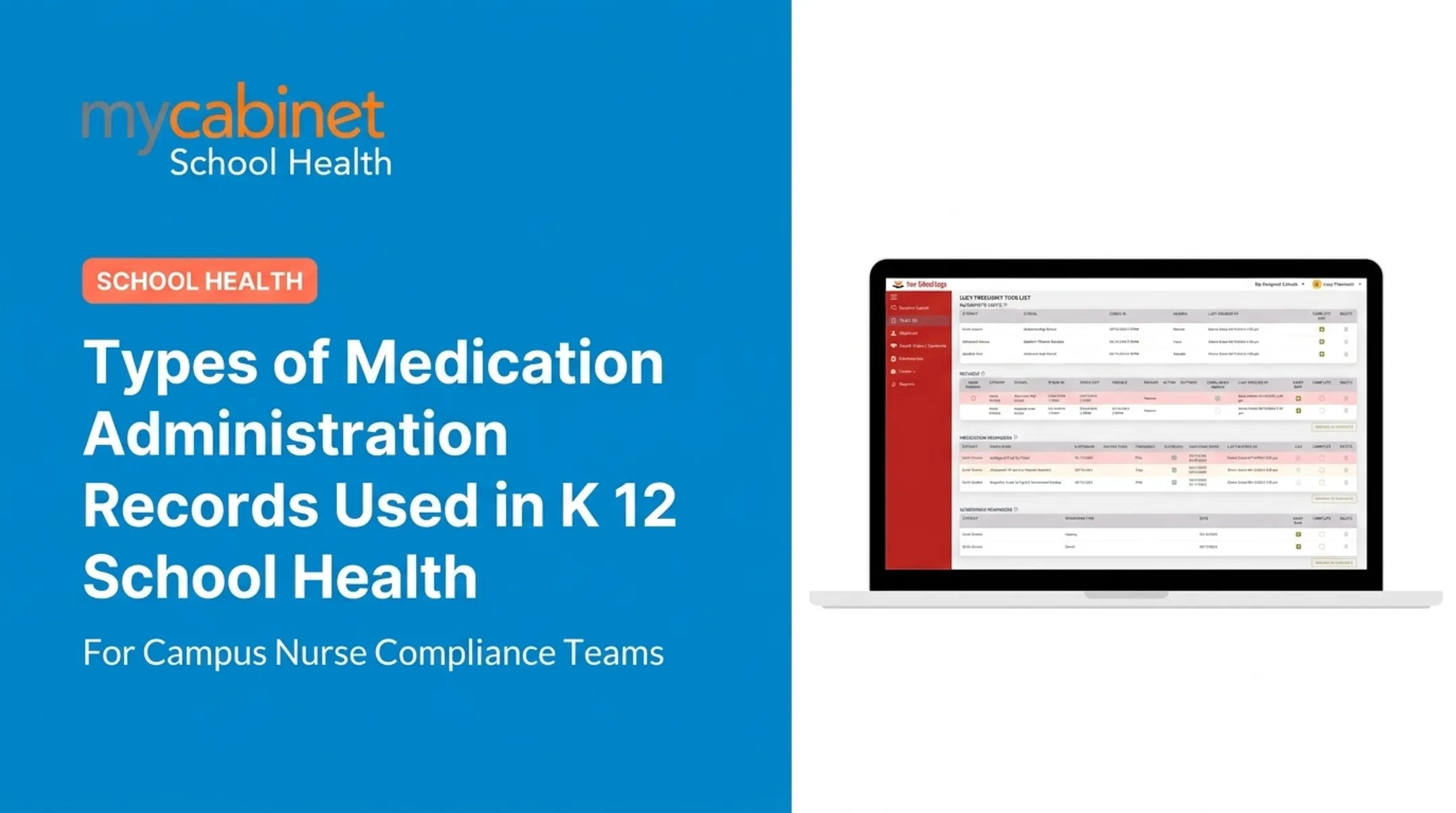
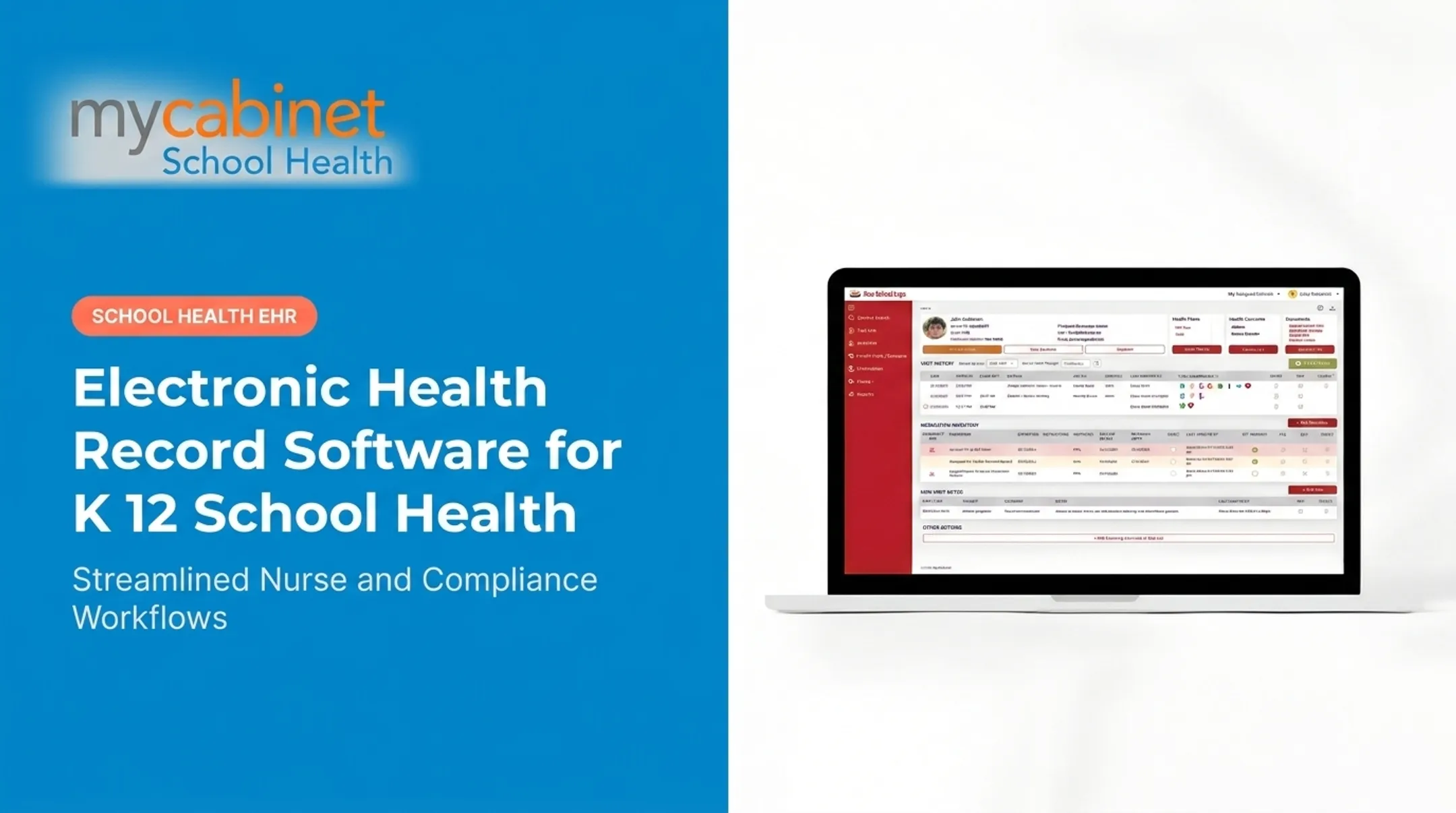
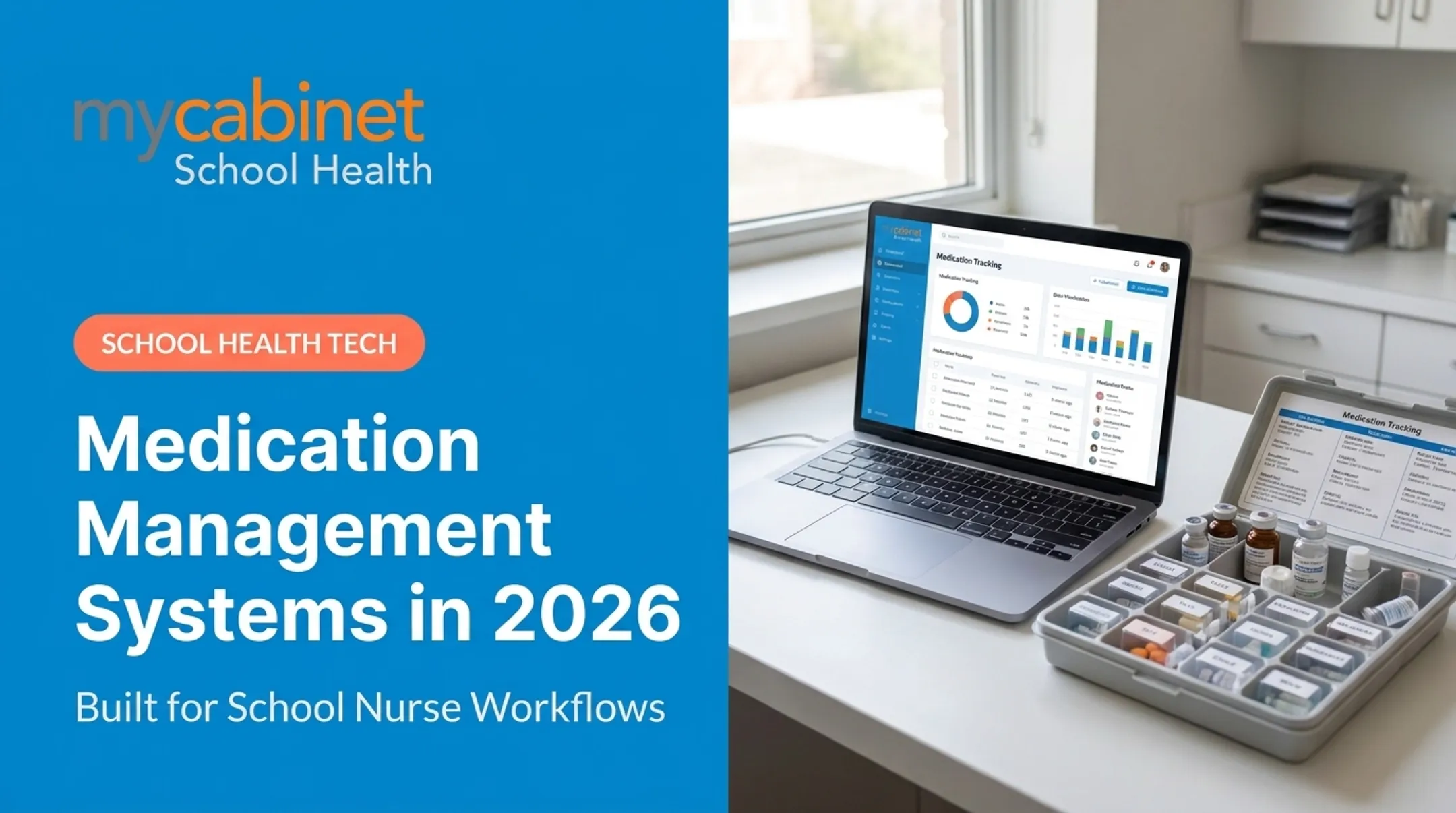
An electronic medication administration record (eMAR) is a digital version of the paper MAR chart nurses have relied on for decades. Instead of handwriting each dose given, nurses log administration events directly into a system that timestamps entries, flags missed tasks, and creates a searchable history.
That's just one piece, though. A full electronic medication management system covers the entire lifecycle:
- Parent-submitted medication orders and consent
- Nurse administration logging
- Expiration tracking and renewal reminders
- Outreach documentation (calls, emails, follow-ups)
Built for School Days, Not Hospital Shifts
Hospital and pharmacy medication systems are designed around 24-hour clinical staffing and dispensing carts. Schools operate differently: one nurse might cover multiple buildings, students self-report symptoms, and medication decisions often require parent contact mid-day.
School-specific platforms are built around that reality. Rather than functioning as an isolated documentation tool, they connect nurses, students, and parents in one system, so information doesn't get stuck in a single office.
Why Schools Are Moving Away from Paper-Based Medication Tracking
Paper tracking creates predictable problems:
- Illegible handwriting during quick clinic visits
- Missed doses during substitute coverage or shift changes
- Lost consent forms that delay medication administration
- Hours spent on manual follow-up calls or faxes to confirm orders
These problems scale quickly. School nurses' records cover the daily care of over 95% of US school-aged children, many with chronic conditions that need consistent medication.
4.7 million US children had asthma in 2021, and food allergies affect roughly 1 in 13 children—about two students per classroom.
The Expiration Date Problem
When expiration dates or dosage changes live only in a filing cabinet, gaps go unnoticed until coverage fails. A rescue inhaler expires mid-semester, no one catches it, and the school faces both a safety risk and a liability issue. Real-time tracking closes that gap before it becomes an emergency.
Types of Electronic Medication Administration Systems
Not all "electronic medication" tools solve the same problem. Here's how the main categories break down:
| System Type | What It Does | School Fit |
|---|---|---|
| eMAR software | Logs administration, tracks completion, timestamps entries | Core school tool |
| Automated pill dispensers | Physical hardware that dispenses and tracks adherence | Built for home/senior care, not classrooms |
| E-prescribing | Sends prescriptions electronically from provider to pharmacy | Prescription transmission, not school administration |

eMAR software is the administration-logging backbone—the digital replacement for the paper chart nurses once filled out by hand.
Automated dispensers are built mainly for home and senior care. One pilot study of community-dwelling adults using dispenser hardware found 98% average monthly adherence over six months. Useful for chronic-disease home management; schools still rely on a nurse or trained staff member to give the dose directly.
E-prescribing, as defined by the Centers for Medicare & Medicaid Services, is a prescriber sending a prescription electronically to a pharmacy from the point of care. It is a physician-to-pharmacy transaction, not a school documentation tool.
What schools actually need sits in a different category. School-specific platforms typically combine:
- Administration documentation with timestamps and audit-friendly logs
- Task lists for doses due, missed doses, and follow-ups
- Parent notification when medication is given or a supply is expiring
- No dispensing hardware in the classroom
Core Benefits of Electronic Medication Systems for School Health
Less Administrative Burden, More Time With Students
Automated task lists organize what needs attention: incomplete visits, recheck appointments, medication reminders, and expiration alerts. Instead of relying on memory or a sticky note, nurses see prioritized tasks with visual cues for quick triage.
Structured Safety and Audit Trails
Digital systems make dosage and frequency information visible at a glance, tied directly to the student's health profile. Every administration event, outreach call, and follow-up note builds an audit trail automatically, without extra paperwork.

Parent Transparency Through Apps and Portals
Parent-facing apps and portals let families see:
- Active medications stored at school
- Expiration dates and renewal reminders
- Recent clinic visits and reasons
Notifications arrive via push alert, email, or in-app message. Parents can view records but can't edit school-held medication information; changes still route through the school clinic.
Faster Form Collection
Paper consent forms and authorization slips get lost. Digital health-form collection lets parents upload directly:
- Emergency contacts
- Insurance details
- Allergy information
- Asthma action plans
Nurses review and approve submissions in one place.

Compliance Support Built In
FERPA- and HIPAA-aligned recordkeeping supports audit readiness without extra manual logging.
MyCabinet School Health is one example of a nurse-centered platform built for this model. It combines a Nurse Portal, Parent App, and Parent Web Portal for K-12 medication and health record workflows, rather than adapting a generic clinical EHR.
How to Choose the Right Electronic Medication System for Your District
Not every system marketed as "school health software" fits actual nurse workflows. Before signing a contract, districts should check for these:
- Workflow-first design. Does the platform organize nurse actions and daily tasks, or does it just store documents? A workflow-first tool actively surfaces what needs attention today.
- Role-based access controls. Confirm that parents see only their own child's data, staff access is limited to what they need, and FERPA-aligned data-sharing rules are built in, not bolted on.
- Parent engagement tools. Look for a mobile app or web portal that gives families real visibility into medication status without requiring phone calls to the clinic.
- References from similar districts. Ask for case studies from districts your size.

Cobb County School District, for example, has adopted this kind of platform. Their superintendent noted that it "digitized and makes documentation easier," citing electronic paperwork submission and parent visibility into medication administration.
Request a demo that walks through an actual medication scenario, from order intake to administration logging to expiration alert, rather than a slide deck of features.
Frequently Asked Questions
What are the different types of electronic medication administration systems?
The main categories are eMAR software for documentation, automated pill dispensers (mostly used in home and senior care), and integrated school health platforms that combine documentation, task management, and parent communication.
What is the difference between a MAR and an eMAR?
A MAR is a paper chart where nurses handwrite each medication administration. An eMAR is the digital version, timestamping entries automatically and creating a searchable, auditable record with fewer transcription errors.
Is there an electronic pill dispenser?
Yes, but these are hardware devices designed mainly for home and senior care adherence tracking. Schools typically don't use dispensing hardware since a nurse or trained staff member administers medication directly.
What is an electronic prescription system?
E-prescribing lets a doctor send a prescription electronically straight to a pharmacy. It's a prescription transmission tool, distinct from the medication administration tracking schools use day to day.
How do electronic medication systems keep student health data secure?
Reputable platforms use role-based access controls, audit trails, and FERPA/HIPAA-aligned data practices. Look for independent verification like SOC 2 Type II certification, which confirms security processes are tested over time.
Can parents see medication records in these systems?
Parents can typically view their own child's medications, expiration dates, and clinic visit history through a controlled, one-way notification model. They receive alerts but can't edit records directly; updates still go through the school clinic.