Introduction
Picture a district nurse trying to track down a student's asthma action plan. It's in a filing cabinet at one school, a fax that never printed at another, and an email attachment buried in someone's inbox. Picture a district nurse trying to track down a student's asthma action plan. It's in a filing cabinet at one school, a fax that never printed at another, and an email attachment buried in someone's inbox.
Multiply that across a dozen campuses, and you get a district where medication records, health forms, and parent communication live in three or four disconnected systems at once.
An EHR upgrade isn't just a software refresh. Done right, it standardizes how every school documents visits, tracks medications, and shares information with families, while giving nurses and administrators a consistent view across the entire district.
This article walks through the warning signs that signal it's time to upgrade, the capabilities a district-wide system actually needs, the privacy and security obligations that come with student health data, and a realistic rollout plan that keeps nurses supported at every step.
Key Takeaways
- District-wide EHR upgrades should strengthen nurse workflows, medication oversight, and parent communication
- Involve nurses, IT, compliance staff, and families in evaluation before selecting a new system
- Phased rollouts with pilot testing and role-based training reduce disruption
- Plan student health data handling around FERPA and applicable HIPAA duties before, during, and after migration
Why District-Wide School Health Systems Need EHR Upgrades
A single school clinic and a district health program are not the same problem. A district manages varying nurse coverage across campuses, thousands of students, shared policies, and families who expect consistent access no matter which school their child attends. A tool built for one clinic rarely scales to that reality.
When records live in spreadsheets, fax machines, and email threads, nurses spend hours reconciling information instead of caring for students. The gaps show up fast:
- Medication expiration dates get missed
- Follow-up tasks fall through the cracks
- Visit documentation varies by school, so district leaders lack consistent data to report on
The National Association of School Nurses considers electronic health records essential to modern school nursing. Academic student-information systems with basic health modules rarely offer secure interoperability with outside healthcare providers or public health systems the way a purpose-built EHR can.
NASN's 2024 position statement frames bidirectional exchange, not just data storage, as the standard.
Security is part of the same problem. CISA reports that K-12 cyber incidents occur more than once per school day. Schools hold large volumes of personal, financial, and student record data, and most districts lack resources for a comprehensive cybersecurity program.

Upgrade, Major Overhaul, or Full Replacement?
Not every problem calls for a full system swap:
- Routine update: Vendor still supports the platform, core workflows work, but features feel dated
- Major upgrade: Significant functionality gaps exist, but the data foundation and vendor relationship remain viable
- Full replacement: The system is unsupported, can't scale to district size, or lacks basic security controls
Signs the Current System Is No Longer Meeting District Needs
Some warning signs show up in daily performance. Others show up in workarounds, inconsistent documentation, and growing frustration across campuses.
Performance and reliability red flags:
- Slow load times or repeated downtime during peak clinic hours
- No reliable mobile or browser access for nurses covering multiple campuses
- Manual workarounds becoming the norm rather than the exception
Functional gaps:
- No automatic medication expiration alerts
- Weak or absent task management for rechecks and follow-ups
- Incomplete audit trails
- Limited reporting across schools
- No structured way to communicate with parents beyond phone calls or paper notes
Organizational symptoms:
- Documentation practices that differ school to school
- Frustrated nurses relying on personal spreadsheets to track medications
- Rising paper and fax volume despite having "digital" systems in place
- A vendor that's slow to respond or no longer actively developing the product
Those gaps matter most when nurses can see student data but still cannot complete the next clinical or administrative step.
Colorado's Connect School Nurses Program studied 336 students across 162 school nurses in three metro Denver districts. View-only portal access to medical records, without documentation or messaging workflows, still left major coordination gaps.
Districts need systems that let nurses view records and act on them—task follow-up, documentation, alerts, and parent outreach—inside the same workflow.
Capabilities to Prioritize in a District-Ready School Health EHR
Once a district decides to move forward, the real work is defining what "district-ready" actually means. Four capability areas matter most.
Structured Documentation
Nurses need predefined visit types, intelligent task lists that surface rechecks and screenings, and audit trails that hold up to review.
Medication Oversight
Medication management should include:
- Dosage and frequency visibility at a glance
- Expiration tracking with advance alerts
- Outreach logging tied to student records, not a side spreadsheet
- Documentation that supports professional judgment rather than replacing it
Digital Forms and Family Access
Paper forms, fax follow-up, and scattered email uploads consume nurse time that should go toward student care. A district-ready system should let parents upload forms digitally, give nurses a clear review-and-approval workflow, and attach approved documents directly to the student record, cutting out the printing and scanning entirely.
Family access matters too. Districts should look for:
- Role-based permissions
- Controlled one-way notifications for clinic visits or medication expirations
- Mobile app and browser access so families aren't locked out if they skip the app
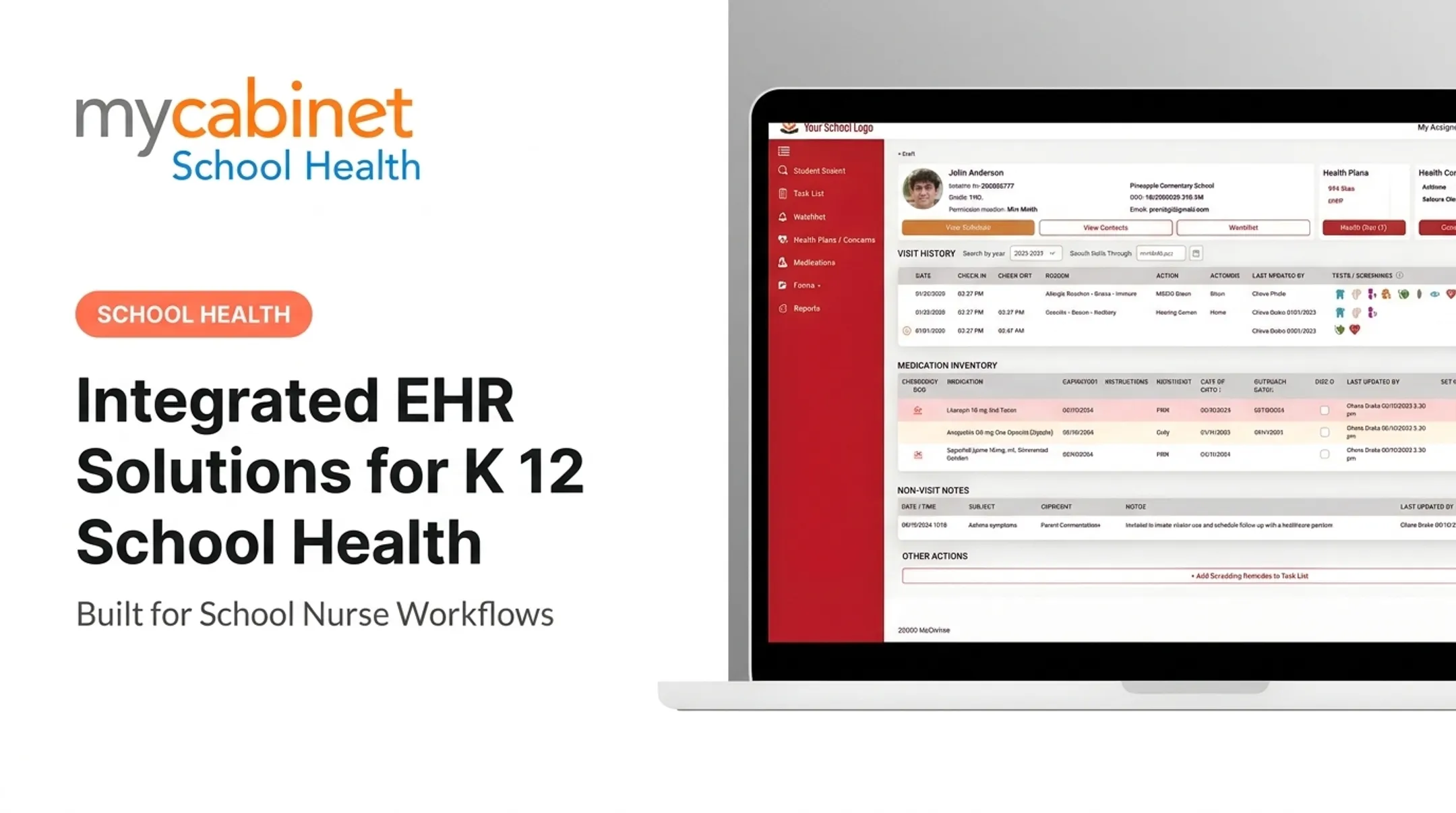
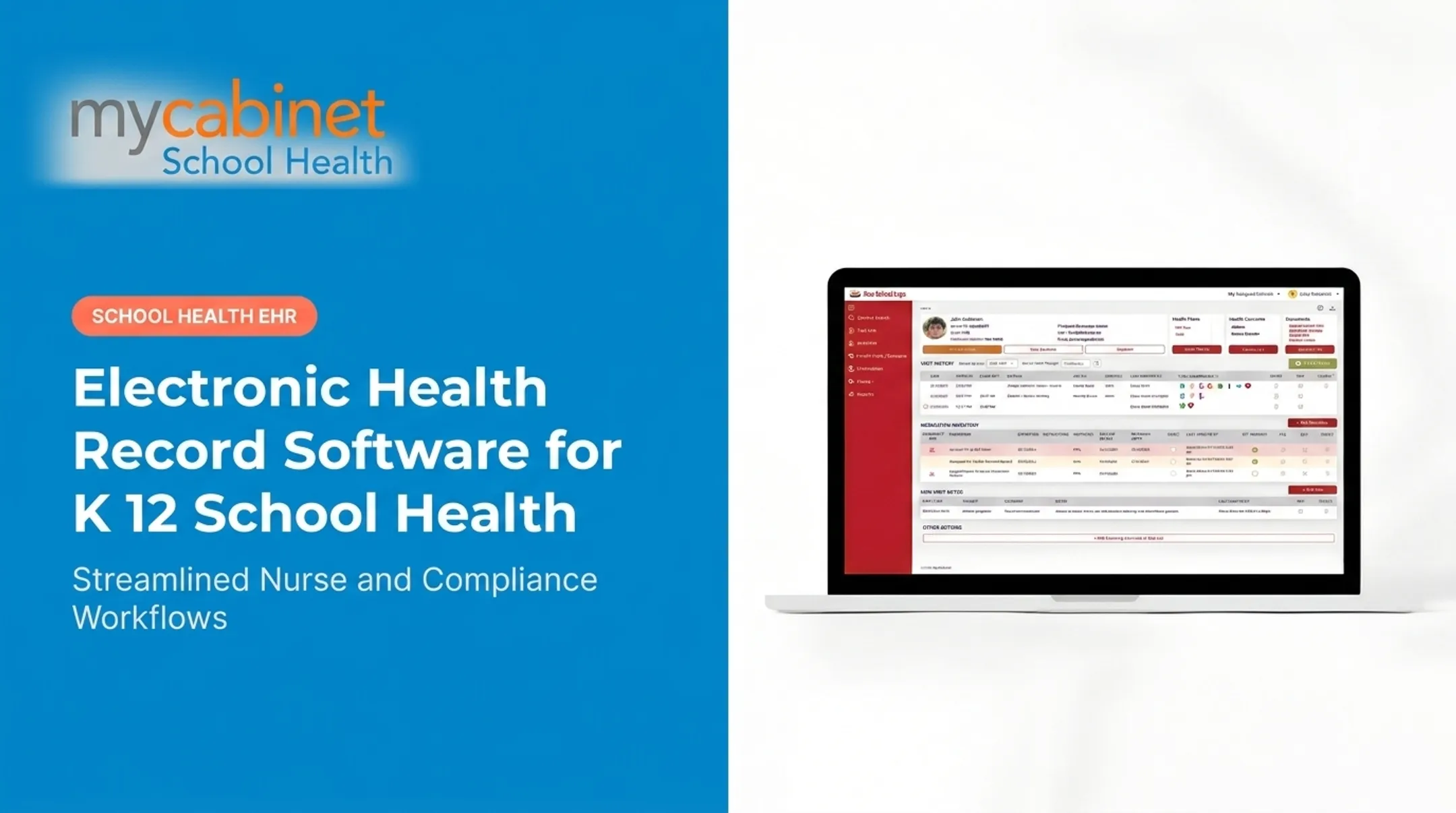
MyCabinet School Health is one example of a platform built around these workflows. Its connected Nurse Portal organizes visits, medications, screenings, and follow-ups through task lists, while its Parent App and Parent Web Portal give families one-way visibility into clinic visits and medication status without opening unrestricted messaging.

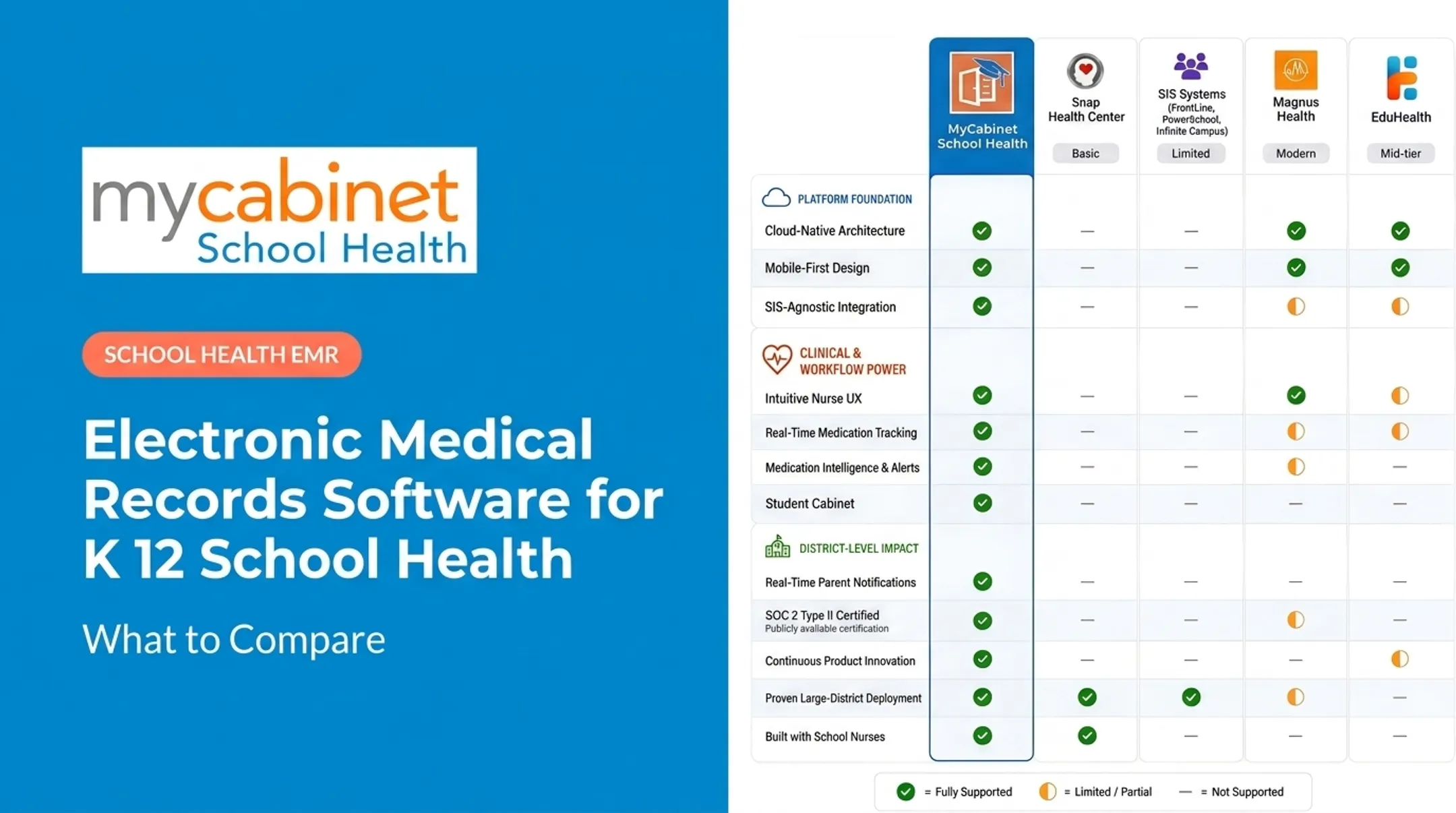
That said, every district should verify specific capabilities against its own documented requirements rather than assuming any single vendor covers every need out of the box.
District-Level Reporting
Beyond individual clinics, districts need:
- Consistent data definitions across schools
- Completion tracking
- Configurable permissions
- Export capabilities that support state reporting requirements
Interoperability standards in K-12 health data are still maturing. Districts making specific technical claims about data exchange should verify what a vendor's integration actually supports before assuming full compatibility.
Security, Privacy, Interoperability, and Governance Requirements
Student health data upgrades carry real compliance weight. Governance starts before go-live. Districts should map data flows: who has access, what authentication is required, how audit logs work, and where vendor security duties end and the district's begin.
FERPA is the starting point. The Department of Education's 2023 guidance confirms that student health records maintained by schools or their agents generally qualify as education records under FERPA, which means disclosure typically requires prior written consent unless an exception applies.
Outsourced vendors acting as "school officials" must stay under the district's direct control and use data only for the agreed purpose.
HIPAA applies more narrowly than many assume. Guidance from HHS clarifies that the HIPAA Privacy Rule generally doesn't apply to elementary or secondary schools, since they're not typically covered entities and student health data usually falls under FERPA instead.
HIPAA can still apply in narrow cases, such as when a school-employed provider handles electronic billing transactions. Districts should get qualified legal and compliance guidance rather than treating any vendor certification as a blanket guarantee.
Privacy rules only hold if systems can exchange student data safely when sharing is allowed. Interoperability readiness still varies widely. CoSN's 2024 survey found data interoperability fully implemented in just 11% of districts, with 61% only partially there. That gap is worth factoring into any upgrade timeline.
Vendor risk deserves specific attention too. CISA's K-12 cybersecurity report notes that over half of reported K-12 data breaches between 2016 and 2021 originated with school vendors, reinforcing the case for:
- Multi-factor authentication on staff and vendor accounts
- Regular patch management for systems holding student data
- Tested backup procedures that restore cleanly under pressure
- A documented, rehearsed incident-response plan
A Practical Roadmap for Planning and Implementing the Upgrade
Careful planning determines whether a district-wide EHR upgrade succeeds.
- Run a cross-functional discovery process. Bring in nurses, health leadership, IT, compliance staff, procurement, and family representatives. Document current workflows, exceptions, and how practices differ school to school.
- Build a requirements scorecard. Rank essential, preferred, and future-state needs for usability, medication workflows, forms, reporting, permissions, training, migration, and total cost of ownership.
- Audit data before migration. Identify systems of record, duplicate or incomplete records, inactive students, medication data, and consent forms that need normalization or manual review.
- Pilot before full rollout. Test with a few representative schools first. Define success criteria, feedback channels, and escalation steps before expanding district-wide.
- Train by role. Use real scenarios: documenting a clinic visit, reviewing a medication expiration, approving a health form, sending a parent notification.

Once those steps are documented, match vendors to the scorecard—not the other way around. MyCabinet School Health, with its Nurse Portal, digital forms, medication oversight, and family access, can support this rollout model. Evaluate it against the district’s own requirements during procurement; no platform replaces that due diligence.
Measuring Success After the Upgrade
Establish baseline metrics before launch so post-launch comparisons are meaningful. Useful measures include:
- Documentation completion rates
- Form-processing time
- Medication follow-up timeliness
- Unresolved task volume
- Paper and fax reduction
- System uptime and support request volume
- Training completion and adoption rates
Pair reporting data with direct feedback from nurses, administrators, and parents on whether the system reduces duplicate work and improves visibility across schools.
Plan the upgrade as an ongoing program. Schedule regular reviews of permissions, workflows, data quality, and security updates so the system keeps pace with district policy changes instead of drifting out of date within a few years.
Frequently Asked Questions
How can schools improve their EHR systems?
Start with workflow discovery and direct feedback from school nurses, then review data quality, security, and usability. Roll out changes with staff training and measure results against your baseline.
What are the signs a school district needs to upgrade its EHR?
Watch for slow performance, unsupported software, inconsistent documentation between schools, and manual workarounds for medication tracking or forms. Weak reporting, poor family access, and unresponsive vendor support are also red flags.
What should schools look for in a district-wide EHR upgrade?
Prioritize scalability, nurse-centered workflows, structured documentation, and medication oversight. Also confirm digital forms, role-based access, parent communication tools, reporting, accessibility, and vendor training and support.
How can districts protect student health data during an EHR upgrade?
Map data flows, apply least-privilege access, and require encryption and audit logs throughout migration. Vet vendors thoroughly, confirm an incident response plan exists, and review FERPA and any applicable HIPAA obligations with qualified counsel.
How should a school district prepare staff for a new EHR?
Provide role-specific training with hands-on practice scenarios, and start with a small group of pilot users before full rollout. Keep quick-reference guides and support channels available well after launch.
Should a district upgrade its current EHR or replace it?
An upgrade often makes sense when the vendor relationship and data foundation are still solid but features are lacking. Replacement becomes the better option when the system is unsupported, can't scale, or lacks basic security controls.