Digitizing student records isn't just scanning paper into PDFs. It's choosing the right workflow, the right platform, and a compliance approach that actually holds up. Nationally, more than three-quarters of public schools have at least a part-time nurse managing this paper trail, and many are still doing it manually according to NCES data.
This guide walks through exactly how to digitize student records: the steps, timing, requirements, success factors, and mistakes that trip up most districts.
Key Takeaways
- Digitization cuts administrative burden and gives authorized staff and parents real-time record access
- Success starts with mapping every data source before any scanning begins
- Health records need purpose-built EHR tools, not generic document storage
- Skipped data mapping and weak access controls are the top causes of failed rollouts
How to Digitize Student Records: Step-by-Step
Step 1: Audit and Map Existing Data Sources
Before scanning a single page, find out where records actually live. Common sources include:
- Student Information Systems (SIS)
- Health office binders and filing cabinets
- Spreadsheets tracking medications or screenings
- Fax logs from outside providers
- State immunization databases (IIS)
Flag high-priority documents first: immunization records, medication authorizations, and IEP-related health accommodations. These get requested most often and carry the highest compliance risk.
Assign ownership across departments. The nurse's office should own clinical data; IT owns system security; special education owns IEP-related health accommodations. Without clear ownership, records get duplicated, missed, or orphaned during migration.

Decision point: Don't approve a new system until every health record field has a named owner and a documented source.
Step 2: Choose a Secure, Centralized Digital System
System choice determines whether digitization sticks or creates new silos. Evaluate any platform for:
- Role-based permissions and audit trails
- Compliance certifications (FERPA, HIPAA where applicable, SOC 2)
- Encryption, MFA, and incident response protocols
Federal guidance clarifies that HIPAA generally doesn't apply to elementary and secondary school records, because those records fall under FERPA instead. Don't assume HIPAA compliance alone covers your privacy obligations. Analyze FERPA requirements first.
Health records need different tools than academic records. A generic document management system stores files. A nurse-centered EHR like MyCabinet School Health is built around daily clinic work:
- Structured clinic visit documentation
- Active medication tracking with expiration alerts
- Controlled parent notifications
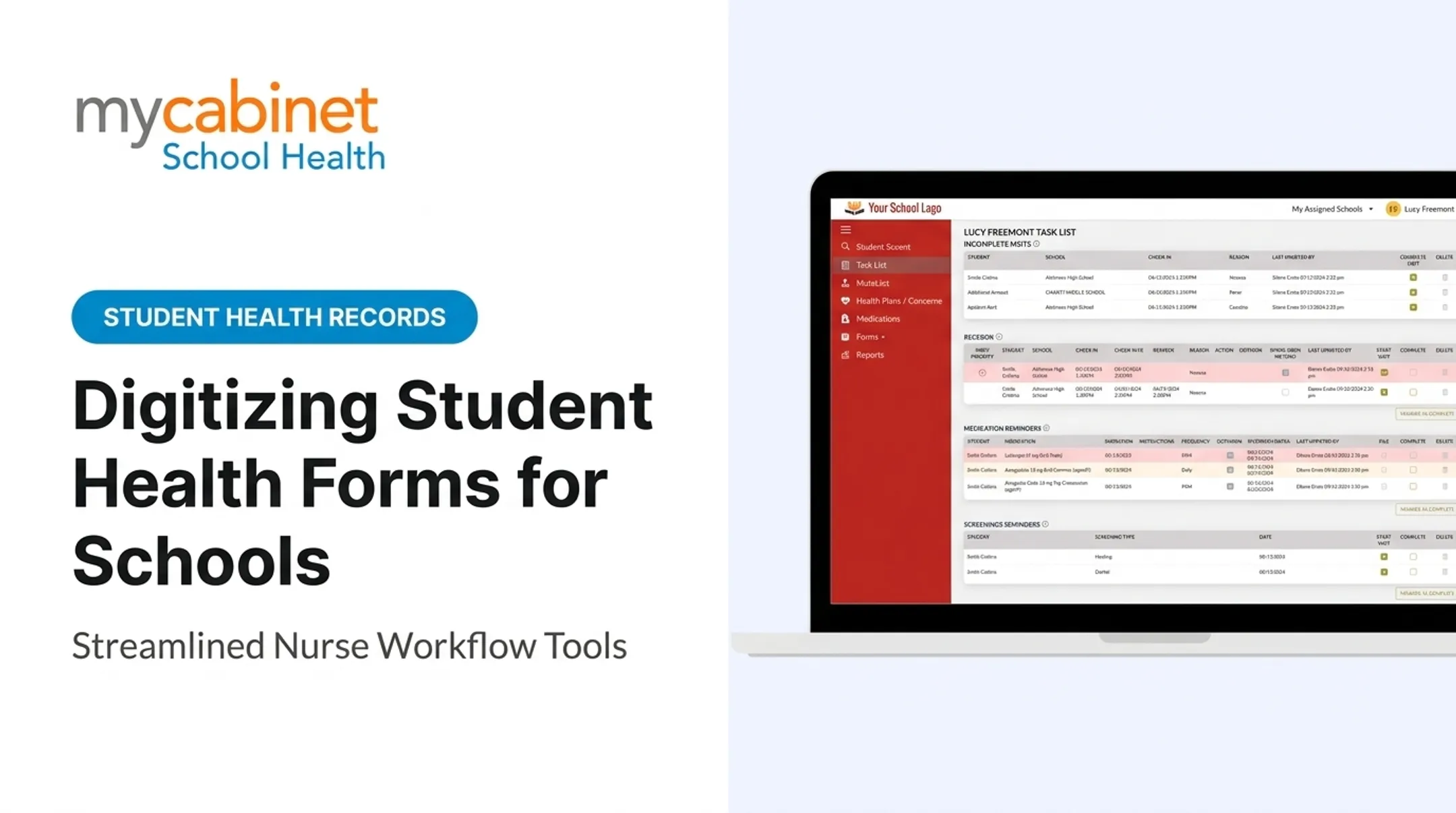
- Task lists for incomplete visits, rechecks, medication reminders, and screening follow-ups
MyCabinet is SOC 2 Type 2 certified, HIPAA certified, and FERPA compliant, with details in its public Trust Center for district IT review.
After you shortlist systems, lock a consistent student ID and field-mapping strategy that syncs with your SIS. MyCabinet integrates with platforms such as PowerSchool and Infinite Campus for data synchronization.

Step 3: Convert Paper Records to Digital Formats
Scanning options range from multifunction office scanners to mobile scanning apps to bulk-scanning vendors for large archives. Whatever method you choose, aim for searchable PDFs with OCR (optical character recognition) applied — this turns a scanned image into text you can actually search.
Build a naming convention before you scan a single document. Something like:
StudentID_RecordType_YYYYMMDD_v01.pdf
This single habit saves hundreds of hours in future retrieval time.
Don't skip quality control. Before archiving or destroying originals:
- Confirm scans are legible, including handwriting and stamps
- Verify OCR accuracy on faint or multi-page documents
- Check that indexing matches the correct student and record type
- Get sign-off before original paper is discarded

Step 4: Configure Access, Workflows, and Compliance Controls
Role-based access keeps sensitive records visible only to people who need them. Nurses document visits, medications, and care plans. Parents see only their own child's information — clinic visits, active school-held medications, and expiration alerts, without ability to edit school medication records directly.
Automate routine handoffs. When a parent uploads a medication authorization, it should route into a nurse review queue—not an inbox. In MyCabinet's Nurse Portal, parent form submissions land in a centralized review area; nurses approve them and attach them directly to the student record, replacing faxing and manual email follow-up.
Set up controlled, one-way parent notifications for:
- Clinic visit summaries
- Medication expiration alerts
Send these as push notifications, email, or both. Avoid unrestricted two-way messaging, which creates separate compliance risk.
When Should You Digitize Student Records?
Digitization is most urgent when:
- Paper volume is high and retrieval takes too long
- Staff turnover means institutional knowledge about filing "systems" keeps walking out the door
- Compliance risk is elevated (audits, past breaches, inconsistent access controls)
- A district spans multiple campuses that need shared record access
Phased digitization beats an overnight switch. Start with active students, not graduated files sitting in archive boxes.
Portland Public Schools is one clear example. A dedicated internal scanning team worked through cumulative record boxes while front-office staff learned to scan new paperwork on arrival, stopping the backlog from growing as older files were cleared, according to a GovTech case study.
Legacy microfilm or very large historical archives may need extra planning and a bulk-scanning vendor rather than in-house staff.
What You Need Before Digitizing Student Records
Preparation determines whether rollout is smooth or chaotic. Skipping this stage is the single biggest predictor of a failed project.
Equipment and System Requirements
- A scanner or mobile scanning app matched to your document types
- Adequate cloud or on-premise storage, sized for scans, OCR data, indexes, and backups
- A platform supporting the compliance certifications your district requires
Inputs and Data Readiness
- Organize physical files by category before scanning starts
- Confirm which SIS fields must map so student identities stay consistent across systems
Staff Readiness and Compliance Approval
Staff need training on new workflows, not just a login and a shrug. MyCabinet includes in-portal training videos, and support requests are typically addressed within 24 business hours.
Get IT and compliance sign-off on data handling procedures before go-live, not after something goes wrong.
Key Factors That Affect Successful Digitization
Four factors largely determine whether digitization produces reliable student records or ongoing cleanup work.
Data Source Completeness Missing a source (like a fax log or spreadsheet) means gaps in records that surface months later, often during an audit or a parent request.
Naming and Indexing Consistency Inconsistent naming turns a five-second lookup into a ten-minute search. Multiply that by hundreds of students and thousands of documents, and staff frustration compounds fast.
Role-Based Access Configuration NIST's role-based access control model assigns permissions by role rather than by individual. That approach cuts configuration complexity and limits accidental oversharing of student health data.

Platform Fit for Use Case A generic storage tool treats a medication record as a static file. A purpose-built platform treats it as active data requiring dosage visibility, expiration tracking, and outreach logging. That distinction affects nurse efficiency and parent communication quality, not just where files live.
Common Mistakes to Avoid When Digitizing Student Records
Most digitization setbacks come from process gaps, not the scanner. Avoid these common errors:
- Skipping data source mapping. Ad hoc scanning without an inventory creates permanent gaps.
- Inconsistent file naming. Makes retrieval slow and unreliable months later.
- Choosing generic storage over purpose-built tools. Health records need medication and visit tracking, not just static files.
- Failing to set clear access permissions. A 2026 New York state audit found 141 breaches or unauthorized releases in one district, with delayed reporting in nearly half of cases. Weak access controls—not malice—drove most gaps.
Frequently Asked Questions
Can you get school records from 20 years ago?
Retention rules vary by state and record type, and very old records may only exist in archived or microfilm form. Submit a formal request to the district or state archive; availability isn't guaranteed for closed schools.
How long do schools keep IEP records in Illinois?
Illinois requires student temporary records (which include special education files) be kept for at least five years after a student transfers, graduates, or withdraws. Confirm exact timelines with your district or the Illinois State Board of Education.
What types of student records should be digitized first?
Prioritize high-use, high-risk records: health forms, immunization records, medication authorizations, and enrollment documents. These get requested most often and carry the biggest compliance exposure if mishandled.
Is digitizing student health records different from digitizing academic records?
Yes. Health records need stricter access controls and active medication tracking, not just static storage. Purpose-built nurse workflow platforms handle this better than generic document management tools designed for academic files.
How much does it cost to digitize student records?
Costs vary based on document volume, scanning method (in-house staff vs. outside vendor), and whether you're adding a specialized platform subscription. There's no universal per-page rate. Get quotes based on your actual volume and requirements.
Do digitized student records still meet FERPA and HIPAA requirements?
Digitizing records doesn't automatically make them compliant, but it can improve compliance when the platform offers role-based access, audit trails, and relevant certifications like SOC 2. The electronic copy remains subject to the same FERPA access and security obligations as paper.