Cost isn't the only breakdown point. The medication-use process involves dozens of steps, according to the Agency for Healthcare Research and Quality, and each one carries risk. In 2026, medication management systems span far more than hospital pharmacies. Consumer apps, hospital EHRs, and specialized platforms for settings like K-12 schools all fall under this umbrella now.
This guide covers what a medication management system actually is, the five-stage lifecycle it supports, the types available today, and how to choose the right one — including why schools need something different from a generic clinical tool.
Key Takeaways
- Medication management covers the full lifecycle: prescribing, dispensing, administering, and monitoring
- Automation, alerts, and centralized records reduce preventable medication errors
- Match the system to the setting: home, hospital, clinic, and schools each need different workflows
- Schools need purpose-built FERPA workflows and parent communication—not repurposed clinical software
What Is a Medication Management System?
A medication management system is the mix of tools, workflows, and technology that gets the right medication, right dose, at the right time to the person who needs it. It is more than a pill organizer or a single app. It is the infrastructure that connects prescribing, dispensing, administration, and follow-up.
In schools, that usually means nurse-led administration, parent-supplied medications and consents, and a clear record of what was given and when. Most modern systems integrate with an EHR or EMR so allergies, history, and active orders live in one place instead of paper charts, binders, or spreadsheets.
Core components typically include:
- Prescribing and order entry
- Dispensing and inventory tracking
- Administration verification at the point of care
- Monitoring and engagement tools for families
Is "Medication Therapy Management" the Same Thing?
Not exactly. CMS defines Medication Therapy Management (MTM) as a clinical service from pharmacists or physicians aimed at better therapeutic outcomes and fewer adverse events. MTM is a service. A medication management system is the infrastructure that can support it. Software does not replace clinical judgment; it makes the workflow around that judgment more reliable and auditable.
The 5 Stages of Medication Management
Medication management is a continuum, not a single checkpoint. Errors can enter at any stage—and strong systems put controls at each one, from the first order through ongoing review.
Stage 1: Prescribing and Order Entry
Electronic prescribing and computerized provider order entry (CPOE) replace handwritten orders with built-in safety nets: allergy flags, dosage checks, and interaction alerts. A 2013 meta-analysis cited by AHRQ found CPOE cuts prescribing errors by 48% compared to paper. By 2015, 84% of federal acute-care hospitals had adopted CPOE, yet only 40% had clinical decision support layered on top—a gap that still shapes how much safety value order entry actually delivers.

Stage 2: Dispensing
This stage gets the correct drug, dose, and label to the right place. Automated dispensing cabinets, barcode verification, and inventory tracking cut mix-ups between look-alike packages and dosage strengths. In schools, the same controls show up as secured storage, dose-level inventory counts, and clear chain-of-custody when medication moves from the health office to the student.
Stage 3: Administration
Barcoded medication administration (BCMA) verifies the right person, medication, dose, and time before anything is given — in a school, the right student. A 2022 review of a VA emergency department found BCMA associated with nearly 11% lower medication-error rates. PSNet also flagged workaround behaviors that erase those gains when the workflow is clunky—so the interface has to match how nurses actually work, including during busy clinic windows in a school health office.
Stage 4: Monitoring
Monitoring tracks adherence, side effects, and response over time. AHRQ notes no single adherence measure is widely accepted: pharmacy fill data, self-report from a family, and health IT tracking each miss something different. For school nurses, that often means logging doses given, flagging missed administrations, and watching expiration dates and parent-supplied refills before a gap becomes a safety issue.
Stage 5: Review and Reconciliation
Reconciliation means comparing a complete medication list against new orders in another setting—a hospital stay, a transfer between schools, or a handoff between home and school—and fixing every discrepancy. Missed inhalers, outdated doses, and duplicate therapies most often surface at these transitions, which is why structured list review belongs in every medication management system.
Types of Medication Management Systems
Not every setting needs the same tool. Here's how the main categories break down:
| Type | Best for | Limitations |
|---|---|---|
| Manual (pill organizers, printed MARs) | Individuals with simple regimens | No real-time alerts, easy to fall behind |
| Consumer/digital (apps, smart dispensers) | Home use, personal tracking | Limited clinical integration |
| Clinical/pharmacy-integrated | Hospitals and health systems | Requires IT infrastructure and training |
| Institutional, setting-specific (schools, clinics) | Environments with unique workflows | Needs customization, not off-the-shelf tools |
The US market reflects that shift toward software. Grand View Research valued it at $2,874.1 million in 2024 and projects $4,309.3 million by 2030, with software already the largest product segment. Paper charts and spreadsheet tracking are giving way to systems built for each setting's workflow.

Medication Management in K-12 Schools: A Different Set of Requirements
Hospital-grade medication software doesn't translate well to a school nurse's office. A single nurse might manage dozens of students with varying dosages, changing schedules, and medications that expire mid-semester, all while fielding parent calls and staying FERPA-compliant.
What makes schools different:
- Multiple students, multiple prescribers, no centralized clinical record by default
- Medications physically stored on-site, requiring expiration tracking
- Parent communication that must be documented, not just verbal
- Staffing ratios that stretch thin: NASN's longstanding recommendation is one nurse per 750 students, though actual coverage varies widely
A 2024 study of North Carolina school districts found that reported medication errors and corrective-action plans trended upward over a six-year period. Errors also climbed as the number of schools per district increased. Districts where nurses were directly employed saw fewer corrective-action plans, suggesting staffing structure matters as much as the tools themselves.
Why Paper and Spreadsheets Fall Short
Binders and spreadsheets create real gaps:
- Missed doses because nothing flags what's due
- Expired medications sitting in cabinets unnoticed
- Weak audit trails when a parent or administrator asks what happened
- Compliance risk under FERPA when records aren't properly access-controlled
What a School-Specific System Should Include
A purpose-built platform is not a generic clinical dashboard repurposed for a school office. It needs capabilities that match how school nurses actually work:
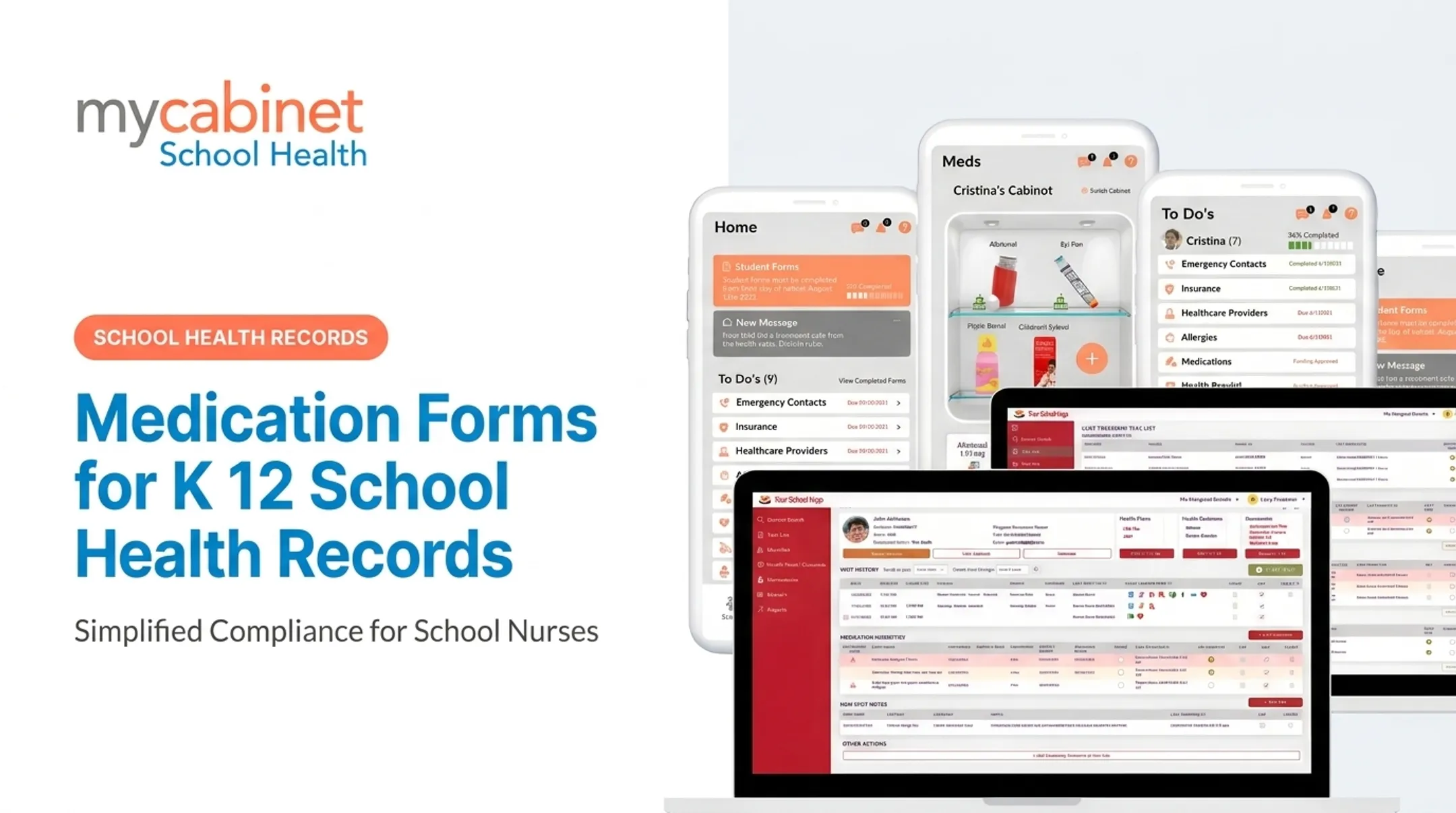
- Task lists that surface outstanding medication work
- Clear dosage and frequency visibility on each student
- Automatic expiration alerts for meds stored on-site
- Documented parent outreach tied to the student health profile
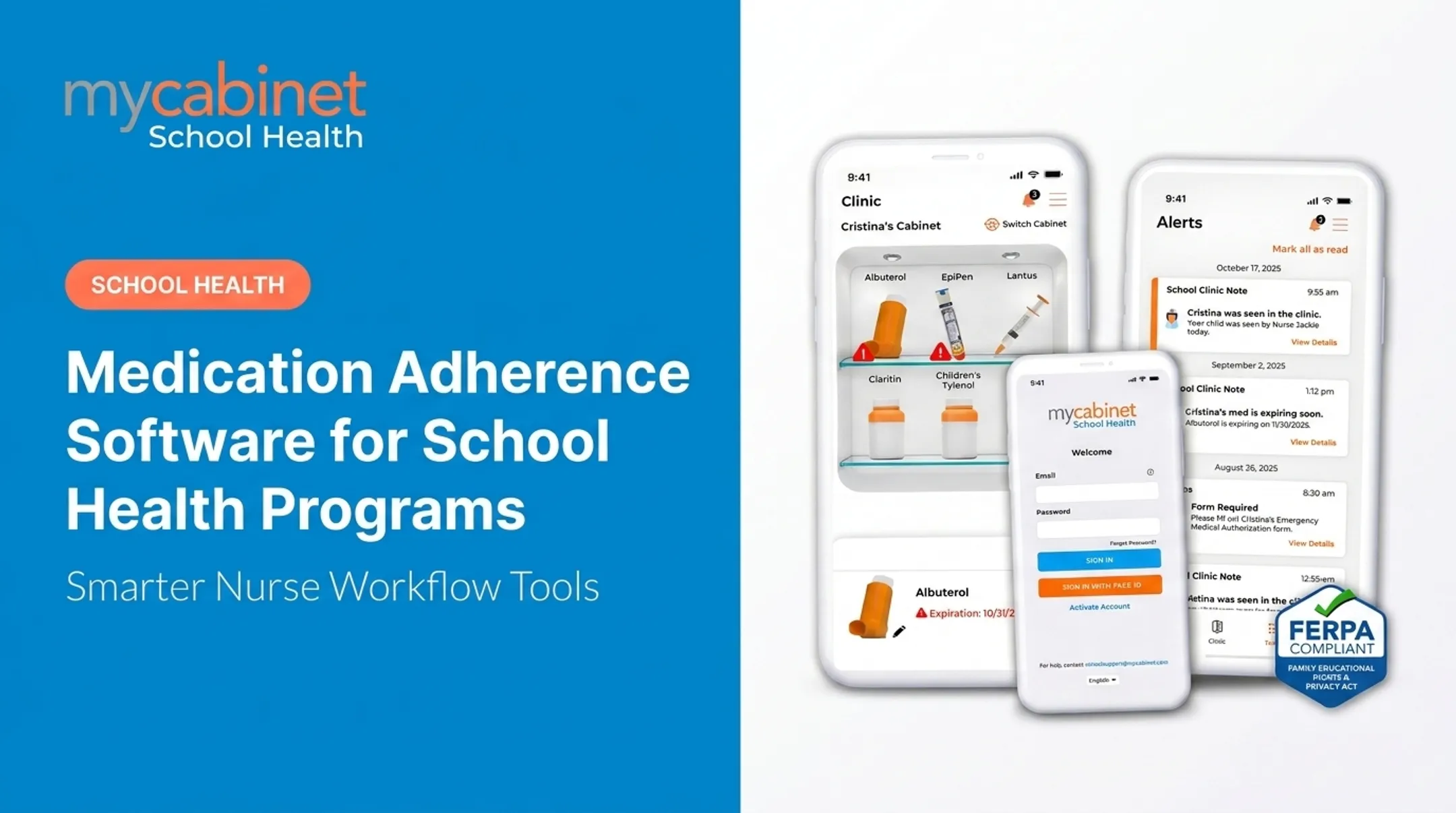
MyCabinet School Health is built around that workflow. Its Nurse Portal puts medication reminders and expirations into a prioritized task list with incomplete visits and rechecks. Nurses get:
- Dosage and frequency visibility
- Expiration tracking
- Outreach logging on each student's health profile

That setup replaces the binder-and-spreadsheet approach entirely.
The connected Parent App sends controlled, one-way notifications when a medication stored at school is nearing expiration or when a nurse documents a clinic visit. Parents see the alert, check the Clinic section for details, and know it's time to bring in a replacement. There is no open messaging thread to manage: just a clear, documented signal instead of chasing a fax or email.
Cobb County School District, a MyCabinet customer, put it plainly. Superintendent Chris Ragsdale told the district's 2025 school board meeting that the platform "digitized and makes documentation easier," specifically noting that parents can see when their child was seen and given medication. He called it "a win for the parents and a win for the district."
How to Choose the Right Medication Management System in 2026
Whether you're evaluating a system for a clinic, care facility, or school district, a few criteria matter more than flashy features.
- Accuracy and structured record-keeping: Does it reduce dosing or documentation errors, or just digitize the same mistakes?
- Alerts and notifications: Real-time flags for missed doses, expirations, or pending tasks—not end-of-day summaries.
- Integration capability: Compatibility with existing EHR, pharmacy, or school information systems. MyCabinet, for instance, is a ClassLink Certified Partner with SIS data integration built in.
- Compliance and data privacy: Confirm HIPAA and FERPA alignment plus role-based access. School-maintained student health records are generally governed by FERPA, not HIPAA, per HHS guidance.
- Support for growing or changing caseloads: Multi-drug schedules, shifting prescriptions, or expanding rosters shouldn't break the workflow.

Before signing a contract, ask vendors to demonstrate audit trails, role-based permissions, and how the system handles a real-world spike in volume — not just a demo with five sample records.
Frequently Asked Questions
What are the 5 stages of medication management?
Prescribing, dispensing, administration, monitoring, and review/reconciliation. Each stage carries its own error risks and safety checks, from allergy alerts at prescribing to discrepancy resolution during reconciliation.
What is a medication management system?
It's the combination of tools, technology, and workflows used to manage medications safely across their full lifecycle, from the initial prescription to ongoing monitoring and review.
What are some examples of medication management interventions?
Common interventions include automated reminders, pill organizers, pharmacist-led MTM reviews, and automated dispensing cabinets in clinical settings.
What is the best way to organize my medications?
Keep an updated, complete list of everything you take, use a pill organizer or reminder app, and review the full list with your provider at every visit, especially after any prescription change.
What is another name for medication management?
It's sometimes called Medication Therapy Management (MTM) in clinical/pharmacy contexts, or medication administration management in institutional settings like hospitals and schools.