Electronic Medical Records (EMR) systems replaced that paperwork with searchable, structured digital charts. But "EMR system" isn't one product; it's a category with several distinct deployment models and specialty variations. Choosing the wrong one means overpaying for IT infrastructure you don't need, or worse, adopting a generic tool that doesn't fit your actual workflow.
This article breaks down the main types of EMR systems, how they differ, and how to match one to your setting, with an eye on what a K-12 school health office actually needs.
Key Takeaways
- EMR is a digital replacement for paper charts, used within a single practice or organization
- Four main types: physician-hosted (on-premise), remotely-hosted (ASP), cloud-based (SaaS), and specialty-specific
- Each differs in cost, control, IT burden, and scalability
- Choose based on size, budget, IT resources, and specialty needs (school health, rehab, or general practice)
What Is an EMR System?
An EMR is a digital version of a person's chart, built for use within a single provider or organization. It stores diagnoses, treatment history, medications, and visit documentation for internal clinical workflows. In a school the same idea is the student health record: visits, medications, allergies, screenings, and parent-submitted forms held by the district rather than shared out to providers.
Think of it as the electronic equivalent of the manila folder that used to sit in a filing cabinet. It's searchable, backed up, and accessible from multiple workstations at once.
EMR vs. EHR, briefly: EMR data typically stays within one practice. EHR (Electronic Health Record) systems are designed for interoperability, letting data move between multiple providers and organizations. That distinction matters, but this article focuses on how EMR systems are structured and deployed.
Why Are EMR Systems Important in Healthcare and in Schools?
Without an EMR, practices and school health offices run into the same operational problems:
- Lost or misfiled paper records
- Duplicate data entry across departments
- Delayed care while staff track down charts
- Increased compliance risk under HIPAA
EMRs address these directly. A well-cited 1998 study at Brigham and Women's Hospital found that computerized physician order entry reduced nonintercepted serious medication errors by 55%, from 10.7 to 4.86 events per 1,000 patient-days.
That said, EMR adoption does not automatically free up clinician time. A 2018 time-motion study across 10 Texas family-medicine clinics found physicians spent an estimated 18.6 minutes per visit on EHR-related tasks. Documentation gets easier and more accurate, but it doesn't disappear.
99.4% of non-federal acute-care hospitals already have a certified EHR, per ONC's 2024 data. Adoption is closer to standard practice than exception — except in school health offices, where binders and spreadsheets are still common. The real decision is which type fits your operation.
Types of EMR Systems
EMR isn't one-size-fits-all. Deployment model and specialty focus shape different products—each matched to different budgets, IT capacity, and workflows. A district's constraints (thin IT support, FERPA obligations, thousands of students, one or two nurses) point to a different corner of this map than a hospital's.

Physician-Hosted (On-Premise) EMR
The server and software sit on-site, managed by the practice's own IT staff. Data stays local; the practice owns the hardware and handles backups and security directly.
Best suited for: larger practices or hospitals with dedicated IT teams and capital budget to invest upfront. Rare in K-12, since few districts want student health data sitting on a server the health office has to maintain.
Strengths:
- Full control over data and infrastructure
- Deep customization to internal workflows
- No dependency on internet connectivity for daily use
Trade-offs:
- High upfront hardware and licensing costs
- Ongoing maintenance burden falls entirely on internal staff
- Harder to scale or support remote access
Remotely-Hosted (ASP/Third-Party) EMR
Here, a third-party vendor hosts the software on servers outside the practice. Staff access the system through a secure connection while the vendor manages hardware and backups.
A 2011 peer-reviewed comparison in Perspectives in Health Information Management notes this model shifts hosting responsibility away from the practice, though it may still rely on dedicated software licenses rather than a full subscription structure.
Best suited for: mid-sized practices wanting reduced IT overhead without moving fully to a cloud subscription model. A district looking at this model should establish who carries the FERPA obligation for records held on the vendor's servers.
Strengths:
- Lower IT burden than on-premise
- Vendor-managed backups and security
Trade-offs:
- Less customization than on-premise systems
- Dependent on vendor reliability and internet access
Cloud-Based (SaaS) EMR
Cloud-based EMR is accessed via browser or app, hosted and maintained entirely by the vendor on a subscription basis. Updates happen automatically, and data lives in the vendor's secure cloud environment.
ONC's Health IT Playbook describes cloud EMR as scalable and on-demand: organizations can start small and increase their IT allocation as they grow, often with lower upfront hardware costs than on-premise systems.
Best suited for: small to mid-sized practices, multi-location clinics, and school districts covering several campuses with one nurse or a small health services team.
Strengths:
- Low upfront cost
- Remote accessibility from any device
- Automatic updates and compliance patches
Trade-offs:
- Recurring subscription costs add up over time
- Requires reliable internet connectivity
- Less control over underlying infrastructure

Specialty-Specific EMR
Specialty-specific EMRs are built around workflows in a particular care setting—such as rehab therapy, behavioral health, or school health—rather than general medical documentation. They ship with pre-built task lists and compliance features for that specialty's day-to-day work, not blank templates you configure from scratch.
A school nurse managing student health records doesn't need a generic clinic template built around insurance billing codes. She needs clinic visit types, medication expiration tracking, and parent communication under FERPA—not HIPAA-only frameworks.
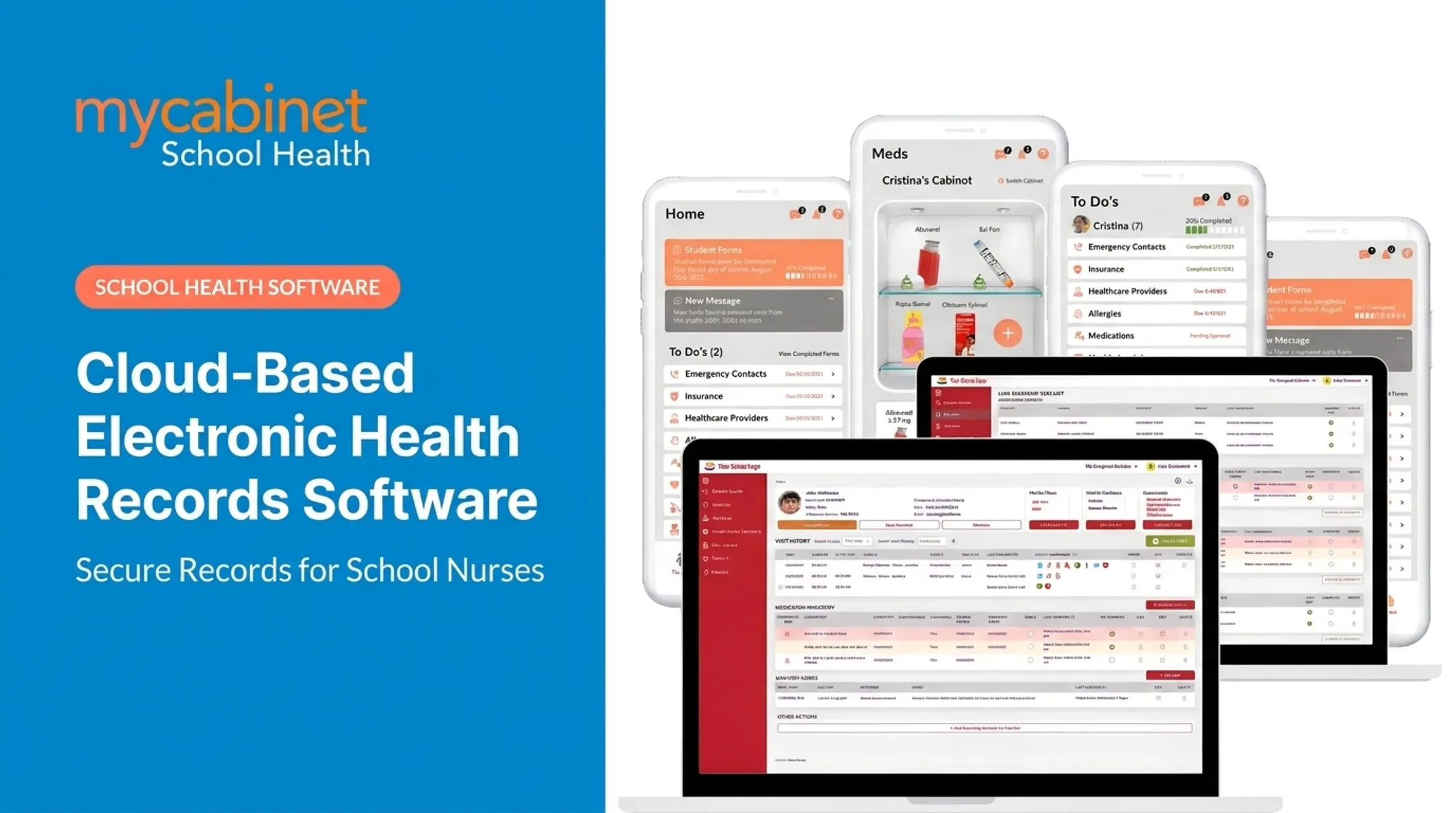
MyCabinet School Health is one example. Its task list automatically surfaces:
- Incomplete visits requiring follow-up
- Recheck visits needing monitoring
- Medication reminders and expirations
- Pending screening reminders
The platform also uses a one-way parent communication model through a connected Parent App and Web Portal. Parents see clinic visit summaries and medication expiration alerts, but can't start open-ended messaging with the nurse. At a 2025 school board meeting, Cobb County School District Superintendent Chris Ragsdale said the platform "digitized and makes documentation easier," calling it "a win for the parents and a win for the district."

Best suited for: organizations whose documentation and compliance needs don't fit generic EMR templates. K-12 school health is the clearest example.
Strengths:
- Faster adoption thanks to relevant, pre-built templates
- Better compliance alignment (FERPA for schools, for example)
- Reduced configuration time
Trade-offs:
- Less flexible outside its intended specialty
- May not suit organizations spanning multiple unrelated care types
How to Choose the Right Type of EMR System
The right EMR type depends on your organization's actual needs and constraints, not which system is most popular or heavily marketed. For a district the deciding constraint is usually staffing: a nurse covering three buildings cannot also run a server.
Factors to Consider
- Care setting: hospital, small practice, school health office, or therapy clinic
- Number of users and locations you need to support
- Internal IT staff available, or none at all
- Budget preference for upfront capital vs. ongoing subscription costs
- Compliance requirements such as HIPAA, FERPA, or MACRA for your setting
- Room to scale as your organization grows
A single-location private practice with no dedicated IT staff has almost nothing in common with a 40-school district managing thousands of student health records. The "best" EMR for one is often the wrong choice for the other.
What to Check Before Finalizing an EMR Type
Before signing a contract, run through this checklist:
- Don't over-invest in IT overhead. An on-premise system with heavy infrastructure demands makes little sense if a cloud-based option would meet your needs at a fraction of the cost.
- Look past the sticker price. Long-term subscription costs, implementation fees, and training expenses often exceed the advertised monthly rate.
- Verify compliance certifications match your setting. A HIPAA-compliant system isn't automatically FERPA-aligned, and vice versa. MyCabinet, for instance, maintains SOC 2 Type II, HIPAA, and FERPA credentials through ongoing independent audits.
- Don't buy on brand recognition alone. Confirm the system fits your actual workflow and setting before committing.

Conclusion
EMR systems support efficient, compliant health documentation, whether that's a hospital managing thousands of records or a school nurse tracking student medications. The types differ by hosting model and specialty focus, and each fits different operational needs.
Understanding these distinctions, on-premise versus cloud, generic versus specialty-built, helps organizations, schools included, choose systems that fit how their teams work day to day.
Frequently Asked Questions
What does EMR stand for?
EMR stands for Electronic Medical Record. It's a digital version of a person's chart used to document diagnoses, treatments, and visit history within a single provider or organization.
What is an EMR system?
An EMR system is software that stores and manages health information digitally, replacing paper charts. It's typically scoped to a single practice rather than shared across multiple organizations.
What are the different types of EMR systems?
The main types are on-premise (physician-hosted), remotely-hosted (ASP), cloud-based (SaaS), and specialty-specific EMRs built for particular care settings like school health or rehab therapy.
How much does an EMR system cost per month?
Monthly fees vary by hosting type, specialty, and organization size. Most proposals also add separate one-time costs for implementation, hardware, and training, so compare full vendor quotes rather than list prices alone.
Are there free EMR systems available?
Limited free or open-source options exist, but most practices and schools need paid plans for full compliance support, vendor security backing, and ongoing technical help.
Which EMR systems do most hospitals use?
Large hospital systems commonly use enterprise EHR/EMR platforms built for broad interoperability. Smaller practices and specialty settings, like schools, often use purpose-built alternatives designed around their specific workflows.