When a student transfers schools mid-year or returns after a hospital stay, the nurse often has to rebuild the picture from scratch. Medication history, allergies, and emergency plans get re-entered by hand, if they surface at all.
EHR interoperability software fixes this by securely connecting school health records, nurse workflows, families, and the health information systems a district relies on. It's not just digitizing paperwork — it's making sure the right person sees the right information at the right moment.
This guide covers the levels of interoperability that matter for school health, why connected records improve day-to-day nurse work, what capabilities to look for in software, the compliance rules districts must navigate, and how to evaluate and roll out a platform without disrupting clinic operations.
Key Takeaways
- School health software needs all four interoperability levels: foundational, structural, semantic, and organizational
- Connected records cut down on duplicate entry, paper chasing, and fragmented parent communication
- FERPA usually governs student health records, not HIPAA, but the answer depends on context
- Evaluate software against real nurse workflows, not a generic feature checklist
- Security posture (SOC 2, role-based access, audit trails) matters as much as integration scope
EHR Interoperability Foundations for K-12 School Health Records
Interoperability means health information systems can securely exchange data and interpret it correctly once it arrives. That second part is what separates true interoperability from simply scanning a paper form and emailing it around.
Picture a school nurse pulling up a student's profile before a clinic visit. The medication authorization, the immunization record, and the allergy note from last spring are already there, structured and current. No hunting through a filing cabinet. No calling the front office to confirm a dosage change.
Four Levels That Apply to School Health
HIMSS defines interoperability across four levels, each building on the one before it:
| Level | What It Means in a School Setting |
|---|---|
| Foundational | A form or file moves from the parent portal into the nurse's system, even if it isn't automatically parsed field by field. |
| Structural | Student demographics, medication details, visit types, allergies, and screening results keep a consistent format every time. |
| Semantic | Systems use shared terminology and codes so "penicillin allergy" means the same thing everywhere it appears. |
| Organizational | Consent rules, access permissions, and workflows determine who can actually use the data — as much a policy question as a technical one. |
Moving data isn't the same as making it useful. One-way exchange (a file lands in an inbox) differs from two-way exchange (systems talk back and forth), and both differ from actionable interoperability: information shows up inside the nurse's actual workflow, ready to act on.
Standards Worth Knowing
A handful of technical standards make this possible, though districts should confirm current applicability with any vendor before assuming a standard is supported:
- APIs that let systems request and send data on demand
- HL7 and FHIR, the data-exchange standards used across healthcare (HL7 released FHIR R5 in 2023)
- Coding systems like ICD-10-CM, LOINC, and SNOMED CT, which standardize how diagnoses, lab results, and clinical terms get recorded
For a district, interoperability might touch several systems, depending on what actually needs connecting:
- School health platform
- Student information system
- District identity or single sign-on tools
- Outside healthcare providers
- Immunization registries and pharmacies
- Family-facing app
Not every system needs to talk to every other system on day one.
Why Interoperability Matters in School Health
Kids don't stay in one place. They move between schools, come back from long absences, visit the health office repeatedly for the same chronic issue, or get treated somewhere outside school entirely. Every one of those moments is a chance for information to fall through the cracks.
The Evidence for Connected Records
A 2022 study followed 336 students across three urban Denver-area school districts. Data from the Colorado Connect School Nurses Program showed that after school nurses got view-only access to hospital EHR data, emergency department visits dropped 34% (from 190 to 126) and inpatient hospitalizations fell 44% (from 176 to 99).

The access wasn't fancy — nurses could view care plans, medications, lab results, and clinical notes, but couldn't message back or document inside the hospital's system. Even that one-directional visibility changed outcomes. Researchers framed the drop as better coordination, not software alone. Visibility helps; nurses and care teams still do the work.
What Timely Access Actually Changes
When structured health information is available at the point of decision, it supports:
- Safer medication administration, especially when dosage or frequency has changed recently
- Faster recognition of allergy or emergency-plan details during a clinic visit
- Better tracking of chronic conditions across the school year
- Fewer missed follow-ups on screenings or incomplete documentation
For nurses and district staff, the operational upside is concrete: less duplicate data entry, fewer paper trails to reconcile, and a clearer sense of what's outstanding versus handled.
The Family Side of the Equation
Parents benefit too — clearer visibility into forms, fewer repeated requests for the same paperwork, more predictable communication. Parent access still has to stay controlled: a parent should see their own child's records, not a classroom roster's worth of data.
District-Level Reporting
Aggregated, de-identified data can help districts spot patterns — a spike in asthma-related visits at one school, say — without exposing individual student details. This works best layered on top of consistent, well-structured records, not bolted on afterward.
Equity follows the record. A student moving between schools shouldn't lose continuity of care because the paperwork didn't follow. Connected records won't replace clinical judgment, but they keep care plans, medications, and follow-ups available wherever the student enrolls next.
What Interoperable School Health Software Should Enable
A connected school health ecosystem generally needs three interlocking pieces:
- A nurse-facing portal for visits, assessments, medication tasks, screenings, follow-ups, and audit-ready documentation
- Student and family interfaces for forms, uploads, status updates, and authorized notifications
- Administrative and reporting tools for oversight, permissions, and data quality monitoring
Structured Student Profiles
Rather than scattering health forms, medication instructions, allergies, conditions, and visit history across separate documents, a well-built profile brings all of it into one view, filtered by what each user is authorized to see. A substitute nurse shouldn't need a phone call to find out a student's epinephrine dosage.
Medication Management and Digital Forms
Districts typically need:
- Dosage and frequency visibility
- Documented authorization
- Expiration monitoring
- Outreach logs when a form needs renewal
- Task reminders
- A clear record of what action was taken and when
Digital forms should follow a simple loop:
- Parent completes the form and uploads it securely
- Nurse reviews it and approves or returns it for correction
- Final version attaches to the student's profile

No printing, no scanning, no digging through a shared inbox.
Controlled Communication, Not Open Chat
Communication should stay controlled rather than open-ended. One-way or role-based notifications (alerting a family about a clinic visit, a missing form, or an expiring medication) cover most real needs without creating a channel nurses then have to monitor constantly.
Supporting controls include:
- Message logging
- Identity verification at signup
- Notification preferences
- A clear escalation path for urgent matters
Task lists and dashboards should surface what's actually outstanding: incomplete visits, rechecks, expiring medications, overdue screenings, and unresolved documentation. The goal is for a nurse to open the system and immediately see what needs attention.
An Example: MyCabinet School Health
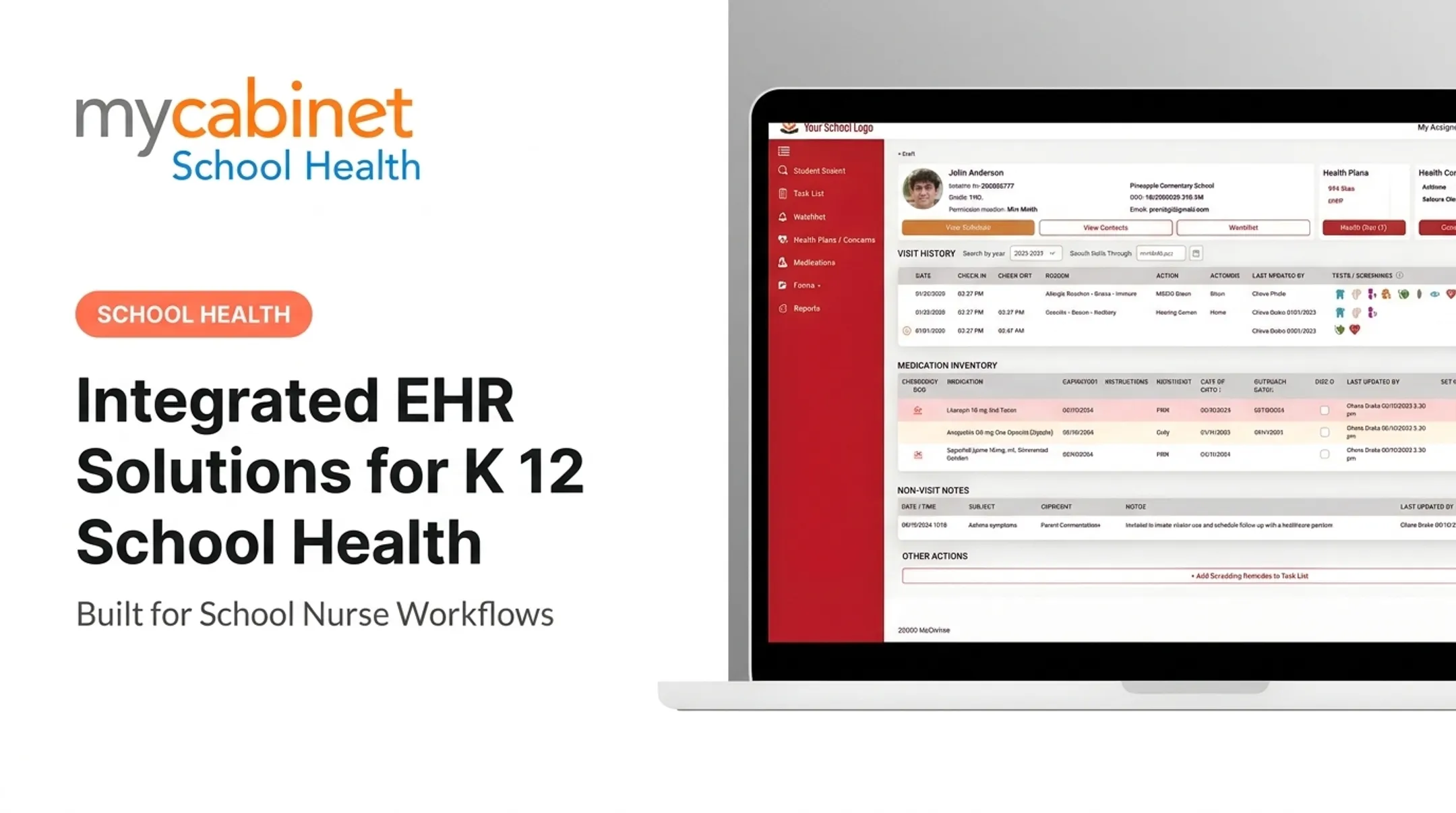
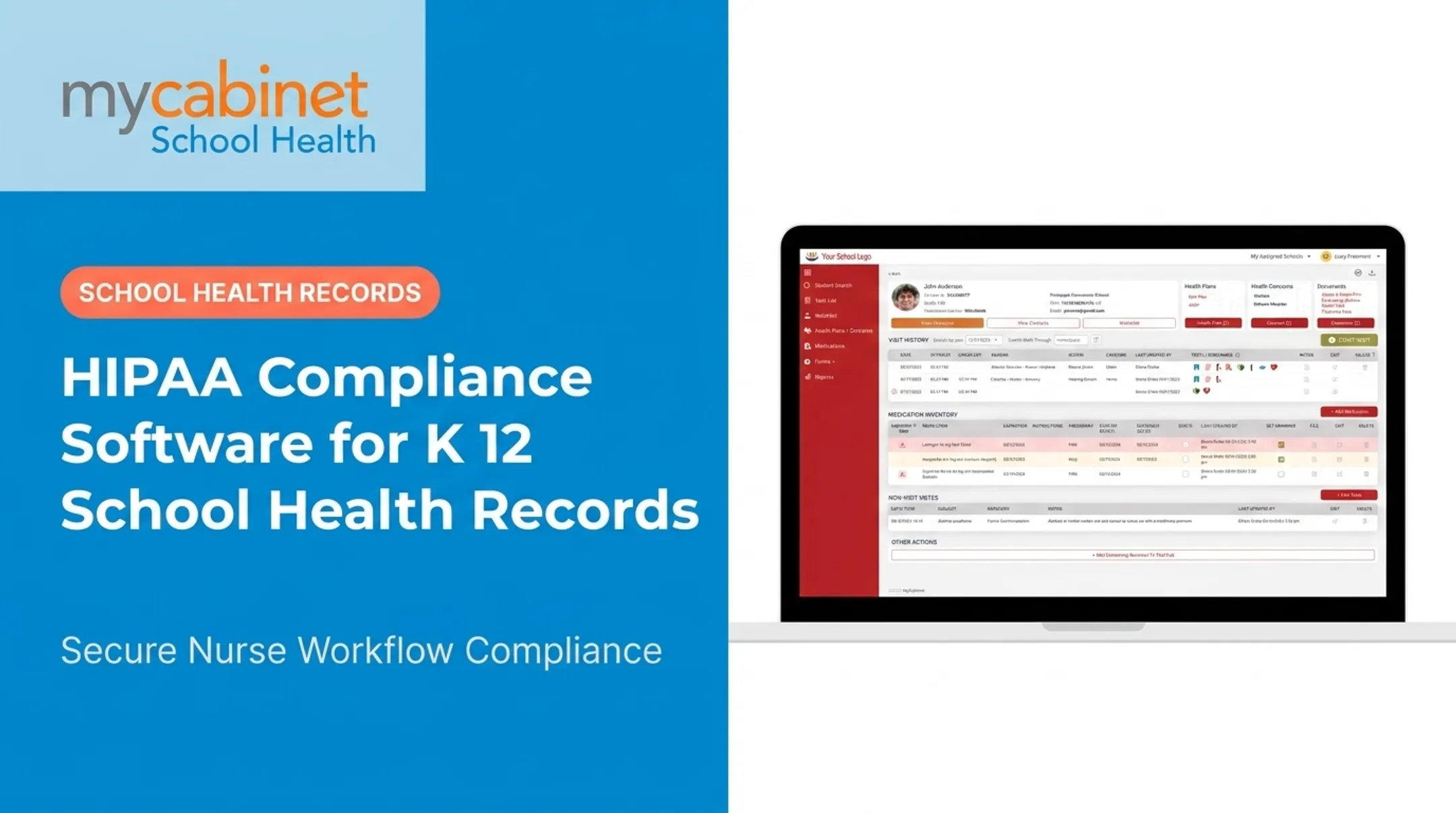
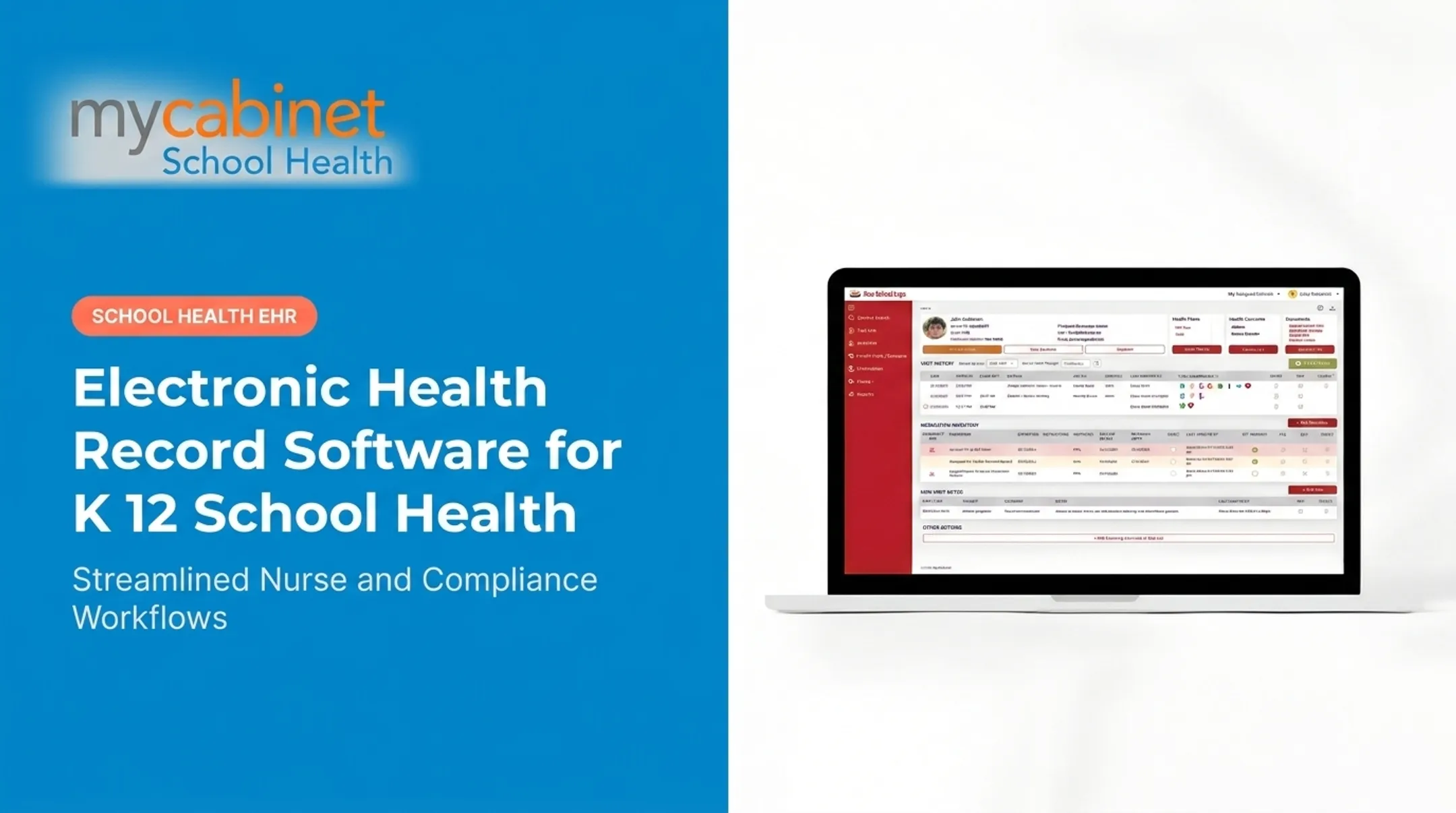
MyCabinet School Health illustrates this with three connected pieces: a Nurse Portal, a Parent App, and a Parent Web Portal. The Nurse Portal organizes visits, medications, screenings, and follow-ups into workflow-driven task lists.
The Parent App and Web Portal let families upload required forms, view active school-held medications and expiration dates, and receive one-way notifications about clinic visits or expiring paperwork, without an unrestricted chat channel to the clinic.
This is a useful reference point for the kind of school-specific capability set worth looking for, not proof that any given platform connects to every external EHR, immunization registry, or student information system a district uses. Verify the specific integrations (SIS sync, single sign-on, registry connections) during procurement rather than assuming based on marketing copy.
Security, Privacy, and Compliance Requirements
More connections create more places student health data can leak or get misused. Districts need clear rules on data minimization, purpose limitation, retention schedules, consent, and who owns the student health record.
FERPA vs. HIPAA: It Depends
The FERPA vs. HIPAA split confuses many districts. In most cases, student health records maintained by a school — including records kept by a school nurse — fall under FERPA, not HIPAA, according to joint guidance from the U.S. Department of Health and Human Services. FERPA education and treatment records are generally excluded from HIPAA Privacy Rule coverage.

But there are exceptions. A school billing electronically for certain health services could trigger HIPAA covered-entity status for parts of its operation. Which rule applies depends on the record type, who's maintaining it, and the context of disclosure — a question for district counsel or a privacy officer, not a blanket assumption either way.
Technical Safeguards Worth Evaluating
- Role-based access and least-privilege permissions
- Encryption in transit and at rest
- Multifactor authentication where appropriate
- Audit logs and session controls
- Backups and disaster recovery
- Secure API authentication
Provenance matters too: the system should show who entered, changed, viewed, approved, or shared any given piece of information. Without that trail, "who touched this record" becomes a guessing game during an audit.
Where MyCabinet School Health Fits
MyCabinet School Health is HIPAA compliant, FERPA compliant, and AICPA SOC 2 certified. Treat those credentials as a baseline for vendor screening, not proof that every integration or use case is covered.
Before signing, review the vendor's:
- Security documentation
- Breach-response process
- Data-processing terms and subcontractor list
- Retention policy
- Accessibility approach
- Incident-reporting obligations
How to Evaluate and Implement EHR Interoperability Software in a School District
Don't start with a feature list. Start with the workflows that actually cause pain in your clinics.
1. Define Your Priority Use Cases
Identify the workflows that matter most:
- Medication administration
- Emergency care plans
- Digital forms and screenings
- Immunization tracking
- Nurse visits and family notifications
- School transfers For each workflow, document:
- Which systems are involved and who needs access
- What data must move, in which direction, and how quickly
- Which decision the information supports
2. Run a Gap Analysis
Map current-state friction points:
- Paper forms and duplicate entry
- Missing data and inconsistent terminology
- Manual follow-up calls
- Disconnected family communication
- Reporting limitations This is usually where districts discover how much nurse time goes to administrative chasing rather than clinical care.
3. Evaluate Technical Capability
Ask vendors specific questions:
- Which APIs, standards, file formats, and implementation guides does the platform support, and can they provide current documentation?
- How is incoming data mapped, validated, deduplicated, and corrected?
- Does the platform support data export, portability, backups, and audit trails?
4. Test With Real Nurses First
Before rolling anything out district-wide, run actual scenarios with frontline staff:
- New medication form
- Expired authorization
- Routine clinic visit
- Parent upload and nurse approval
- Mid-year transfer Track baseline numbers such as duplicate entry rates, documentation timeliness, and family response rates so you can compare results after launch.
5. Roll Out in Phases
- Start small: a handful of schools or one high-value workflow
- Map and migrate data, validating as you go
- Train users thoroughly before go-live
- Pilot with a defined feedback loop
- Expand in controlled stages, not all at once
6. Establish Ownership
Name a district sponsor, a nurse champion who can flag workflow friction early, IT and privacy stakeholders, a vendor contact, and a clear escalation path. Build in a regular review of access permissions and any new integrations added after go-live. Platforms like MyCabinet School Health belong in that evaluation as a nurse-centered option: family-facing access, medication oversight, digital form workflows, and documentation built for school health rather than adapted from a hospital EMR. Confirm integration scope, implementation support, and fit against your district’s requirements before signing.

Conclusion
Real K-12 EHR interoperability puts accurate, appropriately accessible information in front of the people responsible for a student's care at the moment they need it.
When comparing platforms, weigh:
- Standards support and data quality
- Nurse usability, tested with actual staff
- Family access that's controlled, not open-ended
- Security, privacy, and auditability
- Implementation readiness and vendor transparency
- Measurable workflow outcomes, not just promises
The practical next step is straightforward: map your district's highest-priority health workflows first. Use that map, not a generic feature checklist, to compare interoperability capabilities, governance requirements, and school-health-specific platforms like MyCabinet School Health against what your nurses and families actually need.
Frequently Asked Questions
What is EHR interoperability?
EHR interoperability is the secure exchange of health information between systems, combined with the receiving system's ability to interpret it correctly. In a K-12 setting, that might mean a nurse pulling up an authorized medication record without re-entering it from a paper form.
What are the four types of interoperability?
The four types are foundational (systems can send and receive data), structural (consistent format for fields like medications or allergies), semantic (shared terminology so meaning stays consistent), and organizational (the policies and consent rules governing who can use the data).
What is the main advantage of interoperability within an EHR system?
It gives authorized users timely, accurate information without duplicate entry or fragmented communication. For school nurses, that means less time reconciling paperwork and more time on actual student care.
What is a certified EHR?
Certification generally means health IT has been tested against specific regulatory or technical criteria by an authorized certification program, such as the ONC Health IT Certification Program. Always verify certification status for the specific product and use case.
What is the CMS interoperability rule?
CMS's Interoperability and Patient Access rule (CMS-9115-F) requires certain Medicare Advantage, Medicaid, CHIP, and marketplace payers to support FHIR-based patient access APIs. It regulates payers, not K-12 districts directly. Confirm with counsel whether any related obligation applies to your organization.