Many school nurses juggle all of this with fragmented tools, paper logs, and memory. An electronic health records computer only helps when it fits into that pace rather than adding another task to the pile. Done right, it gives the nurse fast, organized access to what matters most.
This article covers what school nurses actually use an EHR computer for, which workflows benefit most, the real advantages and tradeoffs, and how districts can roll out the technology without overwhelming their health office staff.
Key Takeaways
- School health EHRs put student records, documentation, medications, and family communication in one shared system.
- Nurses can manage medications, digital forms, visit notes, screenings, and follow-up tasks in one workflow.
- Nurse input, role-based access, FERPA and HIPAA awareness, and downtime planning determine whether adoption succeeds.
- Structured electronic records improve documentation quality and care coordination, according to national school nursing guidance.
What an EHR Means in a School Health Setting
An electronic health record is a digital, longitudinal record. It organizes a student's health information, documentation, medications, forms, communications, and care activities in one place instead of scattered files.
The National Association of School Nurses (NASN) frames this specifically for K-12 settings. A school-nursing EHR should use the nursing process and standardized data points, paired with confidentiality, privacy, and security protections, to support efficient workflow, error prevention, and information retrieval.
That's meaningfully different work from what a hospital or ambulatory EHR performs. A school health record must also reflect:
- Parent permissions for medications, treatments, and information sharing
- Recurring medication needs, including as-needed and scheduled doses given during school hours
- Screenings like vision, hearing, and scoliosis checks tied to state requirements
- Coordination with families and designated staff, not just clinical providers
Storage Versus Workflow Support
A record that simply archives past visits doesn't help much on a busy day. A useful system flags what needs attention next: an incomplete recheck, an expiring medication authorization, a form awaiting approval.
NASN notes that a general district academic or student information system module typically can't fill this role, since it lacks the clinical structure and safeguards school nursing requires.
Access and Privacy Boundaries
Access should always be limited by role and purpose. Whether FERPA or HIPAA governs a specific student health record depends on who maintains it and how.
Joint federal guidance from HHS and the Department of Education explains that most K-12 student health records fall under FERPA rather than HIPAA, since schools generally aren't HIPAA-covered entities.
Districts should verify current federal and state rules with legal counsel rather than assume either law applies by default.
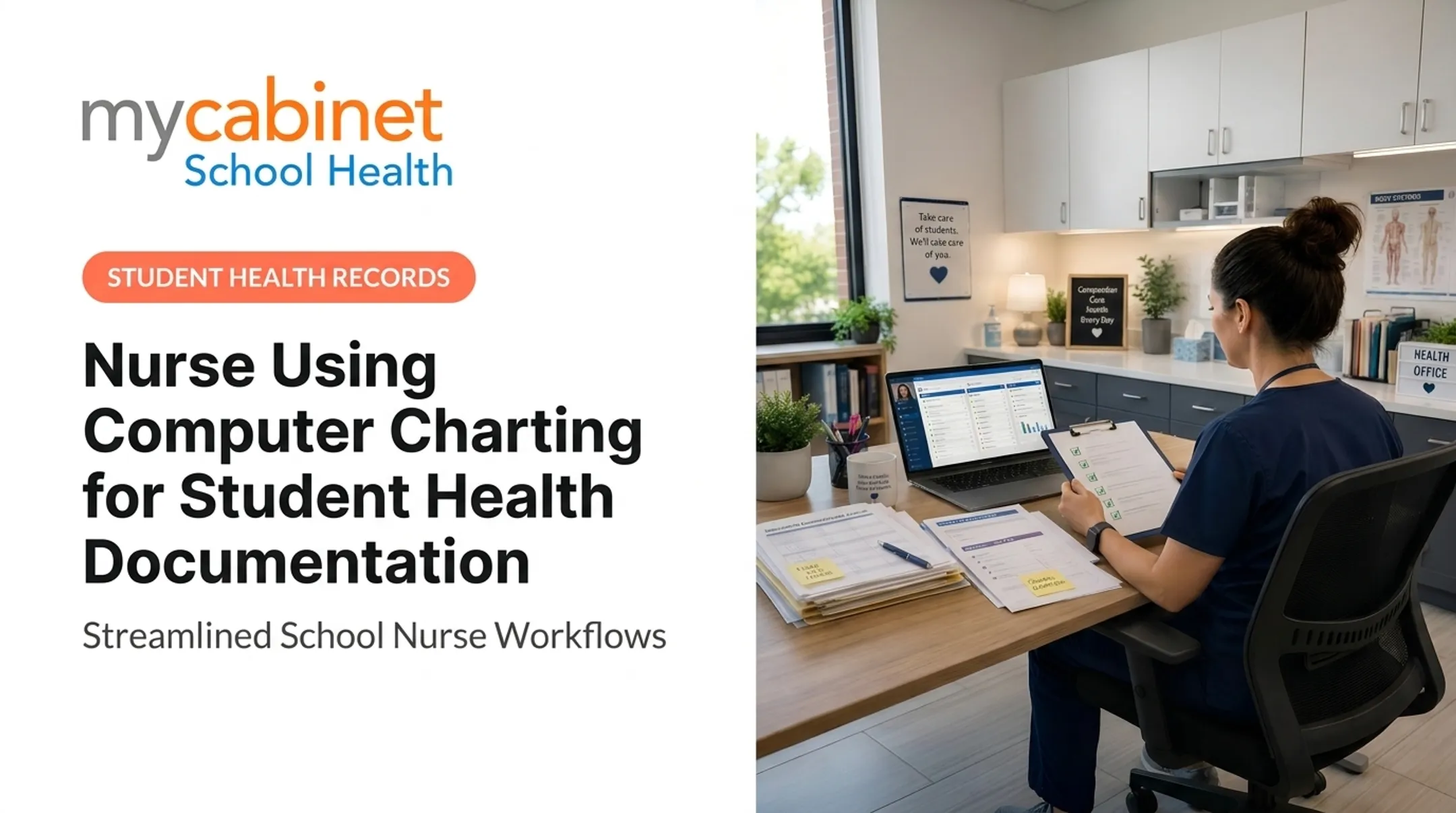
How a School Nurse Uses an EHR Computer During the School Day
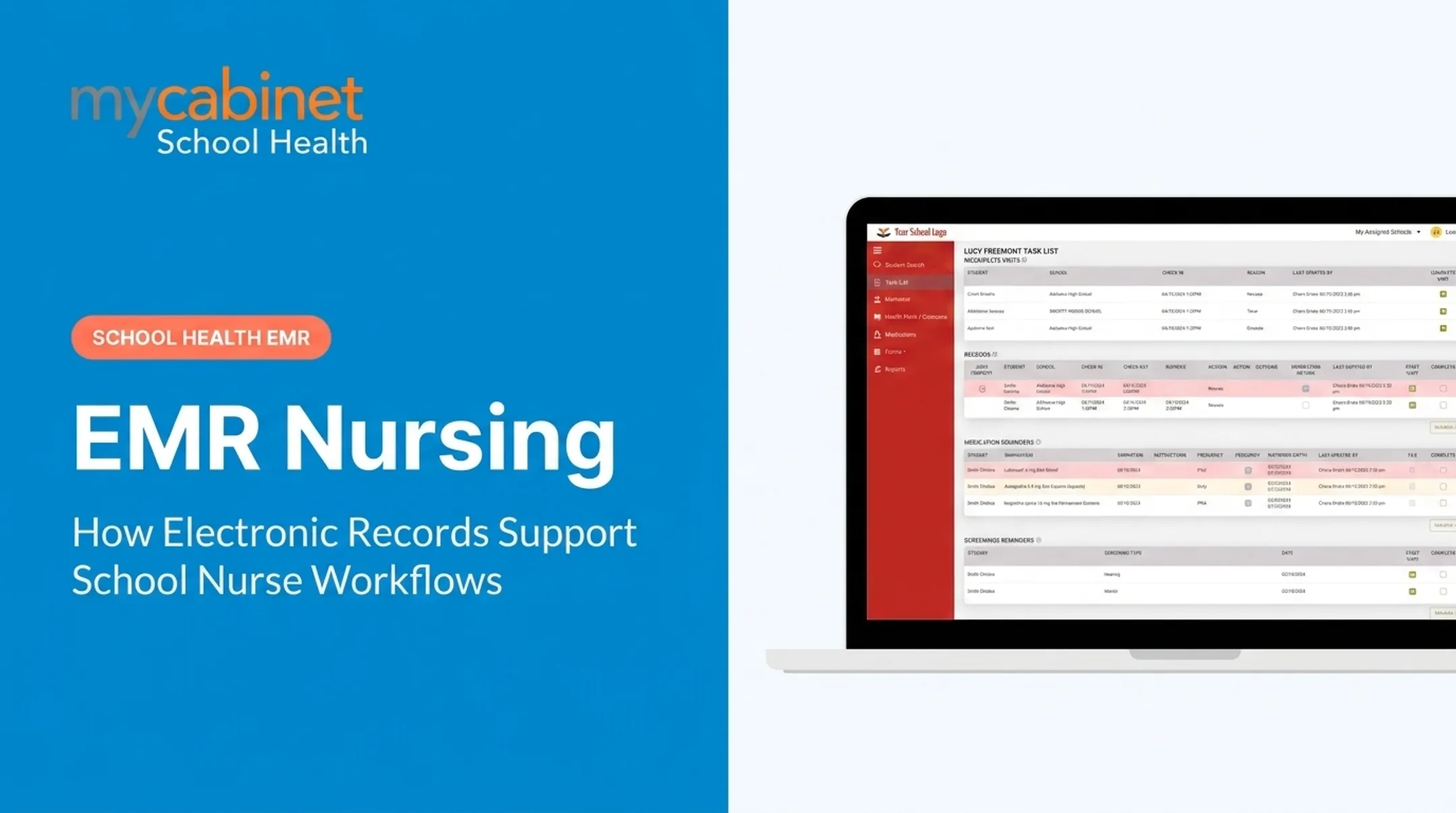
The day typically starts with a review, not a blank slate. The nurse checks assigned tasks: incomplete documentation, medication schedules, upcoming authorization expirations, rechecks, and screenings due that week. This replaces sticky notes and memory as the way to track what's pending.

Walking Through a Student Visit
When a student arrives at the clinic, the workflow follows a consistent pattern:
- Locate the student profile and confirm relevant history and parent permissions
- Record the reason for the visit using structured fields where appropriate
- Enter observations and actions taken during the encounter
- Document disposition or follow-up, such as returning to class or going home
- Save the record promptly so it's visible to authorized staff
Structured visit types and predefined fields improve consistency across visits. But nurses should avoid copying forward old information without verifying it's still accurate. That habit can introduce errors into an otherwise clean record.
Supporting Medication Work
The computer also supports medication oversight:
- View authorized dosage and frequency
- Document administration or refusal
- Track supply levels and expiration dates
- Log outreach when a parent needs a renewal
A Practical Example: The Recheck Visit
Consider a student who returns two days after an initial headache complaint. With an accessible record, the nurse can pull up the prior visit instead of starting from scratch, confirming what was already tried and whether symptoms have changed. That continuity avoids duplicate questions and helps the nurse spot patterns a first-time visit alone wouldn't reveal.
MyCabinet School Health's Nurse Portal is one example of a platform built around this workflow, with structured documentation, intelligent task lists, medication oversight, and digital health-form review for school nursing. Other school health platforms may structure these features differently.
School Health Workflows an EHR Can Support
Beyond individual visits, an EHR should support the recurring workflows that make up most of a nurse's week.
Student visits and clinical documentation: Predefined visit categories, timestamps, observations, interventions, and follow-up notes create consistency without forcing the nurse to write a full narrative every time.
Medication management: Nurses need these records visible and current:
- Authorization records
- Dosage and frequency visibility
- Administration documentation
- Expiration monitoring
- Outreach logs
Software supports this process, but professional judgment and district policy still govern the actual decisions.
Digital health forms: Families submit forms and supporting documents digitally. The nurse reviews and approves them, and accepted records attach directly to the correct student profile, cutting down on lost paperwork.
Parent and family communication: Controlled communication channels handle clinic visit notifications, missing information requests, and medication expiration alerts, without disclosing more than necessary.
Screenings and recurring care: Task lists and reminders help nurses track:
- Vision, hearing, and other mandated screenings
- Rechecks from earlier visits
- Chronic-condition follow-up, such as asthma action plan reviews
- Incomplete visits requiring closure
Reporting and handoffs: Structured records support district-level reporting, audits, and continuity when a substitute nurse covers the clinic. NASN notes that EHR documentation can be monitored, extracted, and analyzed for trends. That supports quality improvement and program evaluation without exposing unnecessary student detail.

Benefits of Using an EHR Computer in School Nursing
The most immediate benefit is efficiency. A centralized record reduces reliance on paper files, spreadsheets, fax machines, and manual email follow-up, all of which eat into time nurses could spend with students.
Clearer medication details and visible follow-up tasks can help reduce preventable omissions, like a missed dose renewal or an overlooked recheck. That said, an EHR doesn't eliminate errors. It reduces the conditions that allow them to slip through.
Those same gains in access and follow-through can also show up in student outcomes, not only in cleaner charts.
Evidence From a School-Based Program
A 2022 peer-reviewed study looked at school nurses who received view-only access to a hospital-based EHR through a health information exchange program in three urban Denver-area districts.
Across 336 students and 162 school nurses between 2018 and 2020, emergency department visits dropped from 190 to 126, a 34% decrease.

That's a meaningful signal, though the study authors were careful to note it's an observational result from a large urban district with strong IT resources. It shouldn't be read as a guarantee that any EHR access produces the same outcome elsewhere.
Better Communication, Better Visibility
Structured documentation also improves communication between nurses, families, and designated staff while preserving confidentiality. When a parent uploads an immunization record through a Parent App and the nurse reviews it inside the same system, there's no gap where paperwork gets lost in transit.
At the district level, structured data gives leadership better visibility into:
- Overall clinic workload and visit volume
- Recurring health needs across schools
- Form completion rates
- Service demand trends over a semester or year
Implementing and Improving Nurse EHR Workflows
Technology rollouts fail most often when they skip discovery. Before selecting or configuring a system, watch how nurses handle visits, medications, forms, and reporting today. Map the friction first:
- Duplicate data entry across paper and digital tools
- Delays in medication checks, follow-ups, or parent outreach
- Gaps between clinic notes, forms, and required reports
Involving Nurses From the Start
Nurses should shape the system, not just receive it. Effective implementation involves:
- Workflow mapping sessions with practicing school nurses
- Scenario-based demonstrations using real district situations
- Pilot groups that test the system before district-wide rollout
- Ongoing feedback cycles after launch
MyCabinet School Health was built with school nursing leadership to cut unnecessary admin steps instead of adding new ones.
Setting Documentation Standards
Districts should define what must be recorded, who uses each data element, and how long records need retention. Cut fields that do not support care, compliance, or reporting. Every retained field should have a clear owner and use.
Building a Training Plan
One onboarding session rarely sticks. Build training in layers:
- Short demos of core daily tasks
- Realistic school-health scenarios, not generic clinic examples
- Guided practice during a low-stakes window
- Quick-reference guides for common questions
- Peer coaching from nurses who adapted early
- Refresher support after launch
Safeguards Worth Building In
Build these safeguards into go-live planning:
- Role-based permissions and unique user accounts
- Audit trails for clinical and administrative actions
- Secure device use, screen privacy, and session timeouts
- A documented downtime process for outages
MyCabinet School Health connects the Nurse Portal, Parent App, and Parent Web Portal around the nurse-student-family workflow. No platform replaces district policy, clinical judgment, or legal review—use those as the final check before scaling district-wide.
Common Challenges and Safeguards
Even well-designed systems create friction if districts don't plan for it. Plan for these friction points before go-live:
- Simplify documentation fields and drop unused data points so charting does not crowd out face-to-face time with students
- Replace generic hospital-oriented training with role-based, workflow-based sessions that cover recess injuries and medication passes between classes
- Enforce minimum-necessary access, accurate student matching, and secure devices; CISA’s K-12 guidance prioritizes multifactor authentication, prompt patching, tested backups, and a clear incident-response plan
- Keep a paper or offline contingency plan, a process for reconciling records after outages, and clear staff communication while systems are down
Frequently Asked Questions
What is the role of a nurse in maintaining and using electronic health records?
The nurse reviews relevant student information, documents assessments and care, manages medications and follow-up, and communicates appropriately with families and staff. All of this happens within professional standards and district policy requirements.
Which EHR systems do most hospitals use?
Certified EHR use is near-universal among U.S. acute-care hospitals, but hospital systems differ from school health platforms. School platforms center on student visits, medications, forms, and family communication—not inpatient workflows.
What examples of clinical documentation are included in an electronic health record?
Typical entries include the visit reason, assessment findings, interventions performed, medication details, follow-up plans, relevant referrals or communications, attached forms, timestamps, and outcome notes for each encounter.
What are the four main types of nursing documentation?
Common categories are narrative notes, charting by exception, problem-oriented documentation, and focus charting (data, action, response). Formats vary by organization, so districts should confirm their own documentation standards.