This scenario plays out in health offices across the country every day. Record digitisation—the process of converting physical files into secure, searchable digital records—is how schools are fixing this problem. This article covers what digitisation actually means, how it works, and why it matters so much for school health records specifically.
Districts are under real pressure here. Compliance demands are rising, families expect transparency, and paper simply can't deliver either one fast enough.
Key Takeaways
- Record digitization turns physical files into secure, searchable digital records—not just scans
- Benefits include faster retrieval, lower administrative overhead, and stronger compliance
- School health records (immunizations, medication logs, health forms) need FERPA/HIPAA-aligned handling
- Choose an approach based on document volume, sensitivity, and fit with existing workflows
What Is Record Digitisation?
What Is Record Digitization?
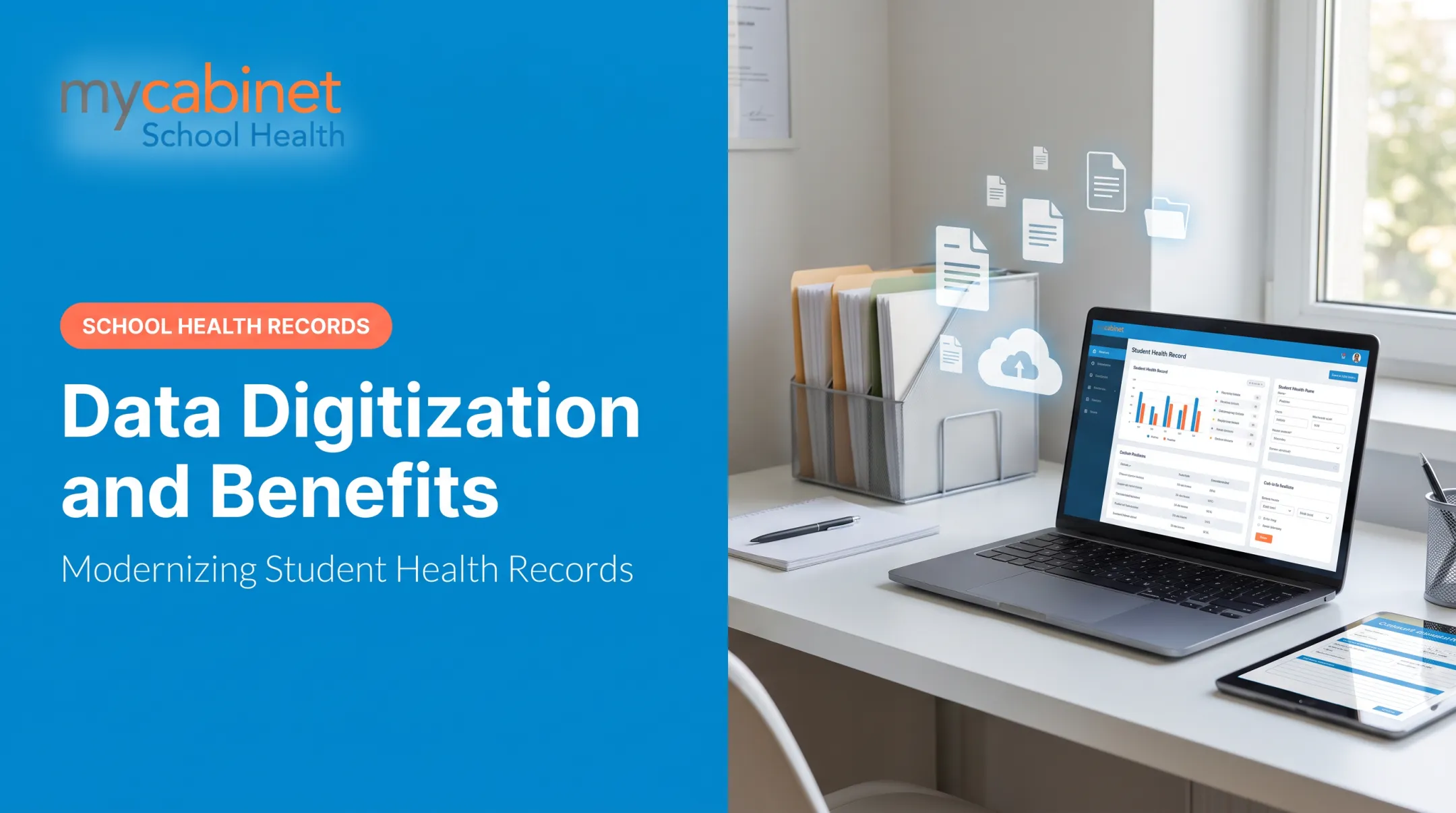
Record digitization is the process of converting physical documents into digital files that can be stored, searched, shared, and secured electronically. The real value shows up after the scan, when that file becomes something staff can find and act on.
A scan alone is only an image. True digitization layers in:
- OCR (optical character recognition): converts image text into searchable text
- Indexing and metadata tagging: labels records by student name, date, form type, or category
- Workflow integration: connects the record to the systems people use every day
For schools, that means turning stacks of paper into structured data covering immunization records, health forms, medication logs, incident reports, and administrative files.
Digitization Isn't Just Storage
Storage keeps a file, physical or digital, sitting somewhere. Digitization transforms that file into something a person can actually use.
Think about a scanned PDF health form sitting in a folder versus a digitized form where a nurse types a student's name and instantly pulls up their medication list. Same original document, completely different outcome.
Paper record management carries a real cost, too. According to AIIM's research on document management, organizations spend roughly $20 in labor to file a single document, $120 to find a misfiled one, and $220 to reproduce one that's lost.
Multiply those figures across hundreds of student health files, and staying on paper gets expensive fast.
How Record Digitisation Works: Step-by-Step Process
How Record Digitization Works: Step-by-Step Process
Record digitization is a multi-step process, not a one-time scan. Here's how it typically breaks down:
- Assess and prioritize records — Identify which documents get accessed most or carry the highest compliance risk. Health forms and medication records usually top this list.
- Prepare documents — Remove staples, repair damaged pages, and sort by category before anything touches a scanner.
- Scan or capture — Choose equipment based on volume: a desktop scanner for small batches, mobile capture or a dedicated platform for larger operations.
- Extract and index data — Apply OCR and metadata tagging so records become searchable by name, date, or record type.
- Store securely — Use encrypted, access-controlled digital storage with built-in audit trails.
- Integrate into workflows — Connect digitized records to the systems staff already use, so information updates automatically instead of living in a separate silo.

This mirrors the approach the National Archives recommends for federal digitization projects: inventory records, define quality standards, and document error-remediation before scanning begins. Skip the planning step, and you end up with a digital mess instead of a digital system.
Key Benefits of Record Digitisation
Key Benefits of Record Digitization
The advantages go beyond "no more filing cabinets." Here's what changes in practice:
- Locate a record in seconds instead of searching drawers, critical during allergic reactions or medication questions
- Cut time and money spent printing, filing, and storing paper
- Support HIPAA and FERPA with encryption, role-based access, and audit trails
- Share records securely between staff and families instead of trapping them in one office
- Protect records with digital backups that survive fires, floods, and misplacement
The retrieval math backs this up. That same AIIM research found employees waste 3.5 hours per week searching for documents they can't find. Over a school year, that adds up to weeks of lost productivity per staff member. That time could go toward student care instead of hunting for paperwork.

Common Challenges in Record Digitisation and Best Practices
Common Challenges in Record Digitization and Best Practices
Digitization isn't automatic once you buy a scanner. A few problems show up consistently:
Poor original document quality. Faded ink, messy handwriting, or water-damaged pages reduce OCR accuracy. NIST testing on character recognition systems found error rates ranging from roughly 3.67% to 5.07% even under controlled conditions—and that's with clean, isolated text. Real-world handwritten forms often need manual review to catch what OCR misses.
Inconsistent naming and indexing. Without a standard, you end up with a disorganized digital archive that's worse than the paper version. Fix this by defining metadata standards and folder structures before scanning starts, not after.
Security and compliance risk. Sensitive student health records need role-based access, encryption, and audit logging built in from day one, not bolted on later. FERPA and HIPAA both expect these controls before records go live.
Best practice: Start with your highest-impact, highest-risk records first. For most schools, that's medication logs and health forms. Scale to other document types once that process is proven.
Record Digitisation in School Health: Why It Matters
Record Digitization in School Health: Why It Matters
School health records carry a unique weight. Immunization records, medication authorizations, health visit logs, and parent consent forms all require FERPA and HIPAA-aligned handling, since student health information maintained by a school falls under FERPA's education records definition.
NASN estimates school nurses care for over 56 million U.S. students, and 25% have chronic conditions requiring school-day medication. That's an enormous volume of sensitive, time-critical information moving through health offices that still rely on paper and faxes.
Digitizing these records supports:
- Faster nurse response during emergencies
- Better medication oversight, including expiration tracking and outreach logging
- Improved parent visibility into their child's care
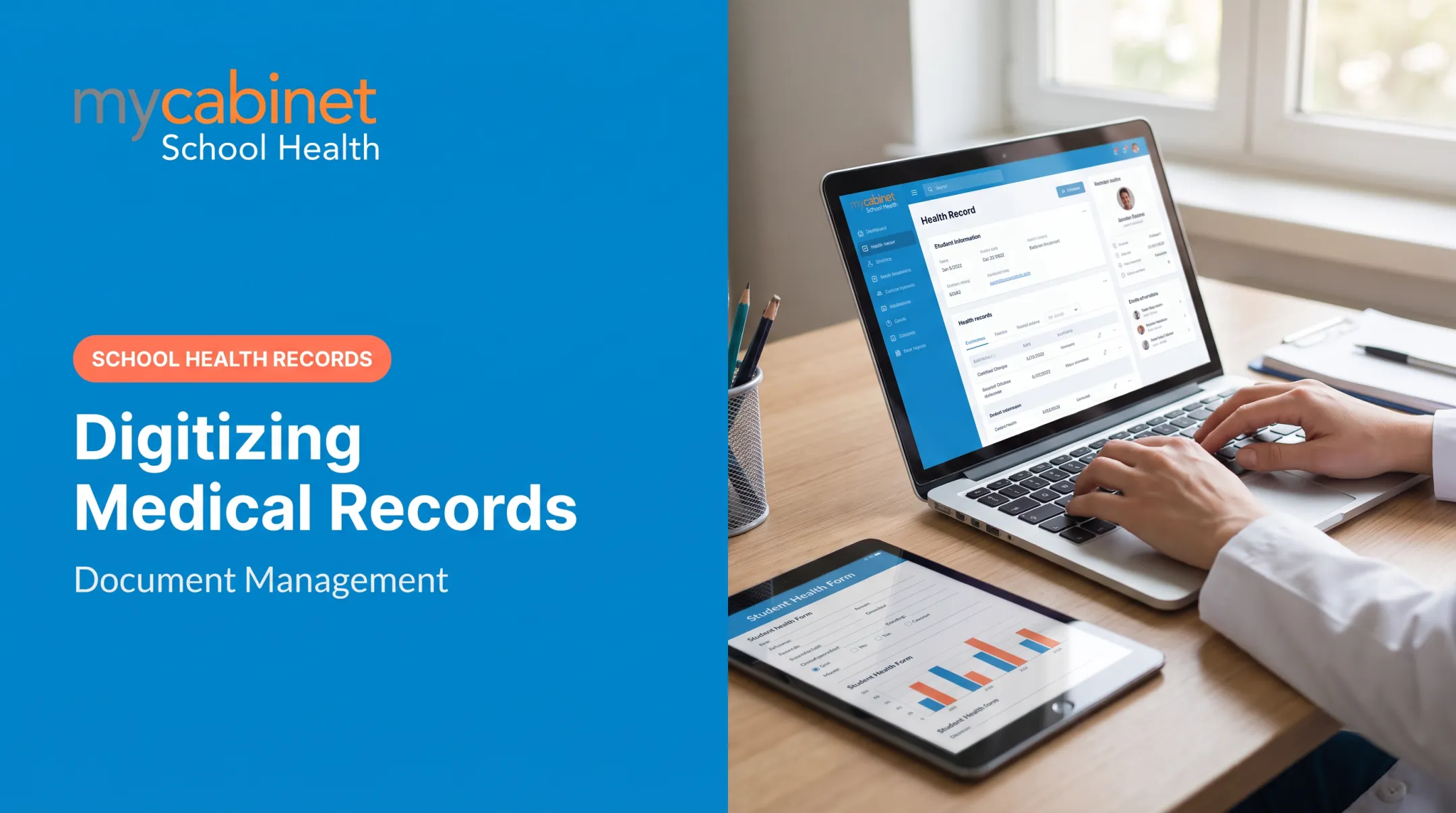
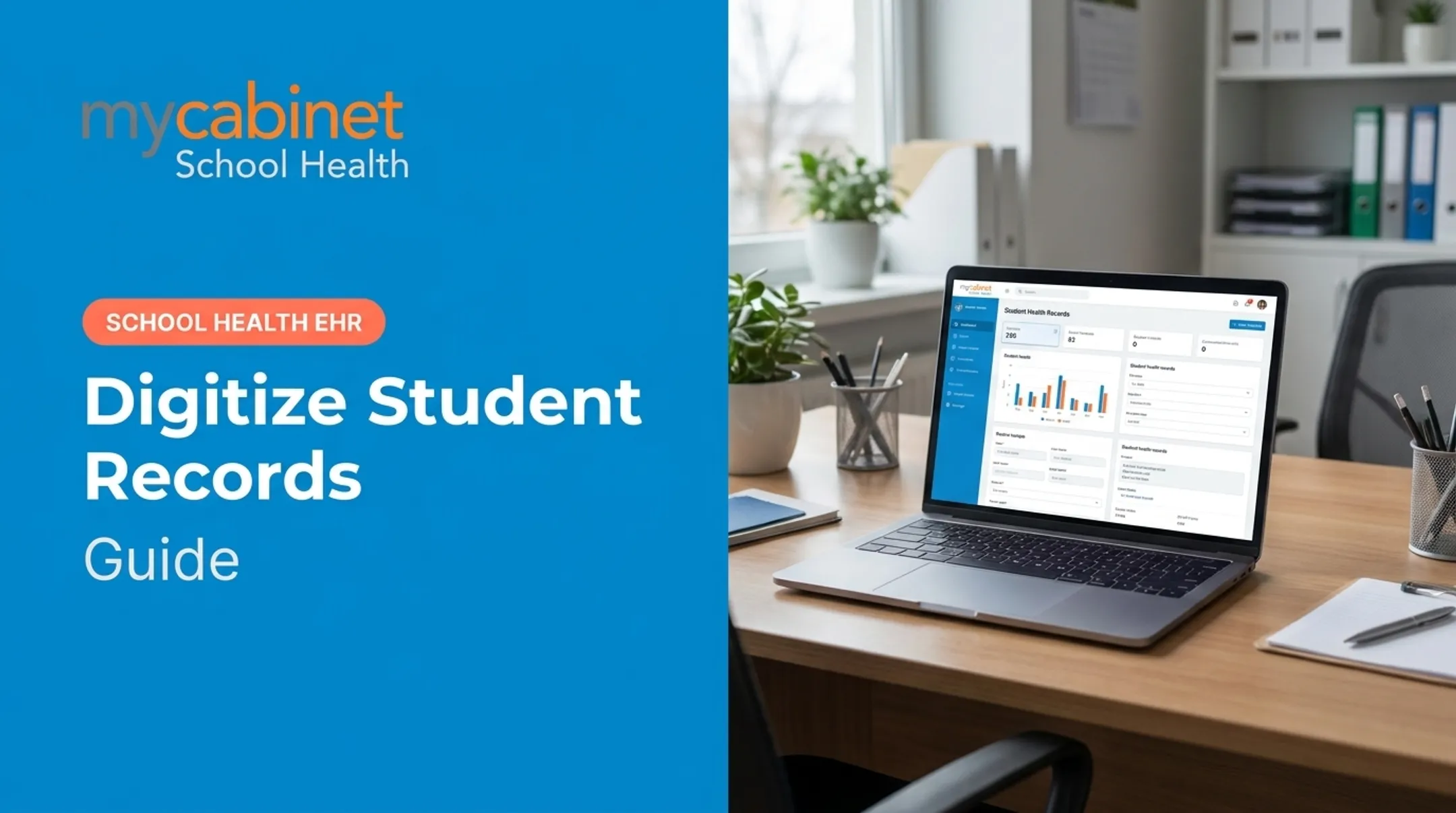
MyCabinet School Health closes that gap. Instead of parents faxing forms or nurses re-keying data from paper, parents upload medical forms, immunization records, and medication paperwork through the Parent App or Web Portal.
Nurses review, approve, and attach those documents straight to the student's record: no scanning, no filing, no lost fax.

Cobb County School District's superintendent, Chris Ragsdale, described the shift plainly: MyCabinet "digitized and makes documentation easier," pointing specifically to parents submitting paperwork electronically and seeing when their child was seen and medicated. He called it "a win for the parents and a win for the district."
Structured digital records also generate audit trails and compliance reporting that paper simply can't produce, giving administrators oversight without requiring a manual file-by-file review every time a state report is due.
Frequently Asked Questions
How much does record digitization cost?
Cost depends on document volume, paper condition, and how deep the indexing and system integration needs to go. Expect anything from simple per-page scanning fees to broader platform investments for ongoing workflow needs.
Is it legal to digitize vinyl records?
That question usually refers to audio media for personal use, which raises separate copyright considerations outside the scope of this article. Here, we're focused on document and record digitization, not music formats.
What types of school records should be digitized first?
Start with health forms, immunization records, and medication logs. These carry the highest compliance risk and see the most daily use by nurses and staff.
Is digitized student health data secure?
Secure platforms use encryption, role-based access, and audit trails to protect data in line with FERPA and HIPAA. MyCabinet, for example, is SOC 2 Type II certified and built around these controls.
Can handwritten forms be digitized accurately?
Handwritten forms can be scanned and stored without issue, but OCR accuracy varies with legibility. Manual review is often necessary for names, dosages, and dates that OCR might misread.
Should schools digitize records in-house or use a specialized platform?
Small volumes can be handled internally with basic scanning tools. But specialized platforms built specifically for school workflows tend to deliver faster, more compliant, and more scalable results as volume grows.