By 10 a.m., a student walks in with a stomachache. She needs to check his chart, note the visit, decide whether to call home, and document it all before the next student arrives. Multiply that by 40 visits a day, some weeks with only a paper binder and a shared inbox to work from.
This is what happens when clinical workflow breaks down: delays stack up, forms get lost, and errors creep in. Fragmented, paper-based processes create real risk for students and real burnout for nurses. This article explains what clinical workflow actually means, why it's uniquely demanding in school health, and how platforms like MyCabinet are built to fix it.
Key Takeaways
- Clinical workflow is the full sequence of tasks and decisions behind care delivery, not just paperwork
- School workflows span intake, documentation, medication administration, and parent communication
- Poorly designed workflows raise error rates, waste time, and expose districts to compliance risk
- Structured visit types and automated task lists cut administrative burden and improve student safety
What Is Clinical Workflow?
Clinical workflow is the connected sequence of physical and mental tasks (documentation, decision-making, communication, and follow-up) that health professionals perform to deliver care. Every step depends on the rest of the chain.
Consider a typical handoff: a school nurse assesses a student, decides to notify a parent, documents the encounter, and closes the loop once the parent responds. Each step depends on the one before it. Break one link, and the whole chain stalls.
Clinical workflow and an EHR are not the same thing. An EHR is the tool. Workflow is the process the tool is supposed to support. A district can own an expensive EHR and still have a broken workflow if the software wasn't built around how nurses actually move through their day.
In school health, workflow covers far more than clinical charting:
- Visit intake and triage
- Medication administration and expiration tracking
- Health-form processing (immunizations, physicals, action plans)
- Parent notification and communication
Fragmented workflows aren't just a school problem. AHRQ's comparative study of academic and community emergency departments found that interruption-heavy, chaotic workflows increased clinicians' cognitive load and created conditions where care errors were more likely. Fewer handoffs and less duplicate data entry make care safer in an ED and in a school clinic alike.
Why Clinical Workflow Matters in School Health
School nurses often manage caseloads far beyond what's manageable with a binder and a spreadsheet. The National Association of School Nurses recommends staffing ratios starting at 1:750 for general student populations, tightening to 1:225 for students needing daily services, and 1:125 for complex medical needs. Many districts fall short of these benchmarks entirely.
When workflow breaks down under that load, the consequences are concrete:
- Missed medication doses — a North Carolina analysis of 115 districts found an average of 78 medication errors requiring medical intervention per year, with missed doses the most common type
- Delayed parent notifications that erode trust and create liability exposure
- Incomplete records that fail audits and complicate compliance reviews
A 2018 survey cited in that same North Carolina research found 15.3% of school nurses reported a medication error during the school year. Those numbers reflect a workflow gap showing up at scale.
Structured clinical workflow reduces that risk. Cobb County School District superintendent Chris Ragsdale, describing his district's move to MyCabinet, noted the system "digitized and makes documentation easier," letting parents see when their child was seen and given medication in real time. That visibility builds trust between schools and families when documentation, medication steps, and parent updates run as one connected process.
Examples of Clinical Workflows in a School Health Setting
A general clinical workflow follows a familiar pattern: check-in, assessment, documentation, treatment or referral, follow-up. In a school clinic, that pattern gets school-specific layers.
A Typical School Clinic Visit
- Student arrives at the clinic
- Nurse documents the visit using a structured visit type
- Nurse checks or administers medication if relevant
- Parent is notified if the situation warrants it
- Record closes with a full audit trail

Medication Management Workflow
Medication tracking is where errors most often hide. A typical flow looks like:
- Medication information is submitted through the school clinic per district policy
- The nurse reviews and manages the record inside the Nurse Portal
- Dosage, frequency, and expiration dates stay visible on the student's profile
- Outreach (calls, emails) gets logged directly against the student's record when a refill is needed
Digital Health-Form Workflow
Paper forms are a classic bottleneck. A better version looks like this:
- Parent uploads a required form (an immunization record, physical evaluation, or asthma action plan) through the Parent App or Parent Web Portal
- Nurse reviews the form inside the Nurse Portal and approves or accepts it
- The document attaches automatically to the student's health record
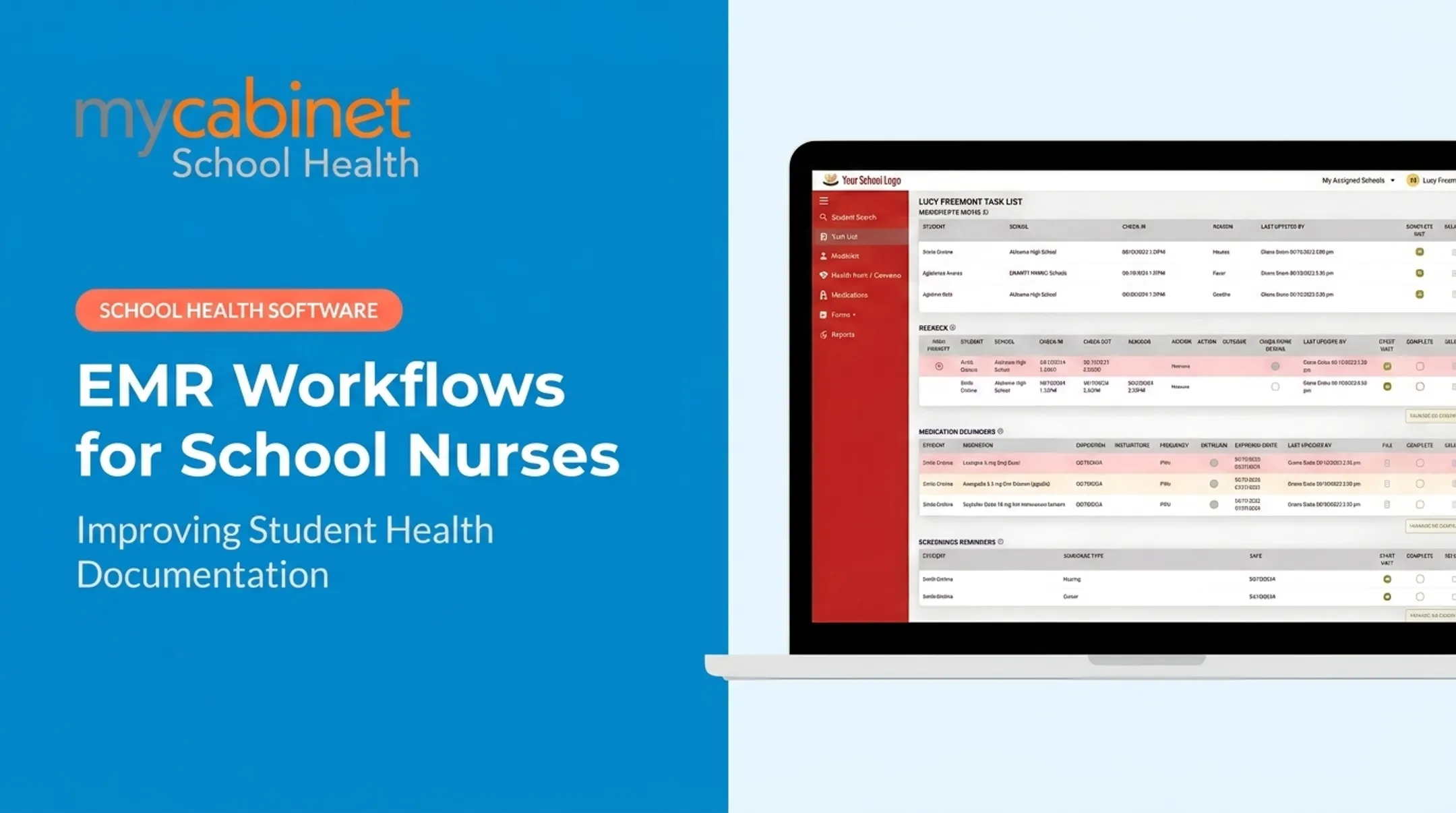
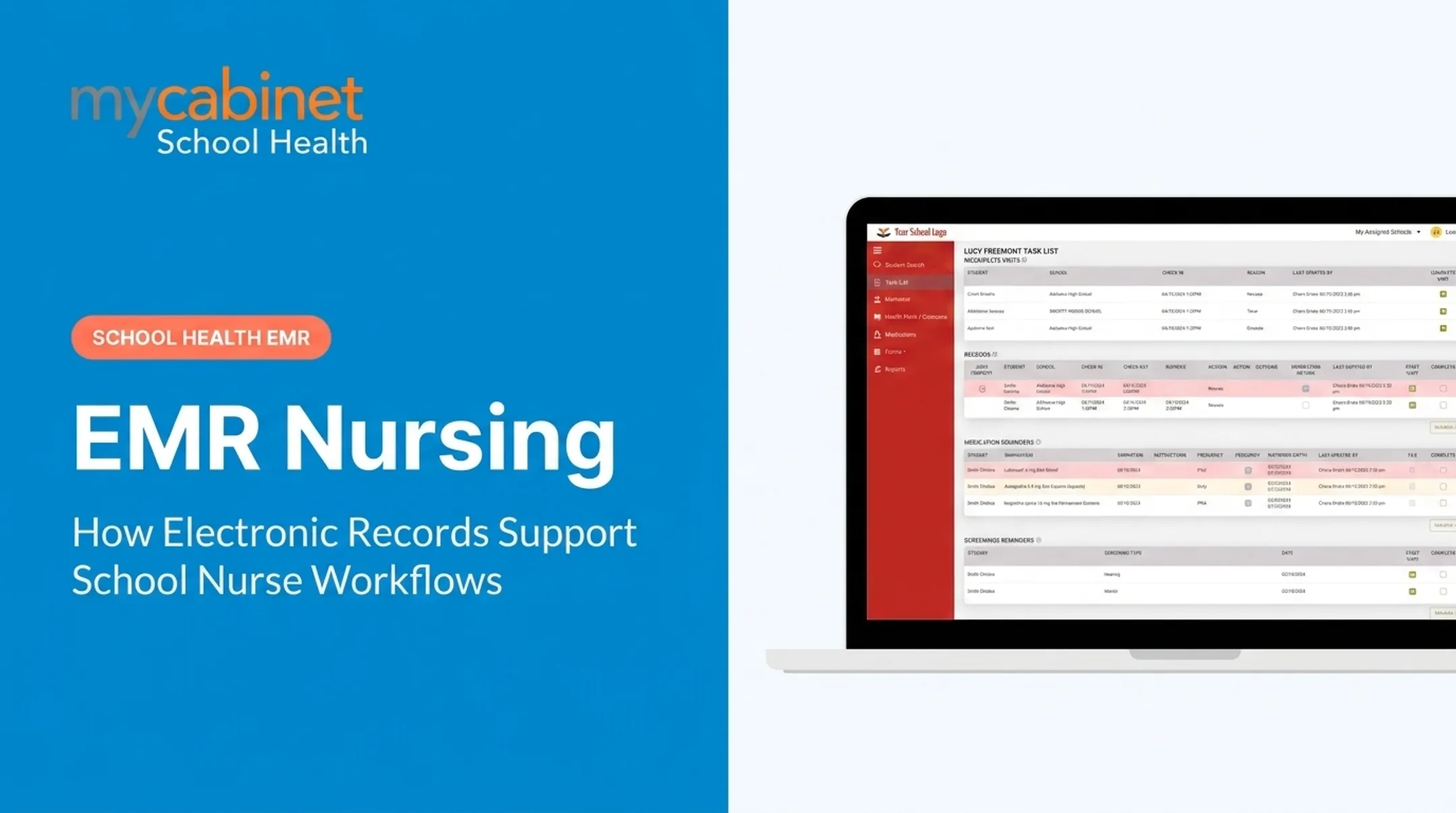
MyCabinet's Nurse Portal pulls these steps into one intelligent task list, surfacing incomplete visits, rechecks, medication expirations, and screening reminders in a single dashboard. Nurses no longer hunt across binders, spreadsheets, and inboxes.

Steps of a Typical Clinical Workflow
Every clinical encounter in a school health office moves through the same core steps:
- Intake/registration — Collect student information and the reason for the visit
- Assessment — Evaluate symptoms, vitals, or the presenting concern
- Documentation — Record findings using structured, predefined visit types
- Action/treatment — Administer medication or care, or make a referral decision
- Communication — Notify parents or providers through controlled channels
- Follow-up/closure — Complete the record, schedule rechecks, and close the loop with an audit trail

Wisconsin's Department of Public Instruction treats triage as continuous rather than a one-time decision. The nurse keeps reassessing as a student's condition changes, not just at intake. Workflow steps aren't a rigid checklist. They're a framework that still leaves room for clinical judgment.
Common Workflow Challenges and How to Improve Them
Most school health workflow problems trace back to a handful of recurring issues:
- Fragmented communication tools: phone calls, personal email, and paper notes, all disconnected from the student record
- Manual paper forms: immunization records and physicals that sit in a filing cabinet instead of an accessible system
- Duplicate data entry: entering the same information into a student information system and a separate health record
- Missed follow-ups: rechecks and medication expirations that fall through because nothing flags them automatically

Before adopting new tools, map the current process. Walk through a real day with the nurses who live it, and find where time actually gets lost. Frontline input matters: a workflow redesign built without nurse feedback tends to just move the friction somewhere else.
MyCabinet's workflow-first design grew directly out of this kind of feedback. Nurses reported clunky interfaces, too many clicks for routine tasks, and buried records in documentation-first legacy systems. That input shaped practical fixes:
- Structured visit flows and one-click actions for routine tasks
- Role-based access that keeps student records appropriately scoped
- Automated task lists that surface rechecks, expirations, and incomplete visits without a manual search
Frequently Asked Questions
What are examples of clinical workflows?
Common examples include a full clinic visit (check-in through follow-up), medication management (review, dosage tracking, outreach logging), and digital health-form approval (parent upload, nurse review, record attachment). Each follows the same intake-to-closure pattern.
What are the steps of a clinical workflow?
The core steps are intake, assessment, documentation, action or treatment, communication, and follow-up. Every clinical encounter moves through some version of this sequence, whether in a hospital or a school clinic.
How is clinical workflow different in a school setting compared to a hospital or clinic?
School workflows add layers hospitals don't deal with: parent notification, FERPA-governed education records instead of HIPAA, and coordination with non-clinical staff like teachers and administrators. The clinical steps are similar; the surrounding compliance and communication requirements aren't.
Why do school nurses need structured workflow tools instead of spreadsheets or paper logs?
Manual tracking makes it easy to miss rechecks, lose forms, and fail audits, all of which carry real liability. Centralized, auditable systems catch what a spreadsheet won't and create a defensible record if something's questioned later.
How does workflow software improve medication safety in schools?
School health platforms track expiration dates automatically, keep dosage and frequency visible on the student's profile, and log outreach attempts tied directly to that student's record. That visibility is what catches missed doses before they become errors.
Can parents see or interact with the clinical workflow?
Parents get controlled, one-way visibility — clinic visit notices, medication expiration alerts, and the ability to upload required forms. They can't message the nurse directly through the app; for direct contact, they still reach out to the clinic itself.