This scenario plays out in schools every week. About 1 in 4 children in the U.S. has a chronic health condition, and many need medication or a care plan during school hours. Paper forms get lost. Signatures go missing. Records live in three different places: the nurse's office, the front desk, and a teacher's memory.
This article breaks down which health forms schools actually need, what data each one must capture, the compliance rules to check, and how digital collection fixes the paperwork chaos.
Key Takeaways
- Collect six core forms: health history, immunizations, medication authorization, emergency consent, allergy plans, and physical exams
- Tie every form to student safety, treatment consent, or legal compliance, not paperwork for its own sake
- Verify state and district mandates before relying on a one-size-fits-all packet
- Use digital collection to cut admin time and strengthen FERPA-aligned recordkeeping
Types of Health Care Forms Schools Need to Collect
Different districts organize their packets differently, but nearly all school health programs rely on the same core set of forms.
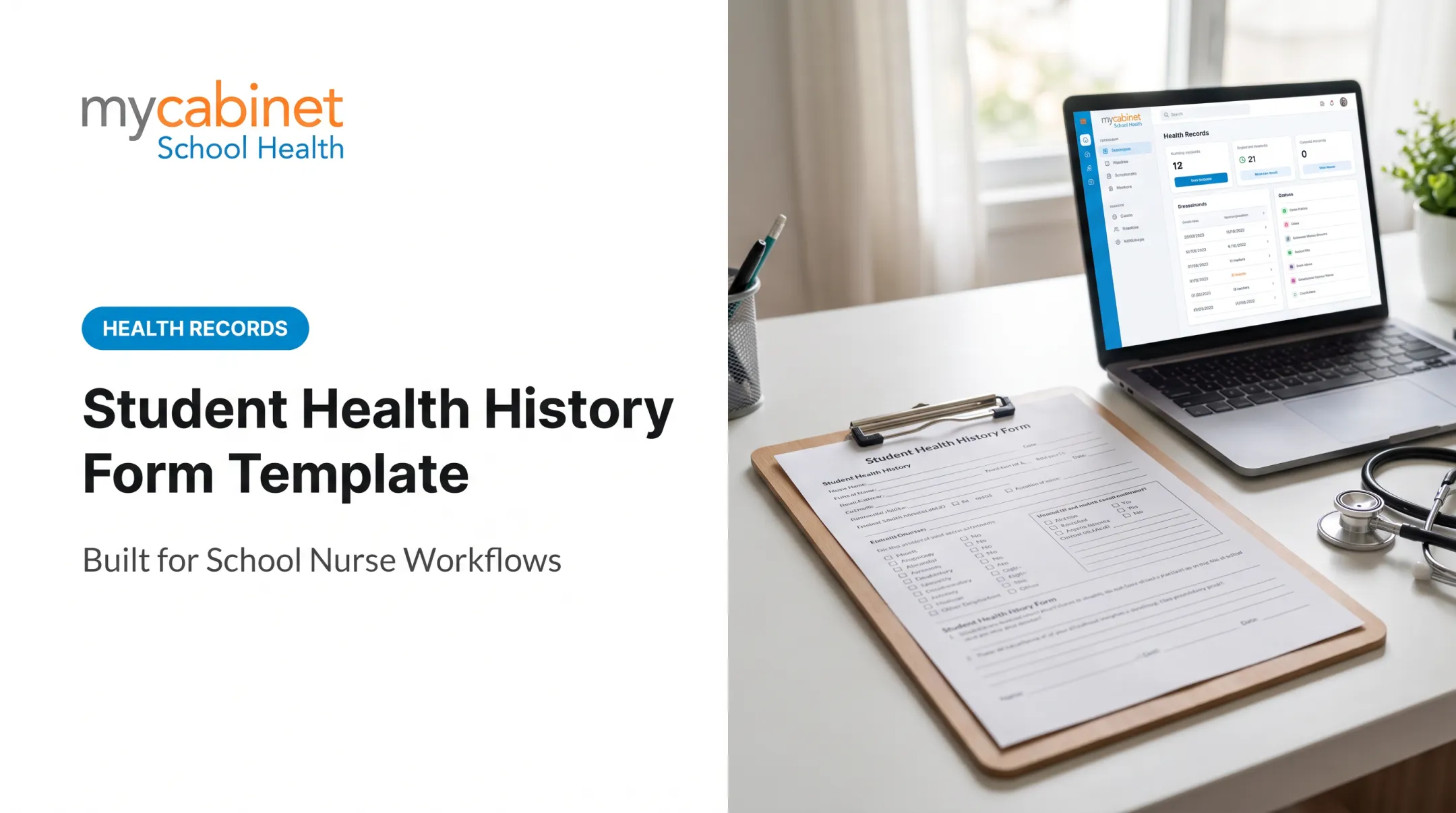
Student Health History Form Collected at enrollment and renewed annually, this form captures chronic conditions, past hospitalizations, current medications, and mental health flags. It's the baseline record nurses reference for everything else.
Immunization/Vaccination Record Requirements differ by state, so families may need an official certificate rather than a photocopy of shot records. Florida, for example, requires documentation through a physician or county health department. Exact processes vary by state, so schools should spell out the steps rather than assume parents already know them.
Medication Authorization Form Needs both parent and physician signatures before staff can administer prescription or over-the-counter medication. Emergency medications such as epinephrine, naloxone, and seizure rescue drugs are increasingly common in schools, so this form needs to be complete before staff can legally administer them.
Emergency Contact & Consent-to-Treat Form Establishes who schools can contact and authorizes emergency medical care when parents aren't immediately reachable.
Allergy Action Plan / Individualized Care Plan Built for students with severe allergies, asthma, diabetes, or seizure disorders. It spells out triggers, symptoms, and step-by-step emergency response.
Annual Physical Exam / Sports Physical Form Some states mandate physicals at specific grades. Pennsylvania, for instance, requires exams at original school entry, grade 6, and grade 11. Districts often layer on their own forms. Philadelphia School District's Annual Student Emergency and Medical Information Form (S-865) is one example of district-specific documentation added on top of state rules.

Essential Information Each Form Must Capture
Regardless of format, every health form needs to answer the same core questions: who is this student, what's their medical situation, and who's authorized to act on their behalf.
Student identifying information:
- Full name, date of birth, grade level
- Home address
- Primary and secondary emergency contacts with phone numbers
Medical history details:
- Chronic conditions and diagnoses
- Allergies with severity level
- Current medications, including dosage and frequency
- Past surgeries or hospitalizations
Consent and compliance fields:
- Immunization dates for required vaccines, plus exemption paperwork where applicable
- Physician and parent signatures authorizing treatment or medication administration
- Activity restrictions tied to medical conditions
Special accommodations:
- Dietary restrictions and physical activity limitations
- Assistive devices
- Behavioral or learning considerations that affect day-to-day support
- Preferred healthcare provider and hospital preference for faster follow-up after an incident
Platforms like MyCabinet School Health organize these fields into structured digital records. Nurses get real-time access to medications, allergies, care plans, and emergency contacts without digging through binders or toggling between systems.

Compliance and State-Specific Requirements Schools Should Verify
Federal law shapes how student health data gets stored and shared. FERPA governs most school-held health records, since school nurses and staff generally count as school officials, not healthcare providers under HIPAA.
HIPAA only applies if an outside provider (one not employed by or contracted to the school) is itself a HIPAA-covered entity.
This distinction matters for data-sharing decisions: a district using a third-party clinic differs legally from one relying solely on in-house nurses.
State-specific rules to verify:
- Immunization certificates — Florida families typically need documentation through a physician or county health department, but exact certificate processes vary by state. Don't assume families know this; publish clear instructions.
- Physical exam timing — Pennsylvania requires exams at kindergarten/first grade entry, 6th grade, and 11th grade. Other states set different schedules entirely.
- District-specific forms — Philadelphia's S-865 form layers additional requirements on top of Pennsylvania state law. Check whether your district publishes similar standardized forms.
Schools that publish grade-by-grade requirements alongside district forms spare families and front-office staff a lot of confusion each fall.

Paper-Based Collection Challenges vs. Digital Health Form Collection
Paper-based collection creates predictable headaches:
- Forms get lost between the front office, the nurse's office, and individual classrooms
- Illegible handwriting delays follow-up on critical medication instructions
- Nurses spend hours chasing missing signatures instead of caring for students
- Records become outdated the moment a family switches providers or medications
Digital collection platforms address these gaps through structured data entry, automatic reminders, and centralized storage that authorized staff can access instantly.
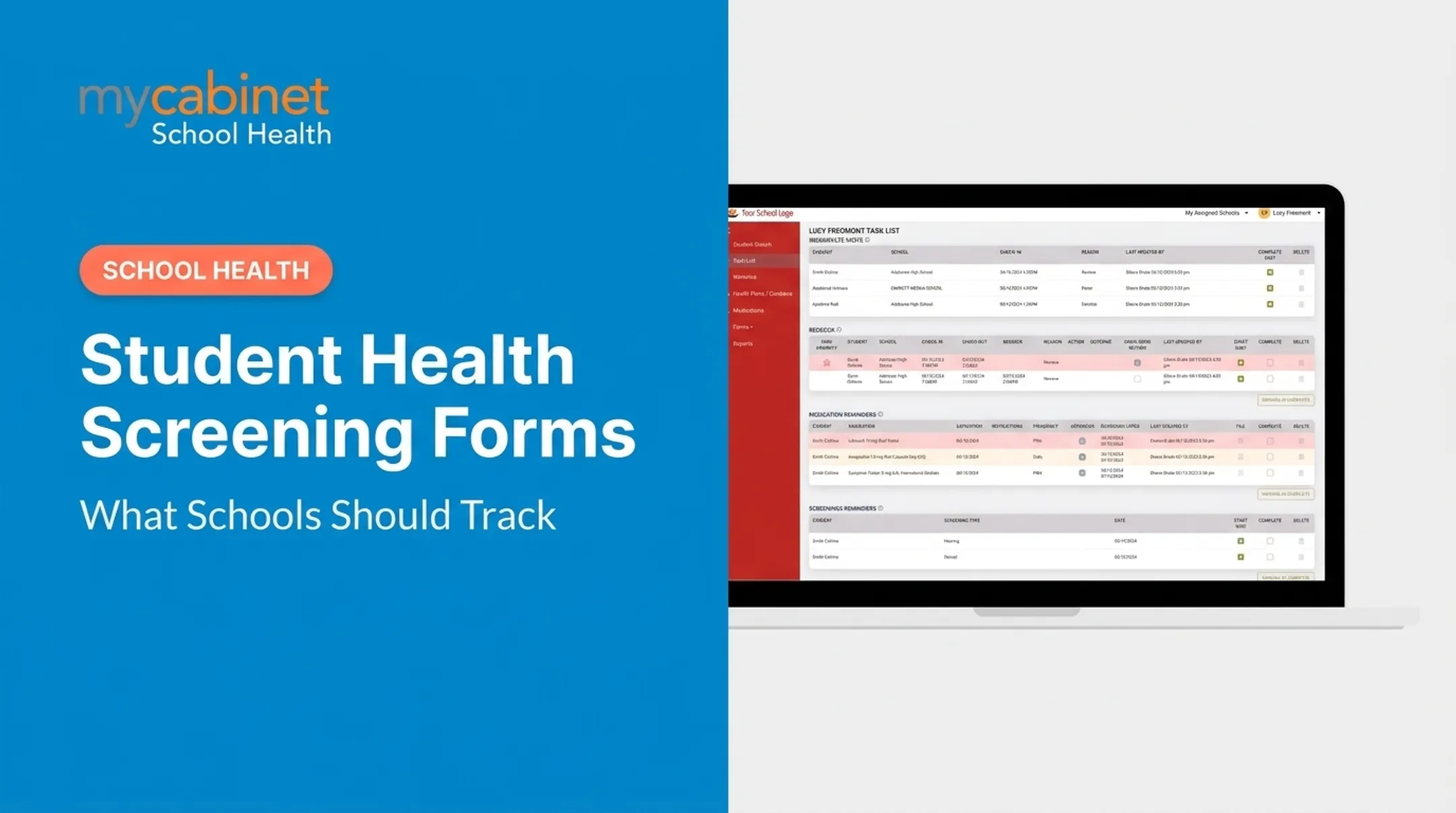
MyCabinet School Health is built specifically for this workflow. Parents digitally upload and complete required health forms, and nurses review, approve, or reject submissions directly inside the system. Once approved, records attach automatically to the student's profile. No faxing, email chasing, or filing cabinets required.
The platform also tracks form completion status for parents in real time. One family might see they're at 70% completion, with an asthma action plan still due and medications pending approval. Paper folders can't match that visibility.

That visibility matches what national guidance already calls for. The National Association of School Nurses recommends electronic health records because they support standardized data collection, error prevention, and faster information retrieval than paper systems.
Best Practices for Schools Implementing Health Forms
Getting families to submit complete, accurate forms takes more than sending a packet home on the first day.
- Send forms early: distribute health packets before the school year starts, with deadlines that leave time for vaccination records and physician signatures.
- Flag gaps early: spot incomplete immunization or physical exam records weeks ahead—not when a student arrives on day one without documentation.
- Schedule annual reviews: for returning students, refresh medications, diagnoses, and emergency contacts instead of rolling forward last year’s data.
A structured digital system supports all three steps. Automated reminders can flag missing forms, prompt follow-up, and surface outdated records—without staff chasing everything in a spreadsheet.
Frequently Asked Questions
How do I get a Florida certificate of immunization?
Florida families generally obtain immunization documentation through their child's physician or their local county health department after vaccinations are administered. Contact your provider or county health department directly, since exact processes can vary.
What grades do students need physicals in PA?
Pennsylvania requires physical exams at original school entry (kindergarten or first grade, depending on the district), grade 6, and grade 11. Confirm current requirements with your specific district, since local policies can add to the state minimum.
Where can I find the Philadelphia School District medical form?
The district publishes health forms, including the Annual Student Emergency and Medical Information Form (S-865), through its Student Health Services page. Check with your specific school for the current version, since some forms route through different platforms.
What is the difference between a health history form and a medication authorization form?
A health history form collects background medical information — conditions, past hospitalizations, medications. A medication authorization form provides consent for school staff to administer a particular treatment or medication.
How often should schools update student health records?
At minimum, annually for returning students. Update immediately whenever medications, diagnoses, or emergency contacts change during the school year.
Are digital health forms FERPA and HIPAA compliant?
Compliant platforms use role-based access, secure storage, and audit trails to protect student data. MyCabinet School Health, for example, maintains SOC 2 Type II certification alongside HIPAA and FERPA compliance.