Many schools are turning to electronic health record (EHR) forms to solve this. These aren't just scanned copies of paper documents; they are structured digital records that streamline how schools collect, review, update, and use student health information. This guide explores the most common K-12 EHR forms, how they support school nurse workflows and family communication, and what to evaluate before adopting a digital system.
Key Takeaways
- Common K–12 EHR forms include health histories, emergency contacts, immunization records, medication authorizations, care plans, screening records, and consent forms.
- An effective digital workflow involves parent completion, nurse review, automated follow-ups for missing information, approval, and secure attachment to the student record.
- When evaluating a system, schools must assess security, role-based access, auditability, usability for nurses and parents, reporting, and alignment with district and state requirements.
- While electronic forms support compliance-oriented workflows, they do not replace a school’s responsibility to confirm and adhere to all applicable federal, state, and local policies.
What Are Common EHR Forms for K–12 Schools?
In a school health context, an EHR form is a structured digital tool for collecting specific student health information. Unlike a static PDF in a shared folder, these forms can be reviewed, validated, and linked directly to the student record—so the information is searchable and actionable.
Form sets vary by state and district, but most school health programs rely on the categories below.
Core Categories of School Health Forms
- Intake and Health History Forms: Capture diagnoses, allergies, past conditions, surgeries, and accessibility needs required for safe school participation.
- Emergency Contact and Authorized-Release Forms: Identify parents, guardians, and other approved contacts, plus communication preferences. Follow your district’s authorization and custody procedures.
- Immunization and Health Clearance Records: Collect enrollment and attendance documentation. Per the National Association of School Nurses (NASN), immunization records are a core part of student health documentation; state and district rules still apply.
- Medication Authorization and Treatment Forms: Record medication name, dosage, frequency, and administration instructions, plus prescriber or parent authorization and expiration or renewal dates.
- Individualized Care and Emergency Action Plans: Spell out condition-specific steps for severe allergies, asthma, diabetes, or seizures. Limit access to staff who need the plan.
- Screening, Encounter, and Visit Records: Document vision/hearing screenings, clinic visits, symptoms, interventions, referrals, and required rechecks or follow-up.
Who Completes and Verifies Forms?
Responsibility for form completion is shared. Parents or guardians typically provide health histories and emergency contacts. Healthcare providers complete medication orders and specific treatment plans.
School nurses then review the packet, confirm it is complete and actionable, and attach it to the student’s official health record. A new medication authorization, for example, needs that professional review before the dose can be given at school.
Requirements still vary: some districts require a fresh medication form each school year, while others use different renewal cycles. Confirm the current local and state rules before you set your process.
How Electronic Forms Fit Into Student Health Management
Electronic forms improve student health management by connecting request, review, approval, and care into one workflow—not by digitizing paper alone.
A digital form typically moves through these steps:
- School sends a form request to a parent or guardian
- Parent completes it in a mobile app or web portal and uploads supporting documents
- Submission lands in the school nurse’s review queue
- Nurse requests clarification if details are missing or unclear
- Nurse approves the completed form
- Approved form and data attach automatically to the student’s electronic health record
- Authorized staff can access the information during clinic visits or emergencies
- System tracks expiration dates, prompts renewals, and archives records per school policy

Improving Efficiency and Accuracy
Structured digital forms protect nurse time and data quality from the first submission:
- Required fields block incomplete forms before they reach the health office
- Status views show what is pending, so staff can follow up before care is needed
- Direct attachment to the student record removes repeat manual data entry
That matters under real workload pressure. A study of six years of North Carolina public school data found higher nurse-to-school assignments were associated with higher medication error rates. When nurses cover more ground, efficiency tools help keep reviews, follow-ups, and medication tasks from slipping.
A purpose-built school health EHR links submitted forms to student profiles, visit logs, and medication tasks. Nurses spend less time re-keying information and more time on care.
| Feature | Paper & Email | Scanned PDFs & Spreadsheets | Purpose-Built School EHR |
|---|---|---|---|
| Searchability | None; manual search only | Limited; depends on file names | Instant search by student or field |
| Version control | Poor; outdated copies common | Easy to open the wrong file | Clear history of changes |
| Status visibility | No shared tracker | Manual log in a separate file | Real-time pending/approved views |
| Access management | Physical security only | Hard to control once shared | Role-based, auditable access |
| Follow-up | Calls and emails only | Manual | Automated reminders and task lists |
| Auditability | Nearly impossible | Limited and unreliable | Full audit trail for each action |
The same workflow helps families. Parents can finish forms on a phone, upload a doctor’s note, and see what is still outstanding without printing anything. MyCabinet School Health supports that path with a connected Nurse Portal and Parent App for digital form collection, nurse review, approval, and controlled parent updates.

What to Look for in a K–12 School Health EHR
When you evaluate K–12 health EHR platforms, judge them by how well they support a school nurse’s day—not by feature count alone.
Workflow-Centric Design
The system should center on a school nurse’s daily actions, not only long-term record storage. Prioritize tools that organize work in the moment.
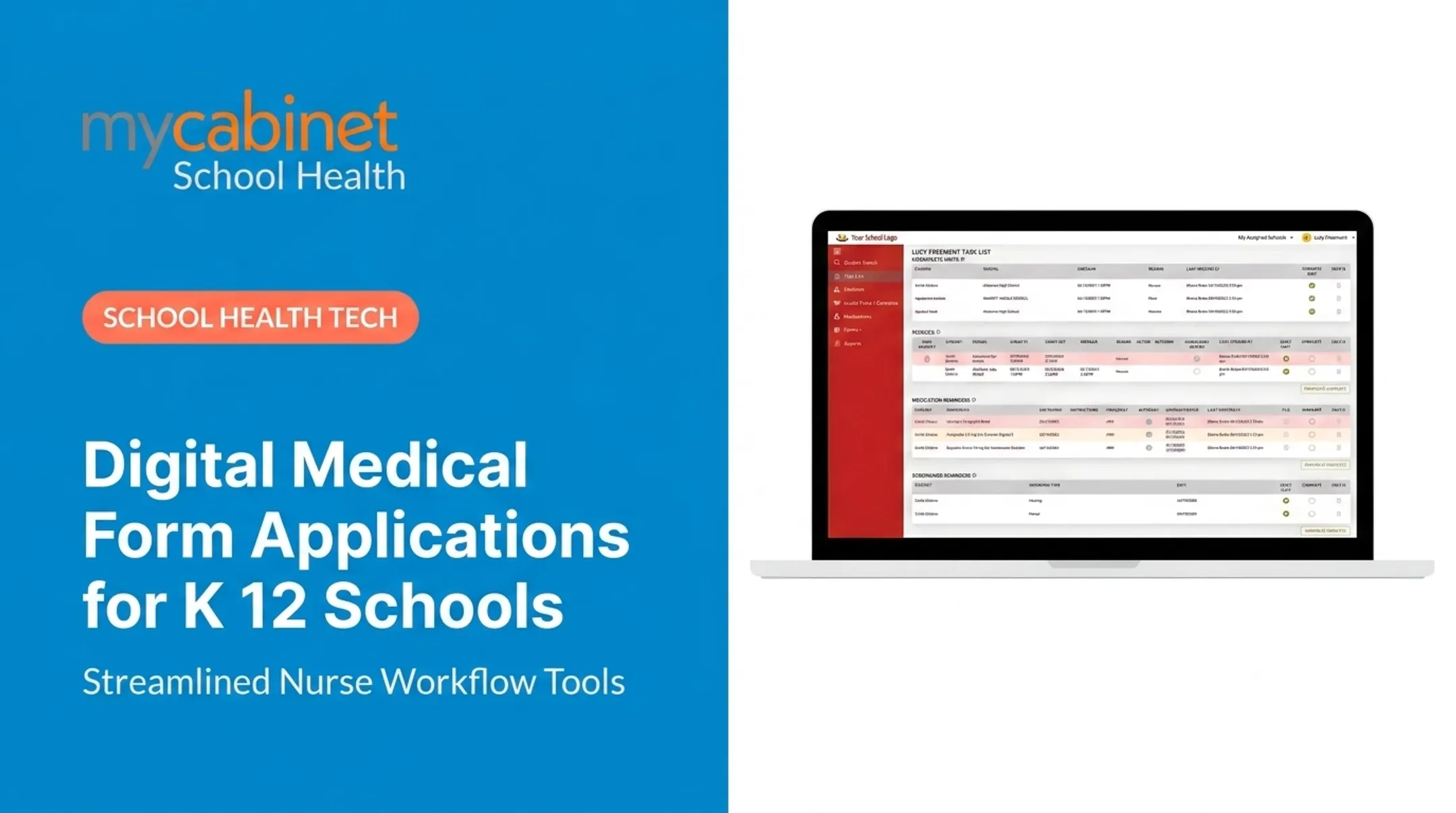
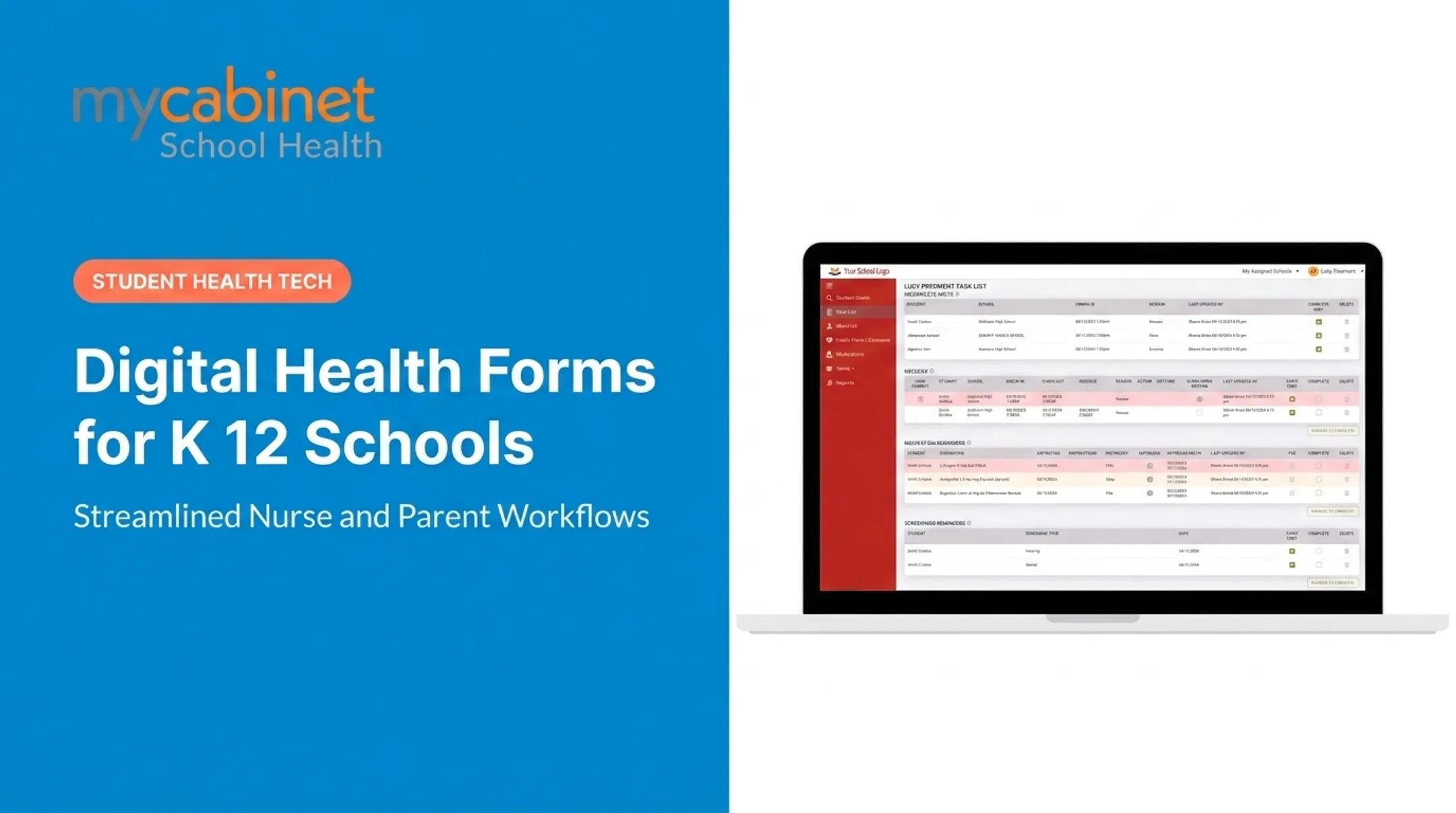
Strong platforms surface an intelligent task list for:
- Incomplete visits and rechecks
- Medication reminders
- Expiring authorizations and care plans
- Screenings and follow-ups
Purpose-built school health systems—designed with nurse input and paired with parent app or portal access—tend to feel intuitive because they reduce hunting across charts, inboxes, and paper files.
Security and Privacy Controls
Student health information is sensitive. Under joint guidance from the U.S. Departments of Health & Human Services and Education, student health records maintained by a K–12 school are governed by the Family Educational Rights and Privacy Act (FERPA).
Require security controls such as:
- Role-based access so users only see what their job requires
- Audit trails that log who viewed or changed a record and when
- Secure authentication that blocks unauthorized sign-ins
- SOC 2 Type II certification, confirming security controls are designed and operating effectively over time
Form and Record Capabilities
The system must be flexible enough to handle all your forms and data. Key features to assess include:
- Configurable form templates with required fields.
- Support for document uploads (e.g., a signed provider order).
- Clear version history and approval status tracking.
- Expiration tracking and automated renewal reminders.
- Powerful search and reporting capabilities.
Usability for All User Groups
A system only works if people actually use it. Score the experience for each group:
- Nurses: Clean UI and fast paths for large caseloads
- Parents: Mobile-friendly portal or app for forms and updates
- Administrators: Simple views of completion rates and compliance
- Authorized staff: Quick access to emergency action plans when needed
Evaluation Checklist
Before you choose, run a live demo on your real workflows: a new medication order, an expired care plan, and a parent document upload.
Use this checklist while you compare vendors:
- Implementation & support: Clear setup path and reliable ongoing help
- Training: Included for nurses, parents, and admin users
- Data migration: Imports from your current system
- Reporting: State, district, and internal reports without workarounds
- Accessibility: Meets standards for all users
- SIS integration: Connects cleanly to your Student Information System
- Pricing: Transparent, predictable costs
- Adaptability: Forms update easily when policies change
Planning and Implementing Digital Health Forms
A successful transition to digital forms requires careful planning. A rushed rollout can create more problems than it solves.
Follow these steps to ensure a smooth implementation:
- Conduct a Form Inventory: Start by identifying every paper form, PDF, and spreadsheet currently in use. For each one, document its purpose, owner, how often it's completed, who approves it, and its renewal cycle.
- Prioritize High-Impact Workflows: Begin with the forms that cause the most administrative pain or most affect student safety—medication authorizations, emergency care plans, and annual health updates. You don't have to digitize everything at once.
- Define Roles and Approval Rules: Before configuring the system, map out your processes. Who can submit information? Who is responsible for reviewing it? Who approves or rejects a submission, and who gets assigned follow-up tasks?
- Create Family-Facing Instructions: Develop clear, simple instructions for parents. Explain why the information is needed, what documents to upload, and who to contact for help. Providing guidance in multiple languages can also improve access and completion rates.
- Pilot the Process: Before a district-wide launch, pilot the new system with a small, representative group of nurses, families, and administrators. Use this pilot to gather feedback, measure completion rates, and identify any workflow issues.

A platform like MyCabinet School Health connects a Nurse Portal, Parent App, and Parent Web Portal so teams can run form collection, medication oversight, nurse workflows, and family visibility in one place. Every school should still validate any platform against its own requirements.
Frequently Asked Questions
What are common EHR forms?
Common K–12 forms include health histories, emergency contacts, immunization records, and medication authorizations. Schools also use care plans for conditions like asthma or allergies, plus screening records, nurse visit notes, and consent forms.
What is the difference between an electronic health form and an electronic health record?
A form is a structured template for collecting specific information, such as a medication order. An electronic health record (EHR) is the full student health file that stores those forms along with visit history, medication logs, and care notes over time.
How do schools use electronic health forms?
Schools request forms from parents or providers, who submit them digitally. A school nurse then reviews the information, follows up on any missing details, and attaches the approved record to the student’s profile, where it can be used to provide authorized care.
Are electronic school health forms secure?
Strong platforms use role-based access, encryption, audit trails, and secure authentication, though results still depend on how the school configures them. Documented privacy practices should align with FERPA obligations.
Can parents complete K–12 health forms online?
Yes, many modern systems allow parents to complete forms through a secure web browser or mobile app. Schools should provide clear instructions, an accessible workflow, and a way for families to get help if they need an alternative method.
What should schools consider before adopting an electronic health form system?
Evaluate fit with nursing workflows, privacy and security controls, form flexibility, and expiration tracking. Also weigh usability for nurses and parents, reporting, implementation support, and alignment with district and state requirements.