Introduction
Ask any school nurse what a typical day looks like, and you'll hear a familiar story. Dozens of visits. Medication logs to update. Screening forms buried in a binder somewhere. Parents calling to ask if their child made it to the clinic.
More than 98% of children in the U.S. walk through school doors every school day. Most rely on a school nurse stretched across multiple buildings, grade levels, and health needs.
NASN's 2025 position statement reports that one-third of students don't have full-time access to a school nurse every day, all day.
A modern school health EHR should organize nurse workflows, put the right information in front of the right people, and support safer communication with families—not just store digital files. This guide covers what that looks like, from must-have features to privacy considerations and how to evaluate a platform before you buy.
Key Takeaways
- School health EHRs need workflows built for nurses, not adapted from hospital or clinic software
- Strong platforms unite documentation, medication oversight, digital forms, and reporting in one system
- Evaluate usability, role-based access, FERPA and HIPAA compliance, audit trails, and implementation support
- Task management, not just recordkeeping, separates a modern EHR from a legacy system
What Is a Modern EHR for K-12 School Health?
A school health EHR is a secure, centralized system for managing student health records, nurse encounters, medications, screenings, forms, and follow-up tasks, plus authorized communication with families. It's designed for the realities of a school health office, not a hospital floor.
The distinction matters. General EHRs are built around provider documentation, billing codes, and clinical interoperability between hospitals and specialists. A school health EHR needs to support something different:
- Campus-based visits handled by one nurse (sometimes covering multiple schools)
- Parent permissions and consent tracking tied to district policy
- District-level reporting for immunizations, screenings, and compliance
- Student records that follow a child through elementary, middle, and high school
According to NASN's 2024 position statement on electronic health records, an academic student information system's health module is inadequate for clinical school nursing when it lacks the nursing process, standardized documentation, or proper privacy and security controls.
In other words, a health tab bolted onto your SIS isn't the same thing as a real school health EHR.
Who Actually Uses the System
Different users need different views of the same information:
- Nurses need fast documentation, task queues, medication visibility, and student history at a glance
- District leaders need oversight, consistent reporting, and administration that scales across schools
- Parents need a controlled way to submit forms and receive relevant updates about their own child
- Students need care processes that protect their dignity and confidentiality
A well-designed platform gives each group a current, role-appropriate view. Access stays limited by responsibility and applicable privacy rules, not open to everyone.
Why K-12 Schools Need a Modern School Health EHR
Fragmented records aren't just inconvenient. They create real operational risk. Nurses lose time searching for information, reconciling duplicate entries, or chasing down a form that was faxed three weeks ago and never made it into a folder.
Structured documentation fixes the consistency problem. Predefined visit types, required fields, and standardized notes mean a visit is documented the same way on a quiet Monday or a Friday afternoon rush. Audit trails follow automatically, without extra clicks or paperwork.
Task Management Turns Reactive Work Into Proactive Work
Most legacy systems store information. They don't tell a nurse what needs attention today. A modern platform surfaces:
- Incomplete visits that need to be closed out
- Recheck visits that are due
- Medication tasks and expirations approaching
- Screenings that haven't been completed yet
- Follow-ups tied to a specific student's care plan

That visibility matters more as the workload stacks up. NASN workload guidance ties a nurse's realistic daily capacity to health-office encounters, medication administrations, chronic condition management, and care coordination across buildings.
Continuity Across Campuses
When a student transfers schools, sees a substitute nurse, or needs recurring support for a chronic condition, a centralized record means the next person caring for that child isn't starting from zero. Access still needs to stay limited to authorized personnel. Continuity and privacy aren't in conflict when the permissions are built correctly.
Digital form collection changes the family side of the workflow too:
- Parents submit health information electronically
- Nurses review and approve submissions in one place
- Approved records attach to the correct student profile
That shift—from paper, fax, and email to structured digital intake—cuts the manual follow-up that steals time from direct student care.
Must-Have Features in a K-12 School Health EHR
Not every feature matters equally. When evaluating a platform, prioritize usability, nurse efficiency, student safety, privacy, family access, and reporting over raw feature count.
Clinical Documentation Built for Nurses
Look for documentation that covers:
- Structured student profiles
- Visit types, symptoms, and reasons for visits
- Interventions and follow-up notes
- Audit history tied to each record
The system should allow enough configuration for district-specific workflows without letting each school document things a completely different way.
Medication Management and Safety Controls
Medication oversight is where the stakes are highest. According to the American Academy of Pediatrics' 2024 policy on safe medication administration in schools, medication-order documentation isn't standardized nationally, and states require different combinations of forms. That inconsistency makes structured, built-in tracking even more important.
A capable system should track:
- Medication name, dosage, frequency, and route
- Authorizations and renewal or expiration dates
- Storage and administration details
- Outreach logging when a dose is missed or a parent needs to be contacted
- Documentation tied directly to the student's profile
Districts should also check whether the platform surfaces alerts for upcoming expirations and incomplete medication tasks, rather than relying on a nurse to remember or manually check a spreadsheet.
Digital Forms and Parent Workflow
Families should be able to submit forms and documents securely, with nurses reviewing, approving, or rejecting them inside the system. Approved forms should attach automatically to the student's record.
Check whether parents can access this through both a mobile app and a browser-based portal. Not every household has the same device or comfort level with apps.
Role-Based Access, Security, and Compliance
Permissions should be set by role, not blanket access for anyone with a login. Look for:
- Authentication and encryption
- Audit logs and regular backups
- Controlled data sharing between roles
- Administrative oversight of who can see what
FERPA and HIPAA both apply here, but not in the way many districts assume. Under the joint FERPA and HIPAA guidance from the U.S. Department of Education and HHS, HIPAA generally doesn't apply to typical K-12 student health records because they're maintained as FERPA education records instead.
A contracted school nurse acting on behalf of the school still creates FERPA records, even if care happens off campus. Districts should verify current federal and state guidance rather than assuming one framework automatically governs every scenario.
Reporting, Task Lists, and Interoperability
Districts need reports covering screenings, visit volume, medication activity, missing forms, and follow-up work, not just raw data exports. Ask whether the platform can exchange information appropriately without over-exposing student health data.
Here's the real differentiator: a system that stores information tells you what happened. A system that organizes unfinished work tells you what still needs to happen. That second category is what actually reduces a nurse's daily workload.

Other Areas Districts Evaluate
Districts also expect these areas to be covered:
- Immunization and screening compliance. Tracking against state requirements by grade, exemptions and conditional enrollment, compliance letters, state registry integration, and batch screening entry with referral follow-up.
- Role-based staff alerts. Need-to-know information for teachers, substitutes, coaches, and chaperones, such as "has an epinephrine plan", without exposing the full chart, plus printable emergency cards for field trips.
- Medicaid documentation. For districts with school-based Medicaid programs, billable services captured with the right codes, parental consent for billing, and claims-ready exports.
- Administrative backbone. User and role management, district and school hierarchy, coverage for float nurses and substitutes, record retention aligned to state schedules, year-end rollover, and audit logs of who viewed or changed what.
How to Evaluate and Implement a School Health EHR
Start with workflow discovery, not vendor demos. Map how each school currently handles visits, medications, forms, screenings, and parent contact before you compare a single platform.
Questions to Ask Before You Buy
- Can nurses complete common tasks quickly during a busy school day?
- Can administrators configure roles and reporting without adding unnecessary complexity?
- Can the platform scale across multiple campuses and changing staff?
- Can parents submit information and get notifications without gaining access to records they shouldn't see?
- Is the vendor SOC 2 Type II certified, and when was their most recent independent audit?
- Was the platform built specifically for school health, or adapted from something else?
Implementation Steps
- Inventory existing data and decide what gets migrated versus archived
- Design user roles and permissions before configuring workflows
- Plan devices and connectivity for each campus
- Pilot test with a small group of nurses before district-wide rollout
- Train staff on real scenarios, not just system navigation
- Set a go-live support plan for the first few weeks
Test the system against real situations before full rollout:
- A new student's forms coming in
- An urgent clinic visit
- A medication nearing expiration
- A parent notification going out
- A student transferring mid-year
If the platform handles those cleanly, it's probably ready for daily use.
After launch, track documentation completion time, unresolved task volume, missing-form follow-up, and support requests.
One retrospective study across three urban Denver-area school districts found that when 162 school nurses had EHR access to relevant student information, ED visits among students with chronic conditions dropped 34% and hospitalizations dropped 44%.
That's one study, not a universal guarantee, but it illustrates what's possible when nurses have the right information at the right moment.
Feedback shouldn't stop after go-live. NASN's guidance emphasizes ongoing nurse participation in evaluating and refining the system, treating it as something to keep improving rather than a one-time purchase.
How MyCabinet School Health Supports Modern K-12 Health Workflows
MyCabinet School Health was built as a connected system: a Nurse Portal, a Parent App, and a Parent Web Portal working together, rather than a general EHR retrofitted for schools.
Nurse Portal and Daily Clinic Tasks
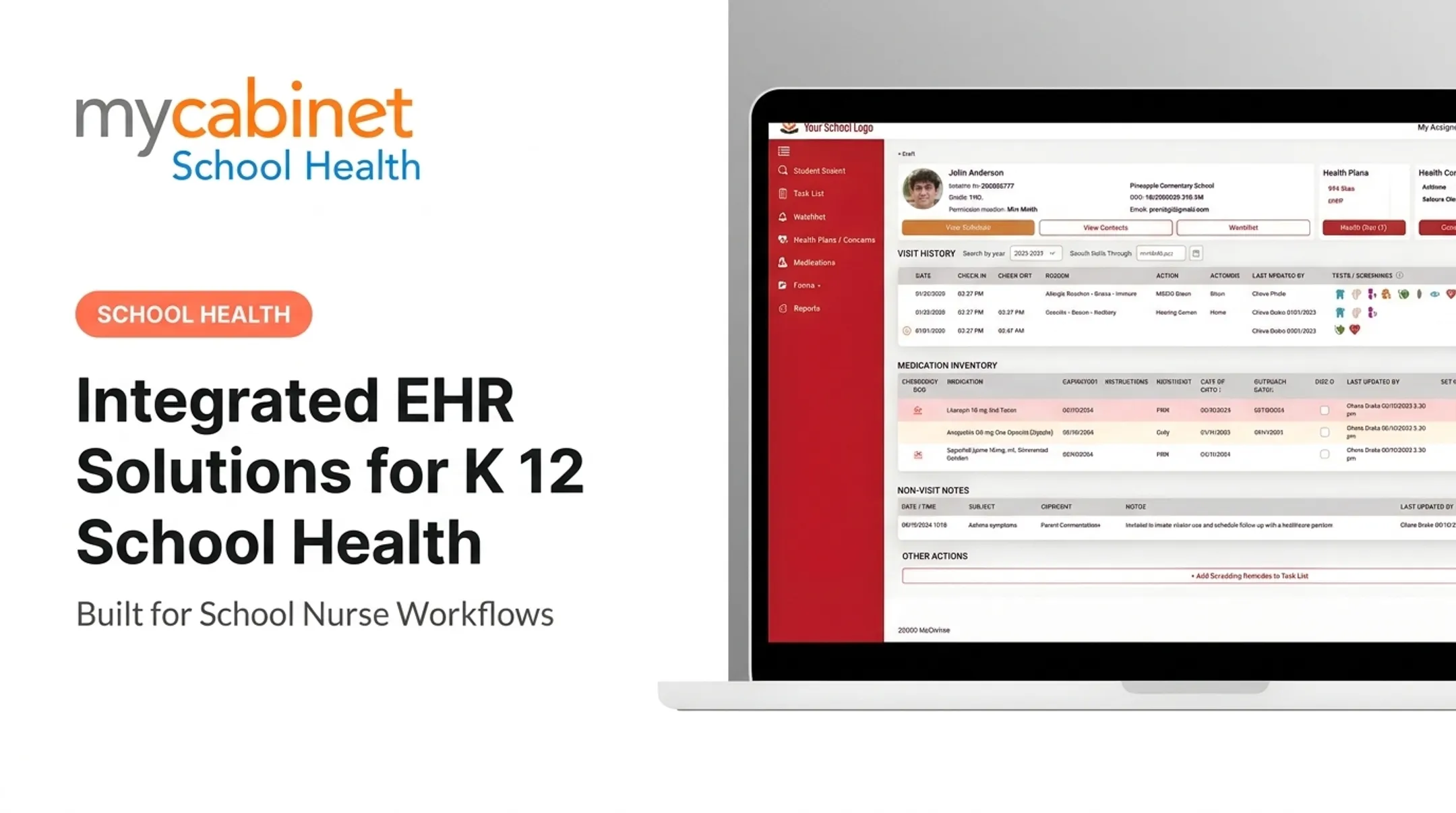
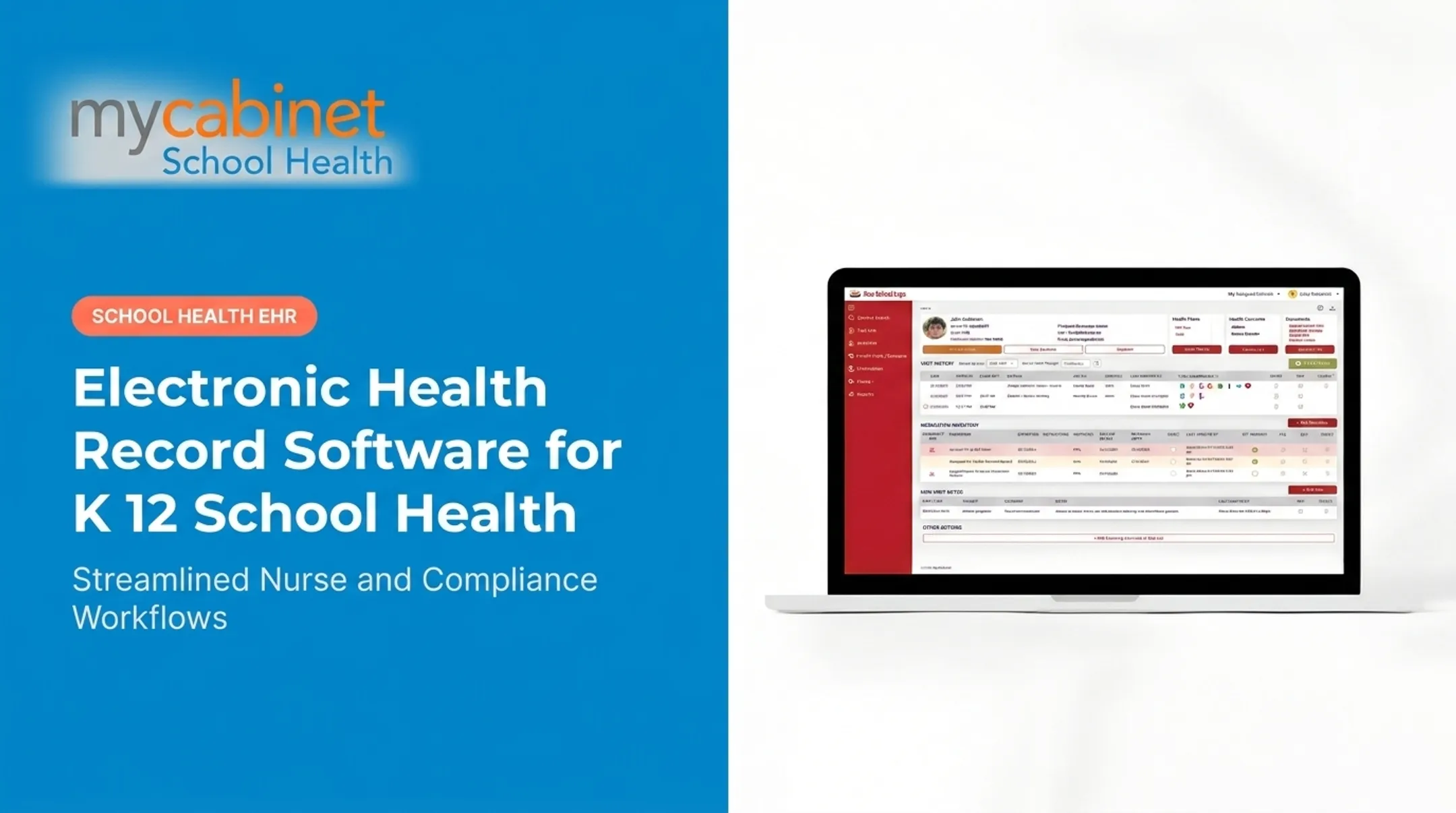
The Nurse Portal centers on task lists that surface incomplete visits, recheck visits, medication reminders and expirations, and screening reminders automatically. Visit documentation uses predefined visit types with audit trails built in, so nurses aren't reinventing the wheel every time they document a routine clinic stop.
Medication oversight includes:
- Dosage, frequency, and expiration tracking
- Outreach logging tied directly to the student's health profile
- Visual cues and color-coding that help nurses triage quickly during busy periods

Digital Forms and Parent Access
On the family side, the digital form workflow lets parents upload required health documents. Nurses review and approve them inside the system, and approved records attach directly to the student's file—no printing, scanning, or inbox searching required.
The Parent App sends one-way notifications for clinic visits and medication expirations. Families who prefer not to download an app can use the browser-based Parent Web Portal instead.
Security and Compliance
MyCabinet School Health is SOC 2 Type II certified, HIPAA compliant, FERPA compliant, and a ClassLink Certified Partner, with role-based permissions and controlled data sharing built into the platform. That said, certifications support a district's privacy review. They don't replace it. Districts should still review current trust and compliance documentation against their own policies before rollout.
If your school health office is still juggling spreadsheets, fax forms, and a filing cabinet, it might be worth seeing what a purpose-built platform looks like in practice. Request a demo to see whether it fits your nurses', students', and families' needs.
Frequently Asked Questions
What is the easiest EHR system to use?
For K–12 schools, the easiest EHR is the one nurses can run daily without friction. Prioritize fast visit documentation, clear medication workflows, and a parent app or web portal that makes form submission simple.
What is a school health EHR?
It's a secure system built to manage student health records, nurse visits, medications, screenings, forms, follow-up tasks, and authorized school-family communication in a single workflow.
How is a school health EHR different from a medical office EHR?
School health EHRs prioritize campus-based workflows, student privacy, medication oversight, and parent access. Medical office EHRs are built around billing codes and appointment scheduling, which schools don't need.
How should schools protect student health information in an EHR?
Use role-based permissions, secure authentication, encryption, and audit trails. Train staff and review FERPA, HIPAA, and state rules regularly—the applicable requirements depend on who maintains the record.
Can parents submit school health forms electronically?
Yes. Parents can securely upload forms, nurses review and approve them, and approved documents attach to the student record automatically—without giving parents access to information they are not authorized to see.
What should a district ask before choosing a school health EHR?
Ask about nurse usability, medication tracking, task management, reporting, and privacy controls. Also confirm implementation support, scalability, and post-go-live help when staff turn over or issues arise.