Introduction
A district with 20 elementary schools, 8 middle schools, and 5 high schools doesn't just have more students. It has more medication schedules, more allergy plans, more screening deadlines, and more parent phone calls than any single nurse can track from memory.
Add multiple nurses covering multiple campuses, and the paperwork multiplies fast. Many schools still juggle paper files, spreadsheets, faxes, and email threads to manage this information.
Records end up scattered across systems that don't talk to each other. That creates duplicate profiles, missed follow-ups, and gaps when a student transfers schools.
This guide covers how to build a consistent, secure, nurse-centered records workflow for a large U.S. district. We'll walk through assessment, standardization, access controls, migration, and the common mistakes that derail implementation.
Key Takeaways
- Standardize core data fields district-wide while letting nurses document campus-specific care
- Limit record access by role and need—never shared logins
- Assign clear owners and review dates to medications, consent forms, and follow-up tasks
- Lead with data cleanup, phased rollout, and ongoing nurse feedback
How to Manage Student Health Records Across a Large District
Assess the Current Record Environment
Before choosing or configuring any system, map where student health information actually lives. This typically includes nurse office binders, district databases, student information systems (SIS), shared drives, email inboxes, fax machines, and parent-submitted paper forms.
While doing this, look for specific risks:
- Duplicate student profiles created by inconsistent identifiers
- Missing or expired consent forms
- Medication records with no clear owner
- Records that don't follow students when they change schools
Interview school nurses directly. They know which workflows break down under pressure and which exceptions happen every week.
Before finalizing any workflow, establish a compliance baseline. FERPA generally governs student health records maintained by a school, including those kept by a school nurse, according to joint guidance from HHS and the Department of Education.
HIPAA typically doesn't apply to those same FERPA-covered education records, though it can apply if a school-based clinic operates as a separate covered entity. Work with legal counsel to confirm what applies to your district specifically.
Standardize the Information and Workflows That Should Be Consistent
Inconsistent documentation is where records break down. Define required fields for student identity, allergies, medications, immunizations, care plans, and visit outcomes. Then create standard visit types with documentation prompts, rather than relying on free-text notes for every encounter.
Districts also need clear rules for:
- Form submission, nurse review, and approval or rejection
- Expiration and renewal timelines
- Attaching documents to the correct student record
- Handling exceptions like urgent events or mid-year transfers
Configure Access, Communication, and Audit Controls
Assign role-based permissions so each user type sees only what their role requires. School nurses need clinical detail. Administrators typically need compliance summaries, not individual visit notes. Parents should see their own child's information and nothing more.
Configure audit trails that log record creation, edits, approvals, and exports. An audit trail helps you investigate problems and demonstrate diligence, but it doesn't by itself guarantee compliance with FERPA, state law, or district policy. Plan controlled, one-way notifications for events like medication expirations or completed reviews, without over-disclosing sensitive details in the process.
Migrate, Validate, and Launch in Phases
Legacy data cleanup comes before migration, not after. Deduplicate records and preserve the source, date, and review status of everything you move. Then set up a verification step where nurses confirm high-risk information such as allergies, emergency plans, and medication orders before go-live.

Pilot with a representative mix of schools, varying grade levels, campus sizes, and staffing models. Use that pilot to refine training materials before expanding district-wide.
Apply the Workflow to Daily Nurse Operations
Once live, task queues become the nurse's daily driver: incomplete visits, rechecks, medication reminders, expiring forms, and unresolved parent follow-up all need a place to live. Nurses should document care promptly, following district policy for late or urgent entries.
District-level dashboards can flag overdue work, but they're a supplement to clinical judgment, not a replacement for it. When students transfer schools within the district, records should follow them, with access boundaries and change history intact.
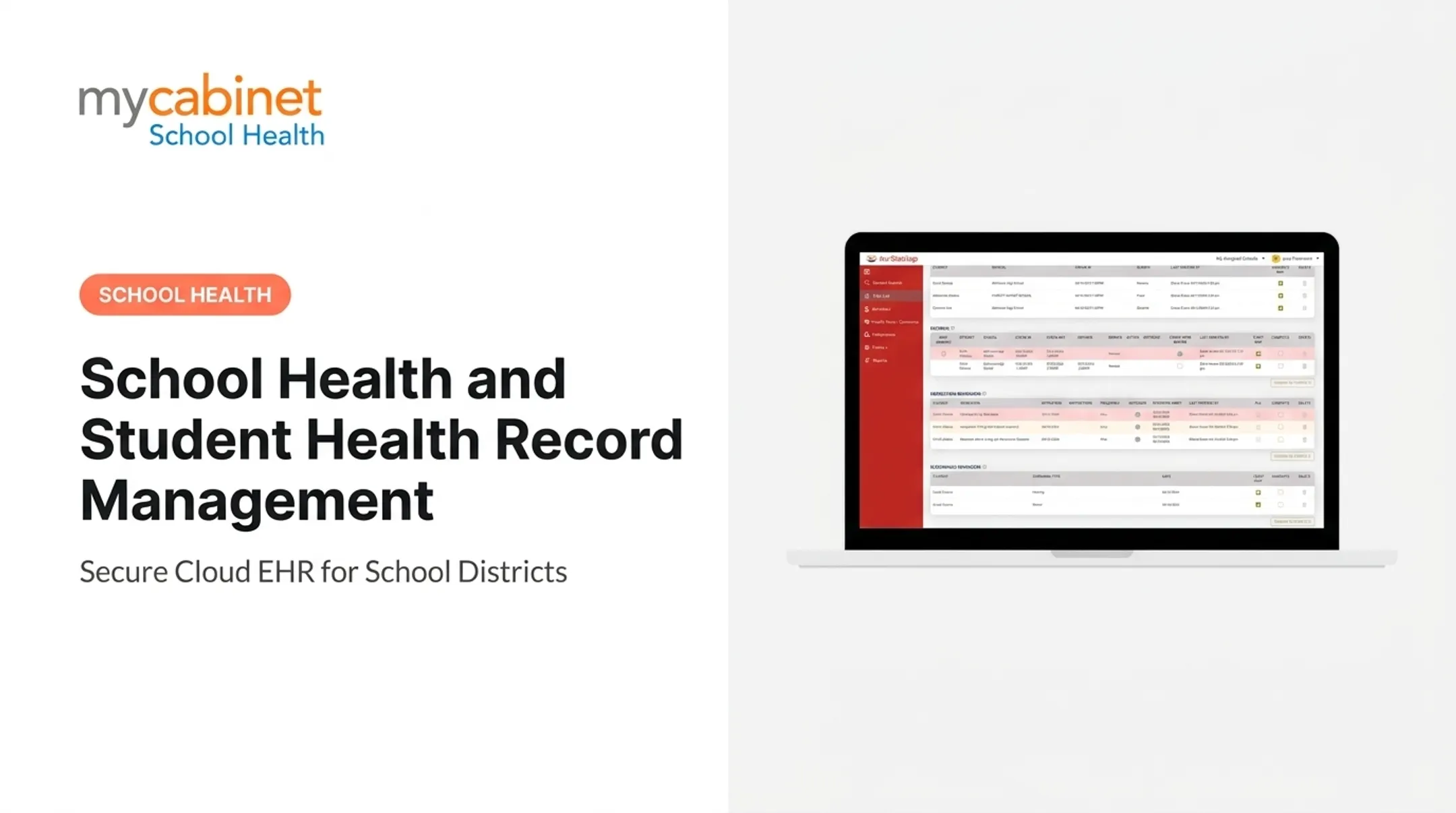
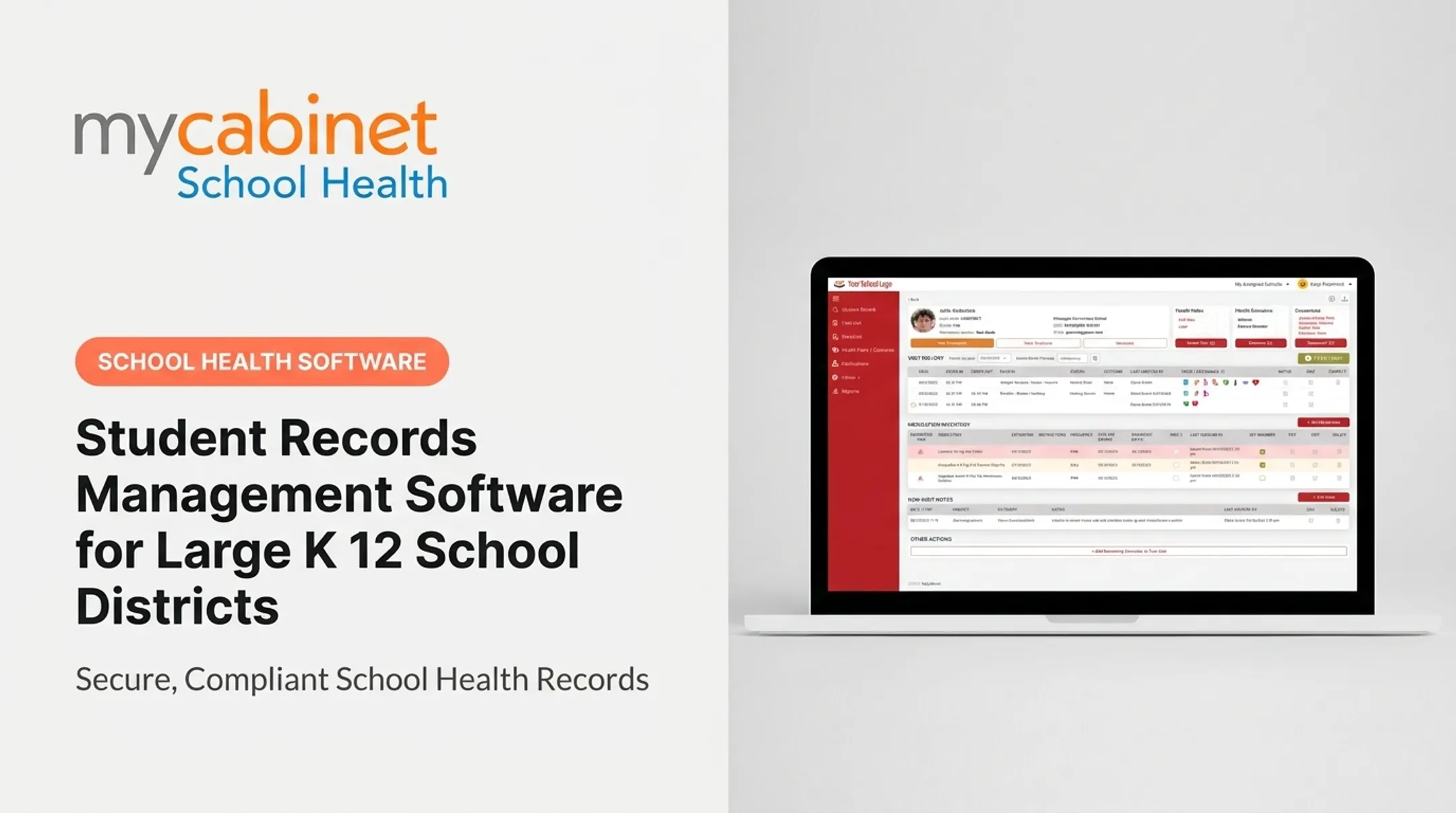
MyCabinet School Health is built around this same workflow. The Nurse Portal centralizes visit history, medication inventory, health plans, and screening results in one dashboard, with task lists that organize incomplete visits, medication reminders, and expiring forms by due date.
When Should You Use a District-Wide Student Health Records System?
Centralized management pays off most in three situations: campuses run different processes, nurses cover more than one building, or district leaders lack a reliable view of forms and medications across schools. This isn't a rare scenario.
The National Association of School Nurses reports that one-third of students lack full-time, all-day access to a school nurse, and many nurses cover multiple buildings as a result. When one nurse splits time across three schools, a shared system prevents them from re-entering the same student information three times.
A shared platform is most valuable when:
- Frequent campus transfers leave gaps in student records
- Staffing changes require quick handoffs of active care plans
- Leaders need a current, district-wide view of tasks and compliance
Districts with rural or distributed campuses, limited connectivity, or heavy reliance on legacy software need extra planning around access and offline procedures. A digital platform doesn't fix unclear policy, understaffing, or poor data quality. Address those problems alongside any technology rollout, not instead of it.
What a District Needs Before Implementation
Governance, Ownership, and Policy Readiness
Before configuring any system, assign owners for:
- Data standards
- Access approvals
- Medication workflows
- Incident escalation
Write procedures for onboarding and offboarding users, correcting records, and documenting emergency access.
Involve the people who'll actually use the system:
- School nurses and health office staff
- Special education teams
- IT and privacy officers
- Family representatives
System and Data Requirements
Confirm the platform supports:
- Unique student matching
- Structured documentation
- Role-based access
- Audit logs
- Secure exports
Ask vendors directly how their system handles synchronization failures with your SIS, not just how integration works when everything goes smoothly.
Build a data dictionary before migration begins. Define required fields, source systems, record owners, and duplicate-handling rules before you move records. MyCabinet School Health integrates with student information systems and holds ClassLink Certified Partner status, which supports rostering and identity workflows during setup.

Staff, Family, and Compliance Readiness
Train nurses on documentation standards, correcting errors without deleting history, and privacy controls. Give families clear, simple instructions for submitting forms and using a parent portal.
Have qualified advisors verify your specific federal and state requirements. HIPAA, FERPA, and state rules aren't interchangeable, and treating them as such is one of the fastest ways to create a compliance gap.
Key Parameters That Affect District-Wide Record Management
Record quality depends on operational discipline, not just whether a district has switched to electronic software. These five parameters determine whether a system actually works day to day.
Data Standardization
Consistent field names, visit types, and status labels make records searchable and reportable across every campus. Here's a common failure case. If one campus logs a medication change as "Rx Update" and another logs it as "Med Change - Parent Called," a district report can miss overdue forms simply because the labels don't match.
Role-Based Access and Information Sharing
Least-privilege access limits exposure without blocking anyone from doing their job. This includes access reviews when staff change roles, rules for temporary coverage nurses, and clear parent permission boundaries. In MyCabinet School Health, parents see only their own child's information, and nurses see only what they need for care. Technical staff access data solely for system maintenance under strict controls.
Data Completeness and Clinical Verification
A record being present isn't the same as a record being current and verified. Districts need defined checkpoints for:
- Allergies and emergency action plans
- Medication orders and dosage changes
- Immunization records and screening results
- Section 504 and IHCP documentation
Timeliness and Task Ownership
Due dates and escalation rules turn a passive record into an actionable workflow. Every step, from parent submission to nurse approval to renewal, needs a named owner. MyCabinet's task lists organize incomplete visits and expiring medications by date, with completion checkboxes that keep ownership visible.

Auditability, Reporting, and Continuous Improvement
Audit trails and district-level reports reveal access patterns, documentation gaps, and differences between campuses. Run routine audits using a defined sample size, and document corrective actions when you find a gap. Don't wait for a compliance complaint to check your own data.
Common Mistakes, Troubleshooting, and Alternatives
Most implementation failures trace back to unclear ownership, inconsistent setup, or treating the system as a storage bin instead of a workflow tool.
Common Mistakes to Avoid
- Importing legacy records without deduplication or high-risk verification
- Granting broad access "for convenience" or using shared login accounts
- Creating too many free-text fields that make district reporting unreliable
- Treating an uploaded form as complete without checking signatures, dates, and nurse approval
Troubleshooting Common Issues
- Duplicate student profiles: Usually stem from inconsistent identifiers or manual entry errors. Define a controlled merge process that preserves audit history rather than deleting a record.
- Missing or conflicting medication information: Compare against approved source documents and confirm with the nurse or parent before correcting. Document the correction and the review date.
- Incomplete nurse tasks or parent forms: Not always a compliance failure—check workflow design, notification timing, and portal usability first.
- Reports that differ across schools: Often reflect inconsistent field definitions or filters, not poor clinical documentation. Verify the data pipeline before changing how nurses chart.
Alternatives and Trade-Offs
| Approach | Workflow Depth | Security | Reporting |
|---|---|---|---|
| District-wide EHR | High, purpose-built | Role-based, auditable | Cross-campus |
| SIS health add-on | Moderate | Depends on SIS | Limited to SIS data |
| Local database/spreadsheets | Low | Variable, manual | Manual compilation |
A hybrid approach can work temporarily during migration or where connectivity is limited, but you need reconciliation rules so conflicting records don't linger.
When those trade-offs matter at district scale, prioritize a workflow-first platform over a storage-first one. MyCabinet School Health centers structured visit types, medication expiration tracking, digital form review, and controlled one-way parent notifications under role-based access—so nurses work from the tasks they already own each day, not a filing cabinet with a login.
Conclusion
Large districts manage student health records most effectively when they combine standardized data, clear ownership, role-based access, and nurse-centered workflows, backed by ongoing audit and review.
Start with process mapping and data cleanup. Then move through configuration, a phased pilot, staff training, and migration validation, with continuous auditing after launch.
The right system cuts administrative friction and helps nurses keep records accurate, timely, and secure for the students and families who depend on them.
Frequently Asked Questions
What is the role of the school nurse?
School nurses deliver student health services, manage chronic conditions and medications, and respond to day-to-day health concerns. They coordinate with families and school teams, and accurate, current health records are central to that work—especially across a multi-campus district.
How do you become a school health nurse?
Requirements typically include a nursing degree, active RN licensure, school nursing preparation, and sometimes additional certification, but specifics vary by state and district. Verify current requirements with your state board of nursing, local district, and relevant certification body.
How hard is it to become a school nurse?
Difficulty depends on your prior nursing education, licensure status, clinical experience, and the specific state and employer requirements. Clearing credentials is one step; keeping student health records accurate across multiple schools is often the harder operational challenge.
What are the requirements to be a school nurse in Florida?
Requirements can involve the Florida Board of Nursing, the Department of Education, background screening, and district-specific criteria, all of which can change over time. Check directly with these agencies rather than relying on secondhand summaries.
How do you become a school nurse in NC?
North Carolina requirements involve nursing licensure through the NC Board of Nursing along with school health guidance from the Department of Public Instruction. These eligibility rules are separate from the district-wide record-management practices covered in this guide.