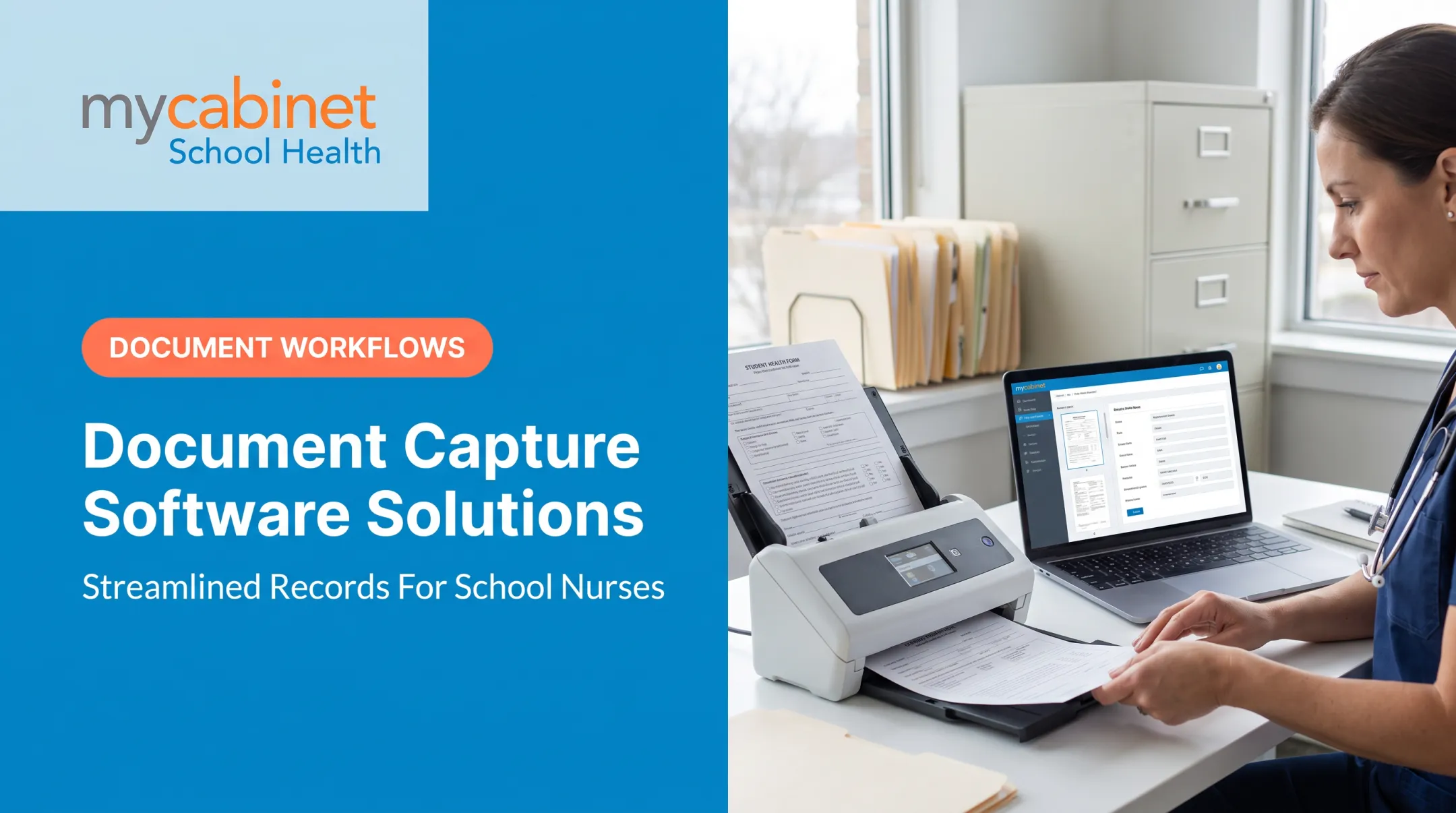
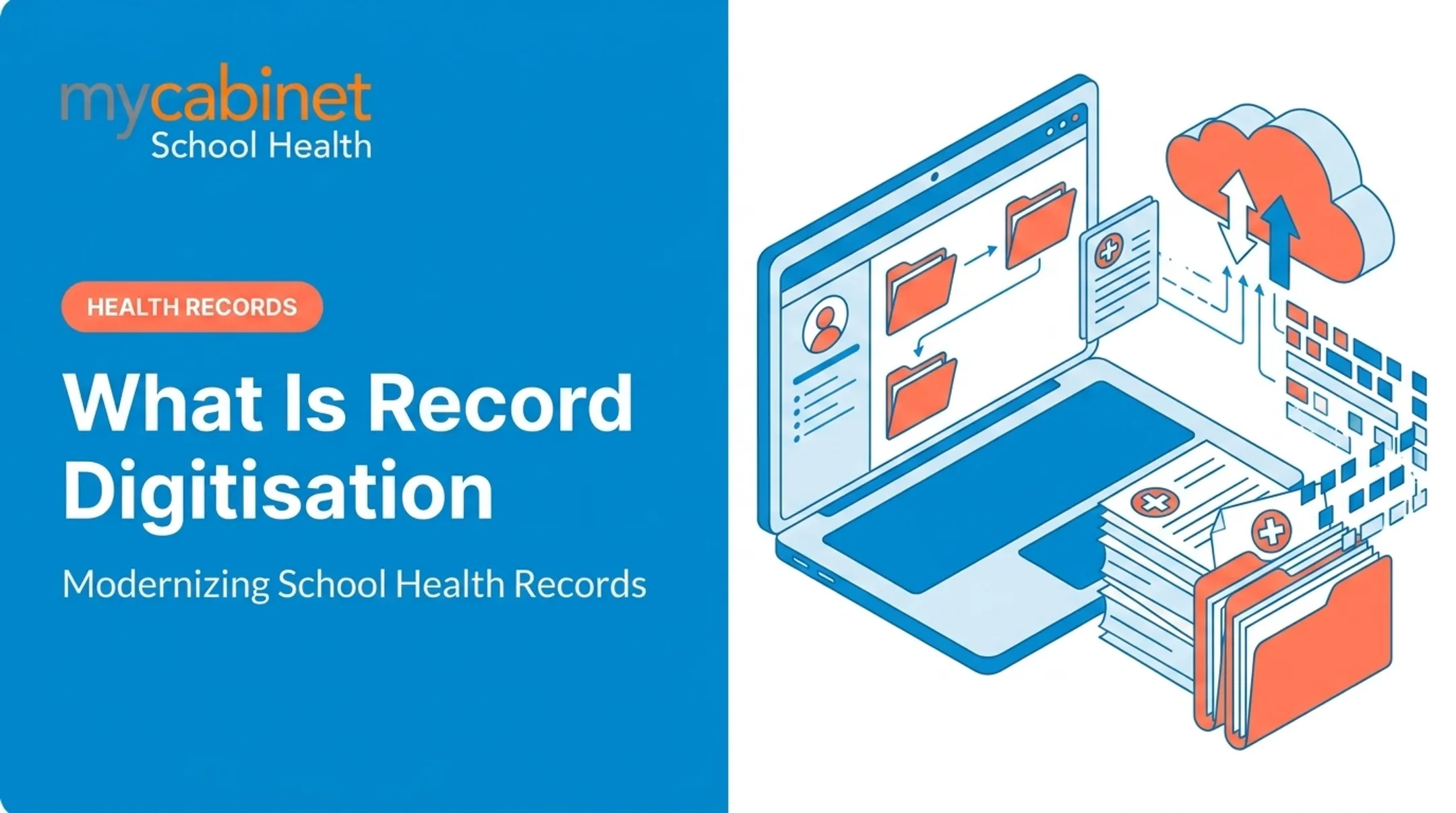
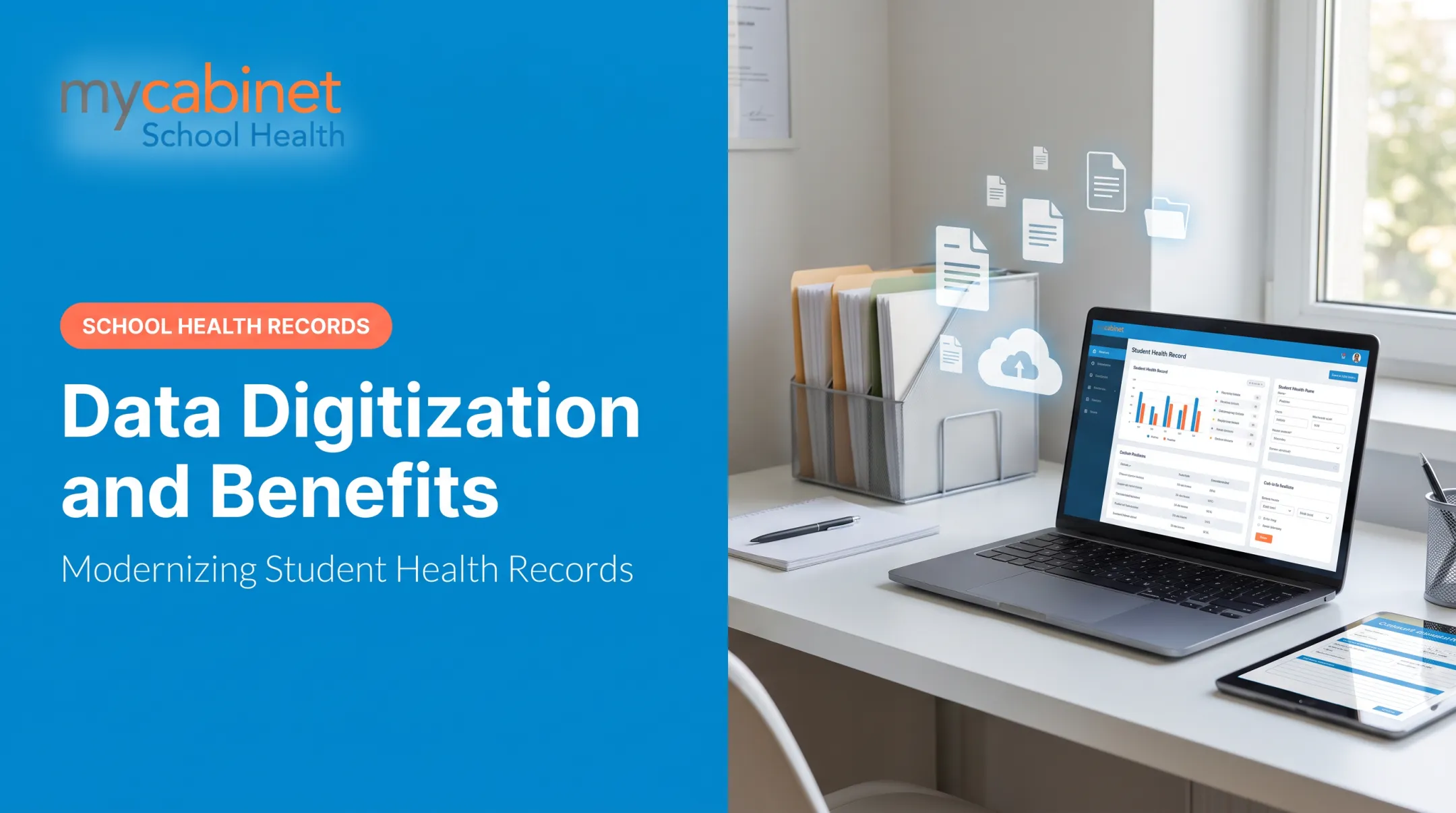
This is still the daily reality for many school health offices. Digitizing medical records means moving these paper forms, faxes, and spreadsheets into secure electronic systems, mirroring a shift that's already reshaped hospitals and physician practices nationwide. In fact, 95% of US office-based physicians have adopted some form of electronic health record, according to CDC data from 2024.
Schools are catching up, but many health offices remain stuck with paper. This article covers the benefits, the actual digitization process, common roadblocks, and best practices for making the switch, with a specific focus on school health environments.
Key Takeaways
- Digitizing student health records cuts admin work and reduces errors versus paper systems
- A structured process—scan, index, store, and run QA—keeps the transition smooth
- Anchor every student health data decision in HIPAA and FERPA requirements
- Purpose-built school health platforms outperform generic scan-and-store tools
What Does Digitizing Medical Records Involve?
Digitizing medical records means converting paper charts, forms, and documentation into secure, searchable electronic files. But there's a critical distinction most schools miss.
Simple document scanning just creates a digital filing cabinet. You upload a PDF, tag it loosely, and hope you can find it later. A true EHR-style system goes further; it organizes that information into structured, actionable workflows tied to actual care.
MyCabinet School Health, for example, doesn't stop at converting paper forms into digital files. Parents submit health forms electronically, and nurses review and approve them in the system. Approved documents attach directly to the student's record and link to visit history, medication tracking, and allergy alerts—so each file feeds the nurse's daily workflow.

Why This Matters for Schools Specifically
School health offices juggle a unique mix of paperwork: immunization records, medication authorizations, Individualized Health Care Plans (IHCPs), 504 Plans, and screening forms. Much of this still lives in spreadsheets, email threads, or manila folders.
That creates real risk:
- Compliance gaps when records aren't centralized or auditable
- Slower response times when a nurse can't quickly pull up an allergy or medication history during a clinic visit
- Information silos between the nurse's office, the front office, and parents
Top Benefits of Digitizing Student Health Records
Instant Access to Critical Information
Instead of digging through a filing cabinet, authorized staff pull up a student's allergies, active medications, and screening results in seconds. That speed reflects a broader industry shift. Nearly all US hospitals (99.4%) now use certified EHR systems, according to ONC's 2024 hospital adoption data.
Stronger Security and Compliance
Paper records can't offer encryption, access controls, or audit trails. Digital systems can. That matters in schools, where student health information falls under two federal laws: HIPAA and FERPA.
Joint guidance from HHS and the Department of Education clarifies how these laws interact. For most school health offices, records maintained under a school's direct control generally fall under FERPA, not HIPAA.
A platform with role-based permissions and audit trails helps schools stay on the right side of both laws without a legal team parsing every disclosure.

Less Administrative Grind
Manual filing, fax follow-ups, and inbox searches eat hours every week. Automated digital workflows replace this. MyCabinet, for instance, uses automated email campaigns to prompt parents for missing forms, and once a nurse approves a submission, it attaches automatically to the student's record. No printing. No scanning. No inbox scavenger hunts.
Better Continuity of Care
When a substitute nurse steps in, or a parent calls with a question, structured records prevent gaps. Task lists that flag incomplete visits, upcoming rechecks, and medication expirations mean nothing slips through the cracks during a handoff.
More Visibility for Parents
Secure parent portals let families see:
- Clinic visit details
- Active medications kept at school
- Medication expiration alerts
- Health notices and reminders
Cobb County Superintendent Chris Ragsdale summed up this shift after his district adopted MyCabinet: parents can now see "when their child was seen and given medication," calling it "a win for the parents and a win for the district."
The Medical Record Digitization Process
Moving from paper to digital isn't just uploading files. It follows a structured sequence:
- Scanning – Physical documents (health forms, immunization records, and medication paperwork) are converted into digital images using secure equipment.
- Indexing and classification – Digitized documents are tagged with metadata (student name, date, document type) so staff can find them fast.
- Secure storage – Files land in an encrypted, access-controlled system, not a shared drive or spreadsheet.
- Quality assurance – Staff review digitized records for accuracy before they become the system of record.
- Ongoing access and sharing – Role-based permissions determine who sees what. Nurses see clinical details; parents see only their own child's information; administrators get compliance dashboards.

This last step is easy to underestimate. Digitized records still need clear governance over who can view, edit, and share them going forward.
Common Challenges in Digitizing Medical Records
Digitization isn't friction-free. Schools typically run into four recurring obstacles:
- Upfront cost and time – Scanning years of historical paper records and training staff takes real investment before the payoff arrives.
- Security and privacy concerns – Sensitive student health data sits under both HIPAA and FERPA, raising the stakes for any misstep.
- Interoperability gaps – Digitized records often fail to sync with student information systems (SIS), so nurses still jump between disconnected tools.
- Change management – Staff comfortable with paper or spreadsheets often resist a new digital workflow, especially without training.
A 2023 ONC benchmark found that while 92% of hospitals could send health information electronically, only 78% could integrate information received from outside sources into their own EHR, per ONC's interoperability data. Schools hit the same wall when health records sit outside the SIS.
Platforms that integrate directly with a school's SIS, rather than existing as a standalone silo, tend to reduce that friction.

Best Practices for Choosing the Right Platform
Not every digitization tool is built the same. A handful of principles separate the ones that actually work in a school setting from the ones that just create a bigger digital pile.
Start with a phased approach. Digitize your most frequently accessed, time-sensitive records first, such as medication authorizations and allergy alerts, before tackling less urgent historical files.
Choose workflow, not just storage. A platform should organize visit documentation, task lists, and medication tracking around what a nurse actually does all day, not just hold scanned PDFs.
Demand role-based access. Parents should see only their child's data. Nurses should see what they need for care. Nothing more, nothing less.
Plan for ongoing support. Favor platforms that include staff training and periodic compliance reviews so data quality stays high long after rollout.
MyCabinet School Health was purpose-built around this model. It's a nurse-centered EHR featuring:
- Intelligent task lists that surface incomplete visits, rechecks, medication expirations, and screening reminders
- Structured visit documentation with predefined visit types and audit trails
- Digital health-form collection with parent uploads, nurse review, and automatic record attachment
- A connected Nurse Portal, Parent App, and Parent Web Portal
The platform also carries SOC 2 Type II certification, along with HIPAA and FERPA compliance, and integrates with student information systems as a ClassLink Certified Partner.
Frequently Asked Questions
Is there a free EMR?
Some open-source or basic EMR tools are free, but they lack the specialized workflows, compliance features, and support schools need. For student health data, a purpose-built, supported system is worth the investment.
What is the difference between an EHR and an EPR?
An EHR (Electronic Health Record) is typically designed to be shared across providers and organizations for coordinated care. An EPR (Electronic Patient Record) usually stays confined to a single institution's internal system.
What is the most used electronic medical records software?
Usage varies heavily by setting, hospital, specialty practice, or school. The right choice depends on how well a platform fits your specific workflows, not just its market share.
What is the easiest EHR to use?
Ease of use comes down to fit. A platform with intuitive task lists and structured documentation that mirrors your daily routine will always feel easier than one that doesn't, regardless of its reputation.
What is a digitalized patient?
A "digitalized patient" is someone whose full health history and records live in digital systems rather than paper files, making that information searchable, shareable, and secure.
What are the 5 C's of documentation?
The 5 C's are Clear, Concise, Complete, Correct, and Chronological. These principles apply whether you write on paper or enter notes in a digital system.