The problem is how these forms usually get collected. Paper packets get lost in backpacks. Scattered email attachments pile up in inboxes. Submissions come back incomplete, missing a signature or a key allergy detail. Nurses end up chasing parents by phone or email just to close the loop.
A school health EHR changes that. It connects families, nurses, and student records in one place, so a form isn't just collected, it's actually acted on. This article breaks down what these forms should include, how digital workflows improve them, and what schools need to consider around privacy and implementation.
Key Takeaways
- Screening forms support early identification and referral, not diagnosis of a condition.
- Capture contacts, health history, allergies, medications, symptoms, results, and consent.
- School health EHRs move forms from collection to nurse review, approval, and secure storage.
- Collect only necessary data, apply access controls, and confirm federal, state, and district rules first.
What Is a Health Screening Form in a School Health EHR?
A health screening form is a structured record used to gather health information from a student, parent, guardian, or authorized school staff member. It captures the details a school nurse needs to make timely care decisions.
Unlike a general medical intake form, the school-health goal is narrower and more practical:
- Supporting a student's safe participation in school activities
- Giving nurses what they need for timely care
- Identifying accommodation or care-plan needs
- Triggering appropriate follow-up when something looks off
Screening Identifies Concerns — It Doesn't Diagnose Them
North Carolina's school health guidance draws a clear line here: school nurses coordinate the screening program, while diagnosis and treatment remain the responsibility of a physician or dentist. The state's screening, referral, and follow-up guidance frames these steps as early-detection strategies. A screening form should document a result and a next step, not a medical conclusion.
Use labels like "pass," "refer," or "evaluation recommended" instead of diagnostic language.
The EHR's Role Goes Beyond Storage
A school health EHR isn't just a digital filing cabinet. It connects submitted information to:
- The student's full health profile
- Nurse review and follow-up tasks
- Approval status
- An audit trail showing who did what, and when
MyCabinet School Health, for example, is a standalone EHR built for K–12 school health services. Screening form data links directly to visits, medications, care plans, and nurse follow-up tasks—so the record supports action, not just storage.

What Should a School Health Screening Form Include?
Every field on a screening form should serve a specific school-health purpose. Adding extra fields "just in case" makes forms longer and harder to complete accurately.
Student and Household Details
- Student name, grade or class
- Parent/guardian contact information and preferred communication method
- Emergency contacts
Health History and Risk Factors
- Known conditions and significant past illnesses or injuries
- Allergies
- Immunization or health documentation, where required
- Concerns that could affect the student during the school day
Medication and Treatment Fields
Medication fields need enough detail to support safe administration decisions:
- Medication name, dosage, and frequency
- Administration instructions
- Prescribing or authorizing information, where applicable
- Expiration or renewal dates
A form alone shouldn't be treated as authorization to administer medication — that typically requires separate signed authorization, consistent with district policy.
Current Symptoms and Screening Observations
- Reported symptoms or recent illness
- Vision or hearing screening results, where applicable
- Date, method, and person conducting the screening
Missouri's official vision-screening form is a good real-world example: it separates observations, acuity measurements, pass/refer outcomes, and referral follow-up into distinct fields rather than one free-text box Missouri Department of Health and Senior Services. That structure makes results traceable and easier to act on.
Support, Response, and Consent Information
- Accommodations, care plans, or accessibility needs
- Restrictions
- Consent or authorization fields
- Instructions for what happens when information is incomplete
Keep the design practical:
- Plain-language questions parents and staff can answer quickly
- Required-field logic so critical items aren't skipped
- Accessible formatting for screen readers and mobile use
- A small space for narrative context when a checkbox isn't enough
Oversized forms drive incomplete submissions and extra nurse follow-up. If a field won't change a screening decision, care plan, or referral, leave it off.

How School Health EHRs Improve Screening Workflows
A full screening workflow covers every step from form creation to follow-up:
- Create and distribute forms
- Parents complete and upload documents
- Nurses review, request clarifications, and approve
- Attach approved forms to the student record
- Trigger any needed follow-up
Structured Data Makes Problems Visible
Paper and spreadsheet records hide issues until someone manually checks each file. Digital, structured data makes the following far easier to spot:
- Incomplete forms
- Missing signatures
- Conflicting answers
- Expiring documents (like an outdated Asthma Action Plan)
- Students who need a recheck
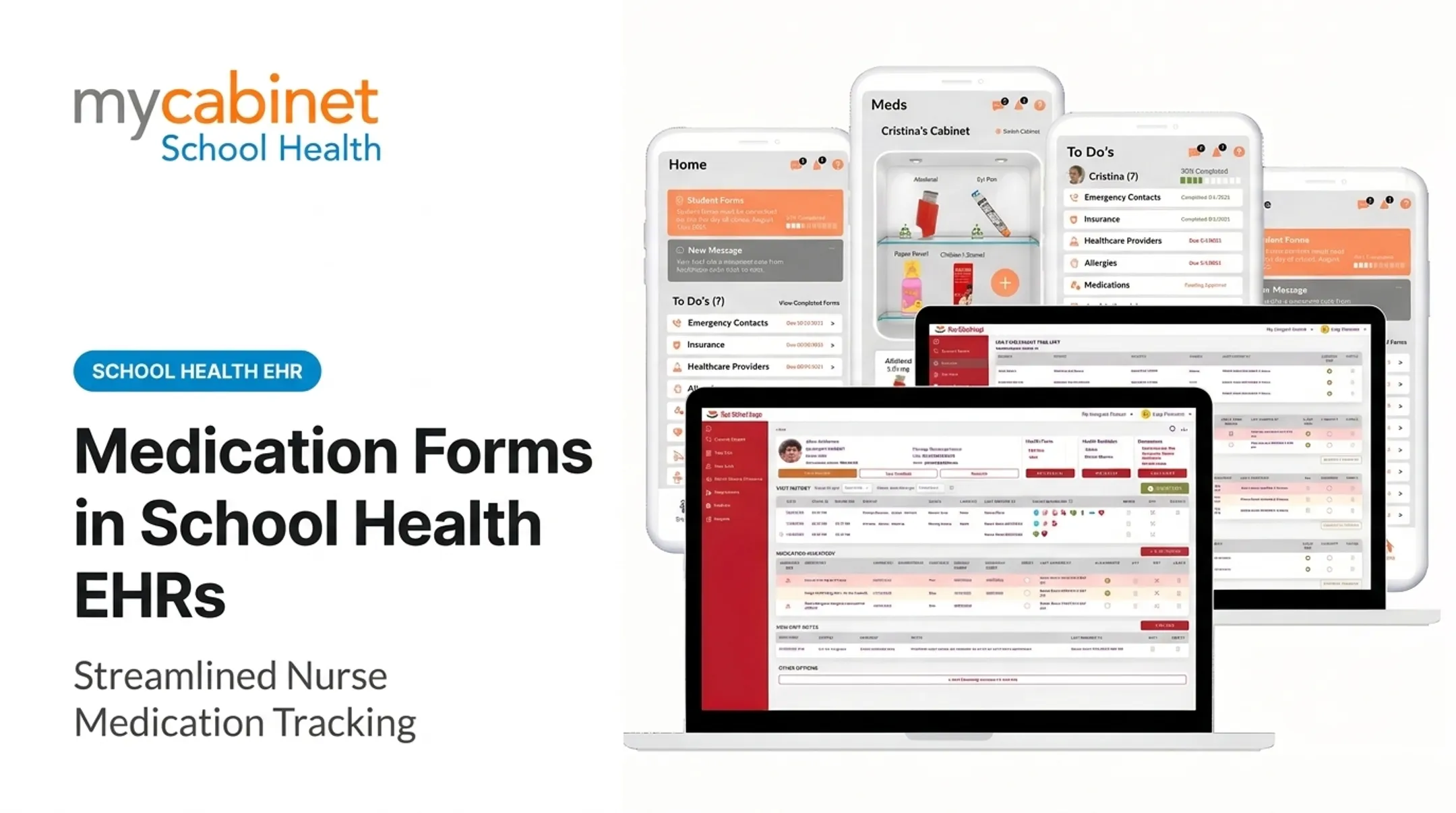
MyCabinet School Health's "View Completed Forms" screen illustrates this well: a student's forms might show 70% completion, with Emergency Contacts and Physical Evaluation done, but an Asthma Action Plan still due and medication approval pending. That kind of visibility is hard to replicate with paper folders.

Task Lists Replace Manual Email Chains
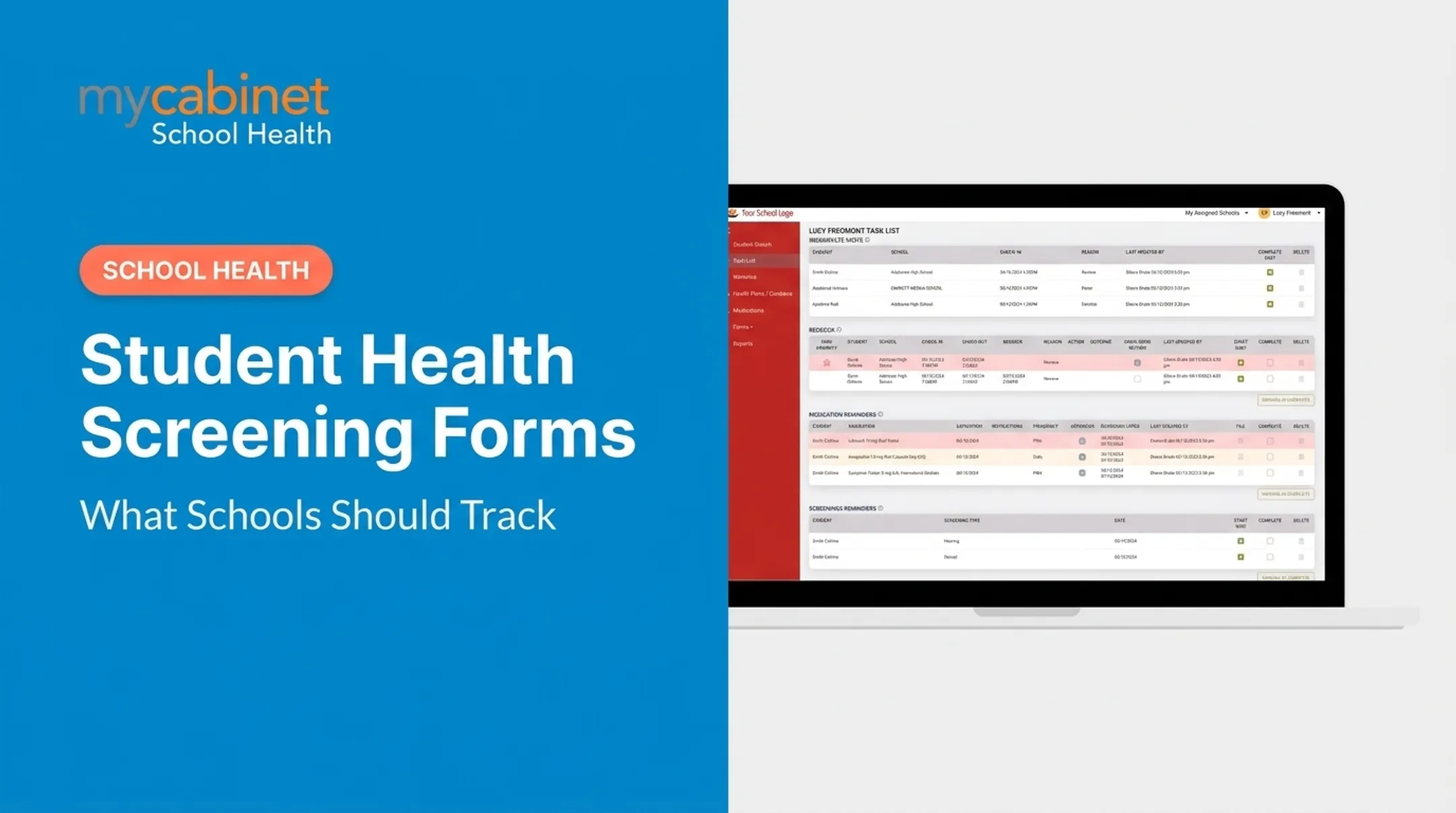
Nurse-centered task lists organize:
- Unresolved screening items
- Rechecks and referrals
- Follow-up actions
Instead of digging through email threads, nurses work from an organized list. NASN's 2024 position statement supports this direction, noting that an effective EHR should enable efficient workflow, organized record keeping, and error prevention NASN's electronic health records position statement. NASN does not publish a specific time-savings percentage, so districts should measure efficiency gains locally rather than assume a standard figure.

Preserving Who Did What
Organized task lists only work if every action is traceable. A reliable audit trail matters just as much as the form itself. Schools need to know who submitted, reviewed, changed, approved, or attached information. MyCabinet School Health builds this into its Nurse Portal through structured visit types and clean audit logs, giving staff a documented history instead of relying on memory or scattered email confirmations.
Controlled Parent Communication
Families need to know what's requested and where things stand, without unrestricted access to clinical detail. MyCabinet School Health's Parent App and Parent Web Portal give families visibility into form status and requests, while keeping sharing limited according to school policy. Parents see only their own child's information, and staff see only what they need for care.
Privacy, Compliance, and Implementation Considerations
Student health information collected through screening forms doesn't fall under one single law automatically. Applicability depends on the school, district, healthcare provider relationships, and how data is used.
FERPA and HIPAA Depend on Who Holds the Record
Joint federal guidance clarifies that student health records maintained by a school, or by a provider acting on the school's behalf, are generally treated as FERPA education records rather than HIPAA-covered records (DOE/HHS joint guidance on FERPA and HIPAA).
HIPAA can apply when an independent provider outside the school conducts certain electronic transactions. Districts should confirm their specific situation with privacy officers or legal counsel rather than assuming one framework applies universally.
Practical Access Controls
Regardless of which law applies, sound practice includes:
- Role-based access that limits staff to what they need
- Secure authentication for every user account
- Controlled sharing of sensitive fields
- Audit logs of record access and changes
- Retention rules for student health data
- A documented process for correcting or restricting information
Implementation Checklist
Before rolling out digital screening forms, districts should define:
- Form ownership — who maintains and updates each form
- Review cadence — how often forms are reviewed for accuracy
- Staff training — for nurses and front-office staff
- Parent instructions — clear guidance on what's needed and why
- Accessibility and language needs — covering diverse families
- Escalation procedures — for incomplete or concerning submissions
- Retirement process — for outdated forms no longer in use
Create a More Connected School Screening Process
Effective health screening forms collect purposeful information and make it actionable, feeding directly into nurse review, follow-up, and secure record-keeping.
Districts evaluating a school health EHR should weigh:
- Form usability for nurses and families
- Review and follow-up workflows after each screening
- Family access through parent portals or apps
- Record accuracy with clear permission controls
- Reporting that supports district oversight
A platform built specifically for school health—not adapted from a general medical or student-information system—handles these pieces as one connected process.
Frequently Asked Questions
What does health screening include?
Health screening usually covers health history, current symptoms, risk factors, basic measurements, and follow-up questions. What is collected still depends on the screening’s purpose and your school’s program.
Do I have to complete a health questionnaire?
Requirements depend on your school, district, state, and the type of screening involved. Follow your school's specific instructions and ask what information is required and how it will be used.
What information should be included in a school health screening form?
A complete form usually includes student identification, emergency contacts, health conditions, allergies, medications, current symptoms, accommodations, and authorizations. Add any extra fields required for that specific screening type.
How do electronic health screening forms help school nurses?
Electronic forms centralize submissions, flag incomplete items, support structured review, and track follow-up tasks. That cuts reliance on paper files and manual email chains when chasing missing information.
Are school health screening forms protected under FERPA or HIPAA?
It depends on who maintains the record and the school's provider relationships. Confirm specifics with your district's privacy officer, legal counsel, or a qualified compliance professional.