But data entry isn't just typing information into fields. Accuracy depends on the quality of your source documents, correct student matching, required fields, privacy controls, and the workflow your school health team actually follows day to day.
This article walks through a practical data-entry process for school EHRs: when they're worth using, what districts need before implementation, the variables that make or break record quality, common mistakes nurses run into, and how digital workflows compare to fragmented paper-based systems.
Key Takeaways
- Enter only verified, student-matched health data and review it for completeness before care.
- A school EHR should organize visits, medications, screenings, incomplete forms, and follow-up tasks in one workflow.
- Privacy compliance requires role-based access, controlled sharing, and alignment with FERPA, HIPAA, and district rules.
- Digital forms and structured documentation reduce reliance on paper, spreadsheets, and manual email follow-up.
How to Enter Student Health Data in an EHR
Step 1: Prepare and Verify the Student Record
Before entering anything, confirm you have the right student. Use the district-approved identifier — student ID, date of birth, full legal name — and cross-check demographic details against enrollment records.
Gather your source materials first:
- Enrollment information and parent/guardian forms
- Provider orders and medication authorizations
- Immunization or screening documentation
- Emergency-care plans, where applicable
Check for an existing profile before creating a new one. Duplicate records are one of the most persistent problems in health-record systems. A peer-reviewed analysis of nearly 400,000 confirmed duplicate patient pairs across 10 states found that blank or default values in fields like middle name and identification numbers were common causes of mismatches, and that accurate matching requires multiple demographic data points, not just a name search.
If something doesn't line up, flag it rather than guessing or overwriting existing data.
Apply your school or district's privacy and consent requirements before entering anything sensitive. That includes access rules, retention timelines, and escalation contacts for questionable information.
Step 2: Enter Structured Health Information
Free-text notes feel faster in the moment, but they're harder to search, report on, and interpret later. Use structured fields for:
- Allergies, diagnoses, and reported conditions
- Accommodations and care instructions
- Medications (name, dose, route, frequency, expiration)
- Emergency contacts
Keep terminology, date formats, and units consistent with district standards. Separate verified data from pending information — a parent-reported allergy isn't the same confidence level as a provider-confirmed one, and later readers need to know the difference.
This is where a platform built specifically for school health, like MyCabinet School Health, changes the daily workflow. Its Parent App lets families submit required health forms digitally; nurses then review, approve, or reject those submissions inside the system.
Approved documents attach directly to the student's profile — no scanning, no separate upload folder to check.
Step 3: Document Visits and Actions
Select the correct visit type, then capture:
- Reason for the visit and relevant observations
- Care provided and the student's disposition (returned to class, sent home, etc.)
- Notifications completed — who was told, and when
- Follow-up required, if any
Medication administration needs to be logged immediately — the medication, dose, time given, student response, and any exceptions. North Carolina's School Health Program Manual explicitly requires that medication administration be documented immediately in writing, not at the end of the day from memory.
Standardized visit templates help with speed, but they shouldn't replace clinical judgment:
- If the encounter doesn't fit the template, add the narrative detail anyway
- Turn unfinished work into a task — a recheck, incomplete form, or expiring authorization — not a mental note
Step 4: Review, Validate, and Route the Record
High-risk information deserves a second look. That means a defined verification step for:
- Medication orders and dosage changes
- Allergy updates
- Emergency care plans
- Significant health-status changes
Before finalizing an entry, check required fields, dates, units, and attachments. If something's incomplete or questionable, route it to the parent, provider, or administrator who can resolve it — don't make an unsupported correction yourself.
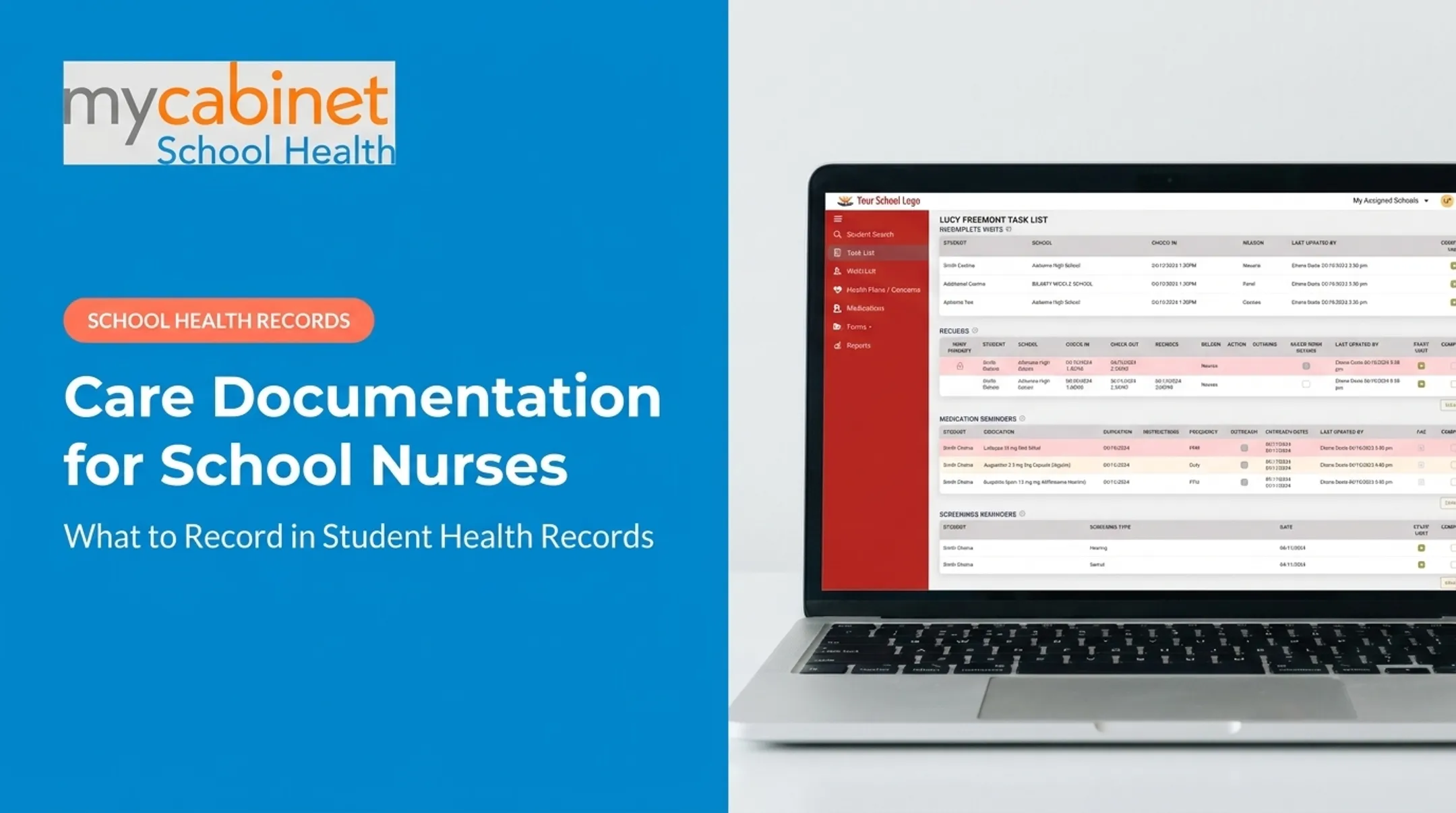
Intelligent task lists make this easier to manage across dozens of students. MyCabinet School Health's Nurse Portal uses workflow-driven task lists with visual cues and color-coding, so incomplete visits, rechecks, and expiring medications don't get buried in a to-do list that only lives in someone's head.
Step 5: Maintain the Record Over Time
Build periodic review into the workflow, not just point-in-time entry. Check for:
- New enrollments and school transfers
- Return from extended absences
- Updated provider orders
- Significant health-status changes
Archive outdated forms and superseded medication authorizations according to district policy, but preserve the history of prior actions — you may need it later.
If the same data-quality issue keeps showing up, treat it as a process signal:
- Parents submitting incomplete forms
- Staff misreading dosage units
- Fix training or field design, not just the one-off error

When Should You Use an EHR for Student Health Records?
An EHR earns its keep when nurses and districts need a shared, current view of student health across visits, medications, forms, screenings, and follow-up, especially across multiple schools or a growing caseload. The National Association of School Nurses considers EHRs essential for optimizing student healthcare quality, safety, coordination, and population health, not just a convenience upgrade from paper.
What You Need Before Starting
Before implementation, nail down:
- Map required fields, roles, and approval steps your district mandates
- Set privacy rules for retention, escalation contacts, and correction or export procedures
- Confirm devices, connectivity, staff training, and backup processes
- Standardize parent forms, provider documentation, medication orders, and screening results district-wide
Skipping this groundwork is how districts end up with a shiny new system running on the same messy source documents.
Why Paper and Spreadsheet Workarounds Fall Short
Paper files, spreadsheets, shared drives, and email attachments each solve part of the problem but create new ones: version control issues, no audit trail, and no way to flag an overdue task. A study of all 115 North Carolina public school districts found that computer use for nursing documentation rose from 44% of districts in 2012 to 72% by 2018. The same research documented real reconciliation and missing-data problems when collection wasn't real-time.
Manual methods aren't going away entirely. Outages and connectivity gaps happen. But they need a defined reconciliation process: temporary notes get entered, verified, and either securely disposed of or retained per policy.
MyCabinet School Health's connected Nurse Portal, Parent App, and Parent Web Portal are one example of a school-focused answer to this: forms come in digitally, nurses review and approve them, and families get controlled visibility without an open-ended messaging channel to manage.

Key Parameters That Affect Student Health-Record Accuracy
Accurate data entry isn't about typing speed. It comes down to a handful of controllable variables.
Source Quality and Verification
Information from illegible, outdated, or unofficial sources creates downstream risk. North Carolina's school health guidance requires nurses to compare the pharmacy label against the provider-signed authorization form and double-check dosage before administering anything.
Label each entry by status so the next person reading it knows exactly how much to trust it:
- Verified
- Pending
- Parent-reported
- Needing clarification
Student Identity and Record Matching
Similar names, transfers, and sibling records are a recurring source of mix-ups. The ONC's Patient Identification guide recommends policies to prevent duplicate creation and a defined process to merge unintended duplicates rather than relying on staff judgment case by case.
When a student transfers within the same district, a system like MyCabinet School Health can automatically switch the profile to the new school once enrollment updates. That handoff can still take days or weeks, so a manual check during the gap still matters.
Structured Fields and Terminology
Dropdowns, standardized medication details, and predefined visit types make records searchable and reportable. Save free text for genuinely narrative details: the "why" behind a judgment call, not the dosage itself.
Timeliness and Update Frequency
NASN holds nurses accountable for documentation that's timely, accurate, legible, complete, and securely protected. Medication administration and urgent visits need same-moment entry. Routine record maintenance can run on a scheduled review cycle.
Privacy, Permissions, and Auditability
Core safeguards protect student information, but the legal framework isn't one-size-fits-all:
- Least-privilege access
- Secure authentication
- Audit logs
Federal guidance clarifies that school health records are generally excluded from HIPAA when they qualify as FERPA education records.
Whether HIPAA also applies depends on who maintains the record and in what capacity. Don't assume every school health file is governed identically.

Common Mistakes and Troubleshooting Issues in School EHR Data Entry
Most data-quality problems trace back to rushed intake, unclear ownership, or unresolved exceptions, not a single typo.
Creating duplicate or incorrect student profiles
- Likely cause: Entering a student without checking existing identifiers or transfer history.
- Fix: Pause, verify the district identifier, follow the approved merge process, and document who resolved it.
Entering incomplete or outdated medication information
- Likely cause: Missing provider orders or an authorization that's quietly expired.
- Fix: Confirm the source and effective dates, escalate ambiguity to an authorized contact, and set expiration tasks so lapses don't go unnoticed.
Relying on free text, email, or spreadsheets for critical information
- Likely cause: The system lacks the right field, or a temporary workaround became permanent.
- Fix: Map recurring information into structured fields and restrict sensitive details from unsecured channels.
Missing follow-up or parent communication
- Likely cause: A visit gets documented but no task is assigned, so responsibility falls through.
- Fix: Use task queues with due dates and clear ownership, and schedule routine documentation audits.
A North Carolina districts study found that routine documentation audits (quarterly in 62% of districts, monthly in another 18%) correlated with lower medication-error rates. Scheduled audits work as a practical follow-up control.

MyCabinet School Health addresses several of these gaps directly. Outreach logging captures the contact date, method, and notes on the student record itself, so follow-up details do not live in a personal inbox.
Conclusion
Good electronic health record data entry starts before anyone touches a keyboard. It begins with verified sources, correct student matching, and clarity on what's confirmed versus pending. From there, structured documentation, timely updates, and a real review process do the rest.
The best system treats these principles as design requirements, not paperwork: dignity, safety, and simplicity for the people using it every day, alongside privacy and honest family communication. An EHR that only stores information isn't pulling its weight.
If your district is still stitching together paper forms, spreadsheets, and email threads, audit that workflow honestly. Look at where records actually break down:
- Duplicate student profiles
- Missed follow-ups
- Expired authorizations
Then choose tools built around fixing those specific gaps, not just digitizing the same process.
Frequently Asked Questions
What is electronic health record data entry for school nurses?
It involves entering, verifying, updating, and maintaining student health information: visit documentation, medications, forms, screenings, and follow-up tasks in a secure digital record accessible to authorized school health staff.
What information should be included in a student health record?
Typically demographics, authorized contacts, conditions, allergies, medications, emergency plans, relevant forms, visit notes, and screening results. Required fields vary by district and applicable state rules.
How can school nurses protect student health-record privacy?
Use role-based access, secure authentication, minimum-necessary sharing, and audit trails. Align the overall workflow with FERPA, HIPAA where applicable, and state and district requirements.
How do school nurses reduce errors during EHR data entry?
Verify student identity, check for duplicates, use structured fields instead of free text, confirm source documentation, and document promptly. A second-person review for high-risk items like medication orders adds another layer of protection.
Can parents submit student health forms electronically?
Yes. Schools can use secure parent portals for digital submission, with nurses reviewing, verifying, and approving forms before they attach to the correct student record.
What is the difference between a school health record and a medical EHR?
A school health record generally supports care within the education setting and falls under FERPA rules. A medical EHR maintained by a healthcare provider may instead fall under HIPAA: access, purpose, and sharing rules can differ based on who maintains the record.