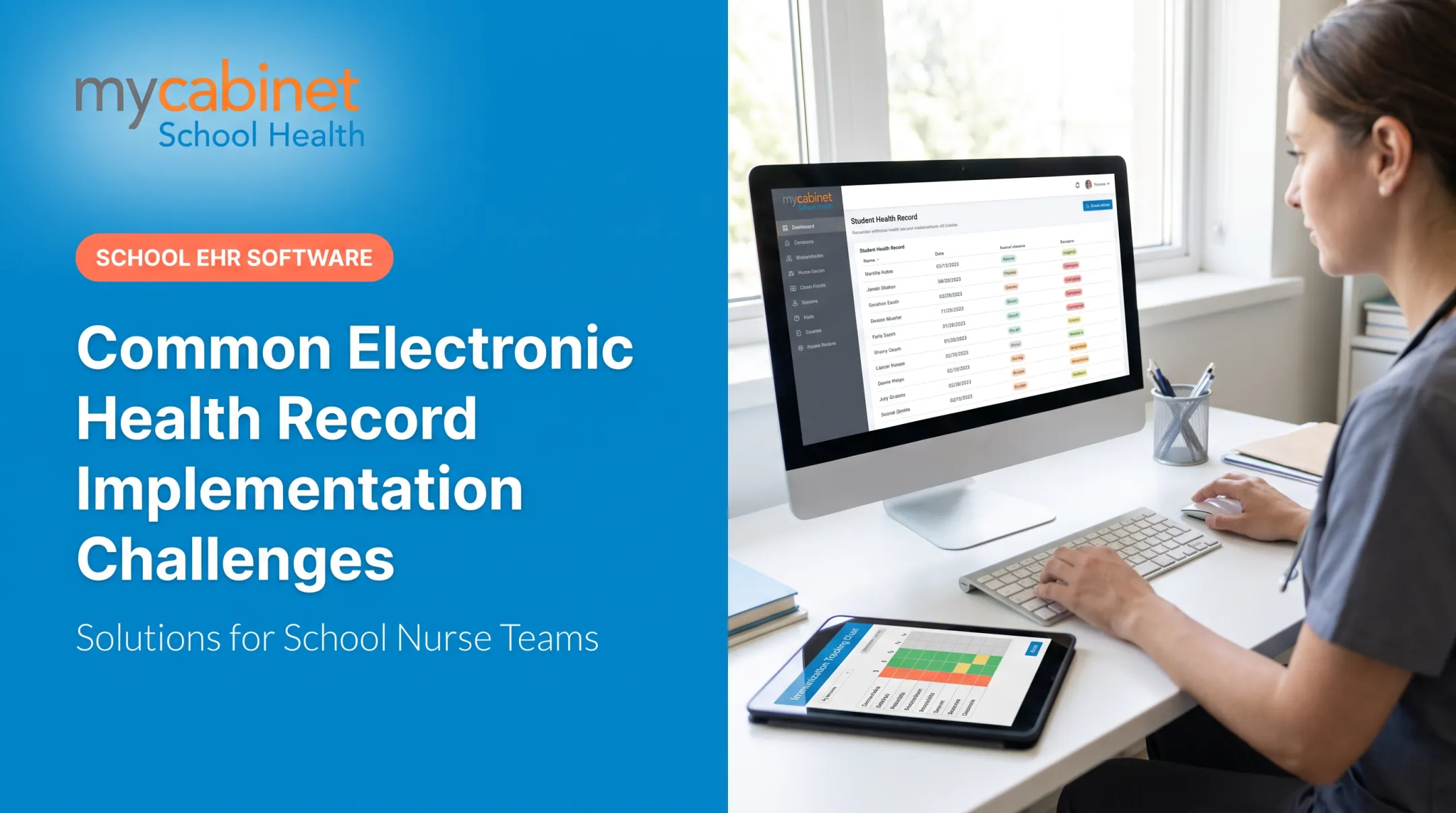
Switching EHR systems feels daunting, especially when your school health office is already short-staffed and juggling medication management, screenings, and parent phone calls. School nurse records cover more than 95% of U.S. school-aged children, and most of that documentation, from immunizations to chronic-condition care plans, has to be accurate, retrievable, and secure at all times.
This guide breaks the transition into manageable steps: planning, team building, data migration, training, and go-live, all tailored to how K-12 school health offices actually work.
Key Takeaways
- Most school EHR transitions need 60-120 days of dedicated planning with a cross-functional team
- Prioritize migrating medications, immunizations, and active care plans first to reduce risk
- School-health-specific platforms cut down on customization headaches compared to generic clinical EHRs
- Role-based training and phased go-live support drive nurse adoption and reduce burnout
- Early, clear parent communication prevents confusion around new forms and portals
Why Schools Need to Transition to a New EHR System
Many school health offices are stuck with systems that weren't built for them. Common triggers for switching include:
- Outdated platforms that don't align with FERPA requirements for student education records
- No reliable way to track medication expiration dates
- Fragmented workflows split across paper charts, fax machines, and spreadsheets
- A vendor whose product was designed for hospitals, not school clinics
Generic clinical EHRs often force nurses into workflows built for a completely different setting. A hospital-designed system doesn't account for daily recheck visits, screening programs, or the reality of managing hundreds of students with a single nurse on-site.
The National Association of School Nurses (NASN) identifies school-health EHRs as essential tools for school settings. They must support the nursing process, standardized data points, and secure, timely, retrievable records.
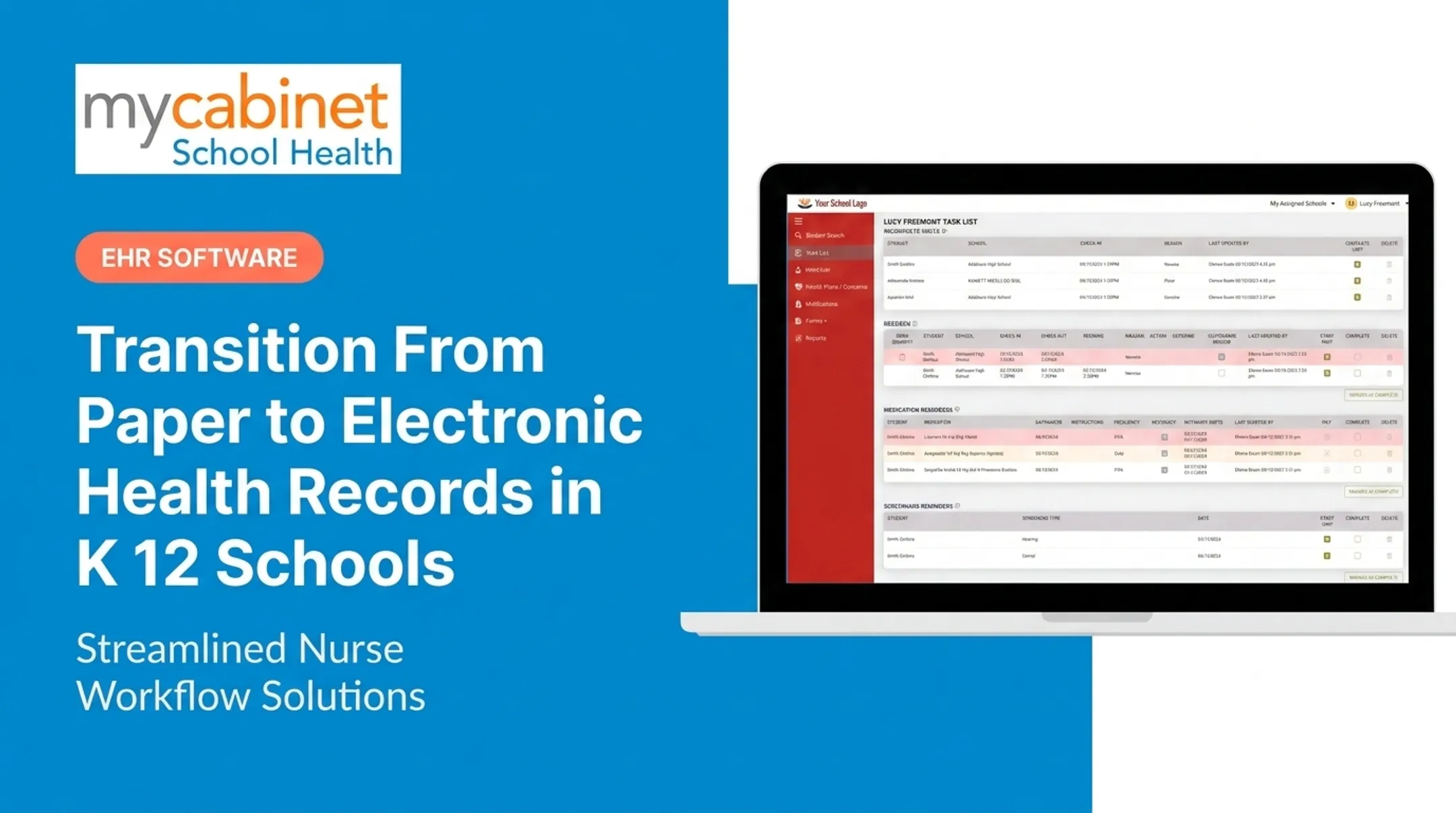
That's the gap MyCabinet is built to close. Instead of generic documentation storage, the Nurse Portal organizes actual daily work in an automatic task list:
- Incomplete and recheck visits
- Medication reminders and expirations
- Screening reminders
Nurses can see dosage and frequency at a glance, track medication expiration, and log outreach without switching between separate tools.
Medication safety is one place fragmented systems show their cost. A 2022 peer-reviewed study of all 115 North Carolina public school districts found an average of 78 medication errors requiring medical intervention annually per district, with about 27% of districts reporting one or more corrective-action plans each year.
The study notes this reflects a shift from paper to computer data collection and doesn't compare EHR users directly against paper-based clinics. Still, it underscores how much room for error exists in fragmented systems.

Building Your Transition Team and Plan
A rushed transition is a failed transition. Start by assembling the right people.
Who belongs on your transition team:
- The lead school nurse (or nurse supervisor)
- District IT or technology administrator
- District health coordinator, if your district has one
- Vendor implementation support contact
NASN specifically recommends that school nurses participate directly on district IT committees evaluating EHR quality, usability, security, and interoperability, rather than leaving those decisions solely to administrators or IT staff.
Set Goals Before You Shop for Vendors
Define what success looks like before you start comparing platforms:
- Cut paper forms and manual data entry
- Improve medication tracking and expiration alerts
- Give parents real-time visibility into student care
These goals should directly shape which vendor and configuration you choose.
Build a Realistic Timeline
Plan for 60–120 days, working around your school calendar. Avoid launching mid-flu season or right before winter break.
Districts with multiple schools need extra coordination time. Cobb County School District, a MyCabinet customer, has navigated a multi-site rollout across its nursing supervisor, area consulting nurses, and licensed nurses in each building.
Before go-live, lock in two operational supports:
- Designate a superuser nurse at each school site and give them extra hands-on training so they can troubleshoot for colleagues in the first weeks
- Communicate the plan early and often to nurses, administrators, teachers, and parents so nobody is caught off guard on go-live day

Migrating Student Health Data Safely
Data migration is where transitions go wrong if you rush it. Prioritize these categories first:
- Medication lists and expiration dates — the highest-risk data category
- Immunization records — required for compliance tracking
- Chronic condition care plans — asthma, diabetes, seizure protocols
- Allergy alerts — anything that could trigger an emergency response
- Recent visit history — for continuity of care
Clean Your Data Before You Move It
Before transferring anything:
- Remove duplicate or outdated student records
- Verify parent contact information is current
- Correct mismatched student IDs Under federal guidance, school health records are generally treated as FERPA education records, not HIPAA records, since most schools aren't HIPAA-covered entities. Your migration plan must preserve consent basis, authorized-user scope, and redisclosure limits—not just move files from one system to another. Map old data fields to the new system's structure carefully, especially structured visit types and audit trails. Once data lands in the new system, have nurses review a sample of student profiles before go-live. Don't rely on IT staff alone—they may miss a mismatched dosage or an outdated care plan. A connected platform with a Nurse Portal, Parent App, and Parent Web Portal—such as MyCabinet—keeps shared records in one place instead of scattered tools. When paper forms are still in circulation, plan a re-collection process:
- School sends an automated email campaign for required forms
- Parents upload documents through the Parent App or Parent Web Portal
- Nurses review submissions inside the Nurse Portal
- Approved documents attach directly to the student's record

Training Staff and Preparing for Go-Live
Not everyone needs the same depth of training. Match sessions to each role:
- Nurses: visit documentation, medication workflows, and task-list management
- Front-office staff: scheduling and parent communication features
- Administrators: reporting, permissions, and compliance oversight
Run "dry run" test days where nurses complete full mock student visits before go-live. That surfaces confusion early—when stakes are low—instead of during a live medication pass.
K-12 change-management guidance also recommends appointing site champions and using ongoing, tiered training rather than one one-time session. Pair those champions with your dry runs so questions get answered before day one.
Timing matters. Schedule go-live in a lower-activity window, such as the start of a semester, not mid-flu season when clinic traffic peaks.
Confirm your vendor offers responsive go-live support. Ask specifically:
- What channels are available (phone, email, portal form)?
- What's the expected response time on day one?
- Is there a dedicated contact for the first week?
Place quick-reference sheets at nurse workstations for high-frequency tasks—logging medication administration, completing recheck visits, and closing incomplete encounters. Clear job aids cut panic calls in the first few days.

Common Challenges and How to Overcome Them
Staff Hesitancy
Nurses who've used the same system for years often resist change. Counter resistance with:
- Early demos of day-to-day nurse workflows
- Hands-on practice sessions before go-live
- Clear explanation of time savings from intelligent task lists that surface incomplete visits and medication reminders automatically
Data Security Concerns
Before migration begins, confirm your new vendor's compliance certifications. Ask specifically about:
- SOC 2 Type 2 attestation (not just Type 1, which only reflects a point in time)
- HIPAA compliance
- FERPA alignment
SOC 2 alone doesn't satisfy FERPA obligations. Your vendor agreement should also address direct control over data use, redisclosure limits, and retention terms as required under the 2019 joint FERPA/HIPAA guidance.
Parent Confusion
Parents don't like surprises, especially around their kids' health information. Communicate proactively about:
- What portal or app they'll use going forward
- What notifications they'll receive (and what they won't)
- Whether they need to resubmit any forms
Most parent communication tools, including MyCabinet's Parent App and Parent Web Portal, are intentionally one-way. Parents receive alerts about clinic visits and medication expirations but can't message nurses directly through the app. Make clear how families should reach the clinic with questions.
Frequently Asked Questions
How long does it take to transition to a new EHR?
Most transitions take 60-120 days, depending on district size. Single schools typically move faster than multi-site district rollouts, which require extra coordination across buildings.
What data should schools prioritize migrating first?
Focus on medications and expiration dates, immunization records, allergy alerts, and active care plans first. These carry the highest safety risk if lost or delayed during migration.
How can school nurses get comfortable with a new system quickly?
Role-based training, a designated superuser at each site, and dry-run practice sessions before go-live all speed up comfort with a new system. Hands-on practice beats a single training video every time.
Will parents need to do anything during the transition?
Parents may need to complete new digital forms or set up access to an app or web portal. Clear, early communication about what's changing reduces confusion and support calls.
What should schools look for in a new EHR vendor?
Look for school-health-specific workflows (not repurposed clinical software), verified compliance certifications like SOC 2 Type II, HIPAA, and FERPA, and integrated parent communication tools built into the platform.
How do schools avoid data loss during migration?
Clean your data first, remove duplicates, verify contact info, and map old fields to the new system's structure. Then have nurses validate a sample of migrated student records before go-live.