This isn't just inconvenient. It's a compliance risk. Expired forms and missing signatures often go unnoticed until an incident happens — a student needs medication and the authorization has lapsed, or an allergy plan is missing a physician's signature.
This guide covers the types of digital health forms schools need, why paper-based systems create risk, what to look for in a platform, and how districts can make the switch without disrupting the school year.
Key Takeaways
- Digital health forms cut paperwork, reduce errors, and cut nurse follow-up time
- Schools still need digital versions of immunizations, medication authorizations, allergy/emergency plans, and physicals
- Look for FERPA/HIPAA compliance, parent-friendly submission, and nurse-review workflows
- MyCabinet School Health links nurses, students, and parents in one platform for forms, review, and shared visibility
What Are Digital Health Forms for Schools?
Digital health forms are electronic versions of the medical, consent, and emergency documents schools have always collected on paper: immunization records, medication orders, allergy plans, and physical exams.
They're different from generic online school forms like registration or field trip permission slips. Health forms carry sensitive medical information, which means they need stricter data protection under FERPA and HIPAA rather than standard school data-privacy rules.
How the process typically works:
- Parents log into a web portal or mobile app instead of filling out paper packets
- Required documents are uploaded digitally (immunization records, physician orders, etc.)
- A school nurse reviews each submission before it's approved
- Once approved, the form attaches directly to the student's official health record
This review step matters. A form sitting in a parent's email inbox or a shared drive isn't the same as one that's been verified and filed correctly.
MyCabinet's platform routes submissions from the Parent App or Parent Web Portal straight into the Nurse Portal. Staff can review and approve documentation before it becomes part of a student's file, eliminating the printing, scanning, and email chains that used to sit between submission and approval.

Common Types of Health Forms K-12 Schools Need
Every district manages a similar core set of health documentation, even though exact requirements vary by state. Washington, DC's OSSE requires two annual health forms per student: a Universal Health Certificate and an Oral Health Assessment. Multiply that across a district with thousands of students, and the paperwork volume adds up fast.
The main categories schools typically manage:
- Immunization and vaccination records — required for enrollment; proof may be medical records, health department certificates, or registry data, depending on the state
- Medication administration authorization — dosage, frequency, physician approval, and administration route
- Allergy and emergency action plans — EpiPen protocols, asthma action plans, seizure response instructions
- Physical exam and athletic clearance forms — required before sports participation
- Health history and emergency contact/consent forms — baseline information nurses need in a crisis
- State-mandated screenings — vision, hearing, and scoliosis checks, depending on grade level and state law
Medication Forms Need the Most Detail
Medication authorization forms tend to carry the heaviest documentation load. Colorado's guidance, for instance, requires the prescriber's name, phone number, signature, dosage, administration time, route, duration, and side effects before a nurse can legally administer anything. Across a full caseload of students on medication, those fields stack up quickly—and paper tracking starts to fail.
MyCabinet supports each of these categories in one place: immunization tracking, medication management, allergy and care-plan documentation, athletics compliance for physicals, and screening reminders, all routed through the same nurse review workflow.

Why Paper Health Forms Create Risk and Inefficiency
Paper doesn't scale. A form that gets lost in a backpack, filled out in illegible handwriting, or left unsigned can delay medication administration at exactly the wrong moment.
The bigger problem is the compliance gap. An expired medication authorization or a missing physician signature often stays invisible until something goes wrong: a student has a reaction, or a nurse discovers mid-year that a form was never actually completed.
The National Association of School Nurses (NASN) has flagged administrative burden as a workload issue, advocating for simplified documentation standards and less redundant paperwork.
NASN also notes that nurse workload should reflect whether a district has an electronic health record (EHR) system at all. Without one, tracking hundreds of students' forms manually becomes its own full-time job.
Common paper-based failure points:
- Forms sitting in a folder instead of the nurse's office
- No automated way to flag an expiring medication order
- Illegible handwriting causing dosage confusion
- No audit trail showing who approved what, or when
For nurses running an entire school's health records on paper and spreadsheets, these gaps show up as missed authorizations, delayed care, and hours lost to chase-down work.

Key Features to Look for in a Digital Health Form Platform
Not every "digital forms" tool is built for school health data. Here's what actually matters.
Compliance Infrastructure
The platform should carry real, auditable credentials, not just a claim of "secure." Look for:
- FERPA compliance for student education records
- HIPAA compliance for protected health information
- SOC 2 Type II certification from an independent auditor who tested security controls over time, not a one-day snapshot
MyCabinet is SOC 2 Type II certified, HIPAA compliant, and FERPA compliant, with role-based permissions that limit parents to their own child's data and give nurses access only to what they need for care.
Nurse Review Workflow
Forms shouldn't attach to a record automatically. A platform needs a step where a nurse reviews, approves, or rejects each submission before it becomes official documentation.
That gate keeps incomplete physicals, missing signatures, and wrong student files out of the chart. Approved forms attach to the record with a clear trail of who signed off and when.
Parent-Facing Access
Completion rates rise when parents can submit on a phone or in a browser—without printing, scanning, or hallway drop-offs. Look for direct upload from both a mobile app and a web portal, with school-controlled access.
MyCabinet provides a Parent App (iOS and Android, activated with a school-issued code) and a Parent Web Portal so families can upload required forms either way.
Automated Tracking and Expiration Alerts
This is where paper systems fail hardest. A good platform should flag:
- Medications nearing expiration (with alerts sent directly to parents)
- Physicals or screenings coming due
- Incomplete visits or rechecks that still need follow-up
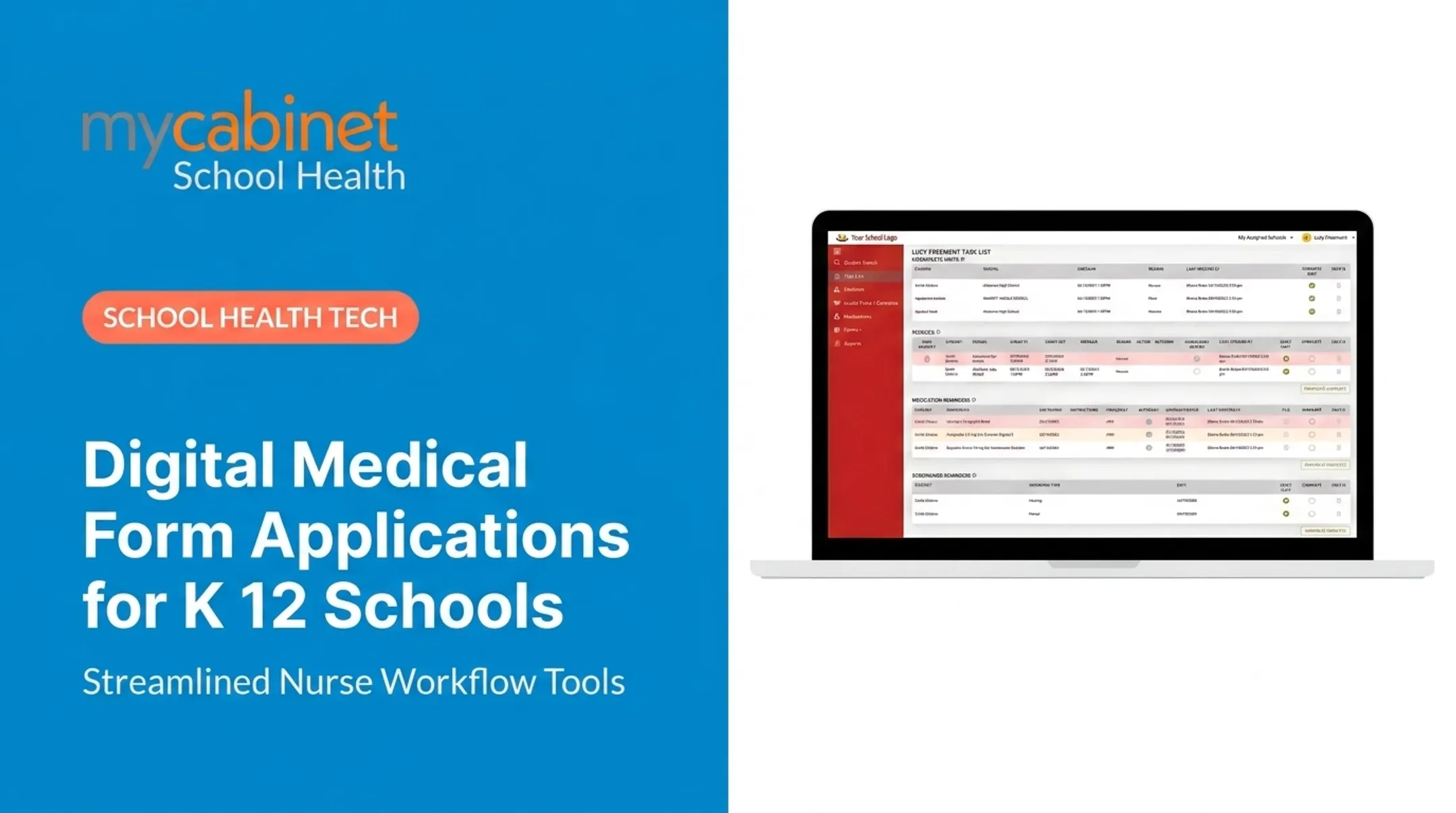
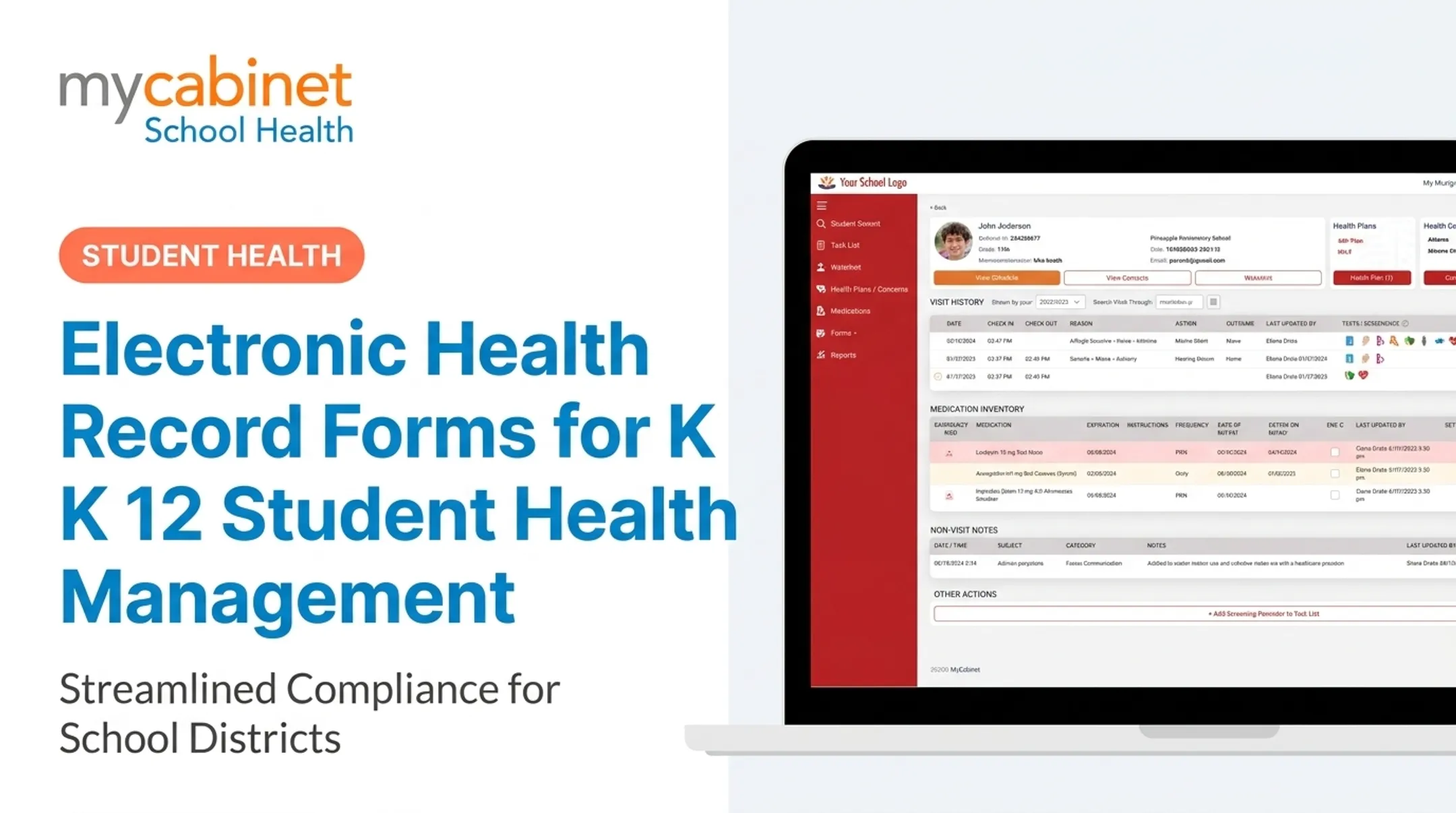
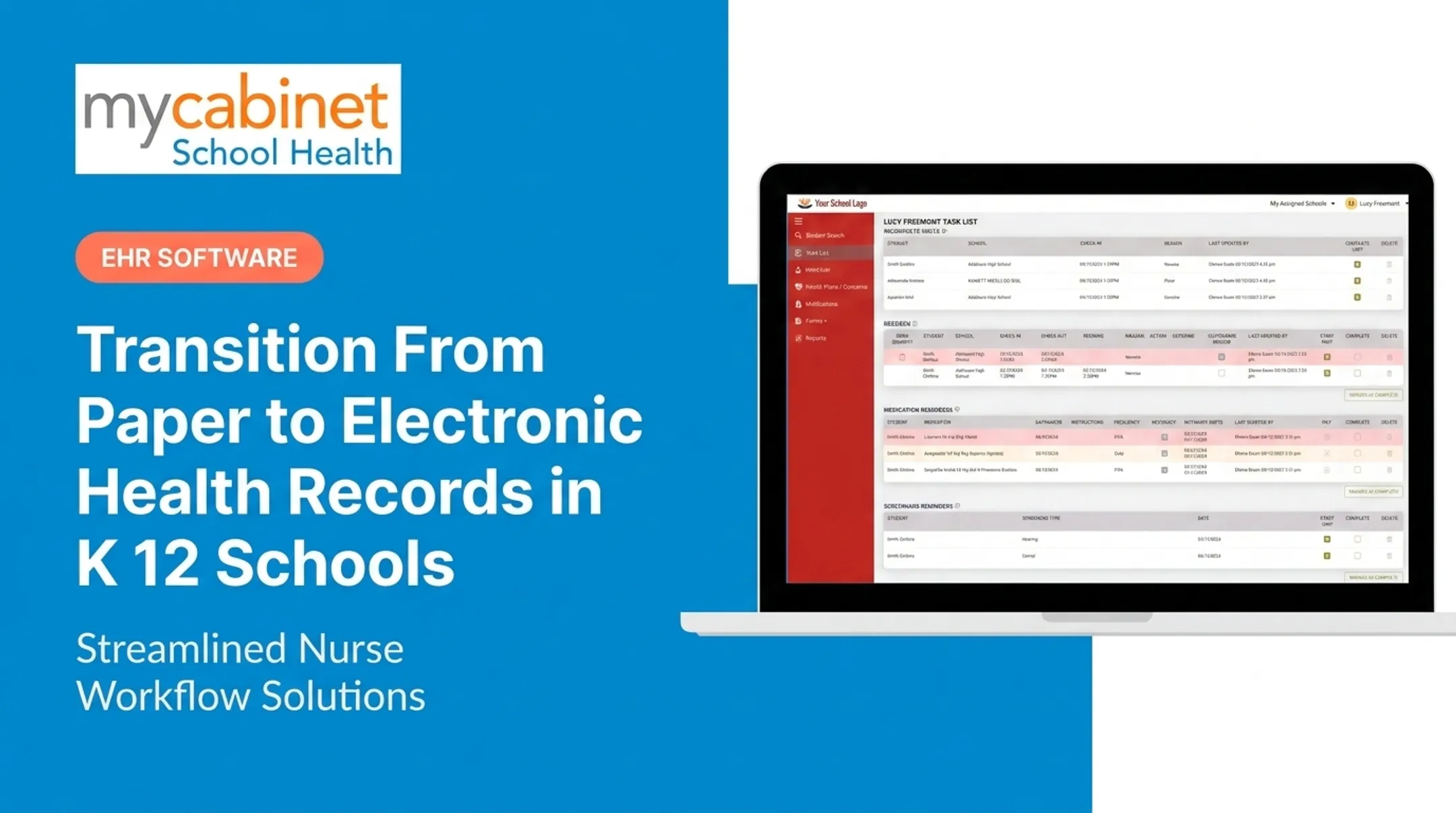
MyCabinet's task-list feature surfaces these items automatically with color-coded prioritization, so nurses aren't relying on memory or manual spreadsheets to catch what's falling behind.

How Schools Can Transition to Digital Health Forms
Planning the Rollout
Timing matters. Start the transition in spring or summer, before the fall enrollment rush, so nurses and staff aren't learning a new system while managing a full clinic caseload.
Before digitizing anything, audit your current paper forms:
- Identify which forms are legally required by state or district policy
- Flag optional or redundant forms that can be dropped entirely
- Prioritize high-risk categories : medication and allergy forms first
A phased rollout works better than an all-at-once switch:
- Phase 1: Medication authorizations and emergency contacts (highest safety impact)
- Phase 2: Immunization records and allergy/EAP documentation
- Phase 3: Screenings and physical exam forms

Training and Communication
Staff need hands-on training before go-live, and parents need clear, early communication about what's changing and why.
Share the timeline early, run short clinic walkthroughs, and give parents simple portal instructions for uploading forms. That cuts go-live confusion and front-office follow-up.
MyCabinet supports this kind of transition with in-portal training videos, a support team that responds within 24 business hours, and Student Information System integration for real-time data sync.
Cobb County School District used the platform to move parent paperwork online. Superintendent Chris Ragsdale described it as letting parents "submit paperwork electronically and see when their child was seen and given medication," calling it "a win for the parents and a win for the district."
Frequently Asked Questions
How do I fill out a school health form digitally?
Log into the parent portal or app provided by your school, enter the required medical information, and submit it. A school nurse then reviews the submission and attaches it to your child's record.
What are the different types of school forms?
School forms generally fall into three buckets: enrollment/registration, general consent forms (like field trips), and health/medical forms. Health forms require the strictest data protection because they contain protected medical information.
What documents do you need for online school enrollment?
Typically: immunization records, emergency contact information, health history, and any medication or allergy action plans. Requirements vary by state and district.
Are digital health forms secure and compliant with student privacy laws?
Reputable platforms are FERPA and HIPAA compliant, using role-based access controls so only authorized staff see sensitive data. Look for SOC 2 certification as an added layer of verification.
How do digital health forms improve communication between parents and nurses?
Digital submission gives nurses instant visibility into new forms so they can review and follow up faster. Platforms like MyCabinet also send one-way notifications about clinic visits and medication expirations to a parent's phone or email, without opening unrestricted messaging channels.
Does going digital eliminate all paperwork for nurses?
No, but it eliminates manual tracking, printing, and filing. Nurses still review and approve every form — the system just organizes and flags what needs attention instead of burying it in a filing cabinet.