Many school health offices struggle with exactly this cycle — duplicated data entry, missing signatures, and forms that go missing between the front office and the clinic. A 2007 audit of school medication administration found discrepancies in transcription, orders, timing, documentation, and storage — the kind of gaps that structured digital workflows are built to catch.
This article covers what it actually takes to digitize US K-12 student health forms: not just scanning paper into PDFs, but building secure, structured workflows that families can complete and nurses can review, approve, and act on.
Key Takeaways
- A scanned PDF preserves a document, not usable data; real digitization means structured fields, validation, and routing.
- Prioritize high-volume, high-risk forms first: immunizations, medication authorizations, and action plans.
- Design workflows for nurses, families, and students with mobile access and clear instructions.
- Treat privacy, retention, and FERPA/HIPAA compliance as design requirements, not afterthoughts.
Why Schools Should Digitize Student Health Forms
Paper-based systems create predictable failure points: duplicated entry, illegible handwriting, misplaced files, and delayed follow-up. Nurses often have no clear visibility into which students still owe required records until a problem surfaces.
The National Association of School Nurses (NASN) states that school EHRs are essential for efficient, safe health-information management. Proper documentation turns scattered paperwork into usable data: one structured record beats five loose ones.
Operational benefits nurses actually notice:
- Faster review because information arrives in a consistent format
- Fewer manual handoffs between front office, clinic, and parents
- Clearer task management instead of relying on personal reminders or spreadsheets
- Easier retrieval when a record is needed urgently
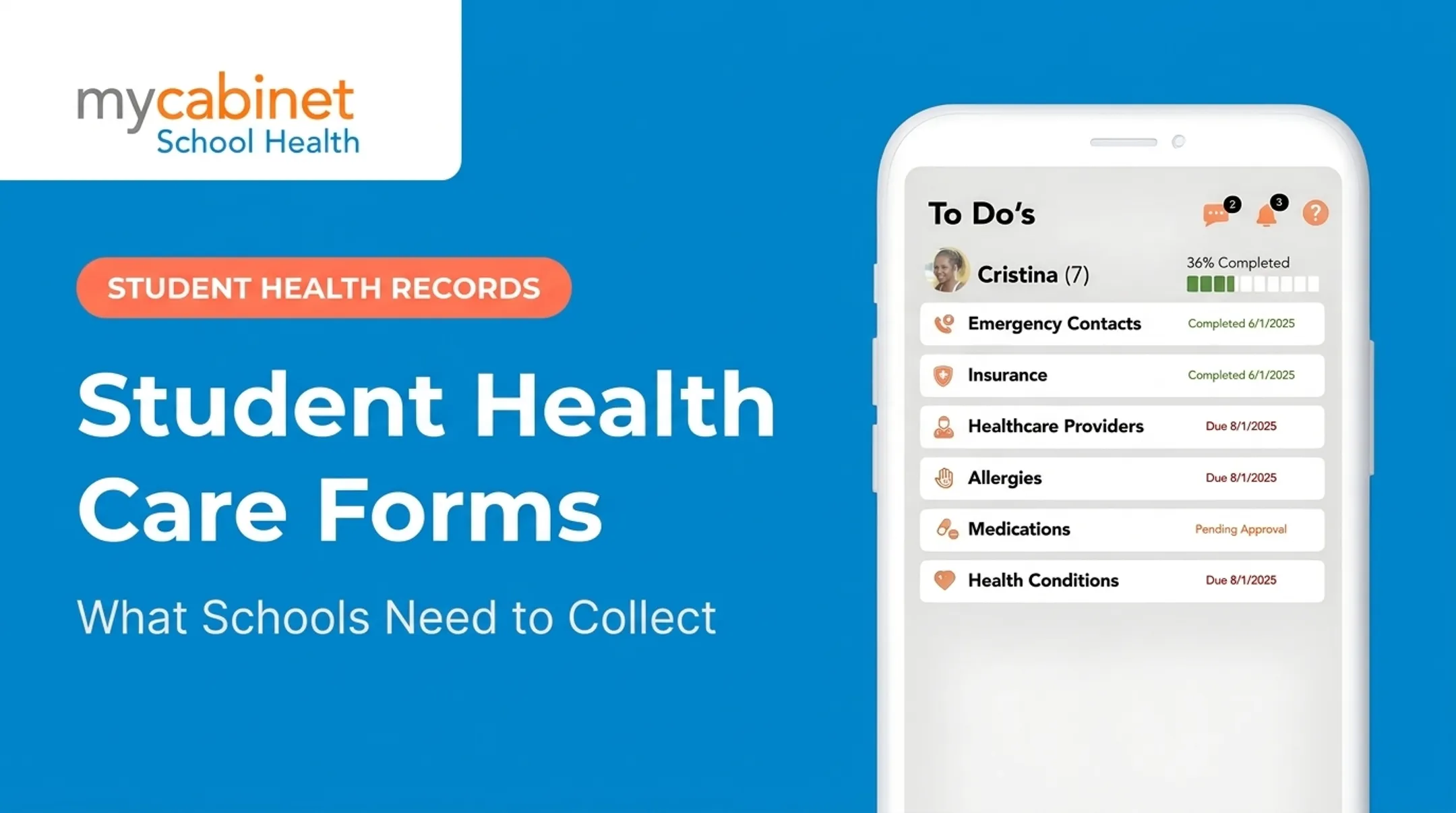
MyCabinet School Health's Nurse Portal, for example, organizes incomplete visits, medication reminders, and screening rechecks into a workflow-driven task list rather than a static document pile. Its Parent App and Parent Web Portal let families upload required forms directly, with nurses reviewing and approving inside the same system — no fax, no email attachments to hunt down.
Timely access to allergy information, medication instructions, and action plans supports safer day-to-day decisions. Digitized forms close the gap between what families submit and what nurses can act on when minutes matter.

Examples of Student Health Forms to Digitize
Not every form needs the same treatment. Some require parent completion and document uploads; others need ongoing nurse review, expiration tracking, or direct attachment to a student's clinical profile.
Common candidates for digitization:
- Annual health histories
- Immunization records and exemption documentation
- Medication authorization and administration forms
- Allergy or asthma action plans
- Diabetes care plans
- Emergency care plans
- Sports or activity health forms (athletic physicals)
- Screening forms (vision, hearing, scoliosis)
- Parent consent forms
Because immunization requirements vary by state, the CDC notes that school vaccination requirements are set at the state and local level — there's no single national form. Configure requirements per district rather than hard-coding one national template.
Different Forms, Different Workflows
Form type drives the workflow:
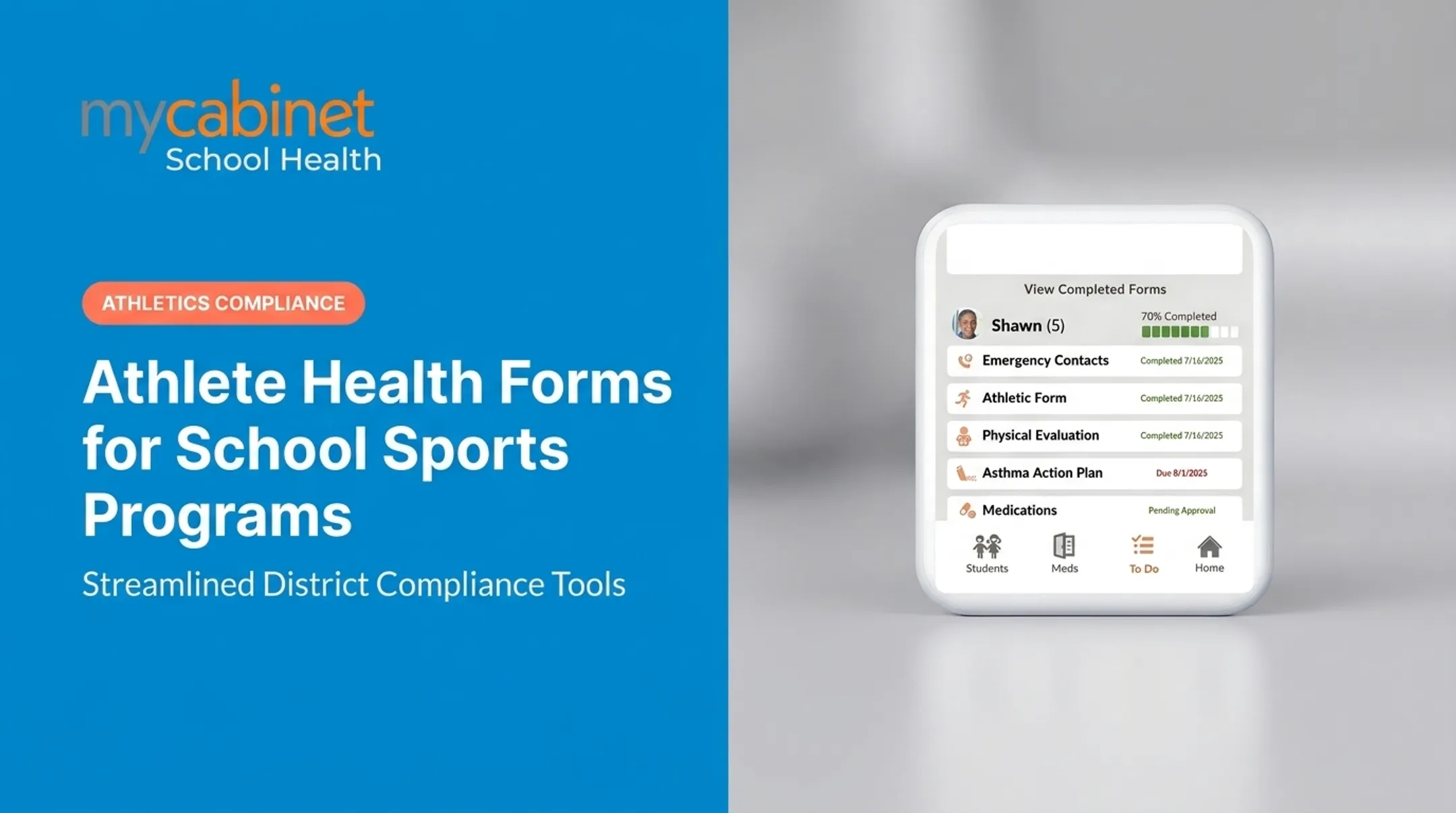
- Athletic physicals: annual renewal plus document upload
- Medication authorizations: prescriber signatures, dosage fields, and expiration alerts
- Action plans: stay on the student profile and get flagged for yearly review
MyCabinet is built around that split. Parents complete forms in the app or web portal, nurses review and approve in the Nurse Portal, and approved documents attach to the student record. Medication expiration dates surface automatically for nurses and parents.
A Simple Prioritization Framework
Rank forms by:
- Submission volume — which forms hit every student, every year?
- Safety relevance — which forms affect emergency response?
- Update frequency — which need annual renewal versus one-time collection?
- Follow-up burden — which currently generate the most phone calls and reminders?
Digitize the form that scores highest across all four first, then expand from there.

How to Digitize Student Health Forms: A Step-by-Step Process
Inventory Current Forms and Map the Workflow
Before converting anything, collect every version of each form in use. For each form, document:
- Who completes it and who reviews it
- Where it is stored today
- What triggers follow-up action
- Whether it is parent-facing or nurse-created (permissions and approvals differ)
Choose Between Scanning, Conversion, and Rebuilding
- Scanning — preserves the file as an image; useful for archives, not structured data
- OCR/AI extraction — builds a starter structure; still needs human review for handwriting and dense tables
- Rebuilding — recreates the form as a native digital workflow; best for high-risk, high-volume forms such as medication authorizations
Multi-page or conditional forms (for example, diabetes care plans) usually need manual redesign rather than automated conversion.
Redesign the Form for Digital Completion
Once you know which forms to rebuild, redesign them for clean digital entry:
- Remove fields nobody uses
- Match field types to the data (dates, phone numbers, dropdowns)
- Add validation for dosages, dates, and contact info
- Use conditional logic — show diabetes-care questions only when relevant — and lock critical fields as required
Configure Submission, Review, and Approval Steps
Define exactly what happens after a parent submits a form:
- Confirmation sent to parent
- Nurse review triggered
- Correction requested if information is incomplete
- Approval and attachment to student record
- Escalation if action is urgent

Route those steps through a task list so nothing depends on a shared spreadsheet. In MyCabinet, the task list surfaces incomplete visits, expiring medications, and pending screenings with color-coded triage cues, which helps nurses spot overdue work during review and approval.
Pilot, Test, and Improve
Before a full rollout, pilot with nurses, administrators, and parents on phones, tablets, and desktops. Check accessibility, language support, and low-bandwidth performance, and pressure-test edge cases:
- Incomplete or duplicate submissions
- Multiple guardians submitting conflicting information
- Changed medications mid-year
- A parent who needs to correct an already-submitted form
Launch With Training and Version Control
When you go live, support people and protect the process:
- Train staff and share plain-language parent instructions
- Keep a fallback path for families who cannot complete forms digitally
- Assign owners for annual reviews and form versioning
- Update forms when district or state rules change
Protecting Student Health Information During Digitization
Understand Which Privacy Rules Apply
School nurse health records generally fall under FERPA, not HIPAA, according to joint guidance from the US Department of Education and HHS. HIPAA typically applies only when a provider is a covered entity conducting a standard electronic transaction independent of the school. Confirm specifics with district counsel and state authorities—this varies by situation.
Knowing which rules apply still leaves the school accountable for how vendors handle data day to day. Important: vendor certifications support due diligence but don't replace a school's own responsibilities for access management, contracts, and incident response.
Apply Strong Access and Audit Controls
Access should differ by role:
- Parents and guardians see only their own child's information
- Nurses and approved staff see only what's needed for care
- Technical support staff access data only for system maintenance, under controls
MyCabinet School Health follows this model with SOC 2 Type II certification and audit trails that log activity. When evaluating any vendor, ask directly:
- Are you SOC 2 Type II certified, and when was the last independent audit?
- Can you provide evidence of security controls?
- What's your process for handling security incidents?
Protect Family Communication and Document Sharing
Avoid sending sensitive health details through ordinary email or text. Controlled, one-way notifications for clinic visits and medication expirations keep sensitive details out of open email or text threads. Language support matters too: MyCabinet's parent app, for instance, supports English, Spanish, Portuguese, and Haitian Creole.
Plan Retention, Continuity, and Accountability
Ask vendors to document:
- Retention and deletion schedules
- Data export options
- Breach notification procedures
An audit trail of submissions, edits, approvals, and access events lets a school investigate questions without rebuilding the timeline by hand.

How to Choose a Digital Student Health Form Platform
Look past document storage alone. The right platform should support how nurses work, how families submit information, and how records move into your systems.
Evaluate Nurse Workflows and the Family Experience
A platform should offer structured visit documentation, task lists, medication expiration tracking, and audit trails, not just a place to upload PDFs. Ask vendors to walk through a full scenario: parent submission, nurse review, correction request, approval, and final record attachment.
Confirm parents can complete forms and upload documents through both a browser and a mobile app, without re-entering the same information twice. Test on shared devices, with accessibility settings on, and in different languages if your district serves multilingual families.
Check Data Quality, Integration, and Security
Verify the platform captures structured fields, not just scanned images. Ask about exports, reporting, and interoperability with your student information system. Don't assume integration exists unless the vendor confirms it directly.
Review access controls, encryption practices, and breach procedures. MyCabinet School Health states it is AICPA SOC 2 Certified, HIPAA Compliant, and FERPA Compliant. Schools should still validate the scope of these claims during procurement rather than treating a badge as a substitute for due diligence.
Consider a School-Health-Specific Platform
MyCabinet School Health is one example of a purpose-built school health EHR, connecting nurses, students, and parents through a Nurse Portal, Parent App, and Parent Web Portal. Relevant capabilities include:
- Digital parent form collection with in-system uploads
- Nurse review, approval, and attachment to student records
- Medication expiration visibility and reminders
- Controlled, one-way parent notifications
- Role-based access limiting data to those who need it
Whatever platform you evaluate, build a pilot checklist first. Measure baseline versus post-launch completion rates, missing-field volume, nurse review time, and record retrieval time before committing district-wide.
Frequently Asked Questions
What is the best way to digitize student health paperwork?
Start with an inventory and workflow approach: assess existing forms, drop unnecessary fields, and rebuild them as structured digital forms. Test with real users, then deploy in a secure system with review and retention controls.
What are examples of digital student health forms?
Common school examples include:
- Annual health histories and immunization records
- Medication authorizations and allergy or asthma action plans
- Screening forms, emergency care plans, and parent consents
What does digitization mean?
Digitization can mean scanning a paper document into a PDF. A true digital health workflow goes further: it captures structured data, validates it, routes it for review, and stores it securely for authorized use.