Introduction
A school nurse might see 30 students before lunch — a scraped knee, a migraine, an insulin check, a panic attack. Each visit needs a clear, accurate record. Many nurses still juggle paper logs, spreadsheets, and sticky-note reminders to make that happen, and it shows.
Computer charting replaces that patchwork with a structured digital student health record. Done right, it captures what happened, what the nurse did, and what comes next, without stealing focus from the student in front of them.
Technology should support clinical judgment, not substitute for it. This guide covers what to document, how to chart a student encounter step by step, the computer skills nurses actually need, and the privacy practices that keep student health information protected in U.S. schools.
Key Takeaways
- Computer charting creates legible, searchable, time-stamped records of visits, medications, and follow-up needs
- Strong notes stay objective, specific, timely, and aligned with district documentation policy
- A school health platform should manage visits, medications, tasks, and family communication in one place
- Nurses should judge any system by whether it reduces paperwork without pulling focus from students
What Computer Charting Means for School Nurses
What Is Computer Charting in School Health?
Computer charting means entering and maintaining student health information in a secure electronic record: visit notes, assessments, care given, medication activity, family communication, and follow-up tasks.
School nursing documentation differs from hospital charting in purpose and design. NASN defines the relevant electronic health record as software built specifically for school nursing. It uses the nursing process, standardized data points, and confidentiality standards tied to FERPA and HIPAA.
A generic student-information system built for attendance and grades was not designed to carry a nursing assessment or a chronic-condition care plan.
School records typically center on:
- Episodic health-room visits
- Chronic-condition support and individualized care plans
- Immunization records and screening results
- Coordination with families and authorized staff
Why Accurate Digital Documentation Matters
Multiple nurses may cover the same student across a school year, including a full-time nurse, a substitute, and a health aide. Clear records keep everyone on the same page and give the nurse an auditable account of what actually occurred.
North Carolina's school health manual requires documentation that is accurate, objective, concise, thorough, timely, and organized. Entries need the exact date and time, the nursing action, and significant findings, recorded with standard abbreviations.
Structured entries cut illegible handwriting, duplicate entry, and misplaced forms: problems that pile up fast at 3:00 pm on a Friday.
Common Formats and Data Fields
Districts and states vary on required formats. Some use SOAP-style notes; others use a problem-focused structure. Always verify which format your district or state requires before assuming SOAP is the default.
Whatever the format, most encounters need these fields:
- Date and time of visit
- Student identifier
- Reason for visit
- Subjective report (student's own words)
- Objective observations and measurements
- Assessment within the nurse's scope
- Intervention and student response
- Disposition, notifications, and follow-up
How to Document a Student Health Encounter Step by Step
Start With the Correct Student Record and Encounter Details
Verify the student's identity before anything else. Then lock in the encounter basics:
- Select the correct visit type
- Record the date and time per your system and district policy
- Document the reason for the visit in the student's or caregiver's own words where useful
Skip assumptions and stigmatizing language.
Record Subjective Information and Objective Observations
Separate what the student reports from what you observe or measure. Concrete descriptions beat conclusions every time.
- Subjective: "Student reports stomach pain since lunch"
- Objective: "Temperature 99.4°F, no visible rash, guarding lower abdomen"
Include reported symptoms, observed behavior, visible injury, permitted measurements, pain description, and relevant context — not a diagnosis.
Document Assessment, Care Provided, and Student Response
Chart each of these within your scope of practice:
- Your nursing assessment
- The action you took
- Any supplies or approved medication given
- Education provided
- How the student responded
When medication is involved, include only what your policy and system require:
- Medication name, dose, and route
- Time administered
- Authorization on file
- Any required verification step
Record Communication, Disposition, and Follow-Up
Document parent or guardian contact, including attempted contact. Note staff notification, emergency referral, return-to-class decisions, early dismissal, or outside-care recommendations where applicable.
Then create an actual follow-up task instead of relying on memory:
- Schedule a recheck for tomorrow morning
- Flag the missing care-plan update
- Note the medication expiring next week
- Log the pending referral information
Complete the Note Promptly and Review Before Saving
Chart close to the encounter, not hours later. Proofread before saving, and use your system's approved amendment process for corrections — never backdate, delete, or overwrite in a way that breaks the audit trail.

Before saving, confirm the note answers:
- What happened?
- What did I do?
- How did the student respond?
- Who was notified?
- What happens next?
Benefits and Safeguards of Computer Charting in Student Health
Benefits for Student Care and Nurse Efficiency
Searchable records let nurses pull up prior visits instantly instead of flipping through binders. Task lists, reminders, and status indicators organize rechecks, incomplete notes, screenings, and care-plan actions in one view, cutting the repetitive administrative work that eats into the school day.
Digital workflows centralize medication instructions, dosage, frequency, expiration dates, and outreach logs directly on the student's profile. Families can also submit health forms digitally for nurse review, approval, and attachment to the correct record, so nurses spend less time chasing paper.
Privacy, Security, and Access Control
FERPA is usually the starting point for K-12 nurse records. Joint federal guidance confirms that health records maintained by a school for a student under 18, including records kept by a school nurse, are generally protected education records under FERPA. Disclosure typically requires parental consent unless an exception applies.
HIPAA isn't automatic. It usually applies only when a school conducts specific covered transactions. Otherwise, FERPA governs. Regardless of which law applies, practical safeguards matter:
- Lock the screen when stepping away
- Use only district-approved devices and networks
- Position screens away from visitors
- Skip personal email or messaging apps for student data
- Report suspected unauthorized access immediately

Maintaining the Human Side of School Nursing
A screen shouldn't come between a nurse and a student. Position the device so you can still make eye contact. Chart at natural pauses in the conversation rather than typing through it. Use concise templates that fit the actual encounter. A formulaic note that doesn't reflect what really happened helps no one.
Measuring Whether the System Helps
Track documentation completion rates, duplicate entries, unresolved tasks, and medication follow-up through your own internal reports. A 2024 study of acute-care nurses found that documentation burden increased when systems required redundant data entry and cumbersome navigation. That isn't a school-nursing statistic, but the design lesson transfers: a system that makes you type the same thing twice is working against you.
Computer Skills and Workflow Best Practices for School Nurses
Strong computer habits keep student health charting accurate, fast, and defensible during a busy clinic day.
Essential Computer Skills
Build fluency in the core actions you use every shift:
- Secure login and session lock habits
- Fast navigation of student profiles
- Accurate structured data entry
- Search and filter tools for rosters and visit history
- Attachment handling for forms and care plans
- Task completion and basic troubleshooting
Document the right record type every time:
- Entering a new encounter
- Updating an existing care record
- Adding an approved correction
- Logging a follow-up action
Writing Concise, Objective, and Useful Notes
Stick to approved terminology and standard abbreviations. Describe observable facts, not opinions.
Avoid these habits:
- Copying forward irrelevant information from a prior visit
- Using vague phrases like "seems fine"
- Documenting care before it actually happens
- Relying on a template that doesn't match the real encounter
Designing a Nurse-Centered Workflow
Nurses should help shape software selection, template design, and pilot testing before go-live training begins.
Pressure-test the build with questions that protect time and safety:
- Which fields are truly necessary?
- Which steps duplicate work already captured elsewhere?
- Which alerts support safety, and which only add noise?
Training, Downtime, and Error Recovery
Every district needs role-based training, substitute onboarding, refresher sessions, and a written downtime process for outages.
After systems return:
- Reconcile paper notes into the chart carefully
- Confirm each entry belongs to the correct student
- Escalate technical or privacy incidents through district procedures
Choosing and Implementing a School Health Charting System
Features to Evaluate
A practical checklist for evaluating a school health platform:
| Feature | Why it matters |
|---|---|
| Structured visit types | Consistent, comparable documentation |
| Medication tracking | Dosage, expiration, and outreach visibility |
| Task lists | Organizes rechecks and incomplete work |
| Audit trails | Supports accountability and corrections |
| Role-based permissions | Limits access to those who need it |
| Secure parent communication | Reduces phone tag and missed forms |
Those features only help if the platform matches how school health offices actually run day to day.
A School-Specific Connected Workflow
MyCabinet School Health connects nurse documentation with parent-submitted forms, nurse review, medication oversight, and controlled family notifications through a Parent App and web portal.
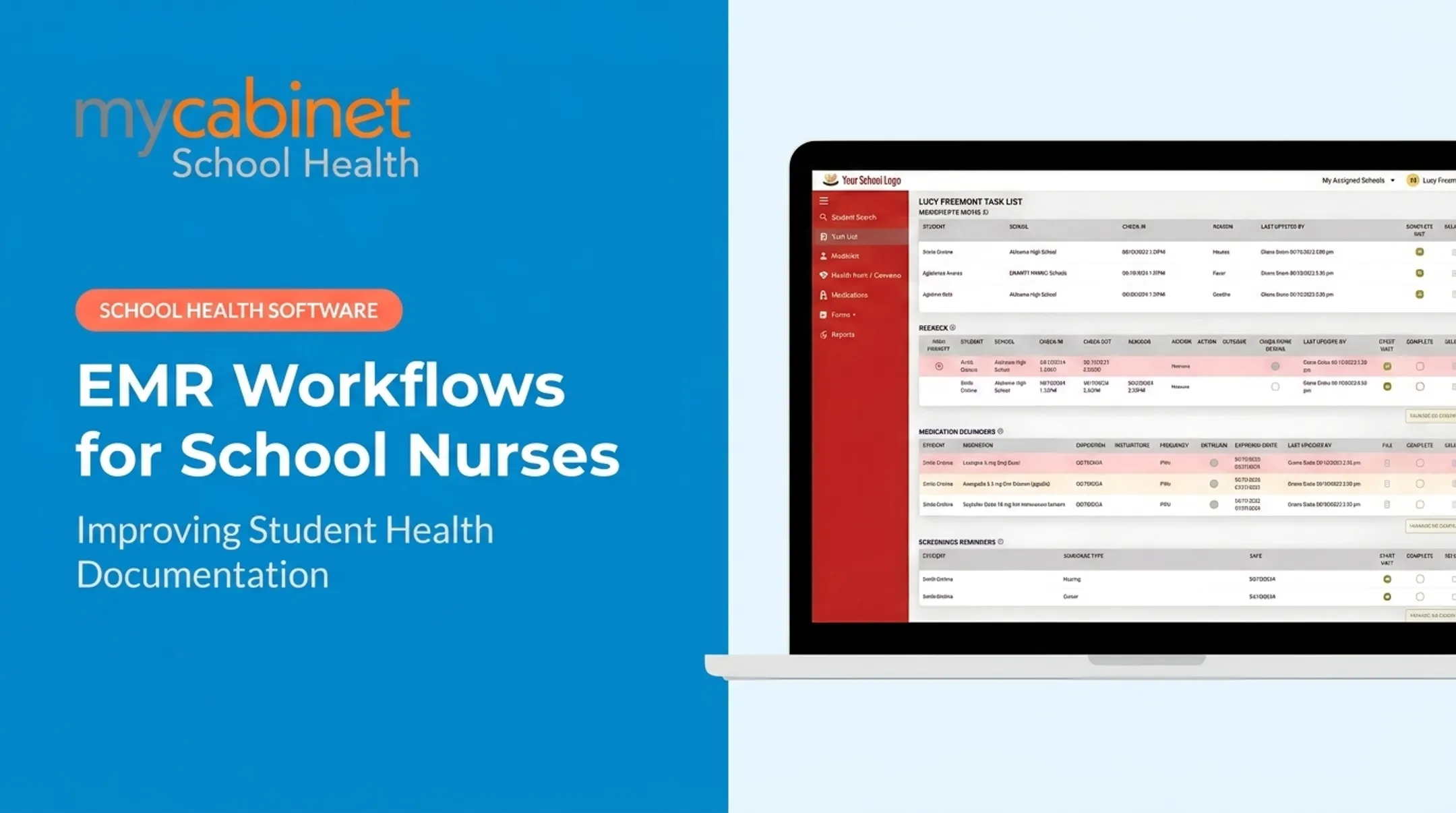
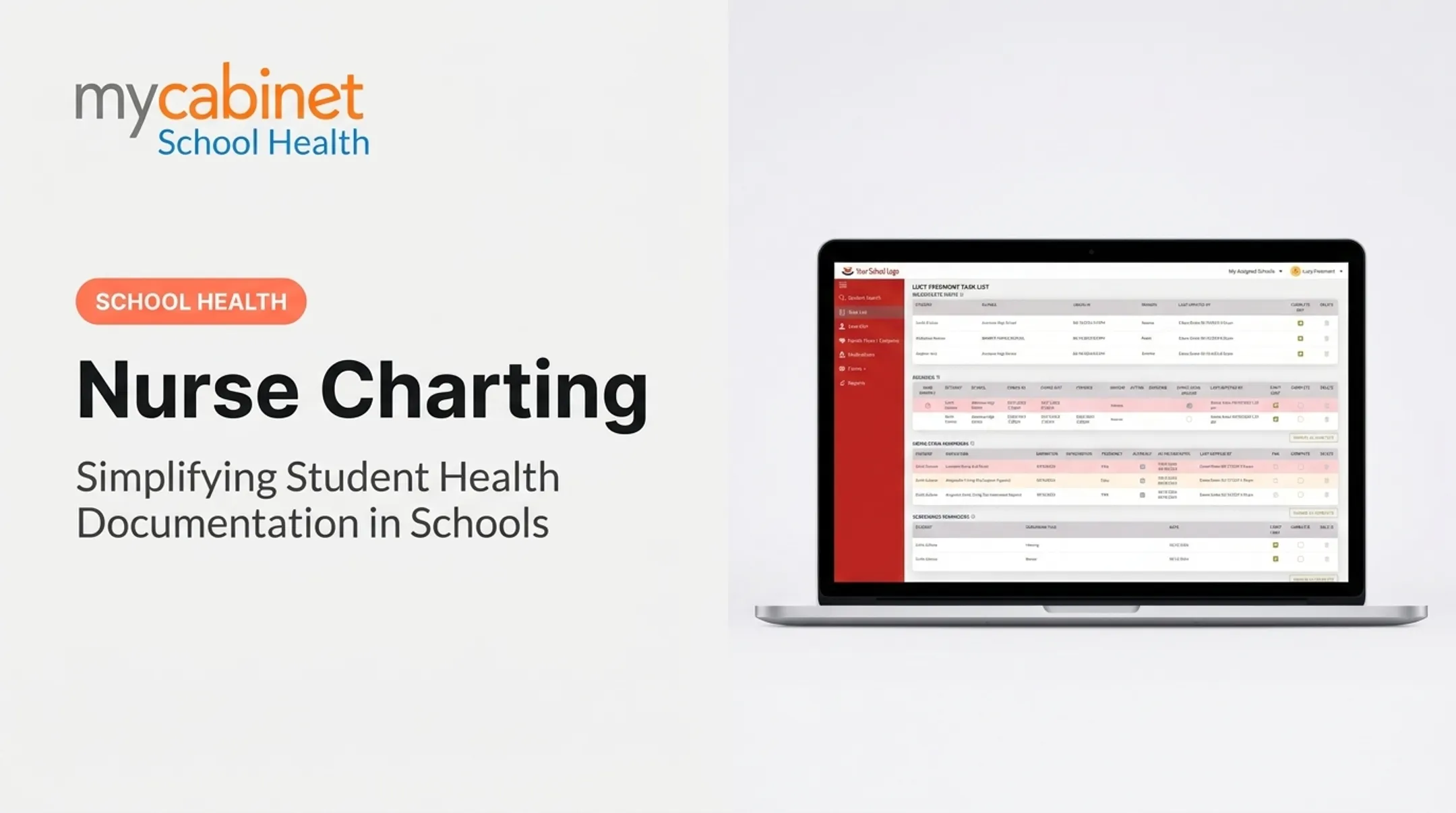
The Nurse Portal centralizes visit history, health plans, medication inventory, and reports. An intelligent task list flags incomplete visits, rechecks, and expiring medications automatically.
MyCabinet states it maintains AICPA SOC 2 certification along with HIPAA and FERPA compliance practices. Districts should verify current status directly with the vendor as part of their own compliance review.
Cobb County School District Superintendent Chris Ragsdale noted at a 2025 school board meeting that the platform "digitized and makes documentation easier."

Implementation Steps for Districts
- Map current workflows — paper, spreadsheets, fax, email — to see what's actually happening today
- Define required documentation based on state and district policy
- Configure roles and templates before rollout, not during it
- Pilot with a small group of school nurses and gather real feedback
- Train all users, including substitutes
- Set a review schedule to catch what's not working
Collect feedback from nurses, administrators, families, and IT staff to confirm the system reduces administrative burden without expanding access beyond what's necessary.
Frequently Asked Questions
How do I write nursing notes on a patient file?
Record objective findings, the student's reported concern, the care you provided, their response, who was notified, and the disposition and follow-up, all in your district's approved electronic format.
What computer skills do nurses need?
School nurses need secure login habits, student-profile navigation, accurate data entry, search and attachment handling, task management, and basic troubleshooting. They also need to follow their school's documentation workflow.
How are computers used in nursing?
Computers support assessment documentation, care coordination, medication records, health form collection, family communication, follow-up task tracking, reporting, and secure access to authorized student information.
What should a school nurse document in a student health record?
Document the encounter reason, relevant reports and observations, assessment, care provided, student response, notifications made, disposition, and follow-up needed. Exact requirements vary by district and state.
Is computer charting secure for student health information?
Security depends on the platform, its configuration, district policy, and user behavior, including access controls, authentication, and audit trails. Always verify current compliance requirements with your district before relying on any vendor's claims alone.