Introduction
A student's asthma inhaler authorization sits in a manila folder. Their EpiPen expiration date lives in a spreadsheet. A parent call about a dosage change ends up on a sticky note that may already be gone.
This is daily reality for many school nurses. Medication authorizations, paper logs, expiration dates, and parent follow-up often live in separate places.
Nurses hunt across systems just to answer a simple question: has this student had their medication today?
EMR medication tracking solves this by creating one centralized, searchable record of medication details and administration activity. Instead of piecing together information from folders, spreadsheets, and memory, nurses work from one reliable record.
This article covers what EMR medication tracking actually means in a school setting, the benefits it delivers, best practices for implementation, and what to look for when evaluating a system for your district.
Key Takeaways
- Medication tracking should span the full workflow: authorization, receipt, storage, administration, follow-up, expiration, and disposal
- Structured records improve visibility into dosage, frequency, timing, and prescriber instructions
- Reminders, task lists, and audit trails reduce administrative burden without replacing nurse judgment
- Technology supports district policy and applicable requirements without overriding them
What Is EMR Medication Tracking?
EMR medication tracking is the structured recording and ongoing monitoring of medications a healthcare team manages for a patient. In schools, that team is the nurse's office, and the "patient" is a student receiving medication during the school day.
Medication Tracking Isn't the Same as E-Prescribing
It's easy to confuse the two, but they solve different problems.
E-prescribing is the electronic transmission of a prescription from a doctor to a pharmacy. The Centers for Medicare & Medicaid Services defines it as exactly that: a prescriber sending an order directly to a pharmacy. It says nothing about whether a school actually received, stored, or administered that medication.
School-based medication tracking picks up where e-prescribing leaves off. It manages:
- Authorization documents and parent consent
- Medication details (name, dose, form, route)
- Administration events, including missed or refused doses
- Communication with parents and prescribers
- Status changes like expiration, discontinuation, or return to home
Mapping the Workflow
A typical school medication cycle moves through several stages:
- Parent or guardian submits authorization paperwork
- Nurse reviews and verifies details against the medication label
- Staff store the medication securely
- Nurse administers doses on schedule or as needed
- Tracking continues until expiration, year-end, or a prescription change

Core Data a School EMR Should Capture
Oregon's medication administration guidance recommends structured fields like drop-downs and checkboxes rather than free text for this exact reason — consistency reduces ambiguity. At minimum, a school EMR should capture:
- Student identity and grade
- Medication name, form, and strength
- Dosage, route, and frequency
- Scheduled administration times
- Prescribing professional and authorization dates
- Allergies, warnings, and special instructions
- Notes relevant to administration or refusal
Benefits of EMR Medication Tracking in Schools
One Profile Instead of Three Systems
When a student's medication history lives in one place, nurses stop toggling between binders, spreadsheets, and email threads. A centralized profile shows current medications, dosage instructions, authorization status, and administration history at a glance.
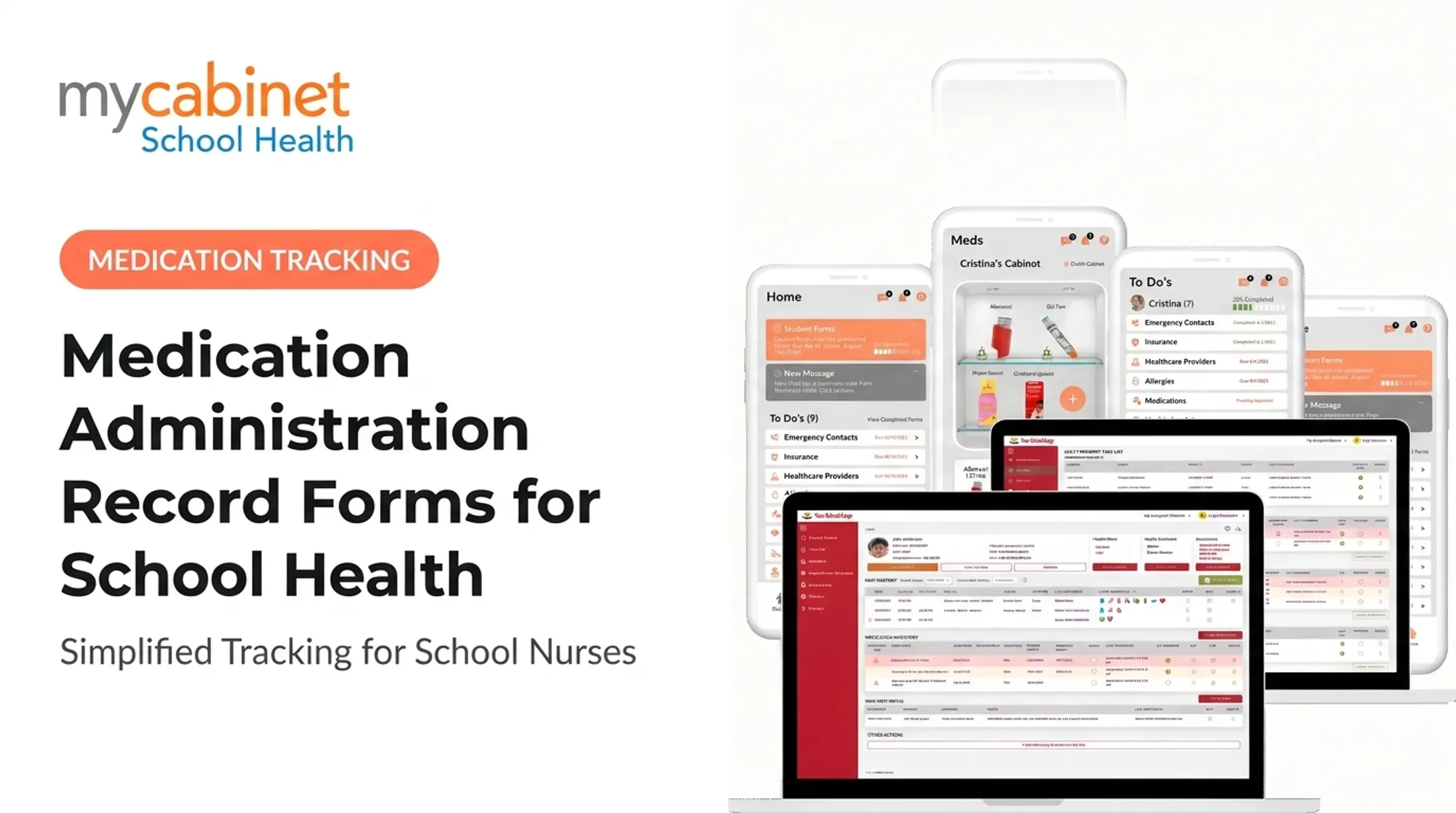
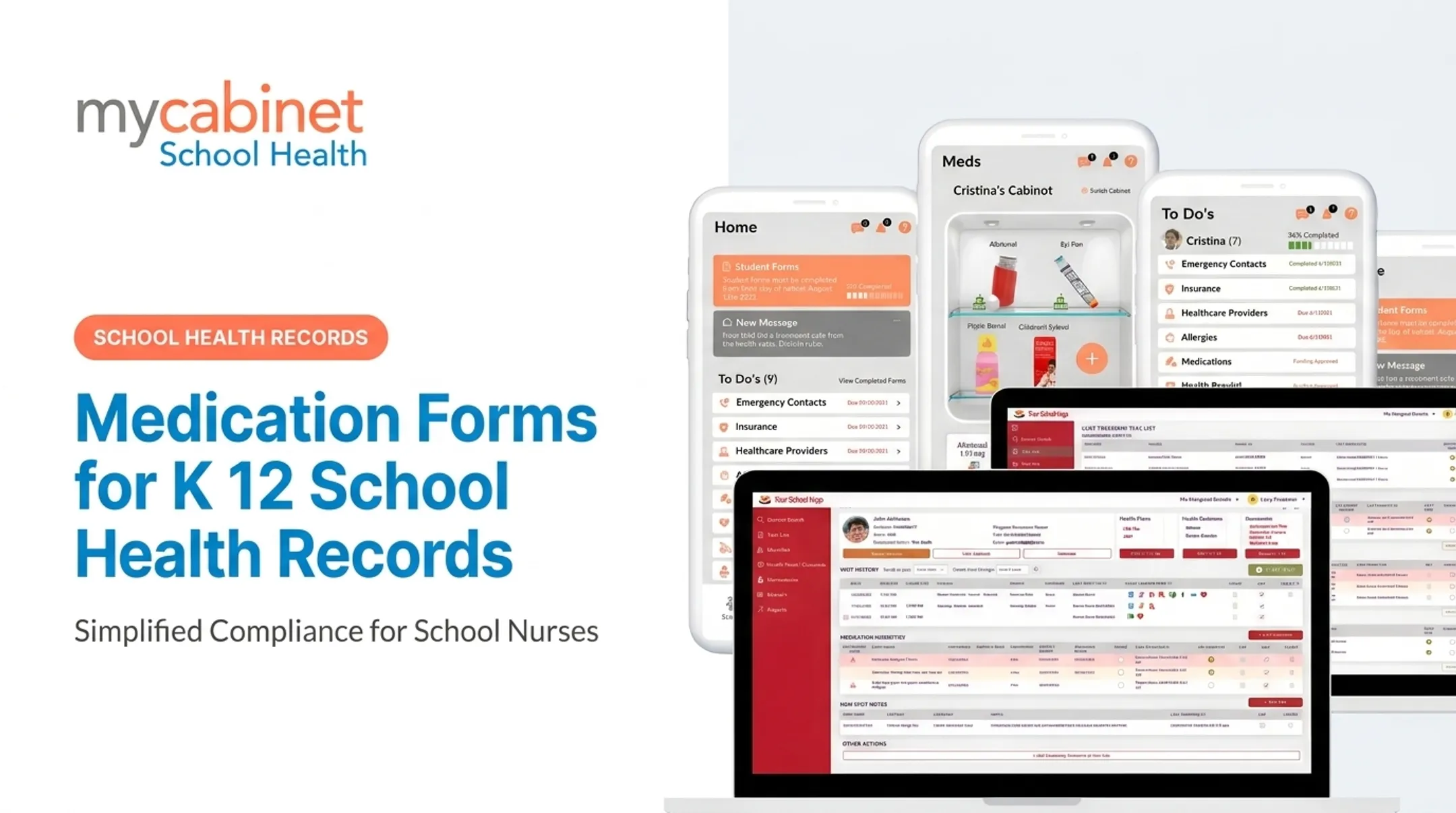
MyCabinet School Health builds this around a student-profile view that displays visit history, active medication inventory, and related documentation together. A substitute nurse covering a shift doesn't have to reconstruct context from scratch.
Verification Prompts Catch What Humans Miss
Structured records with built-in checks can flag incomplete instructions, expired authorizations, or duplicate entries before they become problems. These checks surface discrepancies for a nurse to review and resolve. They don't make clinical decisions.
Task Lists Turn Deadlines Into Action
Expiration dates are easy to lose track of when they're scattered across dozens of paper files. Automated reminders and task queues change that by prioritizing:
- Upcoming authorization or medication expirations
- Parent outreach that's overdue
- Incomplete administration documentation
- Rechecks and follow-up visits
Audit Trails Support Accountability
Time-stamped administration records matter most when coverage changes hands. If a substitute nurse or new hire steps into a role mid-year, an audit trail shows exactly what was documented, when, and by whom, without relying on handoff notes that may be incomplete.
Less Paper, Fewer Follow-Up Calls
Digital form collection reduces the fax-and-email cycle that eats up administrative time. Parents submit authorizations through a secure channel; nurses review, approve, and attach documents directly to the student record.
At Cobb County School District, Superintendent Chris Ragsdale described this shift directly: MyCabinet digitized documentation, let parents submit paperwork electronically, and gave parents visibility into when their child was seen and given medication.
What the Research Actually Shows
A North Carolina study of 115 public school districts found that by 2018, 63% of districts (72 of 115) reported using electronic health records. Medication errors requiring intervention averaged 78 annually, and error counts actually trended upward over that period.

That doesn't mean EMRs cause more errors. The data is descriptive, not a controlled comparison. Adoption alone isn't a safety guarantee. Implementation quality, training, and workflow design matter just as much as the software itself.
A separate long-term care case study found electronic medication administration records more efficient and reduced incidents compared to paper. That finding comes from a different care setting, not a school-specific outcome.
The honest takeaway: EMR medication tracking creates the conditions for safer documentation. It doesn't replace nurse judgment or guarantee fewer errors on its own.
Best Practices for School Medication Tracking
Standardize Intake and Verification
Before any medication reaches a student, require complete authorization information: provider orders or a pharmacy label with prescriber instructions. Compare submitted instructions against the label and district policy. Define upfront when clarification is required before administration proceeds.
Use Structured Fields, Not Free Text
Free-text notes are where critical details get lost. Capture these details in structured fields:
- Medication name, strength, and form
- Route and dosage
- Scheduled times and PRN instructions
- Prescriber and authorization period
- Parent or guardian contact details
Build Expiration Controls Into the Workflow
Set reminders for medication expiration, authorization renewal, and end-of-year collection or disposal. Assign clear ownership for each task and record how completion is verified. MyCabinet's Parent App notifies families directly when school-stored medication approaches its expiration date, with an approximate replacement deadline.
Document Every Administration Event
Each entry should include:
- Date and time
- Dose given (or missed/refused and why)
- Student response
- Staff member who administered it
- Any required follow-up communication
Consistency here is what makes an audit trail useful later.
Apply Role-Based Access and Audit Logs
Not every staff member needs the same level of access to student health data. Role-based permissions, secure authentication, and audit logs ensure only appropriate staff can view or modify records.
Worth verifying locally: elementary and secondary student health records maintained by a school nurse acting for the school are generally treated as FERPA education records, not HIPAA records, per joint federal guidance. HIPAA may still apply depending on the entity and transactions involved — check with your district's counsel rather than assuming one framework covers everything.
Plan for Exceptions
Missed doses, adverse reactions, medication changes, damaged product, and student transfers will happen. Build escalation steps aligned to district policy so staff aren't improvising under pressure.
Train, Then Review
Train nurses and authorized staff on both the software and the underlying policy. Periodically review reports on incomplete records, overdue renewals, and unresolved tasks to catch drift before it becomes a pattern.

Features to Evaluate in an EMR Medication Tracking System
Not every medication tracking module covers the same ground. Check these capabilities before you commit.
| Feature Category | What to Check |
|---|---|
| Structured medication module | Fields for dosage, form, frequency, route, prescriber instructions, PRN parameters, and visible medication history |
| Expiration and task tracking | Surfaces upcoming expirations, incomplete visits, and unresolved follow-up automatically |
| Administration documentation | Time stamps, staff attribution, edit history, and reason-for-change fields |
| Digital forms | Parent upload, nurse review/approval, and direct attachment to student records |
| Access and reporting | Role-based permissions, audit trails, mobile/browser access, data export |
Audit trails deserve extra scrutiny. When nurses, aides, and substitutes share coverage across a school year, reconstructing who entered or changed a record is not optional. That trail separates a defensible record from a guessing game in a parent dispute or state audit.
MyCabinet School Health is built around these workflows: medication expiration tracking, dosage and frequency visibility, outreach logging, and documentation on each student's profile. Staff can reach records through both a mobile app and a web portal.
Compare those capabilities to your district's requirements rather than treating any vendor list as a universal checklist.
A quick vendor-evaluation checklist:
- Can staff document a missed or refused dose without a workaround?
- Does the audit trail show who changed what, and when?
- Can parents upload forms without email or fax?
- What's the data export process if you switch systems later?
- What's the onboarding timeline and support response window?
Implementation and Continuous Improvement
A strong medication-tracking EMR only pays off when rollout matches how your health office actually works. Treat implementation as a measured process, not a one-time switch.
Map Your Current Workflow First
Before configuring any software, document how things actually work today: where authorizations arrive, who verifies them, how medications are stored, and where delays or duplicate entry happen. This baseline is what you'll measure improvement against later.
Roll Out in Phases
- Configure roles, fields, and permissions so staff only view or edit what their job requires
- Clean and validate existing medication records before migration
- Pilot with a representative group of nurses or schools to catch workflow gaps early
- Train users on the software and on medication policy together
- Define escalation and downtime procedures before full rollout
Measure What Matters
Track incomplete records, overdue expirations, unresolved follow-up tasks, and staff time spent on medication workflows. Set that baseline before go-live so later gains are measurable, not assumed.
Keep the Feedback Loop Open
Workflows drift when nobody reviews them. Schedule brief check-ins with nurses, families, and administrators so fields, alerts, and handoffs still match real clinic conditions and policy updates—not only the process you defined at go-live.

Conclusion
EMR medication tracking earns its value by connecting accurate medication data to what nurses actually do all day: check a dose, follow up with a parent, document what happened, and move to the next task. The systems that work best are built around how school health offices actually operate, not around the longest feature list.
When comparing options, measure them against your district's specific workflows, not a generic healthcare feature checklist built for hospitals or clinics. Prioritize tools that support:
- Dose checks and administration documentation in real time
- Parent follow-up and outreach logging without extra busywork
- Medication tracking tied to the rest of school health operations
If your district wants medication tracking built into broader school health workflows, MyCabinet School Health is a practical place to start.
Frequently Asked Questions
How can I track my medications?
Schools typically use a secure EMR to record the medication, dosage, frequency, authorization, administration events, and expiration dates. Students and families should follow their school nurse's and prescriber's specific instructions for their situation.
What are EMR prescriptions?
An EMR's medication record is distinct from e-prescribing, which electronically sends a prescription from a doctor to a pharmacy. School EMRs use related medication information to support authorized administration and documentation on-site.
What is medication tracking in an EMR?
Medication tracking is the ongoing recording, review, and monitoring of a medication, including administration, expiration, status changes, and communication between school staff and families.
How does EMR medication tracking improve safety in schools?
It centralizes instructions, flags discrepancies for nurse review, sends expiration reminders, and maintains time-stamped administration records with audit trails. None of this replaces qualified staff judgment or district policy; it supports both.
What features should a school medication tracking system include?
Look for structured medication fields, authorization/expiration reminders, administration logs with staff attribution, role-based access, audit trails, digital forms, and parent communication tools.
Can an EMR track medication expirations and parent authorizations?
Many school-focused systems support expiration reminders and authorization records, but the exact workflow, permissions, and notifications vary by vendor. Verify these details directly before adoption.