Many school health offices struggle to confirm what's current, what's expired, and what actually requires action today. The term "medication forms" adds to the confusion. It can mean the authorization paperwork parents sign, or it can mean the physical form of a medication itself, such as a tablet, liquid, or inhaler.
This article covers both meanings. We'll look at the form types schools manage, what information each one needs, how a school health EHR should move that information through a workflow, and what to evaluate when choosing a system.
Key Takeaways
- Link each medication form to the student, authorization, dose, route, timing, purpose, and valid dates—not just a drug name.
- Convert form data in the school health EHR into nurse tasks, administration records, expiration alerts, and audit-ready history.
- Prefer structured fields over unsearchable scans, and keep secure storage for signed originals.
- Evaluate workflows against state rules, district policy, and the realistic daily workload of your nurses.
What "Medication Form" Means in School Health
The phrase does double duty, and clarity matters here.
As a document: a medication form is the paperwork or electronic record that authorizes and documents administration, whether it's a parent permission slip, a provider order, or a digital submission through an EHR.
As a dosage form: the physical form of the medicine itself. According to FDA guidance, dosage forms include:
- Tablets and capsules
- Liquids and solutions
- Inhalants, aerosols, and metered powders
- Topical products (creams, gels, patches, ointments)
- Injectables (injections, suspensions)
Why Complete Information Matters
Either meaning falls short if the record is incomplete. A form that only lists a medication name isn't useful to a nurse standing at the clinic counter.
North Carolina's school health manual specifies that a complete order needs:
- Medication name and order date
- Dosage, route, and administration instructions
- Timing and duration
- Possible adverse effects
- Prescriber contact information
Missing any of these fields creates a judgment call for a nurse who shouldn't have to make one.
Scan vs. Structured Data
A scanned PDF preserves the original signed document. That matters for compliance. But a scan can't be searched, filtered, or turned into a task.
- Scan-only: good for record preservation, poor for daily operations
- Structured fields: support search, task assignment, expiration alerts, and reporting
- Best practice: keep both — structured data for workflow, original document attached for audit

Medication Forms and Records a School Health EHR Should Manage
Student Medication Authorization and Intake Forms
These capture what a nurse needs before a single dose is given:
- Student identifiers
- Medication name, strength, dose, route, and frequency
- Scheduled time and PRN conditions
- Start and end dates
- Parent authorization, provider instructions, and signatures
- Storage requirements and emergency directions
Always verify exact required fields against your state and district rules. Requirements vary by jurisdiction.
Medication Purpose and Care-Plan Forms
A purpose field documents what the medication treats:
- Symptoms it addresses
- Expected effects and precautions
- When to escalate
"Medication purpose form" isn't a universally standardized term. Define it according to your district's own policy.
Medication Administration Records (MARs)
Each scheduled or PRN event should record:
- Date and time
- Dose and route
- Administering staff member
- Status (given, refused, omitted)
- Reason for any exception
- Student response and follow-up needed
Inventory, Storage, and Disposal Records
Track each of the following:
- Receipt and quantity on hand
- Expiration date and storage location
- Access restrictions
- Disposal chain-of-custody
Controlled medications typically need stricter procedures. No single policy fits every district, so check your state guidelines.
Supporting Documents, Changes, and Renewals
Provider orders, pharmacy labels, action plans, signed permissions, and renewal forms should all connect to a student's medication history, with version history and an audit trail preserved. Otherwise you end up with three "current" versions of the same order and no clear answer about which one is actually valid.

How Medication Forms Move Through a School EHR Workflow
Medication forms follow a clear path: submission, intake checks, nurse verification, administration, then renewal or discontinuation. Electronic workflows cut the paper, fax, spreadsheet, and manual email follow-up that slow legacy systems.
Submission, Intake, and Nurse Verification
The process starts when a parent or provider submits a form. Staff handle upload, data entry, and completeness checks, then route the record to the right nurse.
Before approving, a nurse checks the form against the provider order, medication label, student profile, allergies, and existing care plans.
Common discrepancies that should trigger a clarification request:
- Conflicting doses between the order and the label
- Missing signatures
- Unclear PRN instructions
- Expired authorizations
- Labels that don't match the submitted form

Administration, Rechecks, and Lifecycle Tracking
Once approved, the record supports day-to-day clinical work:
- Scheduled and PRN administration
- Rechecks and missed-dose documentation
- Adverse-reaction notes and escalation when needed
The EHR should also surface upcoming expirations and incomplete renewals automatically. That tracking should not depend on a nurse's memory or a separate spreadsheet, where items routinely fall through the cracks.
Controlled Parent Communication
Notifications about missing information or expiring medications should be secure and role-appropriate. Skip open chat and unnecessary disclosure. One-way notifications differ from unrestricted messaging, and communication records should stay tied to the medication record.
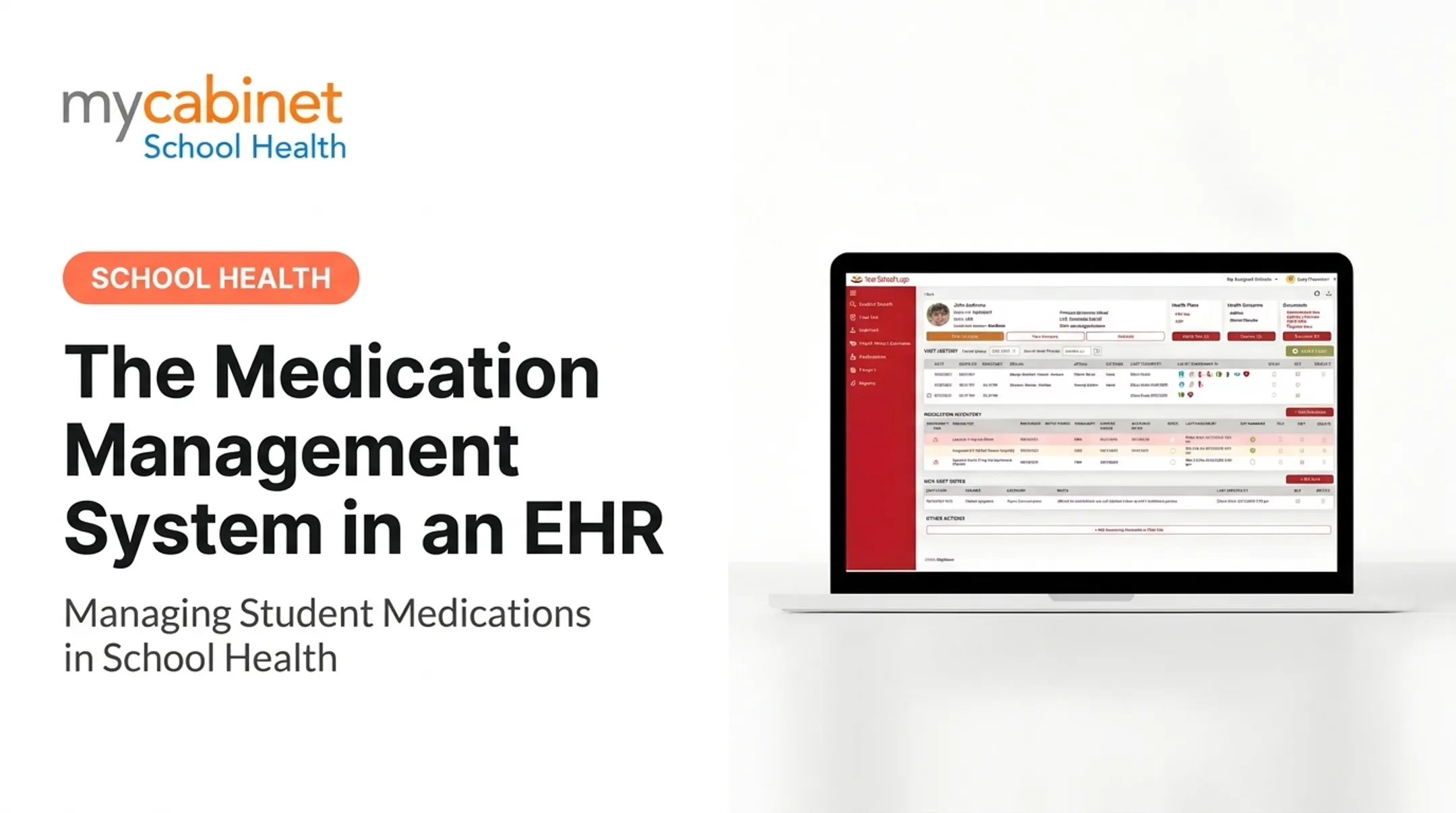
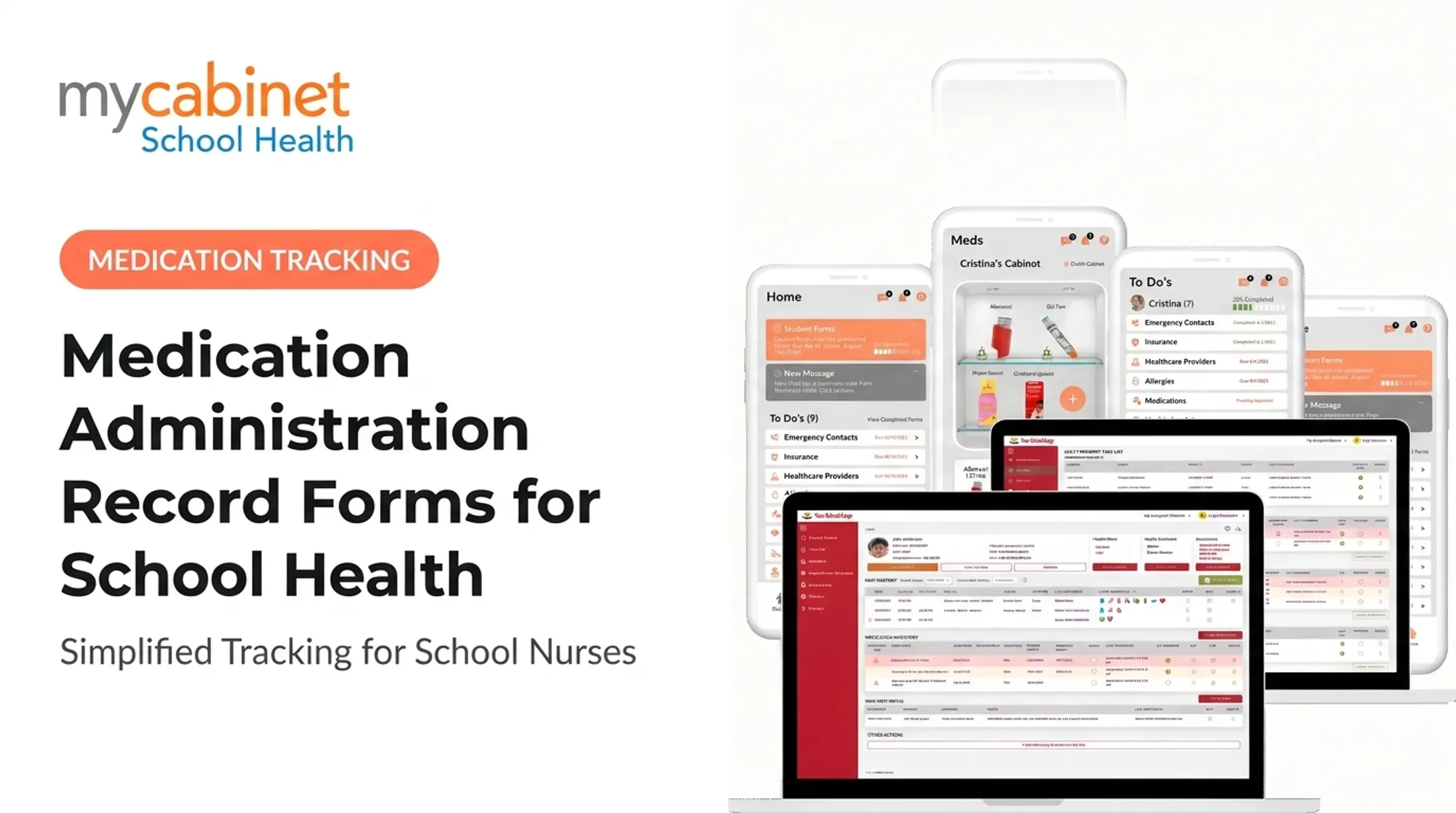
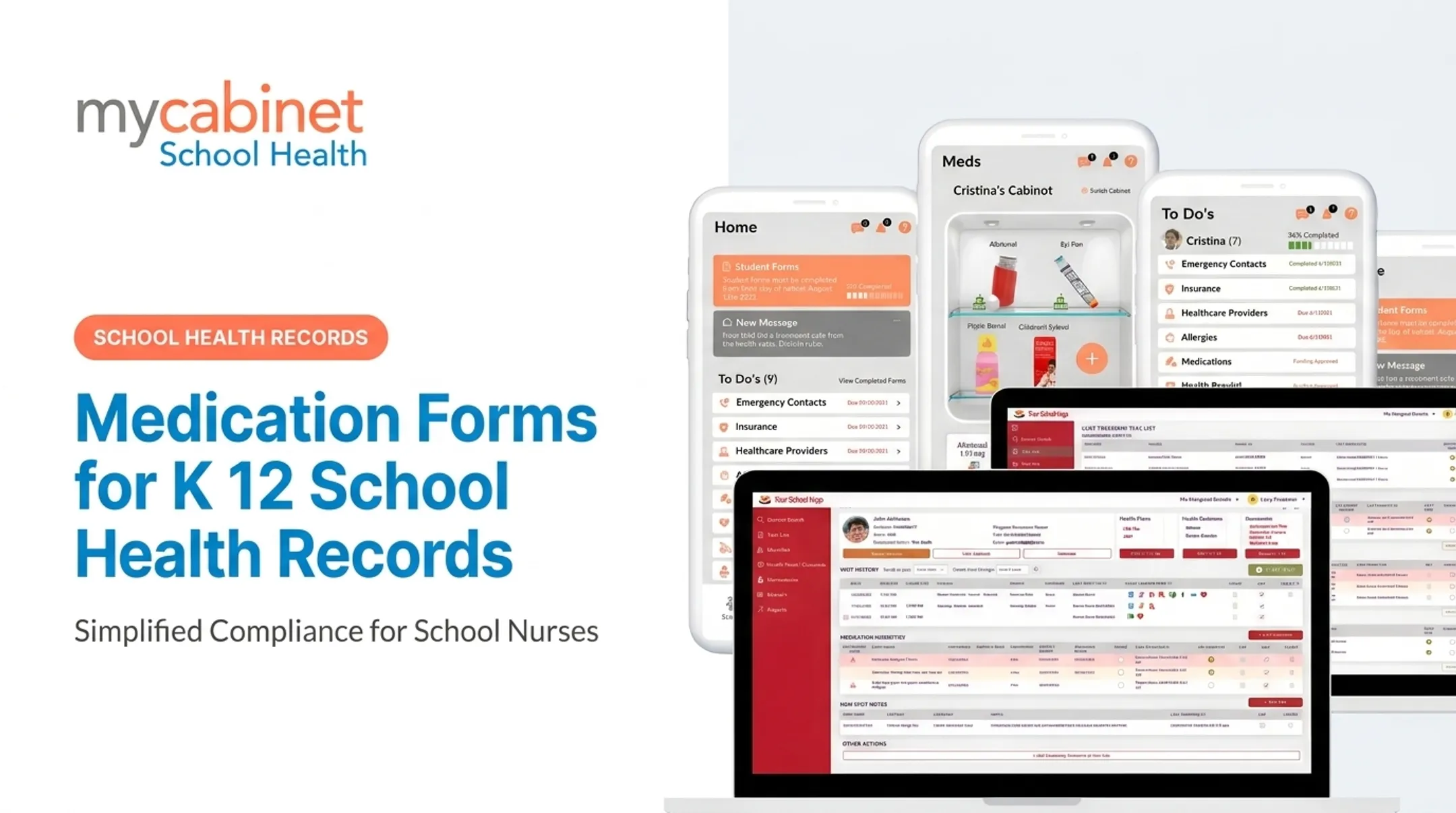
MyCabinet School Health shows how this works end to end. Parents submit medication information through the app or web portal; nurses review and approve submissions in-system; approved records attach directly to the student's profile. The platform tracks medication expiration, shows dosage and frequency at a glance, and logs outreach, replacing the automated-email-and-spreadsheet patchwork many legacy systems still rely on.

How to Evaluate Medication Form Management in an EHR
Structured Data vs. Document-Only Storage
Scan-only systems archive documents but do not support daily clinic work. Nurses need both the original signed document for audit purposes and searchable structured fields for routine tasks.
Nurse-Centered Usability
Ask concrete questions during a demo:
- How many clicks to review and approve a form?
- How many steps to document an administration or exception?
- How quickly can a nurse find the latest version of an order?
If the answer involves scrolling through multiple screens, that's a problem during a busy clinic morning.
Safety Alerts and Task Lists
Look for:
- Incomplete-form queues for unsigned or missing authorizations
- Expiration reminders before orders lapse
- Medication-change tasks when dose or frequency updates
- Recheck and follow-up assignments tied to clinic visits
Privacy, Security, and Access Controls
Role-based access, minimum-necessary sharing, audit logs, and secure parent access are baseline requirements. FERPA and HIPAA applicability aren't interchangeable. The joint FERPA/HIPAA guidance explains that most K–12 school health records fall under FERPA, not HIPAA. Coverage still depends on who maintains the record, so review your workflow against both frameworks and state law rather than assuming one covers everything.
Reporting, Continuity, and Interoperability
District leaders should be able to pull reports on active medications, upcoming expirations, incomplete authorizations, and administration exceptions. Confirm the system can export or exchange records when a student changes schools, and that those exports retain authorization dates and administration history.
Implementation and Governance Best Practices
Build a data dictionary first. Define required fields, approval roles, form statuses, exception handling, renewal rules, and retention periods before you migrate anything.
Plan the migration carefully:
- Identify all active medications
- Reconcile conflicting paper versions
- Confirm current authorizations are actually current
- Attach source documents to digital records
- Flag anything that can't yet be verified rather than guessing
Train with realistic scenarios, not just system tours. Walk staff through incomplete forms, expired authorizations, and parent resubmissions so the workflow sticks under real clinic pressure.
Track operational indicators your district has already approved, not invented benchmarks:
- Incomplete submissions
- Overdue renewals
- Unresolved discrepancies
- Staff adoption
Set retention by state rules. Periods are not uniform. Maryland's 2024 guidance, for example, requires medication administration records be kept until a student turns 21, with six-year retention for students with disabilities. Confirm your state's requirements before you lock policy.
Frequently Asked Questions
What is a medication form?
A medication form is a document or electronic record that communicates medication instructions, authorization, safety information, and administration details for a student. It's distinct from a medication dosage form, which refers to the physical form of the drug itself.
What are the different types of medication forms?
School medication forms typically include authorization/intake forms, purpose or care-plan forms, administration records, inventory and disposal records, and renewal forms. Dosage forms such as tablets, liquids, inhalers, and topical products are a separate category.
What is a medication purpose form?
A medication purpose form documents why a student takes a medication: the condition it addresses, expected effects, precautions, and response instructions. The term isn't standardized nationally, so definitions vary by district.
What information should a school medication form include?
Include the student's identity, medication name, strength, dose, route, timing, and purpose. Add PRN instructions, authorization signatures, valid dates, storage guidance, allergies, and emergency contacts as required by local policy.
How do electronic medication forms improve school medication management?
An EHR connects digital submissions to nurse review, structured records, administration documentation, and expiration alerts, all with an audit trail. Staff verification is still required: the system supports the workflow and does not replace clinical judgment.