It's not sustainable. Lost forms delay treatment. Illegible handwriting causes medication mix-ups. Parents call the front office three times before anyone can tell them why their kid visited the clinic. And when a state auditor asks for documentation, paper trails rarely hold up well under scrutiny.
This guide walks through why schools are ditching paper, the steps involved in a smooth transition, and what to actually look for in a school-specific EHR platform.
Key Takeaways
- Paper systems create administrative drag, safety gaps, and compliance exposure for school nurses
- A structured rollout (assess, select, migrate, train, communicate) prevents chaos during go-live
- School-specific EHRs like MyCabinet address nurse workflows that generic clinical EHRs simply miss
- FERPA and HIPAA alignment plus real parent engagement should top your vendor checklist
What Is an Electronic Health Record in a School Setting?
A school EHR is a digital system that replaces paper charts, index cards, and spreadsheets used to track student visits, medications, immunizations, and health forms. Instead of a manila folder in a locked cabinet, a nurse pulls up a complete student profile in seconds.
School EHRs also differ from hospital or clinic systems. Generic clinical platforms are built around billing codes and provider encounters. School platforms serve a different reality: one or two nurses managing hundreds or thousands of students, with parents who need visibility but should not see a full medical chart.
The National Association of School Nurses defines a proper school EHR as one that uses the nursing process, standardized nursing language, and dual confidentiality standards. Those standards must cover both HIPAA and FERPA, not only one framework.
Why FERPA Matters as Much as HIPAA
Student health records maintained by a school employee, like a school nurse, are typically classified as education records under FERPA, not HIPAA-covered health data. That means:
- Parents (not the student, until age 18) hold the access rights
- Disclosure rules follow FERPA's education-records framework
- A platform built only for HIPAA compliance may miss FERPA-specific access controls schools actually need
MyCabinet builds its student profiles around this reality: visits, medications, allergies, care plans, screenings, and documents live in one place, with role-based access that keeps records FERPA-aligned across nurses, administrators, and front-office staff.
Why K-12 Schools Are Moving Away From Paper Records
The Administrative Burden Is Real
School nurses are stretched thin. NASN's staffing benchmarks recommend as little as 1 nurse per 750 students for a general population — and that ratio tightens significantly for students with complex medical needs. Paper logs simply can't keep pace with that caseload.
Safety Risks Add Up
Medication errors are a documented problem in school settings. A North Carolina study covering 115 school districts over six years found an average of 78 medication errors requiring medical intervention per year — and the authors noted this likely undercounts the real number, since reporting wasn't mandatory.
An earlier national survey of school nurses found:
- 48.5% reported at least one medication-administration error
- Missed doses accounted for nearly 80% of those errors (source)
Paper systems don't flag an expiring EpiPen or a missed dose automatically. A nurse has to remember, or catch it during a manual check.

Communication Gaps Frustrate Parents
Paper-era communication breaks down in predictable ways:
- Health forms disappear in backpacks or never make it back signed
- Clinic-visit details get buried in email—or never leave the nurse's office
- Parents often learn about a visit only when their child mentions it at dinner
Those gaps erode trust and drive a steady stream of "why wasn't I told?" calls to the health office.
Compliance Risk During Audits
Paper trails are hard to produce on demand. When a district or state health audit hits, staff may spend days pulling six years of records from file cabinets—work a searchable electronic system can return in minutes.
Steps to Transition From Paper to Electronic Health Records in Schools
Moving off paper isn't a weekend project. Here's a realistic sequence:
Assess current workflows — Map how visits, medications, forms, and parent communication happen today. You can't fix what you haven't documented.
Define goals and scope — Decide if this is a full district rollout, a single-school pilot, or a narrower project like digitizing medication tracking first.
Select a school-specific vendor — Evaluate based on:
- Security certification (SOC 2 Type II and independent audits)
- FERPA/HIPAA alignment
- Nurse-workflow design, not documentation storage alone
- Parent communication tools
- Integration with your student information system (SIS)
Plan data migration — Determine which paper records need digitizing first. Prioritize students with active health plans, allergies, or daily medications—the records where an access gap creates the most risk.
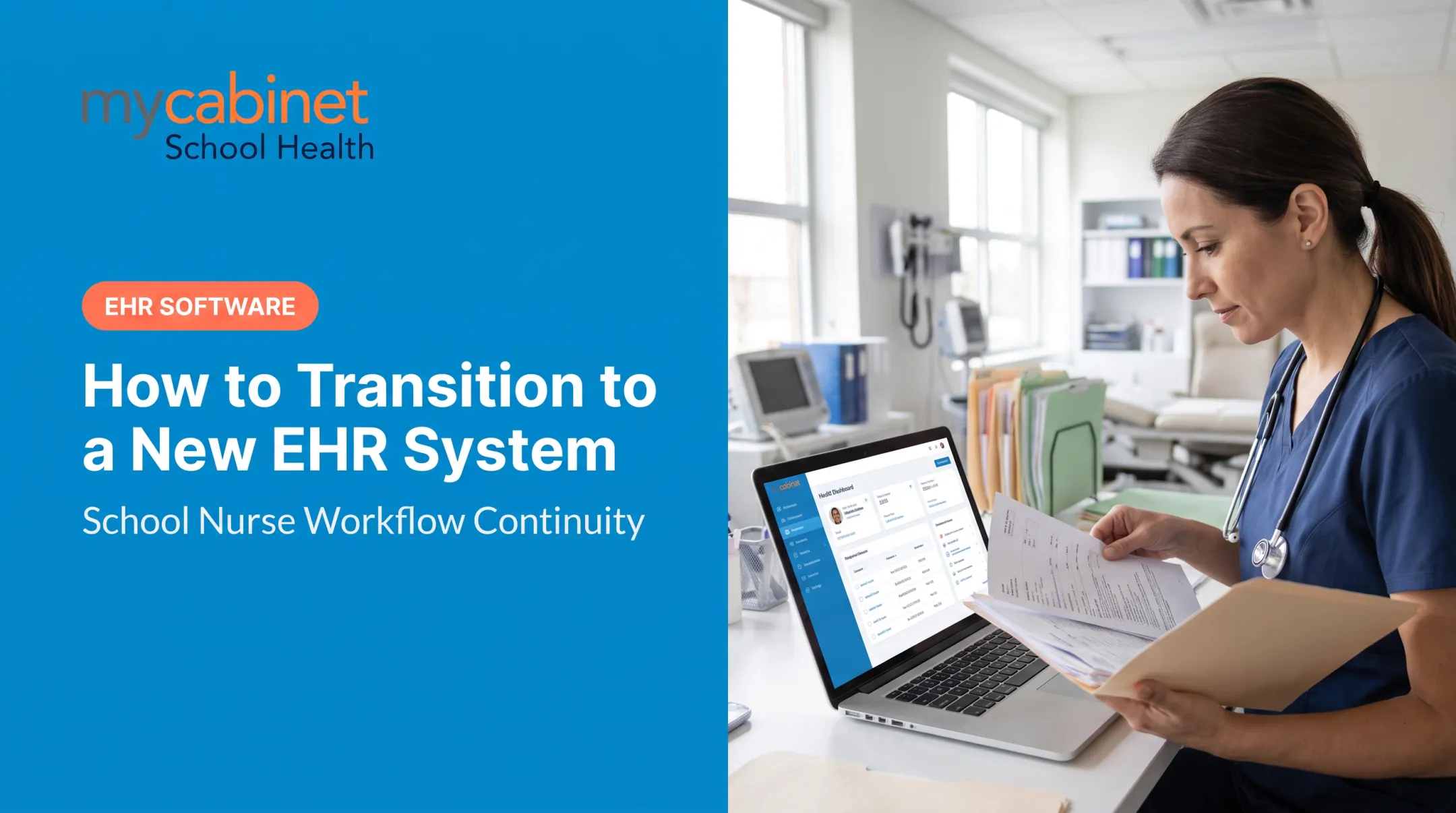
Train nurses and staff — Provide hands-on, role-specific onboarding. Many platforms, including MyCabinet School Health, build training into the nurse portal so staff can self-serve answers as they go.
Communicate with parents — Notify families in advance about digital forms, portal access, and what changes on their end.

What to Look for in a School Health EHR Platform
Not all EHRs are built the same, and generic clinical platforms often fall short for school use. Prioritize these capabilities:
- Nurse-centered task management: Intelligent task lists that automatically surface incomplete visits, rechecks, and medication expirations
- Structured visit documentation: Predefined visit types and audit trails so six months of clinic records become a report, not a filing-cabinet search
- Role-based, FERPA-aligned access: Data sharing controlled by role, so a substitute teacher doesn't see the same information as the school nurse
- Real parent engagement: Mobile app and web portal visibility into visits and medication status, without unmanaged two-way messaging that overwhelms staff
- Medicaid documentation. Billable service capture, consent tracking, and claims-ready exports where a state school-based Medicaid program applies.
- Administrative backbone. Role and hierarchy management, substitute and float nurse coverage, retention schedules, year-end rollover, and audit logs.
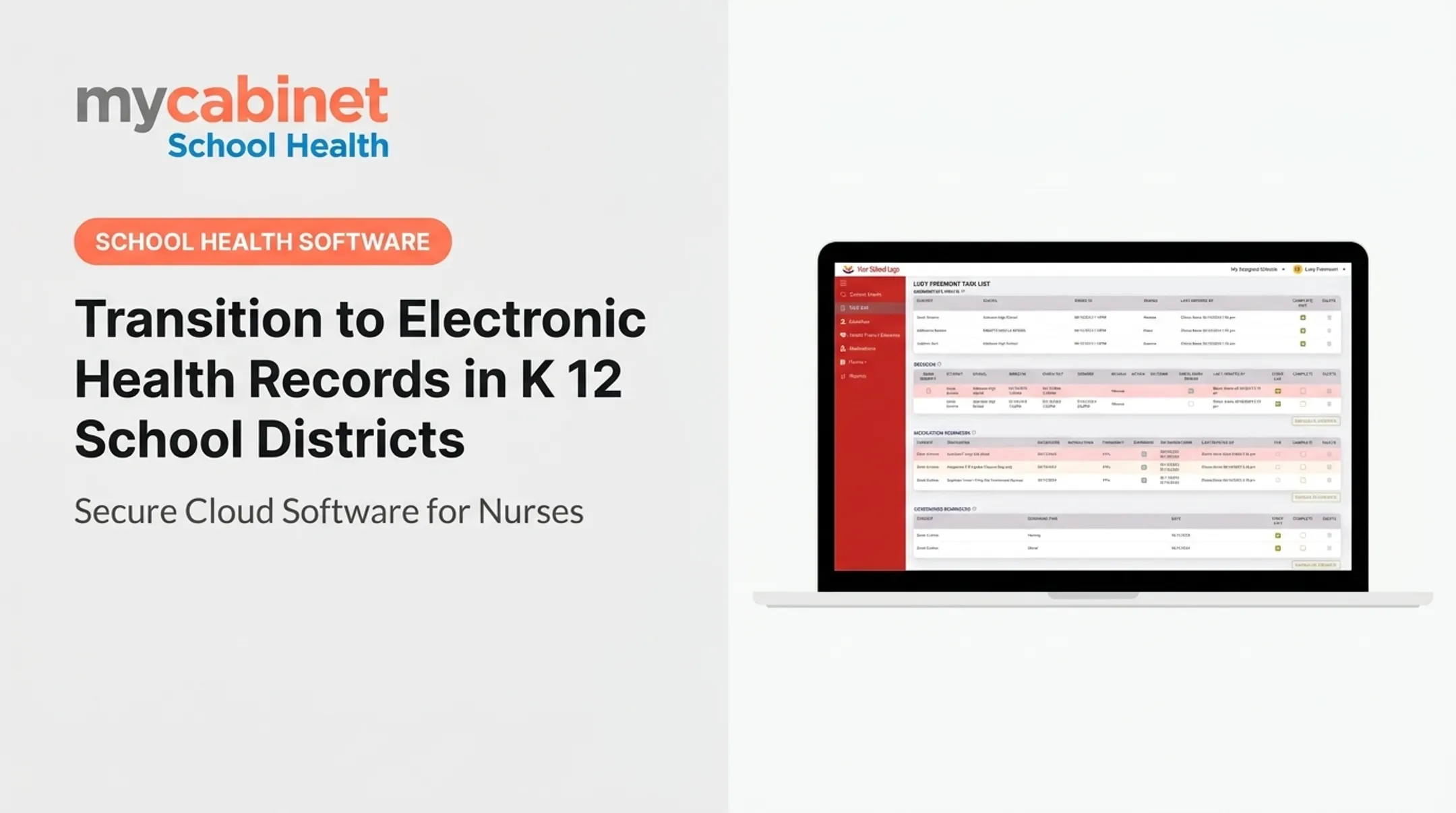
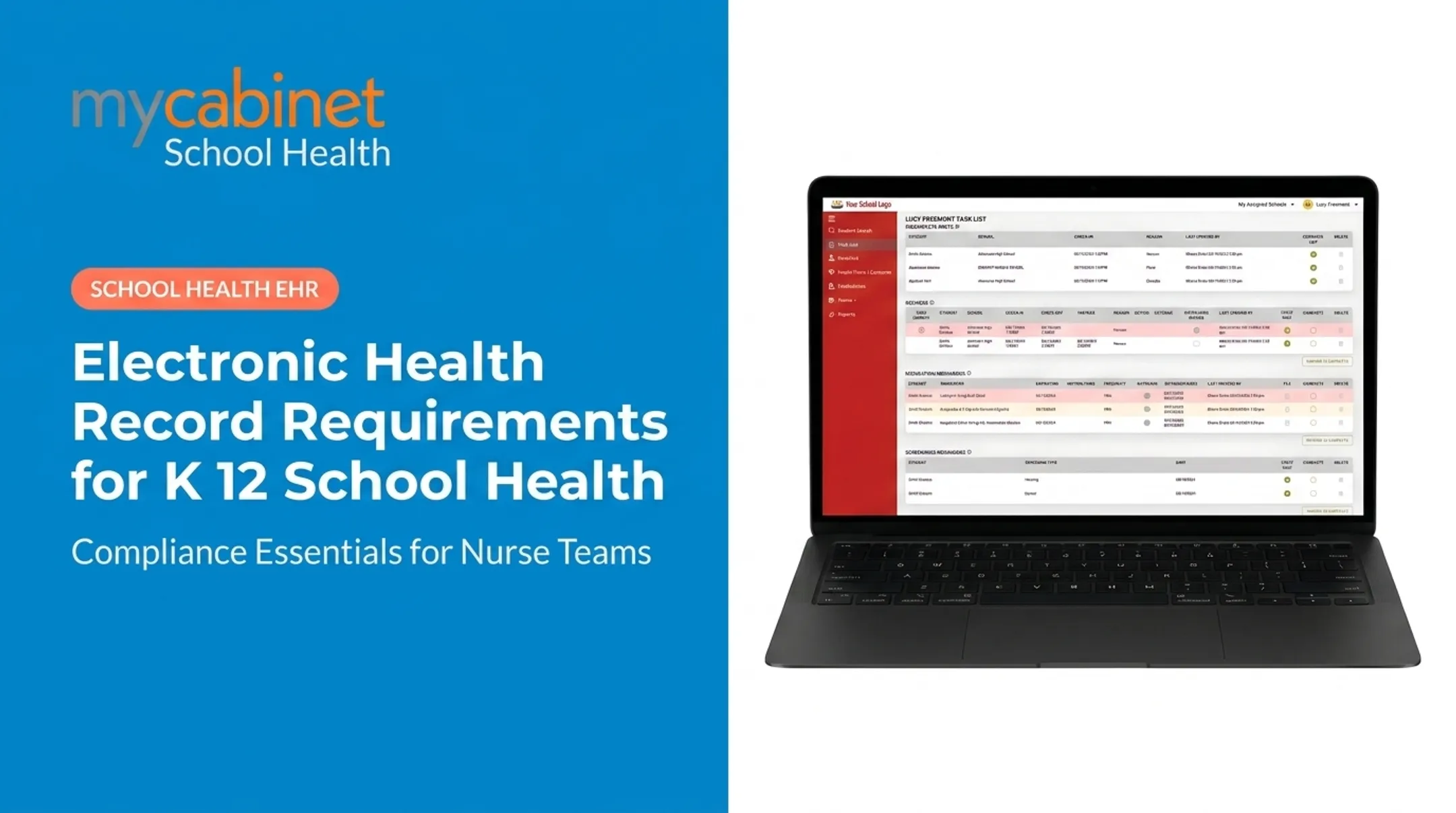
MyCabinet's Nurse Portal organizes these tasks into a prioritized list with color-coded visual cues. The platform combines a Nurse Portal for daily workflow, a Parent App for mobile visibility, and a Parent Web Portal for browser access. Everything is built around school health rather than adapted from a hospital system.

Common Challenges and How to Overcome Them
Districts moving off paper usually hit the same four obstacles. Each one has a practical fix.
Staff resistance to change
Nurses who've used paper for 15 years won't switch overnight. Involve them early in vendor demos and be direct about what improves day-to-day: fewer manual checks, faster documentation, and less phone-chasing with parents.
Budget constraints
Many districts phase rollouts, starting with the highest-need schools first. Ask vendors about flexible or customized pricing rather than assuming a full district license is the only option.
Data migration accuracy
Don't try to digitize everything on day one. Start with active health plans and daily medications, then work backward through less urgent records.
Parent adoption
A simple, one-way notification system for clinic visit alerts and medication expiration reminders drives adoption without forcing parents to learn a complicated new tool. MyCabinet's Parent App omits open chat on purpose, which keeps the experience simple and keeps nurses from getting buried in messages.
How Long Does the Transition Take and What Results Can Schools Expect?
Timelines vary widely based on district size, number of schools, and how much paper history needs digitizing. A phased approach, starting with one school or one workflow like medication tracking, often spans a semester to a full school year for complete rollout. Even early phases can surface measurable wins before the full district is live.
What schools typically gain:
- Less time spent on paper charting and manual follow-up
- Fewer medication errors thanks to automated reminders and expiration tracking
- Faster audit readiness with built-in reporting
- Stronger parent trust through real-time visibility

Cobb County School District uses MyCabinet School Health to support nurse workflows and keep parents informed, showing how a connected platform operates day to day across a large district.
Frequently Asked Questions
What are the steps involved when transitioning from paper to electronic health records?
The core steps are assessing current workflows, selecting a school-specific vendor, planning data migration, training nurses and staff, and communicating changes to parents before launch.
How long does it take to transition from paper to electronic health records?
Timelines depend on district size and scope. A single-school pilot might take a few weeks, while a full district rollout often spans a semester to a full school year.
What are the benefits of transitioning from paper to electronic health records?
Schools typically see reduced administrative burden, improved medication safety, faster and more transparent parent communication, and stronger audit-readiness for compliance reviews.
What are some common EHR/EMR systems and are there free options?
Hospital-grade systems (for example, Epic or Cerner) and generic clinical EHRs are common, but school health needs purpose-built platforms that handle FERPA, nurse workflows, and parent communication. Free tools usually lack the compliance depth and workflow design schools need.
What is an electronic health record (EHR)?
An EHR is a digital record of health information (visits, medications, immunizations) that goes beyond a single-office chart (an EMR) to support broader care coordination. In schools, an EHR must also align with FERPA since student records fall under education-record protections, not just health-data rules.