That gap is where errors creep in. A nurse re-entering student data by hand across a Student Information System (SIS) and a separate health record platform is doing double work, and double work means delays when a student needs medication or care fast.
This article breaks down what SIS integration actually means for school health records, why it matters, and what to look for before you commit to a solution.
Key Takeaways
- SIS integration syncs PowerSchool, Infinite Campus, or Skyward so health records stay current automatically.
- Cut duplicate entry and keep nurses on live rosters, not outdated spreadsheets.
- Use role-based access to protect sensitive data under FERPA and HIPAA.
- Match the approach to district IT capacity, data needs, and each vendor’s real limits.
What Is SIS Integration for School Health Records?
SIS integration is an automated connection between your district's Student Information System and your school health platform. It keeps enrollment, demographic, and scheduling data synced without anyone touching a keyboard. Without it, nurses are stuck importing spreadsheets or manually typing in student names, grade levels, and homeroom assignments every time something changes. That's not a hypothetical problem. It's a Tuesday afternoon in any busy school clinic. Data that typically flows through integration includes:
- Student demographics (name, date of birth, grade)
- Enrollment and withdrawal status
- Homeroom and teacher assignments
- Guardian contact information Health-specific data—immunizations, medication records, and visit logs—stays inside the dedicated health platform. SIS platforms weren't built for clinical documentation, and they shouldn't stand in for it. MyCabinet keeps sensitive health data separate from the broader SIS ecosystem as a deliberate safety and compliance choice. Integration typically runs through APIs, secure file transfers, or standards like OneRoster. 1EdTech's OneRoster standard defines how systems exchange roster information—users, courses, enrollments, and organizations—through CSV exports and real-time REST web services. OneRoster covers rostering data, not clinical health fields. A health platform still needs its own infrastructure for medical records.

What Does SIS Mean?
In K-12 technology, SIS stands for Student Information System, the central database schools use for enrollment, scheduling, and academic records. PowerSchool, Infinite Campus, and Skyward all publish their products under this exact category. Outside education, SIS can mean something else entirely—for example, a "Safety Instrumented System" in industrial manufacturing. In schools, SIS almost always means Student Information System.
Why SIS Integration Matters for School Health Offices
Nurses need to know, in real time, who's enrolled, who transferred out, and who withdrew. This isn't administrative trivia. During medication administration or an emergency, treating a student based on outdated roster information is a genuine risk.
Manual data entry between systems creates lag. That lag is where mistakes happen: a student who transferred schools still shows as active, or a new student's medication order isn't linked to their actual record yet.
Where integration makes a measurable difference:
- Faster onboarding — health forms and medication orders attach to the correct, current record as soon as a student enrolls or transfers
- Stronger audit trails — health records tied to verified SIS data cut discrepancies in state and district reporting
- Less clerical burden — nurses spend less time reconciling spreadsheets and more time on student care
Manual re-entry still steals clinic hours that should go to students. Automatic SIS sync gives that time back and keeps every health record tied to a current, verified roster.
Accurate documentation matters at the district level too. Weak health record-keeping raises legal exposure and complicates compliance reviews. Automatic sync builds a cleaner audit trail when a district needs to show it followed required processes.
Common Methods for Connecting SIS and Health Record Systems
Districts generally choose from four approaches, each with different tradeoffs in cost, speed, and technical lift.
- API-based integration: Real-time, automated syncing of enrollment and demographic data. It keeps rosters current without manual intervention.
- Standards-based approaches like OneRoster: A shared data format that lets health platforms and SIS vendors communicate without custom-built connections. OneRoster supports both file-based (CSV) and real-time (REST) exchange methods.
- Manual import/export (CSV uploads): Lower-tech, still common in smaller districts, but labor-intensive and prone to human error.
- Third-party integration middleware: Specialized connectors that manage syncing across multiple SIS vendors without requiring custom development from either side.

None of these methods is universally "best." A large district with dedicated IT staff might favor a direct API connection, while a smaller district with limited technical resources might rely on middleware or a vendor that handles the connection for them.
What to Consider Before Integrating Your SIS with a Health Platform
Before signing anything, walk through these questions with your IT team and nursing staff.
Confirm compatibility first. Identify exactly which SIS platform(s) your district runs, whether that's PowerSchool, Infinite Campus, Skyward, or something else, and verify the health platform actually supports it.
Define your data boundaries. Decide which fields need to sync versus what stays exclusively inside the health record system:
- Sync to the SIS: Enrollment status, homeroom, guardian contacts
- Keep in the health platform only: Medication history, chronic conditions, mental health notes, allergies, immunization records

Set realistic sync frequency. Nightly batch updates often work fine for demographic data. Enrollment and withdrawal changes usually need faster turnaround, sometimes real-time, so a nurse never treats a student based on stale information.
Verify compliance design, not just claims. According to U.S. Department of Education FERPA guidance, education records, including certain student health records, generally require prior written consent for disclosure unless an exception applies. A vendor handling this data on a school's behalf must stay under the school's direct control, use the data only for its intended purpose, and avoid redisclosure without consent. Ask vendors to show, not just tell, how their platform meets this bar. MyCabinet, for example, maintains SOC 2 Type II certification alongside HIPAA and FERPA compliance, with role-based permissions and audit trails built into the platform.
Loop in the right people early. IT staff, nurses, and vendor support teams should map data fields together before rollout, not after something breaks.
Ask vendors direct questions. Get specifics on their integration track record, implementation timeline, and what support looks like during and after rollout.
How MyCabinet Supports Connected, Compliant School Health Workflows
MyCabinet was built around actual school nurse workflows, not adapted from a generic EHR template. That distinction shows up in how it handles data.
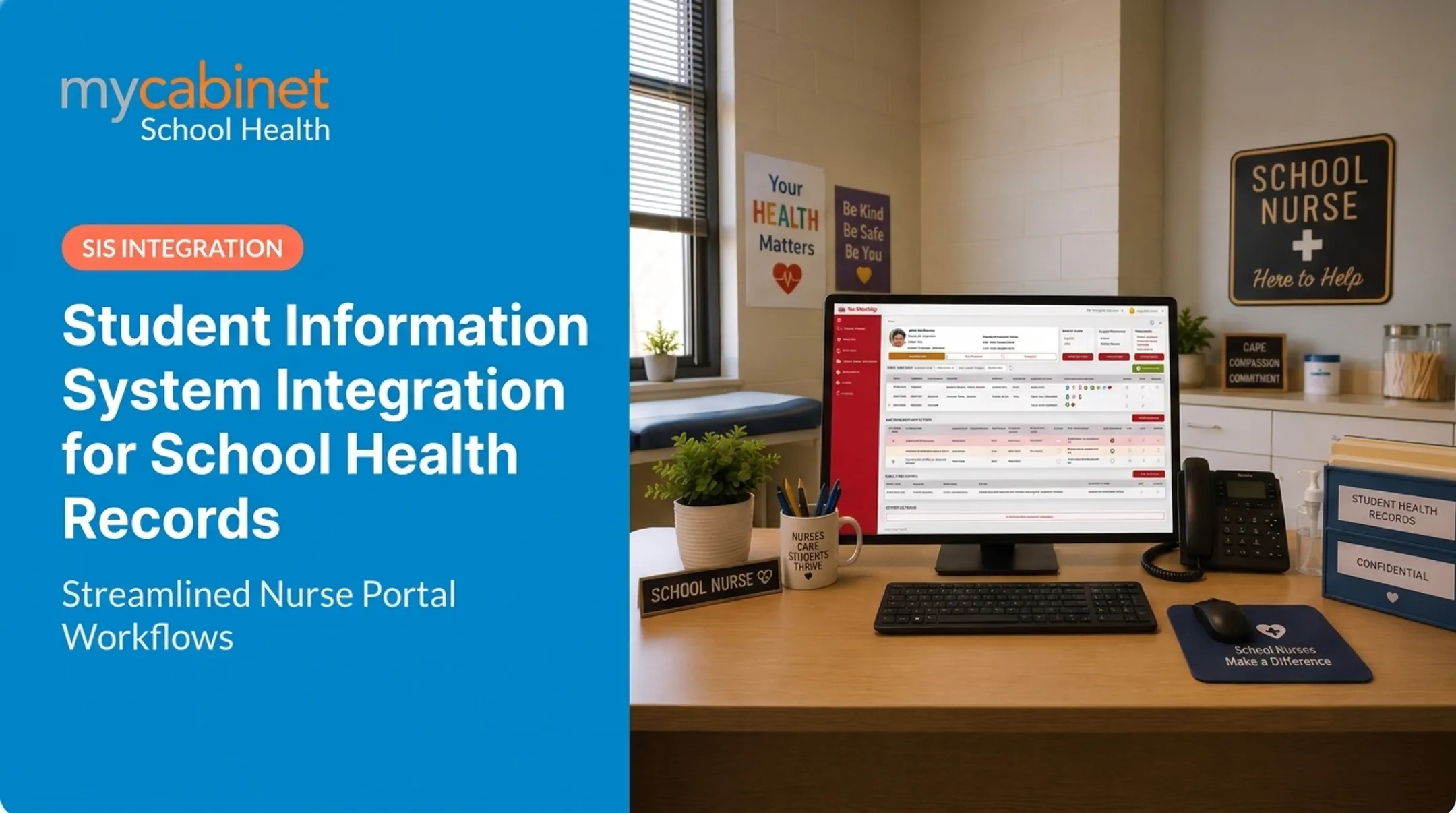
The platform provides SIS-agnostic integration with real-time data sync, so student health profiles, medication records, and forms update automatically when SIS data changes. Nurses aren't stuck reconciling two systems by hand.
MyCabinet also deliberately isolates sensitive health data from broader SIS ecosystems. Student Information Systems are built for scheduling and attendance, not clinical documentation.
Keeping health records in a purpose-built platform with role-based access and FERPA-aligned protections matters. Audit trails and activity logs give districts the documentation trail they need for state and district reporting.
That same design carries into the product architecture. The platform runs as three connected pieces:
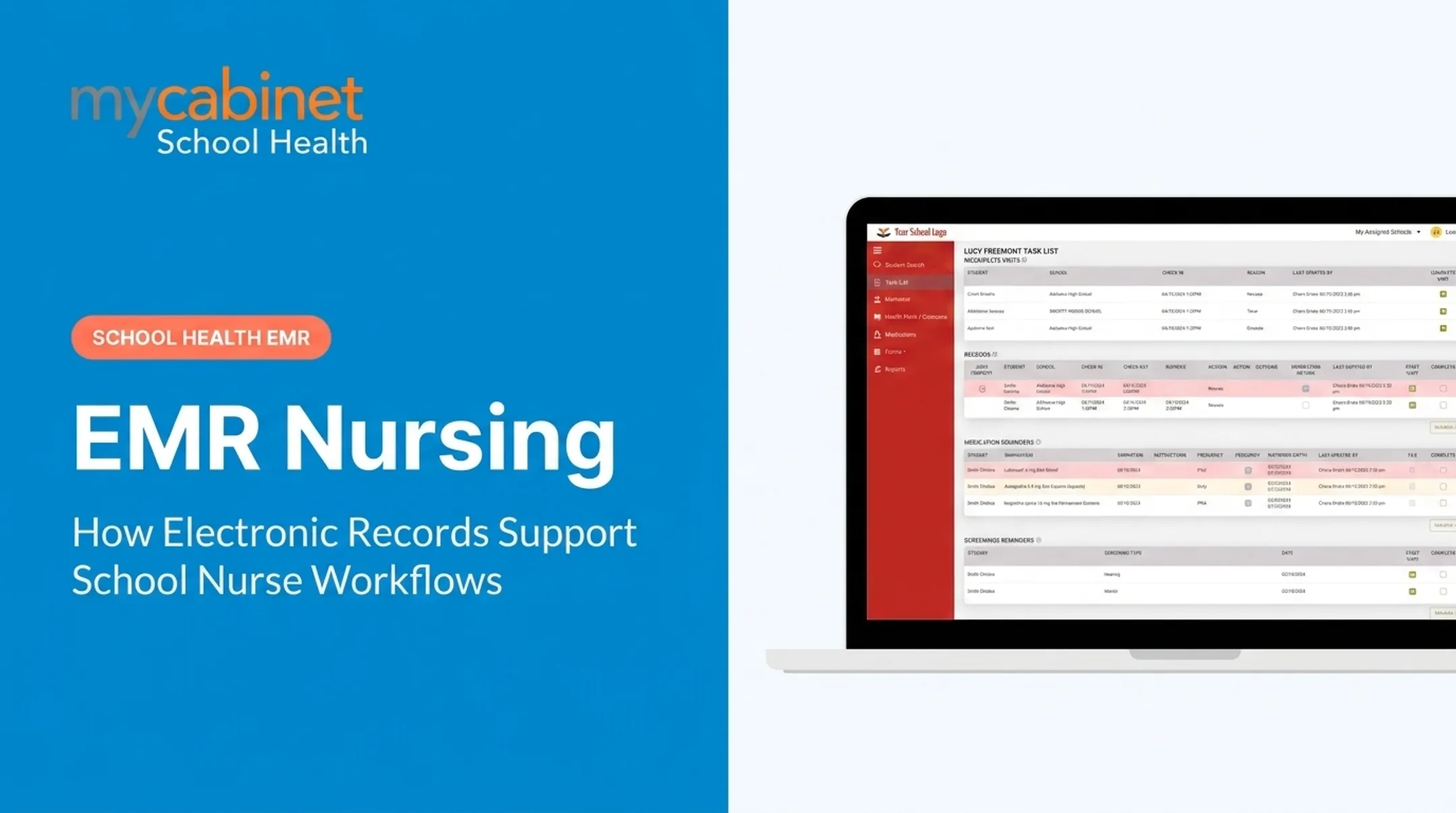
- Nurse Portal manages visits, medications, screenings, follow-ups, and documentation through task-driven workflows
- Parent App sends one-way notifications for clinic visits and medication expirations, and lets parents securely upload health forms
- Parent Web Portal gives browser-based access for parents who prefer the web over the app

Together, these components keep student information current across every touchpoint without adding clerical work for nursing staff. Districts such as Cobb County School District already use MyCabinet to keep SIS data, clinic workflows, and parent updates connected in one system.
Frequently Asked Questions
What does SIS mean in technology?
In K-12 education, SIS stands for Student Information System, the platform districts use to manage enrollment, scheduling, and academic records.
What does SIS mean in business?
Outside education, SIS can also mean "Safety Instrumented System," used in industrial and manufacturing settings. In school contexts, though, SIS almost always refers to the Student Information System.
Does SIS integration share medical or health records automatically?
No. Typically only demographic and enrollment data syncs from the SIS. Clinical health data, like medications and visit logs, stays managed within the dedicated health record platform for compliance reasons.
How often does data sync between an SIS and a health record system?
It depends on the vendor and the data type. Enrollment changes often sync in real time, while demographic data may update through nightly batch syncs instead.
Is SIS integration required to be FERPA and HIPAA compliant?
Yes. The integration must use role-based access and secure data-sharing protocols to support FERPA and HIPAA compliance. Confirm those controls with your vendor before implementation.
What SIS platforms commonly integrate with school health software?
PowerSchool, Infinite Campus, and Skyward are common examples. Always confirm specific compatibility directly with your health platform vendor before assuming support.