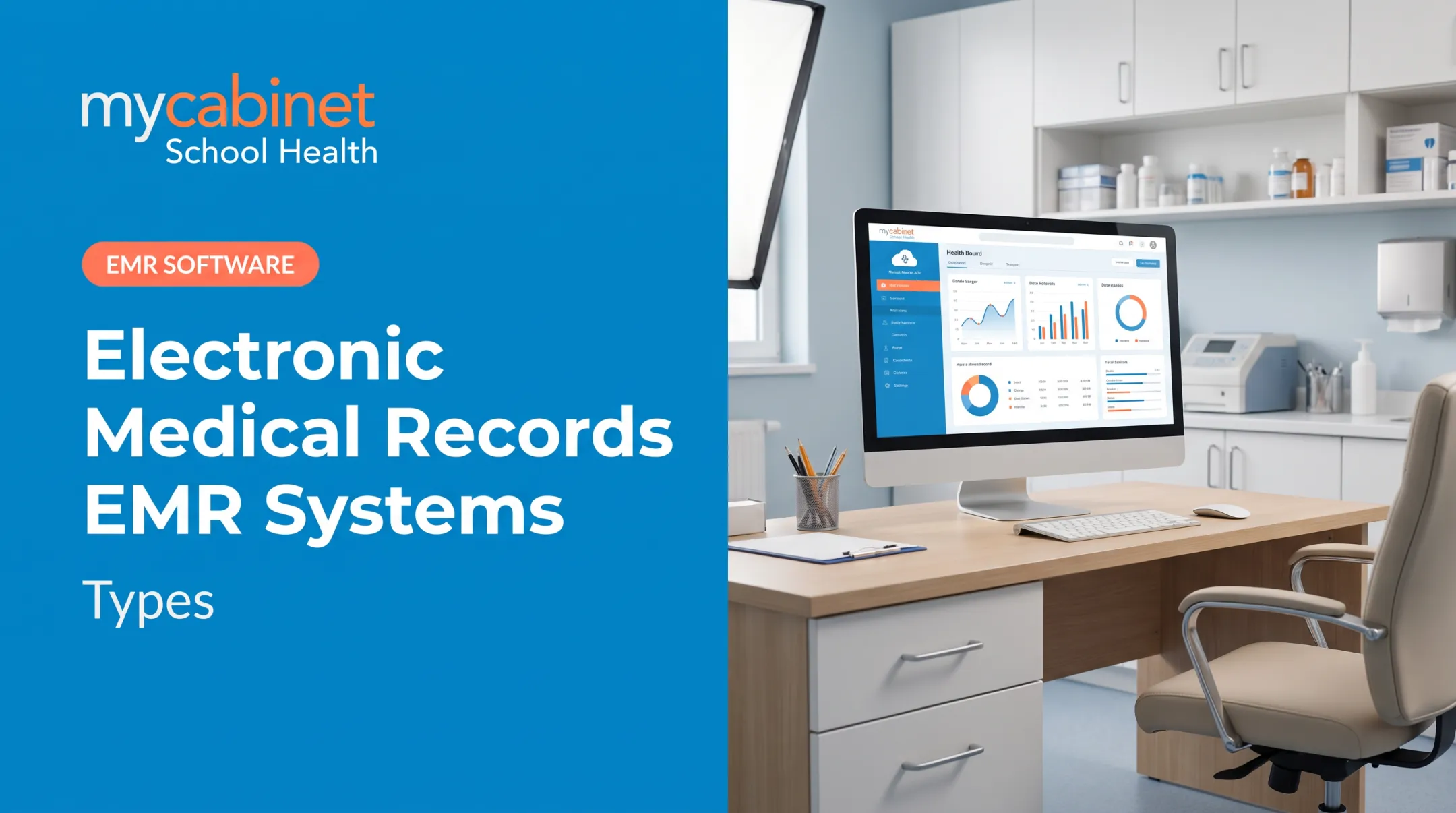
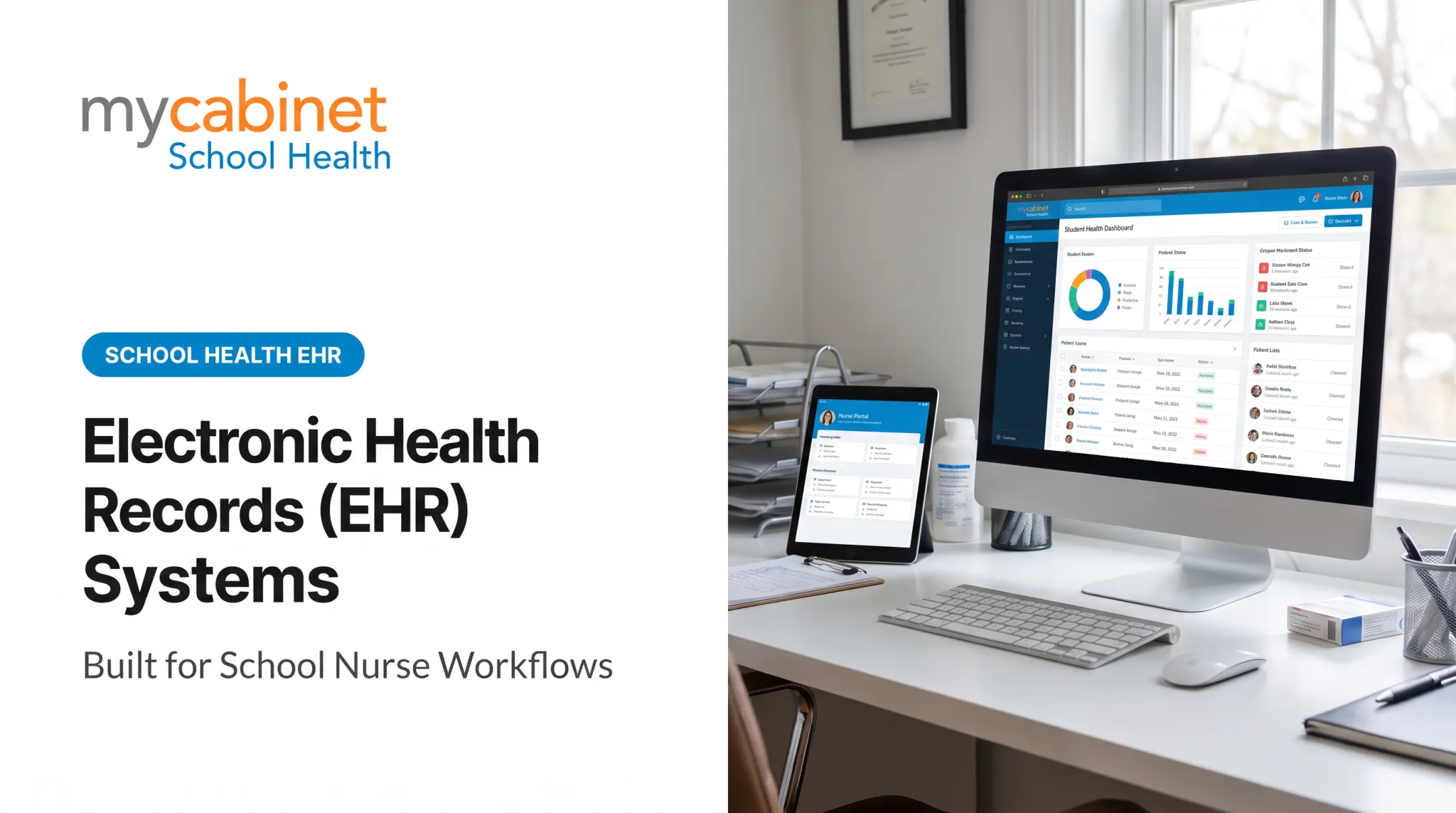
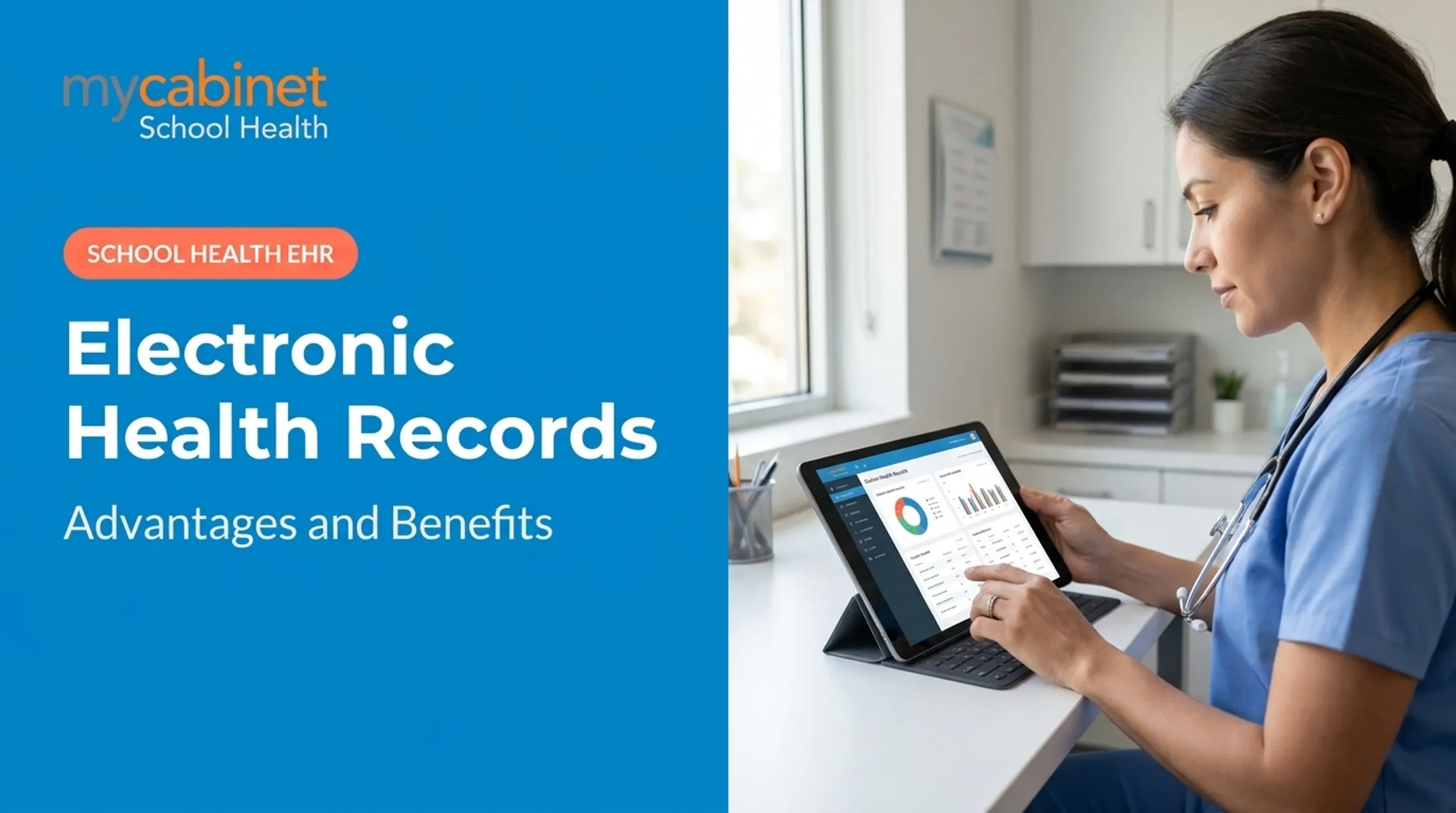
School health settings face the same pressures as clinical practices: secure data access, compliance requirements, and workflows that actually match how staff work day to day. For school nurses managing multiple campuses, choosing the right cloud EHR matters just as much as it does for a multi-site medical group.
This guide covers what cloud EHR software actually is, its benefits and drawbacks, the features worth prioritizing, what it costs, and how to pick the right fit — including what makes school health environments different from a standard clinical setting.
Key Takeaways
- Cloud-based EHR stores records off-site and is accessed online—no local servers or heavy IT upkeep
- Lower upfront costs, remote access, easy scaling, and automatic security updates
- Confirm HIPAA/FERPA compliance and SOC 2 certification before you buy
- Purpose-built school health platforms beat generic clinical systems retrofitted for education
What Is a Cloud-Based EHR System?
A cloud-based EHR hosts software and health data on vendor-managed servers, accessed through a web browser or app instead of local hardware. The ONC's Health IT Playbook describes this as a "remote" hosting model, contrasted with locally hosted systems where software and data live on servers physically inside the practice or district.
On-premise systems require in-house IT staff, hardware purchases, and manual updates. Cloud systems shift that burden to the vendor, who handles setup, security, and ongoing upkeep.
Cloud EHR vs. On-Premise EHR
The ONC frames the difference mainly in terms of provisioning and control:
- Cloud systems scale on demand; on-premise growth usually means new hardware
- Cloud vendors push updates automatically; on-premise systems need scheduled IT work
- On-premise setups keep direct control over data and infrastructure, a real trade-off the ONC notes with cloud models
- Neither model is inherently more reliable. Downtime can hit both, so vendor track record matters more than hosting type

Who Should Consider Cloud EHR
Cloud EHR fits especially well for schools and districts without dedicated IT teams:
- Multi-site practices needing consistent access across locations
- Small clinics without budget for server infrastructure
- School districts with distributed campuses and mobile nurse staff who move between buildings
Benefits of Cloud-Based EHR Software
Cloud-based EHR software gives school health teams practical advantages over paper charts and on-premise systems:
- Reach student records securely from a desktop, tablet, or phone, which helps a district nurse covering several schools
- Lower upfront IT spend with vendor-managed infrastructure and no need for in-house server staff
- Add users or school sites through an account change instead of buying new hardware
- Protect records with encryption, automatic patching, and distributed backups that avoid a single point of failure
Care coordination improves as well. The ONC notes that EHR availability reduces care fragmentation and gives authorized providers access to the same current information, cutting down on errors and unnecessary duplicate work. For schools, that means less reliance on paper folders, fax machines, or scattered spreadsheets.
ONC guidance also ties EHR use to lower transcription costs, less time pulling and re-filing paper charts, and less manual charge entry. Those efficiency gains apply when cloud EHR replaces paper-based or fragmented school health systems.

Potential Drawbacks and How to Address Them
Cloud EHR comes with trade-offs worth planning for. An HHS-summarized survey of nearly 60 healthcare institutions found 96% had unexpected EHR downtime over three years, and 70% of those outages lasted more than eight hours.
Here's what to watch for and how to handle it:
- Internet dependency: Confirm your vendor's SLA and keep a backup access plan for clinic hours.
- Hidden or ongoing costs: Budget separately for add-ons, staff training, and data migration beyond the base subscription.
- Data migration challenges: Treat the move from legacy systems or paper as a planned project, not a weekend task.

Must-Have Features When Choosing a Cloud EHR for a School
Not every cloud EHR is built the same. Prioritize these:
- Security and compliance certifications — HIPAA, FERPA for school settings, SOC 2, and role-based access controls that limit who sees what
- Structured, workflow-first documentation — systems built around actual visit types, task lists, and audit trails, not just generic data storage
- Communication tools — secure notifications that keep staff and families informed without adding inbox work
- Vendor support and training — strong onboarding and responsive ongoing support, since even great software fails without proper implementation help
Why This Matters for School Health Specifically
School nurses don't need a hospital EHR with the label swapped out. They need medication expiration tracking, digital health form collection, and parent notification tools built around how a school clinic actually runs. MyCabinet School Health is one example of a purpose-built platform. It connects three pieces:
- Nurse Portal
- Parent App
- Browser-based Parent Web Portal Rather than an open messaging inbox, it uses controlled, one-way notifications. Parents get alerted when their child visits the clinic or when medication stored at school is nearing expiration, so nurses are not stuck managing a chat feed. The Nurse Portal's task list automatically groups incomplete visits, rechecks, medication tasks, and screenings with color-coded visual cues. Outstanding work stays visible during busy clinic hours. Cobb County School District uses MyCabinet in practice. At the district's 2025 school board meeting, Superintendent Chris Ragsdale said the platform "digitized and makes documentation easier." Parents can now submit required health paperwork electronically and see exactly when their child was seen in the clinic or given medication. He called it "a win for the parents and a win for the district."

Other Areas Districts Evaluate
Districts also expect these areas to be covered:
- Immunization compliance tracked against state requirements by grade, including exemptions and state registry integration
- Chronic condition management for diabetes, asthma, seizures, and anaphylaxis, with staff training records
- Role-based staff alerts so teachers and chaperones see need-to-know information without the full chart
- Medicaid documentation with billable service codes, consent tracking, and claims-ready exports
- Administrative controls: role management, substitute coverage, retention schedules, year-end rollover, and audit logs
How Much Does Cloud EHR Cost?
Most cloud EHR platforms use a per-user, per-month subscription model rather than a large upfront license fee. That structure spreads cost over time and typically scales with the number of nurse or school staff accounts.
When budgeting, account for these components separately:
- Base subscription fee (usually scaled by user count)
- End-user hardware (tablets, workstations)
- Implementation and staff training
- Ongoing support and maintenance fees

Watch out for "free" or heavily discounted cloud EHR options. They often cap the number of users, limit key features, or charge extra for essentials like data migration and training. Those costs usually show up later, not upfront.
Frequently Asked Questions
What are the top cloud-based EHR systems?
Top systems vary by specialty and setting. In school health specifically, purpose-built platforms designed around nurse workflows and parent engagement generally outperform generic clinical systems adapted for education.
Are there free cloud-based EHR systems?
Some free or freemium cloud EHR options exist, but they typically limit users, features, or support. Essentials like data migration and staff training are often sold as paid add-ons.
What is the easiest cloud-based EHR to use?
Ease of use depends on workflow fit. Platforms built around a setting's actual daily tasks, like school nurse visit documentation and medication administration, tend to require less training than generalized systems.
How secure is student data in a cloud-based EHR?
Reputable platforms use encryption, role-based access controls, and audit trails to protect data. Look for HIPAA compliance and, in school settings, FERPA alignment plus SOC 2 certification as baseline proof points.
How long does it take to implement a cloud-based EHR?
Implementation timelines vary widely based on data migration complexity and vendor support, generally ranging from a few weeks to several months. KLAS research found only 38% of organizations felt post-pandemic implementations hit the mark, so strong vendor support should be a primary selection criterion.