This scenario plays out daily in schools across the country. Paper records create real risk for student safety, slow down compliance reporting, and frustrate parents waiting on medication approvals. This guide breaks down why paper is failing schools and walks through a structured path to digital documents.
Key Takeaways
- Paper-based health records slow emergency response and create compliance blind spots
- A phased digitization approach reduces disruption while improving data accuracy
- FERPA and HIPAA-aligned platforms protect student data far better than filing cabinets or spreadsheets
- Purpose-built tools like MyCabinet School Health turn scattered paper into a connected digital record
Why Paper-Based Documentation Still Fails Schools Today
Paper doesn't scale, and it doesn't forgive mistakes. Handwritten records get lost, duplicated, or turn illegible over time. A widely cited hospital study reviewing handwritten medication orders found that 20% were illegible or hard to read, 24% were incomplete, and dates were missing on 18% of orders (Winslow et al., 1997). School health offices, run on similar handwritten systems, face the same legibility and completeness risks every day.
The Hidden Costs Add Up
Paper isn't free just because there's no software subscription attached. Consider what it actually costs:
- Storage space — filing cabinets take up clinic square footage that could serve students
- Staff time — nurses spend valuable minutes searching for files instead of treating students
- Emergency delays — a missing allergy card during a reaction is a safety failure, not just a filing gap
Those costs get worse when paper is only one piece of a larger mess.
Fragmented Systems Create Blind Spots
Most school health offices aren't just paper-based. They're paper, plus email, plus spreadsheets, plus the occasional fax. That patchwork makes it nearly impossible for a nurse to pull a complete student health history in one place.
The same fragmentation creates real operational risk:
- Compliance exposure — lost audit trails, inconsistent retention, and weak proof of FERPA or HIPAA compliance leave districts vulnerable in an audit or parent dispute
- Slow parent communication — medication approvals and health alerts stuck in email chains and paper forms delay decisions that need to move fast
Step-by-Step Process to Convert Paper Documents to Digital
Digitizing school health records isn't a weekend project. It works best as a structured, six-step process.
- Audit existing paper records. Catalog volume by category, such as immunization records, medication authorizations, and health forms,and separate active files from archival ones.
- Choose a digitization method. Match the method to volume and sensitivity: in-house scanning with OCR, dedicated scanners, or a professional digitization service for large or highly sensitive sets.
- Establish naming and indexing conventions. Files should be searchable by student, date, and document type from day one.
- Set up a secure, centralized system. Skip shared drives and generic cloud folders. Use a platform built for FERPA/HIPAA-aligned compliance, role-based access, and audit trails.
- Build a "day-forward" policy. Capture all new documents digitally at intake so you're not creating a fresh paper backlog while digitizing the old one.
- Train staff and communicate with parents. Address concerns about data access and security head-on, before rollout, not after.

Skip any of these steps, especially indexing, and you often end up with a disorganized digital version of the same paper problem.
Choosing the Right Tools and Methods
The right scanning method depends on your volume and how sensitive the records are.
| Method | Best For | Trade-offs |
|---|---|---|
| Smartphone scanning apps | Small batches, quick digitization | Lower image quality, no built-in indexing |
| Dedicated document scanners | Medium-to-large volumes | Hardware cost; still needs manual organization |
| Professional scanning services | Large archives, sensitive files | Higher cost; less day-to-day control |

Scanning only solves half the problem. Staff still have to find the file afterward. Workplace research finds employees spend about 20% of business time searching for information (AIIM). The figure isn’t school-specific, but nurses know the pattern: time lost hunting files instead of caring for students.
For school health, generic scanning tools only create digital file cabinets. They don’t organize documents around student records, visit types, or medication schedules. A scanned PDF in a folder won’t flag medications expiring this week or incomplete visits still pending.
Data Security and Compliance Considerations for School Records
Digitizing records only helps if the system meets federal privacy standards. Two frameworks matter most here.
FERPA governs education records, including health records maintained by school staff like nurses. Under FERPA regulations (34 CFR Part 99), parents must be able to inspect and review their child's records within a reasonable period, generally not exceeding 45 days (U.S. Department of Education). Schools must also use reasonable methods to ensure staff only access records tied to their legitimate educational interest.
HIPAA applies differently. Records kept by a school nurse acting on behalf of the school are typically FERPA education records, not HIPAA-covered ones, unless an outside provider conducts electronic transactions like billing (HHS).
For any digital system handling student health data, look for:
- Role-based permissions so only authorized nurses and administrators view sensitive health data
- Encrypted storage rather than shared folders or generic cloud drives
- Secure parent communication channels, not email or unsecured file sharing
- Audit trails that log who viewed or changed student health records
- Multi-factor authentication and tested, isolated backups as baseline protections

CISA's K-12 cybersecurity guidance recommends these controls for any district handling sensitive student data (CISA, 2023).
How MyCabinet School Health Simplifies the Paper-to-Digital Transition
MyCabinet was built specifically for school health workflows, not as a generic document repository. It organizes nurse tasks, clinic visits, and medication tracking around the student—not around scanned files.
Digital Health-Form Collection, Start to Finish
The platform replaces paper intake entirely with a closed-loop process:
- Request: School sends automated email campaigns for required documentation
- Submit: Parents upload forms through the Parent App or Parent Web Portal—no app download required
- Review: Nurses approve or accept forms directly in the Nurse Portal
- Attach: Approved documents link straight to the student's health record
No printing, no scanning, no inbox chasing.
A Connected System, Not Just Storage
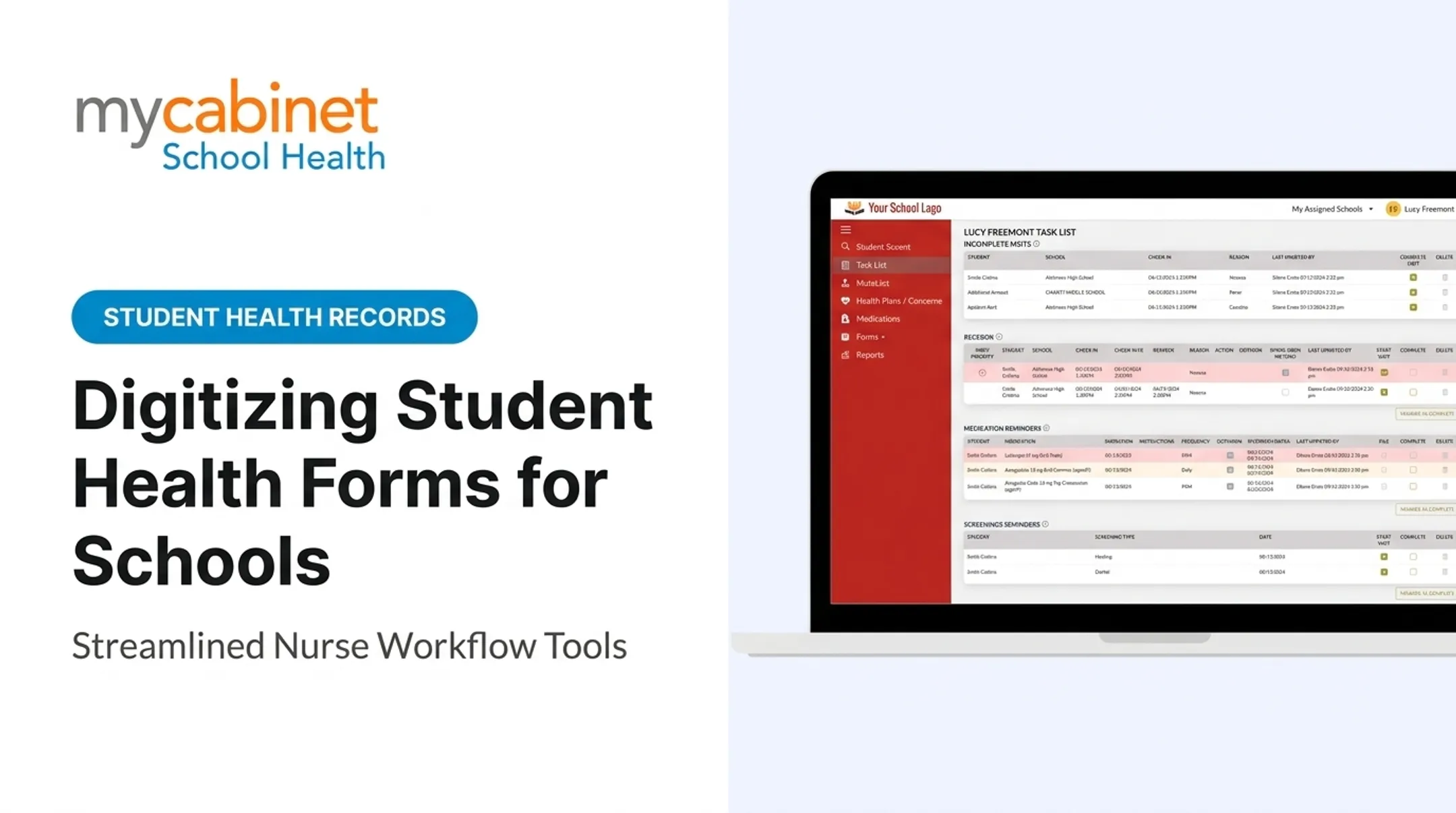
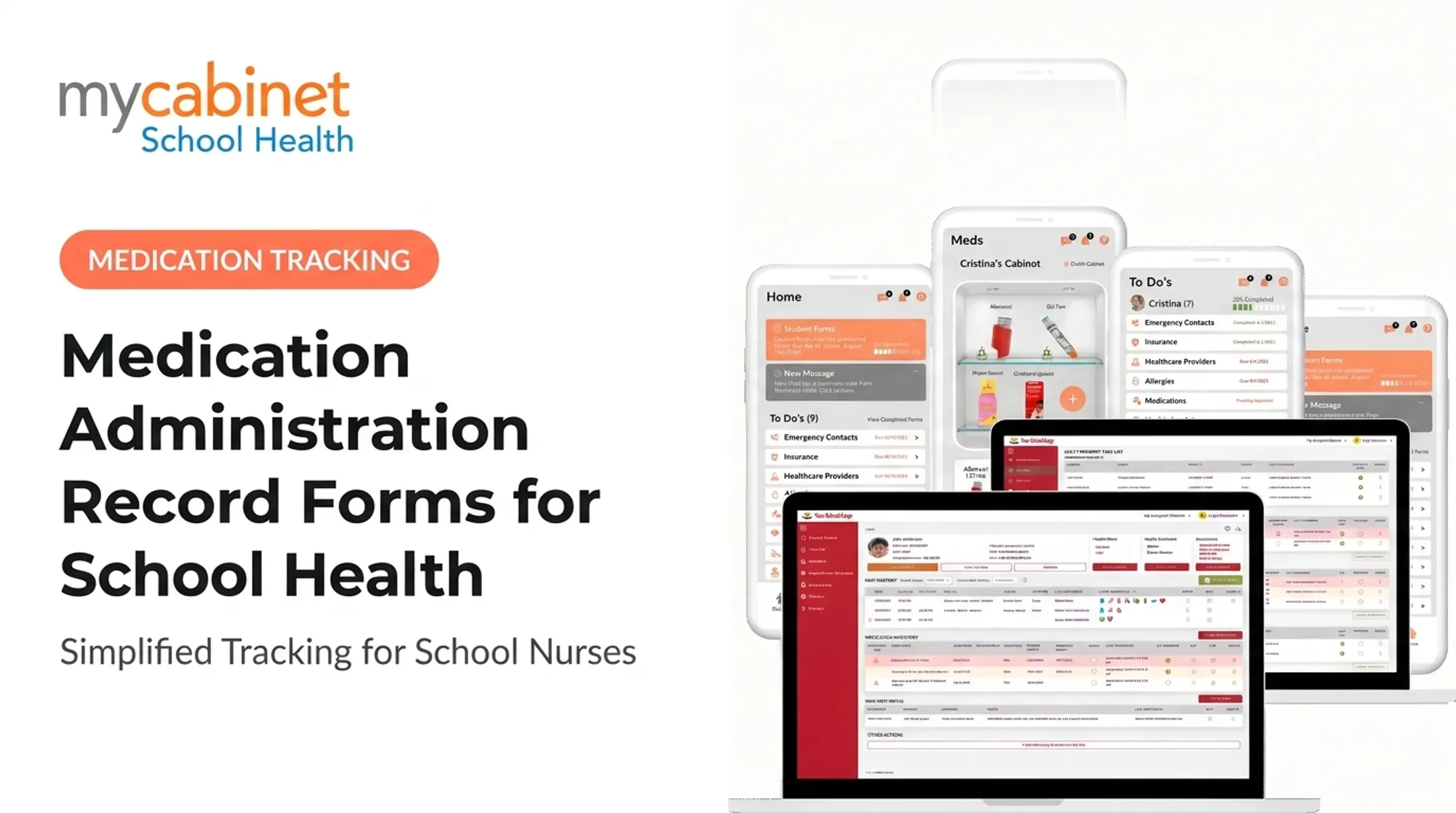
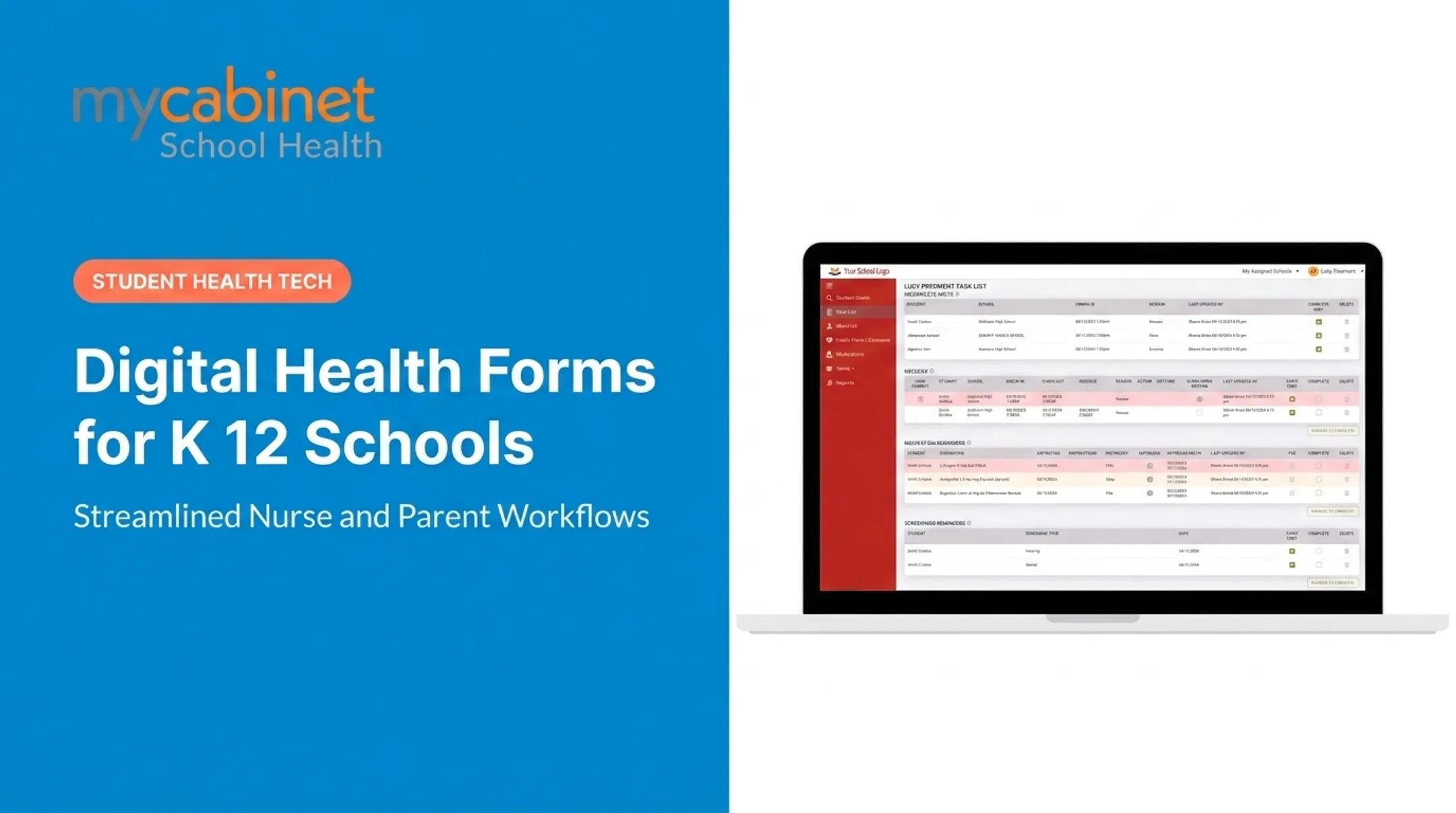
MyCabinet's Nurse Portal builds a task list around incomplete visits, recheck follow-ups, medication reminders and expirations, and screening reminders. Nurses prioritize what needs attention instead of searching through files.

Parents get their own access point through the Parent App or Web Portal. Role-based, FERPA-aligned permissions keep data visible only to the right people.
That same connected model is what districts use to leave fragmented paper and fax workflows behind. Cobb County School District made the shift; Superintendent Chris Ragsdale said the platform "digitized and makes documentation easier," with parents submitting paperwork electronically and seeing when their child had been seen and given medication—calling it "a win for the parents and a win for the district."
Districts also get a clear compliance foundation for moving sensitive health records off paper:
- AICPA SOC 2 Type II
- HIPAA
- FERPA
Common Pitfalls to Avoid When Going Digital
These mistakes derail school digitization projects more often than others:
- Skipping indexing standards. Scanning without a naming convention creates a messy digital filing cabinet in a new format.
- Choosing generic storage over purpose-built systems. A shared drive doesn't understand visit types, medication schedules, or FERPA access rules the way a school-health platform does.
- Underestimating change management. McKinsey research (2015) found that 70% of change programs fail, largely from employee resistance and weak management support.
That figure comes from general corporate initiatives, not schools alone, but the lesson still holds: staff buy-in matters as much as the software.
Frequently Asked Questions
What is the best way to convert paper documents to digital files?
For small volumes, scanning apps with OCR work fine. For larger or sensitive sets like school health files, a dedicated platform or professional digitization service gives stronger organization and compliance support.
How do you digitize old paper records without losing data?
Use backfile scanning with quality control checks at each batch. Verify OCR accuracy on a sample before disposing of any original documents.
Is it safe to store student health records digitally?
Yes, when the platform is FERPA/HIPAA-compliant with encryption and role-based access. Paper lacks audit trails entirely, making it harder to prove compliance than a properly secured digital system.
How long does it take to go from paper to digital documents?
Timelines depend on record volume and complexity. A phased pilot, starting with new intake before tackling historical archives, works better than an all-at-once conversion.
What should schools look for in a digital health record system?
Look for compliance certifications (SOC 2, HIPAA, FERPA), workflow design built for school health specifically, parent access features, and secure data-sharing controls.
Can parents still submit paper forms during a digital transition?
Yes, with a phased "day-forward" approach. New forms go digital immediately upon intake, while historical records get digitized separately in the background.