Introduction
Picture a school nurse starting their morning with a stack of paper immunization records, a spreadsheet of medication schedules, and an inbox full of parent emails about allergy updates. Now picture them moving between three campuses in one week.
This is the daily reality for many school health teams. Student information is scattered across paper files, shared drives, and systems that were never built for someone constantly on the move.
Cloud-based EHR software addresses that gap: authorized team members can pull up current student records from a laptop, tablet, or phone, wherever the school day takes them. But mobility only works when it's paired with strict privacy controls, role-based permissions, and district oversight.
This article breaks down how cloud EHR access actually works, which security and compliance pieces matter most, how mobile access changes day-to-day nursing workflows, and what districts should evaluate before signing a contract.
Key Takeaways
- Cloud EHR keeps records on vendor-hosted systems with web and mobile access for authorized staff.
- Secure mobile access needs more than an app: authentication, encryption, audit trails, and device policies.
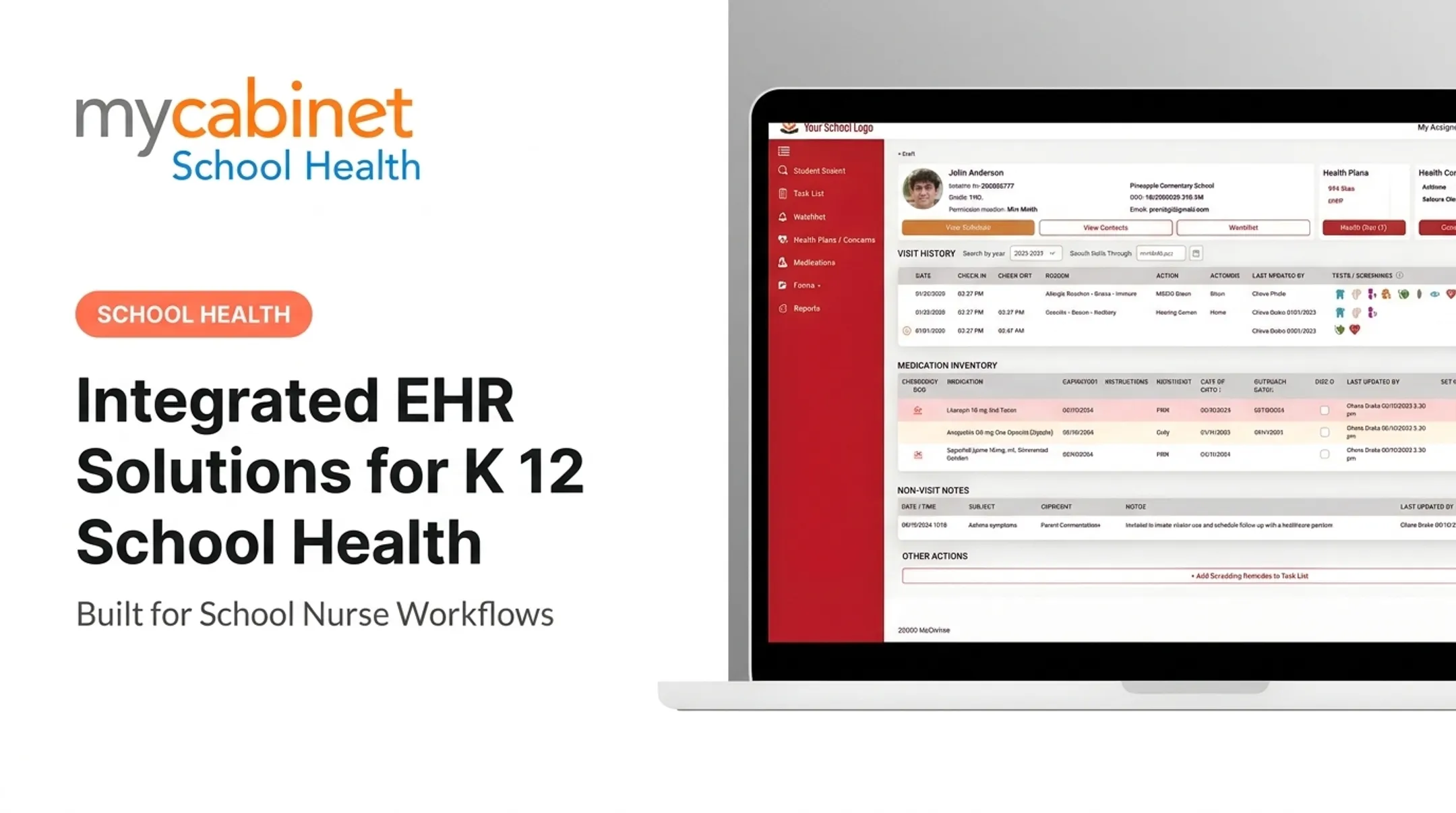
- Unify medication management, visits, screenings, forms, and parent communication in one nurse workflow.
- Confirm FERPA and HIPAA duties plus vendor support for multiple schools and user roles.
What Cloud-Based EHR Software Means for School Health Teams
A cloud-based EHR stores health records on servers the vendor manages remotely, not on a box in the district IT closet. The application infrastructure runs there too. The ONC Health IT Playbook describes this hosting model as internet-based, in contrast to systems installed locally on practice computers.
That's a distinct concept from how users get in. A system can offer:
- Browser-based access — log in through Chrome, Safari, or Edge on any device
- A dedicated mobile app — installed on a phone or tablet
- Both — many platforms support a web portal for staff and a mobile app for parents
Not every feature works identically across every device, and offline functionality isn't guaranteed just because a system is "cloud-based." Verify this with any vendor before assuming full parity.
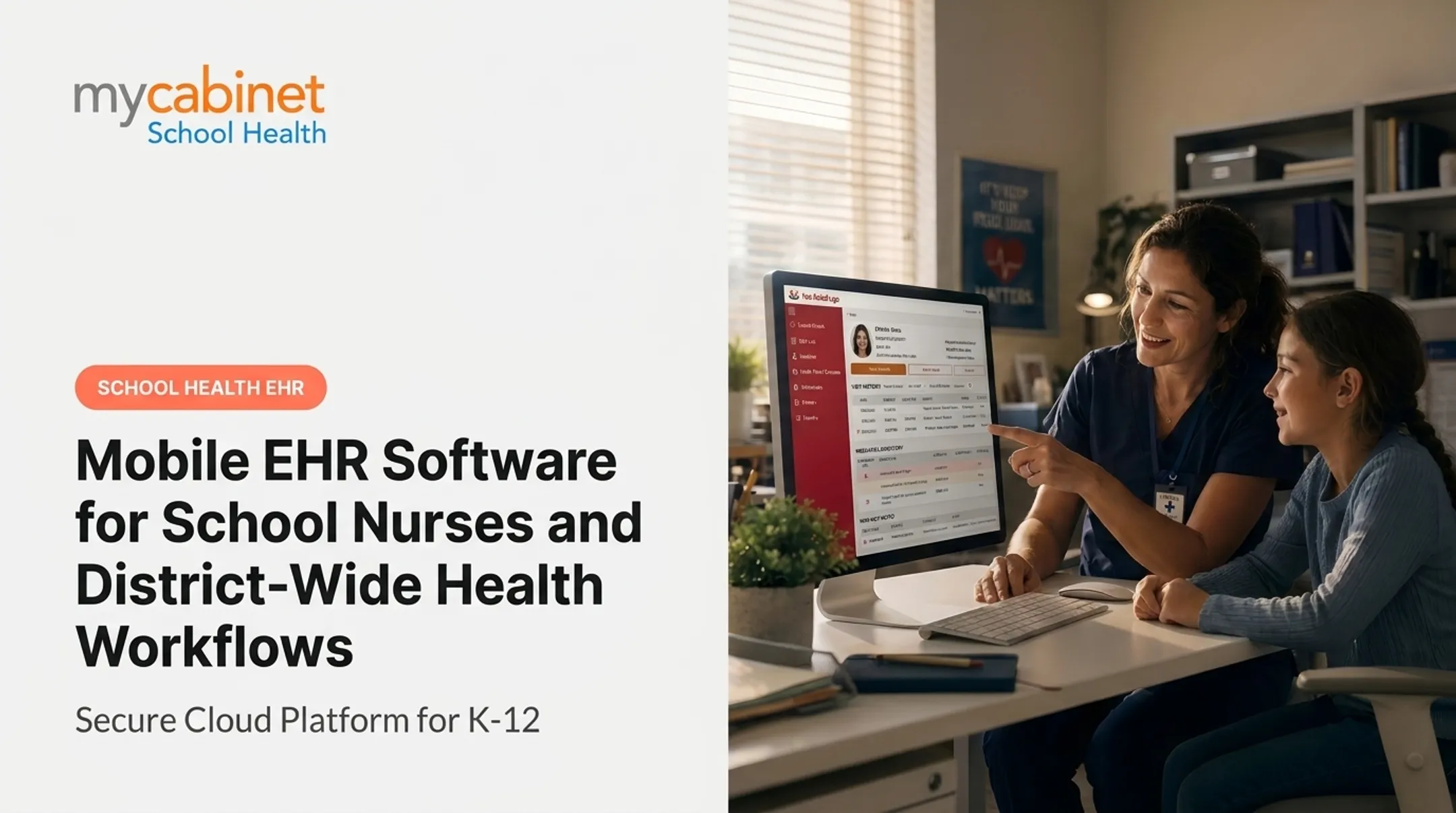
On campus, that access looks like this: a nurse walking a student back from a field event pulls up their allergy history on her phone before administering an epinephrine auto-injector. She documents the visit on the spot, instead of scribbling notes to enter later at a desktop.
Cloud vs. On-Premises: What Changes
| Factor | Cloud-Hosted | On-Premises |
|---|---|---|
| Infrastructure upkeep | Vendor-managed | District IT team |
| Software updates | Automatic, ongoing | Manual installation |
| Remote access | Built-in | Often limited |
| Scaling to new schools | Faster | Requires new hardware |
| Data backups | Vendor responsibility (verify scope) | District responsibility |
Here's the catch: hosting data in the cloud doesn't automatically make it secure. Security depends on the vendor's technical controls, the district's own policies, how staff use their devices, and how tightly permissions are configured. A well-built platform still fails if a nurse shares a login or a device sits unlocked in a supply closet.
Security and Compliance Requirements for Mobile School Health Access
School health records aren't just names and addresses. They often include chronic condition details, medication dosages, allergy information, emergency care plans, and private family communications. That combination demands tighter controls than a typical school productivity app.
FERPA, HIPAA, and Where They Overlap
Student health records maintained by a school generally fall under FERPA, not HIPAA. According to the joint HHS/Department of Education guidance, HIPAA specifically excludes records already protected by FERPA. HIPAA applies to a school only when it acts as a covered entity and electronically transmits protected health information in a HIPAA-standard transaction — a fact-specific determination, not a blanket rule.
FERPA also permits disclosure without prior consent during a health or safety emergency, when necessary to protect the student or others. None of this substitutes for district-specific legal review; treat these as starting points, not final answers.

Core Security Controls to Verify
Those legal boundaries only hold if the platform enforces them in daily use. Before adopting any system, confirm it includes:
- Role-based access so nurses, administrators, and parents see only what their role requires
- Strong authentication with secure password rules, account provisioning and deprovisioning, and multi-factor options
- Encryption for data in transit and at rest, plus automatic logout on idle sessions
- Audit trails that record who accessed what, when, and what changed
Vendor Assurance Matters Just as Much
Ask vendors for actual documentation, not marketing badges: incident-response procedures, vulnerability management practices, backup schedules, and a clear line on who's responsible for what.
MyCabinet School Health, for example, is SOC 2 Type II certified and designed for HIPAA and FERPA compliance, with role-based permissions and audit trails built into its architecture. Districts should still request the underlying report — examination period, applicable trust criteria, and any noted exceptions — rather than treating a certification badge as a guarantee.
A Quick Vendor Checklist
Before signing, ask:
- Which operating systems and devices are officially supported?
- How are remote sessions terminated or timed out?
- What's the data retention and export policy?
- What happens the moment a device is reported lost?
- Can administrators see login activity across every user?
- What's the workflow during an outage or weak connection?
How Mobile EHR Access Supports School Nurse Workflows
Nurses rarely stay in one room. They move between classrooms, athletic fields, and multiple campuses, sometimes serving several buildings in a single week.
NASN's 2025 workload position statement notes that a third of students don't have full-time access to a school nurse. The nurses who do exist often stretch across more ground than a fixed desktop can support.
Mobile access reduces duplicate entry by tying student profiles, visit documentation, medication tasks, and follow-ups together in one system rather than three.
Medication-Related Use Cases
Mobile access lets nurses:
- View dosage and frequency information at the point of care
- Track medication expiration dates before they lapse
- Log outreach attempts to parents about renewals
- Keep follow-up actions visible without a separate tracking sheet
None of this replaces clinical judgment. It just puts the information where a nurse needs it, when they need it.
Task Lists Keep Things From Slipping
Incomplete visits, rechecks, expiring medications, and pending screenings pile up fast across hundreds of students. A task list surfaces what's outstanding so nothing gets forgotten between one campus visit and the next. Staff still apply their own professional judgment on prioritization.
Digital Forms and Controlled Parent Communication
Parents upload health forms directly into the system. A nurse reviews, approves, and the document attaches to the student's record automatically, cutting out the fax-and-file routine.
MyCabinet School Health connects this work through three linked pieces:
- Nurse Portal for documentation and task management
- Parent App for one-way notifications about clinic visits and medication expirations
- Parent Web Portal for families who'd rather not download an app
On paper, follow-up often means calling a parent, waiting for a callback, then jotting the outcome on a sticky note. With role-appropriate mobile access, the nurse logs that outreach against the student's medication record, and the next staff member who opens the profile sees exactly where things stand.

What to Look for When Choosing a Cloud-Based EHR for Schools
Start with workflow fit, not a feature checklist. Ask whether the platform was actually built for K-12 health teams, or adapted from a general medical EHR.
Mobile Usability Checks
Before committing, test:
- Which functions work on mobile apps versus browser versus desktop
- How fast a nurse can find a student, log a visit, and close a task
- Readability and navigation on district-approved devices
- Whether nurses can switch campuses and roles on a phone or tablet without extra steps
Privacy, Functionality, and Data Ownership
Review FERPA-aligned role templates, parent permission settings, and how user accounts are added or removed. Confirm the platform covers the clinical work your team actually does:
- Structured visit types
- Medication tracking
- Screenings and immunization workflows
- Controlled family communication
Then pressure-test data ownership and connections:
- Who owns the exported data if the contract ends?
- What integrations are supported (SIS, single sign-on)?
- How are corrections to records handled?
Reliability and Total Cost
Ask about service-level commitments, backup procedures, and what happens during a connectivity gap. Then look past the subscription price. Total cost of ownership usually includes:
- Implementation and training
- Device requirements
- Integrations
- Ongoing support
Those line items matter more than the monthly fee alone.
Insist on a pilot with real nurses and administrators completing real workflows before a district-wide rollout. Friction shows up fast when actual users test actual tasks.
Planning a Secure Rollout Across Schools and Districts
A rushed rollout creates more problems than it solves. Map current workflows first: how schools collect forms, document visits, handle medications, and communicate with families.

Use that map to drive five rollout steps:
- Define an access policy: user roles, least-privilege access, password rules, and lost-device procedures
- Prepare implementation workstreams: data migration, device readiness, staff training, and parent onboarding
- Run a phased pilot: start with a few schools, gather feedback, then expand
- Set continuity procedures: how nurses document urgent actions during an outage and reconcile records afterward
- Track adoption after launch: training completion, unresolved tasks, and support requests
Skipping the pilot phase is the most common mistake districts make. A platform that works well for one school nurse in isolation can still break down when five schools try to use it the same week.
Conclusion
Secure mobile access earns its value when it gives school health teams timely information without sacrificing privacy, accountability, or workflow consistency. That balance doesn't happen by accident.
When evaluating a platform, prioritize:
- School-specific design over generic medical EHR features
- Role-based access, strong authentication, and audit trails
- Clear FERPA and HIPAA responsibilities
- Genuine mobile usability, not just a marketing claim
- Reliable support and a realistic total cost picture
MyCabinet School Health was built around this exact balance, connecting school nurses, students, and families through its Nurse Portal, Parent App, and Parent Web Portal. Districts evaluating a switch can request a demonstration to see how the workflow holds up against their own daily routines.
Before signing anything, validate security documentation, contractual responsibilities, and compliance requirements with your own legal, IT, and school-health stakeholders. No vendor claim replaces that review.
Frequently Asked Questions
What is a cloud-based EHR system?
A cloud-based EHR stores health records on vendor-hosted servers rather than a district's own equipment. Authorized users access it over the internet through a browser or mobile app, instead of local software installed on a single machine.
How does cloud-hosted EHR access work?
Authorized users typically log in through a secure browser or dedicated mobile application. Access still depends on authentication, assigned permissions, internet connectivity, and any device restrictions the district has in place.
Which cloud platform is the most secure?
No platform is universally "the most secure." Districts should compare encryption practices, authentication options, role-based access, audit logging, compliance documentation, and how each vendor handles backups and incident response.
What makes strong cloud-based access control for school EHRs?
The strongest approach aligns permissions to actual school roles using least-privilege principles. Look for clear user lifecycle management, parent-specific permissions, full auditability, and strong authentication, backed by consistent district oversight.