EMRs matter now more than ever — they cut administrative work, tighten compliance, and reduce the errors that come with paper charts. This article breaks down the major types of EMR systems, walks through real-world examples across practice sizes, and covers how to pick the right one for your setting, including what changes when the records belong to students in a school health office.
Key Takeaways
- EMRs digitize medical records, reducing reliance on paper-based charting
- Common delivery models include on-premise, ASP, cloud/SaaS, and open-source options
- Systems also differ by clinical scope — specialized (like school health) vs. integrated enterprise platforms
- Major platforms include Epic, Cerner, and athenahealth; specialized options include MyCabinet School Health
- The right choice depends on practice size, workflow, budget, and compliance needs
What Is an EMR System?
An EMR is a digital version of a person's chart (history, diagnoses, medications, visit notes) maintained inside a single practice or organization. Unlike an EHR, which is built to share data across providers, an EMR generally stays put within one office's walls — the way a student health record stays inside the district that keeps it.
That said, the industry uses "EMR" and "EHR" interchangeably most of the time. Don't get hung up on the terminology; focus on what the system actually does for the people using it, whether that's a clinic or a school health office.
Modern EMR platforms handle:
- Charting and clinical documentation
- Task and workflow management
- Compliance tracking and audit trails
- Medication and screening reminders
Why Are EMR Systems Important?
Paper records create real problems, and a health office running on binders hits every one of them:
- Lost files and incomplete charts
- Duplicate data entry
- Delayed care
- Communication breakdowns between staff
EMRs exist to close those gaps.
AHRQ's research found that switching from paper to electronic records is associated with decreased medication errors and improved guideline adherence, along with better job satisfaction once the initial transition settles in (AHRQ, PSNet).
Poorly designed EHR workflows can still introduce new error risks. The tool matters as much as the adoption — a hospital system pushed onto a school nurse is still the wrong tool.
Compliance Isn't Optional
HIPAA requires administrative, physical, and technical safeguards for electronic health information. In school settings, FERPA often applies instead of HIPAA, depending on who's maintaining the record.
This distinction matters in K-12 schools, where manual processes create unique safety gaps. MyCabinet School Health was built for that setting: paper health records and manual medication tracking left nurses juggling binders, spreadsheets, and phone calls. Parents often had no clear signal that their child was even seen that day.
Types of EMR Systems
EMRs vary along two axes: how they're hosted, and what clinical scope they serve. Both decide whether a district ends up maintaining servers or simply logging in.
On-Premise (Physician-Hosted) EMR
The practice owns and runs everything locally — servers, software, backups.
- Local installation with manual updates and in-house IT management
- Best for large organizations with dedicated IT staff and strict on-site data preferences; rarely a fit for a district health office
- Full data control and no recurring hosting fees long-term
- High upfront capital cost, manual updates, and poor interoperability outside the practice
ASP (Application Service Provider) EMR
A vendor hosts the software on a dedicated off-site server, and staff access it remotely. For a district this raises the FERPA question of who is responsible for student records held on someone else's hardware.
- Single dedicated server per client; no local install required
- Best for small-to-medium practices that want lower IT costs without full cloud infrastructure
- Lower setup cost with vendor-managed hardware
- Single point of failure, limited scalability, and siloed data
Cloud-Based / SaaS EMR
The vendor manages all infrastructure, security, and updates. Users log in through a browser, from anywhere — which is how a nurse covering three campuses works from whichever building they are in that day.
- Multi-tenant architecture with automatic updates and cross-device access
- Best for practices and school districts of any size that want low upfront costs and minimal IT overhead, including specialty platforms
- Low upfront cost, automatic updates, strong scalability, and easier compliance management
- Ongoing subscription costs plus dependency on vendor uptime and internet access

Open-Source EMR
Publicly available source code — think OpenEMR or OpenMRS — that organizations customize and deploy themselves. Few districts have the technical staff to take this on for student health data.
- Free core software, with implementation that requires in-house technical expertise
- Best for academic institutions, research settings, and resource-limited organizations with developer capacity
- No licensing cost and high customization
- Requires technical skill, offers inconsistent support, and may lack out-of-the-box compliance certifications
Specialized vs. Integrated (Enterprise) EMR Systems
Beyond hosting, EMRs differ by clinical scope. Specialized systems are purpose-built for one discipline or setting — school health, oncology, pediatrics. Integrated/enterprise systems cover entire health organizations across departments and locations.
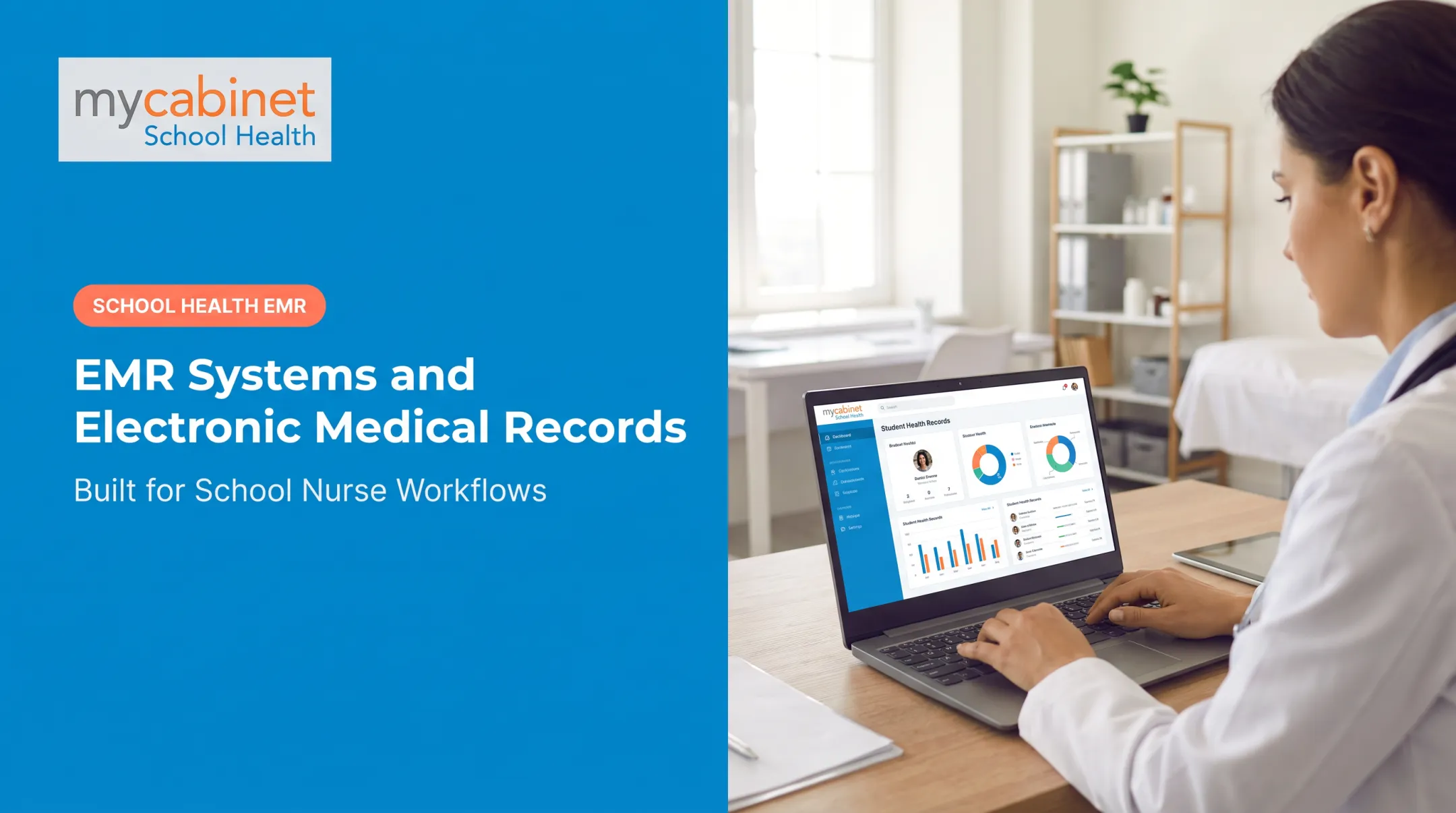
MyCabinet is built for the specialized end: a cloud-native school health platform organized around K–12 nursing workflows, not a general charting system adapted for schools. The Nurse Portal runs in-browser; parents use a companion iOS/Android app or web portal. Core workflow patterns include:
- Structured clinic-visit documentation with predefined visit types
- Task lists surfacing incomplete visits, rechecks, medication reminders, and screening deadlines
- Medication tracking with expiration alerts, dosage visibility, and outreach logging tied to student records
- A connected Parent App and Web Portal for form submission and one-way notifications
A generic hospital EMR can store the same fields — it simply isn't built for the volume, pace, or family communication a school nurse's office needs.

Examples of EMR Systems by Practice and School Setting
Real-world EMR choices diverge sharply by organization size and care setting.
Large Health Systems and Hospitals
Epic, Oracle Health (Cerner), and MEDITECH dominate here, chosen for interoperability, multi-location coordination, and deep reporting. Per KLAS data reported by Becker's Hospital Review, Epic held 42.3% of U.S. acute-care hospitals and 54.9% of hospital beds in 2024, with Oracle Health at 22.9% and MEDITECH at 14.8% by hospital count.

Epic is often labeled both an EMR and an EHR depending on context. It can store single-practice charts, yet it is widely networked across systems, which pushes it closer to true EHR territory.
Independent and Mid-Sized Practices
Common fits in this tier include:
- athenahealth, eClinicalWorks, NextGen, and Tebra — easier onboarding, integrated billing, and moderate cost
- NextGen Office — built for practices with under 10 providers
Small Practices and Cost-Conscious Settings
Solo and small-group practices often prioritize simplicity and low training burden:
- Practice Fusion — straightforward charting at a lower cost point
- Praxis EMR — concept-based documentation with a lighter setup load
Specialty and Niche Settings
Niche settings need workflow depth generic EMRs rarely cover. MyCabinet School Health is built for K–12 schools and districts. It combines a Nurse Portal with a connected Parent App and Web Portal for medication tracking, visit documentation, and digital health forms.
Cobb County School District adopted the platform to replace paper-based parent paperwork with electronic submission. In a 2025 school board meeting, Superintendent Chris Ragsdale described how the system digitized school-health documentation and gave parents visibility into clinic visits and medication administration.
That parent-visible clinic workflow is a gap most generic EMR systems do not address.
How to Choose the Right Type of EMR System
The "right" EMR depends on your organization's actual needs, not brand recognition. Factors worth weighing:
- Purpose and workflow fit — Does it match your clinical setting and documentation style?
- Scale — Single practice, multi-location group, or district-wide deployment?
- Budget — Upfront capital investment vs. predictable subscription costs?
- Technical resources — Do you have in-house IT to manage on-premise or open-source systems?
- Compliance requirements — HIPAA, FERPA, and ONC certification, depending on your setting.
- Long-term scalability — Can the vendor scale with your growth and deliver reliable ongoing service?

For school districts, security and compliance usually rank highest in vendor evaluations, followed by parent engagement features such as mobile apps and secure notifications. Clinical workflow fit, reporting capability, and technology architecture round out the remaining criteria.
Common mistakes to avoid:
- Choosing the most feature-rich system when a simpler one fits better
- Ignoring interoperability needs until after implementation
- Underestimating staff training time
- Picking a vendor purely on brand familiarity
Conclusion
EMR systems are now core infrastructure across healthcare and in adjacent settings like school health, where medication safety and parent communication carry real stakes. Deployment model and clinical scope both shape which type fits your organization.
Match EMR type to genuine workflow needs rather than the most popular name. That choice drives better outcomes for staff, students, and families.
Frequently Asked Questions
What are some examples of electronic medical record systems?
Well-known examples span hospital, independent practice, and specialty settings: Epic and Oracle Cerner for large health systems, athenahealth and Tebra for independent practices, and MyCabinet School Health for K-12 school nursing.
What are the different types of EHR systems?
Four deployment models exist: on-premise (self-hosted), ASP (vendor-hosted, dedicated server), SaaS/cloud (subscription, browser-based), and open-source (customizable, free core code).
What are the different types of health records?
EMR is a digital chart maintained within one practice. EHR is designed for cross-provider data sharing. PHR is a personal health record that individuals maintain themselves.
Is Epic an EHR or an EMR?
The terms are often used interchangeably, but Epic's cross-organization networking and interoperability make it function more as an EHR than a single-practice EMR.
What EHR do most hospitals use?
Epic and Oracle Cerner dominate large hospital and health system usage, together covering roughly two-thirds of U.S. acute-care hospitals as of 2024.
What charting systems are there?
Charting models include template-based, free-text, AI-assisted, and structured visit-based. School health EMRs typically use predefined visit types for consistency.