Confusing an EHR with an EMR, or misunderstanding what "interoperability" actually requires, leads to real problems: compliance gaps, clunky workflows, and frustrated staff. This guide breaks down what an EHR really is, how it differs from an EMR, its core features, and what each fundamental means inside a K-12 school health office.
Key Takeaways
- EHRs stay shareable and longitudinal across care settings; EMRs stay inside one practice
- Documentation, e-prescribing, decision support, and interoperability define core EHR value
- HIPAA sets the bar for access controls, encryption, and breach notification in the U.S.
- School health uses the same EHR fundamentals, adapted for FERPA and nurse workflows
What Is an Electronic Health Record (EHR)?
An EHR is a digital, longitudinal record of a patient's health history. According to CMS, that includes:
- Demographics and past medical history
- Diagnoses and progress notes
- Medications and immunizations
- Vital signs, lab data, and radiology reports
A student health record holds a narrower version of the same list: visits, medications, allergies, immunizations, and screenings.
Unlike a static file, an EHR is designed to be shared across systems and providers. ONC describes it as a real-time, patient-centered record accessible immediately and securely to authorized users, no matter where a patient receives care.
In everyday conversation, the acronym gets used loosely. Many people say "EMR" when they mean a system with EHR-level capabilities, and district procurement documents are no exception.
EHR vs EMR: What's the Difference?
An EMR is essentially a digital chart — confined to one practice, much like a paper file that never leaves the building. An EHR is built differently: it's meant to follow the individual across providers, specialists, and care settings.
| Dimension | EMR | EHR |
|---|---|---|
| Scope | Single practice or provider | Multiple care settings and providers |
| Shareability | Limited, stays in-house | Designed for data exchange |
| Best use case | Small practice managing its own charts | Coordinated care across a health system |

Regulatory bodies like CMS and ONC favor the term "EHR" because it reflects a broader view of a person's health, not just one practice's clinical notes.
Every EHR contains EMR-like data, but not every EMR qualifies as an EHR. The distinction isn't the product label — it's scope and the ability to exchange information.
That same model applies in school health: a shareable student record helps nurses, administrators, and families stay aligned across clinics, campuses, and care settings.
Key Features and Functions of an EHR
A modern EHR does far more than store records. Core components typically include:
- Documentation storage: centralized charts, visit notes, and health history
- E-prescribing: sends prescriptions electronically to a pharmacy — a clinical function schools rarely need, since school nurses carry out orders rather than write them
- Decision support: evidence-based prompts that surface an allergy or a dosing conflict before someone acts
- Scheduling: integrated calendars tied to the record, used in schools for screenings and recheck visits
Access Controls and Data Integrity
Role-based access controls limit who can view or edit sensitive health data, while audit trails log every action taken in the system. Together, they let authorized staff document care quickly without exposing records to anyone who does not need them.
Interoperability and Reporting
Results and lab integration allow diagnostic reports to flow directly into the record instead of arriving as a separate fax or PDF. The equivalent inbound documents in a school are provider orders, immunization records, and sports physicals. ONC defines interoperability as the ability of two or more systems to exchange health information and actually use it after receipt — not just transmit it.
Reporting and analytics functions help organizations:
- Track compliance with screening and immunization mandates
- Monitor population-level health trends
- Support audit-ready documentation
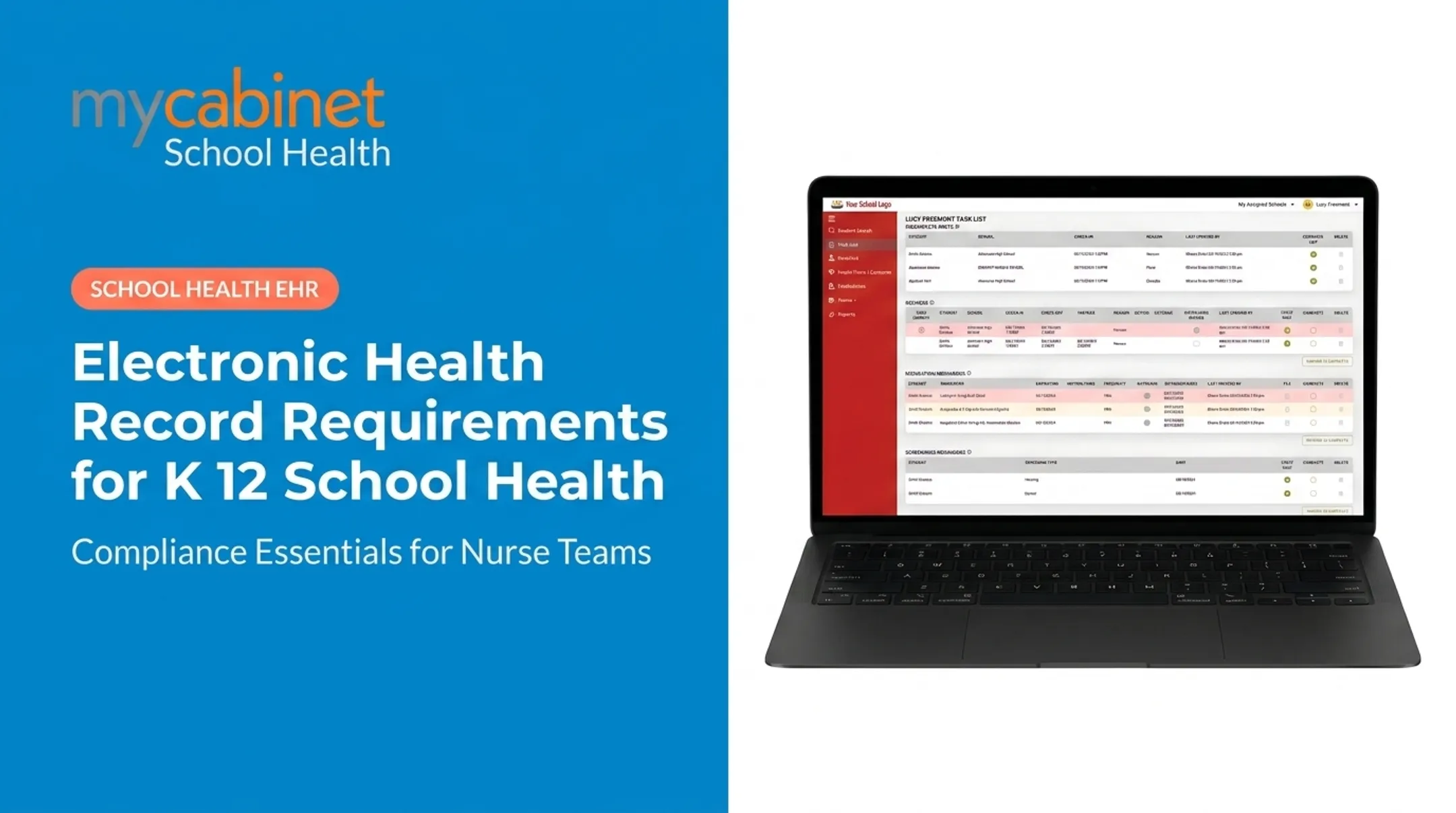
Many modern platforms also include task-based workflows: structured lists that flag incomplete visits, pending rechecks, medication follow-ups, or unfinished documentation. That keeps day-to-day work visible so fewer items slip through the cracks.

Other Areas Districts Evaluate
Districts also expect these areas to be covered:
- Chronic condition management: diabetes, asthma, seizure, and anaphylaxis plans, with a record of which staff are trained on each
- Role-based staff alerts: need-to-know information for teachers and chaperones without exposing the full chart
- Medicaid documentation: billable service codes, consent tracking, and claims-ready exports for districts in school-based Medicaid states
Advantages of Using an Electronic Health Record
The shift away from paper and spreadsheets brings measurable operational benefits, even where exact percentages vary by setting.
Key advantages include:
- Cuts administrative burden with automated forms, records, and follow-up that replace manual re-entry
- Speeds coordination when authorized staff see real-time student information and close gaps faster
- Improves safety through medication tracking, built-in alerts, and structured documentation
- Gives families direct visibility through secure portals—without phone tag
A 2016 physician time-motion study found that desk and EHR work accounted for 49% of office time, compared to just 27% spent in direct clinical face time, according to AHRQ's PSNet summary. That figure is a useful benchmark for administrative load, not proof that every EHR saves time on its own.
Efficiency gains still show up differently by setting, and school feedback reflects that. Cobb County School District's superintendent described a school health platform as making documentation "easier" and called parents submitting paperwork electronically "a win for the parents and a win for the district."
Compliance, Security, and Family Access
HIPAA sets the baseline for how EHR systems handle protected health information (PHI). The HHS Security Rule requires:
- Risk analysis — an accurate, thorough assessment of potential vulnerabilities to ePHI
- Access control — limiting access to authorized persons only
- Audit logging — recording and reviewing system activity
- Transmission security — technical safeguards against unauthorized access during data transfer
Encryption is technically an "addressable" specification under the current rule, not a strict mandate. That doesn't make it optional in practice. Covered entities must implement it when reasonable, or document a valid alternative.
Under the Breach Notification Rule, affected individuals must be notified within 60 days of discovery. Breaches affecting 500+ people also require notifying HHS and, in some cases, local media.

Other regulations may layer on top, and in K-12 the layer usually replaces HIPAA rather than adding to it. A school's own student health records are generally FERPA education records, not HIPAA records, including health records maintained by providers acting on the school's behalf. That changes how disclosures and consent work, and it is the framework a school nurse documents under day to day.
Families increasingly get secure portal or app access to those records. In a school that means a parent seeing their child's health office visits and medication notices rather than calling to ask.
EHR Fundamentals in School Health Settings
School nurses manage a very different workload than staff in a typical clinical practice. They're often responsible for medication schedules, health screenings, and parent communication across hundreds or thousands of students at once. A 2024 CDC-linked study found workloads varying widely: more than half of nurses surveyed served fewer than 750 students, while others managed caseloads exceeding 5,000.
That range makes general-purpose clinical EHRs a poor fit. Schools still need documentation and access controls, shaped around nurse-specific tasks and family engagement.
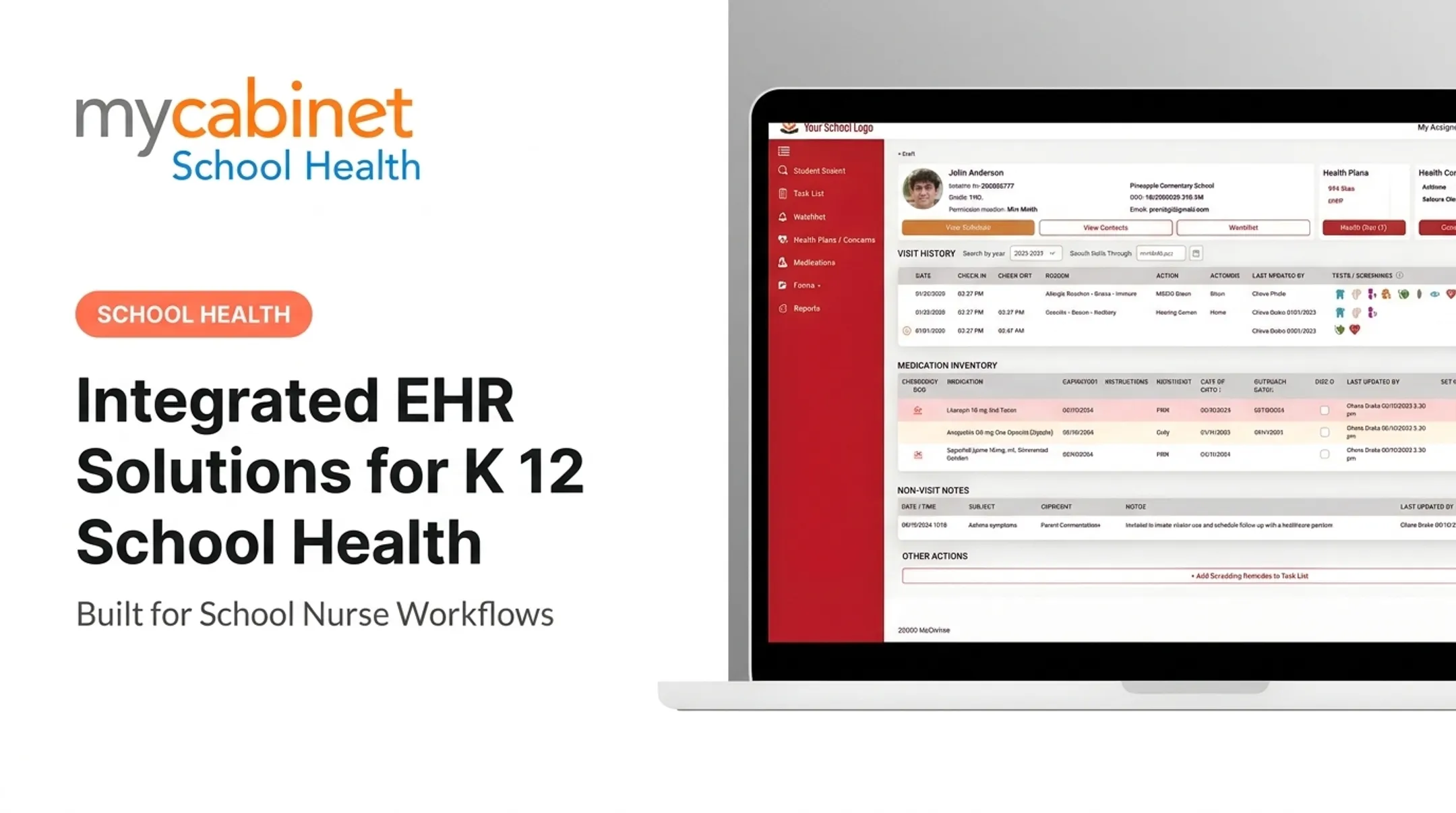
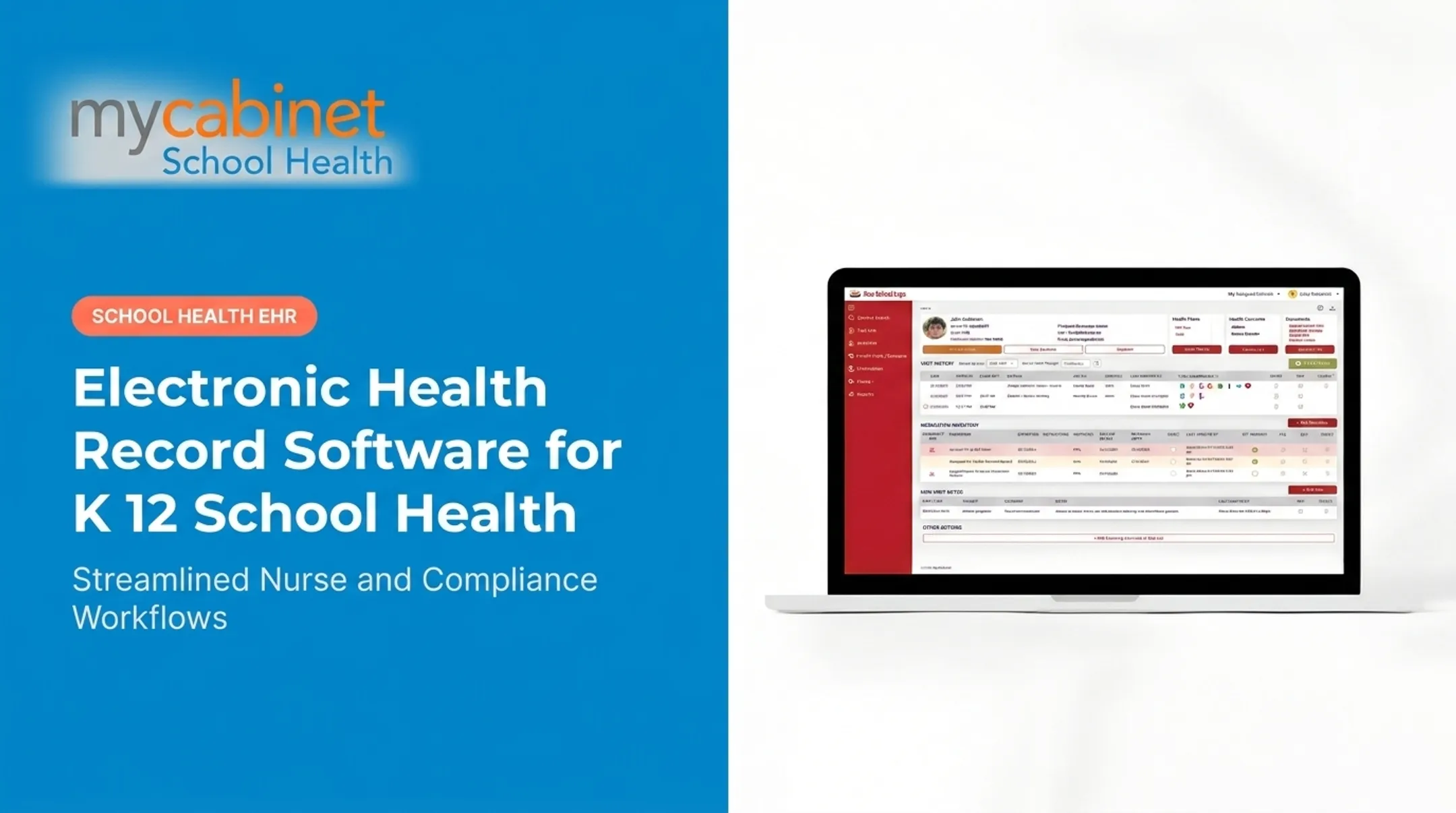
MyCabinet School Health applies these same fundamentals with workflows built specifically for that environment:
- Structured documentation with predefined visit types and clean audit trails
- Task management via one list for incomplete visits, rechecks, medication reminders, and screening follow-ups
- Controlled access through role-based permissions in a secure environment that isolates health data from broader school systems
- FERPA-aligned records tied to the enrolling parent's email, with consent rules shifting when a student turns 18
The connected Nurse Portal, Parent App, and Parent Web Portal close the documentation loop:
- Nurses manage visits and medications from the portal
- Parents get one-way notifications about clinic visits and medication expirations via app or browser
- Approved health forms attach directly to the student record after nurse review
A platform designed around school workflows, rather than a retrofitted clinical EHR, cuts administrative friction and strengthens medication oversight. Expiration tracking and outreach logging are the gaps clinical-only systems were never built to cover.

Frequently Asked Questions
What's the difference between an EHR and an EMR?
An EMR is a digital chart confined to a single practice. An EHR is built for interoperability, designed to follow the individual and be shared across multiple providers and care settings.
What are the key features and functions of electronic health records (EHR)?
Core functions include documentation storage, e-prescribing, clinical decision support, and interoperability for exchanging data between labs, pharmacies, and specialists.
What are the advantages of using an electronic health record (EHR)?
EHRs reduce administrative burden, improve care coordination through real-time data access, and enhance safety with medication tracking and error-reducing alerts.
Can parents access their child's electronic health records?
Yes. Portals and mobile apps give families secure access to visit history, medications, and health notices. In school health that access is controlled by role-based permissions and tied to the enrolling parent.
What are the HIPAA requirements for using electronic health records?
HIPAA requires access controls, audit logging, and breach notification within 60 days. Encryption is addressable, meaning it must be implemented when reasonable or replaced with a documented alternative.
What are some examples of EMR/EHR systems?
Examples range from general clinical EHR platforms used in hospitals and physician practices to specialized systems like MyCabinet School Health, built specifically for K-12 nurse workflows and parent engagement.