Generic clinical EHRs built for hospitals and clinics weren't designed for this reality. They're structured around billing and provider-to-provider care, not a nurse managing medication schedules, health forms, and parent questions across an entire building.
This guide breaks down what school health EHR software actually is, the features that matter, real benefits, common pitfalls, and how to evaluate a platform like MyCabinet School Health.
Key Takeaways
- School health EHRs center on nurse workflows—not billing or provider coordination like clinical EHRs
- Prioritize task automation, medication expiration tracking, digital forms, and parent-facing apps
- The right platform cuts admin work, improves medication safety, and keeps districts aligned with FERPA and HIPAA
What Is Electronic Health Record Software for K-12 School Health?
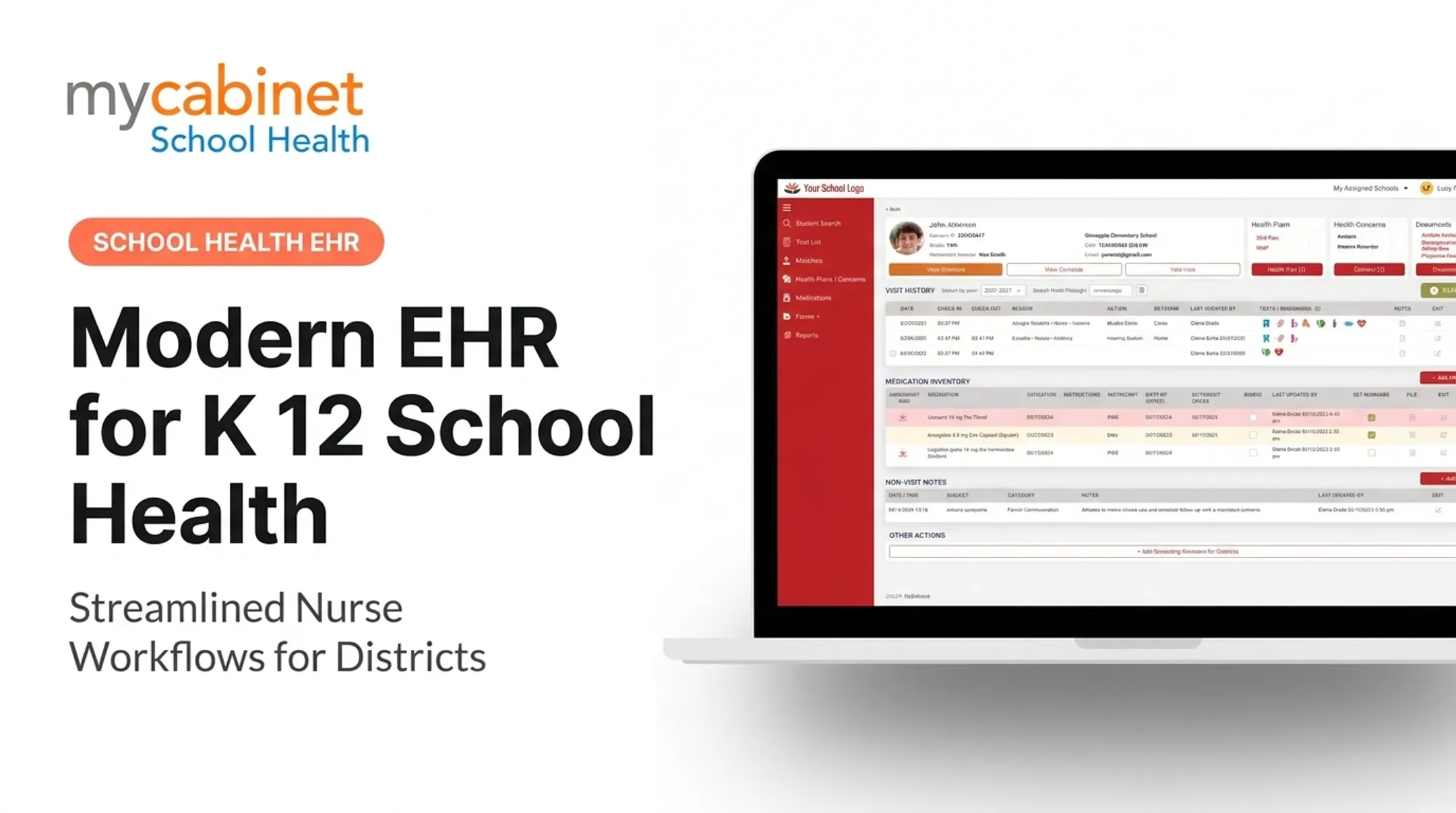
A school health EHR is a digital system that centralizes student immunizations, medications, allergies, and visit history in one record. Instead of chasing paper across binders and spreadsheets, nurses get a one reliable record for every student they manage.
MyCabinet, for example, centralizes four core data types:
- Immunizations — tracked and updated as parents submit records digitally
- Medications — tracked for administration, dosing history, and expiration alerts
- Allergies — maintained for awareness and emergency planning
- Visit history — documented as structured clinic visits over time

Why Traditional EHRs Don't Fit School Health
ONC defines a general EMR as a digital chart built for a clinician's office, with EHRs extending that scope for cross-provider exchange. That model assumes billing, insurance, and provider-to-provider handoffs.
School clinics don't bill. They serve hundreds of students in a non-clinical setting, and they answer to parents, not payers. NASN's position is explicit: EHRs must fit the nursing process, standardized school-health data, and student privacy rules — not be repurposed from a hospital system.
FERPA-aligned access controls and built-in parent communication are two things most clinical EHRs simply don't offer out of the box.
Core Features to Look for in K-12 School Health EHR Software
The best platforms are built around what a nurse actually does all day, not just what a record-keeping system stores. Prioritize task and medication workflows, structured documentation with access control, and parent communication that informs families without flooding the clinic.
Task Lists and Medication Management
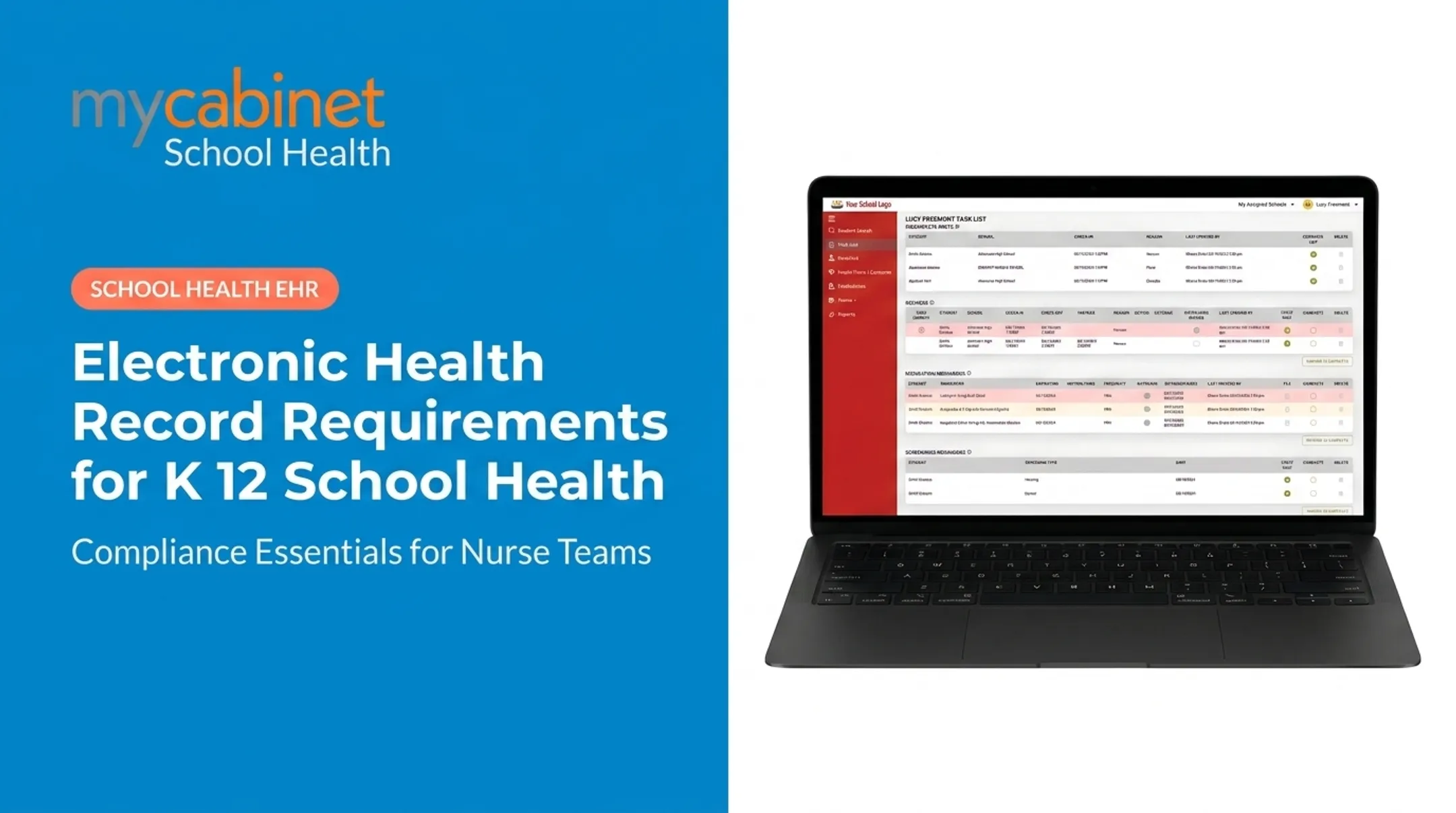
Intelligent task lists organize incomplete visits, recheck visits, medication reminders, and screening due dates so nurses know what needs attention first. On the medication side, look for:
- Centralized medication records and administration logs
- Automated expiration alerts before medications lapse
- Parent visibility into what's stored at school
Those controls are not optional. A North Carolina study found 78 medication errors requiring medical intervention annually annually across 115 districts, and 15.3% of school nurses reported an error in a single year—missed doses most often.

Documentation, Forms, and Access Control
Look for documentation tools that keep records consistent and defensible:
- Structured visit notes with predefined visit types and audit trails
- Digital health-form intake so parents upload immunizations and medication authorizations
- In-system nurse review, approval, and attachment to the student record
Role-based, FERPA-aligned permissions matter just as much:
- Parents see only their own child's data
- Nurses and approved staff access only what's needed for care
- Technical staff access is limited to system maintenance
Parent Communication, Without the Overload
A mobile app and web portal give families visibility into clinic visits and medication status. Prefer one-way notifications—visit alerts and medication reminders—so nurses are not pulled into open chat threads. MyCabinet School Health uses that model: families stay informed in the app or portal, then contact the clinic directly when they need a response.

Other Areas Districts Evaluate
Districts also expect these areas to be covered:
- Chronic condition management. Diabetes glucose and insulin logs, asthma, seizure, and anaphylaxis plans, plus tracking of which staff are trained on each plan.
- Role-based staff alerts. Teachers, coaches, and chaperones see only what they need, such as an epinephrine plan, with printable emergency cards for off-site activities.
- Medicaid documentation. Billable service capture with correct codes, consent tracking, and claims-ready exports that can offset platform cost.
- Administrative processes. Role and hierarchy management, substitute coverage, forms library, retention schedules, rollover, and full audit logging.
Benefits of a Connected School Health EHR Platform
Replacing paper, spreadsheets, and manual follow-up with one digital workflow pays off in several ways:
- Keeps forms, medication logs, and visit records in one place instead of scattered files
- Catches medication expirations with automated alerts that manual tracking misses
- Gives parents real-time visibility into clinic visits and medication status
- Strengthens compliance with structured documentation and audit trails
A 2022 study found that school-nurse access to a hospital EHR was associated with 34% fewer ED visits and 44% fewer hospitalizations among 336 students studied. That's not proof a school-health platform alone drives those numbers, but it shows what better information access and coordination can do.

Cobb County School District put this into practice with MyCabinet, digitizing health documentation and giving parents visibility into whether their child was seen or given medication. Superintendent Chris Ragsdale called it "a win for the parents and a win for the district" during a 2025 school board meeting.
Common Challenges in School Health Recordkeeping
Most districts face the same three problems before switching to a connected platform.
- Fragmented data: Nurses dig through paper binders, spreadsheets, and disconnected systems just to find an allergy note or emergency contact—burying critical information when it's needed most
- Compliance risk: Manual processes rarely create clear audit trails for medication administration or form approvals, leaving districts exposed if records are questioned
- Parent communication gaps: Without a connected system, families often learn about a clinic visit or medication issue days later, if at all
A workflow-first platform like MyCabinet tackles each gap directly. Task automation replaces manual tracking, structured documentation creates an audit trail, and controlled one-way notifications close the communication gap without overloading nurses.
How to Choose the Right School Health EHR for Your District
Not every platform labeled "EHR" fits a school clinic. Before signing a contract, check these four things:
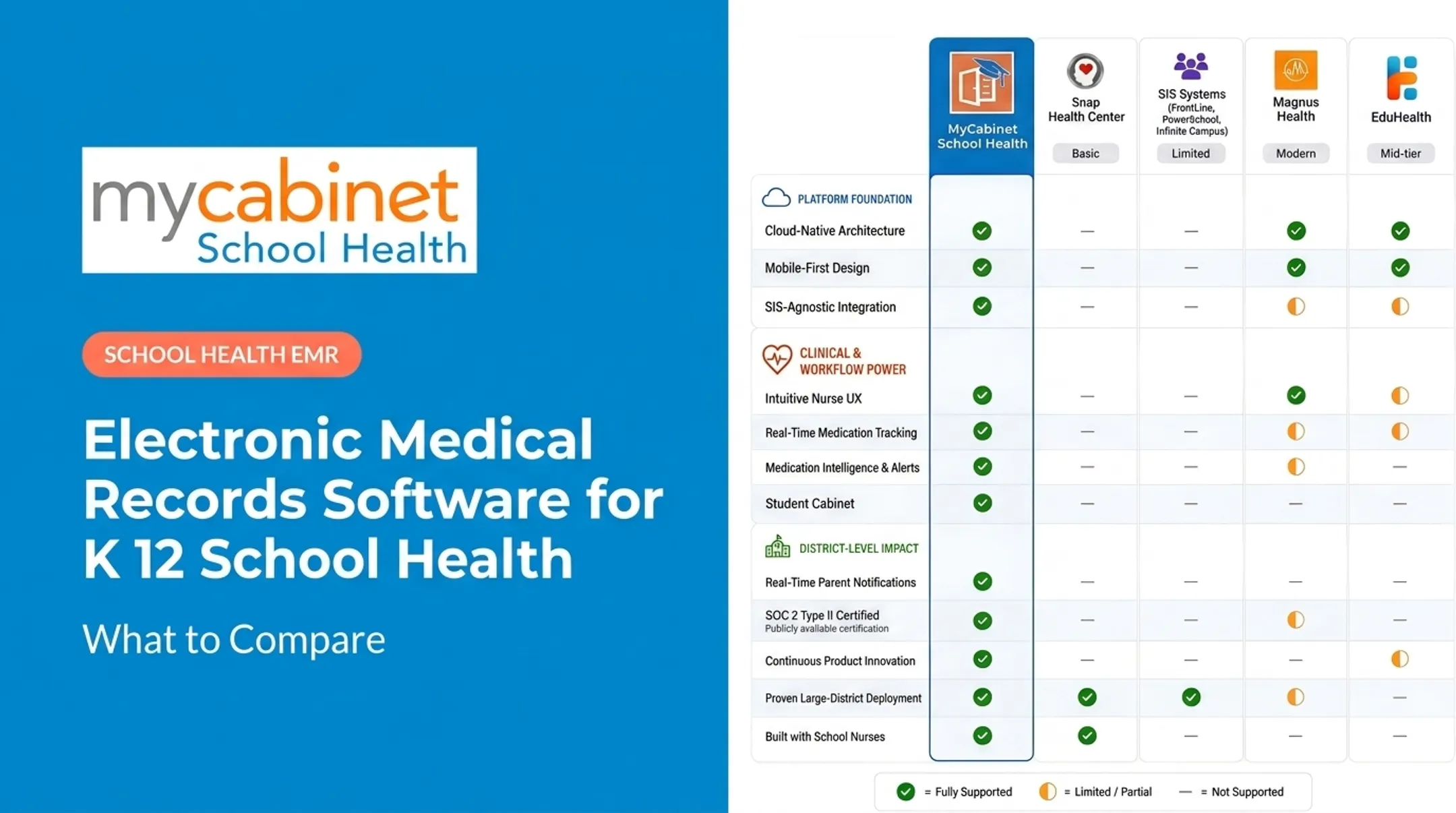
- Purpose-built vs. adapted — Was the platform designed for school health, or retrofitted from a clinical/hospital system?
- True parent access — Does it include both a mobile app and web portal, or just nurse-facing documentation?
- Compliance certifications — Can the vendor document HIPAA, FERPA, and SOC 2 compliance, including audit scope and period?
- Implementation and feedback loop — How does the vendor handle onboarding and training, and does nurse feedback shape product updates?

A platform that clears these checks looks practical in day-to-day use. MyCabinet is web-based with no install required and integrates with a district’s Student Information System. Nurse feedback flows through the Nurse Portal and is prioritized by urgency and district-wide demand.
Frequently Asked Questions
What are the top electronic health record (EHR) software systems?
General medical EHRs like Epic or athenahealth focus on clinical billing and provider coordination. For K-12 schools, purpose-built platforms like MyCabinet School Health are designed around nurse workflows instead.
Is there a free electronic health record (EHR) or EMR system?
Free and open-source EMRs exist for clinical practices, but they aren't built for school-health workflows, FERPA requirements, or parent communication. Districts typically need dedicated, compliant platforms rather than adapting a free clinical tool.
What is the easiest electronic health record (EHR) software to use?
Ease of use comes down to workflow-first design. Features like task lists and predefined visit types make daily documentation faster than generic templates built for clinical settings.
What is EMR charting?
EMR charting is the digital documentation of a student encounter. In school health, that includes visit types, medications administered, and screening results, all recorded in the student's digital record.
Who has access to my EHR?
Access is role-based: nurses and authorized staff see what's needed for care, administrators get oversight-level reporting, and parents see only their own child's information. This structure aligns with FERPA and HIPAA guidelines protecting student health data.