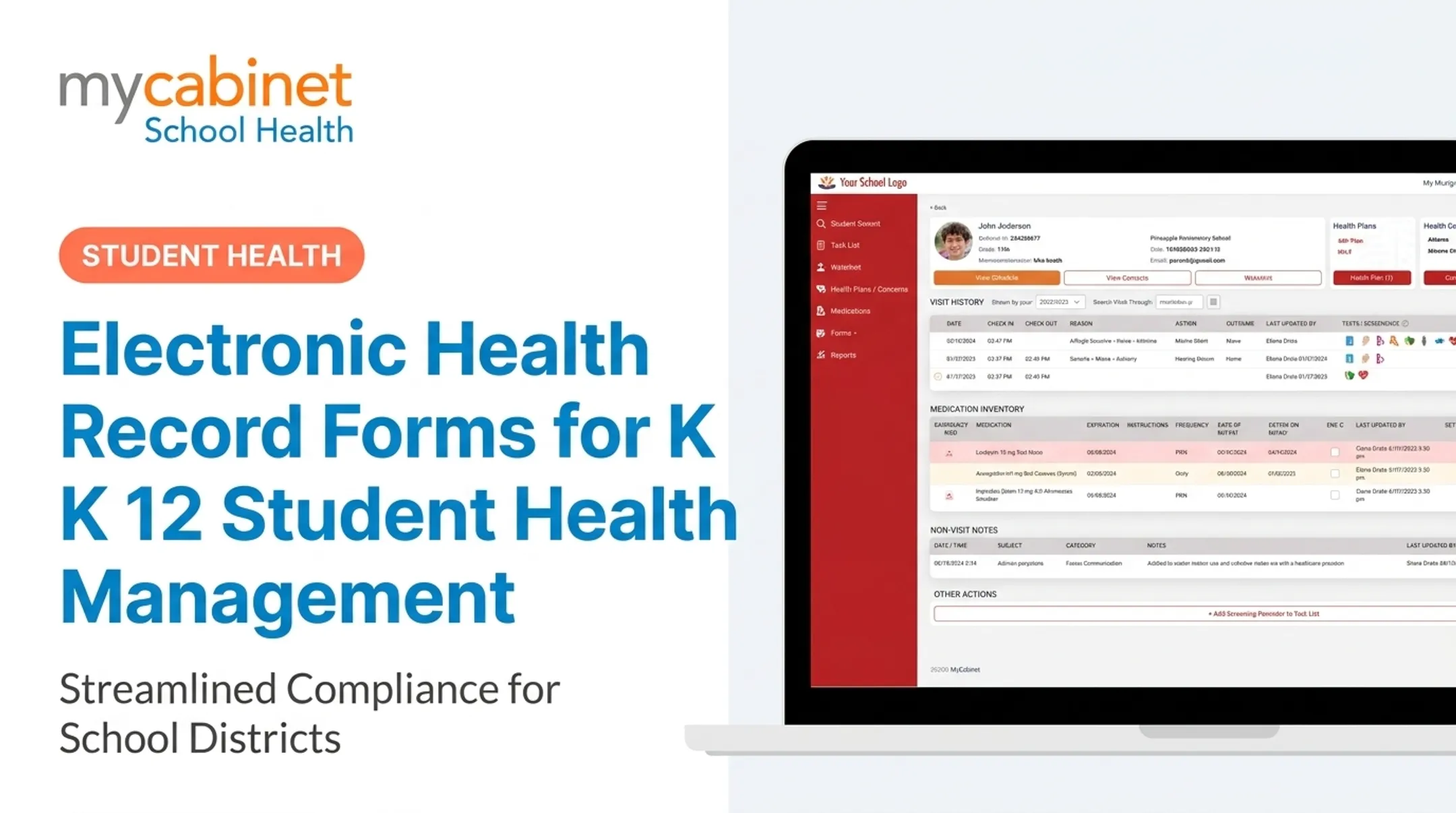
Lost forms delay care. Incomplete medication authorizations create liability. Faxed allergy plans get buried under sports physicals. Manual tracking simply doesn't scale to the volume of health documentation K-12 schools require every year.
This guide covers what digital medical form applications actually are, the benefits of switching, the features that matter most, and how to evaluate a platform for your district.
Key Takeaways
- Digital medical form apps replace paper packets with secure, parent-submitted records nurses can review and approve online
- Schools cut administrative filing work while keeping FERPA-aligned data handling
- Strong platforms tie form collection to daily nurse workflows, not just document storage
- Expiration tracking and role-based access reduce compliance risk during audits and emergencies
What Are Digital Medical Form Applications and Why Schools Need Them
Digital medical form applications let parents submit required health documents online, including immunization records, medication authorizations, allergy action plans, and physicals. Nurses review and approve them digitally instead of chasing paper.
This is a real shift from the fax-and-file-cabinet model. Packets no longer sit in a mail slot or get lost between the front office and the clinic. Submissions move through a structured digital workflow with a timestamp and an owner.
The scale here matters. School nurses maintain daily health records covering over 95% of school-aged children in the US, according to the National Association of School Nurses. Those records span screenings, immunizations, and treatment plans for conditions like asthma, severe allergies, seizure disorders, and Type 1 diabetes. That is an enormous volume of documentation to manage by hand.
The compliance stakes are real too. A missing medication authorization or an outdated immunization record isn't just paperwork clutter. It's the kind of gap that delays care during an emergency and exposes a district to liability.
Common School Health Forms That Should Be Digitized
Districts typically juggle five recurring form types:
- Immunization records — proof requirements vary by state and may include medical records or state Immunization Information System data
- Medication authorization forms — required before a nurse can administer any medication at school
- Emergency contact and allergy action plans — critical during a fast-moving health event
- Sports physicals — often tied to athletics eligibility and updated annually
- Health history updates — needed at enrollment and at key grade transitions

When these forms live on paper across different offices, districts lose version control. A nurse might not know a physical expired until a parent calls asking why their child can't practice.
Key Benefits of Switching to Digital Medical Forms
Daily workflow friction drops once medical forms move online. Districts see the gains in nurse time, compliance speed, and parent response rates.
Key benefits include:
- Routes forms straight to the student file, cutting manual entry and binder searches so nurses spend more time on care
- Creates timestamps, approval trails, and searchable records for faster audits when a form's status is questioned
- Puts allergy and medication details on screen in an emergency instead of a paper file cabinet
- Replaces illegible handwriting and missing signatures with structured required fields
- Lets families submit and update forms from a phone or laptop—no mailing or office drop-off
NASN's 2024 position statement on school-nursing EHRs makes the same case. A well-designed EHR keeps secure legal records, supports efficient workflow, and helps prevent errors. It also produces data districts can use for trends, program evaluation, and reporting.

Cobb County School District saw that shift in practice with MyCabinet. Superintendent Chris Ragsdale noted that parents can submit health paperwork electronically and view clinic visits and medication administration. He called it "a win for the parents and a win for the district."
Must-Have Features in a Digital Medical Form Platform
Not every form tool is built for school health. Here's what to look for:
- Parent-facing upload accessible via mobile app or web portal — families shouldn't need a specific device or browser to submit paperwork
- Nurse-side review and approval workflow — clear pending, approved, or rejected status on every submission
- Automatic attachment to the correct student health record — no manual filing after approval
- Expiration tracking and reminders — flags forms nearing renewal, such as annual physicals or medication authorizations
- Role-based access controls — only authorized staff see sensitive health data
- Integration with broader nurse workflows — visit documentation and medication administration, not a siloed document folder
MyCabinet's platform supports parent submission of immunization records, medication documentation, allergy action plans, and physical evaluations. Statuses like completed, due, or pending approval stay visible in the app.
Parents see only their own child's information. Nurses and approved staff access what's needed to provide care, with role-based permissions and audit trails behind every view.

How Digital Form Collection Fits Into a Connected School Health Platform
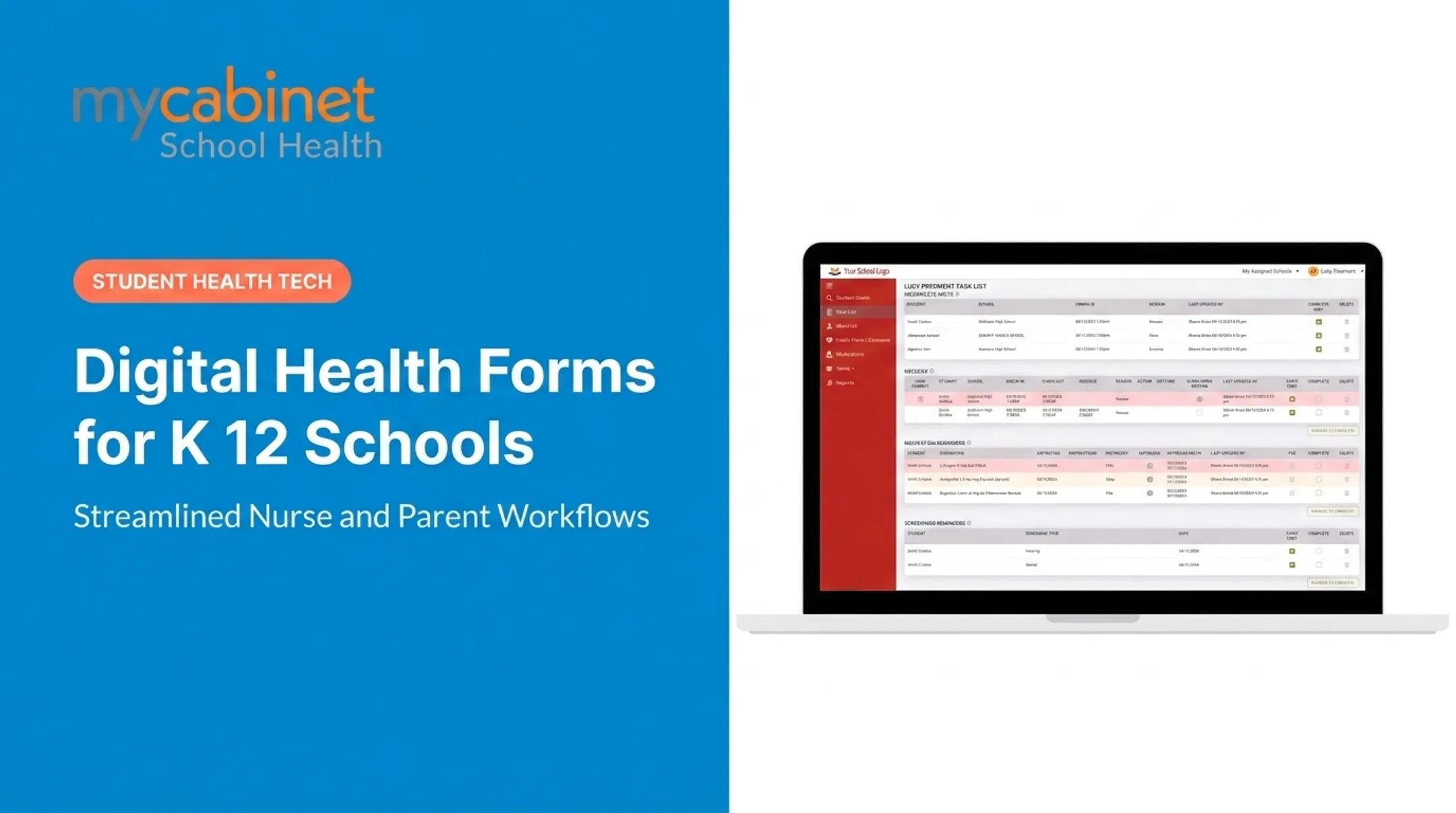
Form collection works best when it's not a separate system nurses have to check on top of everything else. It should feed directly into the daily task list they're already using.
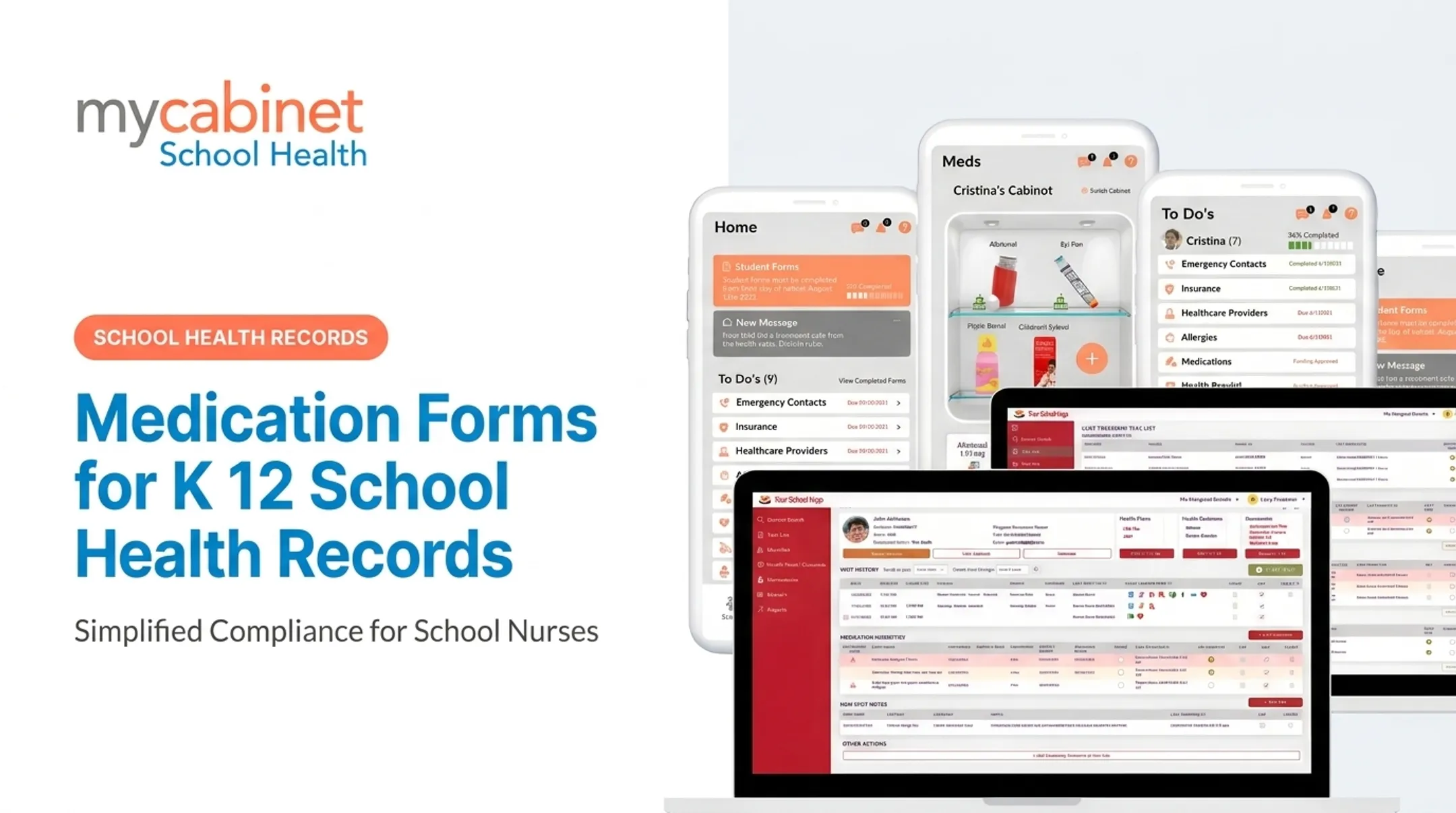
MyCabinet's Parent App and Parent Web Portal let parents upload health forms, which nurses then review, approve, and attach directly to the student's profile. Parents who prefer not to download an app get the same access through the browser portal.
Once forms live on the student profile, the same connected platform handles parent communication—in one direction, by design:
- Clinic visits trigger a parent notification
- Medication expirations send an automatic alert
- Medication administration generates a parent alert
Parents can view these alerts but can't reply through the app. If they have a question, they contact the school clinic directly. That one-way structure keeps communication clear without creating an open messaging channel nurses have to monitor.
This is the model MyCabinet built with Cobb County School District, giving nurses a structured, compliant way to handle documentation while giving families clear visibility into visits, medications, and forms.
Compliance Considerations: FERPA, HIPAA, and Data Security
Student health records maintained by or for a FERPA-covered school are generally treated as education records under FERPA, not HIPAA-protected health information.
According to joint guidance from the Department of Education and HHS, HIPAA typically doesn't apply to elementary or secondary schools. Either the school isn't a HIPAA-covered entity, or the records fall under FERPA instead.
That distinction matters for vendor selection. Look for:
- Encryption of data at rest and in transit
- SOC 2 Type II certification confirming security controls are designed and operating effectively
- Audit logs tracking who accessed or modified a record
- Role-based permissions limiting access to only what's needed

Choosing a platform with these controls reduces district liability compared to emailing or faxing sensitive health forms, which offer no audit trail and minimal access control. MyCabinet is SOC 2 Type II audited and built with HIPAA- and FERPA-aligned architecture that isolates sensitive health data from broader student information systems.
How Schools Can Choose the Right Digital Medical Form Solution
Before signing a contract, run through this checklist:
- Purpose-built vs. generic: Built for school health workflows, or a generic form builder repurposed for schools? NASN cautions that generic academic modules often lack nursing confidentiality and workflow standards.
- Parent accessibility: Can families submit through both a mobile app and a browser? Submission barriers lead to incomplete records.
- Nurse workflow integration: Does it connect forms to task lists, medication tracking, and visit documentation—or only store PDFs?
- Compliance certifications: Confirm HIPAA compliance, FERPA compliance, and SOC 2 status, and ask for district references.
A useful due-diligence tool here is CoSN's K-12 Community Vendor Assessment Tool, which gives districts a standard way to evaluate vendor data and cybersecurity practices in procurement.
Frequently Asked Questions
What is a digital medical form for schools?
It's an online form parents complete and submit for a student's health or medical requirements (immunizations, medication authorization, or physicals), replacing the traditional paper packet.
How do digital health forms improve school nurse efficiency?
They eliminate manual filing, give nurses instant access to records during emergencies, and automate reminders for expiring forms like physicals or medication authorizations.
Are digital medical forms secure and FERPA compliant?
Reputable platforms use encryption, role-based access controls, and audit trails aligned with FERPA and HIPAA guidance. Always confirm SOC 2 certification and compliance claims before choosing a vendor.
Can parents submit medical forms from a mobile phone?
Yes. Platforms like MyCabinet offer both a Parent App and a Parent Web Portal, giving families equivalent access whether they prefer a phone or a browser.
What happens if a required medical form expires?
Modern platforms flag expiring forms automatically and surface them in the nurse's task list, with reminder alerts sent to parents through the connected app.
How much does a digital medical form system cost for a school district?
Pricing varies based on district size, feature needs, and integrations, and most vendors provide custom quotes rather than published rates. Request a district consultation for an accurate quote.