Introduction
Walk into most school health offices and you'll find the same scene: a filing cabinet stuffed with paper immunization records, a spreadsheet tracking medication counts, and a stack of faxed forms waiting for review. Many school nurses still juggle these disconnected tools alongside email threads with parents and sticky notes for follow-up reminders.
This creates avoidable administrative work. Nurses spend time hunting for records instead of caring for students, and administrators lack real visibility into compliance or safety gaps.
EHR modernization software replaces that patchwork with a secure, connected system built around how school health offices actually work. Districts gain workflow-driven documentation, medication oversight, digital forms, and structured family communication in one place.
This article covers the benefits of modernizing a school health EHR, the features that matter most, and how districts can evaluate and implement a new system without disrupting care.
Key Takeaways
- EHR modernization improves workflows, data access, and safety, not just the interface
- School health platforms deliver more value with task management, medication oversight, digital forms, role-based access, and parent engagement
- Successful rollouts depend on nurse involvement, data-quality planning, and clear training goals
- Evaluate systems against real school nurse and family workflows, not generic healthcare feature lists
What Is EHR Modernization Software for Schools?
EHR modernization in a school-health context means replacing fragmented processes with a single connected digital system. Schools leave behind paper forms, spreadsheets, fax machines, and email chains for tools built around how school nurses and families actually work.
That shift is more than a routine software update. A modernized system restructures how visits get documented, how medications get tracked, and how parents interact with the school health office.
Where Legacy Processes Fall Short
Schools relying on outdated platforms or manual processes run into predictable problems:
- Duplicate data entry across multiple systems
- Difficulty retrieving historical records during an emergency
- Incomplete follow-up on rechecks, screenings, or medication tasks
- Medication expiration dates that go unnoticed until it's too late
- Inconsistent, undocumented parent communication
The National Association of School Nurses states that a school-nursing EHR must support the nursing process and standardized data points, plus established privacy and security protections under HIPAA and FERPA. NASN's 2024 position statement on electronic health records notes that a generic academic student-information module often lacks these capabilities.
Why School Health Needs a Specialized Approach
Student health records aren't the same as adult clinical records. They need to support:
- Nurse-specific workflows built around clinic visits and screenings
- Family access without compromising student privacy
- School-level permissions tailored to staff roles
- Health-form collection tied to enrollment and compliance deadlines
- Education-sector privacy obligations under FERPA, alongside HIPAA where it applies
Modernization doesn't have to mean ripping out everything at once. Districts might replace an outdated platform, migrate away from manual processes, integrate with existing student information systems, or roll out a new solution in phases.
Benefits of Modernizing a School Health EHR
The case for modernization isn't theoretical. A 2022 study in Applied Clinical Informatics tracked 336 students across 162 school nurses in three Denver-area districts, six months before and after EHR access. Emergency department visits dropped 34% and inpatient hospitalizations fell 44%.

Researchers also found that nurses could retrieve health forms and updated medical information on their own, cutting back-and-forth with outside clinicians. Better access reduces delays—and that is what modernization is built to deliver.
Centralized Records Reduce Guesswork
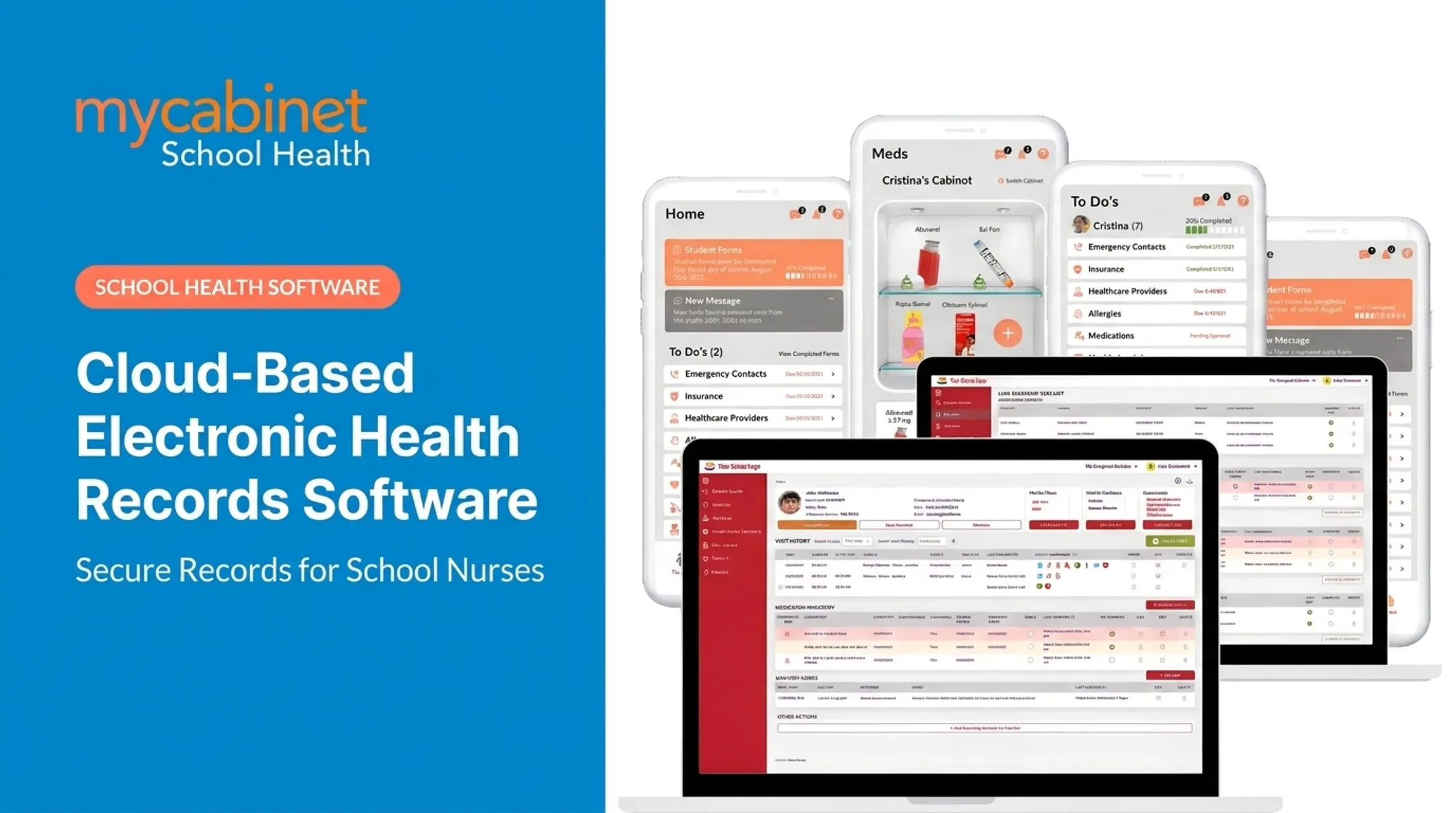
When visits, medications, forms, and screenings live in one place, staff stop hunting through scattered files. MyCabinet School Health's Nurse Portal centralizes student health records, allergies, care plans, and emergency contacts so nurses can open what they need in a few clicks—not a stack of binders.
Task Management Keeps Follow-Up From Slipping
Modernized systems don't just store information passively. They actively organize it. Task-list dashboards can flag:
- Incomplete visits requiring a recheck
- Medication reminders and expiring prescriptions
- Screening follow-ups
- Documentation still awaiting approval
Medication Safety Improves With Visibility
Dosage and frequency show up at a glance instead of staying buried in paper logs. A modern stack typically adds:
- Expiration tracking on every medication
- Outreach documentation when families need contact
- Status monitoring across the full medication cabinet
That visibility supports a more consistent review process for every student on a med list.
Digital Forms Cut Manual Entry
Parent uploads route directly into the nurse's review queue. Approved forms attach to the correct student profile automatically, which reduces both manual entry and the risk of a form landing in the wrong file.
Controlled Parent Communication
Role-appropriate notifications let parents see relevant updates—a clinic visit or an upcoming medication expiration—without opening unrestricted messaging channels.
At a 2025 Cobb County School Board meeting, Superintendent Chris Ragsdale credited MyCabinet with digitizing documentation so parents could submit paperwork electronically and see when their child was seen and given medication.
Key Features to Look for in EHR Modernization Software
Not every platform marketed as an "EHR" fits school health workflows. Here's what actually matters.
Nurse-Centered Dashboard and Task Lists
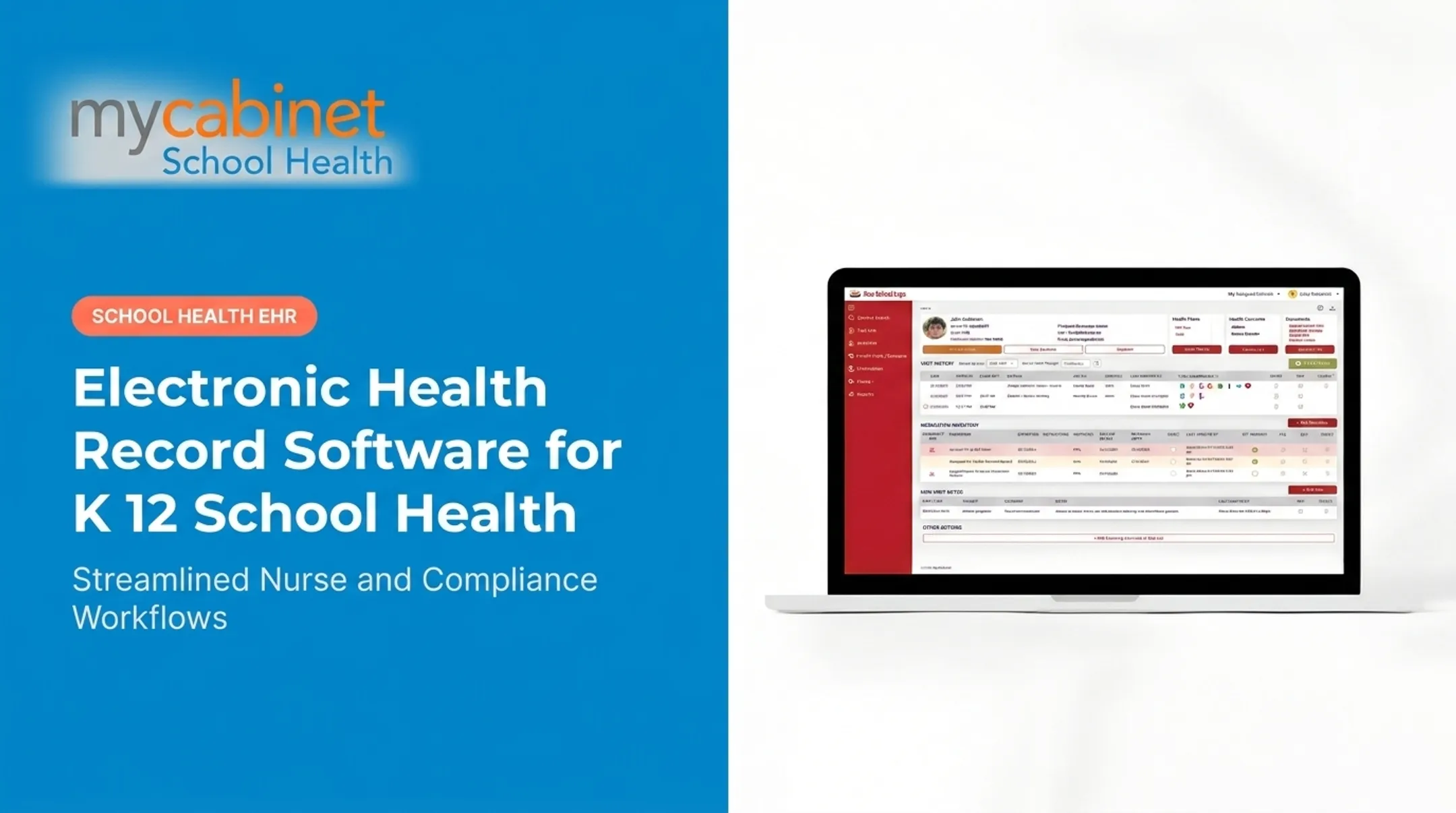
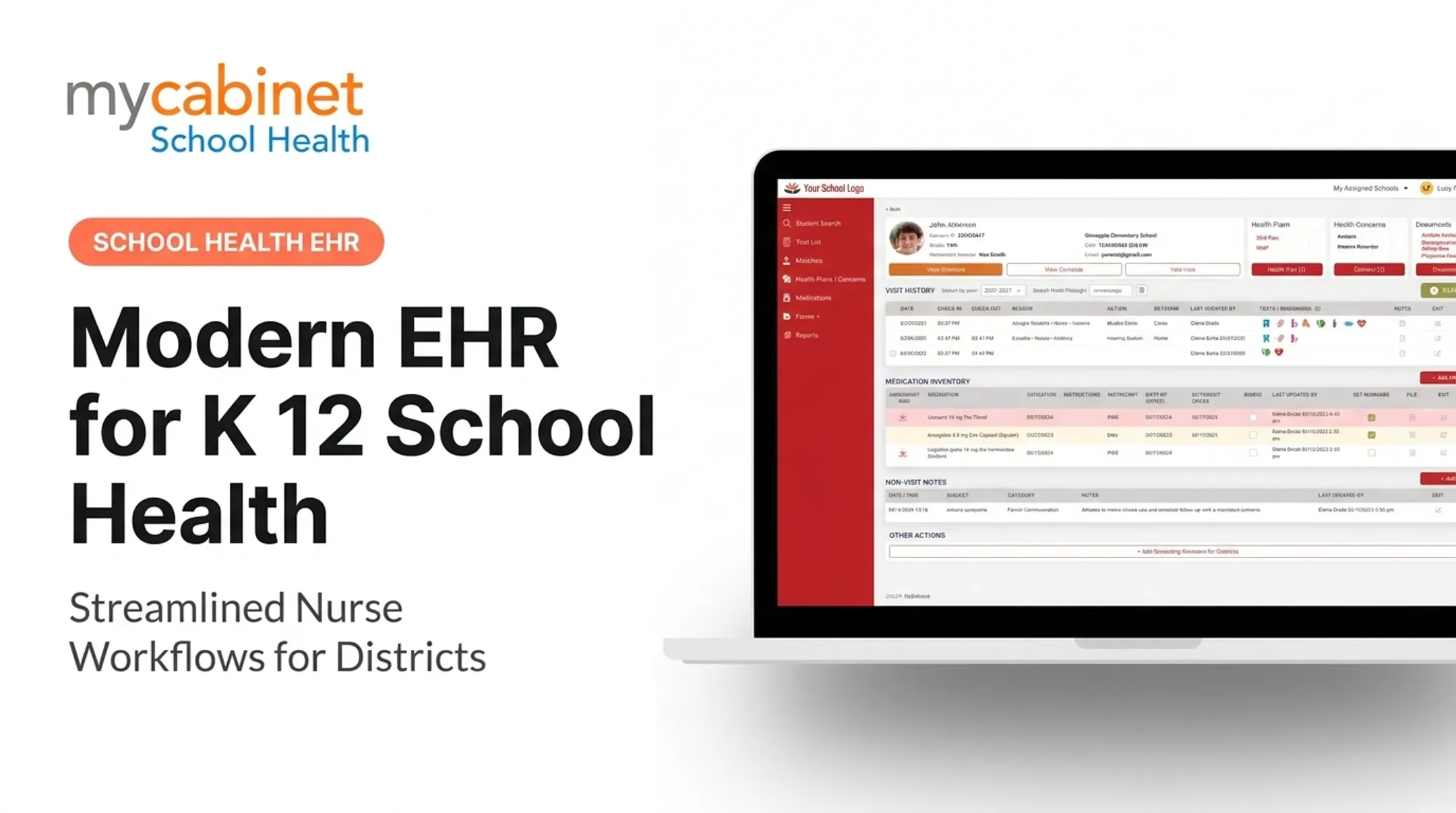
Look for structured visit types, quick documentation tools, and follow-up tracking built into a single workspace. A dashboard should show student search, visit history, health plans, medication inventory, and a running task list, not just a records archive.

Nurses often manage dozens, sometimes hundreds, of visits per week. A system built to support action, not just storage, makes that volume manageable.
Medication Management
Effective medication oversight requires:
- Student-profile documentation tied directly to each medication
- Dosage and frequency visible at a glance
- Expiration tracking with proactive alerts
- Outreach logs documenting parent communication
- Status monitoring for administration compliance
Digital Health-Form Collection
Effective systems handle the entire form lifecycle:
- Parent upload through a mobile app or web portal
- Nurse review inside the same system
- Approval workflow with clear status tracking
- Record attachment to the correct student profile
- Notifications for incomplete or expiring documentation
Role-Based Access and Controlled Sharing
Nurses, administrators, parents, and other staff each need different views into the same data. Role-based permissions should align with FERPA and applicable healthcare privacy requirements:
- Parents see only their own child's information
- Nurses see only what's needed for care
- Other staff access stays limited to their role
Family Engagement Without Overexposure
Browser-based portals, mobile access, and one-way notifications for clinic visits or medication expirations keep families informed without oversharing. Controlled visibility beats open-ended messaging: families stay in the loop without creating a support channel nurses have to monitor constantly.
Interoperability and Operational Foundations
Beyond the front-end features, evaluate:
- Export options for historical data
- APIs or integrations with student information systems
- Backup and uptime reliability
- Security monitoring and audit trails
- Reporting for district-level oversight
Example in practice: MyCabinet School Health combines a connected Nurse Portal, Parent App, and Parent Web Portal with task lists, medication oversight, digital forms, and role-based access. The platform is SOC 2 Type II certified, HIPAA compliant, and FERPA compliant. It integrates with student information systems through ClassLink certification.
How to Evaluate and Implement EHR Modernization
School EHR modernization succeeds when selection and rollout match real nurse workflows—not when a feature list looks complete on paper.
Start With a Current-State Assessment
Document how nurses currently handle visits, medications, forms, screenings, parent outreach, and reporting. Identify where delays, duplication, and privacy risks are already happening. This baseline becomes your before-and-after comparison once the new system launches.
Define Selection Criteria Before Comparing Vendors
Weigh vendors against criteria that matter for daily use, not just feature checklists:
- Nurses can complete visits and med passes without workarounds
- Families can reach forms and updates on mobile and web
- Documentation captures required fields with a full audit trail
- Medication oversight covers dosing, timing, and expirations
- Security controls meet district FERPA and HIPAA expectations
- Integrations connect to existing SIS and identity tools
- Support response times and reporting depth are guaranteed in writing
Plan Migration Carefully
Historical student data needs a clear path forward. Lock these decisions before cutover:
- What records you retain versus archive
- How data will be cleaned, mapped, and validated
- How role-based permissions will be set
- Whether a phased pilot runs before district-wide rollout
Bring the Right People to the Table
Bring these groups into demos and workflow testing:
- School nurses who will use the system daily
- District administrators and IT staff
- Privacy or compliance officers
- Representative families
Nurses catch friction points a procurement team might miss.
Roll Out With Training and Support
Role-based training, a limited pilot group, and a feedback loop before expanding are far more effective than a district-wide launch on day one.
Vendor Evaluation Checklist Before signing a contract, confirm the vendor can answer these directly:
- Who owns the data, and how is it exported if you switch systems?
- What security documentation exists (SOC 2, penetration testing, etc.)?
- How are FERPA and HIPAA responsibilities divided between district and vendor?
- What's the incident-response plan if there's a breach?
- What uptime and support-channel commitments are guaranteed in writing?

NASN's guidance for selecting an electronic documentation system for school health is clear on contracts. Have district legal or privacy officers review web-based agreements for data ownership and confidentiality terms—don't leave that review to IT alone.
Common Challenges and How to Manage Them
Even a well-chosen platform can stumble in implementation. Here's what tends to go wrong, and how districts manage it.
Data migration and quality issues. Old records often contain duplicates or outdated entries. Reduce risk by:
- Profiling data early and documenting mapping rules
- Running test migrations before go-live
- Keeping a rollback plan ready if something breaks
Staff resistance and workflow disruption. A technically strong system still fails if nurses don't adopt it. Build buy-in from the start:
- Involve nurses from day one
- Keep training realistic rather than rushed
- Identify internal champions
- Stage the rollout instead of flipping a switch district-wide
Balancing parent access with student privacy. Families want visibility; students need protection. Avoid all-or-nothing access. Use least-privilege permissions, configurable notifications, audit logs, and clear alignment with district policy.
Tracking adoption after launch. Districts should set their own benchmarks for:
- Documentation completion rates
- Task resolution time
- Form-processing turnaround
- Medication follow-up compliance
- Support ticket volume and user feedback
No national benchmark exists yet for these school-health metrics. Baseline your own numbers before and after rollout to measure real impact.
Frequently Asked Questions
How can healthcare organizations improve or modernize EHR systems?
Assess current workflows, set measurable goals, and prioritize interoperability, security, and user-centered design. Involve nurses and families early, plan data migration carefully, and follow with training and ongoing refinement.
What is EHR modernization software?
EHR modernization software—and the implementation work behind it—replaces outdated, fragmented, or manual health-record processes with a secure, connected, scalable system. For schools, that means digital workflows for visits, medications, forms, and parent communication.
What are the main benefits of modernizing a school health EHR?
Benefits include reduced administrative burden, improved nurse efficiency, stronger medication oversight, and more complete records. Districts also gain better parent communication and clearer visibility into student care.
Which features should schools prioritize in an EHR modernization platform?
Prioritize nurse-centered workflows, intelligent task lists, and structured documentation alongside medication tracking and digital forms. Role-based access, parent portals, notifications, reporting, and audit trails round out the essentials.
How can schools protect student information during EHR modernization?
Use role-based permissions, encryption, and audit logging throughout the system. Vet vendors carefully, plan secure data migration, and confirm incident-response procedures align with FERPA and, where applicable, HIPAA requirements.