A single school nurse might oversee students with asthma, diabetes, seizure disorders, and severe allergies — often across multiple buildings. One-third of students don't have access to a full-time nurse every day, according to the National Association of School Nurses. That makes reliable, accessible documentation critical, not optional.
Computerized care plans are changing that. This article covers what they are, what they include, how they work in practice, and how to choose the right system for your school or district.
Key Takeaways
- Computerized care plans replace paper binders with structured, real-time digital records
- Core plans consolidate health history, medication schedules, allergies, and visit logs
- Digital adoption cuts administrative work and improves medication safety
- Platforms like MyCabinet are built specifically for school nurse workflows, not adapted from hospital EHRs
What Is a Computerized Care Plan?
A computerized care plan is a digital, structured record outlining a student's health conditions, required interventions, medications, and care instructions. It replaces the binder of index cards sitting in the clinic filing cabinet.
The key difference from a generic digital record is that it is action-oriented. It does more than store history; it guides what the nurse needs to do today—a recheck due, a medication expiring, a screening coming up.
In a school setting, this plan is usually tied to a student's Individualized Healthcare Plan (IHP), or connected to a 504 plan or IEP requiring medical support. According to NASN, the IHP is a stand-alone nursing document containing protected health information, addressing a student's physical, developmental, or behavioral healthcare needs at school.
Living Documents, Not Static Forms
Unlike paper forms, digital plans update continuously:
- Add a new diagnosis mid-year
- Update a medication dosage after a physician change
- Revise an emergency protocol after an incident
Role-based access keeps sensitive data protected so only authorized staff see specific health details.
Because a school nurse maintains these records on behalf of a FERPA-covered school, they are generally treated as education records under FERPA rather than HIPAA, per joint federal guidance. That distinction matters when evaluating any software vendor—especially platforms built around nurse workflows, not just document storage.
What Does a Computerized Care Plan Include?
A well-built computerized care plan covers far more than a digital filing cabinet. Core components include:
- Health history and diagnosed conditions — asthma, diabetes, allergies, seizure disorders, with clinical details staff actually need
- Medication management — dosage, frequency, administration windows, expiration tracking, and outreach logs for missed or expiring meds
- Structured visit documentation — predefined visit types, symptoms, actions taken, outcomes, creating a clean audit trail
- Emergency protocols — step-by-step guidance tied directly to the student's profile for allergic reactions, seizures, or asthma attacks
- Digital forms — immunization records, physician orders, and consent forms uploaded by parents, reviewed, and approved in-system
- Task lists and reminders — flags for incomplete visits, rechecks, medication windows, and upcoming screenings

Why the Task List Matters Most
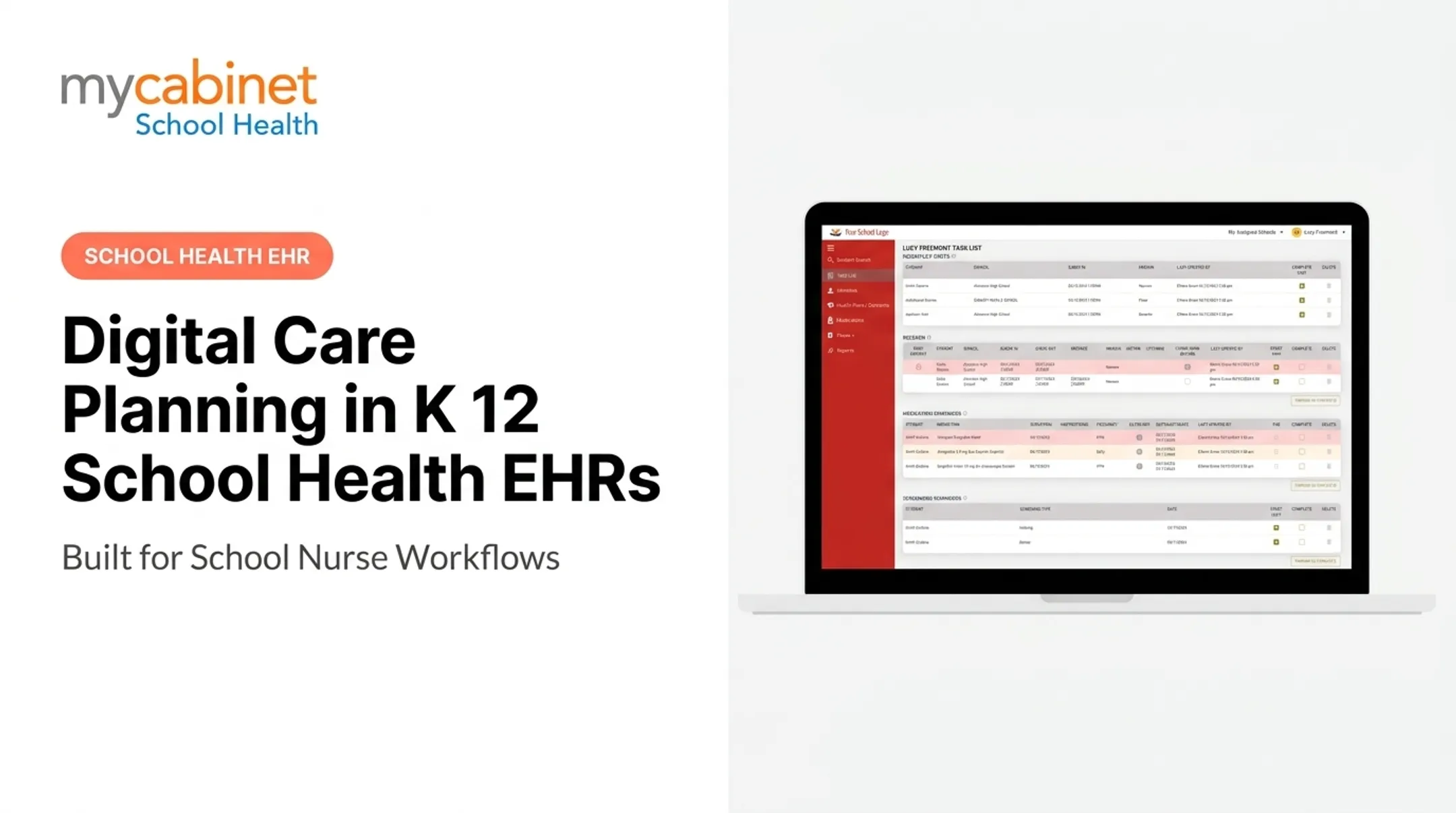
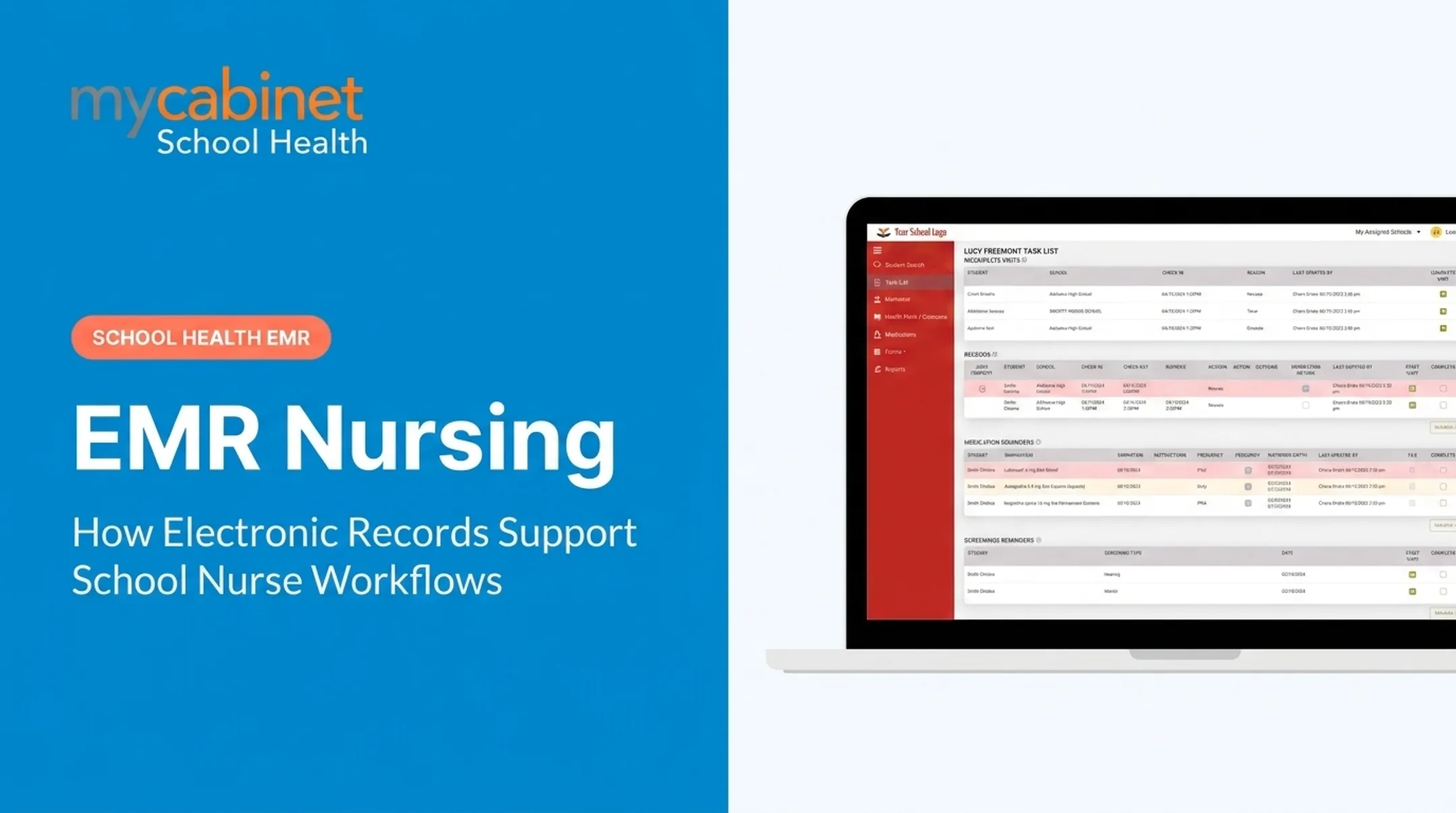
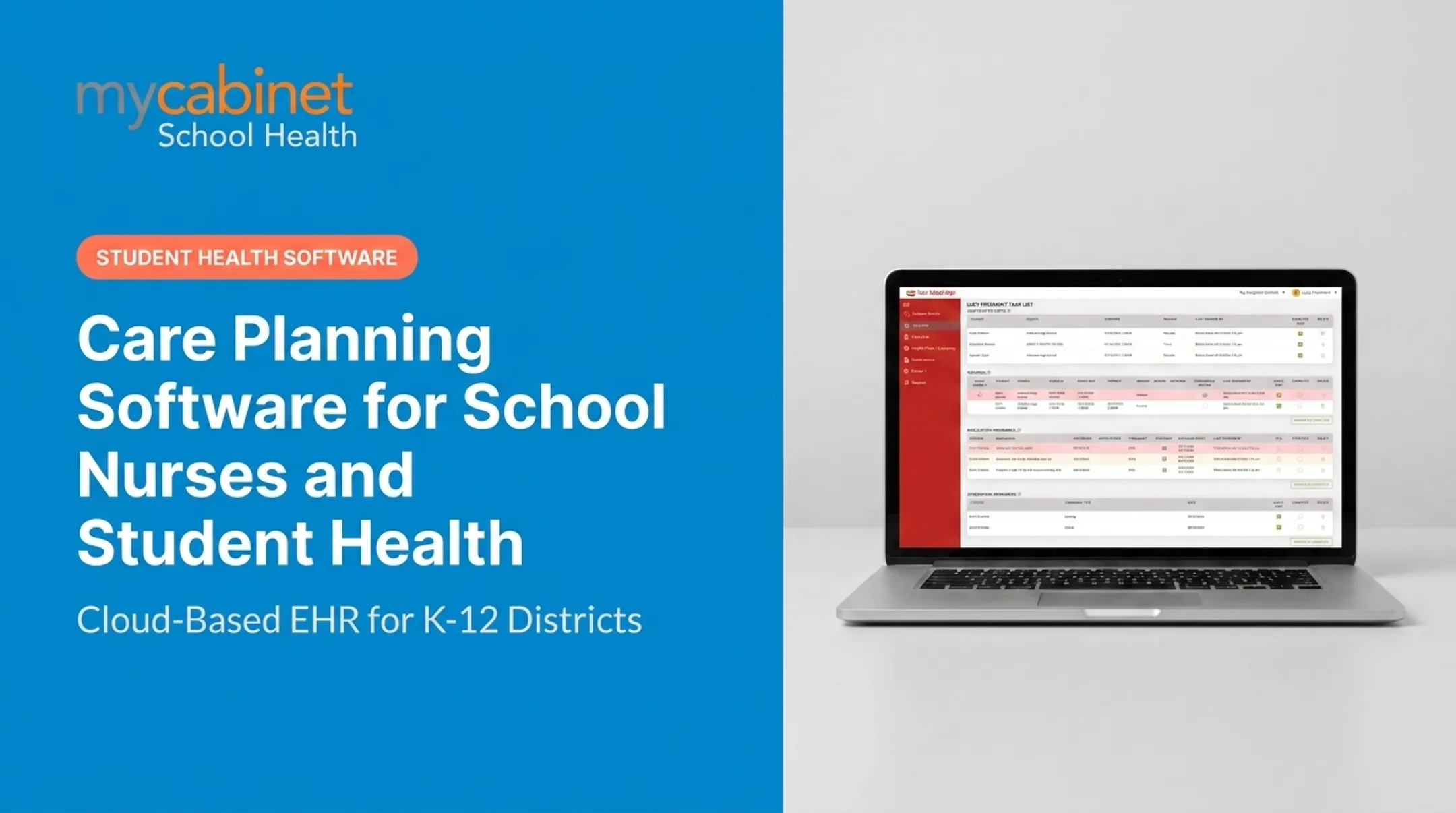
Most legacy systems store information. They don't tell you what to do with it. MyCabinet's Nurse Portal, for example, organizes incomplete visits, medication reminders, expirations, and screening follow-ups into one dashboard with dates and completion checkboxes.

That's the difference between a filing system and a working tool nurses actually check every morning.
Example of a Computerized Care Plan in Action
Picture a third-grader with a peanut allergy and asthma. Her digital care plan brings up three things at the point of care:
- Medication schedule — Albuterol stored at school, linked directly to her asthma action plan
- Allergy alert — flagged prominently on her profile, visible the moment her record opens
- Emergency steps — the allergy action plan and emergency protocol, ready to follow without searching a binder
In a task-list-driven system like MyCabinet, the nurse doesn't have to remember to check her EpiPen expiration date. It shows up automatically on the dashboard, alongside a flagged recheck visit.
Meanwhile, her parent gets a notification through the connected app when the EpiPen is nearing expiration — no need to log in and dig through clinical notes. The alert is controlled and one-way, without open access to the full record.

Why Schools and Districts Are Moving to Computerized Care Plans
Paper, fax, spreadsheets, and manual email follow-up create gaps. A nurse covering three buildings can't carry three binders and keep every plan current in their head.
The numbers back this up. A 2022 systematic review found that missed doses accounted for 55–80% of medication errors in schools. Errors were three times more likely when unlicensed staff administered medication without clear documentation support, according to research published in the Journal of School Nursing.
The same review found an 18% drop in documentation errors after standardized workflows were introduced.

Compliance is another driver:
- Audit trails create a clean record for state health reporting
- Structured documentation reduces liability exposure
- Controlled data sharing supports FERPA-aligned recordkeeping
For districts running multiple schools, standardization matters too. Consistent documentation across every building means administrators can spot health trends and staffing gaps district-wide, rather than piecing together reports from a dozen different paper systems.
Key Benefits for Nurses, Schools, and Families
For nurses
- Task lists automatically organize medication reminders, rechecks, and screenings
- Replaces mental checklists and sticky notes on the monitor
For schools and districts
- Stronger compliance with fewer manual processes
- Clearer oversight of health trends across the student population
- Audit trails and activity logs that reduce liability
For families Through a mobile app and web portal, parents can view:
- Clinic visit history and details
- Active medications stored at school
- Medication expiration alerts
- School health notices
MyCabinet applies role-based, FERPA-aligned access across a Nurse Portal for clinical workflows and a separate Parent App and Web Portal for family visibility. Parents receive specific, controlled information when they need it, without open-ended back-and-forth messaging with the nurse.
How to Choose a Computerized Care Plan System for Your School
Not every EHR built for hospitals translates well to a school clinic. Look for:
- Workflow-first design — built around what a school nurse actually does each day, not generic clinical storage
- Medication expiration tracking — alerts, dosage and frequency visibility, and outreach logging so doses and renewals do not slip
- Controlled parent communication — one-way notifications and digital form collection, not open chat threads that create message overload
- Verified certifications — confirm HIPAA compliance, FERPA alignment, and SOC 2 Type II certification before signing anything

NASN's own position statement on school EHRs calls for systems that use the nursing process, standardized data points, and built-in error prevention — not just a repository for scanned documents. Use that as your baseline when comparing vendors.
Frequently Asked Questions
What is a computerized care plan?
It's a digital, structured record of a student's health conditions, medications, and care instructions that updates in real time. It replaces static paper forms with a living document nurses can act on daily.
What does a computerized care plan include?
Health history, medication schedules, structured visit documentation, and emergency protocols. Many systems also include digital forms and automated task reminders for rechecks and screenings.
What is an example of a computerized care plan?
A student with a peanut allergy and asthma might have EpiPen expiration, an asthma action plan, and emergency steps flagged automatically on their digital profile. Those details appear the moment the record opens.
How is a computerized care plan different from a paper one?
Digital plans update in real time, are searchable instantly, and reduce transcription errors common with handwritten notes. Paper plans stay static until someone manually finds and updates them.
Are computerized care plans compliant with student privacy laws?
Yes, when built correctly. Platforms like MyCabinet use FERPA-aligned access controls, role-based permissions, and SOC 2 Type II certification to protect student health data.
How do parents access their child's computerized care plan?
Parents typically get controlled, one-way notifications through a mobile app or web portal — covering clinic visits and medication expirations — rather than full access to the clinical record.