That fragmented approach creates real risk. Incomplete documentation exposes schools to liability and leaves gaps in student safety. Manual workflows also burn out nurses who already juggle far more than their job title suggests.
This guide breaks down the core EMR workflows built specifically for school health, and how they improve documentation accuracy, compliance, and parent visibility.
Key Takeaways
- Workflow-first EMR design flags missed meds and screening follow-ups before they become problems
- Digital, parent-accessible records replace paper forms, fax, and phone tag
- Role-based access and audit trails support FERPA-aligned recordkeeping
- Connected nurse-parent systems raise compliance and family trust
What Are the Four Types of Workflows in School Health EMRs?
School nurse work generally splits into four distinct categories:
- Clinical visit documentation — recording daily illness, injury, and medication visits
- Medication management — tracking dosage, frequency, expiration, and administration
- Health form and compliance tracking — immunizations, allergy forms, and care plans
- Parent and family communication — keeping guardians informed without overwhelming nurses
Separating these into distinct, structured processes reduces errors compared to a single generic charting system. A general medical EMR treats every encounter the same way. School health doesn't work like a doctor's office visit: it's recurring, fast-paced, and tightly coordinated with families.
An EMR built around these four workflows (rather than adapted from hospital software) matches how school nurses work each day.
Core Workflow 1: Daily Clinic Visit Documentation
Free-text charting slows nurses down and creates inconsistent records. Predefined visit types—illness, injury, medication, screening—speed up documentation and keep records standardized across students and visits.
Those standards are not optional. The National Association of School Nurses requires that school health records be timely, accurate, legible, complete, retrievable, and securely protected. That's a high bar to hit with sticky notes and shared spreadsheets.
Why Structured Templates Beat Free-Text Notes
Structured visit templates create consistent, audit-ready documentation. Instead of one nurse writing three sentences and another writing a paragraph, every visit captures the same core data points: reason for visit, assessment, action taken, and outcome.
Iowa's Department of Education documentation guidelines call for exactly this: date and time, assessment findings, nursing actions, professional judgment, and disposition, all recorded in real time rather than at the end of the day.
Task Lists That Catch What Memory Misses
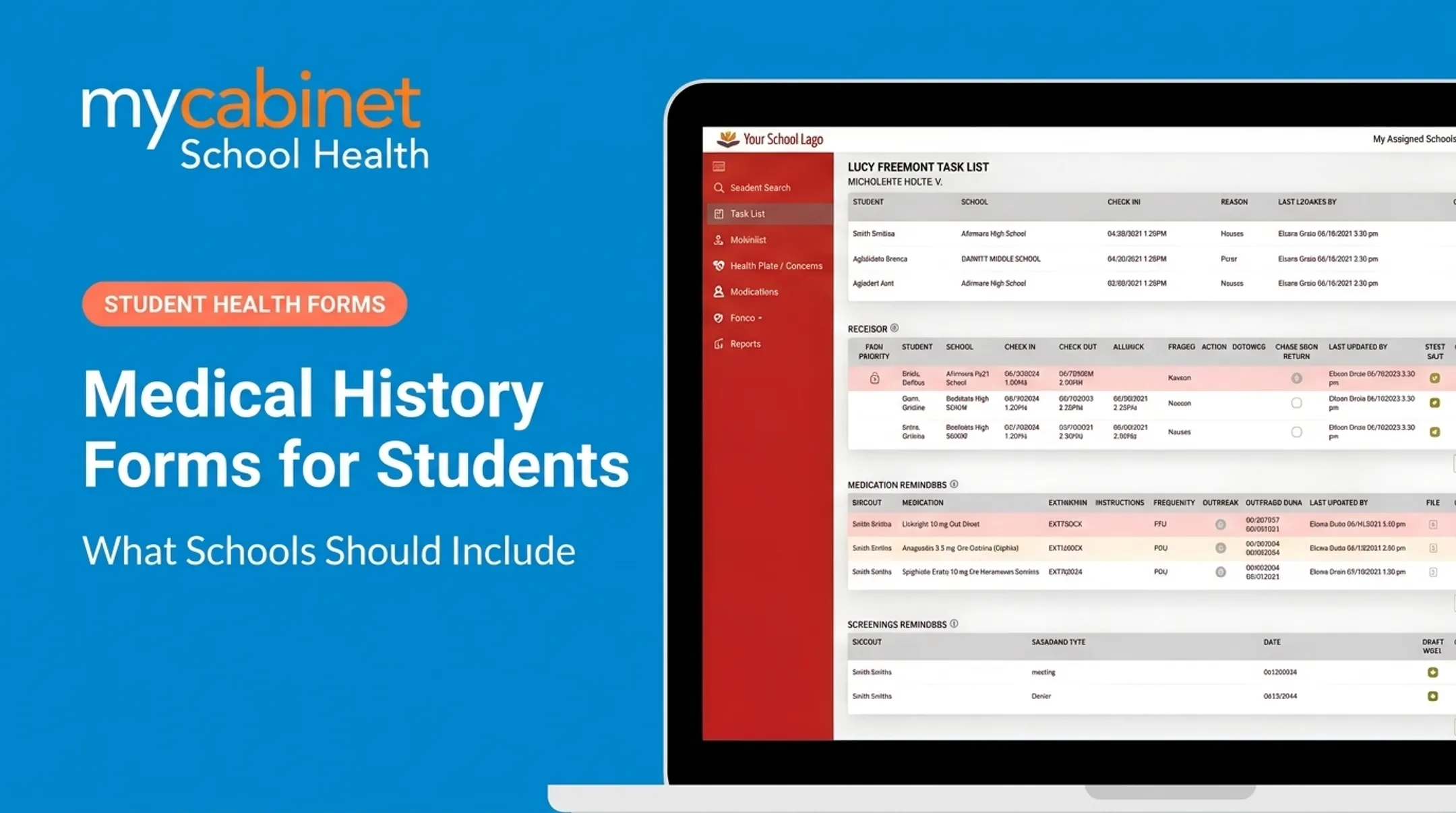
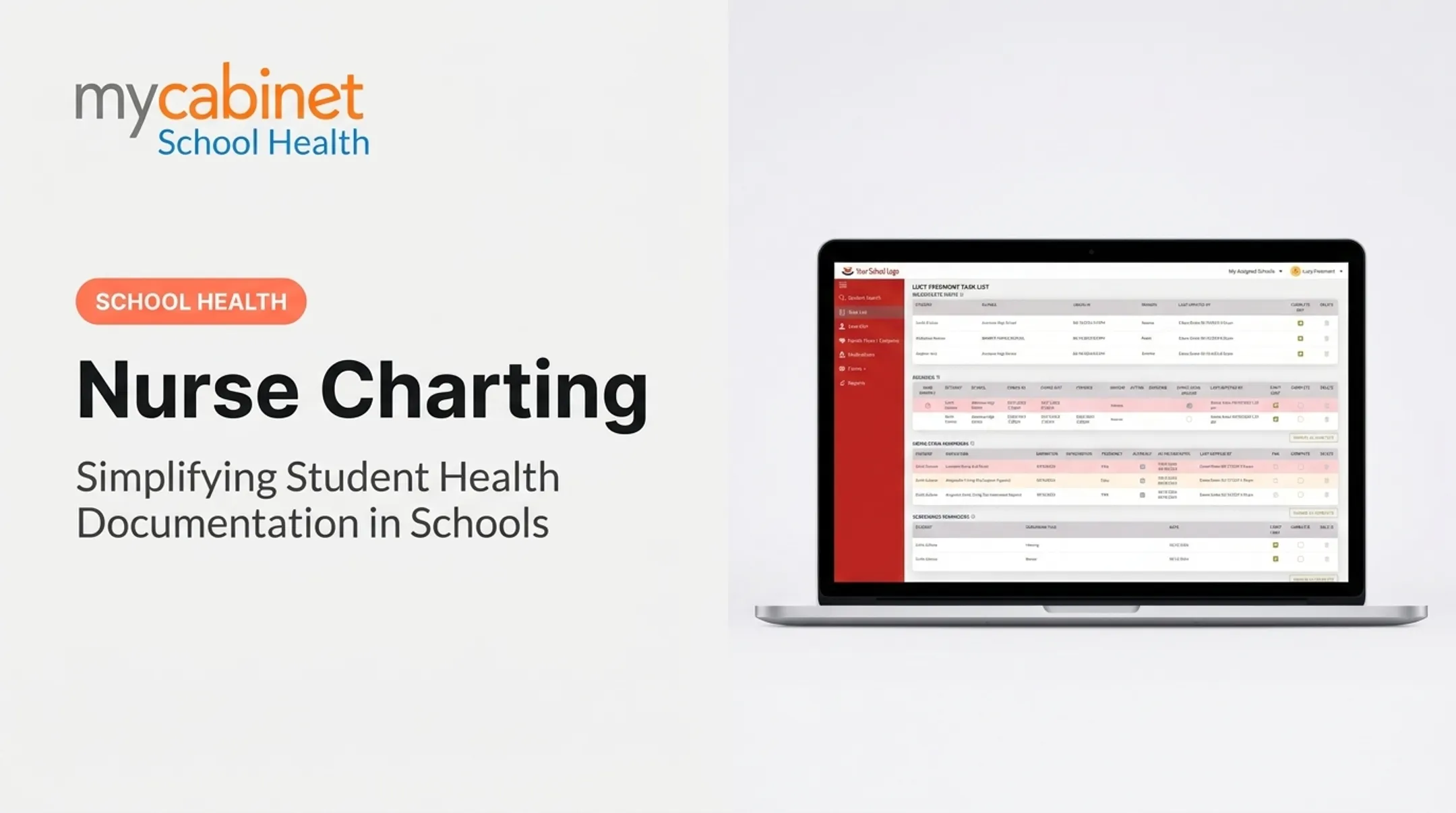
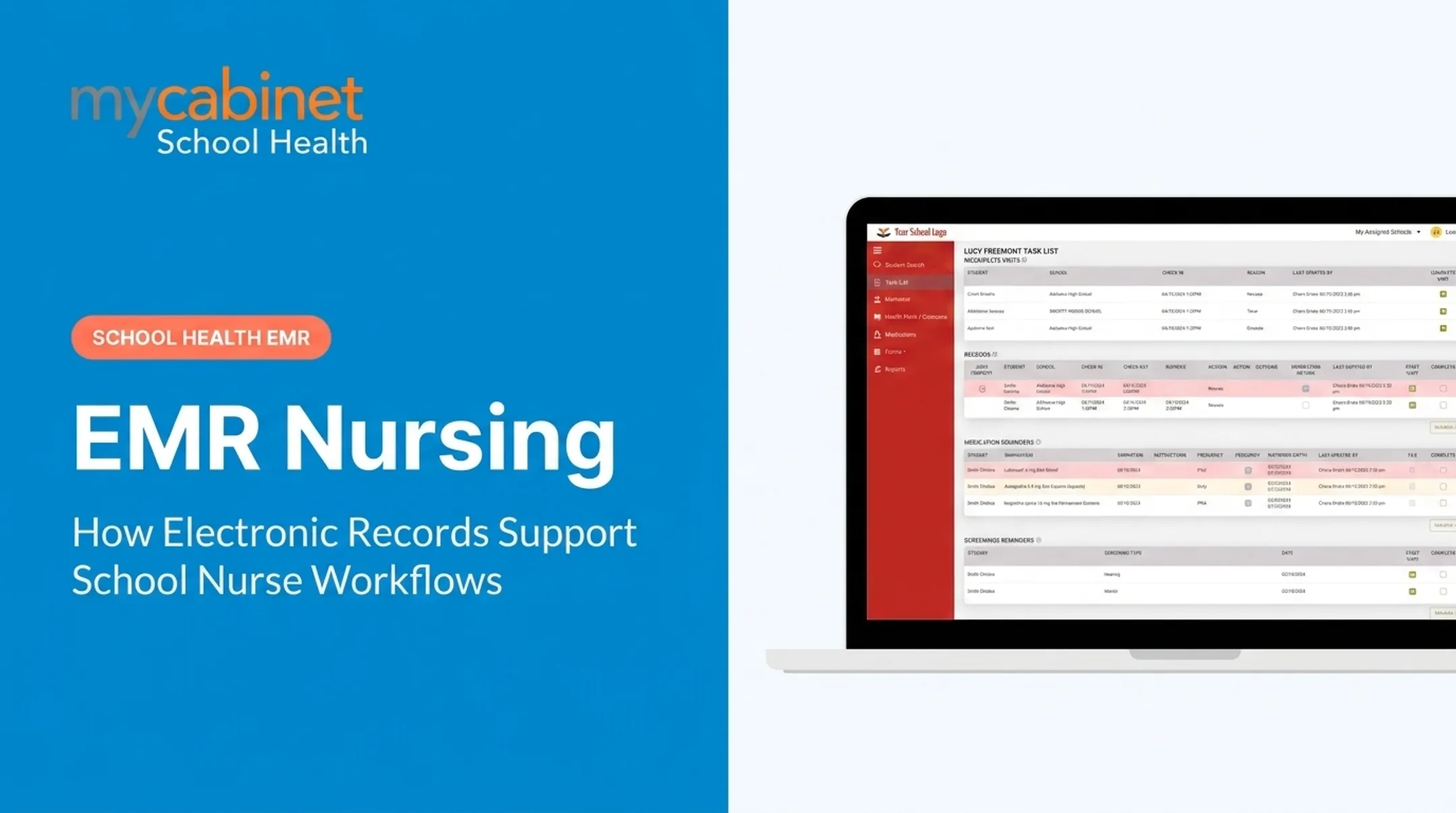
Intelligent task lists flag incomplete visits and needed rechecks automatically. Rather than relying on a nurse's memory across 300+ students, the system surfaces:
- Incomplete visit records that need follow-up
- Recheck visits due now
- Screening reminders tied to specific students
MyCabinet's Nurse Portal is built around these visit-type workflows and audit-ready documentation, not adapted from hospital EMR software. Color-coded task cues help nurses triage what needs attention first, then clear items with one click.

Core Workflow 2: Medication Management and Oversight
Manual medication tracking is where things go wrong most often: missed doses, expired medications sitting in a cabinet, and unclear parent authorization.
A 2022 systematic review of school medication administration found that 48.5% of surveyed staff had experienced a medication error in the prior year, with missed doses accounting for 55% to 80% of those errors. The same review found errors were 3.1 times more likely among unlicensed assistive personnel than among school nurses.
A separate North Carolina study of all 115 public districts over six school years found districts reported an average of 78 medication errors requiring medical intervention each year. Error rates rose as the number of schools per district increased.

What a Structured Workflow Actually Tracks
Instead of static paper logs, workflow-based medication management gives nurses:
- Dosage and frequency visibility at a glance, per student
- Expiration tracking for medications stored at school
- Outreach logging when renewal or replacement is needed
In practice, that looks like MyCabinet tracking active medications stored at school, sending expiration alerts before a supply runs out, and letting parents see approaching dates in the Parent App. Nurses can confirm whether each notification was delivered and viewed, so follow-up is documented instead of assumed.
Proactive Alerts, Not Static Logs
Task-based alerts flag expiring or missing medication orders before they become a crisis. A static spreadsheet doesn't tell you a medication expires in five days. A workflow system does, automatically surfacing it in the nurse's daily task list alongside visit and screening reminders.
Nurses get one task list that protects students day to day and leaves an audit trail when districts need proof of oversight.
Core Workflow 3: Digital Health Forms and Compliance Tracking
Paper immunization records, allergy forms, and care plans collected through backpack mail or email attachments create a documentation nightmare every August. Forms get lost. Signatures go missing. Nurses spend the first weeks of school chasing paperwork instead of caring for students.
The compliance stakes are real. National kindergarten vaccination coverage sat at roughly 92.3% to 92.7% for required vaccines in the 2023-24 school year, according to CDC data. The CDC notes that inaccurate or missing documentation can distort coverage estimates, which affects how districts report compliance.
The Ideal Upload-to-Approval Workflow
A structured digital form workflow follows a clear sequence:
- Parent accesses the portal or app and submits required health documentation
- Submission enters the nurse review queue automatically
- Nurse reviews the form for accuracy and completeness
- Approval attaches the document directly to the student's health record
MyCabinet's platform runs this same sequence: parents upload through the Parent App or web portal, nurses review and approve, and each document attaches to the student record without manual data entry.

With records in a searchable system instead of a filing cabinet, digital form workflows cut missing documentation at year-start and make state compliance reporting straightforward to complete.
Improving Parent Communication Without Compromising Control
Most EMRs leave parents completely in the dark. A child visits the school nurse, and the parent finds out that afternoon, if at all. This gap drives phone calls, confusion, and unnecessary friction between families and school health offices.
Controlled, one-way notifications solve this without creating a new burden for nurses. When a nurse documents a clinic visit, the system can automatically notify the parent by push notification or email. The same applies to medication expiration alerts.
This is intentionally one-way communication. Parents see visit summaries and medication statuses, but they can't message the nurse directly through the app. Any updates or questions still go through the school clinic.
MyCabinet offers this through a connected mobile app and web portal, giving parents visibility into:
- Recent clinic visits and reasons for the visit
- Active medications stored at school and their expiration dates
- Push and email alerts based on parent notification preferences
Families stay informed without nurses managing a second inbox of parent messages—and nurses still decide what gets shared and when.

Building Compliant, Auditable Documentation
Role-based access and structured audit trails make school health documentation defensible under FERPA. Student health records maintained by a school nurse generally count as education records under FERPA, distinct from HIPAA-covered medical records.
Workflow-based systems create automatic accountability through:
- Timestamps on documentation as it's entered
- Approval chains for reviewed and accepted forms
- Activity logs tracking who accessed or modified records
When evaluating a school health EMR vendor, look for relevant certifications. MyCabinet maintains SOC 2 Type II certification, HIPAA compliance, and FERPA compliance, alongside role-based permissions and audit trails built into the platform architecture. Those controls protect the district if documentation is ever questioned.
Getting Started: Transitioning from Paper or Spreadsheets to an EMR
Moving off paper doesn't have to happen all at once. A phased approach works better:
- Audit current workflows — identify where paper, spreadsheets, or email create the biggest gaps
- Prioritize medication and visit workflows first — these carry the highest safety risk and benefit most from structure
- Involve school nurses directly in system selection and configuration, since they know the real day-to-day usage patterns
- Roll out form digitization once core visit and medication workflows are stable
Districts like Cobb County have already made this shift. At a 2025 school board meeting, Superintendent Chris Ragsdale described the change simply: digitizing documentation made the work easier. Letting parents submit paperwork electronically and see their child's care activity was, in his words, "a win for the parents and a win for the district."
The payoff is straightforward: less paper chasing, clearer visibility for families, and documentation nurses can trust.
Frequently Asked Questions
What are the four types of workflows in school health EMRs?
The four core workflows are clinical visit documentation, medication management, health form and compliance tracking, and parent communication. Structuring these separately reduces errors compared to one generic charting system.
What is the difference between an EMR and an EHR for school health?
The terms are often used interchangeably in school health. School health platforms typically function as EMRs focused on a student's in-school medical record, though many describe themselves using both terms.
How does an EMR help with medication administration in schools?
It provides dosage and frequency visibility, expiration alerts for medications stored at school, and documentation of administration times. This replaces manual logs that are prone to missed doses and tracking gaps.
Can parents see their child's school health records in real time?
Parents typically get controlled, one-way access through a portal or app. They can view clinic visit summaries and medication alerts without two-way messaging, and nurses stay in control of what gets shared.
Is school health software required to be FERPA and HIPAA compliant?
Student health records maintained by school nurses are generally protected under FERPA as education records. Best-practice platforms also align with HIPAA standards even when HIPAA is not strictly required.
How long does it take to implement a new EMR system in a school district?
Timelines vary by district size and current documentation state. Most implementations include planning, nurse-led configuration, staff training, and a phased rollout that prioritizes medication and visit tracking first.