Mobile EHR software gives authorized school health staff access to student records, documentation tools, task lists, and communication workflows wherever the work actually happens. Done well, it replaces fragmented paperwork with a single connected system nurses can use on a phone or tablet between visits.
This article covers how to evaluate mobile EHR software for school nurses, what district-wide workflows it needs to support, and which security and implementation questions decision-makers should ask before signing a contract.
Key Takeaways
- School mobile EHRs should run visits, meds, screenings, forms, and parent outreach, not only store records.
- District value comes from shared workflows, role-based access, and consistent reporting on every campus.
- Vet usability, device fit, security, FERPA/HIPAA alignment, audit trails, and support before you buy.
- Choose one connected system for nurses, parents, and admins over another isolated messaging tool.
What Is Mobile EHR Software for School Nurses?
The Office of the National Coordinator for Health Information Technology (ONC) defines an electronic health record as a digital version of a patient's paper chart, maintained by providers over time.
A mobile EHR takes that same concept and puts it in a nurse's pocket: a secure app or responsive platform that lets authorized users view, enter, update, and manage student health information from a smartphone or tablet.
School health EHRs differ from general healthcare EHRs. The National Association of School Nurses (NASN) describes school-specific EHR platforms as tools built to manage student health information and coordinate care while supporting quality, safety, and population health, not just document a single patient encounter.
That means the system needs to handle:
- School visits, student profiles, immunization and screening records
- Care plans, medication permissions, and incident documentation
- Parent or guardian participation beyond provider-to-patient exchange
- District oversight across multiple schools and staff roles
Mobile Access vs. a Real Mobile Workflow
Not every "mobile-friendly" EHR does the same job. A basic companion app might only let a nurse look up a record or send a message. A workflow-capable platform goes further: structured documentation, task completion, medication checks, form review, and status tracking — all from the device already in the nurse's hand.
That distinction matters during a school day. Nurses need a system built for movement when they document a visit at the point of care, check an approved medication instruction before giving it, or review an unresolved follow-up task between periods. A desktop-only design cannot keep up.
How Mobile EHR Supports District-Wide Health Workflows
A single student visit involves more steps than it looks like from the outside: arrival at the health office, assessment, documentation, disposition, and often a follow-up to a parent or teacher.
Structured visit types and task prompts help keep those steps from getting skipped when the health office is busy.
Medication Management
Medication workflows carry real risk when tracked manually. A mobile EHR should give nurses visibility into:
- Medication authorizations and parent-submitted permissions
- Dosage and frequency information at the point of administration
- Expiration tracking with escalation for expiring or incomplete records
- Administration documentation and outreach logs when a parent needs to be contacted
The software should support nurse judgment and district policy, including state-specific medication administration requirements—not replace them.
Digital Health Forms
Instead of parents printing, scanning, or hand-delivering paperwork, digital form workflows let them submit forms electronically. Nurses review, approve, or request corrections, and approved records attach directly to the student's profile.
Common examples include:
- Medication authorization forms
- Emergency action plans
- Allergy documentation
Screenings, Rechecks, and Follow-Up Tasks
When screenings, rechecks, and follow-ups live in separate trackers, administrative strain adds up fast. North Carolina's school health guidance notes that managing school health records is a challenging responsibility for both nurses and administrators when systems aren't built to support it. Intelligent task lists address this by surfacing:
- Incomplete visits and pending rechecks
- Expiring or expired medications
- Outstanding screenings
- Unresolved parent outreach
District Standardization Without Losing Local Control
District-wide visibility depends on shared templates, consistent visit categories, and cross-campus reporting. Administrators should be able to spot workflow backlogs without seeing more student-level detail than their role requires. Each user should see only what their role calls for.
Controlled parent notifications, a parent app, or a browser-based portal close the communication gap. Families get clearer visibility into visits, forms, and medication actions without nurses fielding constant phone calls. Consent rules, message content, and emergency procedures still need to be defined by the district, not assumed by the software.

Mobile EHR Features and Evaluation Checklist
Before selecting a platform, run it through a structured evaluation. Here's what to check in each category.
Mobile usability and device support:
- Works reliably on smartphones, tablets, and iPads nurses carry during the school day
- Keeps navigation, search, and documentation fast under real school-day pace
- Lets nurses finish common tasks without returning to a desktop
Student records and clinical documentation:
- Structured profiles covering allergies, conditions, immunizations, and care plans
- Timestamps, user attribution, and audit history on every entry
- Configurable templates that still roll up into consistent district reporting
Medication and task oversight:
- Dosage, frequency, and expiration visibility built into the medication record
- Outreach logs and recheck queues alongside the medication list
- Actionable, configurable alerts that avoid constant noise
Digital forms and document management:
- Parent uploads, nurse review, and approval or correction workflows
- Clear handling of missing, expired, or incomplete forms
- Document attachment tied directly to the student record
Communication and family access:
- Role-based, controlled notifications rather than open messaging
- Parent app and web access options
- Clear district control over what information gets shared and when
Reporting, interoperability, and administration:
- District dashboards, audit reports, and school-level comparisons
- Integration options with student information systems and identity providers such as ClassLink
- A defined process for how data syncs after a connectivity gap
Connectivity, support, and scalability:
- Clear offline capability and conflict resolution after reconnecting
- Onboarding and training that work across multiple schools
- Technical support that scales without forcing identical processes on every campus
Security, Privacy, and Implementation Considerations
Student health information demands layered safeguards. A vendor's compliance label alone doesn't guarantee a compliant deployment — the district still has to configure permissions, train staff, and set device policies.
Core controls to require and configure include:
- Encryption in transit and at rest
- Strong authentication and session timeouts
- Role-based permissions and audit logs
- A documented incident-response process
FERPA and HIPAA Aren't Automatically Interchangeable
Joint guidance from the U.S. Department of Education and HHS clarifies that HIPAA generally does not apply to K-12 schools because schools are typically not HIPAA covered entities, or because student health records fall under FERPA's education-records exclusion instead. Health records maintained by a provider acting on behalf of a FERPA-covered school are generally treated as FERPA education records — regardless of whether that provider is a school employee.
Applicability depends on the district's specific relationships and data flows, not on how a vendor markets the product. Districts should confirm which framework applies to their setup before assuming either one automatically covers them.
Once the right privacy framework is clear, implementation discipline matters as much as the software itself.
Rolling Out in Phases
A phased approach reduces risk and surfaces problems early:
- Document current workflows — paper, spreadsheets, email, fax — and flag high-risk or high-volume processes.
- Configure templates and permissions before any staff member touches the live system.
- Pilot with representative nurses and schools, not just the most tech-comfortable ones.
- Expand district-wide after reviewing pilot feedback and adjusting configuration.
Track measures such as documentation timeliness, form completion rates, medication follow-up completion, and support ticket volume to judge whether the rollout is working.

A School Health EHR Example: Connecting Nurses, Families, and District Teams
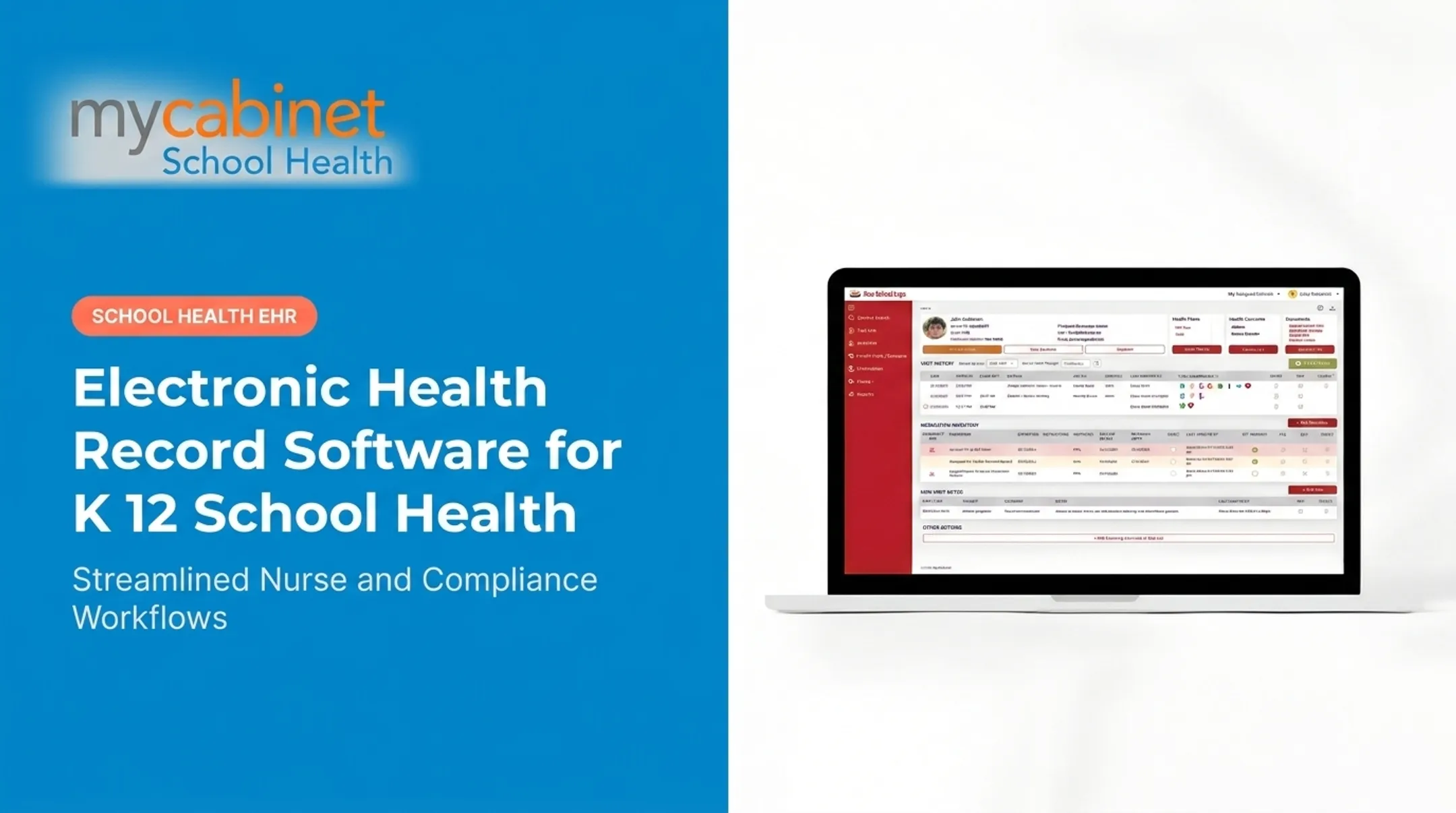
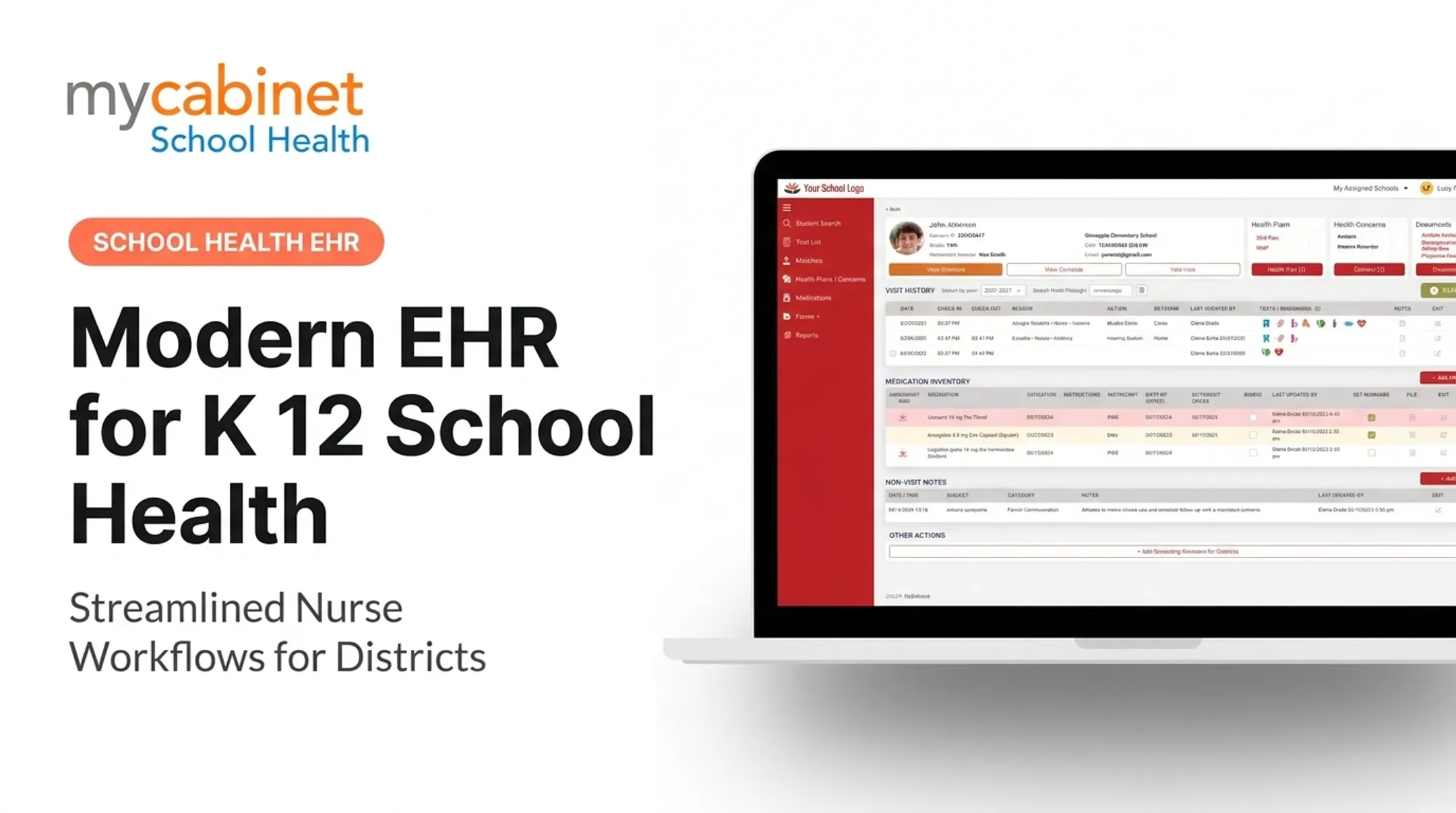
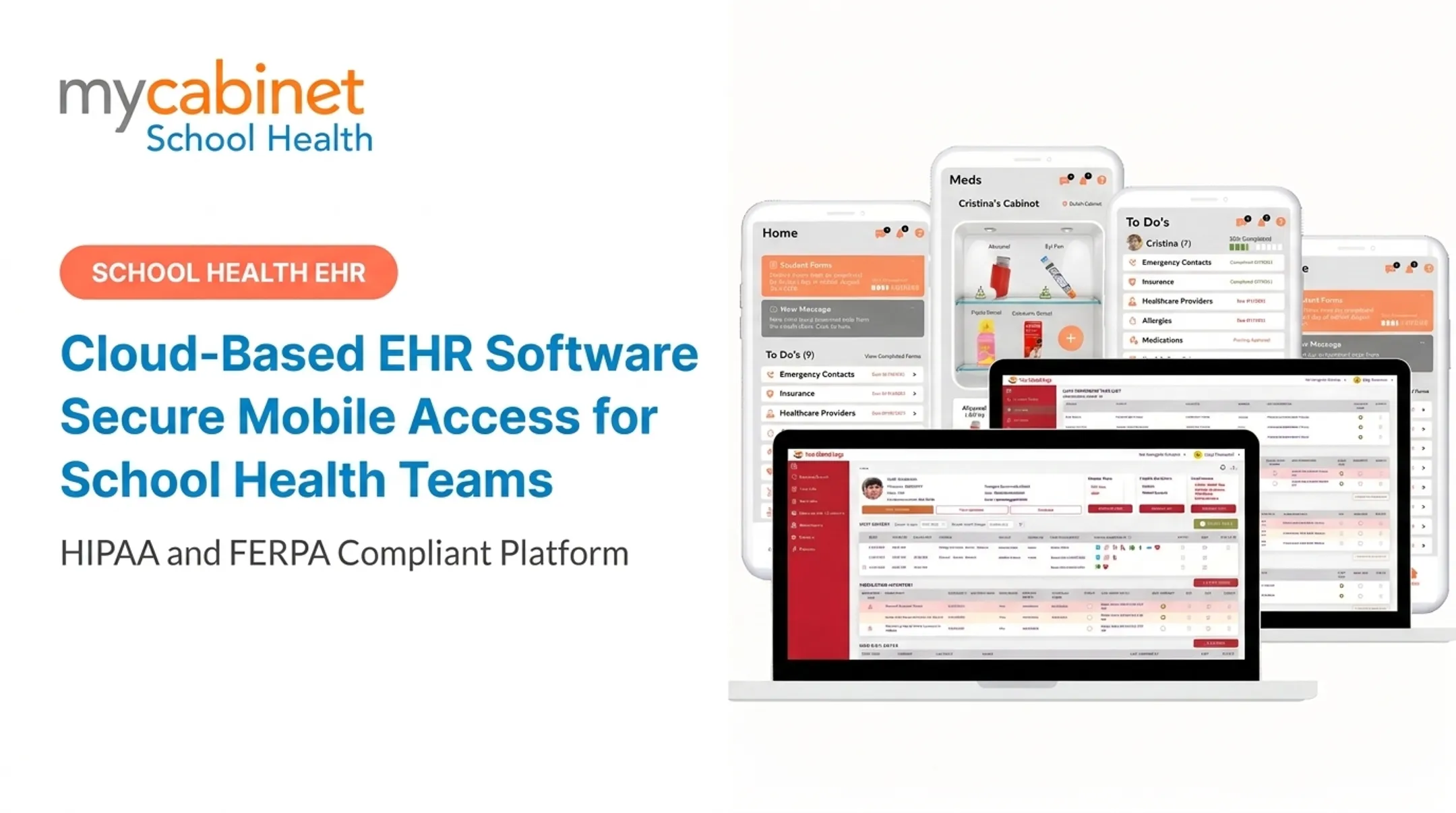
MyCabinet School Health was built around this exact set of workflows: a cloud-based platform connecting a Nurse Portal, a Parent App, and a browser-based Parent Web Portal. It replaces fragmented paper and email processes rather than digitizing them as-is.
On the clinical side, the Nurse Portal is built around actions nurses take, not just records they store:
- Structured visit documentation with audit trails
- Task lists for incomplete visits, rechecks, and screenings
- Medication expiration tracking tied to student profiles
- Digital health-form collection with parent upload, nurse review, approval, and direct record attachment
That flow cuts out printing, scanning, and inbox searches.
Families connect through the mobile app or web portal with controlled, one-way notifications for clinic visits and medication expirations, with no open chat streams to monitor. As Cobb County School District Superintendent Chris Ragsdale noted at a 2025 school board meeting, the platform lets parents see when their child was seen and given medication.

MyCabinet School Health is HIPAA compliant, FERPA compliant, and AICPA SOC 2 certified. Districts evaluating any vendor, including this one, should still validate contractual, technical, and operational requirements during procurement rather than relying on certifications alone.
If your district is comparing mobile EHR options for school nursing, request a demo to see how the Nurse Portal, Parent App, and Parent Web Portal fit your existing workflows.
Frequently Asked Questions
What are examples of EHR software?
Examples include hospital and clinic EHRs, ambulatory systems, and school-health EHRs built for nurse visits, medications, forms, and parent communication. Districts should judge fit on those school workflows, not brand recognition alone.
Is there a health app for iPad?
Many school health platforms offer iPad-compatible apps or browser access. Confirm operating-system support, security controls, and whether nurses can complete essential documentation and medication workflows directly on the iPad.
What is a mobile EHR for school nurses?
A mobile EHR for school nurses is a secure system that lets authorized staff view and document student health data, manage tasks and medications, process forms, and send approved family updates from a phone or tablet.
How can a mobile EHR improve school health workflows?
A mobile EHR supports point-of-care documentation, keeps student records in one place, flags incomplete tasks, and streamlines medication and form work. That cuts manual follow-up and improves coordination across schools and families.
Is a mobile EHR secure for student health records?
Security depends on both the platform and the district's implementation. Look for encryption, role-based access, audit logs, device controls, and staff training aligned with FERPA and HIPAA requirements.
What should school districts look for in mobile EHR software?
Prioritize school-health workflows, mobile usability, medication and form management, parent access, reporting, interoperability, and vendor support. Choose software that matches how nurses already work and how your district systems connect.