Introduction: Why Electronic Health Records Can Be Difficult in K–12 School Health
A centralized student health record sounds simple enough: one place for allergies, medications, immunizations, and emergency contacts. The reality many school nurses face looks different — disconnected systems, incomplete files, stacks of paper forms, and hours lost chasing down information that should already be on hand.
School health EHR challenges aren't the same as hospital or physician-practice challenges. One nurse might cover several campuses, manage hundreds or thousands of students, and coordinate with parents, teachers, administrators, and outside providers, often with little clinical backup nearby.
This article covers the usability, privacy, interoperability, medication-tracking, communication, and implementation issues that make school health EHRs especially hard to get right in a school setting. It also outlines practical steps districts can take to reduce risk in each area.
Key Takeaways
- General-purpose EHRs often store data without supporting the daily workflows school nurses need.
- Fragmented communication, weak medication tracking, and cluttered interfaces create real student-safety risks.
- Districts should judge school health software on usability, FERPA-aligned privacy, auditability, and interoperability.
- The right platform cuts manual busywork while keeping human judgment and access controls intact.
What Makes EHRs Difficult in K–12 School Health
Acute-care and outpatient EHRs are built around scheduled appointments and a relatively stable clinician-to-patient ratio. School health doesn't work that way. A single office often manages all of the following with one nurse:
- High student volumes and episodic walk-in visits
- Chronic-condition management
- Mandated screenings and immunization compliance
- Medication administration
- Emergency response
One Nurse, Many Campuses, Constant Complexity
Staffing data backs this up. North Carolina's school health services report found an average nurse-to-student ratio of roughly 1 to 1,073 in 2019-20, and 56% of nurses in that same report served two or more schools rather than a single campus (NC DHHS, 2020). That's not a documentation problem. It's a coverage problem. Any EHR has to support quick record access across buildings, not just within one campus.

When Documentation Tools Don't Match Nursing Work
Many systems were built to store records, not to support action. A nurse doesn't just need a record of what happened last week. They need to know, right now, which visits are incomplete, which students are due for a recheck, and which medication authorizations expire this month.
When a system can't surface that information automatically, it gets buried in notes, spreadsheets, or sticky notes on a monitor. Common workarounds include:
- Paper health packets collected at enrollment and never digitized
- Faxed provider orders that sit in an inbox until someone remembers to enter them
- Shared spreadsheets tracking medication expirations outside the official record
- Manual email chains for parent follow-up with no central log
Each workaround adds duplicate data entry and makes it harder to know which version of a student's record is current. Clunky navigation, extra clicks, and limited mobile access compound the problem. Nurses end up searching for information instead of caring for students.
The Most Serious Operational and Safety Issues
Fragmented systems don't just waste time. They create measurable safety and compliance exposure across several areas.
Medication Management Gaps
Common failure points in school medication programs include:
- Missing orders
- Unclear dosage instructions
- Expired authorizations
- Incomplete administration logs
The American Academy of Pediatrics notes that when medication administration is delegated to unlicensed staff, the supervising school nurse remains responsible (as permitted by state law) for training, reviewing administration logs, and documenting errors (AAP, 2024).
Without a system that flags expiring orders or missed doses automatically, that oversight falls entirely on manual review.
Privacy: FERPA and HIPAA Aren't the Same Thing
Student health records maintained by a school nurse acting on behalf of the school are generally FERPA education records, not HIPAA records, even when care happens off school grounds. HIPAA only enters the picture if an outside provider conducts electronic transactions like billing a health plan (HHS, 2013).
Districts need role-based permissions, audit trails, and secure authentication that reflect this distinction, not a generic healthcare privacy template.
Communication Breakdowns and Interoperability Gaps
When outreach happens over uncontrolled email, voicemail, or paper notes, there's no clear record of who was contacted, when, or how. That creates blind spots during emergencies and makes it nearly impossible to prove follow-up occurred. Layer on interoperability limits (disconnected student information systems, enrollment data, and immunization registries), and nurses end up re-entering the same information across multiple platforms.

Usability Risks Worth Watching
Broader healthcare research has linked confusing displays, hidden information, and missing alerts to real safety events. Those findings come from hospital and clinical settings, not school health specifically.
The same mechanism still applies: when a system buries critical information behind extra clicks, something gets missed. Not every school EHR carries this risk equally, but it's worth testing before you buy.
How Districts Can Reduce EHR Problems
Fixing these issues starts with workflow discovery, not software shopping. Bring school nurses, IT staff, privacy officers, student services teams, and family representatives together to document current pain points before evaluating any platform.
From there, define the minimum information and actions needed for common scenarios:
- Clinic visits
- Medication administration
- Chronic-condition plans
- Screenings
- Health-form review
- Student transfers
Structured documentation and predefined visit types help here: they improve consistency without replacing a nurse's clinical judgment. The goal is support, not a rigid checklist.
Task and follow-up functionality matters just as much as documentation. A system should surface incomplete visits, upcoming rechecks, expiring medications, and missing forms automatically, rather than leaving them buried in free-text notes.
Five Criteria for Evaluating School Health Platforms
When comparing platforms, organize your review around five criteria:
| Criteria | What to Assess |
|---|---|
| Nurse workflow fit | Visit recording, student profiles, task management, multi-campus support |
| Medication and data safety | Expiration alerts, required fields, audit history, duplicate-record prevention |
| Privacy and permissions | Role-based access, parent authentication, consent workflows |
| Family communication | Notification controls, secure uploads, outreach logging |
| Reporting and visibility | District-wide dashboards, compliance reporting, export options |
Ask vendors to demonstrate their system with realistic scenarios, not a generic product tour:
- A medication renewal
- A new student transfer
- A missing health form
- A chronic-condition visit
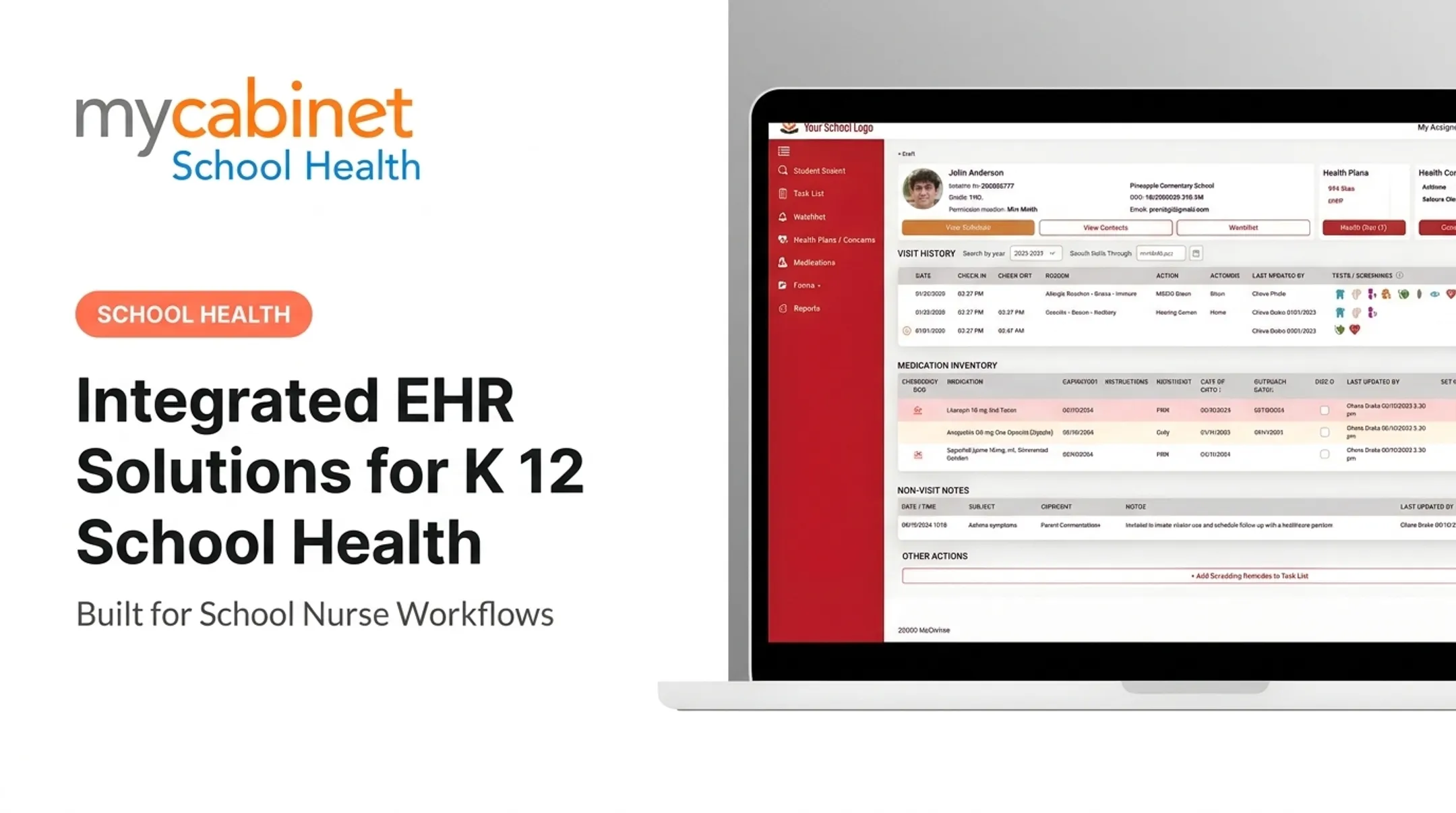
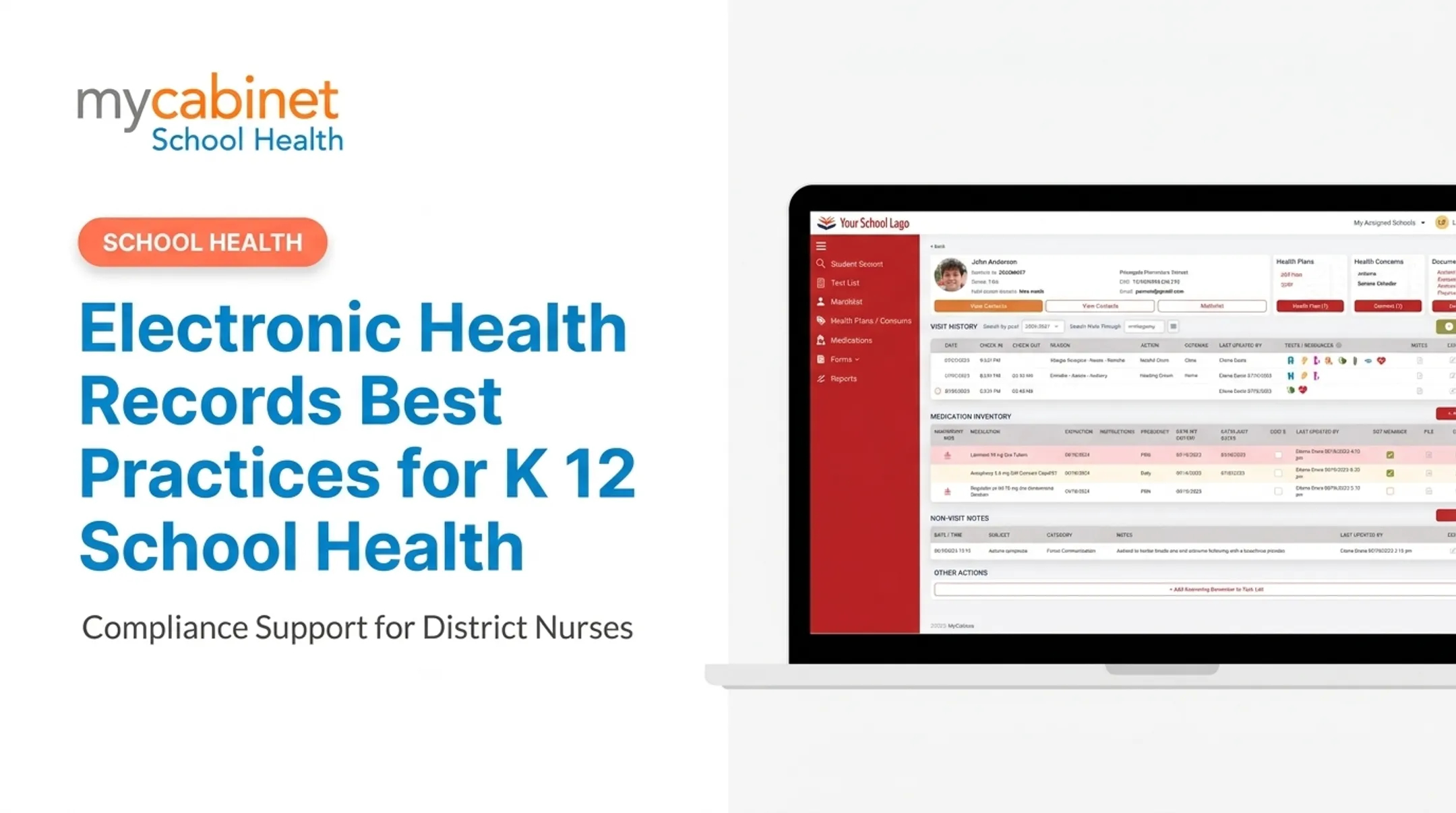
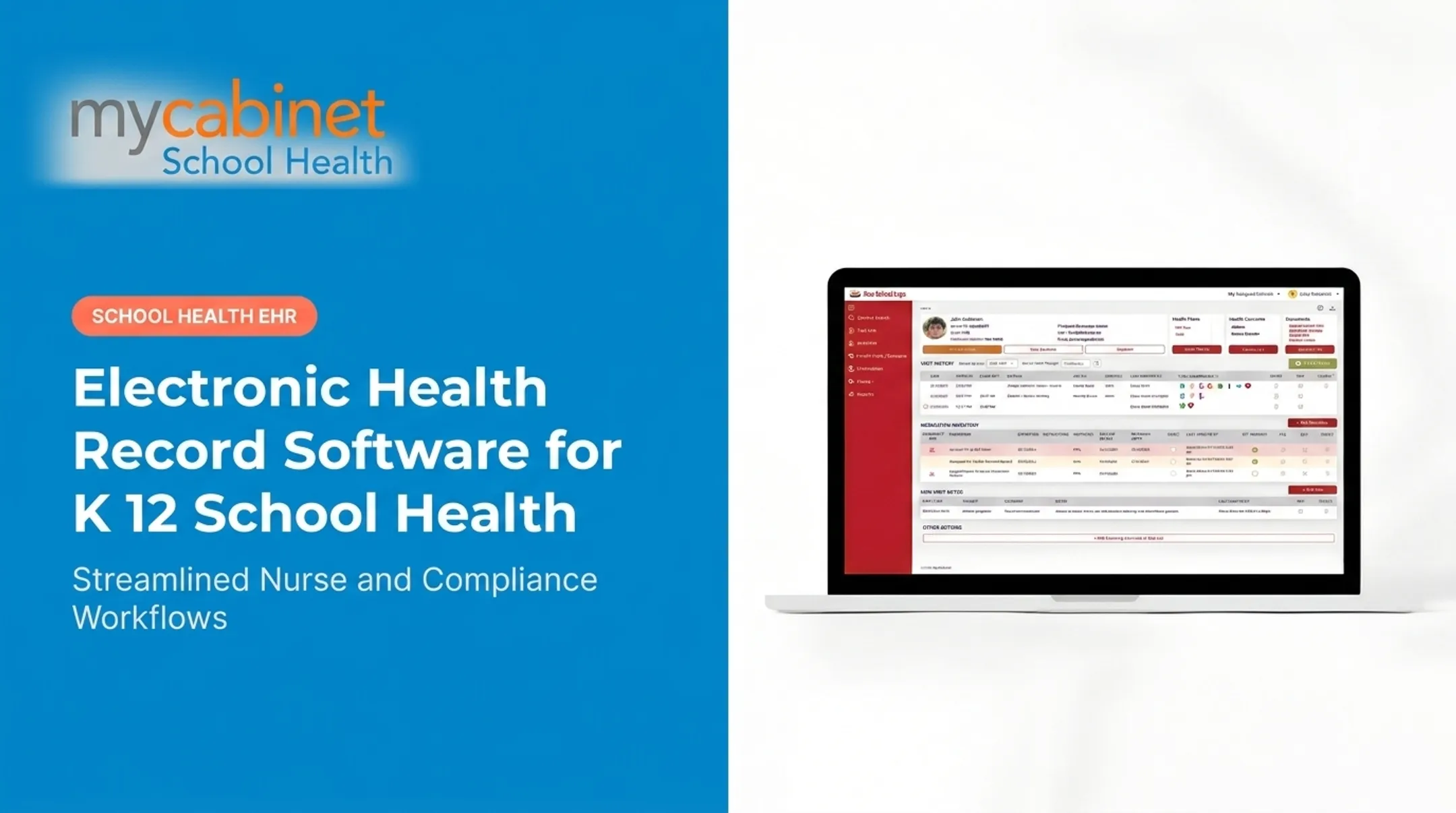
MyCabinet School Health is one example of a platform built around this workflow-first approach rather than adapted from hospital software. Its Nurse Portal organizes structured visit documentation, medication expiration tracking, and task lists that flag incomplete visits and rechecks automatically.
Digital health-form collection replaces paper packets with parent uploads and in-system nurse review. Controlled, one-way parent notifications cover clinic visits and medication expirations without opening unrestricted messaging. Parents access their child's information through a mobile app or browser-based portal.
None of this replaces a district's own legal review of FERPA and HIPAA obligations. That step still belongs to your privacy officer and counsel.
Implementation Considerations for Districts
Treat implementation as a change-management project rather than a software installation. Assign a district owner, identify campus-level champions, and build a process for collecting nurse feedback throughout rollout, not only at the end.
Before migrating data:
- Clean and classify legacy records: decide which need structured conversion and which can simply be archived.
- Pilot with a controlled group: test common scenarios, validate permissions, and confirm parent workflows before a full launch.
- Maintain a documented fallback process: prepare for outages or urgent care needs during transition.
- Provide role-specific training: train nurses, administrators, IT staff, and families, and keep quick-reference materials available after go-live, not only during initial onboarding.

Once live, track metrics that reflect real adoption:
- Completion rates on required forms
- Unresolved medication tasks
- Documentation timeliness
- Duplicate records
- Support-request volume
No universal benchmark exists for these numbers yet. Set your own baseline in the first term and measure improvement from there.
Conclusion: Moving From Record Storage to Safer School Health Workflows
An electronic health record only helps when nurses can find accurate information quickly, complete required tasks, communicate clearly with families, and protect student privacy.
Priorities worth holding vendors to include:
- School-specific workflow design
- Usable documentation
- Visible medication and follow-up tracking
- Secure role-based access
- Reliable communication
- Real implementation support, not just a login and a manual
MyCabinet School Health was built around this idea, connecting school nurses, students, and parents through a platform designed for school health rather than repurposed hospital software. For districts still relying on paper packets, faxed orders, and manual email follow-up, it offers one path toward a more connected, less fragmented way of managing student health.