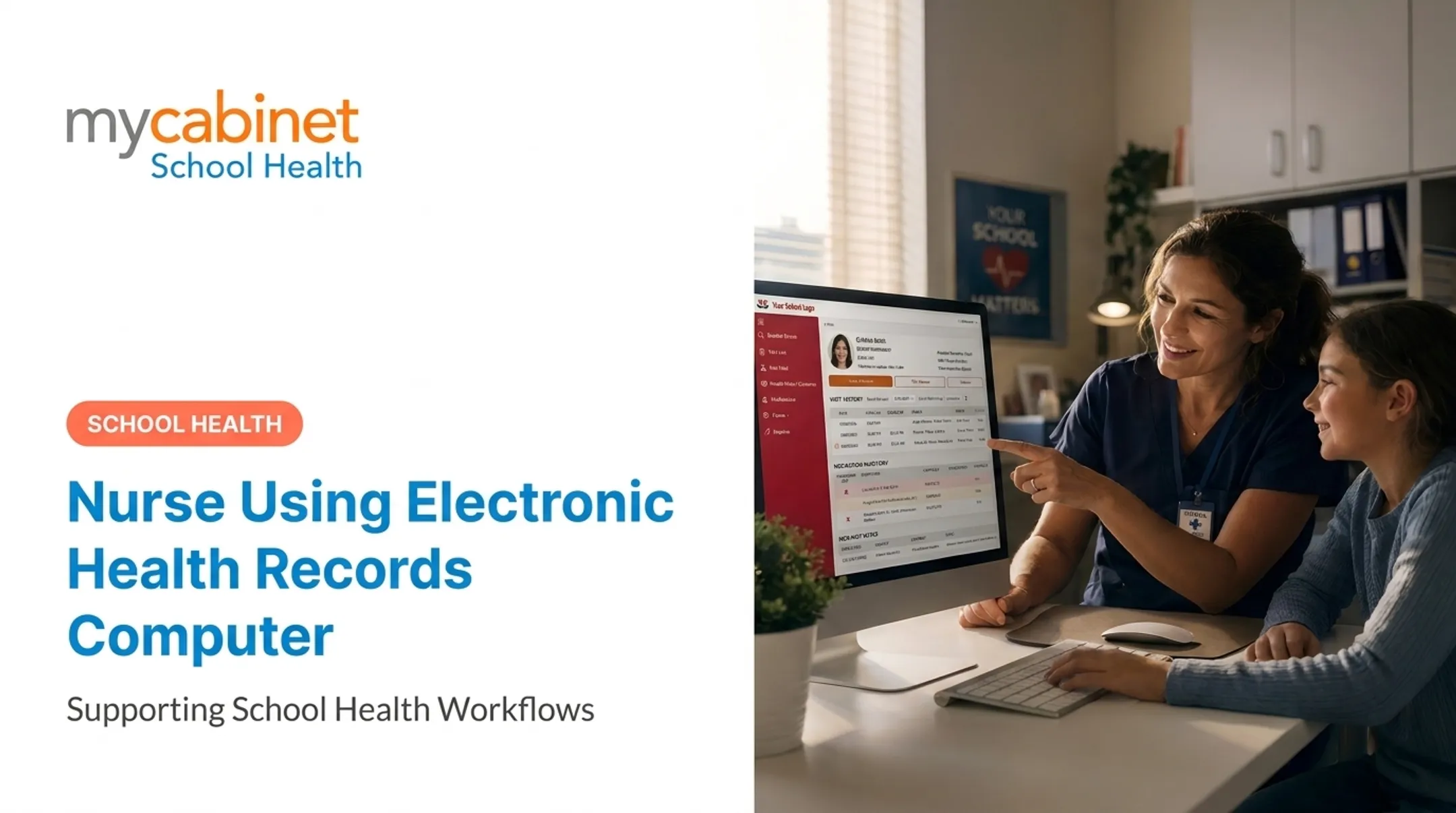
But a school nurse's job doesn't look like a hospital floor. One nurse may cover hundreds or thousands of students across multiple buildings, juggling daily medications, mandated screenings, immunization compliance, care plans for chronic conditions, injury documentation, and parent communication. Clinical EHRs built for hospitals weren't designed around any of that.
This guide covers what an EHR does, what school nurses gain from one, where adoption goes wrong, and what a school-specific platform like MyCabinet School Health handles that a general clinical system won't.
Key Takeaways
- EHRs give school nurses a real-time, searchable student health record instead of paper files and spreadsheets
- The right system cuts documentation time and medication errors — but training gaps are the biggest reason rollouts stall
- 42% of nurses report insufficient initial EHR training, per KLAS research
- School nursing has its own compliance reality: FERPA, state screening mandates, and parent visibility. Purpose-built platforms like MyCabinet handle these; hospital EHRs generally don't
What Is an EHR in School Nursing?
An electronic health record (EHR) is a digital, real-time health record. It captures history, vitals, medications, and care plans in one shareable system. This differs from an EMR (electronic medical record), which typically stays inside a single practice. An EHR is designed to move across providers and settings.
In a school setting, the record covers a student rather than a patient, and it includes things a hospital chart never would: immunization compliance status, vision and hearing screening results, 504 and IEP-linked health plans, emergency action plans for allergies or asthma, and signed parent authorizations.
For a school nurse, the EHR is the workday. It's used to:
- Document clinic visits, assessments, and injuries
- Administer and record daily and PRN medications
- Track screening and immunization compliance against state rules
- Maintain individualized health plans for chronic conditions
- Communicate with parents, teachers, administrators, and outside providers
Adoption across healthcare is now near-universal — in 2024, 91% of office-based physicians used a certified EHR, with another 4% on a non-certified system, per ONC's physician adoption data. School health offices are the setting where paper still lingers longest.
What a Complete School Health EHR Covers
Districts tend to evaluate school health EHRs across the same set of areas in an RFP. Here is what each one covers in practice:
- Student health record — the longitudinal chart: demographics synced from the SIS, emergency contacts, allergies, chronic conditions, health history, provider and insurance details, plus Individualized Health Plans, Emergency Action Plans, and the health components of 504 plans and IEPs. Records follow the student between schools and survive year-end rollover and transfers.
- Office visit and encounter documentation — reason for visit, assessment, vitals, interventions, nursing notes, and disposition (returned to class, sent home, referred, 911). Fast templates matter when a nurse sees 50 or more students a day, and the system should track time out of class and support documentation by unlicensed staff under nurse delegation.
- Medication management — orders with prescriber authorization and parent consent, scheduled and PRN; an electronic MAR built on the five rights, including missed and refused doses; inventory with controlled substance counts, witness signatures, and expiration alerts; stock epinephrine, naloxone, albuterol, and glucagon where state law allows; self-carry authorizations, field trip handling, error and incident reporting, and end-of-year disposal or return.
- Immunization compliance — tracking against state requirements by grade, medical and religious exemptions, conditional enrollment, exclusion and compliance letters, state reporting, and integration with the state registry such as ImmTrac2 in Texas or GRITS in Georgia.
- Screenings and referrals — state-mandated vision, hearing, scoliosis, dental, BMI, and state-specific screenings such as acanthosis nigricans in Texas, with batch entry during screening events, automatic referral letters, and follow-up until the referral closes.
- Chronic condition management — condition-specific tools for diabetes (glucose logs, insulin dosing, carb counts), asthma, seizures, and anaphylaxis, plus a record of which staff are trained on each student's plan.
- Secure parent and guardian communication — a secure portal or two-way messaging, e-signature for consents and medication authorizations, and notifications when a student is seen or sent home. Email and text alerts should carry no PHI in the body, only a prompt to log in. Multilingual support and a full audit trail are increasingly expected.
- Staff and care team communication — role-based, need-to-know alerts for teachers, substitutes, coaches, bus drivers, and chaperones, so a teacher sees "has an epinephrine plan" without the full chart, plus printable or mobile emergency cards for field trips, lockdowns, and evacuations.
- Reporting and analytics — state-mandated reports, immunization and screening compliance, visit trends by school, time returned to class, medication administration and error reports, illness and outbreak surveillance, and district-level dashboards across all buildings.
- Medicaid and reimbursement documentation — for districts in states with school-based Medicaid programs: billable services with the correct codes, parental consent for billing, and claims-ready exports that can offset the cost of the platform.
- Administrative processes — user and role management, district and school hierarchy, coverage for float nurses and substitutes, a configurable forms library, record retention aligned to state schedules, year-end rollover, injury and incident reports, and audit logs of who viewed or changed what.
- Integrations — SIS sync with PowerSchool, Infinite Campus, or Skyward; rostering and SSO through ClassLink, Clever, or OneRoster; state immunization registries; and increasingly HL7/FHIR interoperability with outside providers.
- Security, privacy, and compliance — school nurse records are generally education records under FERPA and therefore outside the HIPAA Privacy Rule, though HIPAA can still apply to electronic Medicaid billing or clinics run by outside providers, so a platform should satisfy both. This also covers state student privacy laws and data privacy agreements, encryption in transit and at rest, role-based access, breach response, and independent verification such as SOC 2 Type 2.
- Usability and continuity — mobile access, offline capability or a documented downtime procedure, fast documentation workflows, and onboarding and training support, since adoption depends on nurses finding the system faster than paper.

Structured Templates Cut Charting Time
Predefined visit types and documentation templates take the guesswork out of charting. Nurses pick structured fields instead of drafting free text, which speeds entry and keeps notes consistent — important when a substitute or health aide is covering the clinic.
In practice that means faster visit documentation, clearer follow-ups, and fewer incomplete charts at the end of the day.
Medication Management Features
Strong medication tools help school nurses administer doses safely and stay ahead of compliance gaps:
- Track dosage, frequency, and timing in the student record
- Surface interaction and allergy alerts before administration
- Flag upcoming and expired medications for parent follow-up
- Keep a running log of what was given, when, and by whom
Expiration tracking matters as much in a school clinic as it does in a hospital pharmacy — arguably more, since restocking depends on a parent bringing in a replacement.
Compliance and Audit Trails
Every entry, edit, and access event should be logged automatically. Those audit trails support FERPA in schools and HIPAA where clinical rules apply.
Administrators get a clear record of who accessed what data and when, without relying on paper binders or manual spreadsheets — which matters during a records request or a state audit.
Key Benefits of EHRs for School Nurses
Real-time access speeds up decisions when it counts. A nurse responding to an anaphylaxis or asthma event shouldn't be flipping through a filing cabinet for an action plan.
Documentation time drops with the right workflow design. A 2022 academic health-system study found nursing documentation time fell from 162 to 132 minutes per shift after workflow redesign — an 18.5% reduction in total EHR time. The lesson generalizes: the system alone doesn't save time, the workflow design does.
The burden is real without that optimization. A separate 2022 study of 317 ICU nurses found full-time staff spent 28.9 hours per month, roughly 17.5% of a clinical shift, on EHR-related tasks. A poorly fitted system moves work around instead of removing it.
Other measurable benefits:
- Fewer medication and documentation errors through automated alerts and standardized fields
- Cleaner handoffs when a student transfers schools or a substitute covers the clinic
- Faster compliance reporting instead of end-of-year spreadsheet reconstruction
- Better parent communication with less phone tag
Satisfaction matters too. A 2020 JMIR Nursing study found EHR satisfaction positively associated with nurse well-being (Pearson r = 0.35, P < .001), with mean satisfaction scoring 3.23 out of 5. Well-implemented systems save time and reduce the mental friction that leads to burnout — a real concern for nurses working solo without a care team down the hall.

Common Challenges School Nurses Face with EHR Adoption
EHRs aren't frictionless. The complaints cluster around four areas.
Training Gaps
KLAS Arch Collaborative data from roughly 75,000 nurses across 171 organizations found:
- 42% reported insufficient initial training
- 32% said training wasn't workflow-specific
- 38% disagreed that ongoing training was adequate
Training that treats every role the same tends to fail. School nurses feel this acutely: generic clinical training rarely covers screening mandates, parent authorization workflows, or FERPA-bound records.
Workflow Disruption During Rollout
New systems slow people down before they speed them up. Districts that launch mid-year, or during the immunization compliance crunch at the start of term, compound the problem. Rollout timing is a decision, not a detail.
Interoperability Gaps
Systems that don't talk to each other create data silos. ONC found that 70% of hospitals engaged in full interoperability in 2023, up from 46% in 2018, but roughly 2 in 5 rural hospitals still weren't fully interoperable. School health data is often the most isolated of all — cut off from the student information system on one side and outside providers on the other.
Usability and Burnout
Poor usability isn't just an inconvenience. A 2021 study of over 12,000 nurses linked poor EHR usability to higher burnout (OR 1.41) and intention to leave (OR 1.31). When a single nurse covers a whole campus, there's no one to absorb the overflow.

What a School-Specific Platform Adds
MyCabinet School Health is built around the school nurse's workload rather than a hospital's: task triage, parent visibility, digital forms, and school-specific compliance.
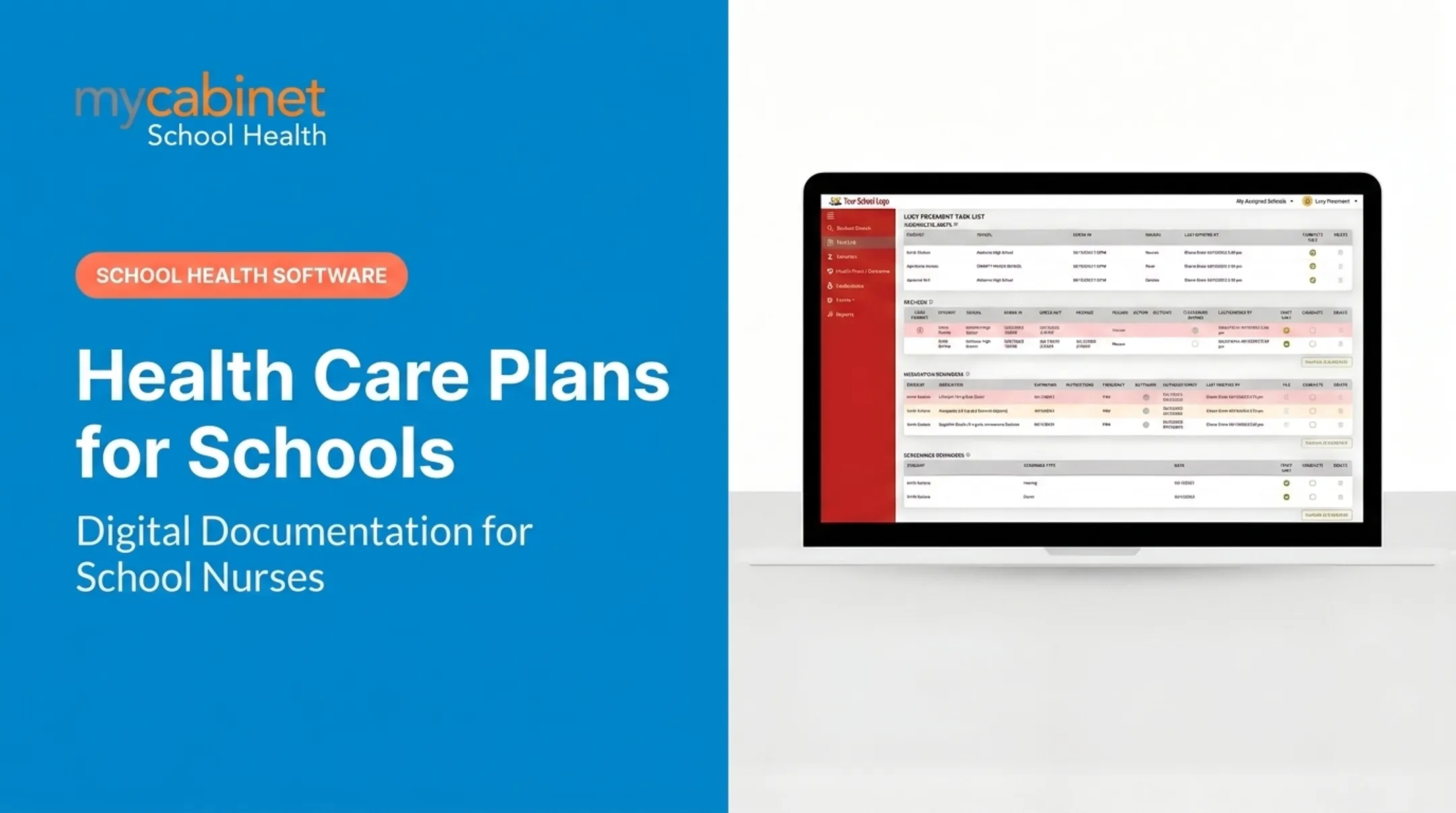
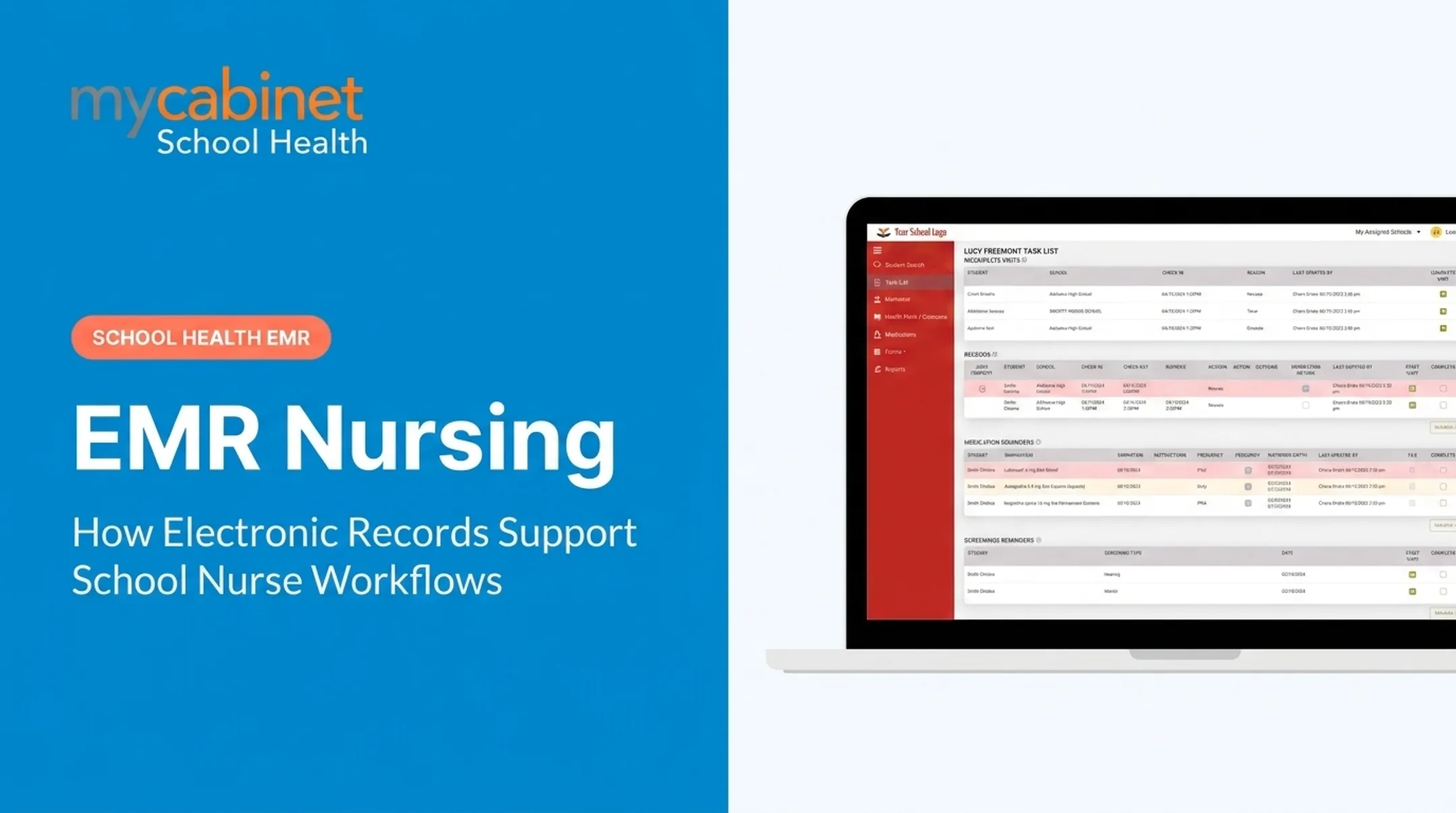
Intelligent Task Lists
Rather than making nurses remember every deadline, MyCabinet surfaces tasks automatically:
- Incomplete visits that still need follow-up
- Recheck visits queued for reassessment
- Medication reminders and upcoming expirations
- Screening deadlines tied to state or district rules
Color-coded visual cues help nurses triage what needs attention first, instead of scrolling through a flat list.
A Connected System for Transparency
MyCabinet links three pieces:
- Nurse Portal for clinic documentation and review
- Parent App for mobile visibility
- Parent Web Portal for browser-based access
Parents get controlled, one-way visibility. They can see when their child visited the clinic, why, and whether a school-stored medication is nearing expiration — down to the approximate day.

Parents can't message or edit records through the app. Anything beyond viewing goes through the school clinic directly, keeping the data flow clean and audit-friendly — and keeping the nurse's inbox from becoming a second job.
Cobb County School District uses the platform this way. Superintendent Chris Ragsdale has noted that parents can submit paperwork electronically and see exactly when their child was seen and given medication, replacing guesswork from fragmented paper systems.
Digital Health Forms Without the Paper Chase
The workflow runs in four steps:
- Campaign — automated email requests replace paper and fax collection
- Parent upload — forms arrive through the Parent App or Web Portal
- Nurse review — submissions land in the Nurse Portal
- Approval — approved documents attach to the student record

Nurses skip the print-scan-inbox loop when an immunization form goes missing.
Compliance Built for Schools, Not Just Clinics
MyCabinet supports role-based access so parents see only their own child's data, and nurses see only what's needed for care. This structure aligns with FERPA, which governs student education and health records differently than HIPAA governs clinical records. General hospital EHRs aren't designed around that distinction — school-specific platforms are.
Best Practices for a Smooth EHR Transition in a District
Getting an EHR right in a school setting comes down to four habits.
- Involve nurses early. Nurses who help select and test a system before rollout are more likely to trust it and use it correctly. Districts that let IT or procurement choose alone tend to stall at adoption.
- Time the rollout to the school calendar. Launching during back-to-school immunization season or state screening windows guarantees a rough start. Summer or a quieter mid-semester stretch works better.
- Roll out in phases with real support. Pilot at a few campuses, fix what breaks, then expand — paired with on-site or virtual support during the first few weeks.
- Keep training ongoing and role-specific. One session isn't enough, and generic clinical training doesn't cover school workflows. Build feedback loops so nurses can flag friction and see it addressed.
Frequently Asked Questions
What is an EHR in school nursing?
An EHR is a digital, real-time student health record that school nurses use to document clinic visits, administer and track medications, manage screenings and immunization compliance, and maintain care plans. It replaces paper files, spreadsheets, and fax-based parent communication with one centralized record.
How is a school EHR different from a hospital EHR?
School EHRs are built around student workflows — screening mandates, immunization compliance, parent authorizations, health plans tied to IEPs and 504s, and FERPA-governed access. Hospital EHRs are built around billing, orders, and clinical care teams, and typically don't support those school-specific needs without heavy workarounds.
What should a school health EHR cover?
Districts usually evaluate across the student health record, visit documentation, medication management, immunization compliance, screenings and referrals, chronic condition management, parent and staff communication, reporting, Medicaid documentation, administrative processes, integrations, security and privacy, and day-to-day usability. School nurses touch most of these every day.
Does a school EHR fall under HIPAA or FERPA?
Student health records maintained by a school are generally governed by FERPA rather than HIPAA, though the line depends on who provides the service and how it's billed. A school-specific platform should be designed around FERPA-appropriate role-based access from the start. Check with your district's legal or compliance office for your specific situation.
How much does a school EHR cost?
Costs vary based on district size, number of campuses, and feature set. Many vendors, including MyCabinet School Health, offer custom pricing after consultation rather than a flat published rate.
Are there free EMR/EHR systems available?
Yes — options like OpenEMR exist as open-source software. They typically lack the dedicated support, scalability, and school-specific compliance features districts need, and require in-house technical capacity most health offices don't have.
Can school nurses access the EHR from home or another campus?
Most modern cloud-based platforms allow authorized remote login with approved credentials and security protocols — useful for nurses covering multiple buildings. Always use your district's sanctioned access method rather than a personal workaround.