This gap creates real problems. Manual data entry eats into time nurses should spend with students. Rosters go stale. Medication and screening records fall behind. And every mismatch is a compliance risk waiting to surface during an audit.
This guide breaks down what SIS integration actually means for health records, why it matters, the features worth prioritizing, and how a purpose-built platform like MyCabinet School Health approaches the problem.
Key Takeaways
- SIS integration syncs roster and enrollment data with health records, ending duplicate entry and mismatches
- Real-time student data sharpens medication tracking, screening follow-up, and compliance reporting
- FERPA-aligned, role-based access is non-negotiable when connecting SIS and health platforms
- Purpose-built school health EHRs like MyCabinet cut admin load and keep nurses, parents, and districts aligned
What Is SIS Integration for School Health Records?
An SIS (Student Information System) is the operational backbone of a K–12 district, centralizing enrollment, attendance, scheduling, and compliance data. It is built for administrative operations, not clinical documentation.
SIS integration syncs that enrollment and demographic data—names, IDs, grade levels, and schedules—into the health platform nurses use for clinical work.
Rostering: The Core Mechanism
When a student enrolls, transfers, or changes grades in the SIS, that update should automatically flow into the health platform, creating or updating the student's profile. No manual re-entry required.
What typically flows one-way from the SIS:
- Student names and ID numbers
- Grade levels and homeroom assignments
- Class schedules
- Basic demographic details
What stays exclusively in the health platform:
- Medical history and diagnoses
- Medication logs and dosage records
- Visit notes and screening results
This separation isn't arbitrary. It reflects a privacy-first design: health data is more sensitive than roster data, so it deserves its own protected environment.

How Integration Actually Happens
Common methods include API-based connectors, standards like OneRoster, and vendor-built links. 1EdTech's OneRoster standard exchanges users, courses, enrollments, and grades. Its published scope does not include clinical health fields.
That limit is intentional. Health platforms need a secure, minimum-necessary way to pull identity data rather than treating a roster standard as a clinical schema.
Why School Health Records Need SIS Integration
Without integration, nurses become the human bridge between systems. That means manually cross-referencing spreadsheets, paper forms, and SIS portals every time something changes.
This slows everything down, including emergency response, when accurate student information matters most.
What automatic syncing fixes:
- New students and transfers appear instantly, without manual re-entry
- Schedule changes update in real time across systems
- State and district compliance reporting for immunizations, screenings, and medication administration draws from accurate, current data
- Nurses work from health records matched to currently enrolled students
The cost of working without connected data
The workload behind this problem is substantial. A 2024 national workforce study estimated 78,869 full-time-equivalent school nurses across US public schools, covering screenings and chronic condition management for students with asthma, severe allergies, and diabetes (National Association of School Nurses).
With that much clinical responsibility on one role, minutes lost to manual cross-referencing add up fast.
Timely access to health information changes outcomes, too. A 2022 study giving school nurses view-only access to hospital EHRs for 336 students saw emergency department visits drop 34% and hospitalizations drop 44% (peer-reviewed study, PMC.

That study was not SIS integration specifically. It still shows why accurate, accessible student data belongs in the systems nurses already use every day.
Key Features to Look for in an Integrated School Health Platform
Not every school health platform handles integration the same way. Here's what actually matters when evaluating one.
Structured Visit Documentation
Predefined visit types and audit trails tied to accurate student records let nurses document quickly—without recreating student context across dozens or hundreds of weekly encounters.
Intelligent Task Management
Instead of nurses trying to remember what's outstanding, the platform should surface it automatically:
- Incomplete visits needing documentation
- Rechecks that require follow-up
- Medication tasks and expirations approaching
- Screening reminders tied to current enrollment
Role-Based Access
FERPA and HIPAA compliance depends on limiting who sees what:
- Parents see only their own child's data
- Nurses see only what's needed for care
- Administrators get reporting access without full clinical visibility
Medication Oversight
Look for medication controls linked to current enrollment status, not a static record that goes stale:
- Dosage and frequency visibility
- Expiration tracking
- Outreach logging
Digital Health-Form Collection
Parent uploads, nurse review and approval, and automatic attachment to the correct student profile replace fax chains and manual follow-up with a single in-system workflow.

Benefits for Schools, Nurses, and Families
The payoff of connected systems shows up differently depending on who you ask.
For nurses and health office staff:
- Fewer manual data-entry errors
- Less time toggling between systems, spreadsheets, and paper binders
- More time for direct student care
For families:
- Transparent visibility into clinic visits and medication status
- Fewer surprises about what's happening at school
- Electronic health-form submission without chasing paper packets
For schools and districts:
- Faster, more reliable emergency response backed by accurate student data
- More consistent compliance workflows across multiple schools and varying state mandates
- Less reliance on paper, fax, spreadsheets, and manual follow-up
Those gains show up in real district rollouts. At a 2025 school board meeting, Cobb County School District superintendent Chris Ragsdale said MyCabinet "digitized and makes documentation easier," letting parents submit paperwork electronically and see when their child was seen and given medication.
His conclusion: "a win for the parents and a win for the district."
How MyCabinet School Health Supports Connected, Compliant Health Records
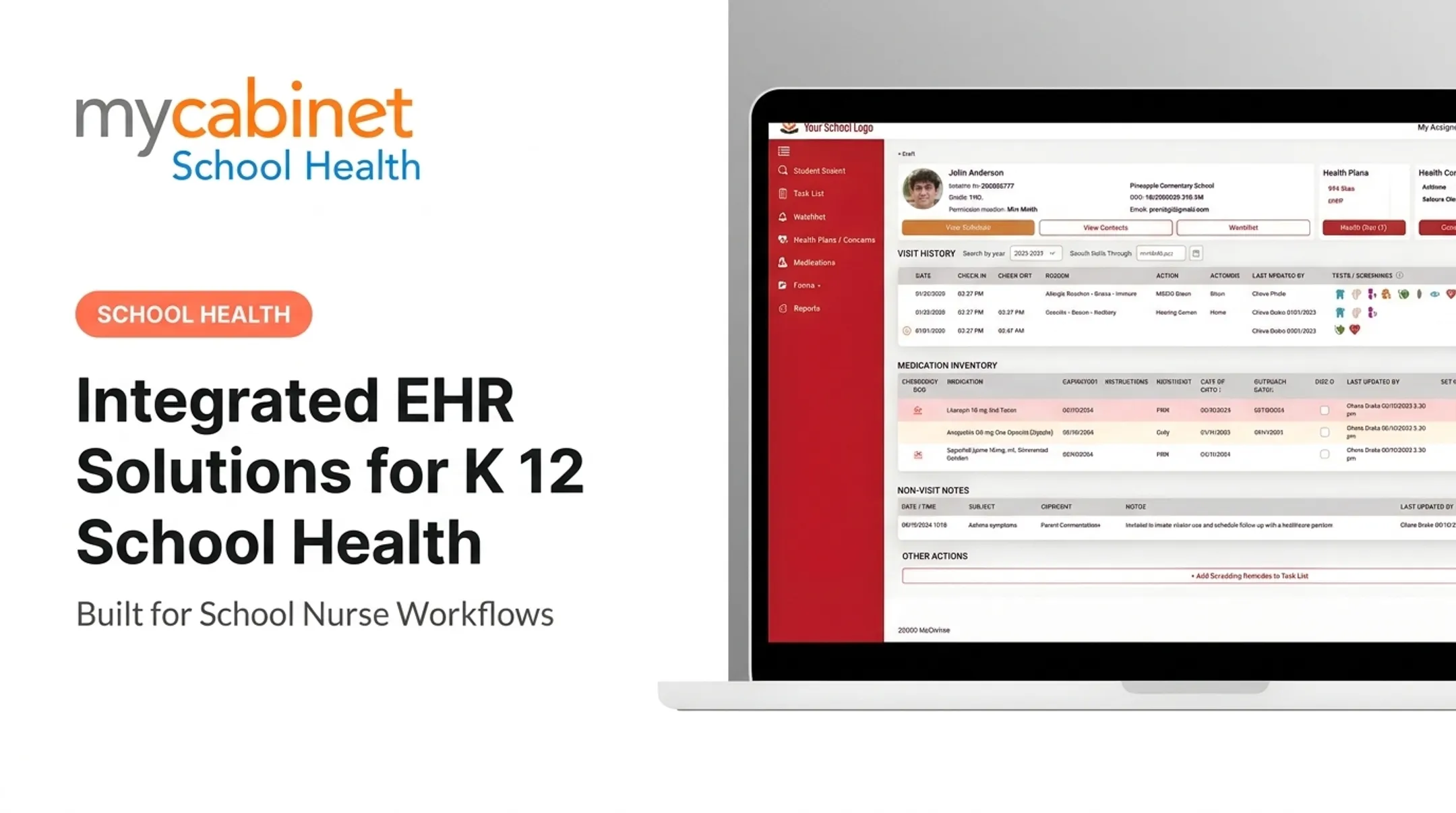
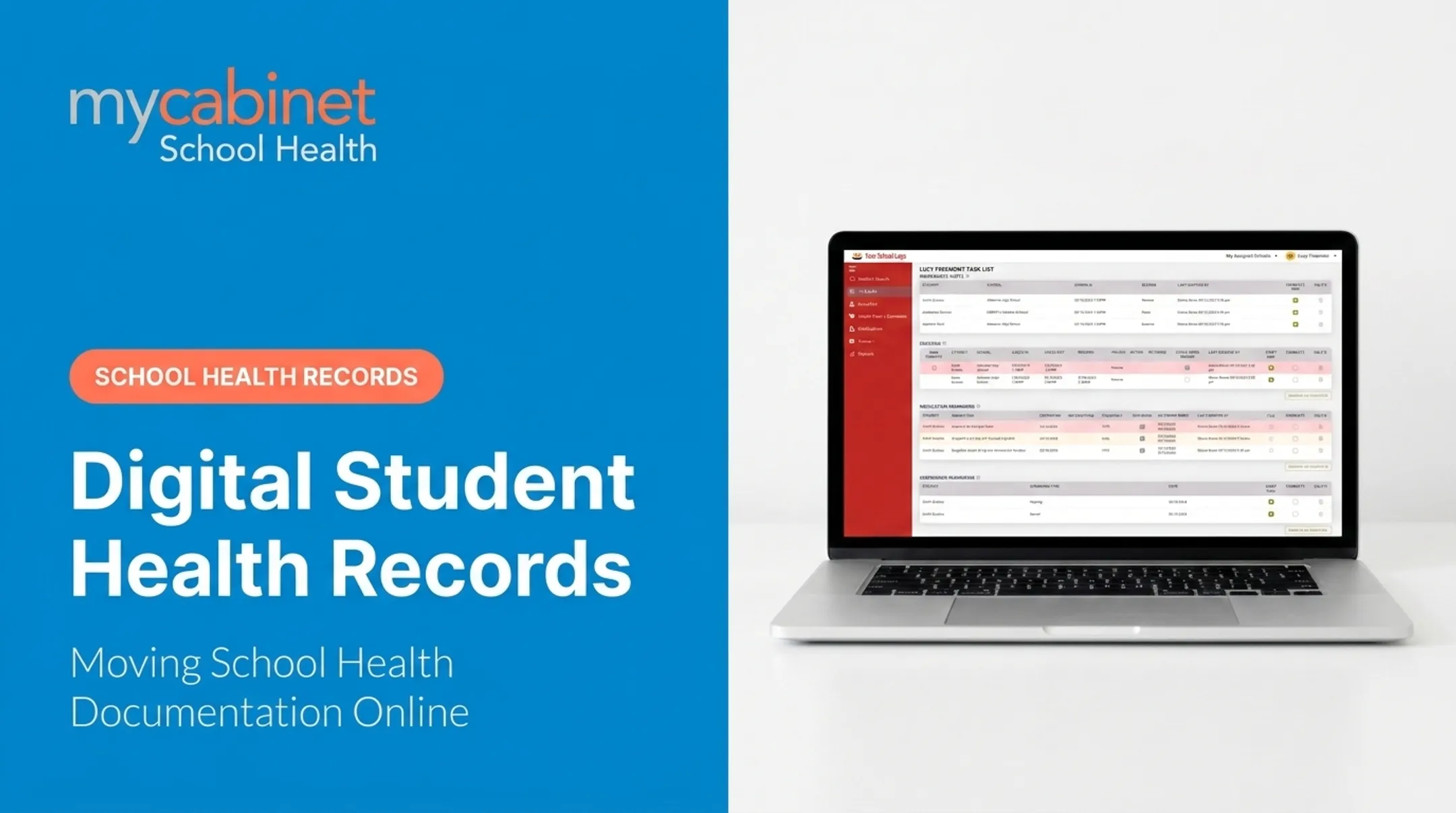
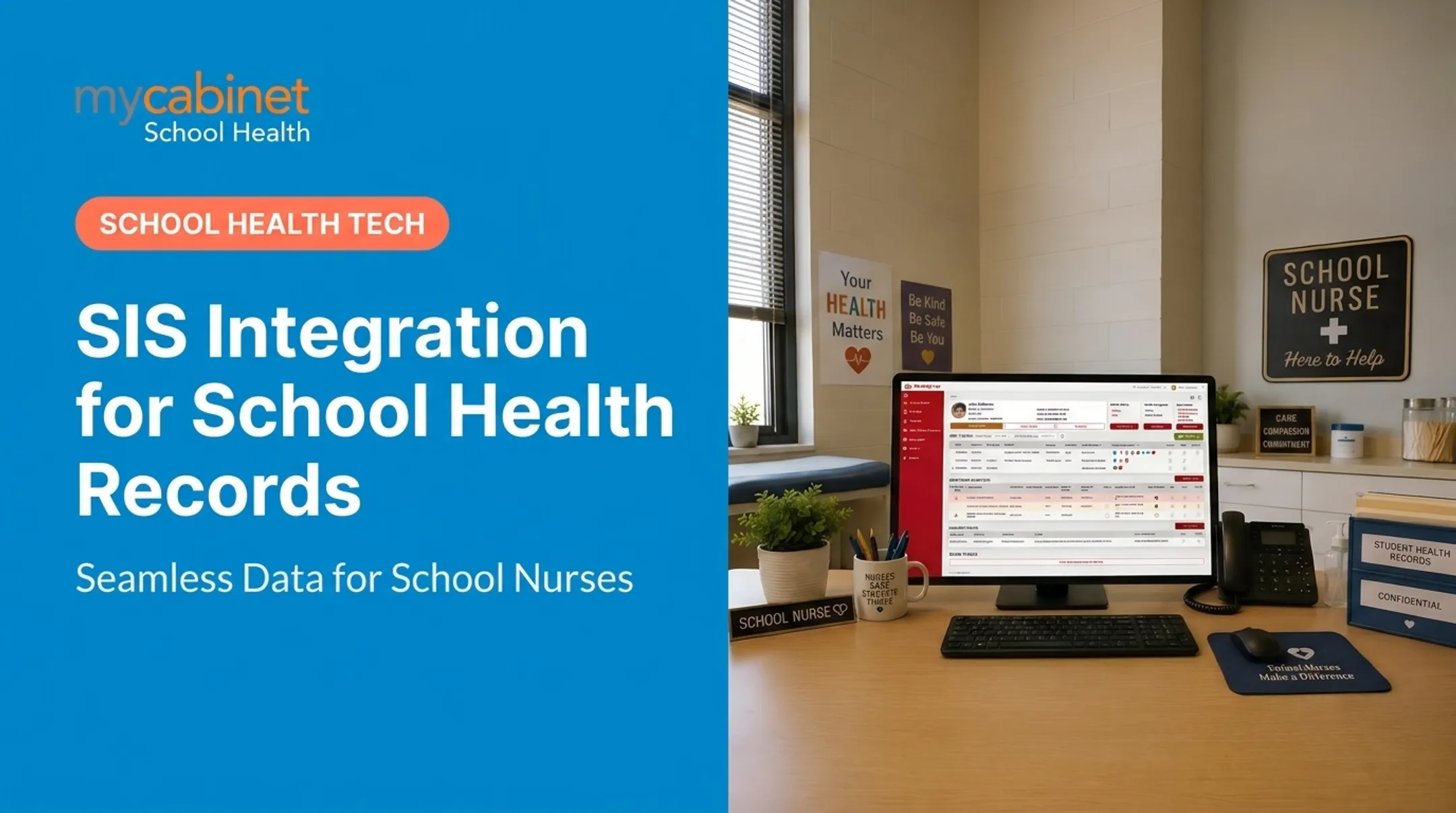
MyCabinet is designed around school nurse workflows, from the task dashboard to how records get shared. That focus keeps health data usable in the clinic—not buried in generic document storage.
A Connected System for Nurses and Families
MyCabinet combines three pieces:
- Nurse Portal — clinic visits, digital health records, medications, allergies, care plans, immunizations, district reporting, and SIS sync for real-time updates
- Parent App — secure family visibility into clinic visits, active medications, expiration alerts, and health notices
- Parent Web Portal — browser access for parents who prefer a computer over a mobile app

Nurses get limited visibility into whether a parent viewed a notification, but never into the parent's broader app activity. That boundary is intentional.
Compliance Built Into the Architecture
MyCabinet is SOC 2 Type II certified, HIPAA compliant, and FERPA compliant. When you connect a health platform to an SIS, consent controls, data minimization, and audit trails need to sit in the architecture from day one—not get added later.
MyCabinet is also a ClassLink Certified Partner, supporting K-12 interoperability alongside its SIS synchronization capability.
Cobb County School District is one example of a district using this connected approach in practice, with parents submitting paperwork electronically and gaining visibility into visit and medication records that used to live only on paper.
If your district is evaluating what connected, compliant health records could look like, reach out to MyCabinet School Health at schoolsupport@mycabinet.com or (305) 646-9931 to talk through implementation.
Frequently Asked Questions
What does a Student Information System (SIS) do?
A Student Information System centralizes student enrollment, attendance, scheduling, and demographic data to support daily school operations and district-level reporting. It's the administrative backbone most schools already run on.
Can students access their information in an SIS?
Many SIS platforms offer student portals for grades, schedules, and attendance. Health-specific data typically lives in a separate, more restricted health record system with tighter access controls.
Can you give me an example of a Student Information System?
Common K-12 examples include PowerSchool, Infinite Campus, and Skyward. These differ from dedicated school health platforms like MyCabinet, which focus on clinical documentation rather than academic administration.
How does SIS integration differ from a school health record system?
An SIS manages academic and administrative data; a health platform manages clinical documentation such as visit notes, medication logs, and screenings. Integration syncs rosters so student identity stays consistent across both systems.
Is student health data shared automatically through SIS integration?
No. Typically only limited demographic and enrollment data flows from the SIS. Sensitive health data remains protected within the dedicated health platform, governed by FERPA and, where applicable, HIPAA controls.