A school health EHR should do more than digitize a filing cabinet. It needs to help nurses document care in seconds, manage medications without guesswork, coordinate follow-up across buildings, and give families a clear window into their child's care — all while giving district leaders the oversight they need without burying nurses in extra paperwork.
This article covers what district-scale EHR requirements actually look like, the features that separate purpose-built platforms from repurposed medical or SIS software, how to evaluate vendors, and what a realistic multi-campus rollout involves.
Key Takeaways
- Standardize nurse workflows district-wide while fitting different campus sizes and staffing models.
- Prioritize medication oversight, visit documentation, digital forms, and controlled parent communication over feature checklists.
- Weigh security, interoperability, usability, and total cost of ownership as heavily as features.
- Build adoption around nurse input, phased rollout, clean data, and measurable outcomes, not only go-live.
What Is a School Health EHR?
A school health EHR is a secure digital record of student health activity: visits, conditions, medications, allergies, screenings, immunizations, care plans, forms, and follow-up tasks. It's built for a different environment than the systems used in hospitals or physician offices.
The National Association of School Nurses (NASN) frames this clearly: school-nursing EHRs should follow the nursing process, use standardized nursing terminology, and meet confidentiality, security, and privacy expectations specific to the school setting — not simply mirror clinical EHR design. The design priorities diverge in practice:
- Hospital EHR: Billing codes and physician workflows
- School EHR: One nurse covering hundreds (sometimes thousands) of students, with parents involved in consent, forms, and day-to-day care coordination
Where Privacy Rules Actually Apply
This is where many districts get confused. Joint federal guidance from the U.S. Department of Education and HHS clarifies that student health records maintained by a school or school nurse generally fall under FERPA as education records, not HIPAA.
Most K–12 schools aren't HIPAA covered entities in the first place, since school health staff typically don't bill health plans electronically. Even where a school is a covered entity, HIPAA's Privacy Rule steps aside once health information becomes part of a FERPA education record, and FERPA and IDEA protections still govern access.
Districts should verify which requirements apply to their specific workflows rather than assuming HIPAA governs every school health record uniformly. This isn't a minor technicality — it shapes who can access records, how consent works, and what a vendor's compliance claims actually mean.

Longitudinal Records Matter More at Scale
In a large district, students transfer between campuses constantly. A longitudinal record — one that follows the student rather than staying siloed at a single school — means a nurse at the new campus isn't starting from zero on medication history, allergies, or an active care plan. That continuity is why large districts favor a district-wide platform over disconnected, school-by-school systems: the receiving nurse already has the chart that matters.
Essential Features of an EHR for a Large K–12 District
Feature lists matter less than how those features hold up across dozens of buildings and thousands of students. Here's what actually earns its place.
District-Wide Architecture That Doesn't Break Workflows
A large-district EHR needs centralized administration paired with flexibility at the campus level. That means:
- Consistent visit types and documentation standards across every school
- School-level permissions that don't force a 3,000-student high school into the same setup as a 400-student elementary campus
- District-wide reporting that rolls up individual campus data without requiring manual compilation
Visit Documentation and Medication Management
Structured student profiles should capture visit types, symptoms, interventions, outcomes, follow-up tasks, and timestamps automatically, not as an afterthought typed into a free-text box.
Medication management is where the stakes are highest. These capabilities need to live in one place, tied directly to the student's profile:
- Dosage and frequency visibility
- Expiration tracking and renewal outreach
- Administration documentation
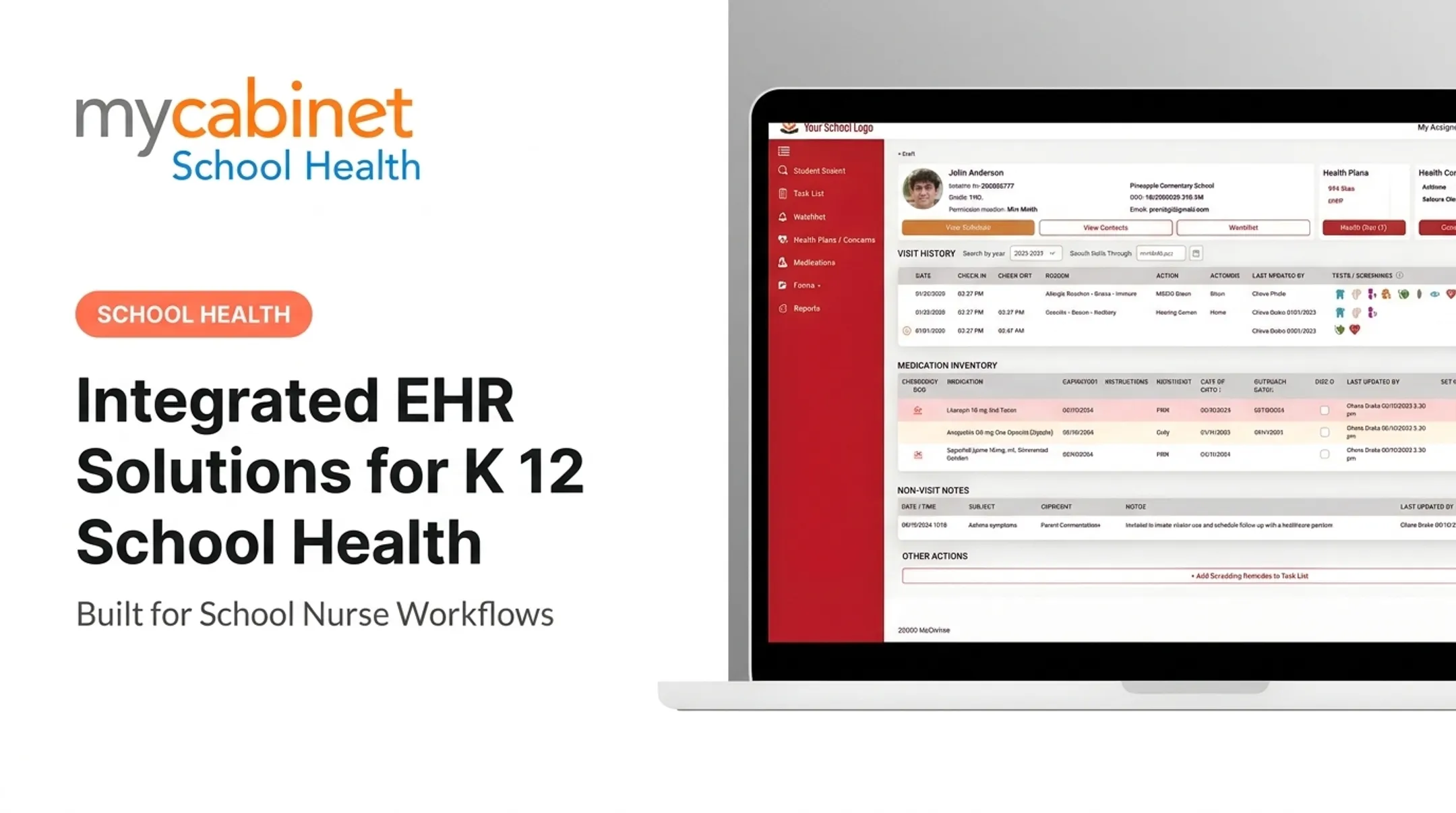
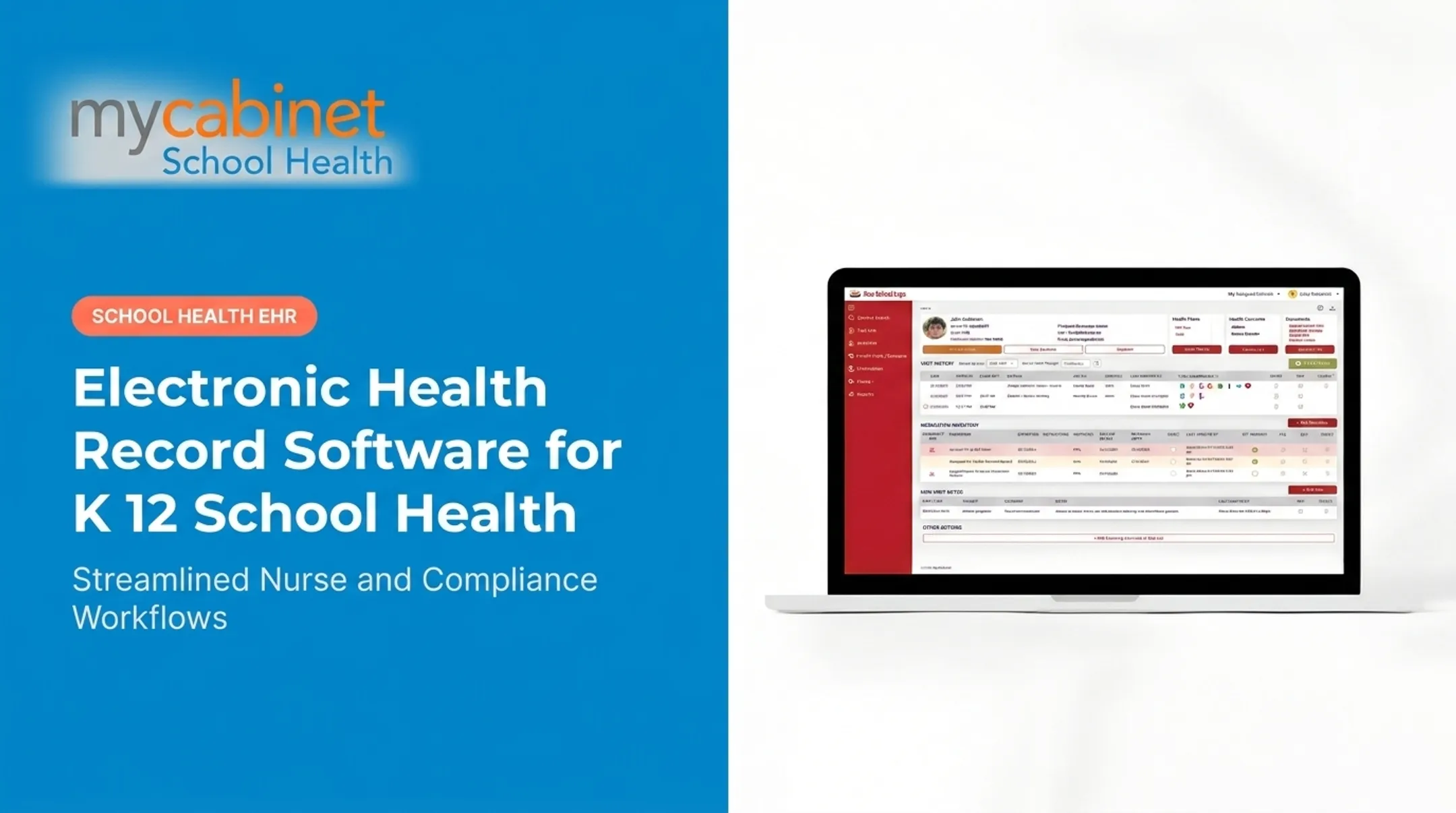
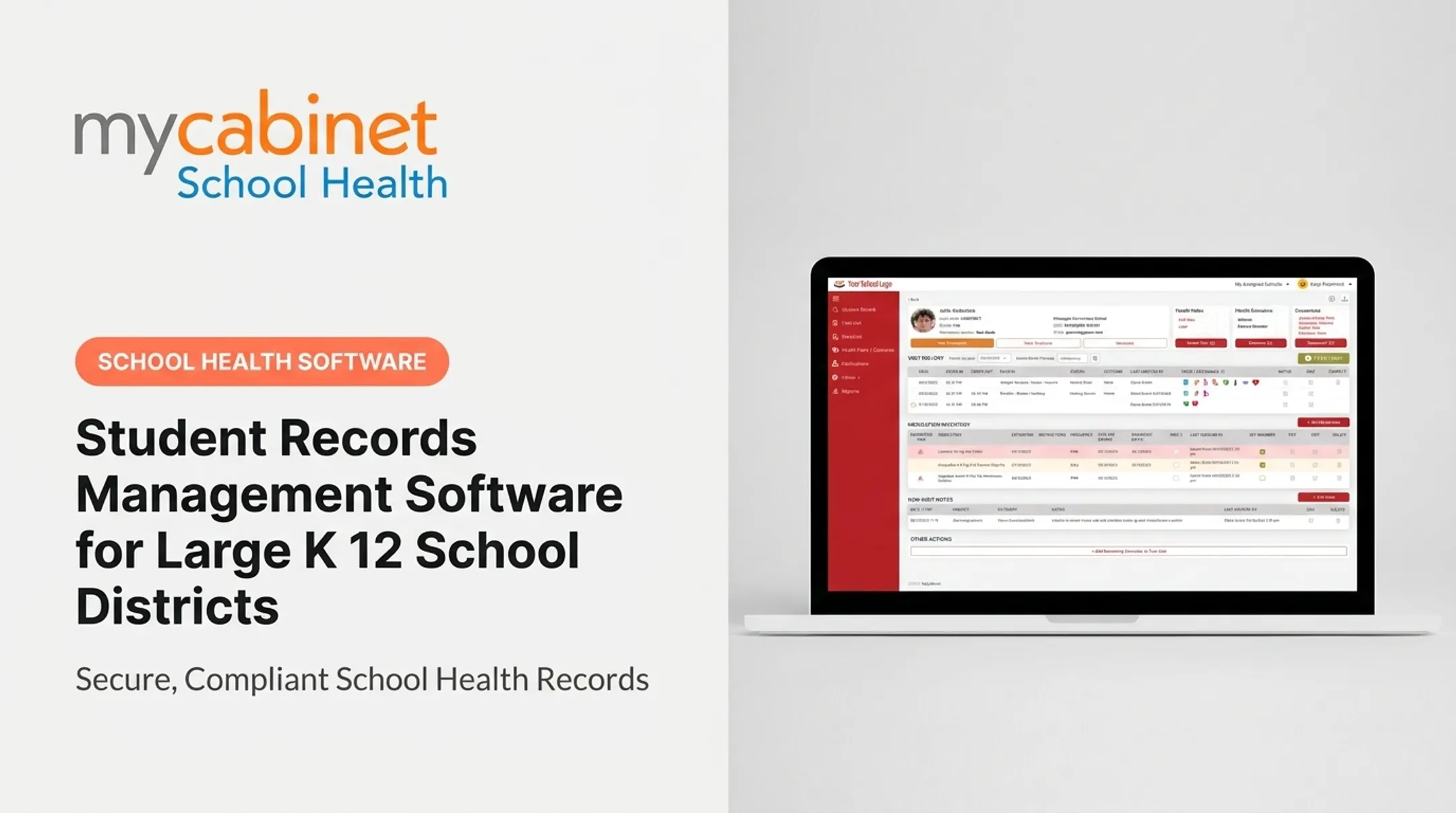
MyCabinet School Health's Nurse Portal, for example, organizes these into intelligent task lists. Incomplete visits, recheck visits, medication expirations, and screening reminders are flagged with visual cues so nurses can triage at a glance instead of hunting through separate logs.

Digital Forms and Family Communication
Paper forms are the single biggest bottleneck at the start of a school year. A workflow that lets parents upload immunization records and health forms digitally, with nurses reviewing and approving them in-system, eliminates the printing-scanning-inbox cycle entirely. Approved documents should attach directly to the student's record, with no separate filing step.
Communication should be controlled, not open-ended. One-way notifications for clinic visits and medication expirations, rather than open chat threads, keep families informed without creating a message-management burden for nurses.
Security, Governance, and Reporting
Non-negotiables include:
- Role-based access so parents see only their own child, nurses see only what they need for care, and technical staff access data solely for system maintenance
- Audit trails and encryption
- District dashboards covering state reporting, immunization compliance, and custom exports
On interoperability, treat vendor claims carefully. Standards like HL7 FHIR, Ed-Fi's Student Health domain, and SIF exist in the broader education and health-data ecosystem, but none of the current published documentation confirms widespread school-health EHR adoption of these standards. Ask vendors to name the exact standard, version, and production references, not just the acronym.
How to Evaluate EHR Solutions for a Large School District
Feature comparisons only tell part of the story. Districts that get this right start with people, not spreadsheets.
Start With Workflow Discovery
Interview nurses, health services leadership, IT, privacy officers, special education staff, and families before touching a vendor demo. Document actual pain points:

- How long does form collection take before the school year starts?
- How many steps does it take to log a medication dose today?
- Where do medication follow-ups, transfers, and parent forms stall?
Build a Requirements Matrix
Score vendors across categories that reflect real district priorities, not marketing copy. A useful weighting structure looks something like this:
| Evaluation Category | Why It Matters |
|---|---|
| Security & Compliance | Independent audits, encryption, access controls, incident response |
| Clinical Workflows | Visit documentation, medication administration, care plans, screenings |
| Parent Engagement | Mobile app, portal access, digital forms, controlled notifications |
| Reporting & Administration | State reporting, immunization compliance, Medicaid documentation |
| Technology | SIS integration, single sign-on, data portability |
Security and compliance usually carry the heaviest weight in serious evaluations (often around 30%), because a breach or compliance gap outweighs almost any convenience feature.
Test Realistic District Scenarios
Ask vendors to demonstrate:
- A nurse covering two campuses managing medication tasks across both
- A student transferring mid-year with full record continuity
- Mass immunization form collection ahead of a new school year
- District-wide medication expiration follow-up across hundreds of students
Count the actual clicks required for common tasks. A platform that takes seven steps to log a routine visit will slow down a nurse handling 30 students a day.
Confirm Total Cost and References
Get itemized pricing for implementation, migration, training, integrations, licensing, and ongoing support. Do not treat published price ranges as final without direct vendor confirmation.
Ask for references from districts of comparable size. Define your evaluation measures before signing anything:
- Documentation completion rates
- Form processing time
- Medication follow-up timeliness
- Support response times
Implementing an EHR Across Multiple K–12 Campuses
Rollout success depends less on the software and more on the planning around it.
Governance and Data Cleanup First
Assemble a team spanning an executive sponsor, nursing leadership, IT, privacy officers, procurement, and campus administrators. Before migration, clean legacy data:
- Merge duplicate student records
- Flag outdated or expired medications
- Resolve incomplete forms and missing consent documentation
- Standardize inconsistent terminology across campuses
Choose a Rollout Approach That Matches District Readiness
Match the model to campus readiness:
- Phased pilot: Surfaces workflow issues on representative campuses before they scale, but full deployment takes longer
- District-wide launch: Gets every campus on one system faster, with less room to course-correct
- Wave rollout: Groups campuses by size or complexity; the path most large districts choose
Training and Go-Live Safeguards
Build role-specific training for nurses, substitutes, administrators, and parents. Include hands-on practice for high-risk workflows like medication documentation and emergency access.
On go-live day, staff these safeguards:
- Help-desk coverage across the district
- Designated super users at each campus
- A backup documentation process if the system goes down
Newark Public Schools reported a district-wide EHR where nurses documented visits, illnesses, medications, and treatments online. Leadership called the first year a strong success, though specific timelines and quantified outcomes were not published. Verify any vendor's claimed results directly rather than treating one case study as proof of scalability.
After go-live, keep collecting nurse feedback, reviewing usage patterns, and measuring against your baseline. A system left unadjusted after launch tends to drift back toward workarounds.

How MyCabinet School Health Can Support District Workflows
MyCabinet School Health was built specifically for school nurses, not adapted from a hospital EMR or bolted onto a student information system. It connects three components: a Nurse Portal for daily clinical workflows, a Parent App, and a Parent Web Portal for families without the app.
For nurses, that means:
- Structured visit documentation with intelligent task lists for incomplete visits, rechecks, medication expirations, and screening reminders
- Medication tracking with dosage, frequency, and expiration visibility tied directly to the student's profile
- Digital health-form collection: parents upload records and forms, nurses review and approve in-system, and approved files attach to the student record
For families, one-way notifications cover clinic visits and medication expiration dates, without open chat threads creating extra noise for nurses to manage.
District rollouts make that model concrete. At the 2025 Cobb County School Board Meeting, Superintendent Chris Ragsdale described how the platform digitized documentation, enabled electronic parent paperwork, and let parents see when their child was seen and given medication.
Security sits alongside those workflows. MyCabinet School Health maintains AICPA SOC 2 Type II certification and supports HIPAA- and FERPA-aligned school health records. Districts should still review current documentation, contractual terms, and implementation responsibilities during procurement; no vendor compliance page replaces your own due diligence.
If your district is still piecing together paper forms, spreadsheets, and fragmented systems, book a MyCabinet School Health demo to compare those workflows against a nurse-centered platform.
Frequently Asked Questions
What are the benefits of using an electronic health record (EHR)?
A school health EHR centralizes access for authorized staff, cuts paperwork, and standardizes nurse workflows across campuses. It also improves medication oversight, strengthens family communication, and preserves continuity when students transfer schools.
What are the key features of an electronic health record (EHR)?
Core features include structured student profiles, visit documentation, medication management, digital forms, role-based access, audit trails, parent communication tools, task management, reporting, and security controls. The exact feature set varies by vendor.
What does an electronic health record look like?
Most platforms present a role-based dashboard with student search, health summaries, visit history, medication tracking, forms, task lists, and reports. The exact interface differs by user role — nurses, administrators, and parents typically see different views.
What are the data standards used in electronic health records?
Standards like HL7 FHIR, Ed-Fi's Student Health domain, and SIF exist for health and education data exchange, though documented K–12 school-health adoption varies. Districts should confirm which standards a vendor actually supports and certifies against.
What are some examples of data analytics in healthcare?
In school health, analytics can mean tracking visit patterns, medication volume, screening completion rates, and recurring health needs. HIMSS notes that analytics support identifying trends and operational patterns, though school use requires strict access controls and de-identification.