Introduction
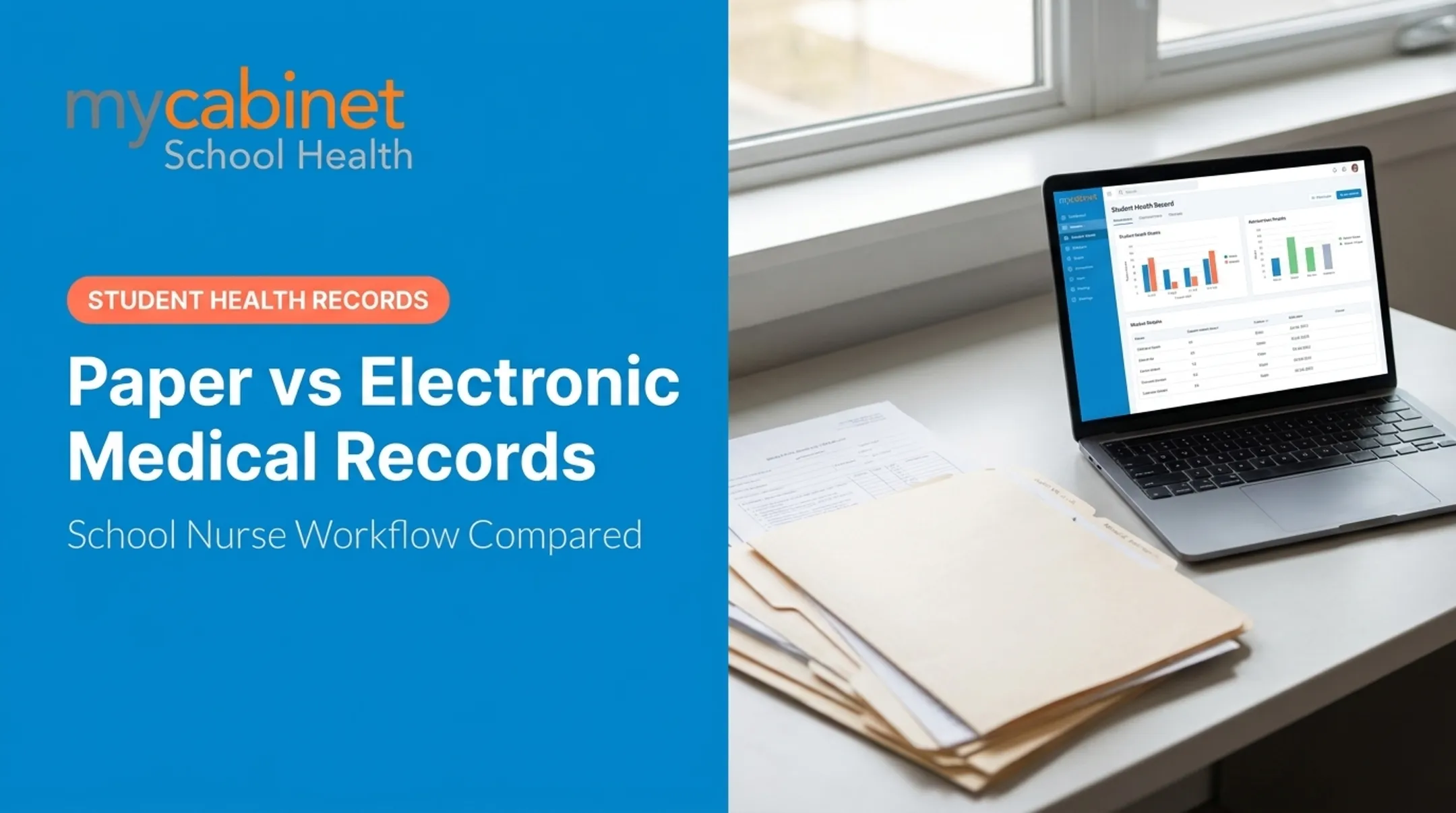
Picture two school clinics on the same Tuesday morning. In one, a nurse pulls a manila folder from a locked cabinet, flips through handwritten notes to find a student's asthma action plan, and hopes nothing's missing.
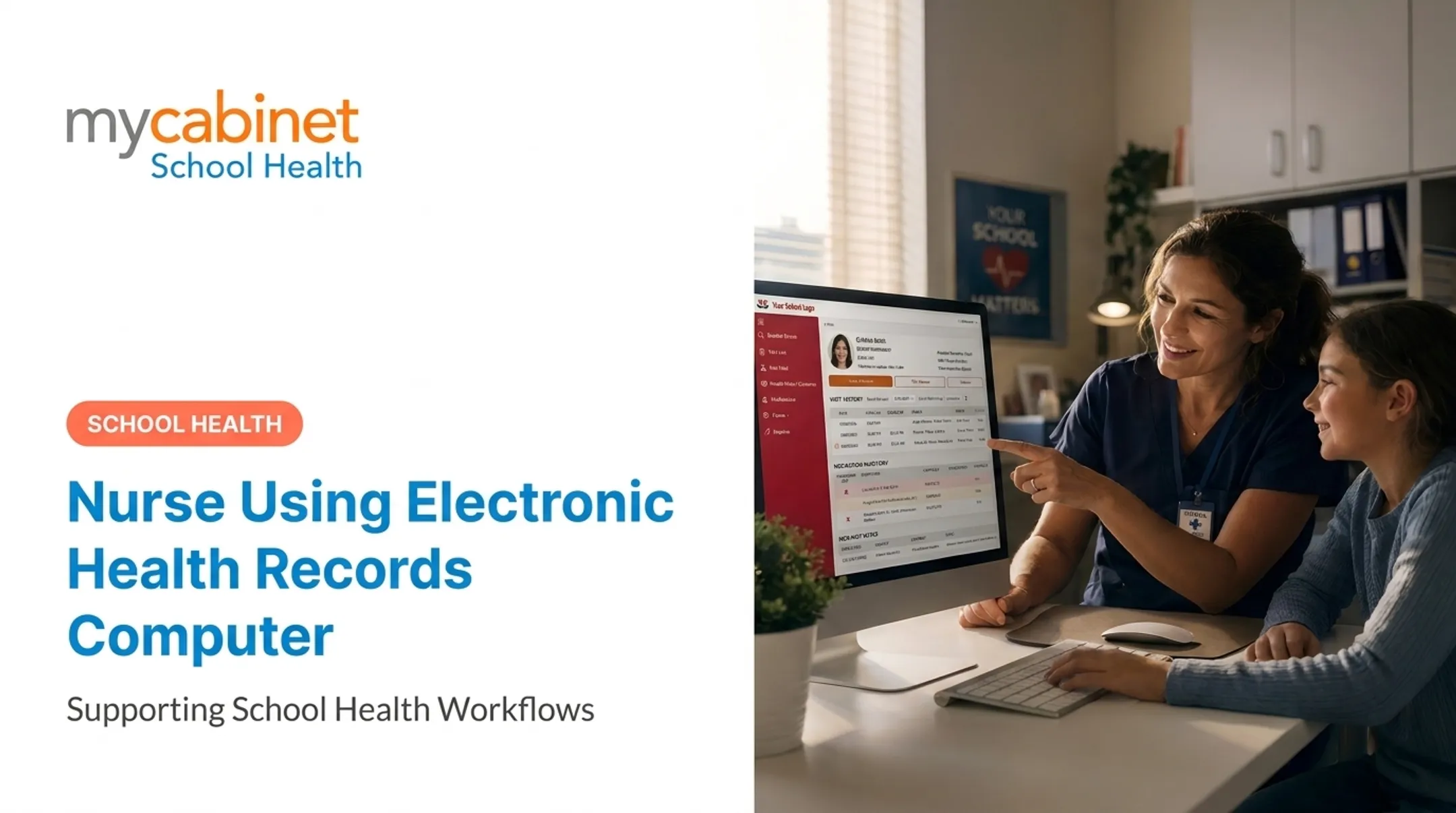
In the other, she searches a name on a tablet and pulls up medication history, allergies, and last week's visit notes in seconds.
That gap matters more than it seems. The recordkeeping method a school chooses shapes nurse efficiency, student safety, family communication, and how fast staff can act when minutes count.
The shift toward digital records is already strong nationally. The CDC's 2024 National Electronic Health Records Survey found that 95% of U.S. office-based physicians had adopted an EHR, though no comparable national figure exists yet for K-12 school health offices specifically (CDC NEHRS, 2024).
This article compares EHRs and paper records across accessibility, accuracy, security, workflow fit, cost, and compliance, not just sticker price.
Key Takeaways
- EHRs make health data searchable and shareable; paper locks it in handwritten forms and filing cabinets.
- Paper feels familiar and cheap upfront, but searching, sharing, and scaling it gets harder fast.
- Well-configured EHRs add structured documentation, role-based access, audit trails, and medication oversight.
- Before switching, evaluate vendor security, FERPA/HIPAA responsibilities, usability, and downtime planning.
EHR vs. Paper Health Records: Quick Comparison
For school nurses and health offices, the practical gaps show up in five areas: access, documentation quality, privacy, coordination, and cost.
Accessibility and Retrieval
An EHR lets authorized staff search a student's central record from any supported device, whether that's the clinic desktop or a nurse covering a second building. Access depends on permissions and connectivity, but the record itself doesn't live in one physical spot.
Paper works differently. Someone has to locate the actual file. If it's checked out, misfiled, or stored at another campus, retrieval stalls until it turns up.
Documentation Quality and Accuracy
EHRs use structured fields — timestamps, required entries, standardized visit types — which reduces the chance a critical detail gets skipped. Entries are typed, so they're readable by whoever opens the chart next.
Paper depends on handwriting. Illegible notes, missing pages, and inconsistent formats between staff members are common friction points, and correcting an entry after the fact isn't always clean.
Privacy and Security
EHR security rests on role-based access, authentication, encryption, audit trails, and backups. That said, security quality varies by vendor. Schools should verify certifications rather than assume every platform is equally protected.
Paper security relies on locked storage and physical access control. Risks include:
- Loss, theft, or accidental exposure of a folder
- Fire or water damage with no backup copy
- No reliable way to prove who viewed or altered a file
Communication and Coordination
EHRs can support controlled notifications and shared visibility so nurses, staff, and families work from current information without distributing full records. Paper-based coordination usually means photocopying, faxing, mailing, or hand-delivering documents, then following up manually to confirm they arrived.
Cost and Scalability
Paper has a low entry cost, but recurring expenses build over time: supplies, filing cabinets, storage space, and staff hours spent retrieving and refiling documents. According to ONC's Health IT Playbook, EHR costs break down into software, implementation, training, and ongoing support — each a separate line item to budget for. Neither format is free, and paper's burden grows as enrollment or the number of schools increases.

What Are EHRs and Paper Health Records?
Electronic Health Records in School Settings
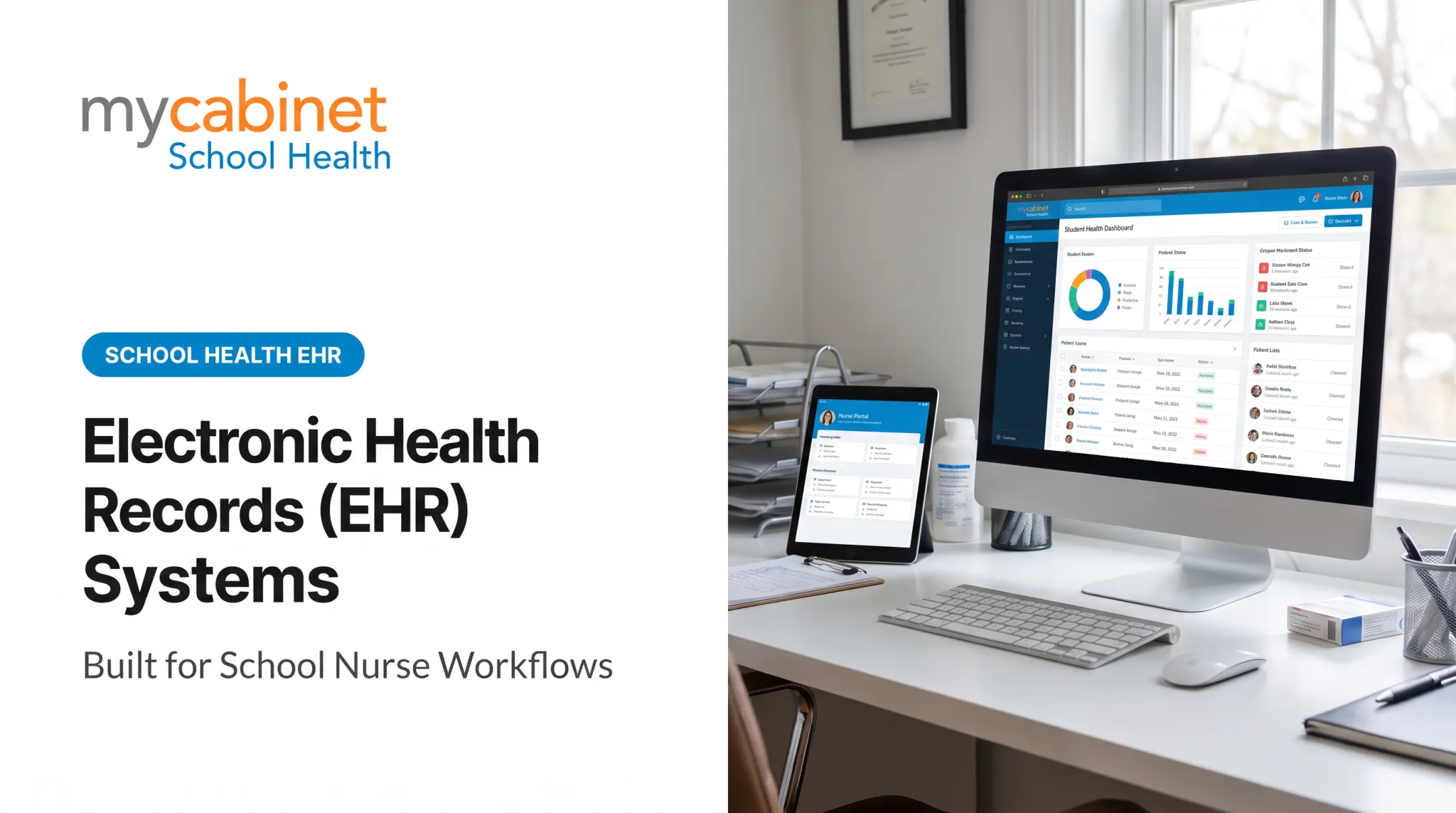
A school-health EHR is a digital system that stores, organizes, and helps authorized staff manage a student's health information over time. It's distinct from a general EMR or a parent-facing portal, though the terms sometimes get used loosely.
Depending on the platform, an EHR might manage:
- Clinic visits, symptoms, and screenings
- Immunization records and health forms
- Allergies, care plans, and medication instructions
- Follow-up and recheck tasks
Not every EHR includes every feature, so confirm scope before assuming capability. When structured well, digital records translate into clearer documentation, faster retrieval, and better visibility into what's still outstanding.
Before adopting one, schools should evaluate:
- Role-based permissions — who can see what, and why
- Audit logs — a record of who accessed or changed information
- Secure authentication and backups
- Alignment with FERPA and, where applicable, HIPAA
A digital system still needs trained staff, accurate data entry, and a plan for downtime. Software alone doesn't fix a broken workflow.
Paper Health Records in School Settings
Paper records are physical forms, handwritten notes, and printed care plans stored in folders or filing cabinets. Schools stick with paper for reasons that make sense on paper (so to speak): familiarity, limited tech infrastructure, or the need to maintain legacy files during a slow migration.
Paper doesn't go down during an outage, requires no software training, and needs minimal equipment to start. Those upsides are narrow—and they don't lift a school's privacy or recordkeeping obligations.
Operational drawbacks add up quickly for nurses:
- Searching folders by hand during time-sensitive moments
- Re-entering the same information for multiple people
- Blocking simultaneous access when two staff need one file
- Filing paperwork instead of caring for students
School-specific risks are sharper still. Medication authorizations expire. Emergency contact sheets go stale. A student transferring schools may leave critical history behind in a cabinet that never gets a phone call.
Use Cases for Each Format
Paper can still work for narrow, controlled purposes:
- A short-term backup during a system outage
- A temporary process with secure storage and a reconciliation plan to enter data into the primary record later
EHRs earn their keep in more complex environments: multiple schools, high student volume, recurring medication tasks, frequent screenings, and reporting requirements that paper simply can't support at scale.
One documented example: in a study of 336 students across three urban Denver-area school districts, school nurses received view-only access to hospital EHR data. Emergency department visits dropped 34% and inpatient hospitalizations dropped 44% after that access (Baker et al., 2022). The study measured digital access to hospital records—not a paper-to-EHR conversion inside a school—but it remains the clearest evidence of what visibility into structured health data can do.

EHR vs. Paper Health Records: What Is Better?
There's no universal answer. It depends on a school's risk profile, workflow complexity, and its ability to implement and govern a new system. If a district lacks resources to configure and maintain an EHR properly, staying on paper—or a hybrid model—can be the safer short-term choice.
Cost is usually the first filter districts apply, and it goes well beyond the license fee.
Total Cost of Ownership
Compare more than sticker price:
- Software, devices, and implementation
- Training and ongoing support
- Data migration from existing paper files
- Staff time and business-continuity planning
The American Medical Association's transition guidance notes that outages are common during and right after a system switch, so downtime procedures need to be planned, not improvised.
Safety, Accountability, and Privacy
Structured fields, task lists, and audit trails support safer follow-up. They are not automatic protection:
- Poor configuration can still leave gaps in care
- Incomplete data entry weakens medication and visit records
- A well-designed EHR still needs careful setup and oversight
Privacy obligations differ by context. FERPA governs most student education records. HIPAA applies in narrower cases, generally when a school-based provider transmits protected health information electronically for standardized transactions.
Joint federal guidance clarifies that a school covered by HIPAA but keeping health data only in FERPA education records typically doesn't need to comply with HIPAA's Privacy Rule (HHS/ED Joint Guidance, 2019). Because this varies by situation, districts should get compliance advice specific to their setup.
Implementation Readiness
Before switching, assess staff adoption, device access, connectivity, and how historical paper records will be scanned or entered. Training and a clear outage procedure matter as much as the software itself.

Once readiness is clear, the choice usually falls into one of two paths:
Situational guidance:
- Stick with limited paper when the workflow is temporary, connectivity is unreliable, or paper is a controlled downtime backup with clear access rules
- Prioritize a school-health EHR when the district needs searchable records, cross-school coordination, medication oversight, digital forms, or auditable reporting
MyCabinet School Health is built for this setting. It combines nurse workflows, a Parent App, and browser-based access with medication tracking, digital forms, role-based permissions, and audit trails—features districts can map directly to the needs above.
Real-World School Health Workflows
Scenario 1: A nurse needs allergy and medication info during a busy clinic period.
- Paper: She pulls a folder, verifies the entry by hand, and documents the visit on a separate sheet.
- EHR: She searches the student's name, sees current allergies and care plans instantly, and logs the visit in a structured field with a timestamp.
Scenario 2: The school needs updated health forms from families.
- Paper: Packets go home, get filed by hand on return, and missing signatures mean phone follow-ups.
- Digital: A workflow like MyCabinet's automated form campaigns lets parents upload forms directly. Nurses review and approve them, and approved documents attach straight to the student record.
Scenario 3: A student changes schools or sees multiple staff members.
- Paper: Files often stay at the old school or move incomplete.
- EHR: Controlled access to one current record supports continuity when permissions and data governance are set correctly from the start.
Districts without a centralized platform feel real strain managing students with chronic conditions when records aren't unified. That gap shows up most during transitions.
If your district still juggles paper packets, fax machines, spreadsheets, and email threads for student health, a purpose-built school health platform can close those gaps while keeping privacy and continuity intact.

Conclusion
For schools juggling multiple staff members, recurring medications, digital forms, and ongoing family communication, EHRs generally offer stronger advantages than paper. Paper still has a place, but mainly as a limited, well-controlled backup or a transitional step during migration.
Before choosing either path, weigh:
- Total cost of ownership, including training and upkeep
- Security, access controls, and audit trails
- Day-to-day usability for nurses and clinic staff
- Compliance duties under FERPA and, where applicable, HIPAA
- Downtime readiness and controlled backup plans
Choose the option that makes documentation simpler, safer, and easier to keep accurate for nurses, students, and families.
Frequently Asked Questions
Why have we moved from paper charting to EHR?
EHRs improve retrieval speed, legibility, structured documentation, and reporting while supporting controlled sharing and audit trails. That said, implementation and ongoing security governance still require real effort and planning.
Is MyChart considered an EHR?
Not exactly. MyChart is a patient-facing portal connected to a healthcare organization's underlying EHR system, not the complete EHR itself. Capabilities can vary depending on the organization behind it.
Do hospitals still use paper records?
Most hospitals run primarily on electronic systems. Over 99% of U.S. non-federal acute-care hospitals had adopted a certified EHR as of 2024, though many still keep paper on hand for downtime procedures or legacy needs.