Only 52% of U.S. public schools have a full-time nurse, according to NCES data from 2015-16. That makes every hour spent tracking paper forms an hour not spent on student care.
Mobile health assessment forms fix this by letting parents submit and update student health records from a phone or laptop. This guide covers what these forms are, how they work, real examples, and how to choose the right platform.
Key Takeaways
- Parents submit and update student health assessment forms digitally, so schools spend less time chasing paper
- Digital collection improves accuracy, compliance tracking, and turnaround time versus paper
- Nurses work from centralized, searchable records instead of scattered files and binders
- With MyCabinet, form collection, nurse review, and parent updates live in one system—not three separate workflows
What Are Mobile Health Assessment Forms?
Mobile health assessment forms are digital versions of the paperwork schools have always required: physicals, immunization records, allergy and medication disclosures, and screening consents. Parents complete them on a smartphone, tablet, or browser instead of filling out a paper packet.
A static PDF emailed to parents is not the same as a true in-app submission workflow. A PDF still needs to be printed, signed, scanned, and emailed back. Someone still has to file it manually. A real digital workflow routes the submission directly into a nurse's review queue and attaches it to the student's record automatically.
Common Form Types Schools Require
- Annual health history questionnaires
- Sports physicals for athletics eligibility
- Medication authorization forms
- Immunization compliance records
- Vision and hearing screening consents
These are the same packets parents used to complete on paper—now built for mobile submission and nurse review.
Tucson Unified School District's SNAP Parent Portal shows how that shift looks in practice. Parents can view and update health information, upload provider orders and physicals, and upload vaccination records on mobile devices, according to Tucson Unified's own SNAP Parent Portal documentation.
Some tasks, like medication drop-off, still need an in-person handoff. "Mobile" does not always mean fully paperless.
How Mobile Health Forms Work
Parents often ask: how does a mobile health form work, and how do I get my results? What they receive is not a diagnostic score like a fitness app. It is a document workflow with clear status visibility.
Here's the typical sequence:
- The school sends a digital form request, often by automated email or in-app prompt.
- The parent completes the form and uploads supporting documents, such as physician signatures or vaccination cards, in a mobile app or web portal.
- A school nurse reviews the submission for completeness and accuracy.
- The nurse approves the form or flags it when information is missing.
- Once approved, the document attaches directly to the student's health file.

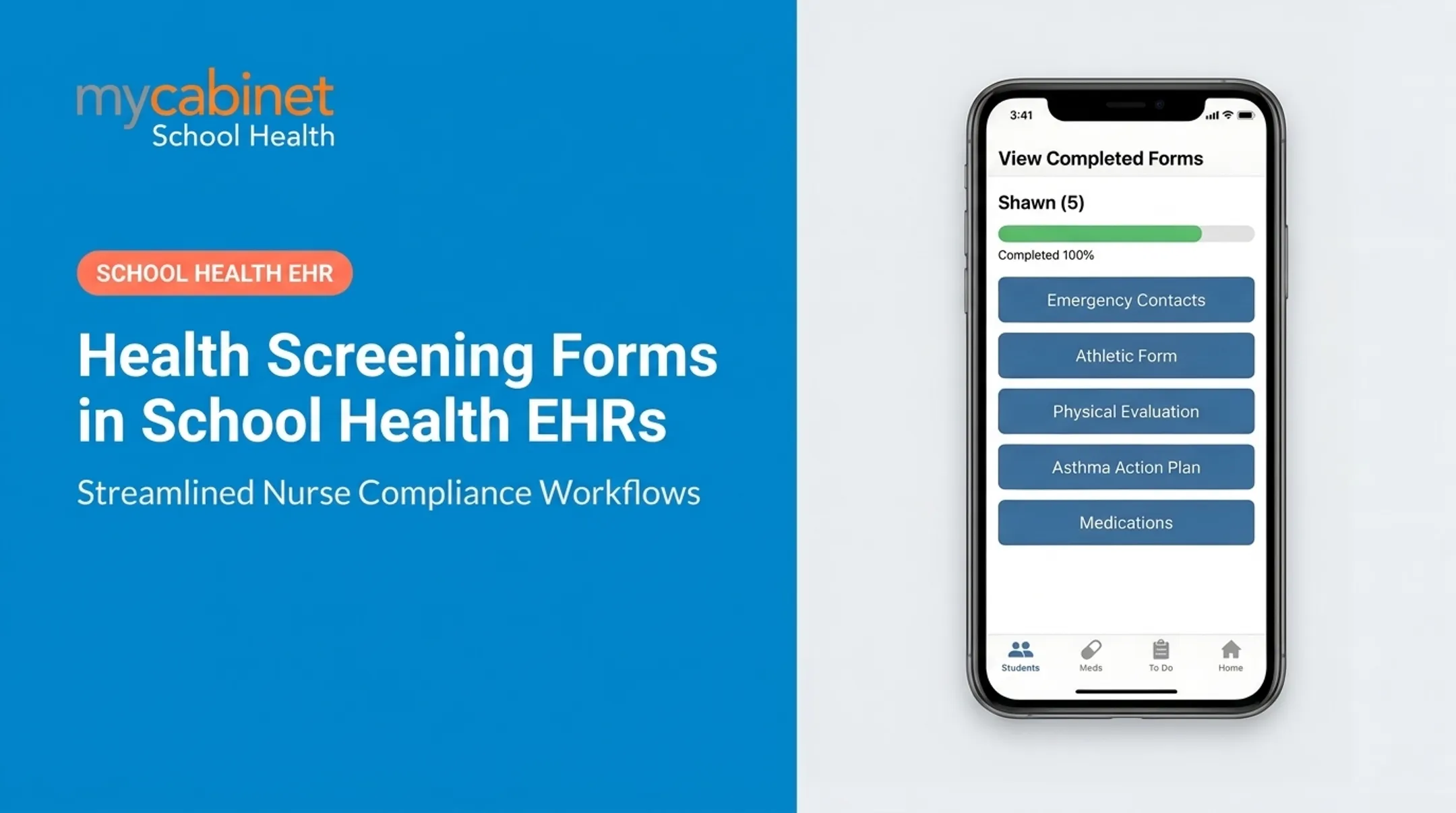
MyCabinet is built around that same workflow. Parents submit medical forms, immunization records, and medication documentation through the Parent App or Parent Web Portal. Nurses review submissions in the Nurse Portal, then approved documents attach to the student's profile so schools can drop paper, fax, and scattered email threads.
"Getting results" here means status visibility, not a diagnosis. Parents typically see whether a form is completed, pending, or due, more like a to-do list than a lab report.
Compliance and Audit Trail Benefits
Digital workflows create an audit trail that supports compliance documentation. MyCabinet, for example, provides compliance dashboards, activity logs, and role-based access controls alongside its SOC 2, HIPAA, and FERPA-aligned environment. That matters because FERPA requires schools maintaining education records to keep them under direct institutional control — an audit trail helps prove that control.

Examples of Mobile Health Applications in Schools
Not every "health app" belongs in a school setting. Schools need to separate general consumer tools from purpose-built school platforms.
Consumer mobile health apps include:
- Fitness and activity trackers
- Symptom checkers
- General telehealth consult apps
- Personal medication reminder apps
School-specific health platforms include:
- Parent-facing health record portals (like TUSD's SNAP Portal)
- School nurse EHR systems with clinical documentation
- Medication management tools built for school clinics
- Connected nurse-parent platforms like MyCabinet's Nurse Portal and Parent App
The distinction matters. A fitness tracker doesn't feed into a nurse's workflow or attach to a FERPA-protected student record. A purpose-built platform does.

That difference shows up in districts already using school-specific platforms. At Cobb County School District, Superintendent Chris Ragsdale has described how MyCabinet lets parents submit health paperwork electronically and see when their child was seen at the clinic or given medication. The platform replaced a paper-heavy, phone-call-driven process.
Key Benefits of Switching to Mobile Health Assessment Forms
Districts that move away from paper report gains across four areas:
- Reduced administrative burden. Less manual data entry, fewer follow-up calls, and less paper filing for nurses. Digital submission removes the scan-print-file cycle entirely.
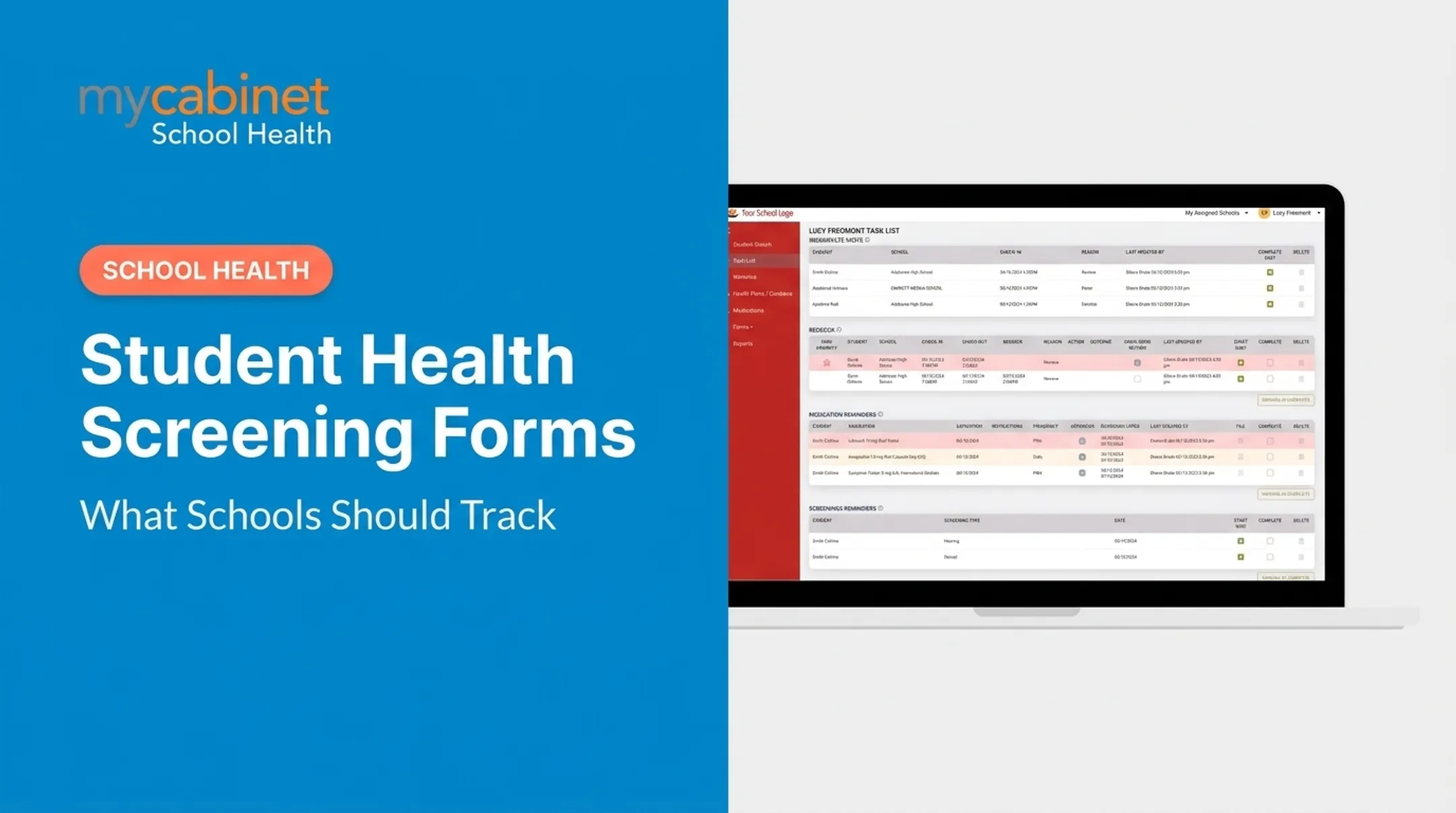
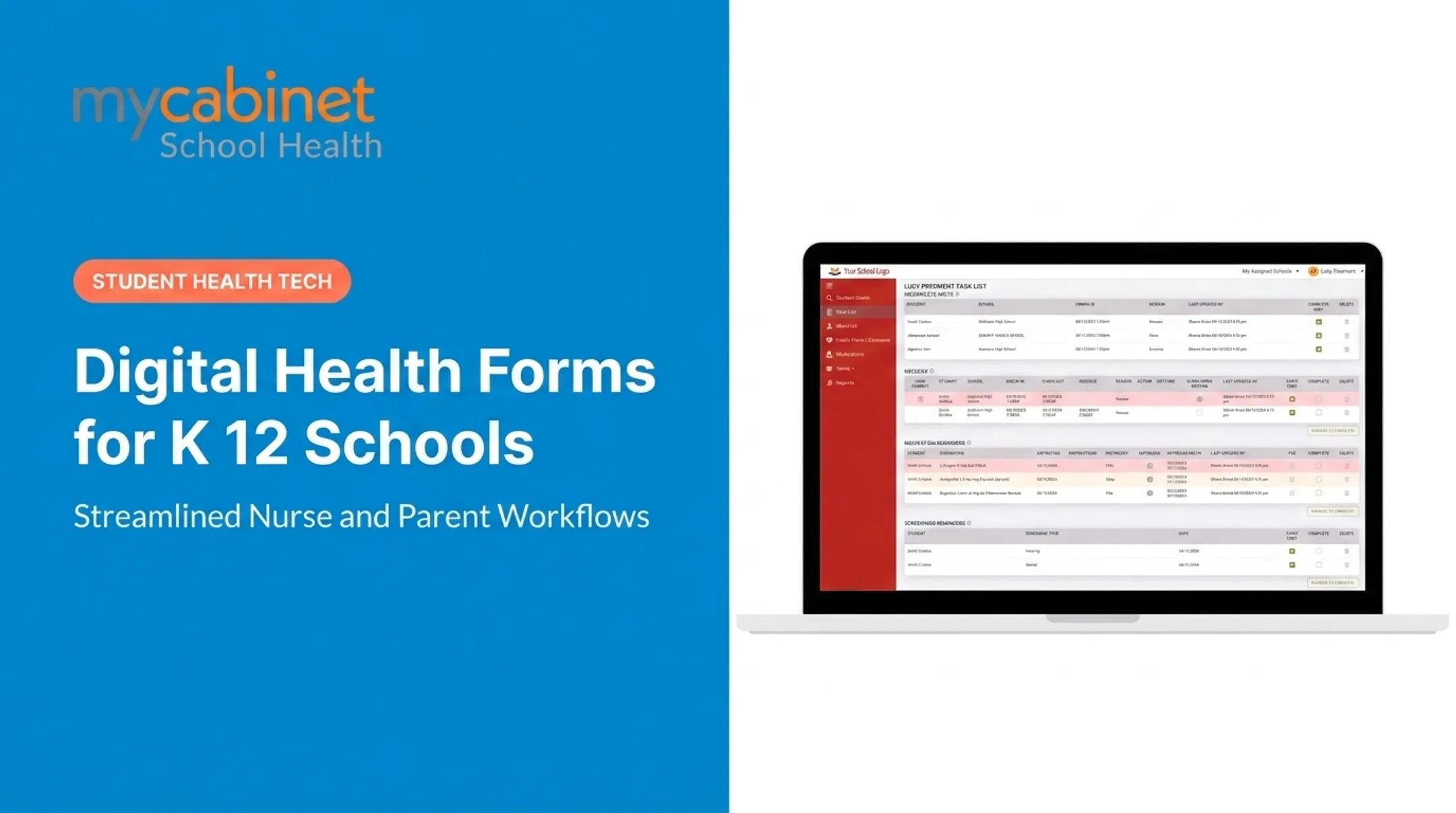
- Improved compliance tracking. Task lists surface incomplete visits, medication expirations, and pending forms automatically. MyCabinet's Parent App notifies parents when school-stored medication nears expiration; the Nurse Portal shows the same alerts on the nurse's task list.
- Faster access during emergencies. Instead of digging through binders, nurses pull up medications, allergies, and care plans in a few clicks from a centralized digital record.
- Stronger parent engagement. Parents get real-time visibility into submission status and clinic activity, so they can track their child's care instead of waiting for updates.
A Colorado study found that school-nurse EHR access was associated with a 34% drop in ED visits and a 44% drop in hospitalizations among 336 high-risk students — a promising signal, though the study's authors caution that urban infrastructure and other factors limit how broadly this applies.

Choosing the Right Mobile Health Form Solution for Your School
Not all "digital form" tools are built the same. A few things separate a real school health platform from a glorified PDF collector:
- HIPAA and FERPA compliance — Non-negotiable for protecting sensitive student health data. Confirm certifications like SOC 2 audits, not just marketing claims.
- Workflow-first design — The platform should organize nurse tasks (incomplete forms, rechecks, expirations) instead of just storing documents in a folder.
- Dual access options — Look for both a mobile app and a web portal, so families without smartphones aren't left out.
- Role-based access and audit trails — Parents should see only their own child's data; staff should see only what they need for care.
MyCabinet's approach reflects this checklist. Parents get restricted access to their own child's records, and staff access is need-based. The platform runs in a SOC 2 Type II-certified, HIPAA- and FERPA-compliant environment.
Frequently Asked Questions
How does a mobile health form work and how do I get my results?
Parents submit forms and documents digitally. A nurse reviews and approves them, then the approved file attaches to the student's record. "Results" show as status updates (completed, pending, or flagged), not diagnostic outcomes.
What are some examples of mobile health applications?
General examples include fitness trackers and symptom checkers. School-specific examples include parent portals like TUSD's SNAP system and connected platforms like MyCabinet's Nurse Portal and Parent App.
Are mobile health assessment forms secure and compliant with student privacy laws?
Strong platforms support FERPA for school-maintained education records and HIPAA where applicable. Look for SOC 2 certification, role-based access, and documented audit trails.
Can parents update health forms after initial submission?
This varies by platform. Since schools own and control student records, parents typically need to contact the school directly to request a correction or resubmission.
Do mobile health forms replace physician documentation?
No. Forms streamline collection and routing, but physician signatures and records still need to be uploaded and verified as part of the submission.
How can school districts transition from paper to mobile health forms?
Choose a HIPAA/FERPA-compliant platform, train nurses on the review workflow, and guide parents through app or portal setup. Most districts phase in form types—starting with immunizations or physicals—instead of switching everything at once.