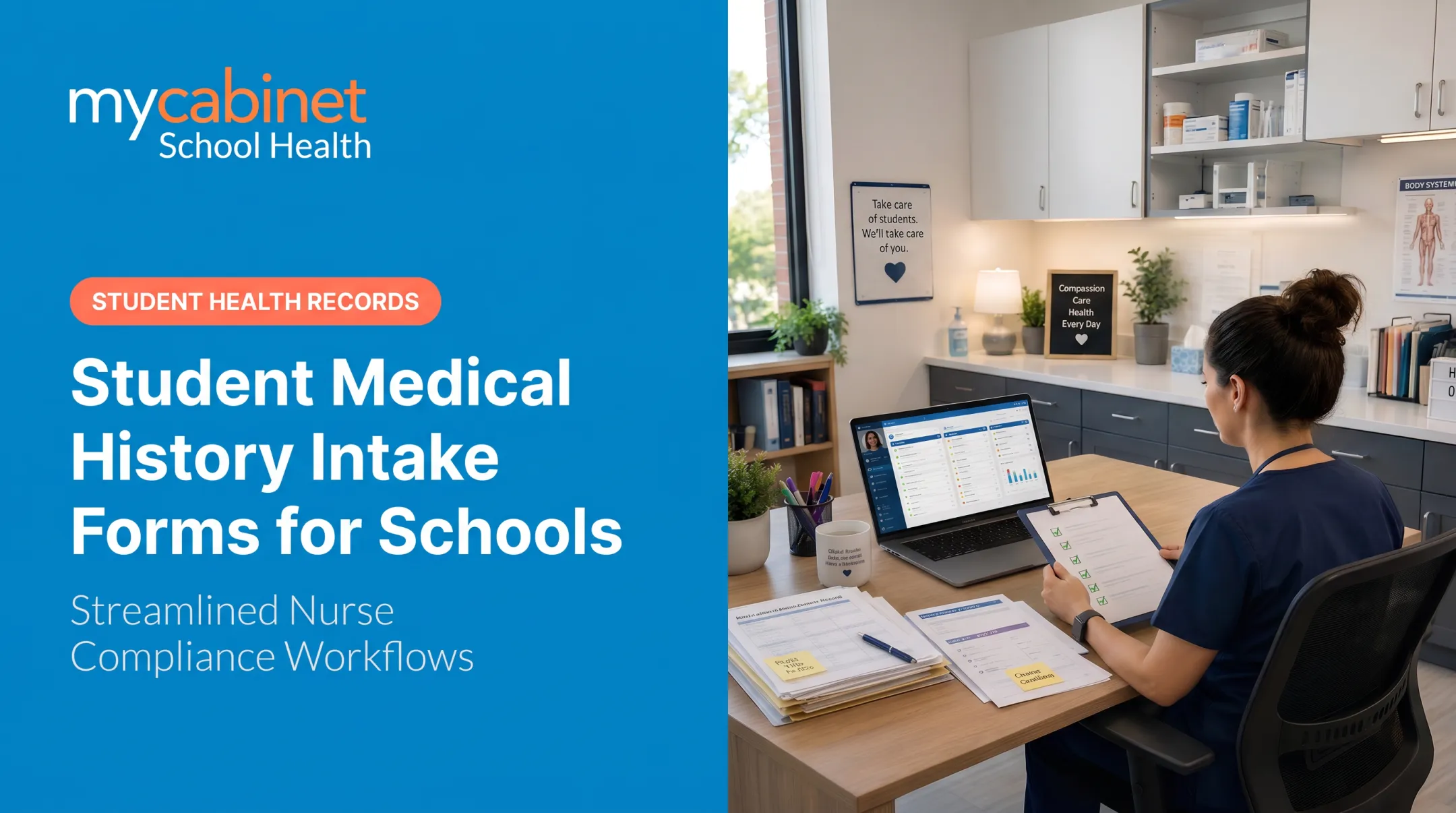
Minutes matter here. Incomplete medical history doesn't just create paperwork problems. It creates real risk.
This guide covers what a complete student medical history form should include, why schools can't afford to treat it as a formality, and how to manage collection so records stay current. You'll walk away with a component checklist and practical steps for implementation.
Key Takeaways
- Every form should capture identification, conditions, medications, immunizations, allergies, and consent
- Outdated health information creates both compliance risk and safety risk
- Digital collection cuts admin work and speeds emergency response
- Require annual updates—not a one-time collection at enrollment
Why Medical History Forms Matter in Schools
Schools carry an enormous responsibility. More than 98% of U.S. children attend school, and that means nearly every campus is managing a wide range of health needs at once, often with limited staff.
The numbers back this up. The CDC's 2023 data shows 6.7% of children under 18 have current asthma (roughly 4.8 million kids), and nearly half of those experienced an attack that year, according to CDC asthma surveillance data.
Add food allergies (5.3% of children, per CDC's 2024 NCHS data brief) and roughly 456,000 kids with active epilepsy, and it's clear: chronic conditions aren't the exception in a school building. They're routine.
The National Association of School Nurses has noted that school nurses increasingly manage complex medical care, often without the digital tools to keep up. That gap shows up fastest during an emergency, when a nurse or substitute needs accurate information in seconds, not minutes.
Medical history forms do three jobs at once:
- Compliance — states require immunization tracking to prevent outbreaks
- Preparedness — accurate records let nurses build individualized care plans in advance
- Safety — up-to-date contacts and allergy data reduce delays in treatment decisions
Without that foundation, everything downstream (care plans, medication administration, emergency response) is built on guesswork.

Essential Sections to Include on a Student Medical History Form
Skip a section and the gap shows up later — usually when a nurse needs answers fast. Build the form around these essentials.
Student and Emergency Contact Information
Start with the basics, but don't stop at one contact:
- Full name, date of birth, grade, home address
- Primary emergency contact with phone number
- Secondary emergency contact with phone number
- Relationship to student for each contact
A clear contact hierarchy saves minutes in an emergency. If the primary contact doesn't answer, staff should know exactly who to call next — not dig through outdated records.
Medical History and Conditions
This section should capture:
- Chronic illnesses (asthma, diabetes, epilepsy, and similar conditions)
- Past hospitalizations or surgeries
- Behavioral or learning disorders
- Mental health history relevant to school support
Documenting asthma or Type 1 diabetes lets the nurse's office set protocols and stock supplies before a crisis, not during one.
Medications and Allergies
Medication errors are more common than most administrators realize. A peer-reviewed study of North Carolina's 115 public school districts found an average of 78 medication errors requiring medical intervention every year, according to a 2024 PMC study on school medication errors. This section needs:
- Current medications, dosage, and frequency
- Prescribing physician name and contact
- Known allergies with reaction type and required treatment
Incomplete or outdated entries here turn routine medication administration into a preventable emergency.

Immunization Records
States set their own vaccination requirements, but most forms should track:
| Vaccine | Typical CDC Schedule |
|---|---|
| DTaP | 2, 4, 6 months; 15-18 months; 4-6 years |
| MMR | 12-15 months; 4-6 years |
| Polio | 2, 4 months; 6-18 months; 4-6 years |
| Varicella | 12-15 months; 4-6 years |
| Hepatitis B | Birth; 1-2 months; 6-18 months |
| Meningococcal | 11-12 years; booster at 16 |
Flag incomplete records early. Waiting until the first day of school to discover a missing vaccine creates a scramble nobody wants.
Consent, Action Plans, and Family Health History
Round out the form with:
- Signed consent to treat
- Physician-signed action plans for seizures, anaphylaxis, or similar conditions
- Relevant family health history
- Dietary restrictions for cafeteria and classroom use
- Physical activity limitations for PE staff
Digital collection helps here: parents can upload completed forms, and nurses can review, approve, and attach them to the student record without chasing paper.
Best Practices for Collecting and Managing These Forms
Having the right fields on paper doesn't help if the collection process is broken. A few practices make a measurable difference:
- Send forms two weeks before school starts — families need time to gather records and get physician sign-offs
- Build a quick-reference summary — allergies, medications, and contacts stay visible to nurses, coaches, and substitutes without opening the full file
- Schedule mandatory annual updates — don't carry forward last year's answers by default
- Use structured, conditional forms — follow-up questions appear only when relevant, so parents skip fields that don't apply
- Centralize records digitally — manual tracking via binders, spreadsheets, or fax often leads to lost or incomplete data

That last point is where most schools get stuck. A binder in the nurse's office works fine until the nurse is out and a substitute needs answers fast. A shared digital record gives authorized staff the same up-to-date view without hunting through paper files.
How Digital Health Records Improve Compliance and Nurse Workflow
Paper-based collection creates real gaps. Records get lost, updates lag behind actual health changes, and cross-referencing HIPAA/FERPA-aligned documentation across a spreadsheet and a filing cabinet slows everyone down.
MyCabinet School Health closes those gaps with a connected digital workflow. The platform lets parents securely upload required health forms through the Parent App or Web Portal. From there:
- Nurses review, approve, or request corrections inside the system
- Approved documents attach directly to the student's digital health record
- Filed forms skip the inbox and land on the student record automatically
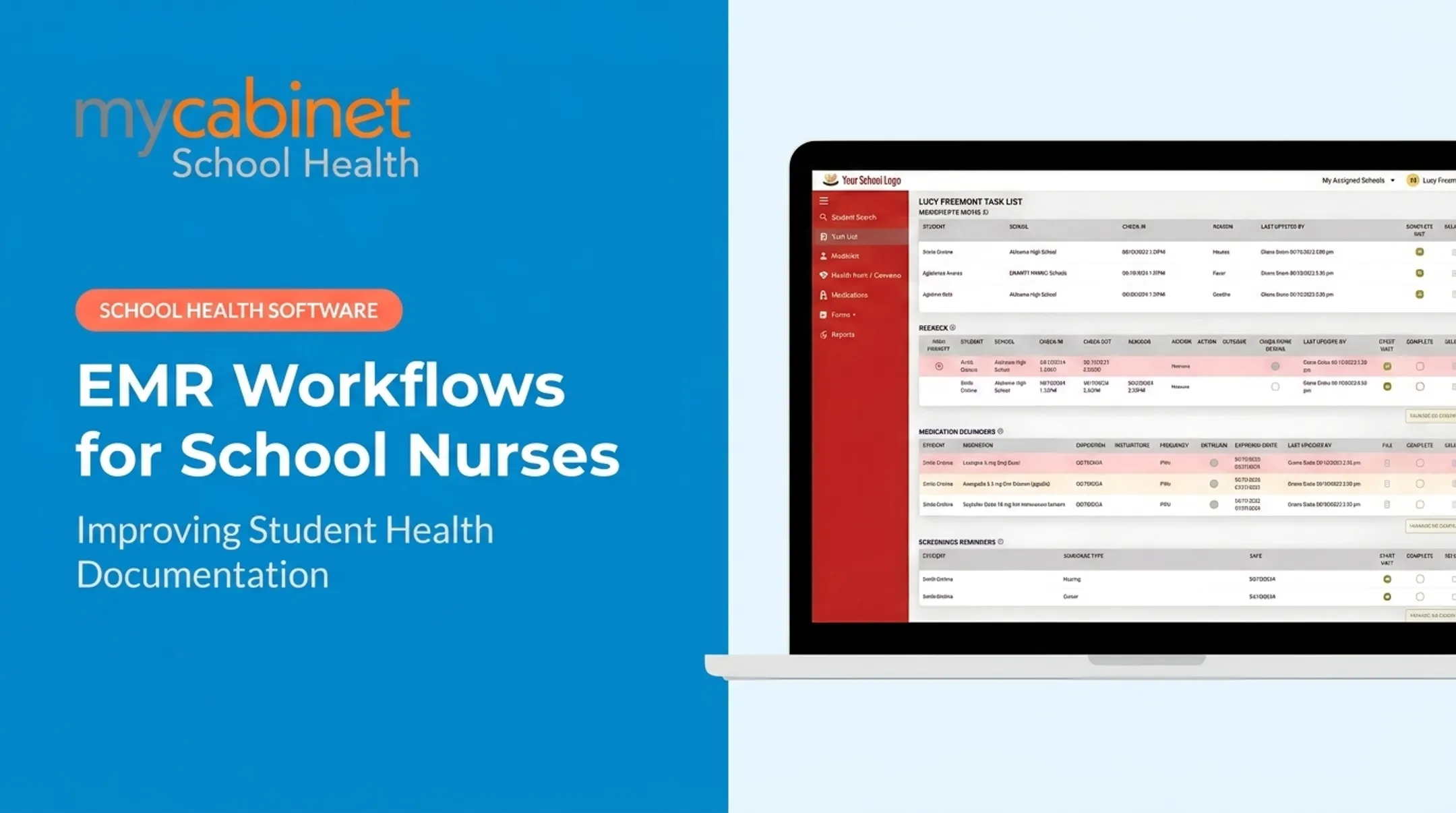
Instead of nurses hunting for missing paperwork, MyCabinet's workflow-driven task lists organize incomplete visits, rechecks, medication reminders, and screening follow-ups, with dates and completion tracking built in.
That structure matters. NASN has noted that school nurses handle increasingly complex medical care, often without adequate digital tools to support it.
For families, the Parent App and Web Portal show what's required and what's already been submitted, cutting down on the back-and-forth emails that eat into a nurse's day. It's a connected system: nurse portal, parent app, and web portal, all pointed at the same student record.

Common Mistakes Schools Make with Health History Forms
Even well-intentioned schools fall into predictable traps.
- Collecting once, never updating. About 1 in 4 U.S. children has a chronic health condition, and many need medication at school. A form from three years ago won't show a new diagnosis or prescription change.
- Storing sensitive data insecurely. Shared spreadsheets and open email inboxes aren't built for protected health information. Weak documentation raises institutional risk and complicates compliance oversight.
- Leaving immunization gaps until day one. By then, it's too late to fix quietly. Flagging gaps weeks ahead gives families time to act instead of forcing a first-day crisis.
Frequently Asked Questions
Where can I get a medical history form for students?
Schools typically provide their own standardized form at enrollment. Many districts now distribute and collect it electronically through a digital health platform like MyCabinet instead of relying on paper packets.
How do I document a student's medical history?
Gather immunization records, medication lists, and physician notes first. Then complete every section accurately, including allergies, conditions, and emergency contacts, ideally through a secure digital system.
What should be included in a student health history form?
The core categories are personal and emergency contact info, medical conditions, medications and allergies, immunizations, and signed consent. Action plans and family health history round out a complete form.
How often should schools update student medical history forms?
Update forms annually, ideally each spring or before the new school year starts. Update immediately any time a student's health status changes mid-year.
Are digital medical history forms secure and compliant?
Yes—when they use HIPAA- and FERPA-aligned architecture with role-based access. School-specific platforms store records more securely than paper files or shared email inboxes.
Who should have access to a student's medical history at school?
Access should be role-based. Typically that means school nurses and designated staff, with parents given controlled visibility through a secure portal rather than open file sharing.