Introduction
A student's asthma inhaler expires. Another needs a new prescriber signature for their ADHD medication. A third transferred in from another district with an incomplete health file. Multiply that by a few hundred students, and you get a sense of what school nurses juggle daily.
A medication management system in an EHR is a structured digital workflow for documenting, coordinating, tracking, and reviewing student medications in school. Medication errors carry real consequences for student safety, continuity of care, and legal exposure—stakes school nurses, K–12 administrators, and district health IT leaders cannot ignore.
Vendors often list "medication management" as a checkbox feature. But its actual value depends on whether the EHR reflects how nurses really work, not just whether it stores data.
This article breaks down how the process functions, where it applies in daily school operations, the factors that shape outcomes, and the common pitfalls districts should watch for.
TL;DR
- One school health EHR holds medication orders, authorization forms, student profiles, administration records, and communication history
- Nurses verify medication details, document each action, track expirations, and keep an auditable record in one workflow
- Safer oversight comes from structured data, role-based access, clear task queues, and controlled parent communication
- No EHR replaces state law, district procedure, prescriber instructions, or emergency protocols
What Is the Medication Management Process and Why Is It Used in School Health?
In a school EHR, medication management covers the full lifecycle of student medication care:
- Receiving and reviewing the order
- Documenting and storing the medication
- Administering or monitoring doses
- Updating records when orders change
- Closing out the record when treatment ends

The standard is clear, and hard to hit every time: the right student receives the right medication, dose, route, and schedule under an authorized process, with every relevant action recorded.
Management vs. Administration
These terms get used interchangeably, but they're not the same thing:
- Administration is the act of giving or supervising a single dose
- Management is everything surrounding that act — intake, authorization, storage, monitoring, renewal, and documentation
A system built only for administration logging misses most of the actual workload.
Why Schools Need This Structure
School medication needs are more varied than a single-dose clinical encounter:
- Scheduled daily doses alongside as-needed medications
- Emergency medications like epinephrine or seizure rescue treatments
- Authorizations that expire mid-year or change with a new prescription
- Nurse coverage gaps, substitute staff, and cross-campus transfers
- Parent follow-up that has to happen before a dose can even be given
State health authorities set specific expectations here. Maryland's medication guidance, for example, requires an authorized prescriber order and a standard medication form that captures the order date, diagnosis, dose, route, duration, prescriber signature, and parent consent before a school can administer anything.
Colorado and other states set similar but not identical requirements. There's no single national rule, and districts need to verify their own state's guidance.
Fragmented tools make this harder than it should be. A peer-reviewed study of all 115 North Carolina public school districts found non-real-time, paper-to-computer transcription created fragmented and sometimes unretrievable data, contributing to an average of 78 medication administration errors requiring medical intervention annually across those districts.
Spreadsheets, fax forms, and disconnected records tend to produce the same symptoms everywhere: missing fields, overlooked expirations, duplicate entries, and no clear picture of what's already been tried.
How the Medication Management Workflow Works in an EHR
The workflow runs from authorization through closeout, and each stage generates data the next stage depends on.
The Structured Record
A usable student medication record includes:
- Student identity and date of birth
- Medication name, dose, route, frequency, and timing
- Purpose or condition (when relevant)
- Prescriber instructions and signature
- Authorization start and expiration dates
- Parent or guardian contact information
- Storage requirements
- Nurse notes and outreach history
Structured fields, rather than free-text notes, reduce wrong-student and wrong-medication risk. The Office of the National Coordinator for Health IT recommends practices like patient photo verification and standardized naming conventions to cut down on pick-list errors — guidance built for ambulatory care, but directly relevant to school health design.
Nurse Review Before Anything Becomes "Active"
Not every submitted form should automatically become an active authorization. Nurses need to:
- Check submitted documents for completeness
- Flag and resolve missing or conflicting information
- Log outreach attempts to parents or prescribers
- Keep unreviewed submissions clearly separate from approved, active records
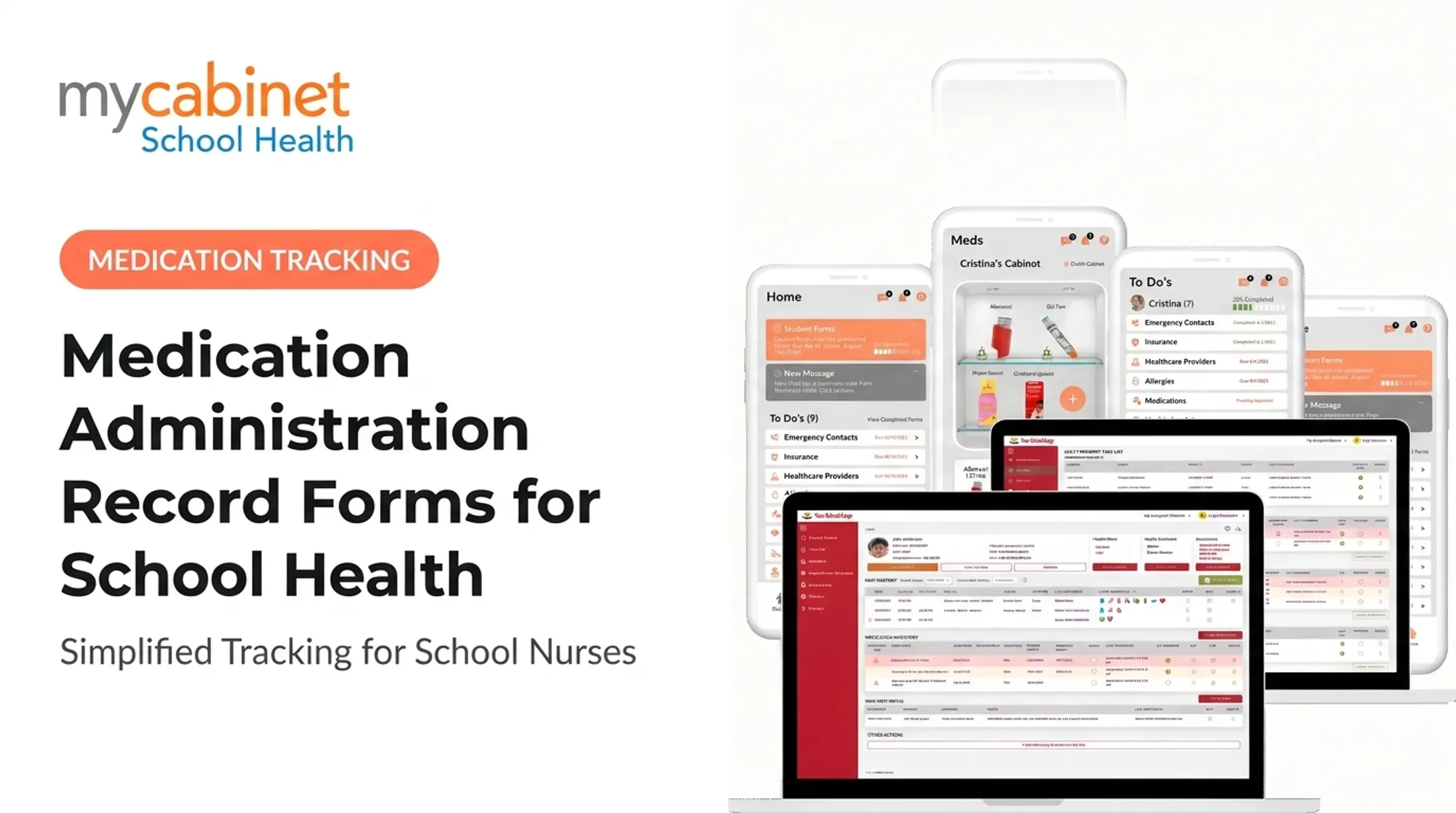
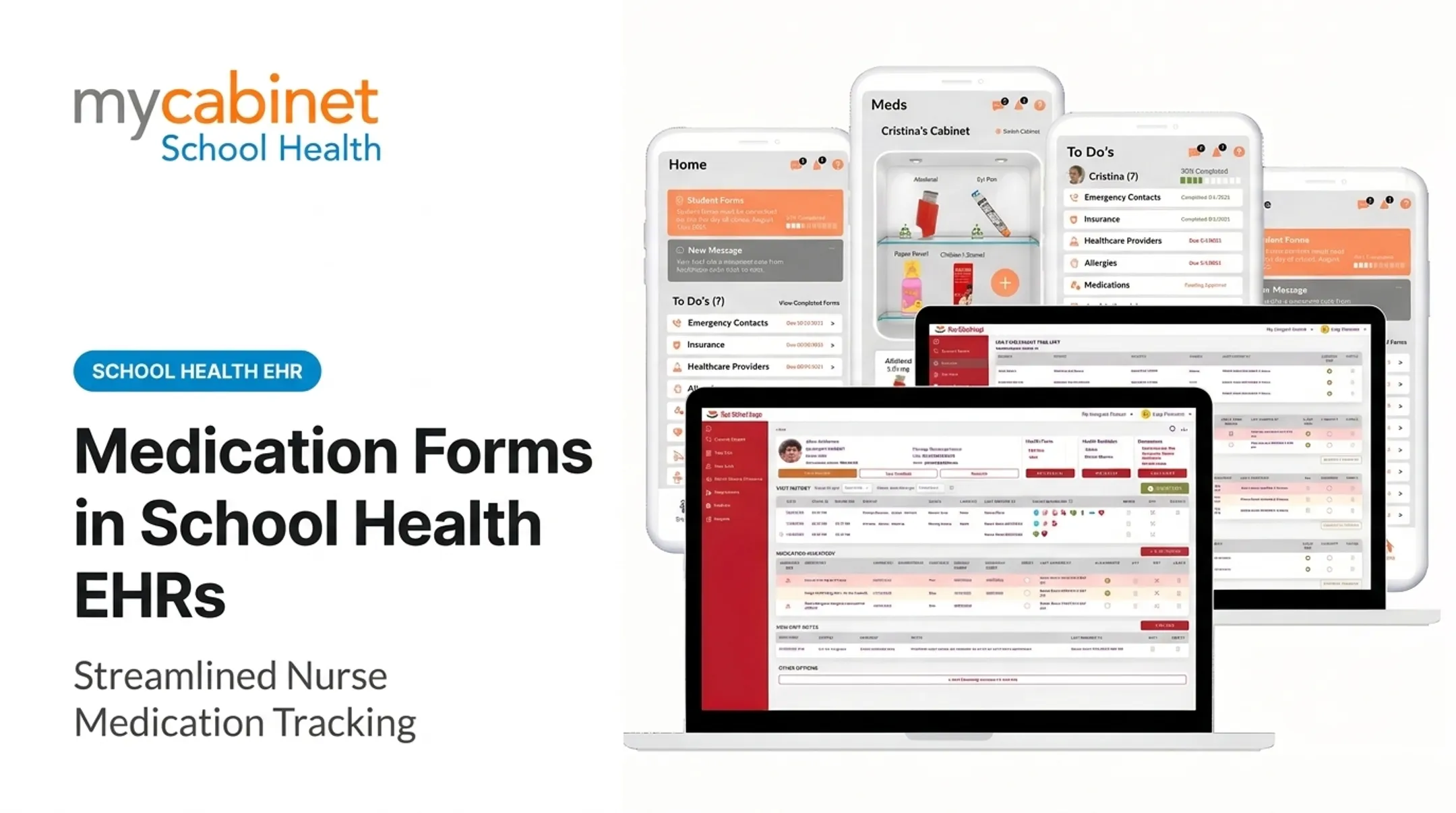
MyCabinet School Health structures this through its Nurse Portal, where forms arrive labeled "pending approval" until a nurse reviews and accepts them. Once approved, documents attach directly to the student's profile instead of sitting in a separate folder or inbox.

Documenting the Administration Event
When a dose is given or not given, capture the event in structured fields:
- Date and time of the attempt
- Staff member who administered or documented it
- Observed student response
- Outcome: given, missed, refused, or escalated
Exact fields still follow your system configuration and district policy.
Task Lists Instead of Memory
Nurses shouldn't have to remember which authorization expires next week or which student missed a recheck. Task-based dashboards that surface incomplete visits, medication reminders, and expiration alerts in one queue reduce that burden. MyCabinet's task lists, for instance, use color-coded visual cues so nurses can triage at a glance rather than scrolling through a list.
Where the Process Is Applied
The same workflow supports several distinct scenarios:
- Daily scheduled medications and as-needed doses
- Emergency medications requiring immediate access
- Short-term treatments (antibiotics, post-injury care)
- Medication changes mid-year
- Recurring documentation tied to annual renewals
It also supports multiple audiences from one record: nurses reviewing day-to-day, district staff pulling compliance reports, and parents checking medication status — each limited to what their role should see.
Connected features such as expiration tracking, dosage and frequency visibility, outreach logging, and digital parent form submission work best when they sit on one student profile.
Weigh any platform against your district's medication policies, state requirements, integration needs, and downtime procedures—not a feature list alone.
Key Factors That Affect Medication Management in Schools
Several variables determine whether a medication management system actually reduces risk or just moves the paperwork online.
- Data quality and completeness. Medication name, dose, route, timing, and authorization period need to be entered consistently. Inconsistent entry is exactly what produced the fragmented, hard-to-retrieve data identified in the North Carolina study cited earlier.
- Workflow configuration. Predefined visit types, required fields, recheck prompts, and clear status labels (active, pending, expired, discontinued) help nurses separate what needs attention from what's already handled.
- Human verification and usability. Automation flags problems; it doesn't replace clinical judgment. Overloaded alert screens cause nurses to tune out warnings, so simpler screens with fewer, more relevant alerts tend to get used correctly.
- Privacy, security, and access control. Role-based permissions, audit trails, and minimum-necessary visibility protect student records and keep access appropriately limited.
- Communication and continuity. Parent submissions, staff handoffs, substitute coverage, and year-to-year renewals all affect whether a record stays accurate. Review portal and notification settings periodically rather than assuming a one-time setup holds.
- Implementation and adoption. Staff training, standard operating procedures, downtime planning, and data migration quality all shape whether a system gets used as intended. A district switching systems mid-year without a clear migration plan often ends up worse off than before the switch.

HIPAA and FERPA aren't interchangeable. Federal guidance generally treats school health records maintained by school-employed nurses as FERPA-covered education records, not HIPAA records, though this depends on who provides the care and how. Districts should confirm current requirements with legal counsel rather than assuming one framework covers everything.
Common Issues and Misconceptions
Digitizing a broken process doesn't fix it. Poorly designed fields, weak permissions, or unclear ownership can reproduce the same risks electronically that existed on paper, just faster.
A few misconceptions are worth correcting directly:
An expiration reminder is not the same as a renewed authorization. A notification tells someone medication is expiring; it doesn't confirm a new prescriber order or parent consent has actually been received and reviewed.
Similarly, a parent notification confirming they received an alert doesn't mean complete documentation is on file. Someone still has to check.
A school EHR is also not clinical decision support. It organizes and documents school-based medication workflows. It should never be treated as something that independently prescribes, diagnoses, or adjusts a student's treatment plan.
Common operational problems worth auditing for:
- Duplicate student records from incomplete merges
- Outdated forms still marked active
- Free-text medication instructions instead of structured fields
- Missed status changes (expired records still showing as active)
- Shared logins that break audit trails
- Outreach attempts that happened by phone but were never logged
If any of these sound familiar, a workflow audit (not a full system replacement) is often the right first step to find the root cause.
Regardless of which system a district uses, state law, district policy, prescriber instructions, and professional nursing standards still govern how medications are configured and administered. The EHR supports that framework; it doesn't set it.
Conclusion
Medication management in a school health EHR is a full lifecycle: authorization, verification, administration, monitoring, communication, renewal, and documentation. Each stage depends on the one before it being done correctly.
Systems that work for school nurses pair usability with structured data, clear task visibility, secure role-based access, and family communication. They still leave room for human review and policy judgment. No platform replaces that.
Before choosing or renewing a school health EHR, ask a direct question: does it actually reduce fragmented work, or does it just move the same fragmentation onto a screen? Districts that can answer that clearly are the ones getting real value out of the switch.
Frequently Asked Questions
What is a medication management system in an EHR?
It's a digital workflow for recording, coordinating, tracking, and reviewing all medication-related activity for a student, from authorization through administration and follow-up. It replaces scattered paper forms and spreadsheets with one connected record.
How does an EHR help school nurses manage student medications?
It centralizes records, standardizes documentation, and flags task reminders for expirations and follow-ups automatically. This gives nurses visibility into outreach history and medication status without relying on memory or manual lists.
What information should a school medication record include?
Core fields include student identity, medication name, dose, route, schedule, authorization dates, prescriber direction, and administration activity. Follow-up notes and outreach history complete the record.
How can schools track medication expirations and renewals?
Systems typically use status labels and automated reminders tied to authorization dates. Nurses still need to confirm a renewal (through updated documentation and prescriber or parent outreach) before reactivating a record as active.
Is a school health EHR compliant with HIPAA and FERPA?
Compliance depends on the specific system, its configuration, contracts, and how it's used, not just the platform itself. HIPAA and FERPA apply differently depending on who provides care, so districts should verify current requirements with legal counsel.
Can parents access their child's school medication information online?
Some school health EHRs, including MyCabinet School Health, offer parents controlled access through a mobile app or web portal. Access is typically limited by identity verification, district policy, and the student's applicable privacy rights.