Introduction: Why School Health EHRs Matter
School nurses handle a lot before the first bell even rings. Medication logs, walk-in visits, screening schedules, parent authorization forms, and immunization records all need attention, often at the same time.
More than 98% of school-age children in the U.S. attend school daily, and someone has to track their health needs while juggling paper folders, fax machines, and scattered spreadsheets.
A 2024 analysis of nearly 8,000 school nurses found that 77% reported being assigned 7 to 14 different tasks beyond direct student care, with 63% saying staffing support was inadequate.
This case study looks at how one district, Cobb County School District, moved away from fragmented tools toward a connected electronic health record. We'll cover what changed for nurses, families, and student safety, and what other districts can learn from the shift.
Key Takeaways
- Centralizing records reduces dependence on paper, fax, spreadsheets, and manual email chains.
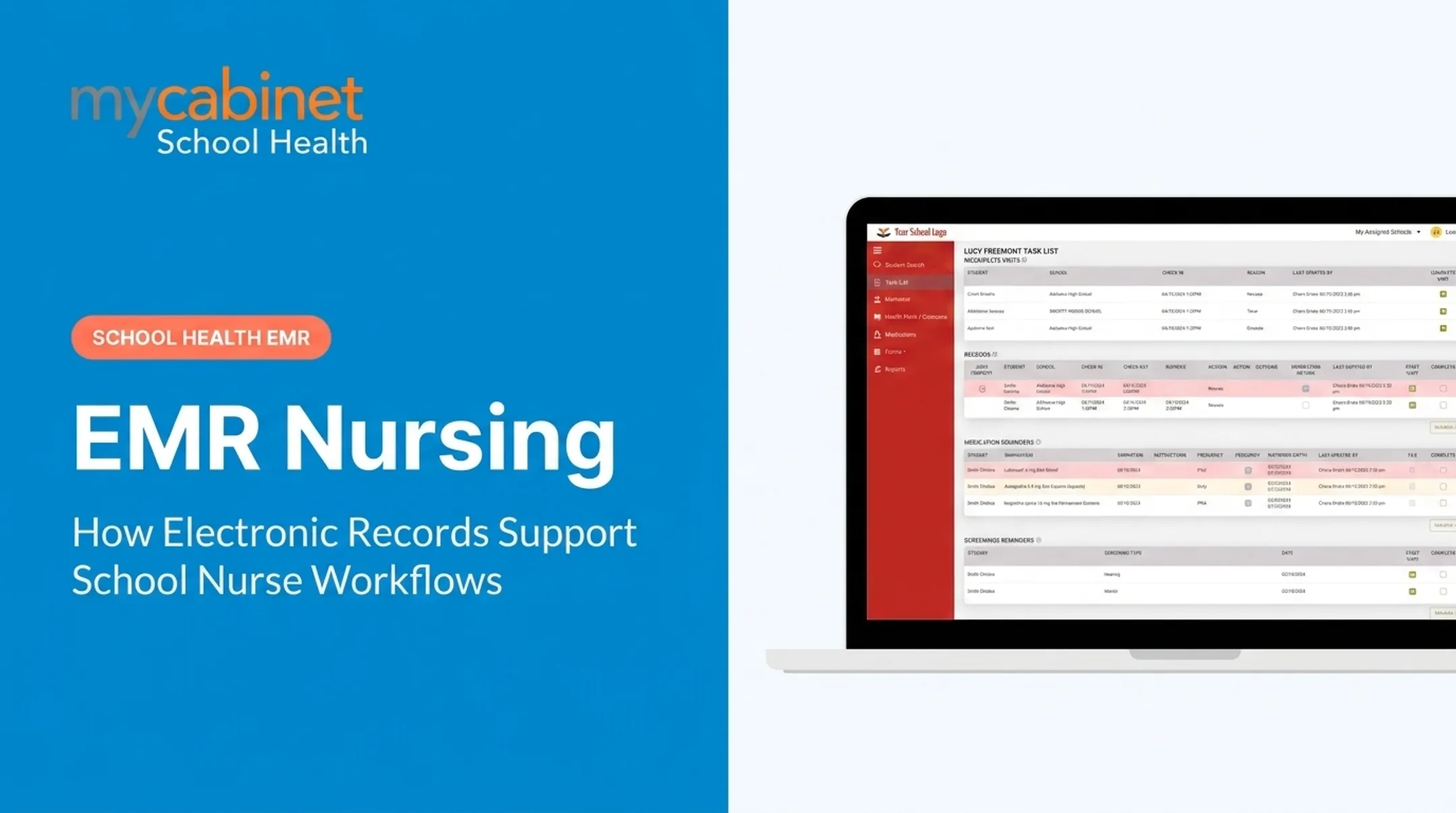
- Task lists built around real nurse actions (incomplete visits, rechecks, medication expirations) keep daily work focused on open clinical needs.
- Cobb County's rollout shows how a Nurse Portal, Parent App, and Parent Web Portal can work as one system.
- Measure success with verified baseline and post-launch data, not vendor promises alone.
What the School Health Workflow Looked Like Before the EHR
Many districts still lean on Student Information Systems (SIS) with a bolted-on health module, or on legacy platforms built more than a decade ago. Neither was designed around how nurses actually work.
The typical before-state looked something like this:
- Health forms arrived by paper, fax, or scattered email uploads
- Medication records sat as static entries with no expiration alerts
- Parent updates and authorizations required manual data entry
- Outreach notes lived in spreadsheets, disconnected from the student's file
A Common Pain Point: Medication Tracking
Medication safety is where fragmented systems create the most risk. A 2022 study of all 115 North Carolina public school districts found that 15.3% of surveyed school nurses reported at least one medication error during the school year.
Those districts averaged 78 errors a year that required medical intervention. That same study also found that as districts moved from paper to computer-based documentation, transcription and storage errors often followed, along with fragmented or missing records that couldn't easily be retrieved. Digitizing isn't automatically safer if the system wasn't built for the workflow.
One Visit, Multiple Manual Steps
Picture a single clinic visit under the old model. A student comes in with a headache. The nurse then works through several disconnected steps:

- Checks a paper folder for allergy history
- Calls the front office to confirm parent contact information
- Documents the visit by hand, then later transcribes it into a shared drive
- Checks a separate binder for medication expiration dates when medication is involved
Each step adds time and a chance for something to slip through.
How the EHR Was Implemented Around School Nurse Workflows
Purpose-built school health platforms differ from general clinical EHRs in one key way: they organize information around what nurses actually do, not around hospital billing codes or generic patient charts.
The National Association of School Nurses defines this category specifically as a platform that uses the nursing process and standardized nursing data, built with confidentiality, security, and privacy protections aligned to FERPA and HIPAA.
NASN also cautions that an SIS health module often falls short here, since it may lack the nursing process entirely or the interoperability needed with community healthcare systems.
The MyCabinet School Health Approach
MyCabinet School Health was built as a standalone, cloud-based platform rather than adapted from a hospital system or bolted onto an SIS. Cobb County School District, one of the nation's largest districts, is a documented customer.
The platform is organized around three connected pieces:
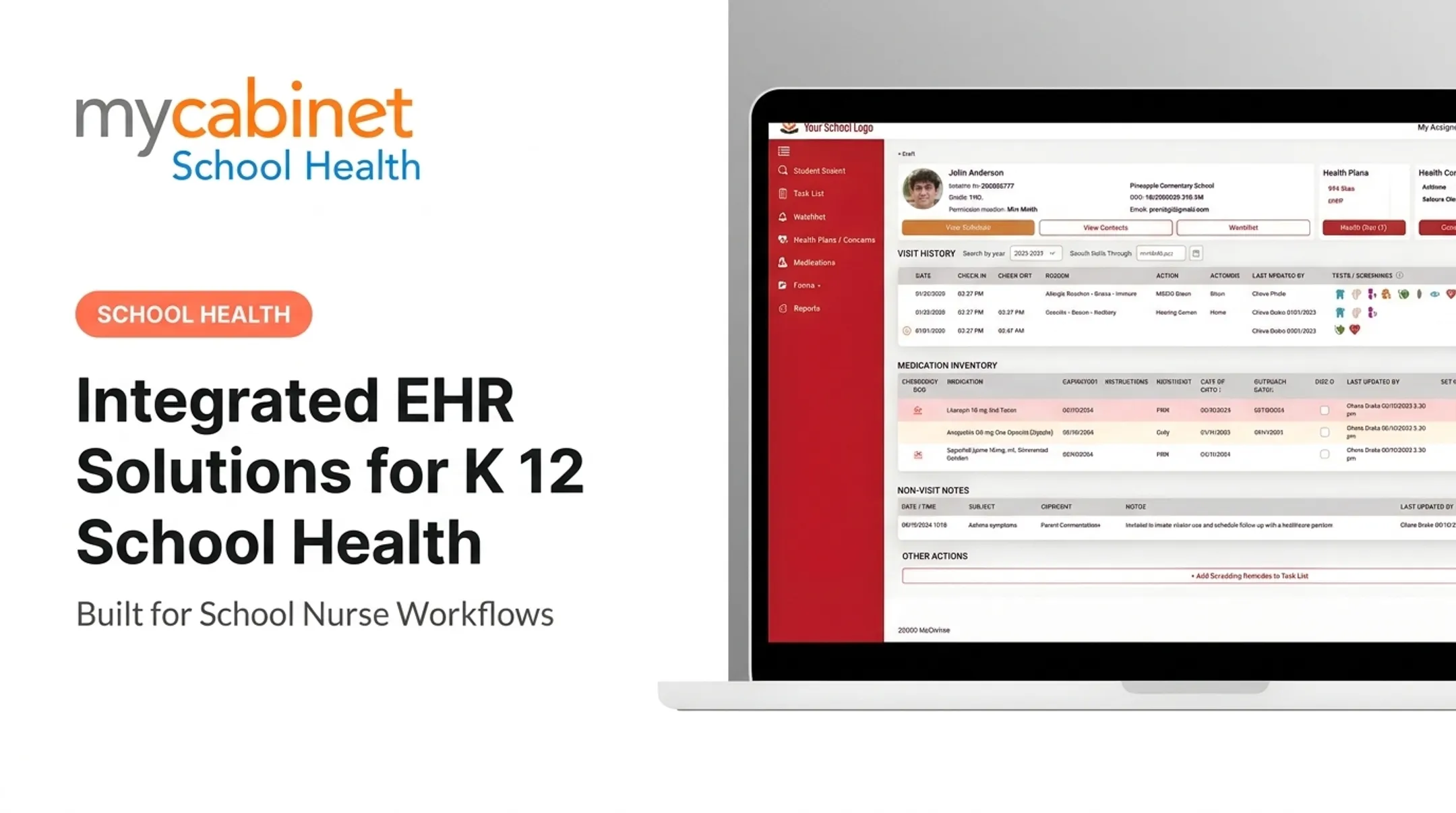
- Nurse Portal — manages student visits, medications, screenings, and follow-ups through workflow-driven task lists
- Parent App — lets families upload health forms and receive one-way notifications on iOS or Android
- Parent Web Portal — mirrors the app's functions through a browser for families without a smartphone
Role-based access limits visibility: parents see only their own child's information, and nurses see only what's needed to care for that student. Permission controls and audit trails support this without adding extra clicks for the nurse completing a routine visit.
Practical adoption factors districts should plan for:
- Staff training through the platform's built-in training video and support channels
- Parent onboarding, since the app requires a device or browser access
- Data migration from legacy paper or SIS records
- A fallback plan for urgent health needs during the transition window
Which School Health Workflows Improved
The clearest before-and-after difference shows up in three areas: visit documentation, medication oversight, and health form collection.
Structured Visit Documentation
Nurses document against predefined visit types with structured fields instead of free-form notes. Visits complete or delete cleanly, and the system writes an audit trail without extra manual steps.
Medication Oversight
Where legacy systems treated medications as static entries, MyCabinet School Health tracks:
- Shows dosage and frequency at a glance
- Flags expiration dates before they lapse
- Logs outreach on the student health profile
- Surfaces overdue medication tasks first
Digital Health Forms, Start to Finish
Parents upload required forms through the app or web portal. Nurses review and approve them in-system, and approved documents attach directly to the student record. Automated email campaigns replaced the old manual follow-up emails chasing missing paperwork.

What Cobb County Reported
At the 2025 Cobb County School Board Meeting, Superintendent Chris Ragsdale said: "MyCabinet digitized and makes documentation easier. The true benefit is the parents being able to submit paperwork electronically, and to be able to see when their child was seen and given medication. It's a win for the parents and a win for the district."
That points to two connected wins: less paperwork friction for nurses, and clearer parent visibility into clinic visits and medication during the school day.
Color-coded task lists help nurses triage incomplete visits, rechecks, and medication reminders. The cues support prioritization; they do not replace clinical judgment.
Measuring Results and Sustaining Improvement
A useful measurement framework has three phases: baseline (before rollout), implementation (early adoption), and post-launch (steady state). Districts should compare their own data across these periods rather than relying on general industry claims.

Operational metrics worth tracking:
- Documentation turnaround time per visit
- Completed digital forms versus manual follow-ups needed
- Overdue medication-expiration actions
- Task completion rates in the Nurse Portal
- Parent portal or app adoption rate
Quality and safety indicators to track alongside them:
- Record completeness (are required fields consistently filled in?)
- Auditability of visit and medication records
- Access-control incidents, if any
- Staff confidence and parent satisfaction, gathered through direct feedback
Those quality checks only hold if the underlying system is trustworthy. MyCabinet School Health runs on SOC 2 Type II audited infrastructure, so security processes are independently verified to operate effectively over time—not just designed on paper. That distinction matters when student health data is involved.
Sustaining gains after go-live means building a steady operating rhythm:
- Periodic workflow reviews
- Refresher training for new hires
- Permission audits
- Configuration updates as district policies shift
Feedback loops matter too. MyCabinet's support process reviews nurse suggestions for the portal and prioritizes them based on urgency and district-wide demand.
Lessons for Other Schools Considering an EHR
Before choosing a platform, districts should document current workflows and define what success looks like. A practical selection checklist covers six areas:
| Category | What to Evaluate |
|---|---|
| Clinical workflow fit | Medication administration, care plans, screenings, chronic-condition tracking |
| Nurse usability | Minimal clicks, structured visit types, task prioritization |
| Parent access | Mobile app, web portal, digital form uploads, notification controls |
| Reporting | State reporting support, immunization compliance, custom dashboards |
| Security | SOC 2 Type II, role-based access, audit logs, encryption |
| Technology | Cloud-based, SIS integration, single sign-on, data portability |
Ask vendors direct questions:
- How is data migrated from legacy records?
- What's the incident-response process if something goes wrong?
- Can the district export all its data if it switches systems later?
These questions matter. They determine whether the rollout actually reduces risk or just moves the paperwork somewhere new.
The strongest business case doesn't rest on efficiency alone. It combines administrative time savings with student safety, clearer family communication, and appropriate handling of sensitive health information.
Conclusion: From Fragmented Records to Connected School Health
An EHR earns its value by simplifying what a nurse does each day. Documentation, medication oversight, digital forms, task management, and family communication need to work together inside a system that respects role-based permissions.
For school leaders weighing this decision, start by mapping current workflows, gathering baseline data on time spent and errors caught, and talking to the nurses who'll use the system every day. From there, platforms like MyCabinet School Health can be evaluated against what the district actually needs, not against a generic feature list.
Frequently Asked Questions
What are some examples of electronic health records?
General clinical EHRs (used in hospitals and clinics) manage broad patient records across specialties. Purpose-built school health EHRs, like MyCabinet School Health, focus specifically on clinic visits, medication administration, screenings, and parent-authorized forms.
What is an electronic health record used for in a school?
A school health EHR organizes student clinic visits, medication details, screenings, digital forms, follow-up tasks, and authorized communication with families in one connected system.
How can an EHR improve a school nurse's workflow?
Structured documentation, automated task lists, and medication-expiration tracking cut down on manual coordination. Nurses spend less time hunting for records and more time on tasks that need their clinical judgment.
How do school health EHRs protect student information?
Role-based access, controlled sharing, audit trails, and secure authentication limit who sees what. Platforms should align with FERPA, and districts should confirm their specific configuration meets applicable requirements.
What should schools consider before implementing an EHR?
Workflow fit, nurse and parent usability, training needs, data migration from legacy records, device access, and clear implementation goals all matter before signing a contract.
How can a district measure whether its school health EHR is working?
Compare baseline and post-launch data on documentation turnaround, form completion rates, overdue follow-ups, medication oversight, and staff or parent feedback over the same measurement periods.